We may earn a commission if you buy through links on this page. It never changes a score or a ranking. How we make money
For teams that want model choice and control over where inference runs, start with Continue or Cline. GitHub Copilot is a strong fit for teams already working in GitHub, while Claude Code and Cursor suit developers delegating repository tasks they can review. The right choice depends on how an assistant enters your workflow: editor, CLI, pull request, or self-hosted service. Compare the starting price with the usage model, and confirm API access, request limits, model availability and data handling before rolling a tool out across a team.
Quick picksThe shortlist
 ContinueContinueBest overall · $3/mo
 GitHub CopilotGitHub CopilotBest for GitHub teams · $10/mo
 ClineClineBest open source agent · $9.99/mo
 Kilo CodeKilo CodeBest for model choice · $15/mo
 Claude CodeClaude CodeBest for repository tasks · $17/mo
 CursorCursorBest for bounded tasks · $8/mo
 AmpAmpBest for persistent agents · $20/mo
 TabbyTabbyBest for self-hosted completion · $19/mo
 KiroKiroBest for spec-driven work · $20/mo
 WindsurfWindsurfBest for local and cloud · $20/mo
 FactoryFactoryBest for enterprise controls · $20/mo
 QoderQoderBest for JetBrains workflows · $10/mo
 TraeTraeBest for browser previews · $20/mo
 GitLab DuoGitLab DuoBest for GitLab teams · $19/mo
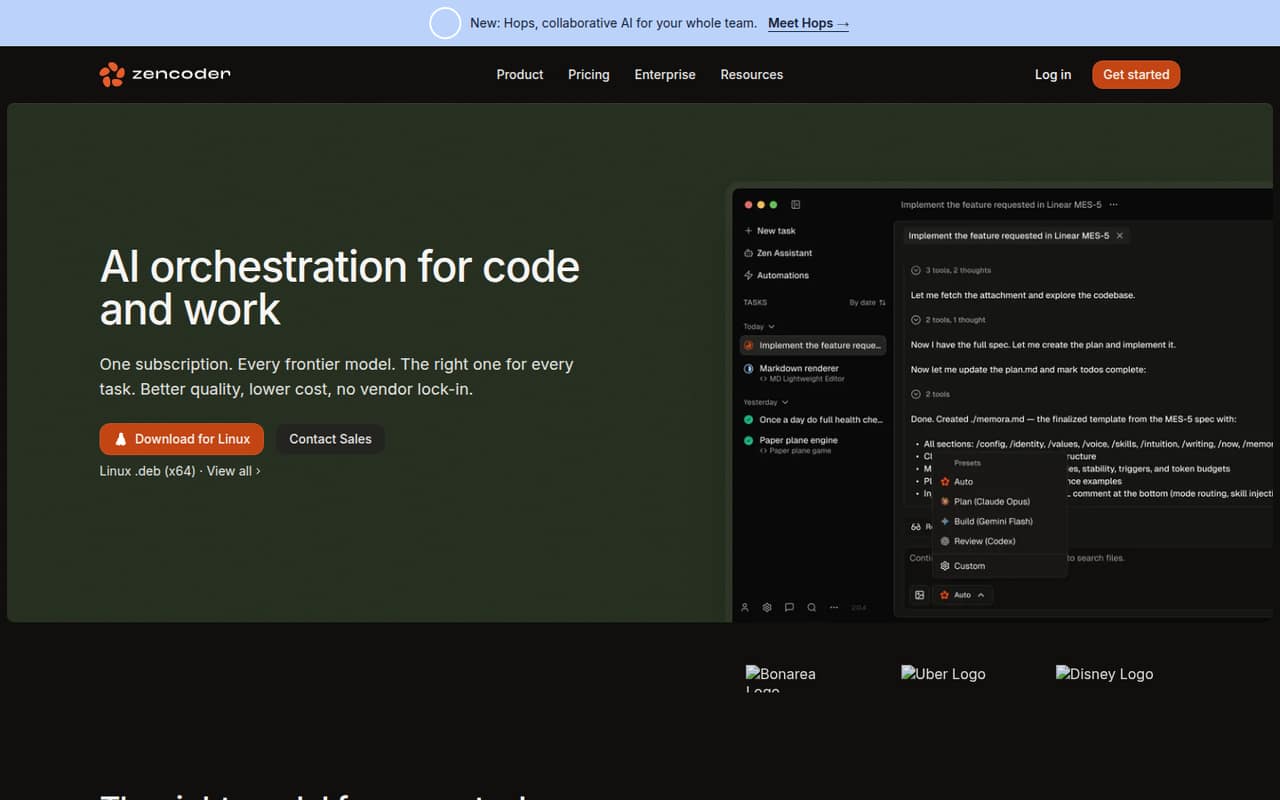
 ZencoderZencoderBest for code maintenance · $40/mo
 21st.dev21st.devBest for React patterns · $6/mo
 JulesJulesBest for GitHub task delegation · Free
 DevinDevinBest for scoped cloud tasks · $20/mo
 Augment CodeAugment CodeBest for SDLC workflows · $20/mo
 CodyCodyBest for large codebases · Custom
 WorkikWorkikBest for task planning · $15/mo
 TabnineTabnineBest for paid evaluation · $39/mo
 Gemini Code AssistGemini Code AssistBest for Google Cloud teams · $19/mo
- CodeAICodeAIBest for prototypes · $12/mo
 BLACKBOX AIBLACKBOX AIBest for encrypted inference · Custom
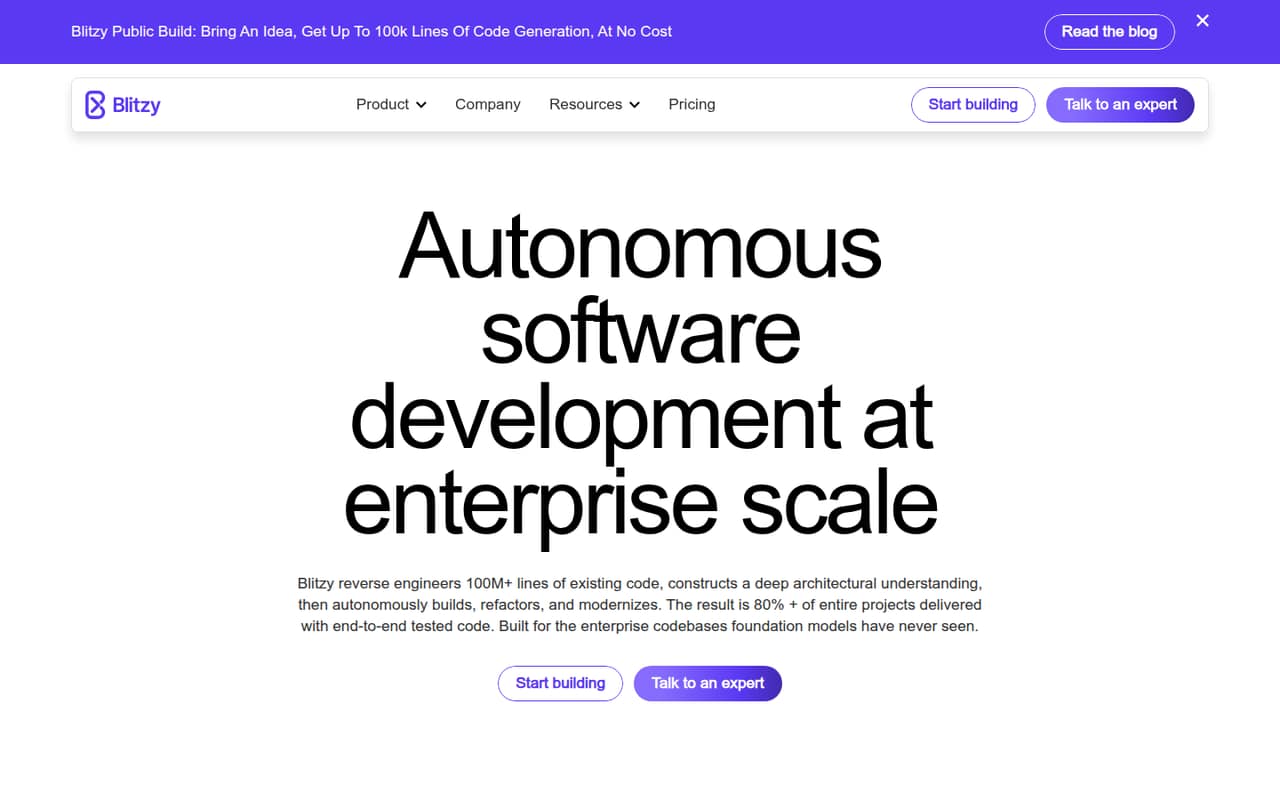
 BlitzyBlitzyBest for modernization projects · $20,833.33/mo
01Compared at a glance
| Tool | Score | From | Free plan | Trial |
|---|---|---|---|---|
| ContinueContinue | 8.0 | $3/mo | Yes | — |
| GitHub CopilotGitHub Copilot | 7.8 | $10/mo | Yes | — |
| ClineCline | 7.8 | $9.99/mo | Yes | — |
| Kilo CodeKilo Code | 7.6 | $15/mo | Yes | 14 days |
| Claude CodeClaude Code | 7.5 | $17/mo | Yes | — |
| CursorCursor | 6.8 | $8/mo | Yes | — |
| AmpAmp | 7.1 | $20/mo | Yes | — |
| TabbyTabby | 7.1 | $19/mo | Yes | — |
| KiroKiro | 7.0 | $20/mo | Yes | 12 months |
| WindsurfWindsurf | 7.0 | $20/mo | Yes | — |
| FactoryFactory | 7.0 | $20/mo | No | — |
| QoderQoder | 6.8 | $10/mo | Yes | 14 days |
| TraeTrae | 7.0 | $20/mo | Yes | — |
| GitLab DuoGitLab Duo | 5.5 | $19/mo | Yes | — |
| ZencoderZencoder | 6.9 | $40/mo | Yes | 7 days |
| 21st.dev21st.dev | 7.0 | $6/mo | Yes | — |
| JulesJules | 6.2 | Free | Yes | — |
| DevinDevin | 6.8 | $20/mo | Yes | — |
| Augment CodeAugment Code | 6.3 | $20/mo | No | — |
| CodyCody | 7.0 | Custom | No | — |
| WorkikWorkik | 6.2 | $15/mo | Yes | — |
| TabnineTabnine | 3.3 | $39/mo | No | 14 days |
| Gemini Code AssistGemini Code Assist | 5.2 | $19/mo | Yes | — |
| CodeAICodeAI | 5.0 | $12/mo | Yes | — |
| BLACKBOX AIBLACKBOX AI | 4.6 | Custom | No | — |
| BlitzyBlitzy | 5.9 | $20,833.33/mo | Yes | — |
02The picks, in detail
- Best overallContinueContinue
Continue is the strongest general fit for teams that want to choose hosted or local models rather than commit to one assistant’s model lineup. It is open source, self-hostable and supports IDE and CLI workflows. The listed starting price is $3, with a free plan. Check which models and inference providers suit your environment, then confirm the applicable usage costs.
What works
- Apache 2.0 open-source license
- Works with VS Code, JetBrains and CLI
- Supports local model runners
What doesn't
- Published seat and usage limits are unavailable
- Model-provider costs can vary
- No named SDK or programming language support

- Best for GitHub teamsGitHub CopilotGitHub Copilot
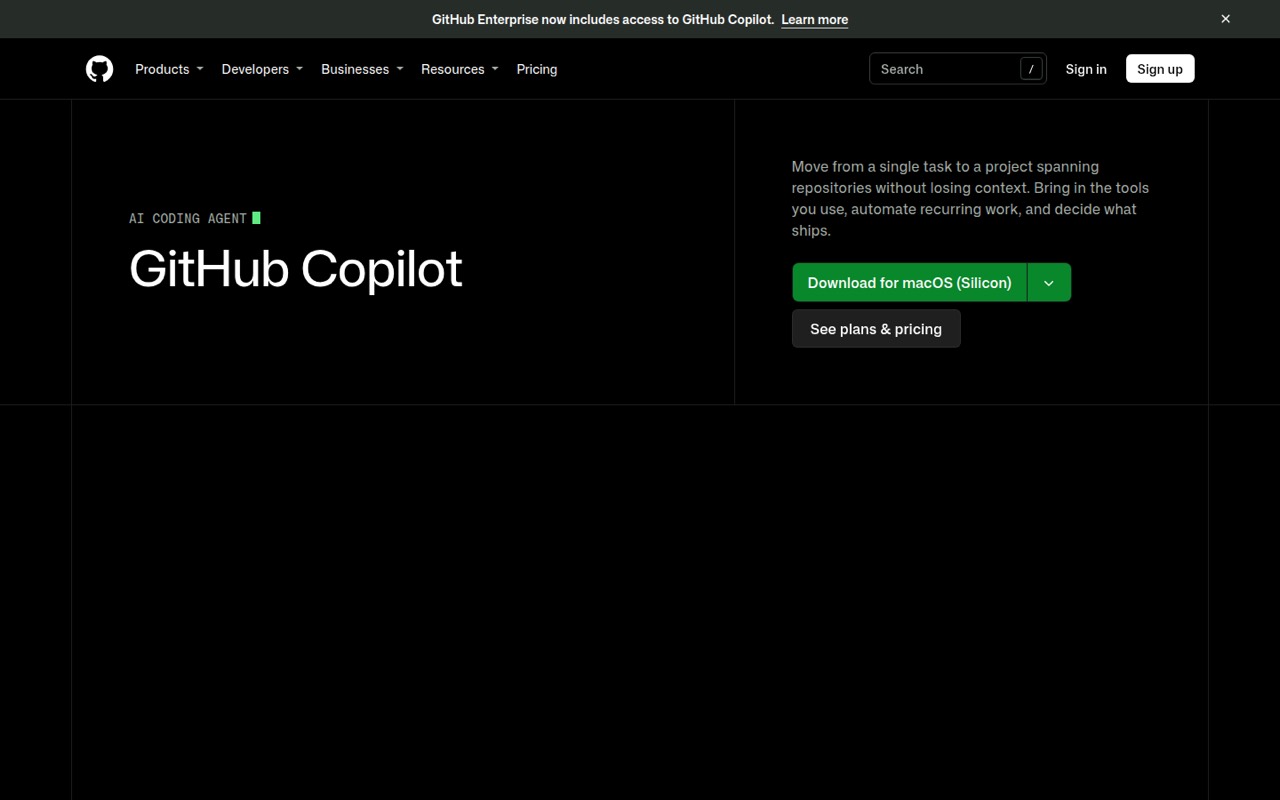
GitHub Copilot fits teams already using GitHub issues and pull requests, with agent sessions across surfaces and change review inside GitHub. Its listed starting price is $10, with a free plan. Usage credits and changing model limits are important parts of the cost calculation; check current allowances and model access before standardizing it across a team.
What works
- Issue and pull request context carries into agent sessions
- Continue work across app, CLI, editor, web, and mobile
- Supports parallel sessions and recurring task automation
What doesn't
- Copilot itself is not presented as a self-hosted server
- Monthly AI credits complicate forecasting agent usage
- Current model-specific rate limits are a user concern
- Best open source agentClineCline
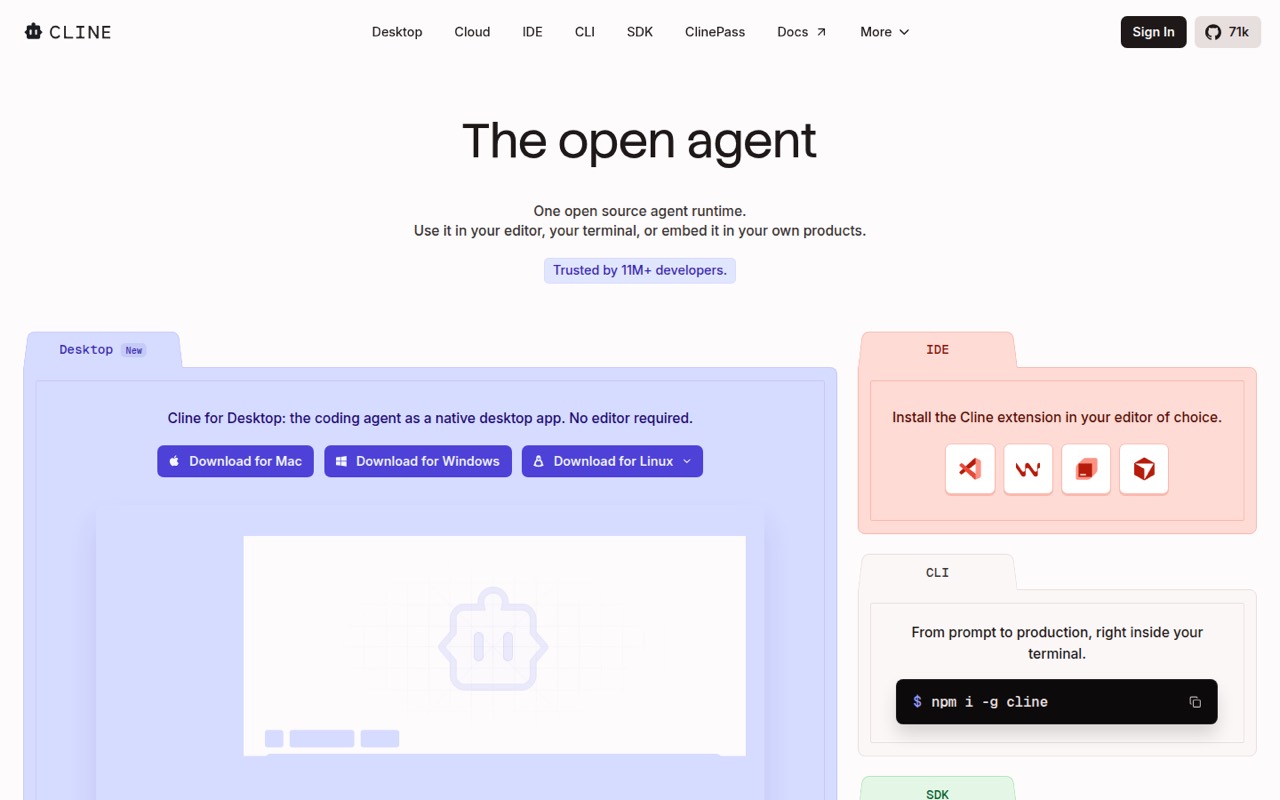
Cline is an open-source coding agent for developers who want model choice and a reviewable agent-diff workflow. It has a free plan and a listed starting price of $9.99; model usage costs can scale quickly. It is also suited to apps embedding coding agents. Teams should budget for the selected model provider as well as the agent workflow.
What works
- Open-source runtime for editor, terminal and product use
- Supports Claude, GPT, Gemini and local models
- Plan mode, approvals, diffs and one-click undo
What doesn't
- Inference costs are separate from the free runtime
- Licence terms are not published on the homepage
- No published production quota or reliability target
- Best for model choiceKilo CodeKilo Code
Kilo Code is an open-source, self-hostable agent for developers moving between IDE and CLI workflows. Teams can use shared custom agents, bring model keys or use local models. The listed starting price is $15, with a free plan. Its flexibility suits teams that want control over model selection, though some users report configuration friction.
What works
- MIT-licensed source can be inspected, forked and self-hosted
- Works across VS Code, JetBrains, CLI and cloud agents
- Supports more than 500 models, local models and BYOK
What doesn't
- Model inference costs are separate from the free plan
- Published rate limits and reliability commitments are limited
- The homepage names no public REST API or language SDK

- Best for repository tasksClaude CodeClaude Code
Claude Code is a coding agent for work in existing repositories, long-running refactors and migrations, and issue-to-PR automation. Its broad entry points can suit teams that want to delegate work while keeping changes reviewable. The listed starting price is $17, with a free plan. Plan around subscription usage limits before assigning it sustained or frequent work.
What works
- Works from terminal, IDE, Slack, web, and mobile
- Can inspect codebases, edit files, and run tests
- Supports GitHub and GitLab issue-to-PR workflows
What doesn't
- Free plan does not include Claude Code
- Usage limits vary by plan and task
- No vendor-listed self-hosted server option

- Best for bounded tasksCursorCursor
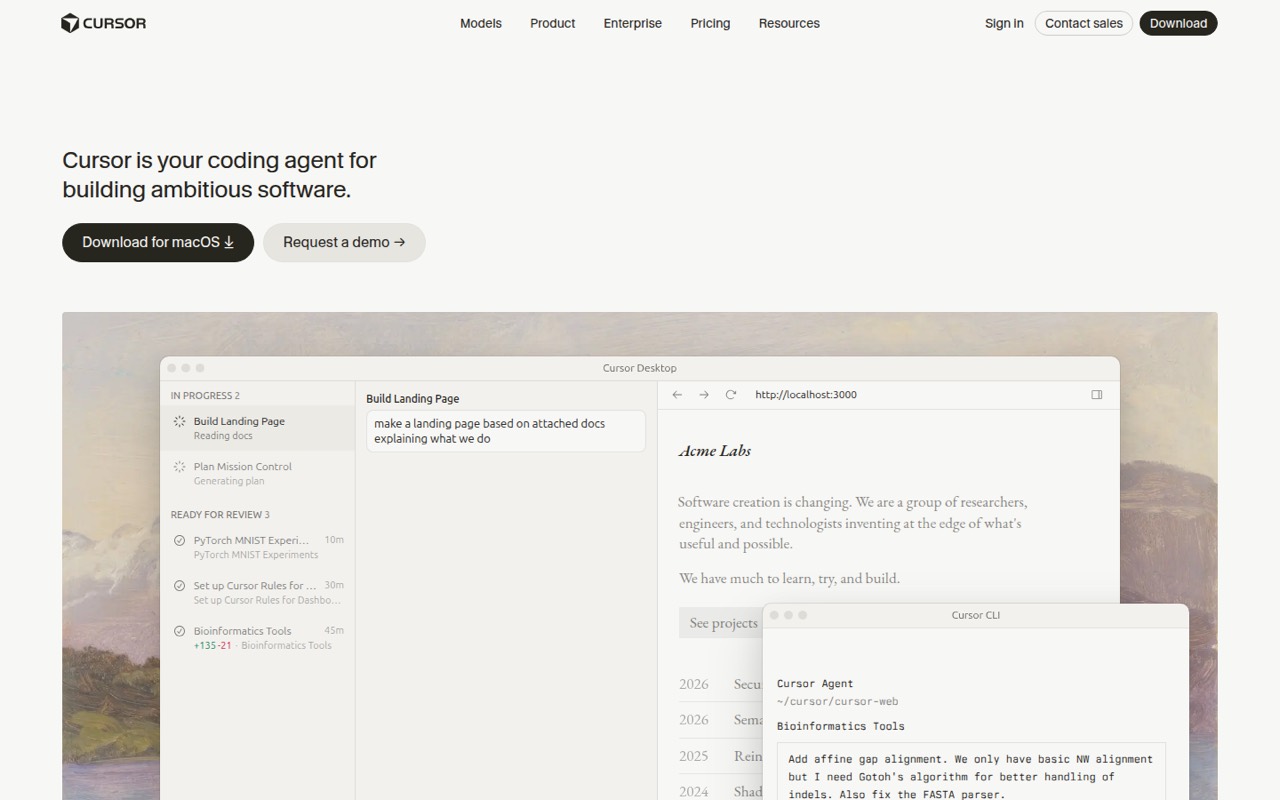
Cursor suits developers delegating bounded coding tasks and teams reviewing agent-generated pull requests. It offers both IDE and CLI workflows, which can fit into different parts of a development process. The listed starting price is $8, with a free plan. Teams should treat generated code as work to review and check how usage is managed before scaling.
What works
- Agents plan, write, test and demo features
- Cloud agents can work in parallel
- Choose among several model providers
What doesn't
- Usage allowances and top-off prices need careful checking
- No self-hosting path is presented
- SDK and language support need confirmation
- Best for persistent agentsAmpAmp
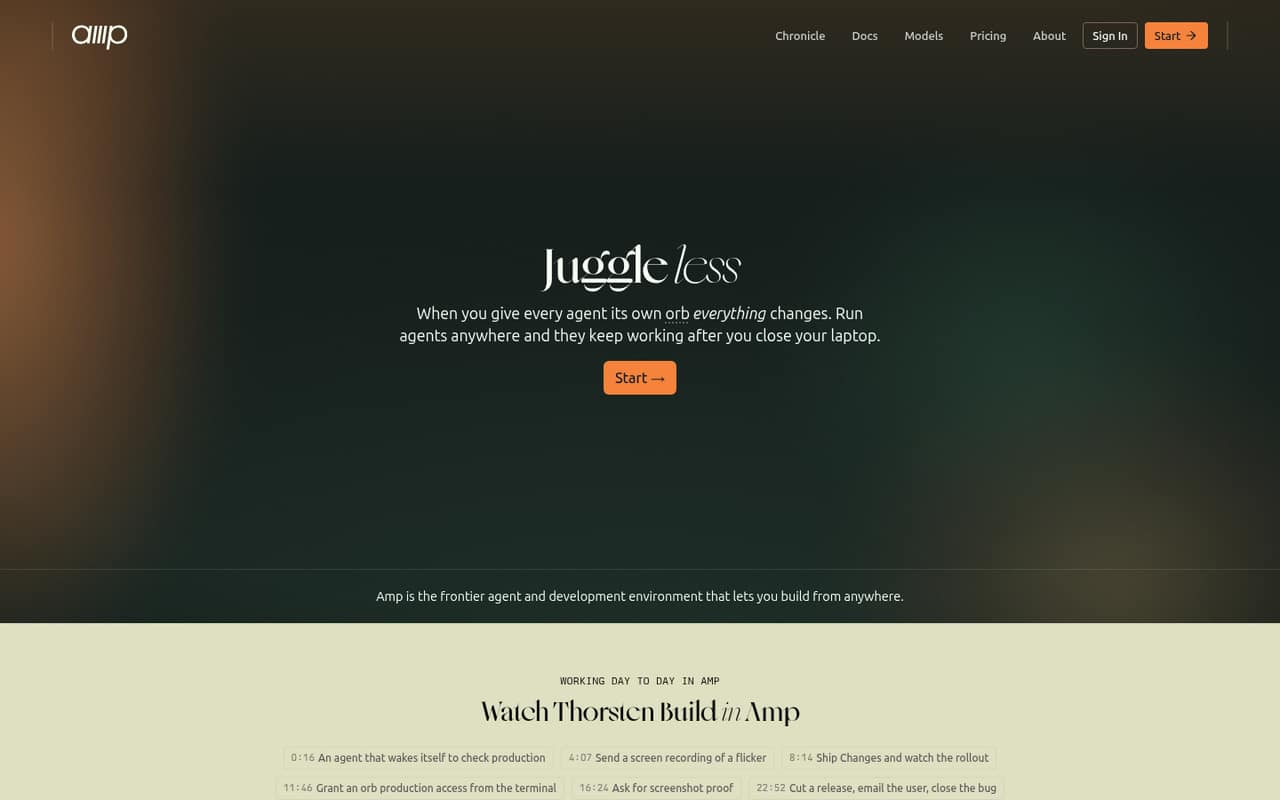
Amp is a persistent-agent development environment for developers who want to share agent threads and workflows. Projects can use their own runners, giving teams a way to fit agent execution into existing infrastructure. The listed starting price is $20, with a free plan. Check the pricing and usage details against the expected number and duration of agent sessions.
What works
- Agents can keep working after you close your laptop
- Run agents in Amp-hosted or self-hosted orbs
- Hobby includes all product features
What doesn't
- Rate for pay-as-you-go hosted orb time is not published
- No published annual price for Individual
- Source licence and data-export terms are unclear
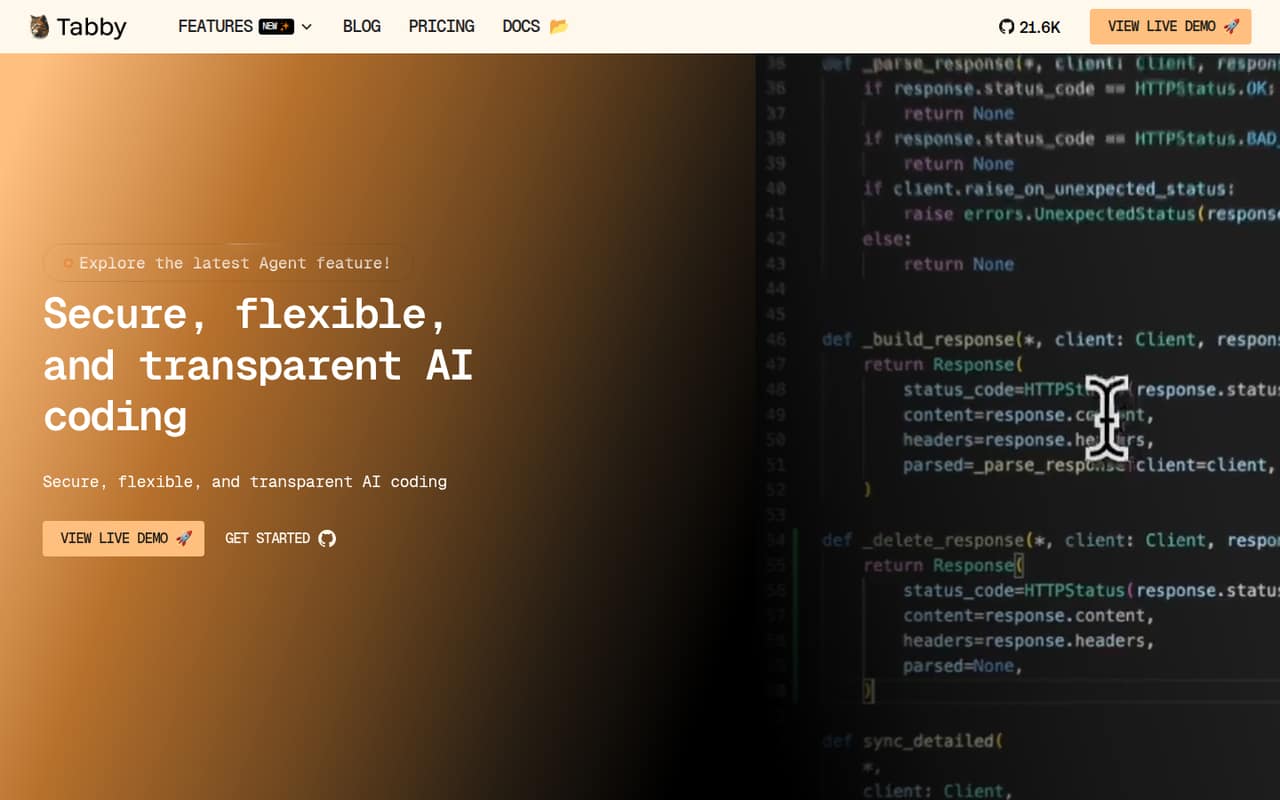
- Best for self-hosted completionTabbyTabby
Tabby is an open-source, self-hostable coding assistant aimed at local-first code completion. It offers free completion and paid team features, with a listed starting price of $19 and a free plan. It is worth considering for teams that need to run their own assistant or test coding workflows in a small group before paying for team capabilities.
What works
- Open-source assistant with self-hosting options
- Community plan is free for up to five users
- Tab completion is free with no usage limits
What doesn't
- Team costs $19 per user per month
- Hosted LLM use adds token-based costs
- Specific API protocols and SDKs are not named
- Best for spec-driven workKiroKiro
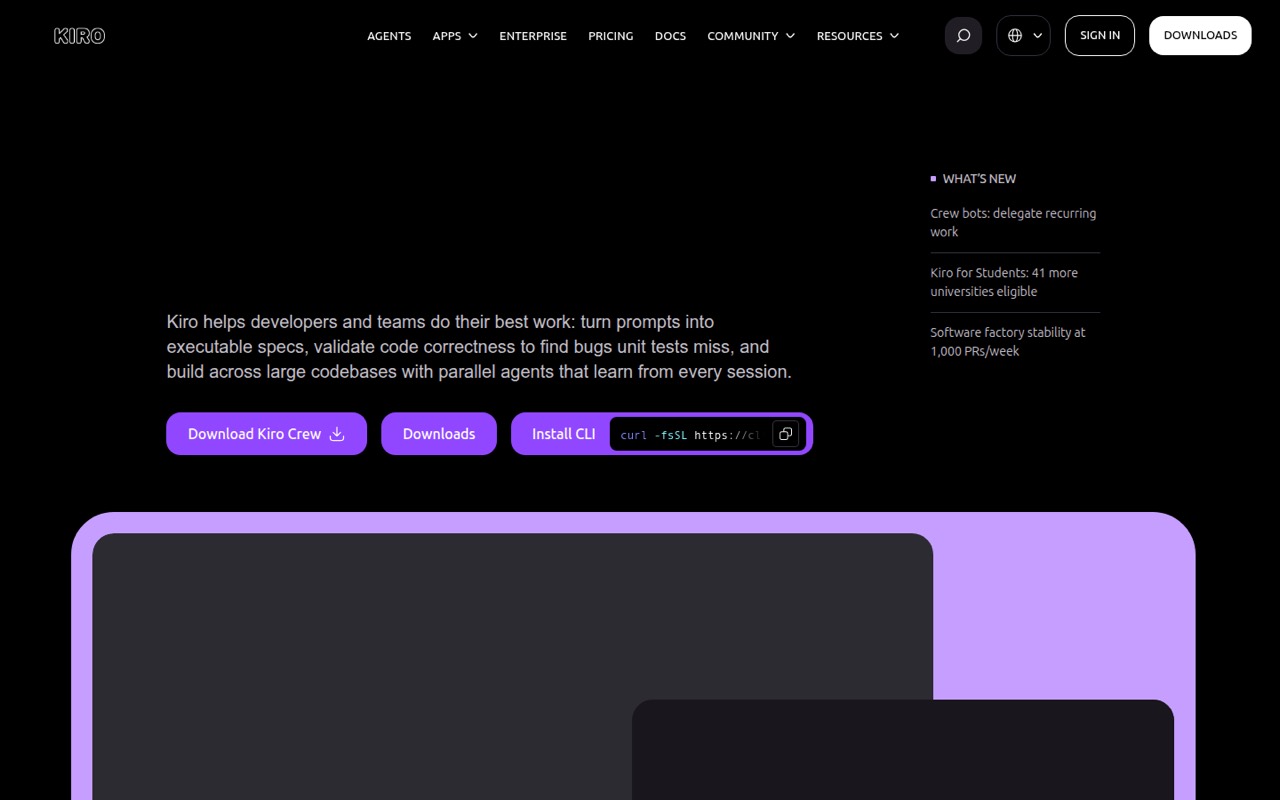
Kiro is a spec-first coding assistant for developers who work from written specifications. It also targets teams automating pull-request review in CI/CD and engineers who want model choice. The listed starting price is $20, with a free plan. Its credit meter is a cost to monitor; confirm how credits map to your expected agent workload before broader adoption.
What works
- Turns prompts into requirements, designs and sequenced tasks
- Runs parallel agents locally or in the cloud
- Checks requirements for contradictions before coding
What doesn't
- No published public API or SDK surface
- Credits vary in cost by selected model
- No self-hosted Kiro server option is documented
- Best for local and cloudWindsurfWindsurf
Windsurf coordinates local and cloud coding agents, which can suit teams moving sessions between a developer’s machine and cloud execution. It also targets teams coordinating agent-led pull requests and reviewing many generated diffs. The listed starting price is $20, with a free plan. Verify quotas and workflow fit before relying on it for production-scale agent work.
What works
- Coordinates multiple agents from one command center
- Supports local and cloud sessions
- Hands off sessions with the same context
What doesn't
- Free plan has light agent quotas
- Extra usage is billed at API pricing
- API and SDK support need vendor confirmation

- Best for enterprise controlsFactoryFactory
Factory spans coding agents and team controls, and is aimed at engineering teams that need model choice and enterprise controls. It is marked self-hostable, with a listed starting price of $20. Confirm the hosting model, integration details and usage allowances with the vendor before deployment; those details affect both the security review and the cost model.
What works
- Agents plan, build and validate software changes
- Works across desktop, terminal, web and CLI
- Model routing balances quality, speed and cost
What doesn't
- No free plan or free trial is listed
- Usage allowances and overage rates are not published
- SDK languages and API protocol are not named

- Best for JetBrains workflowsQoderQoder
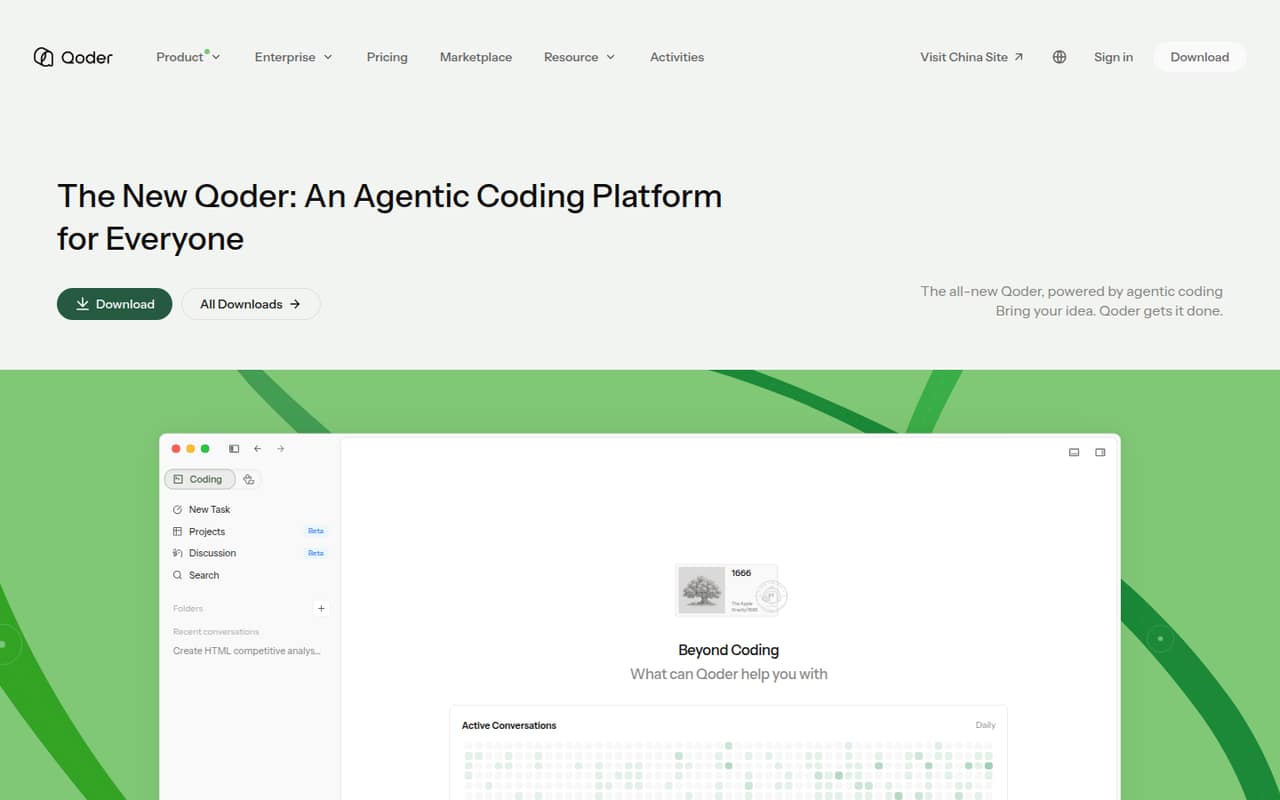
Qoder spans IDE, CLI and agent APIs, with a stated fit for JetBrains backend workflows and developers delegating coding tasks. Its listed starting price is $10, with a free plan. The range of entry points is useful for evaluation, but check the vendor’s security and hosting terms before connecting it to private repositories or team systems.
What works
- Desktop, mobile, IDE, JetBrains plugin and CLI options
- Agents can handle autonomous programming tasks
- Codebase awareness and autocomplete in the IDE
What doesn't
- API protocols and language support need verification
- Rate limits and service guarantees are not published
- No published self-hosting or open-source path
- Best for browser previewsTraeTrae
Trae is an AI coding IDE for developers already using VS Code, with multi-file agent workflows and built-in browser previews. Its listed starting price is $20, with a free plan. The infrastructure is closed and overage terms are unclear, so teams should verify where code is processed and what happens when included usage is exhausted.
What works
- IDE and SOLO modes cover inline help and multi-file tasks
- Custom agents support rules, skills, memories and hooks
- Codebase indexing adds contextual references and documentation
What doesn't
- Proprietary software with no native self-hosting option
- No public Trae API, SDK or CLI is listed
- Free plan limits users to Auto mode and two cloud tasks

- Best for GitLab teamsGitLab DuoGitLab Duo
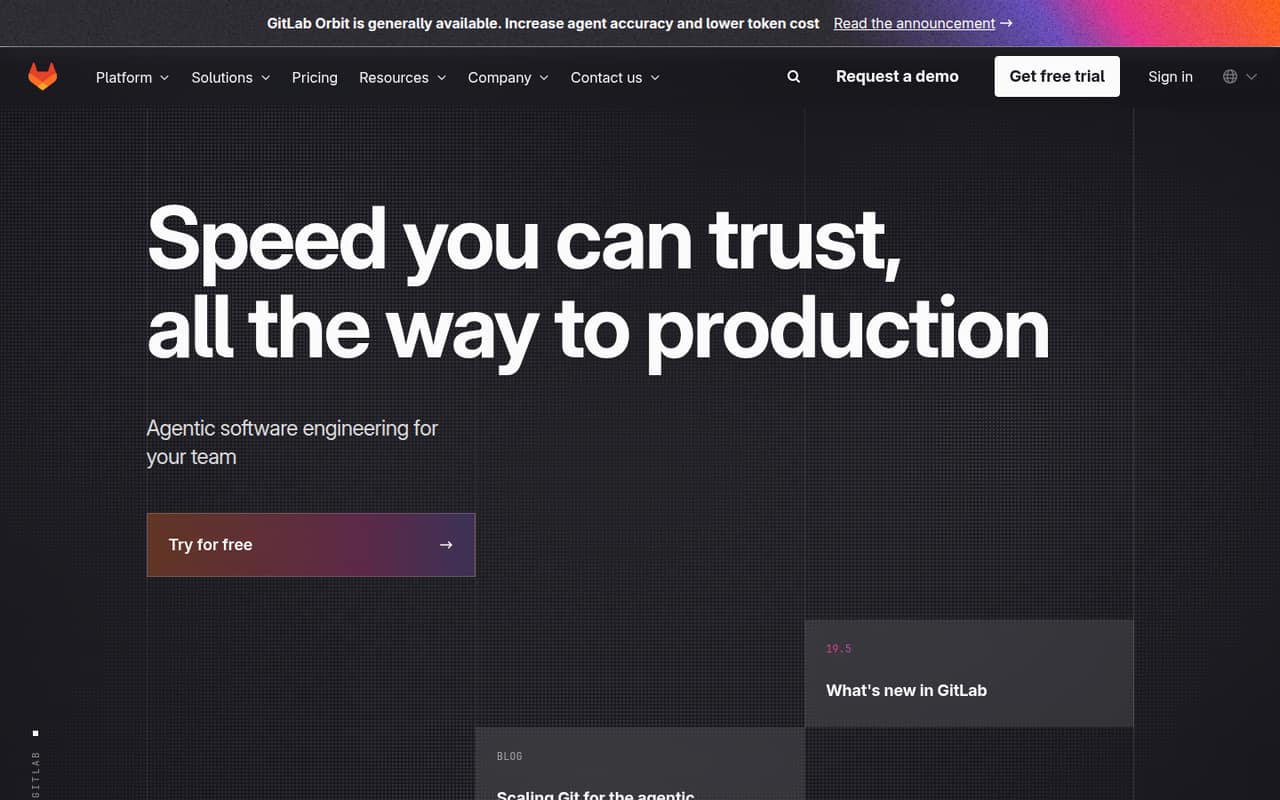
GitLab Duo is a GitLab-native agent platform for teams already working in GitLab. Its workflow targets include auditable agent actions and issue-to-merge-request automation. The listed starting price is $19, with a free plan, and it is marked self-hostable. Investigate credit costs and confirm which hosting and workflow options match your team’s deployment requirements.
What works
- Agents can turn issues into merge requests
- Agents can help remediate vulnerabilities
- Agents can review code
What doesn't
- Free Agent Platform tier includes 0 credits
- Additional credits cost $1 each
- Duo Pro and Enterprise usage caps are unpublished
- Best for code maintenanceZencoderZencoder
Zencoder targets teams coordinating coding agents across multiple repositories, including code review and maintenance workflows. It supports multi-model coding and work agents and is marked self-hostable. The listed starting price is $40, with a free plan. Verify credit costs and production limits against the number of repositories and agent tasks you expect to run.
What works
- Plans, builds, tests and reviews code
- Orchestrates Claude, Gemini and Codex
- Works across desktop, IDE and CI/CD
What doesn't
- No named public API or SDK
- Free plan limits are not published
- Credit use per task is unclear
- Best for React patterns21st.dev21st.dev
21st.dev is a searchable React component catalog, not a runtime UI service. It offers agent, CLI and MCP installation paths, with source going into your repository. Its listed starting price is $6, with a free plan. It is a narrower choice than a general coding assistant, but can fit React teams that want reusable UI patterns available in their coding workflow.
What works
- Components land in your repository as editable source
- Works with Claude Code, Cursor, Codex and Lovable
- CLI, MCP and shadcn command install paths
What doesn't
- Free copies are capped at two per day
- Components target React, TypeScript and Tailwind CSS
- No public runtime API is described

- Best for GitHub task delegationJulesJules
Jules turns GitHub tasks into pull requests that developers can review, making it a fit for teams delegating routine repository work. It has a free plan, while a starting price is not published. The GitHub-first workflow is clear, but check with the vendor for API availability and pricing details before building Jules into an automated process.
What works
- Works from a selected GitHub repository and branch
- Can be assigned through a GitHub issue label
- Runs repository work in a cloud VM
What doesn't
- Paid plan prices are not published
- Task and concurrency limits vary by plan
- API, SDK, language and CLI details are absent from the homepage
- Best for scoped cloud tasksDevinDevin
Devin is a cloud and local coding agent for scoped repository tasks, Slack- or Teams-based engineering support, and routine CI fixes. Its PR workflow can give teams a review point for delegated work. The listed starting price is $20, with a free plan. Ask the vendor to clarify API access and production limits before designing a high-volume workflow around it.
What works
- Runs tasks in Windows, Mac and Linux virtual machines
- Tests changes in its browser before opening a PR
- Supports task handoffs through Slack and Teams
What doesn't
- Free plan has a light quota and limited model availability
- Extra usage is billed at API pricing
- Public product details leave API and SDK support unclear
- Best for SDLC workflowsAugment CodeAugment Code
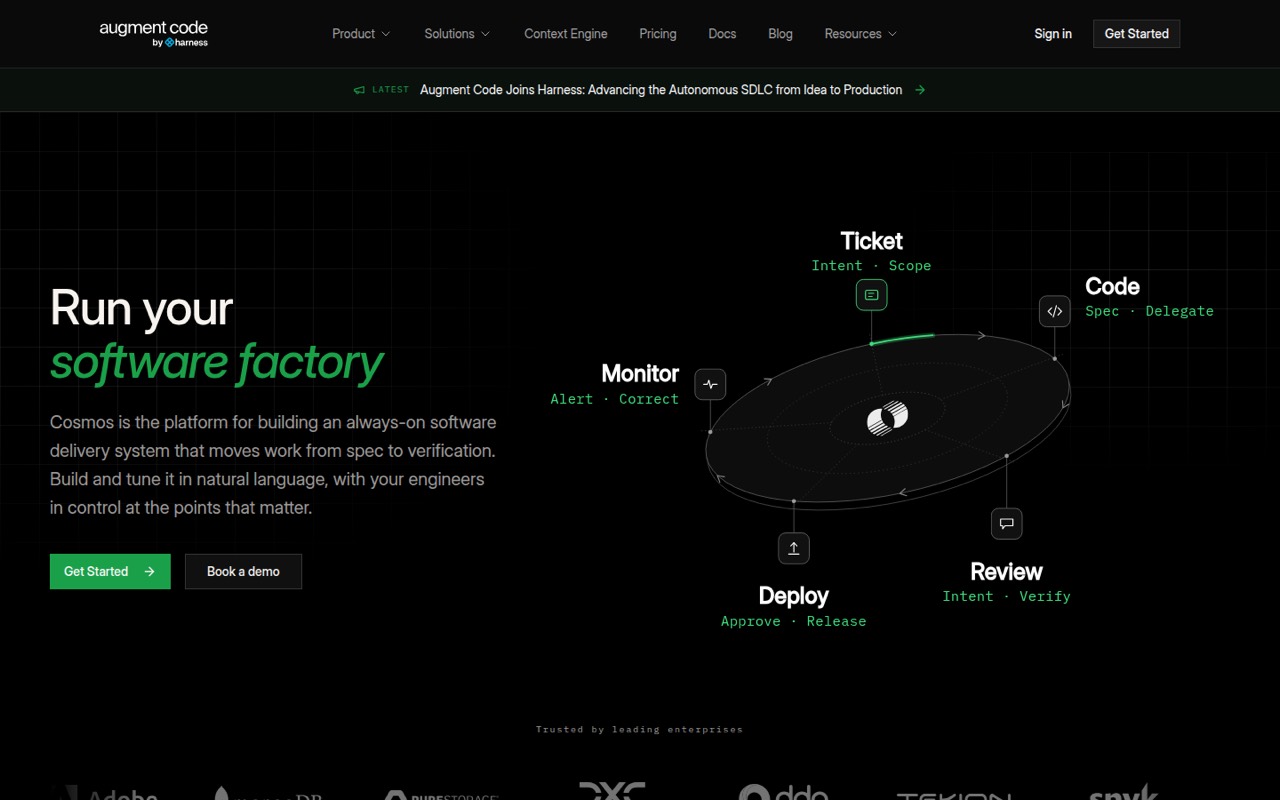
Augment Code is a full-SDLC agent platform for teams automating work across development stages and applying repeatable review gates. It is marked self-hostable, with a listed starting price of $20. That breadth may suit organizations coordinating agents across repositories, but model the costs before rollout and confirm how the platform fits the team’s existing systems.
What works
- Connects ticket, authoring, review and verification workflows
- Includes Experts and supports custom reusable templates
- Offers triggers for GitHub, GitLab, Slack and Linear
What doesn't
- No free plan or free trial is listed
- A 40% service fee applies to LLM usage
- SDK languages and REST API details are not published
- Best for large codebasesCodyCody
Cody is aimed at enterprise teams with many repositories that need codebase context and tools for coordinating large changes. It is marked self-hostable. A $16,000 annual minimum rules it out for small projects, despite its potential fit for larger organizations. Enterprise buyers should confirm deployment terms and how the product handles their repository setup before procurement.
What works
- Exact, deterministic, exhaustive code search
- Natural-language answers with citations
- Diff Tour groups related files
What doesn't
- $16K minimum annual Enterprise contract
- No free plan or trial listed
- Volume credit pricing is not published

- Best for task planningWorkikWorkik
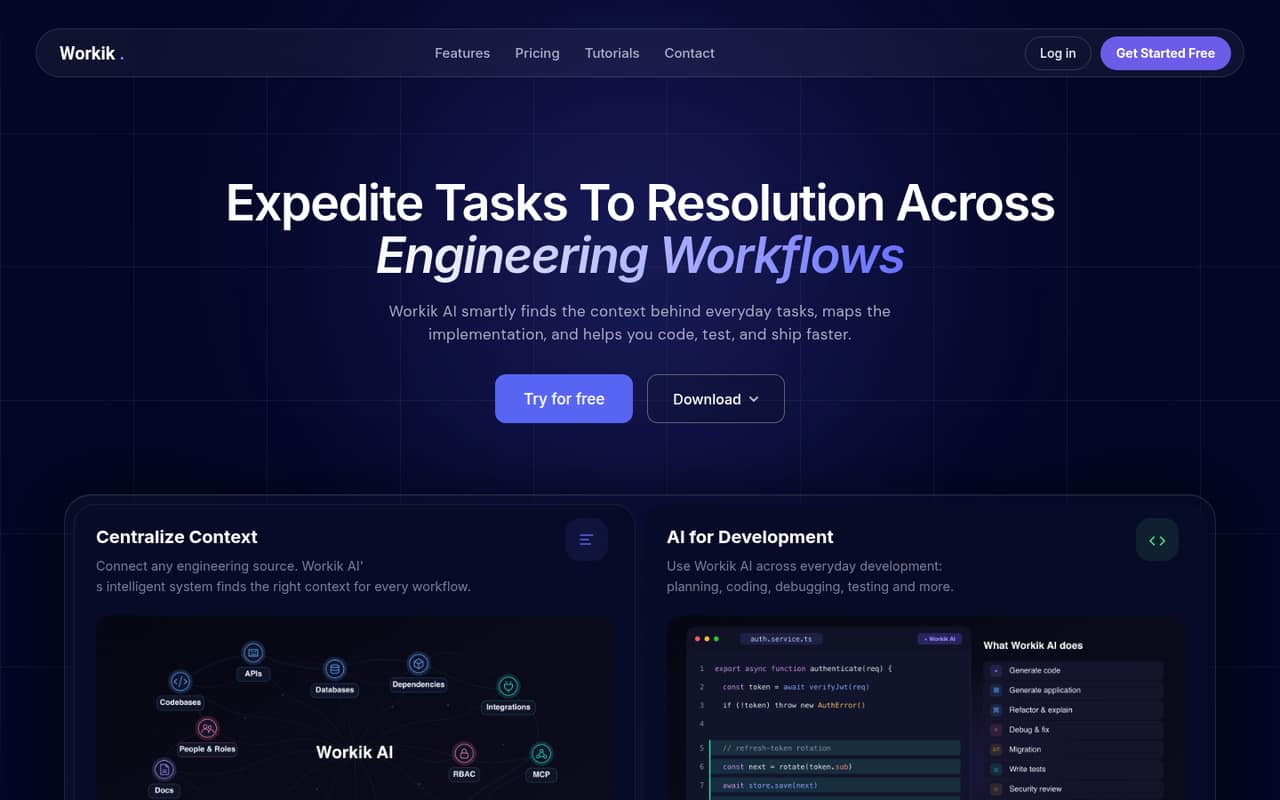
Workik is a workflow layer for context-heavy engineering tasks, combining AI task planning, code tasks and auto-updating engineering documentation. Its listed starting price is $15, with a free plan. Teams considering it should verify usage caps and integrations against their existing development process; the fit depends on whether its planning and documentation workflows match real team needs.
What works
- Plans tasks and breaks work into subtasks
- Supports coding, debugging, testing and PR preparation
- Connects context to Jira and GitHub workflows
What doesn't
- Vendor does not publish a supported-language or SDK list
- Trial includes only 10 requests upon signup
- Paid plans cap tokens, files and flow runs
- Best for paid evaluationTabnineTabnine
Tabnine has paid plans, with a listed starting price of $39, but its homepage does not establish what it integrates with. That makes it difficult to assess fit for a particular editor, repository host or agent workflow from the published product description alone. Ask the vendor to confirm the integrations and agent capabilities your team requires before paying.
What works
- Code Assistant starts at $39 per user monthly with annual billing.
- The Code Assistant plan includes a 14-day trial.
- BYO model or infrastructure includes unlimited usage on listed plans.
What doesn't
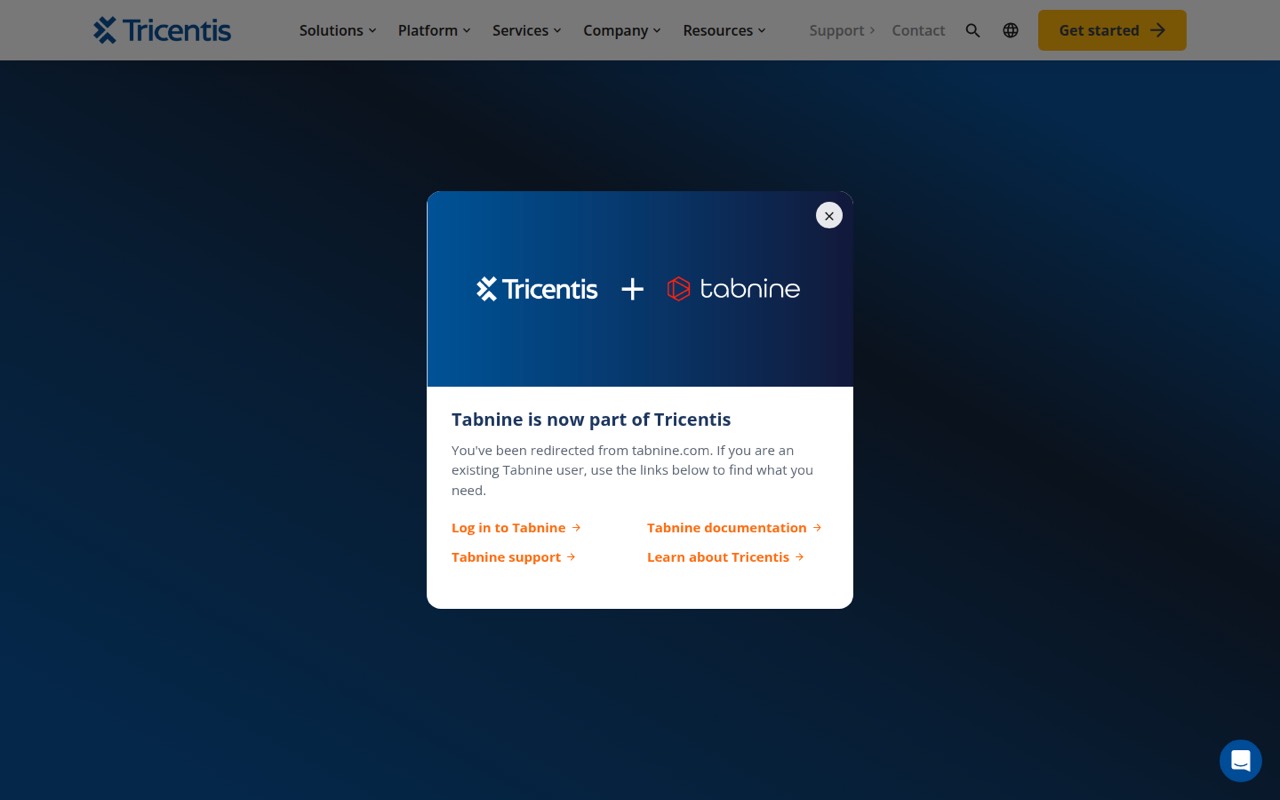
- The product page identifies Tricentis, not Tabnine.
- The product page names no Tabnine API, SDK, or IDE plugin.
- There is no free plan.
- Best for Google Cloud teamsGemini Code AssistGemini Code Assist
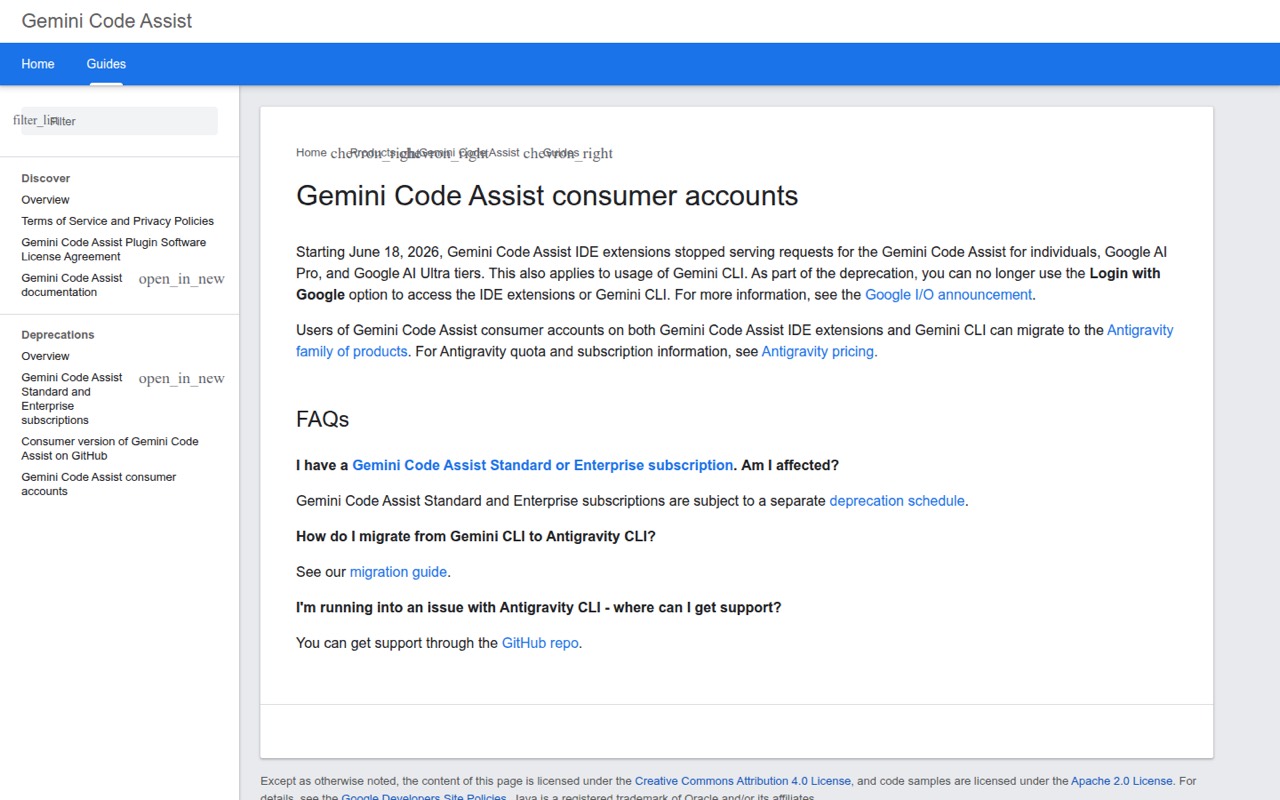
Gemini Code Assist has IDE and CLI surfaces and is aimed at developers already using Google Cloud, as well as teams evaluating Standard or Enterprise. The listed starting price is $19, with a free plan. Consumer access has stopped, so check the product’s current availability and future direction, especially if an Antigravity migration is part of your plan.
What works
- IDE extensions and a CLI integration surface
- Free individual plan lists generous daily request limits
- Standard and Enterprise list per-user request quotas
What doesn't
- Consumer-tier IDE and CLI requests stopped June 18, 2026
- Standard and Enterprise also face a separate deprecation schedule
- No general-purpose API or SDK is described
- Best for prototypes
CodeAICodeAI
CodeAI offers coding-assistant features for developers exploring code generation, small projects with modest monthly usage and app-scaffold prototypes. Its listed starting price is $12, with a free plan. The product boundaries are unclear, which makes it harder to judge production fit. Keep evaluation scope small and clarify the intended workflow before adopting it for team development.
What works
- Free plan includes 60 monthly generation calls
- Supports scaffolding for common web frameworks
- Generates tests, documentation and commit messages
What doesn't
- codeai.dev has no active standalone product site
- API and SDK details are not published
- No self-hosted or air-gapped deployment option
- Best for encrypted inferenceBLACKBOX AIBLACKBOX AI
BLACKBOX AI is worth evaluating for teams looking at encrypted model inference or single-tenant enterprise deployment. Pricing is not published as a starting amount, and the purchase is sales-led, so budgeting requires a vendor conversation. Ask about the specific deployment, security and usage terms your team needs before comparing it with tools that publish plans.
What works
- Client-side prompt encryption is a core design claim
- Says prompts decrypt only where the model runs
- Claims zero data retention after responses
What doesn't
- No public starting price or monthly billing
- SDK and language support are not published
- No free plan or trial is listed

- Best for modernization projectsBlitzyBlitzy
Blitzy targets enterprise codebase modernization, scoped large projects and organizations requiring private deployment. It is marked self-hostable, with a listed starting price of $20,833.33 and a free plan. The high entry price makes project scope and production costs central to evaluation. Confirm integration details and deployment terms with the vendor before committing.
What works
- Maps dependencies into a dynamic codebase knowledge graph
- Coordinates more than 3,000 specialized agents
- Supports asynchronous work lasting days or weeks
What doesn't
- Homepage does not name APIs, SDKs, languages, or CLI
- Public Build is restricted to public repositories
- Private Sandbox is limited to companies with 250+ employees
03How we chose
We ranked these tools for developers and technical teams, weighing workflow fit, API and SDK coverage, documentation, free-tier access, usage pricing, open-source licences and self-hosting. We also considered Reddit sentiment as a secondary signal where available, not as a substitute for product terms. A low starting price does not guarantee low cost at sustained usage, so we flag credit meters, subscription limits, unclear overages and expensive entry points. We favored tools with useful control over models, hosting or review workflows, while noting when teams should verify integration, security or production limits with the vendor.
04Compare the workflow and the usage meter
Start with where the assistant runs: inside an IDE, in a CLI, as a cloud agent, or through pull requests and CI/CD. A tool that works in your team’s existing editor or repository workflow usually needs less process change. Then check whether the agent can be reviewed at the right point: before changes land, in a pull request, or through a team’s existing CI gates.
Treat the listed starting price as an entry point, not a forecast. Free plans, subscription usage limits, credits and model-provider charges can affect total cost in different ways. Ask what counts as a request or credit, whether limits change by model, and what happens when included usage runs out. Estimate the number of developers and agent tasks you expect, then confirm current prices and quotas with the vendor before rollout.
05Check control, access and exit costs
For each candidate, confirm the API, SDKs, supported languages and protocols your integration requires. Documentation should explain authentication, model access, limits and errors well enough to plan for failures. Do not assume an editor extension includes an API, or that a product’s agent can be embedded in your own application; verify those capabilities with the vendor.
Review the licence and deployment options separately. Open source does not automatically mean every model is local, and self-hostable does not establish which services or features work without a vendor account. Ask where code and prompts are processed, what data is retained, and whether private inference is supported. Finally, check how to export prompts, agent threads and project data, and what your team loses if it changes tools. These answers matter before an assistant becomes part of CI or repository operations.
Questions people ask
Which AI coding assistant has the best free plan?
Continue, Cline, GitHub Copilot and Kilo Code all list free plans, but their usage terms differ. Cline and Continue offer model choice, while Copilot has usage credits and changing model limits to watch. Compare the current allowance and whether model-provider costs are separate before choosing by free access alone.
Which coding assistants are open source or self-hostable?
Continue, Cline, Kilo Code and Tabby are marked open source; Continue, Kilo Code and Tabby are also marked self-hostable in this comparison. Several other tools are marked self-hostable, including Kiro, Factory and GitLab Duo. Confirm licensing, model hosting and feature availability with each vendor before deployment.
How should teams compare coding assistant prices?
Compare more than the starting price. Check free-tier allowances, request or credit limits, subscription usage caps, model access and overage terms. Some tools use credits or subscription limits, while bring-your-own-model workflows may also incur provider charges. Estimate usage for your expected team size and ask the vendor to confirm current terms.
Can AI coding assistants run in CI or create pull requests?
Some target PR and CI workflows: GitHub Copilot supports review inside GitHub, Kiro targets PR review in CI/CD, and GitLab Duo supports issue-to-merge-request automation. Jules turns GitHub tasks into reviewable pull requests. Confirm available APIs, permissions and automation limits before connecting an agent to production repositories.