
We may earn a commission if you buy through links on this page. It never changes a score or a ranking. How we make money
The bottom line
A self-hostable coding assistant with free completion and paid team features.
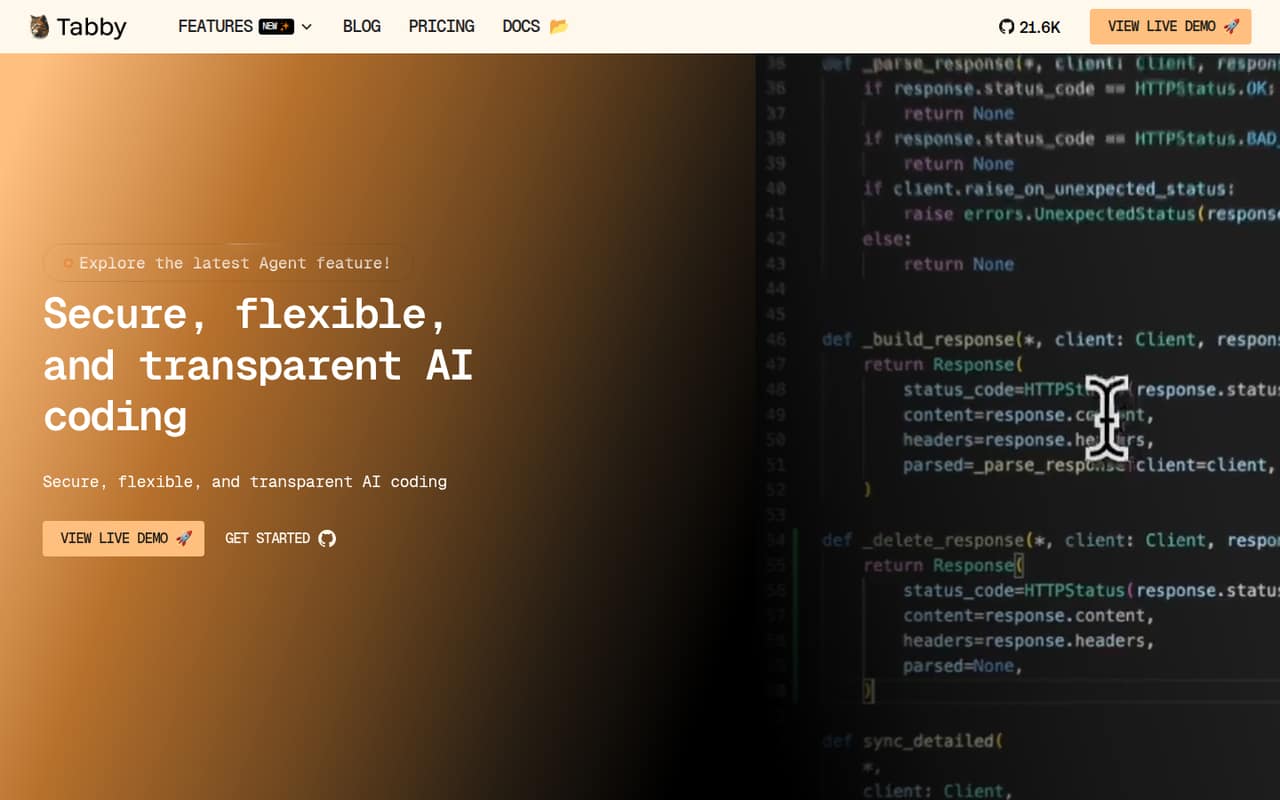
Tabby is an open-source AI coding assistant that can run on-premises or in cloud development environments. Its core features are code completion, coding answers, inline chat and project context from data connectors. The vendor says it can run without an external database or cloud services.
The Community plan costs $0 and includes up to five users, local-first deployment and unlimited tab completion. Team costs $19 per user per month for up to 50 users and adds the Answer Engine and Code Browser. Hosted LLM usage is billed separately by token cost, so teams should estimate model spend as well as seat costs.
Good fit if
- Teams that need local-first code completion
- Developers self-hosting coding assistants
- Small teams testing AI coding workflows
Skip it if
- Teams requiring documented SDK coverage
- Organizations needing published uptime guarantees
- Buyers requiring a named open-source license
ScoresHow it rates
What works
- Open-source assistant with self-hosting options
- Community plan is free for up to five users
- Tab completion is free with no usage limits
- Can run without external database or cloud services
- Supports coding answers, inline chat and data connectors
What doesn't
- Team costs $19 per user per month
- Hosted LLM use adds token-based costs
- Specific API protocols and SDKs are not named
- The vendor does not publish a license name
- Published rate and uptime limits are not stated
01What Tabby is, technically
Tabby is an open-source AI coding assistant that sits alongside an IDE as a code completion and chat service. It can be deployed on-premises or in cloud development environments, including Cloud IDEs. The vendor also describes self-hosting and says Tabby can run without an external database management system or cloud services.
Its developer-facing features are code completion, an Answer Engine for coding questions, inline chat tied to code, and data connectors that bring project context into assistance. The homepage describes connectors for data sources, and the feature material mentions documentation, configuration files and external APIs. That puts Tabby between the editor and the models or project context it uses, rather than making it a general-purpose hosted API. Tabby also offers a hosted, usage-billed option for teams using hosted LLMs. The exact boundary between those deployment modes matters: decide whether the assistant, model inference and project context stay within your infrastructure.
02Tabby API, SDKs and docs
Tabby’s integration surface is IDE-based: code completion, coding answers and inline chat are presented inside the development workflow. The vendor also lists Cloud IDE support and data connectors for project context, including documentation, configuration files and external APIs. The homepage does not name a specific API protocol, SDK, programming language, CLI or webhook interface, so teams building custom integrations should confirm SDK support and supported IDEs in Tabby’s documentation before committing.
The vendor links to documentation and describes Tabby as configurable, including the option to run without an external database or cloud services. That gives infrastructure teams a self-hosting route, but it does not establish the exact deployment steps, authentication methods or connector compatibility for a given stack. Check the docs for the deployment and IDE integration paths your developers use, then confirm what configuration and context data each connector sends. The product also advertises a Code Browser on the Team plan, alongside its Answer Engine.
03Tabby pricing for developers
The Community plan costs $0 per user per month and covers up to five users. It includes community support, local-first deployment and tab completion that is always free with no usage limits. This makes it a low-cost way to start with completion, but the plan does not list the Answer Engine or Code Browser; both are included in Team.
Team costs $19 per user per month for up to 50 users, with email support, Answer Engine and Code Browser. Enterprise has custom pricing, is billed annually and includes unlimited users, dedicated Slack channel support, SSO and bespoke options. The pricing page lists no annual Team price.
Teams using hosted LLMs can choose Tabby Cloud Usage-Based billing, charged according to LLM token costs. The plan includes $20 in free monthly credits; automatic billing applies above $10, while smaller amounts are billed at month-end. Budget for both seats and model usage, and confirm how your workload maps to token spend before production rollout.
04Tabby: open source, self-hosting and lock-in
Tabby is presented as open-source software, and the vendor offers self-hosting for on-premises and cloud development environments. The homepage says it can run without an external database management system or cloud services, and describes support for consumer-grade GPUs. The vendor does not publish the license name on the pages reviewed, so check the repository’s license file before incorporating Tabby into a commercial product or distributing a modified version.
A self-hosted deployment can reduce reliance on Tabby’s hosted LLM billing, but model and infrastructure choices still shape the setup. The vendor does not publish a data-export path; ask how to export configuration, conversation data and any indexed project context before adopting it. Because the main workflow is IDE assistance, migration also means replacing editor integrations and reconnecting context sources, rather than moving a proprietary application’s whole data store.
05Tabby in production
Tabby’s self-hosting options give teams control over where the assistant runs, and the vendor says it can operate without external database or cloud services. That can fit environments with strict infrastructure boundaries, but it does not by itself establish security or compliance coverage. Enterprise includes SSO; confirm authentication, access controls, data handling and any compliance requirements against the vendor’s documentation before deployment.
The vendor does not publish numeric rate limits, throughput targets or uptime commitments on the pages reviewed. For production, ask about capacity planning for your model and GPU setup, concurrency, failure behavior, upgrade paths and support response expectations. Hosted LLM use is token-billed, with $20 monthly credits and automatic billing above $10, so track consumption and set internal alerts. Community includes community support, Team includes email support, and Enterprise lists a dedicated Slack channel. Validate the deployment and connector behavior in a representative environment before relying on Tabby across a team.
Questions people ask
Is Tabby free?
Yes. The Community plan is $0 per user per month for up to five users. It includes local-first deployment and tab completion with no usage limits. Team features such as the Answer Engine and Code Browser are listed under the $19-per-user-per-month Team plan.
Can I self-host Tabby?
Yes. The vendor describes Tabby as supporting on-premises and cloud development environments, including Cloud IDEs. It also says Tabby can run without an external database management system or cloud services. Check the documentation for the deployment requirements and whether your chosen models and infrastructure are supported.
What does Tabby Team cost?
Team costs $19 per user per month and supports up to 50 users. It includes email support, the Answer Engine and Code Browser. The pricing page lists no annual Team price, so confirm billing terms directly if you need an annual contract.
How does Tabby Cloud billing work?
Tabby Cloud Usage-Based billing is based on LLM token costs. The plan includes $20 in free monthly credits. Automatic billing applies above $10, while smaller amounts are billed at month-end. Estimate token use for your workload and confirm billing behavior before moving a production team to hosted LLMs.
Does Tabby have an API or SDK?
The vendor describes IDE features, Cloud IDE support and data connectors, but does not name a particular API protocol or SDK on its homepage. If you need a custom integration, check Tabby’s documentation for current API and SDK support, as well as the languages and IDEs your team uses.