We may earn a commission if you buy through links on this page. It never changes a score or a ranking. How we make money
An open-source AI agent can run on your machine or server, connect to chat channels and use a model you choose. The trade-off is that self-hosting moves deployment, model bills and operational checks onto your team. We rank these tools by their stated fit for developers and technical teams, favoring local-first workflows, MCP integrations, Python flexibility and self-hosting. Goose leads for its MCP focus and local-first positioning; Hermes Agent and Nanobot follow for messaging automation and Python-based agent work. Treat starting prices as only part of the cost.
Quick picksThe shortlist
 GooseGooseBest overall · Free
 Hermes AgentHermes AgentBest for messaging · $20/mo
 NanobotNanobotBest for Python teams · Free
 OpenClawOpenClawBest for custom workflows · Free
 Agent ZeroAgent ZeroBest for tool experiments · Free
 PicoClawPicoClawBest for small devices · Free
 ZeroClawZeroClawBest for channel routing · Free
 AutoGPTAutoGPTBest for reviewed tasks · $42.50/mo
01Compared at a glance
| Tool | Score | From | Free plan | Trial |
|---|---|---|---|---|
| GooseGoose | 7.8 | Free | Yes | — |
| Hermes AgentHermes Agent | 7.6 | $20/mo | Yes | — |
| NanobotNanobot | 7.4 | Free | Yes | — |
| OpenClawOpenClaw | 6.5 | Free | Yes | — |
| Agent ZeroAgent Zero | 7.0 | Free | Yes | — |
| PicoClawPicoClaw | 7.0 | Free | Yes | — |
| ZeroClawZeroClaw | 6.8 | Free | Yes | — |
| AutoGPTAutoGPT | 5.0 | $42.50/mo | No | 7 days |
02The picks, in detail
- Best overallGooseGoose
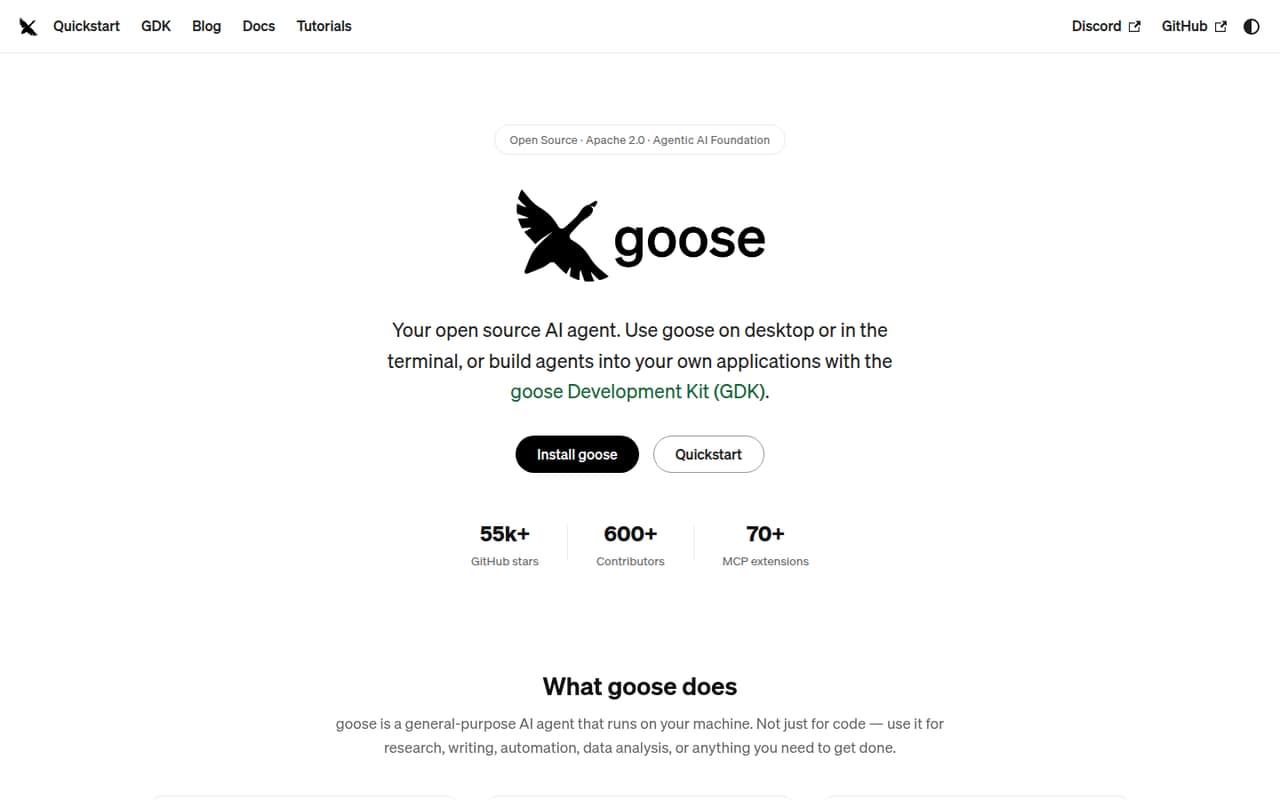
Goose ranks first for teams bringing their own model access and building MCP-powered workflows. It is described as open source and local-first, which fits developers who want to experiment without starting from a managed business-task product. The listed starting price is not published beyond a free plan, so budget separately for model access and the runtime your team operates.
What works
- Desktop app, CLI and API integration surfaces
- Supports 15+ LLM providers
- Apache 2.0 software with no run charge
What doesn't
- Provider-specific usage costs are separate
- Seat and usage limits are not published
- Rate limits and service guarantees are not published
- Best for messagingHermes AgentHermes Agent
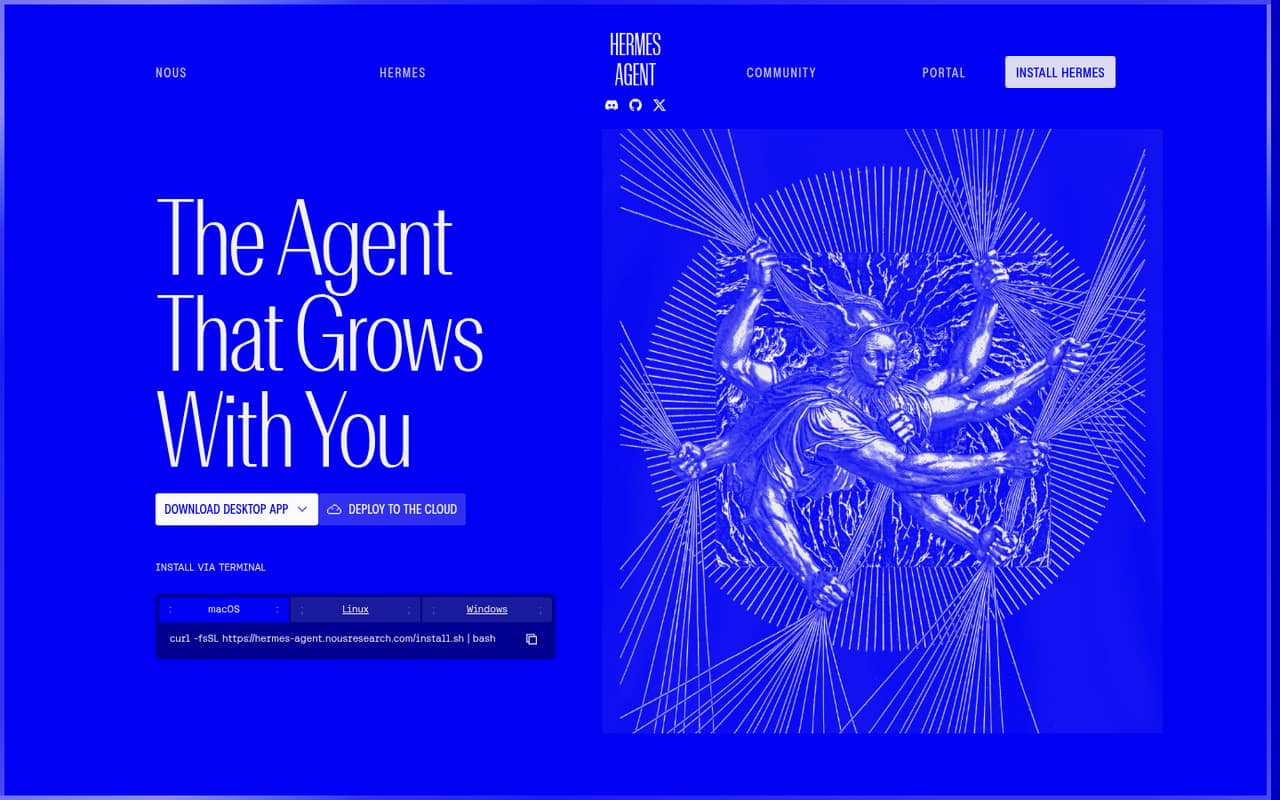
Hermes Agent is an open-source, self-hostable option aimed at messaging-based task automation and agent workflow experiments. It suits developers willing to own the model, runtime and operational setup. Its pricing entry lists a free plan and a $20 starting price; check what that paid tier covers before treating it as the cost of running a self-hosted deployment.
What works
- MIT-licensed and free to run
- CLI, desktop and messaging integrations
- Persistent conversations, memories and skills
What doesn't
- You must connect and choose a model provider
- Free Portal tier excludes hosted tools and cloud hosting
- Laptop sleep stops scheduled work
- Best for Python teamsNanobotNanobot
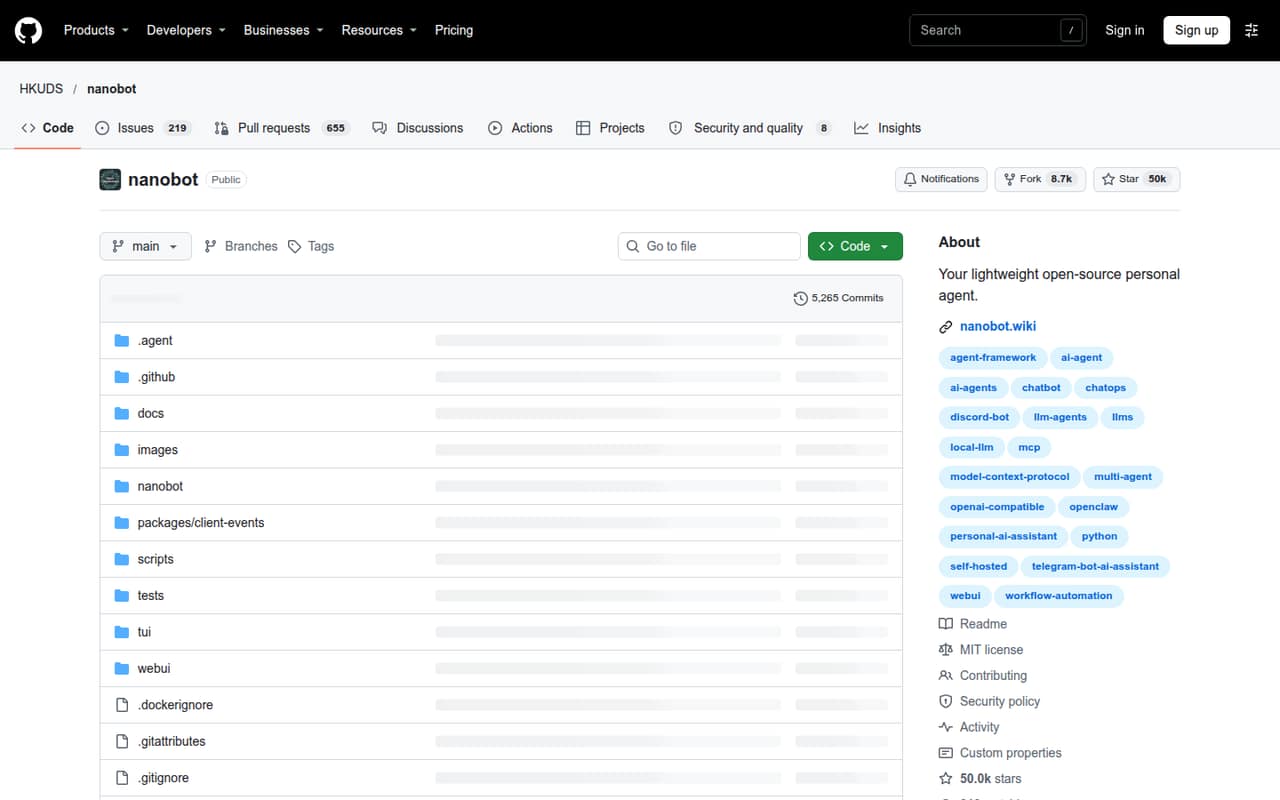
Nanobot is a self-hostable agent framework positioned for Python developers building personal agents and chat-based scheduled workflows. That makes it a fit for teams that want to shape the application around their own code rather than delegate operations to a hosted service. The software is listed with a free plan; model usage, deployment and operational checks remain part of your budget.
What works
- MIT-licensed and self-hostable
- Python SDK for embedding agents
- Browser, terminal and chat interfaces
What doesn't
- Requires your own model provider or local server
- Model and hardware costs are separate
- No paid starting price or usage rates are published
- Best for custom workflowsOpenClawOpenClaw
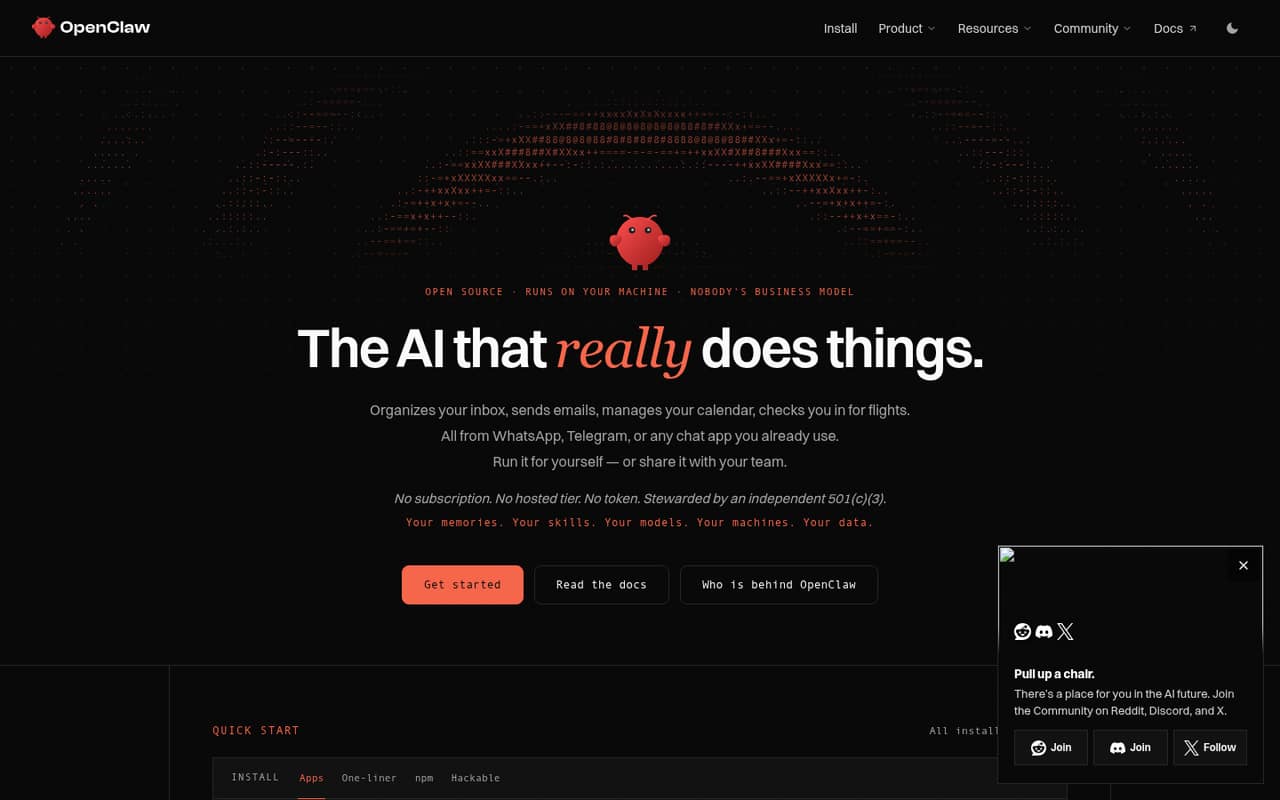
OpenClaw is free, open-source agent software for developers comfortable self-hosting and teams that want source access. Its stated strengths include custom personal-agent workflows. You provide the models and infrastructure and handle operational care, so the software’s free price does not make a deployment cost-free. Confirm the project’s license and integration details before adopting it.
What works
- Open-source software under the MIT License
- Runs on macOS, Windows and Linux
- Desktop apps bundle gateway, chat, setup and node features
What doesn't
- No hosted tier or paid subscription
- Seat and usage limits are not published
- The homepage lists no API or SDK integration details
- Best for tool experimentsAgent ZeroAgent Zero
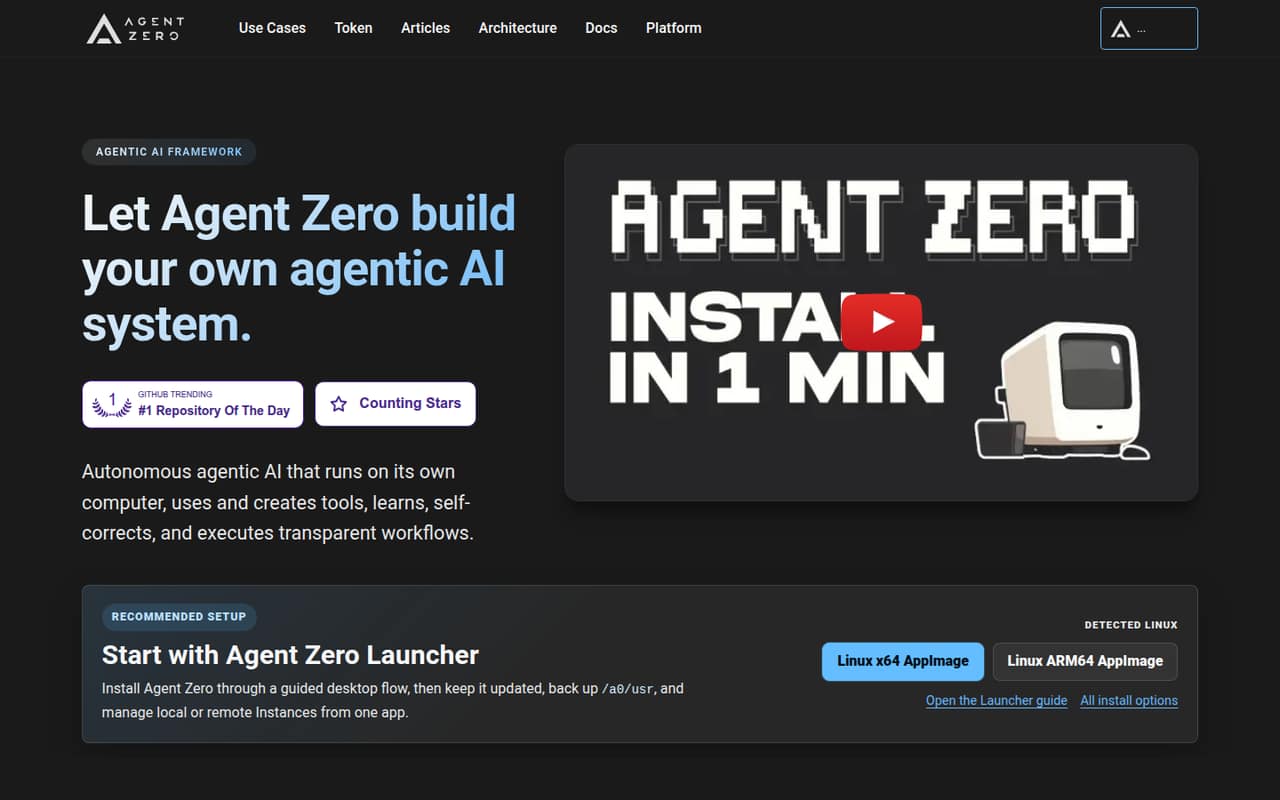
Agent Zero is a free, self-hosted agent framework for teams building agent runtimes, experimenting with local models or adding custom tools. That flexibility is useful when the integration work is part of the project, but it also means your team owns infrastructure and implementation decisions. No paid starting price is listed; account for your chosen model and hosting separately.
What works
- Open-source framework under the MIT license
- Free self-hosted option with no caps stated
- Launcher manages local and remote instances
What doesn't
- Vendor publishes no paid-plan or billing terms
- No language-specific SDK is named on the homepage
- API protocol and request details need verification
- Best for small devicesPicoClawPicoClaw
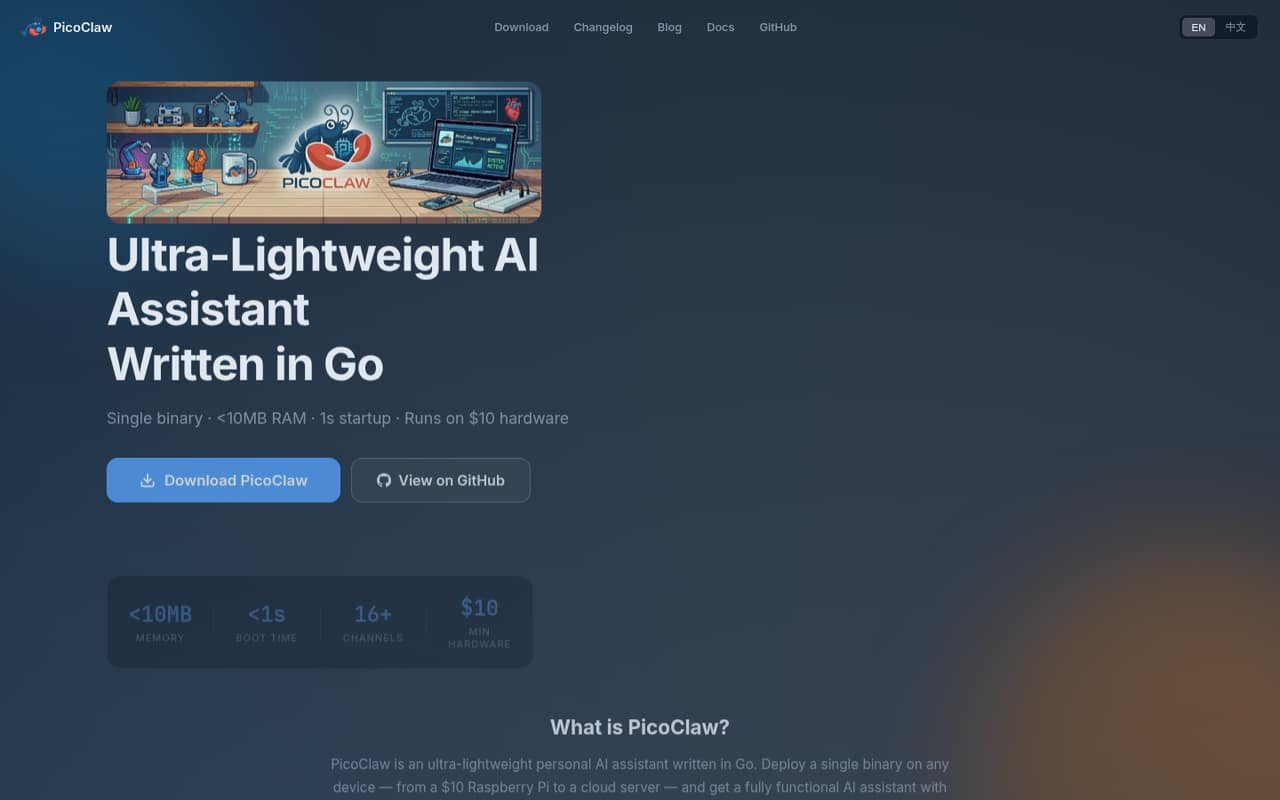
PicoClaw is described as free, self-hosted and resource-light, with a stated fit for small Linux devices and chat-based assistants. It may suit teams that want to run an agent on modest hardware and are comfortable managing API keys. The resource-light positioning is not a substitute for production checks: validate integrations, secrets handling and operating requirements for your deployment.
What works
- Free software under an MIT-compatible license
- Runs as a single Go binary
- Supports MCP and a REST API
What doesn't
- LLM API charges are separate and usage-based
- Vendor publishes no service-level guarantees
- SDK support is not established on the homepage
- Best for channel routingZeroClawZeroClaw
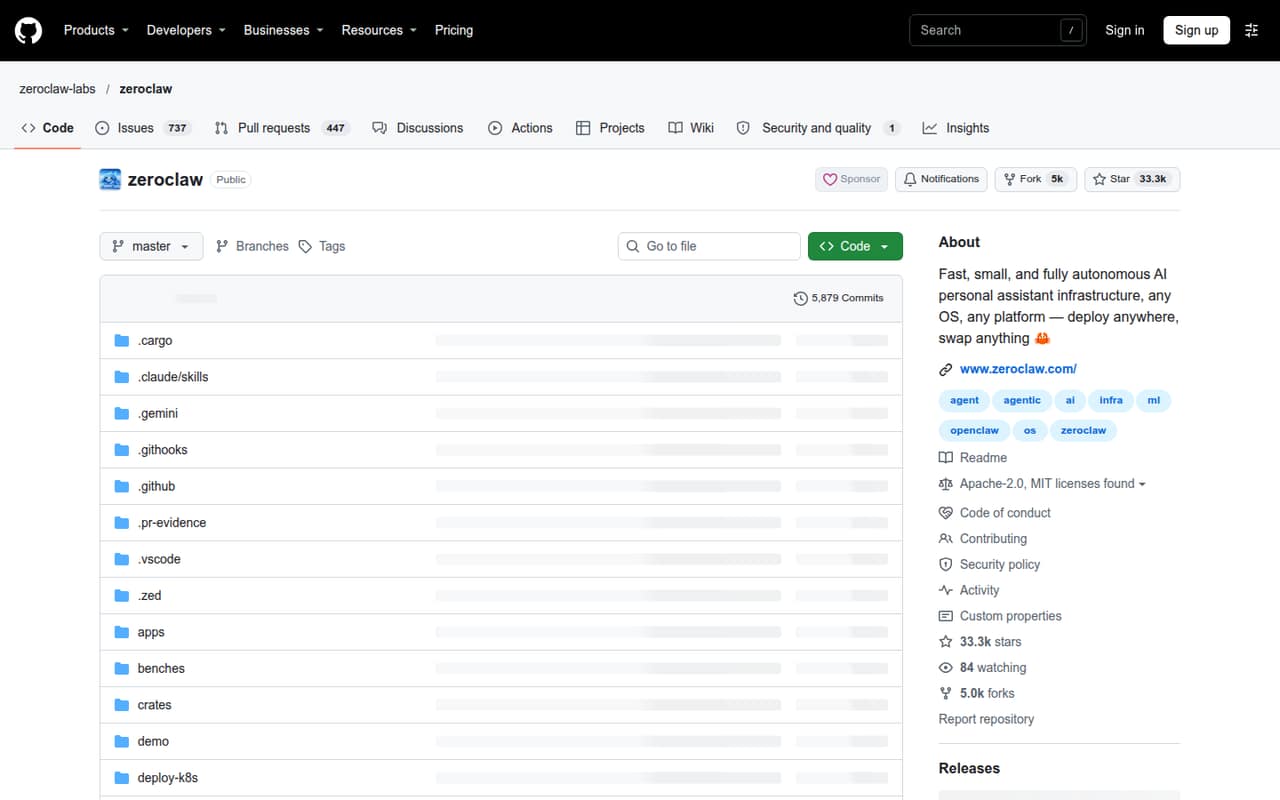
ZeroClaw is an open-source, self-hostable runtime aimed at connecting channels to one agent, as well as hardware and event-driven projects. It fits developers who want to manage a personal agent themselves. The stated trade-offs include setup friction and the need for production checks. The listed plan is free, but hosting and any model usage are separate considerations.
What works
- Single Rust binary runs on your machine
- Connects 30+ messaging channels
- Supports Anthropic, OpenAI, Ollama and more
What doesn't
- Reddit users report setup and configuration friction
- Paid plans and billing terms are not listed
- Published API and SDK options need verification
- Best for reviewed tasksAutoGPTAutoGPT
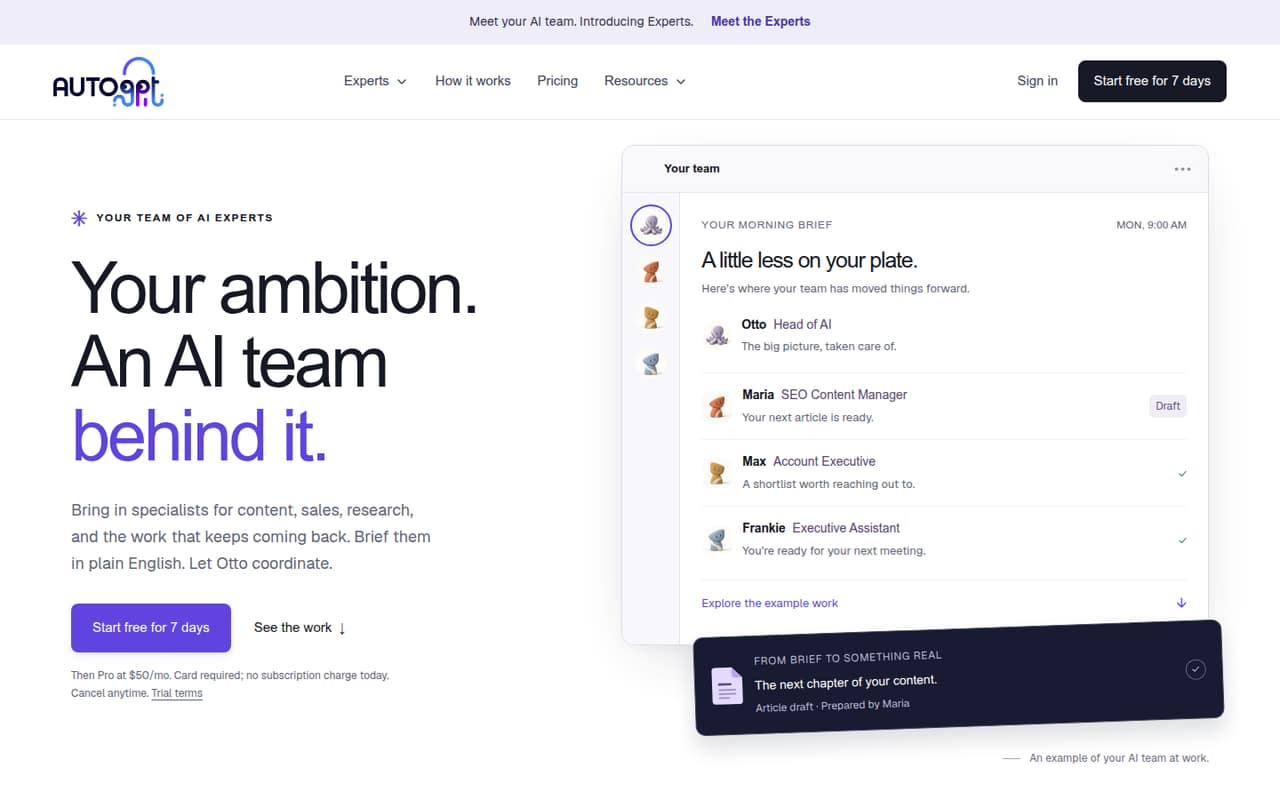
AutoGPT is positioned for repeatable business tasks with human review gates and plain-English briefs. That can fit teams focused on delegation rather than building a developer-facing agent runtime. Its listed starting price is $42.50. The product is not presented as a clearly documented developer API, so ask about integration surfaces and deployment options before making it part of an engineering stack.
What works
- Otto routes plain-English briefs to specialist Experts
- Users can create specialists for their own work
- Connected apps support Experts’ workflows
What doesn't
- Homepage does not name an API, SDK or language
- Rate limits and usage caps are not published
- Credit-wallet pricing is not published
03How we chose
We ranked these tools for developer and technical-team fit, not as a measure of agent quality. We weighed stated API and SDK coverage, documentation, integration options, free tiers and published pricing, plus whether the tool is described as open source or self-hostable. We also considered who owns the model bill, runtime and operational work. Community sentiment, including Reddit reports, is a secondary signal: it can flag setup friction, but it should not replace vendor documentation or a clear account of the deployment you plan to run. We did not claim hands-on testing.
04Check the integration surface before choosing
Start with the work the agent must do and trace the path from your application to the model and tools. Check whether the vendor documents an API, SDKs in your languages, supported messaging channels and the protocols your stack already uses. For MCP-powered workflows, confirm which side implements the protocol and what the agent can access. For Python-oriented projects, inspect how the framework fits your existing application and deployment model. Do not infer an integration from a product description: ask for current docs and an example that matches your use case. Also check how credentials are supplied, whether tools can be restricted, and what happens when an integration fails. A chat connection is not, by itself, evidence of a stable production interface.
05Budget for the system around the agent
A free agent is not necessarily a free deployment. Add model usage, compute, storage, network and maintenance to the software price; for self-hosted tools, your team owns at least some of that work. Ask how model costs change with task volume and whether the product imposes separate usage or rate limits. Confirm the exact open-source license in the repository before redistributing or embedding code; an open-source label alone does not tell you the license terms. Before committing, test a representative workflow in a disposable environment, including a failed model call, an expired credential and an unavailable tool. Check how you can export configuration and task data, and whether moving to another model or runtime requires rewriting workflows.
Questions people ask
Does open source mean the agent is free to run?
No. A free software plan or open-source code does not cover model usage, hosting or operations. For self-hosted agents, include infrastructure and maintenance in the budget. Check the repository’s exact license and the vendor’s current pricing and usage terms before deployment.
Which option should a Python developer evaluate first?
Nanobot is specifically positioned for Python developers building personal agents and chat-based scheduled workflows. Start there if that matches your use case, then verify its current documentation, integration points, deployment requirements and model costs against your application.
What should I verify before deploying a self-hosted agent?
Confirm the deployment process, supported model connections, secret handling, logging, access controls and failure behavior. Also identify who updates the runtime and how you will export configuration and task data. Test these paths in a safe environment before connecting production accounts.
Is AutoGPT a developer API alternative?
AutoGPT is positioned around repeatable business tasks, human review gates and plain-English briefs, rather than a clearly documented developer API. Ask the vendor about supported APIs, SDKs, deployment choices and usage pricing before deciding whether it fits an application integration.