We may earn a commission if you buy through links on this page. It never changes a score or a ranking. How we make money
Workflow automation tools range from hosted app connectors to durable workflow engines and self-hosted, code-first platforms. For developers, that distinction matters more than the size of a connector catalog: it affects how workflows recover from failures, where data runs and how costs change with usage. Temporal Cloud is our best overall pick for long-running workflows; Trigger.dev fits TypeScript teams, while Windmill and n8n offer self-hosting paths. Before committing, check the vendor’s pricing model, deployment options and migration path against your expected workload.
Quick picksThe shortlist
 Temporal CloudTemporal CloudBest overall · $25/mo
 Trigger.devTrigger.devBest for TypeScript · $10/mo
 WindmillWindmillBest for internal tools · $120/mo
 n8nn8nBest visual self-hosting · $20/mo
 ActivepiecesActivepiecesBest open-source app flows · $20/mo
 PipedreamPipedreamBest hosted API integration · $99/mo
 MakeMakeBest visual app automation · $9/mo
 Azure Logic AppsAzure Logic AppsBest for Azure · $175.16/mo
 Power AutomatePower AutomateBest for Microsoft stacks · $15/mo
01Compared at a glance
| Tool | Score | From | Free plan | Trial |
|---|---|---|---|---|
| Temporal CloudTemporal Cloud | 7.5 | $25/mo | No | 90 days |
| Trigger.devTrigger.dev | 7.6 | $10/mo | Yes | — |
| WindmillWindmill | 8.0 | $120/mo | Yes | 1 month |
| n8nn8n | 7.4 | $20/mo | Yes | 14 days |
| ActivepiecesActivepieces | 7.5 | $20/mo | Yes | — |
| PipedreamPipedream | 7.4 | $99/mo | Yes | — |
| MakeMake | 7.1 | $9/mo | Yes | — |
| Azure Logic AppsAzure Logic Apps | 5.5 | $175.16/mo | Yes | — |
| Power AutomatePower Automate | 7.0 | $15/mo | No | 30 days |
02The picks, in detail
- Best overallTemporal CloudTemporal Cloud
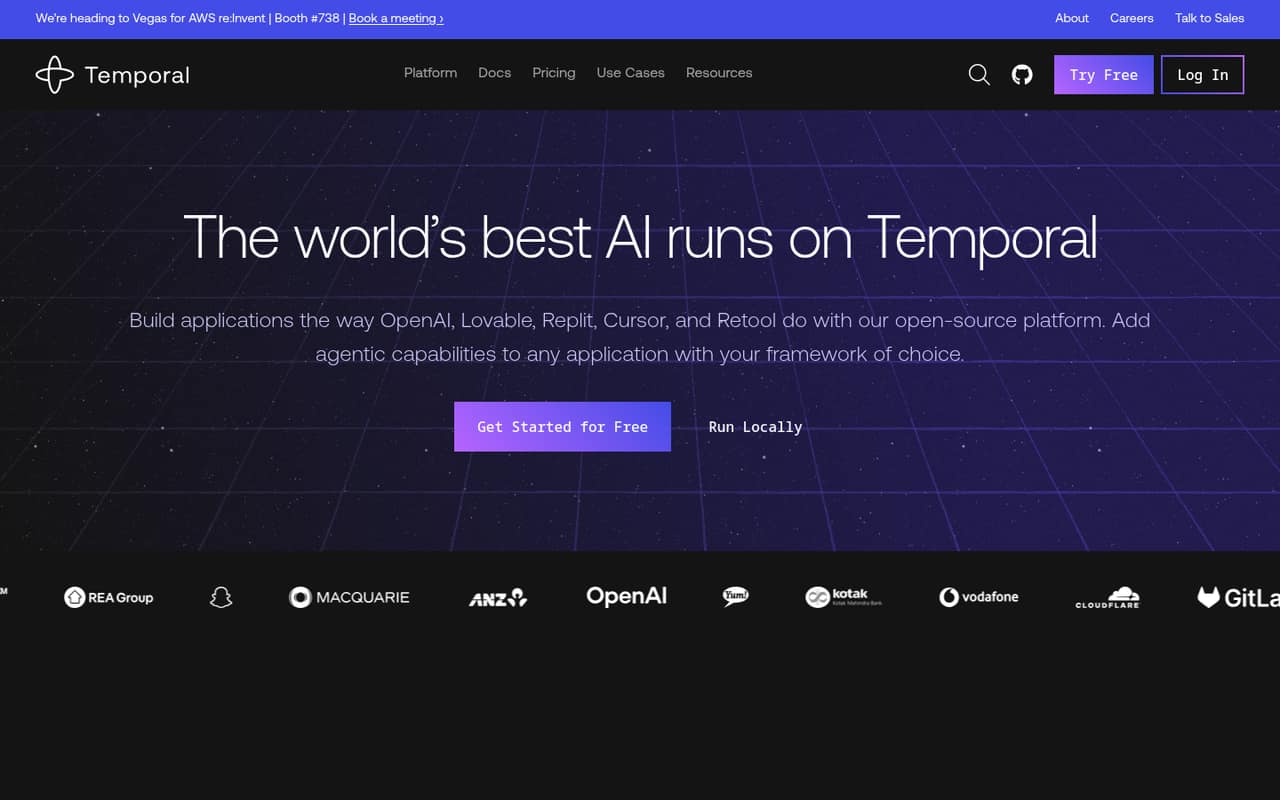
Temporal Cloud is built for long-running workflows that must recover, which makes it a stronger fit than a simple app-to-app connector for failure-prone service calls. It has a self-hosted path and Cloud pricing starts at $25. Check how its usage-based pricing maps to your workload, and confirm the implementation and migration details your team needs.
What works
- Persists workflow state through failures
- Retries failure-prone Activities automatically
- Includes task queues, signals, and timers
What doesn't
- No free Cloud plan
- Actions and storage are billed separately
- SDK languages are not named on the homepage
- Best for TypeScriptTrigger.devTrigger.dev
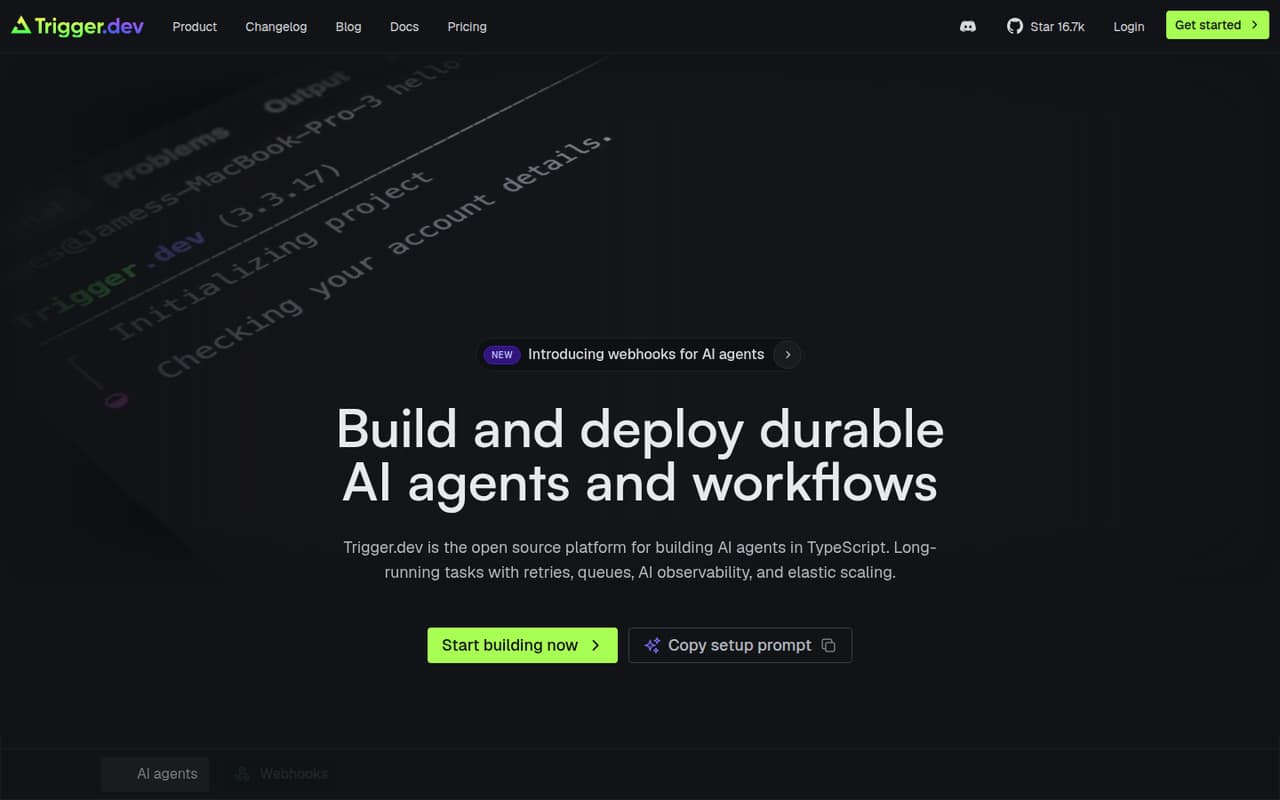
Trigger.dev targets TypeScript teams building durable workflows, including AI agents with approval steps and apps that need task status and streaming. It is open source and self-hostable, with a free plan and pricing from $10. The listed pricing notes compute and run usage, so estimate both before routing production workloads through it.
What works
- Durable tasks include retries, queues and checkpointing
- AI agents support tool calling and human approval
- Realtime status and streams can reach the frontend
What doesn't
- Compute and run invocations add usage-based charges
- Some production capacity and features cost extra
- The main platform is TypeScript-first
- Best for internal toolsWindmillWindmill
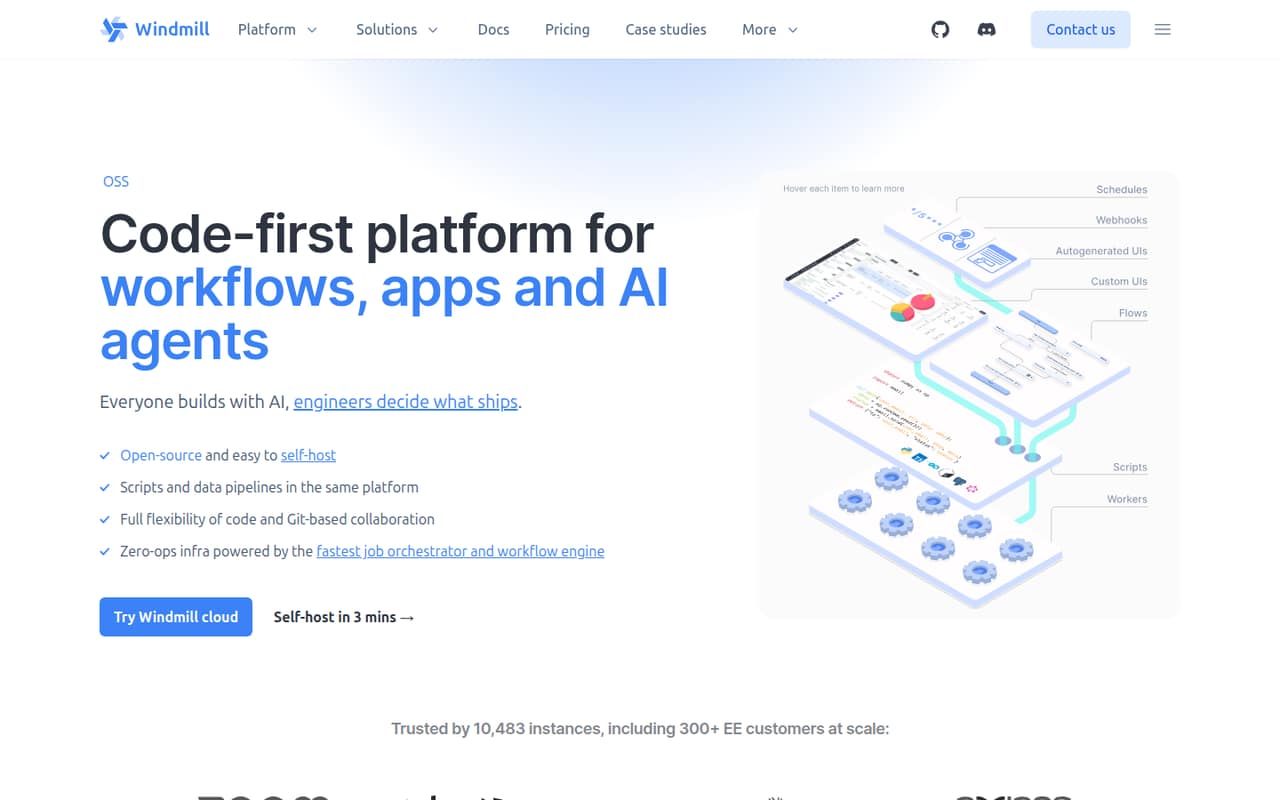
Windmill suits teams building internal developer tools and code-first workflows, with self-hosting available. It is open source, has a free plan and starts at $120. Its costs are tied to seats and compute, so model how your team and workloads will grow rather than comparing the starting price alone. Confirm deployment and migration requirements before adopting it.
What works
- Scripts in 20+ languages become API endpoints and forms
- Workflows support retries, approvals and parallel branches
- Self-hosting options include Docker and Kubernetes
What doesn't
- Enterprise starts at $120 per month
- Builders and workers add recurring costs
- Free plan caps workspaces, users, guests and storage
- Best visual self-hostingn8nn8n
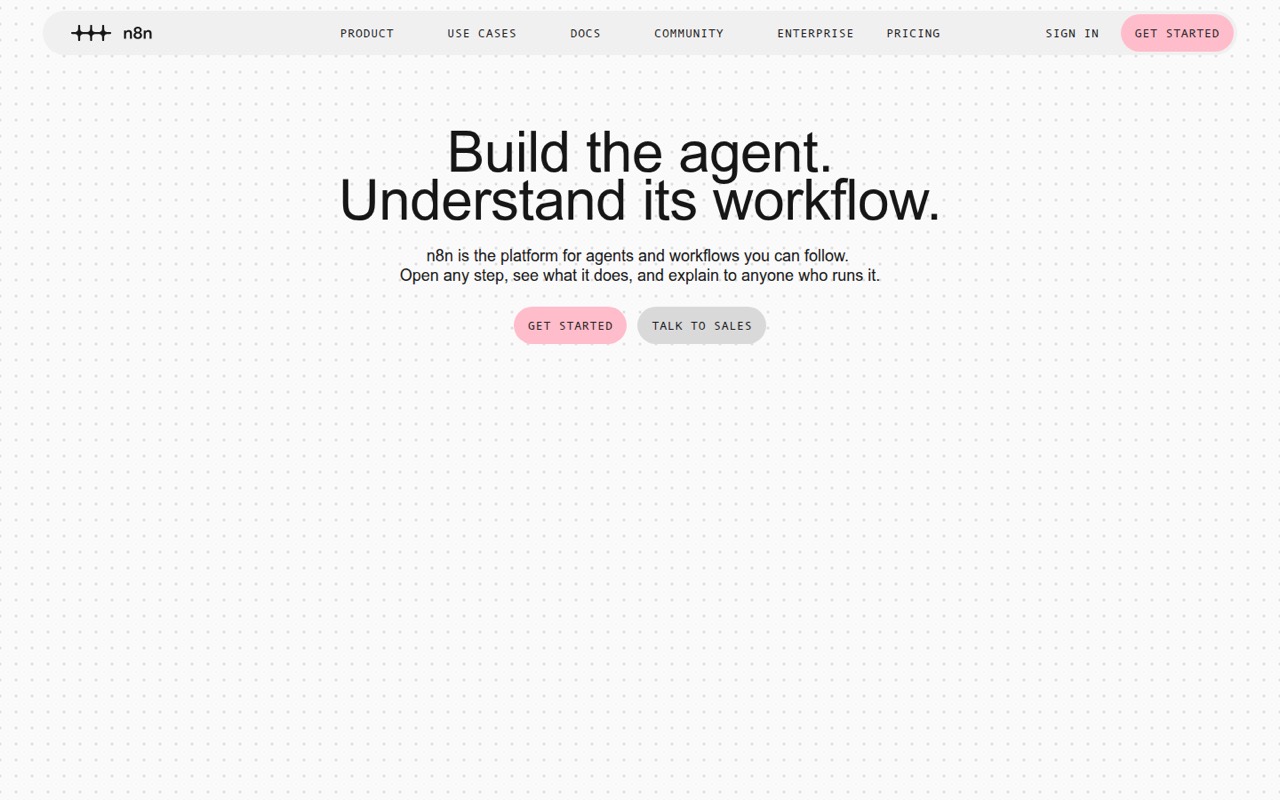
n8n combines visual workflow orchestration with inspectable AI steps, and it can be self-hosted. It is open source and lists a free plan with pricing from $20. That makes it worth considering when a team wants to inspect workflow behavior and control deployment. Verify API coverage and migration needs before making it a shared production dependency.
What works
- Visual workflows can be extended with code
- Past runs expose step-by-step execution details
- Can run on-premises or with Docker
What doesn't
- API, SDK, and language details need verification
- Self-hosting means managing the underlying infrastructure
- Community Edition excludes SSO, LDAP, and queue mode
- Best open-source app flowsActivepiecesActivepieces
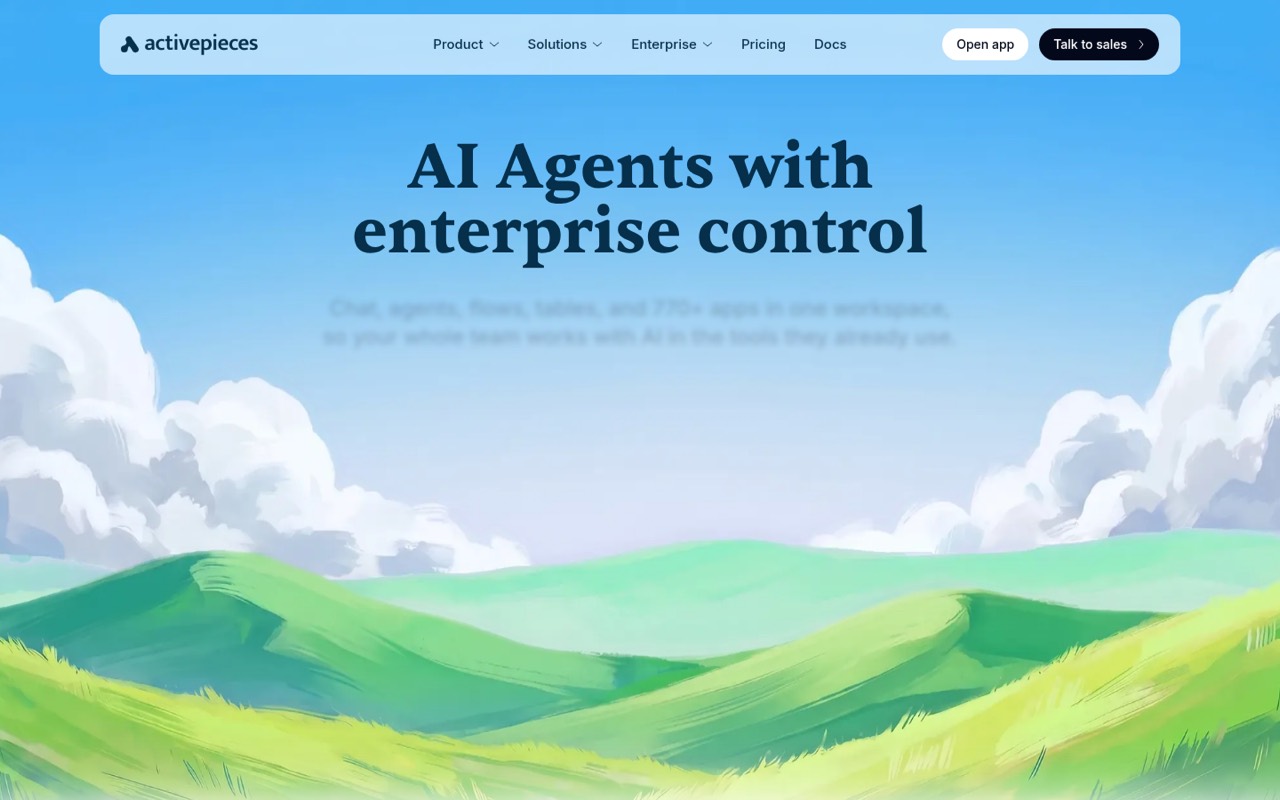
Activepieces combines visual flows with TypeScript steps, and its listed options include self-hosting and air-gapped deployment. It is open source, has a free plan and starts at $20. It fits teams that want connected business apps without giving up code-level steps. Confirm the supported integrations and deployment requirements for your stack before building around it.
What works
- Visual flows support branching, retries and human approvals
- Inline TypeScript handles custom steps
- Cloud, self-hosted and air-gapped deployment options
What doesn't
- API and SDK support needs confirmation in vendor docs
- Free plan is limited to 1,000 monthly credits and five users
- Plus and Team overages add usage charges
- Best hosted API integrationPipedreamPipedream
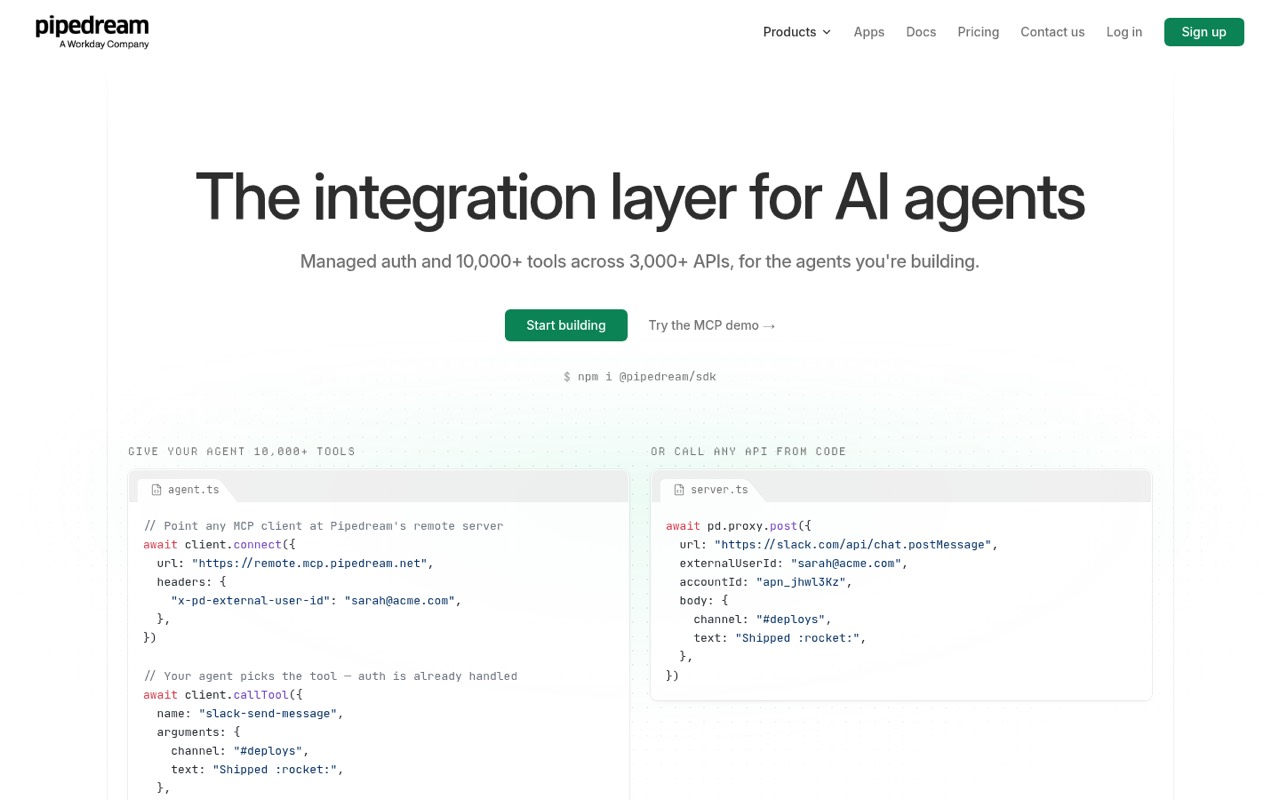
Pipedream is a hosted integration layer for apps that connect many third-party APIs. Its listed strengths include MCP tools for AI apps and avoiding OAuth infrastructure. It has a free plan and starts at $99. Before routing production events through it, verify quotas, recovery behavior and how usage affects your bill.
What works
- Managed OAuth flows, credential storage and token refresh
- 10,000+ tools and triggers across 3,000+ APIs
- Remote MCP server supports per-user authentication
What doesn't
- Free-plan usage allowance is not stated
- Startup usage and external users add variable costs
- Core-platform licence and self-hosting path are not published
- Best visual app automationMakeMake
Make is a hosted option for teams automating across apps with visual workflows and agent-building features. It has a free plan and starts at $9. For developers, the key question is whether its operational limits and pricing fit the volume and failure handling your workflows require. Confirm those details before scaling beyond routine automations.
What works
- Connects to 3,500+ apps out of the box
- Supports visual, prompt-based and MCP building
- Custom code supports JavaScript and Python
What doesn't
- Pricing displays conflict across listings
- Add-on and overage costs are not published
- Free plan allows only two active scenarios
- Best for AzureAzure Logic AppsAzure Logic Apps
Azure Logic Apps fits teams already using Azure services and handling routine workflow automation. It lists a free plan starting at $0, with variable workloads billed per action. That model makes action volume and connector costs important inputs to a cost estimate. Validate the developer tooling and pricing for the services your workflow will call.
What works
- Consumption plan has 4,000 free monthly actions
- No per-seat licensing on Consumption
- Standard plans include built-in operations within provisioned capacity
What doesn't
- Standard and Enterprise Connectors cost extra
- Homepage gives little detail on workflow capabilities
- API, SDK and language support need verification
- Best for Microsoft stacksPower AutomatePower Automate
Power Automate is aimed at Microsoft 365 workflows, approvals and legacy UI automation with RPA. Pricing starts at $15. It is a practical fit for Microsoft-centric teams, but licensing, limits and migration paths need review before scaling. Check how the workflows you build will be governed and maintained across your organization.
What works
- More than 1,000 API connectors
- Cloud flows and desktop RPA in one product
- Attended and unattended automation options
What doesn't
- Premium starts at $15 per user monthly, billed yearly
- Unattended bots require per-bot licensing
- Trial is limited to 30 days
03How we chose
We ranked tools by developer fit: workflow model, code-level options, deployment choices and the practical cost signals in their listed plans. We gave more weight to open-source and self-hostable tools where those options are stated, and considered free plans and usage-based pricing alongside starting prices. We also treat Reddit sentiment as a signal for operational friction, not as proof of performance. This is a guide based on published product positioning and pricing, not hands-on testing; confirm limits, API coverage and migration terms with each vendor.
04Choose the workflow model before the connector list
Start by deciding whether you need app-to-app automation, a code-first job runner or a durable workflow engine. Visual tools such as Make and n8n are built around connecting services and composing flows. Trigger.dev targets TypeScript teams, while Temporal Cloud is positioned for long-running workflows that must recover. Those are different architectural choices, not interchangeable ways to draw the same diagram.
Then check how a workflow handles the conditions your application depends on: retries, long waits, human approvals, event delivery and failure recovery. The available product details do not establish that every tool supports the same behavior, so ask for documentation and limits for your specific use case. Confirm whether you can version workflows, inspect run state and export definitions. If an automation becomes business-critical, plan for ownership, alerting and a migration path before it runs unattended.
05Model cost, hosting and exit options
A starting price is not a production estimate. Compare the listed pricing model with the work your flows perform: Trigger.dev notes compute and run usage, Windmill ties production costs to seats and compute, and Azure Logic Apps bills variable workloads per action. Make and other hosted tools also need a cost check before scaling. Estimate the volume and frequency of runs, then ask vendors how retries, failed runs and development environments affect billing.
Deployment affects more than infrastructure spend. n8n, Temporal Cloud, Windmill, Trigger.dev and Activepieces are listed as open source and self-hostable; Activepieces also lists air-gapped deployment. If you need to keep workflow data inside your environment, verify what self-hosting covers and which features require a hosted plan. Before adopting any platform, confirm export formats, API access, plan limits and whether workflow definitions can move to another runtime.
Questions people ask
What is the best workflow automation tool for developers?
It depends on the workflow. Temporal Cloud is our overall pick for long-running workflows that must recover. Trigger.dev is aimed at TypeScript teams, while Windmill and n8n offer open-source, self-hostable options. Compare deployment, usage pricing and recovery requirements before choosing.
Which workflow automation tools are open source and self-hostable?
The listed open-source, self-hostable options are n8n, Temporal Cloud, Windmill, Trigger.dev and Activepieces. Activepieces also lists air-gapped deployment. Check each vendor’s current licence, feature availability and hosting requirements before planning a production deployment.
Which workflow automation tools have a free plan?
The listed tools with a free plan include Zapier, n8n, IFTTT, Pipedream, Make, Tines, Relay.app, Temporal Cloud, Windmill, Trigger.dev, Activepieces and Azure Logic Apps. A free plan does not establish production limits; check quotas and overage pricing before relying on it.
How should developers estimate workflow automation costs?
Start with the vendor’s pricing unit and estimate workflow runs, actions, compute and seats for your expected usage. The listed models include per-action billing for Azure Logic Apps and seat-and-compute costs for Windmill. Ask how retries, failed runs, test environments and higher-volume usage affect the bill.