We may earn a commission if you buy through links on this page. It never changes a score or a ranking. How we make money
For technical teams, the best no-code app builder is one that fits the existing stack and leaves a workable exit path. Baserow and Budibase lead this ranking for their open-source and self-hosting options; Create, NocoDB and WeWeb are also worth evaluating for app-building flexibility or backend connections. Pricing starts vary widely, and a free plan does not establish what production usage will cost. Before committing, check API limits, deployment options, data export and the work required to move the app and its data elsewhere.
Quick picksThe shortlist
 BaserowBaserowBest open source · $10/mo
 BudibaseBudibaseBest self-hosted apps · $299/mo
 CreateCreateBest full-stack prototypes · $19/mo
 NocoDBNocoDBBest database interface · $12/mo
 WeWebWeWebBest visual frontend · $13/mo
 MochaMochaBest browser app builder · $19/mo
 VIKTORVIKTORBest for engineering apps · Free
 SuperblocksSuperblocksBest governed internal apps · $100/mo
 AppSheetAppSheetBest for Google teams · $5/mo
 QuickbaseQuickbaseBest for operations apps · $35/mo
 StackerStackerBest for data portals · $29/mo
 NolocoNolocoBest for client portals · $65/mo
 KnackKnackBest database-backed apps · $49/mo
 kintonekintoneBest workflow handoffs · $16/mo
 ThunkableThunkableBest mobile MVPs · $18/mo
 Jotform AppsJotform AppsBest form-based apps · $34/mo
 CaspioCaspioBest for governed portals · $270/mo
 FlootFlootBest chat-first builder · $20.83/mo
 Rocket.newRocket.newBest for idea validation · $20/mo
 AdaloAdaloBest app-store prototypes · $52/mo
 GoodBarberGoodBarberBest for content apps · $30/mo
 Appy PieAppy PieBest simple mobile apps · $16/mo
 AppMySiteAppMySiteBest for WordPress publishers · $49/mo
 MarblismMarblismBest for AI workflows · $24/mo
 UnqorkUnqorkBest for enterprise governance · Custom
 KissflowKissflowBest for enterprise workflows · $2,500/mo
01Compared at a glance
| Tool | Score | From | Free plan | Trial |
|---|---|---|---|---|
| BaserowBaserow | 7.6 | $10/mo | Yes | — |
| BudibaseBudibase | 7.6 | $299/mo | Yes | 14 days |
| CreateCreate | 7.2 | $19/mo | Yes | — |
| NocoDBNocoDB | 7.2 | $12/mo | Yes | — |
| WeWebWeWeb | 6.5 | $13/mo | Yes | — |
| MochaMocha | 7.0 | $19/mo | Yes | — |
| VIKTORVIKTOR | 6.5 | Free | Yes | — |
| SuperblocksSuperblocks | 6.6 | $100/mo | No | 14 days |
| AppSheetAppSheet | 6.8 | $5/mo | Yes | — |
| QuickbaseQuickbase | 6.5 | $35/mo | No | 30 days |
| StackerStacker | 6.6 | $29/mo | No | 30 days |
| NolocoNoloco | 6.8 | $65/mo | Yes | 14 days |
| KnackKnack | 6.8 | $49/mo | No | — |
| kintonekintone | 6.5 | $16/mo | No | 30 days |
| ThunkableThunkable | 6.9 | $18/mo | Yes | — |
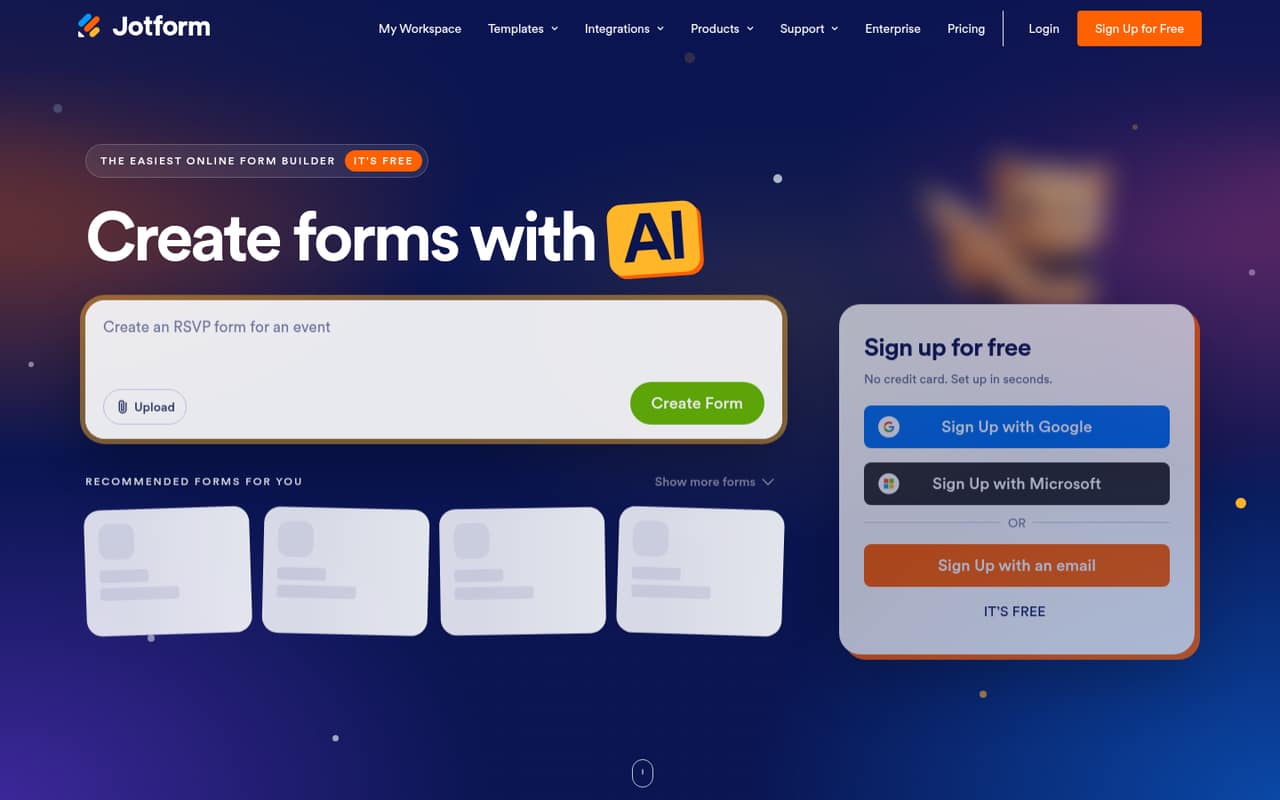
| Jotform AppsJotform Apps | 6.0 | $34/mo | Yes | — |
| CaspioCaspio | 6.8 | $270/mo | No | — |
| FlootFloot | 6.6 | $20.83/mo | Yes | — |
| Rocket.newRocket.new | 6.2 | $20/mo | Yes | — |
| AdaloAdalo | 6.1 | $52/mo | Yes | — |
| GoodBarberGoodBarber | 6.5 | $30/mo | No | 30 days |
| Appy PieAppy Pie | 5.8 | $16/mo | No | 7 days |
| AppMySiteAppMySite | 5.6 | $49/mo | Yes | — |
| MarblismMarblism | 5.4 | $24/mo | No | — |
| UnqorkUnqork | 5.4 | Custom | No | — |
| KissflowKissflow | 5.8 | $2,500/mo | No | — |
02The picks, in detail
- Best open sourceBaserowBaserow
Baserow combines an open-source, self-hostable database and app platform with automation and API integrations, making it a strong fit for teams replacing spreadsheet workflows. Its listed starting price is $10, with a free plan. Confirm API and plan limits before scaling, and verify that the deployment and data-management model match your production requirements.
What works
- Cloud and self-hosted deployment options
- Grid, Kanban, calendar and other views
- No-code applications, dashboards and workflows
What doesn't
- No language-specific SDK is named on the homepage
- API rate limits are not published there
- Free plan caps rows, storage and automation credits

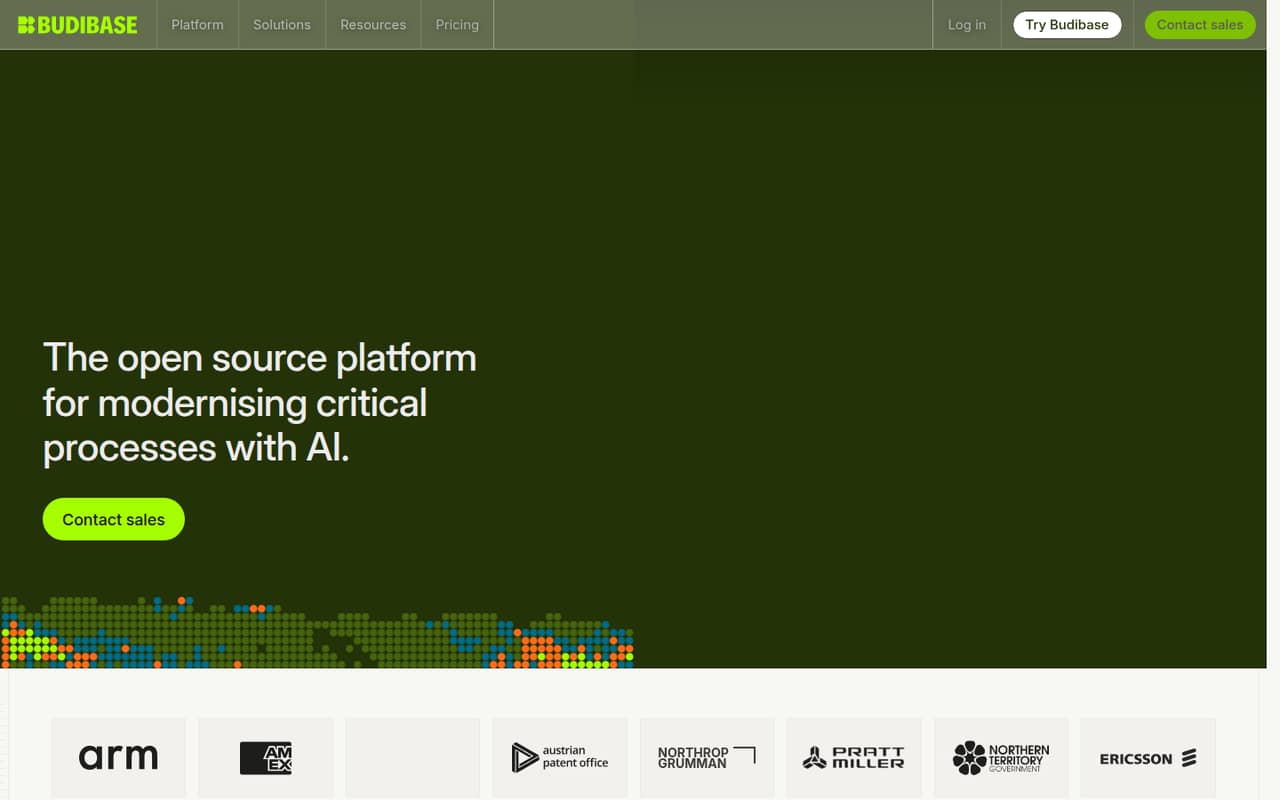
- Best self-hosted appsBudibaseBudibase
Budibase is an open-source, self-hostable platform for internal apps, spreadsheet replacement and processes such as approvals and inspections. That deployment choice gives technical teams more control than a hosted-only builder. Its listed starting price is $299, with a free plan; check which limits apply to your intended deployment and how you would export app definitions and data.
What works
- Community plan lists unlimited users and apps
- Self-hosting supports private and air-gapped environments
- Apps, agents and automations share one platform
What doesn't
- SDKs, languages and API rate limits are not published
- Cloud action limits are hard limits
- Enterprise pricing is not listed
- Best full-stack prototypesCreateCreate
Create turns prompts into hosted web and mobile apps, and its listed use cases include internal tools and connections to existing REST APIs. It starts at $19 and has a free plan. That makes it a candidate for prototypes that need to reach an API, but check production usage costs, rate limits and data or code export before using it for a customer-facing service.
What works
- Generates web and mobile apps from prompts, screenshots, and documents
- Provisions PostgreSQL, serverless functions, and file storage
- Supports Stripe, RevenueCat, authentication, and API connectors
What doesn't
- Free-plan limits and inclusions are not stated
- Monthly billing rates are not stated
- Additional credit prices are not stated

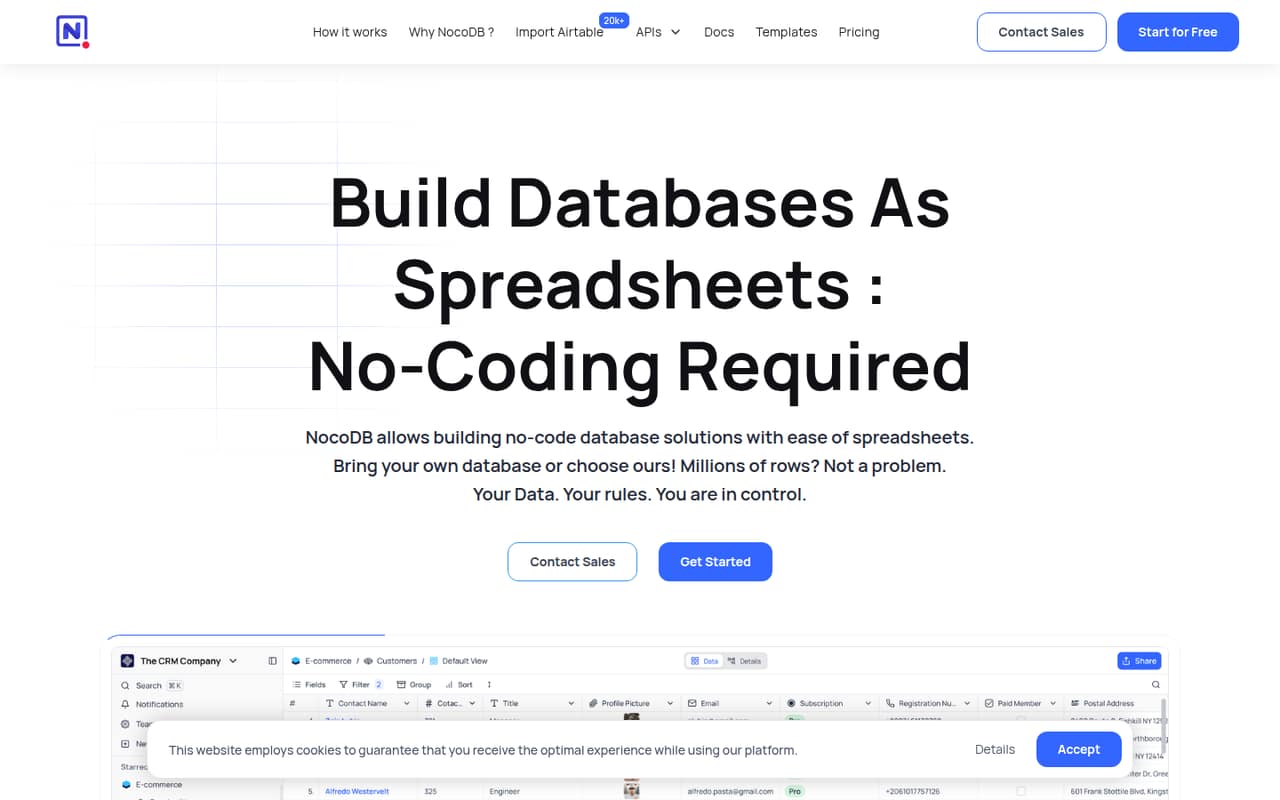
- Best database interfaceNocoDBNocoDB
NocoDB adds a spreadsheet-style interface to databases, including Postgres and MySQL, and is aimed at internal tools with modest API call needs. It starts at $12 and has a free plan. Compare the self-hosting trade-offs and API caps against your expected workload, and establish how the app behaves if you need to move databases or replace the interface.
What works
- Connects to Postgres and MySQL
- Offers Grid, Kanban, Gallery, Form and Calendar views
- Provides both API and SQL access
What doesn't
- Cloud plans cap records, storage and API calls
- Plus does not support external database connections
- No SDK language or rate-limit details are stated
- Best visual frontendWeWebWeWeb
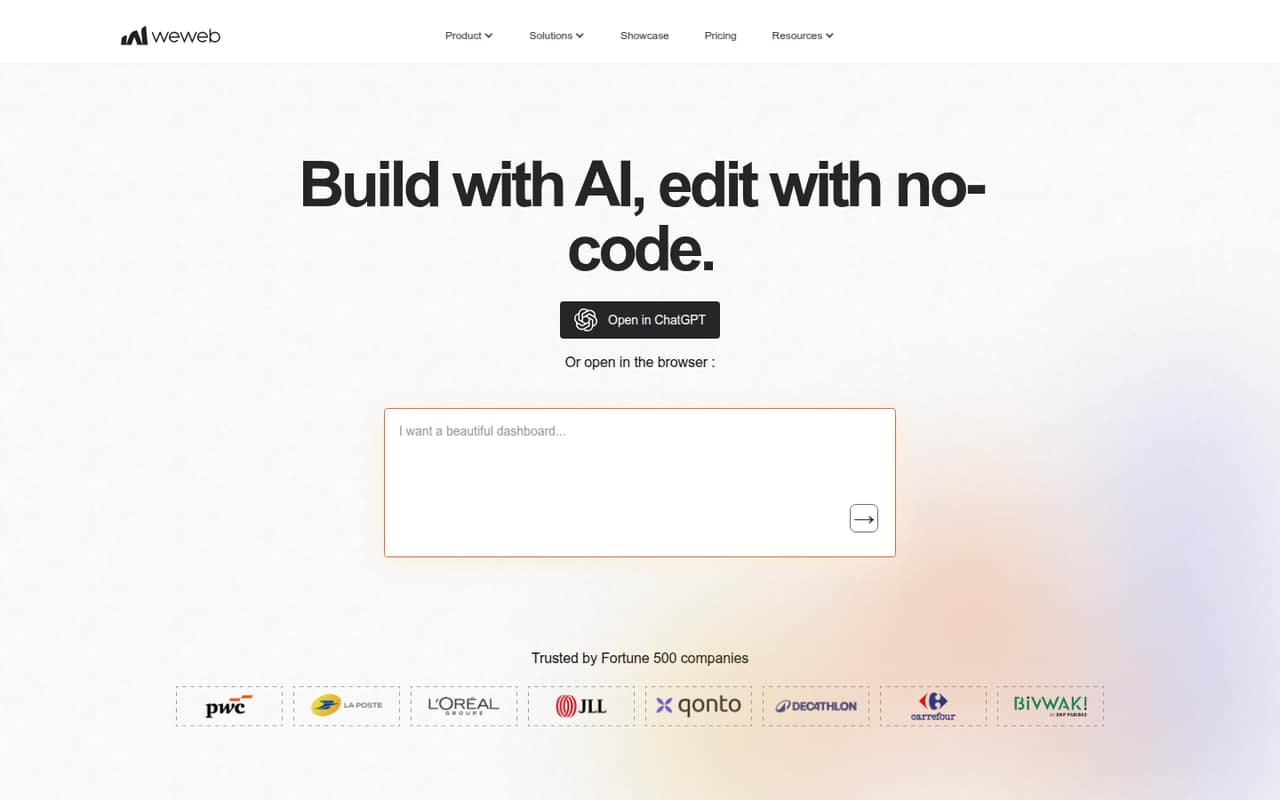
WeWeb is a visual frontend builder for teams connecting external backends, and its listed use cases include MVPs with a Vue.js exit path. It is self-hostable and starts at $13, with a free plan. It does not remove the need to make technical decisions: validate how the frontend connects to your backend, what you can export and what self-hosting requires.
What works
- Generates interfaces, databases, APIs and frontend logic
- Visual editor supports branching workflows
- Exports a production-ready Vue.js single-page app
What doesn't
- SDKs, CLI and API protocols need verification
- Some plan limits are app-specific and usage-based
- Monthly prices are not published
- Best browser app builderMochaMocha
Mocha is a browser-based builder for full-stack apps, suited to founders and small teams prototyping branded products. It starts at $19 and has a free plan, and the published product details identify source export as an option. The platform itself is not self-hosted, so check what the export includes and whether you can deploy and maintain the result independently.
What works
- Generates React, TypeScript, Hono and SQLite code
- Combines authentication, database and hosting
- Supports iterative changes through prompts
What doesn't
- Builder and runtime are proprietary and hosted
- Free plan publishes only one app
- Credit-bundle and overage prices are unpublished
- Best for engineering appsVIKTORVIKTOR
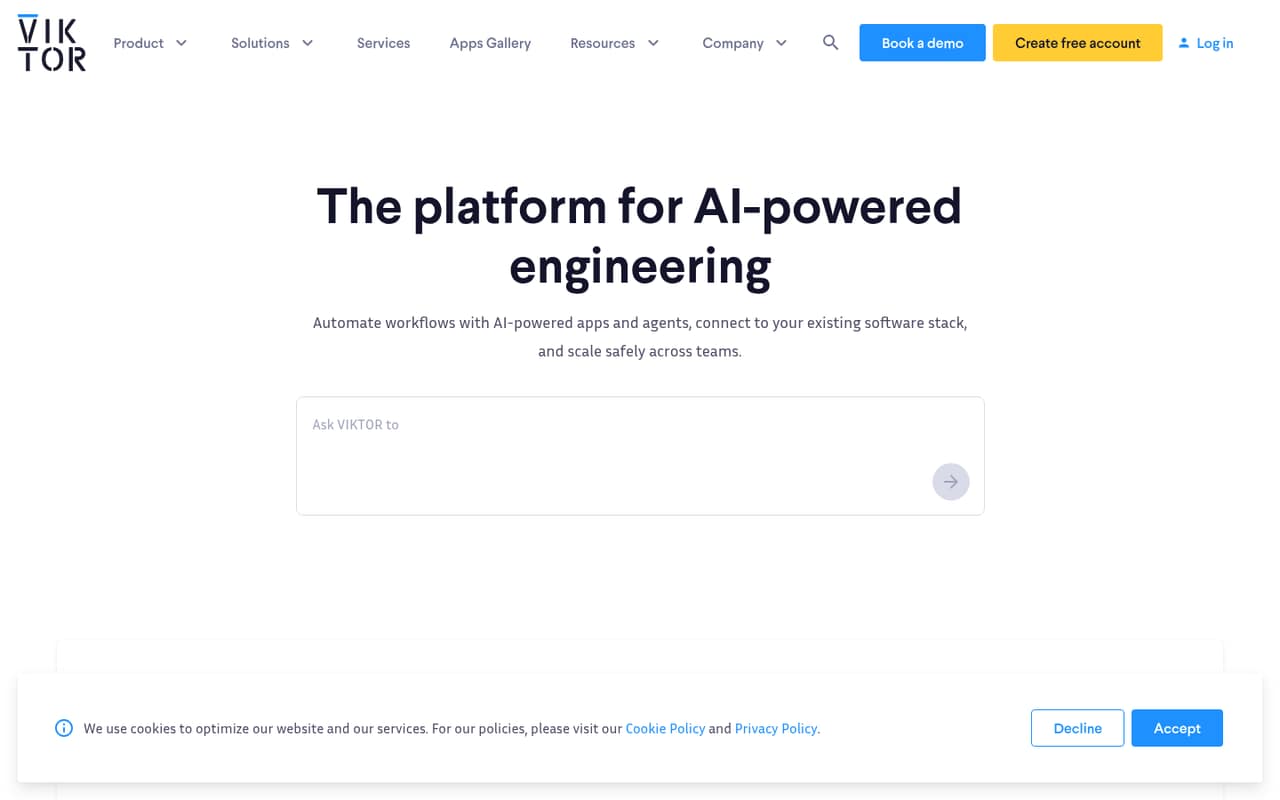
VIKTOR targets engineering teams that want to productize calculations, build discipline-specific internal apps and automate repeatable workflows. It has a free plan, but its paid starting price is listed as unavailable. Ask about deployment options, API access, user or execution limits and the cost of the production configuration you need before building a critical engineering workflow on it.
What works
- Examples cover multiple engineering disciplines
- Build and publish apps on the Free plan
- Individual includes private apps and integrations
What doesn't
- Paid plan prices are not published
- Free apps are public and usage-limited
- Credit usage rules are not published
- Best governed internal appsSuperblocksSuperblocks
Superblocks is aimed at teams governing AI-built internal apps and agents, including organizations deploying in an AWS VPC. It is self-hostable and starts at $100. That makes it relevant when deployment control and centralized permissions matter, but confirm the included developer tools, pricing basis, runtime limits and responsibilities for operating the self-hosted environment.
What works
- Centralizes MCP, API and database access policies
- Supports multiple coding agents
- Enterprise plan offers AWS VPC deployment
What doesn't
- No free plan; trial lasts 14 days
- SDKs, languages and CLI are not established
- Enterprise pricing is custom

- Best for Google teamsAppSheetAppSheet
AppSheet is a no-code layer for business workflows, internal apps and data capture, particularly for teams already using Google Workspace. It starts at $5 and offers a free plan. Google-platform dependence is a factor in the choice: verify the integrations and API behavior your app needs, then model user-based costs at the size of your actual deployment.
What works
- Connects to Google Workspace and third-party services
- Supports forms, barcodes, locations, signatures and photos
- Automates workflows with triggers, conditions and branches
What doesn't
- Per-user pricing grows with signed-in and guest users
- Database and row limits vary by plan
- A Reddit user describes a steep learning curve

- Best for operations appsQuickbaseQuickbase
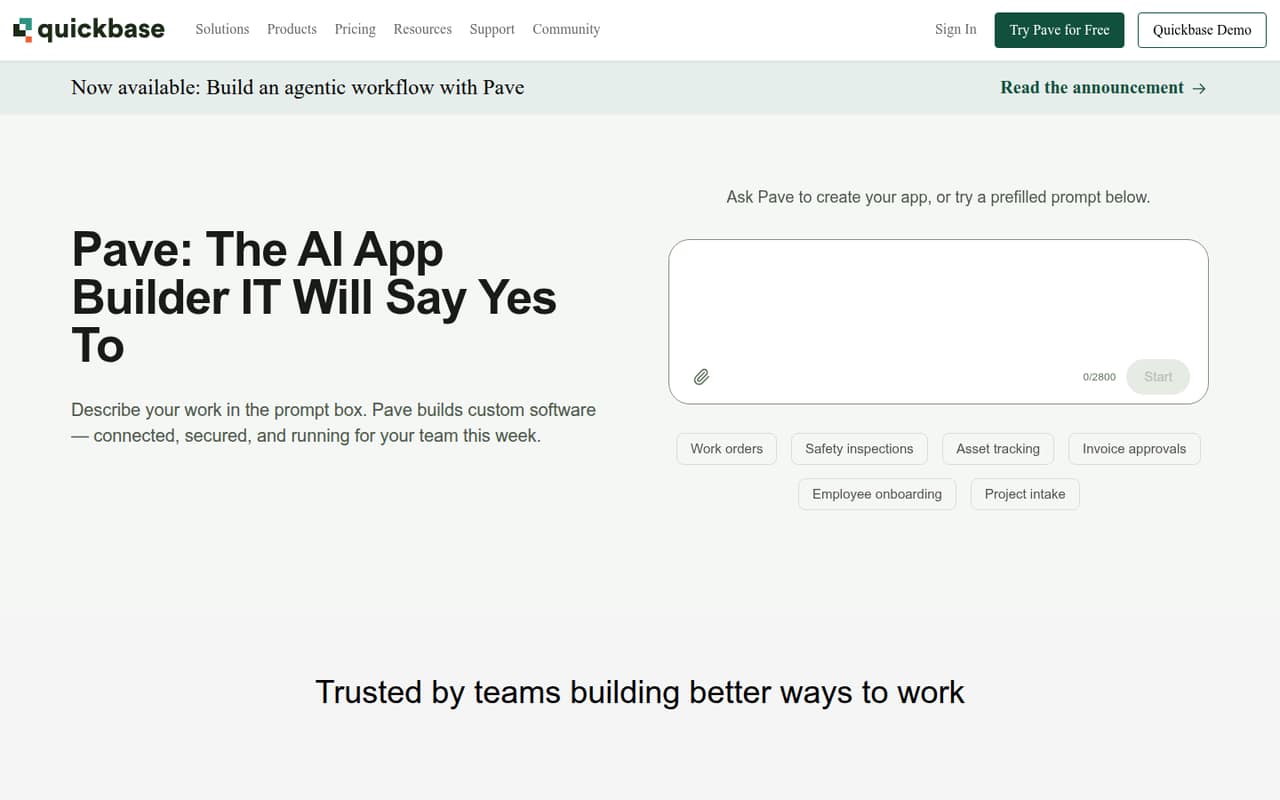
Quickbase helps operations teams build custom internal apps for manual workflows, project coordination and field work. Its listed starting price is $35. The main buying checks are per-user cost and platform limits: estimate the total for builders and users, then confirm API access, integration requirements and the practical options for exporting data if the workflow later moves.
What works
- Build custom apps without coding
- Connect timelines, approvals and resources
- Automate repeatable processes across teams
What doesn't
- No free plan
- Annual prices start at $35 per user monthly
- Platform minimum amount is not published
- Best for data portalsStackerStacker
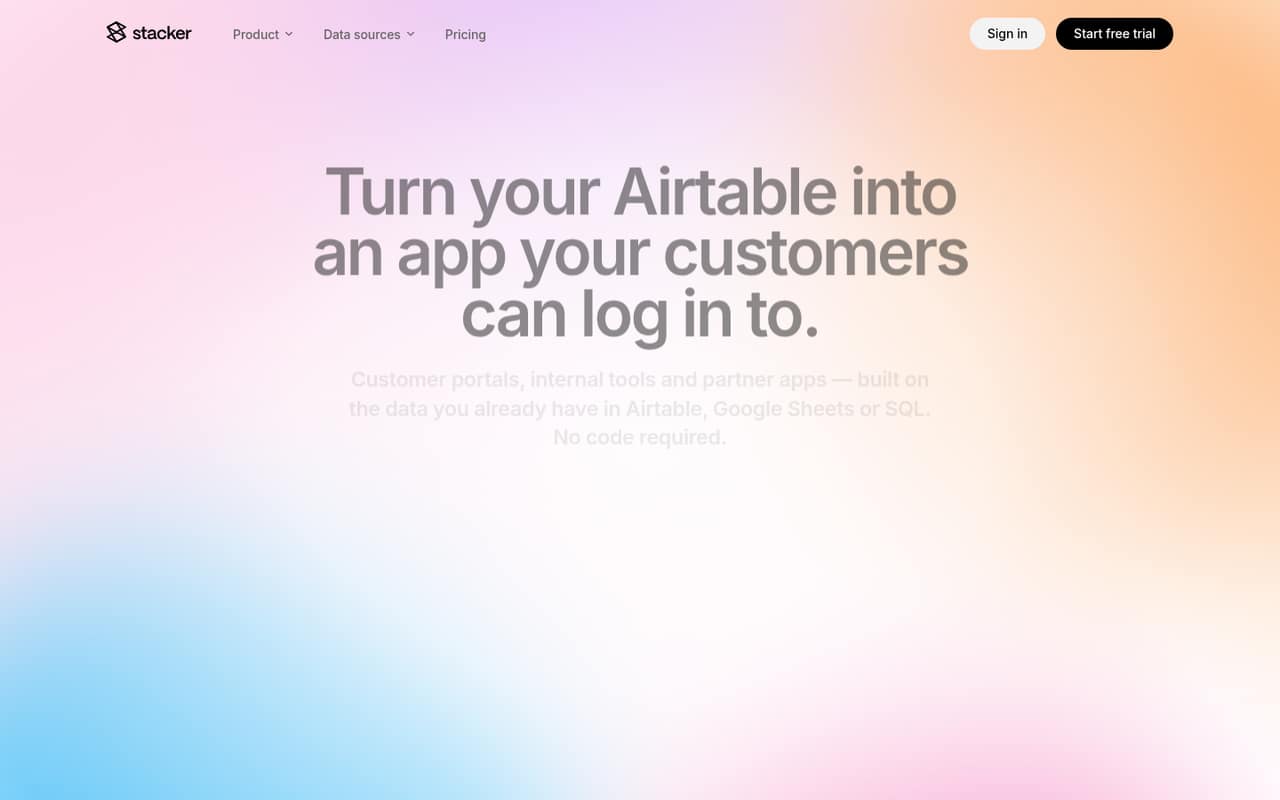
Stacker builds portals and internal tools over Airtable, Sheets or SQL, which can help teams avoid creating a custom frontend for existing business data. It starts at $29. The stack is hosted and plan-limited, so check which data sources and permissions your project needs, what the plan caps are and how you can retrieve data independently.
What works
- Connects to Airtable, Google Sheets, and SQL
- Two-way sync reads and writes connected data
- Builds forms, layouts, and record-editing pages
What doesn't
- No free plan; trial lasts 30 days
- SDKs and API details are not named
- Starter limits users, apps, and tables
- Best for client portalsNolocoNoloco
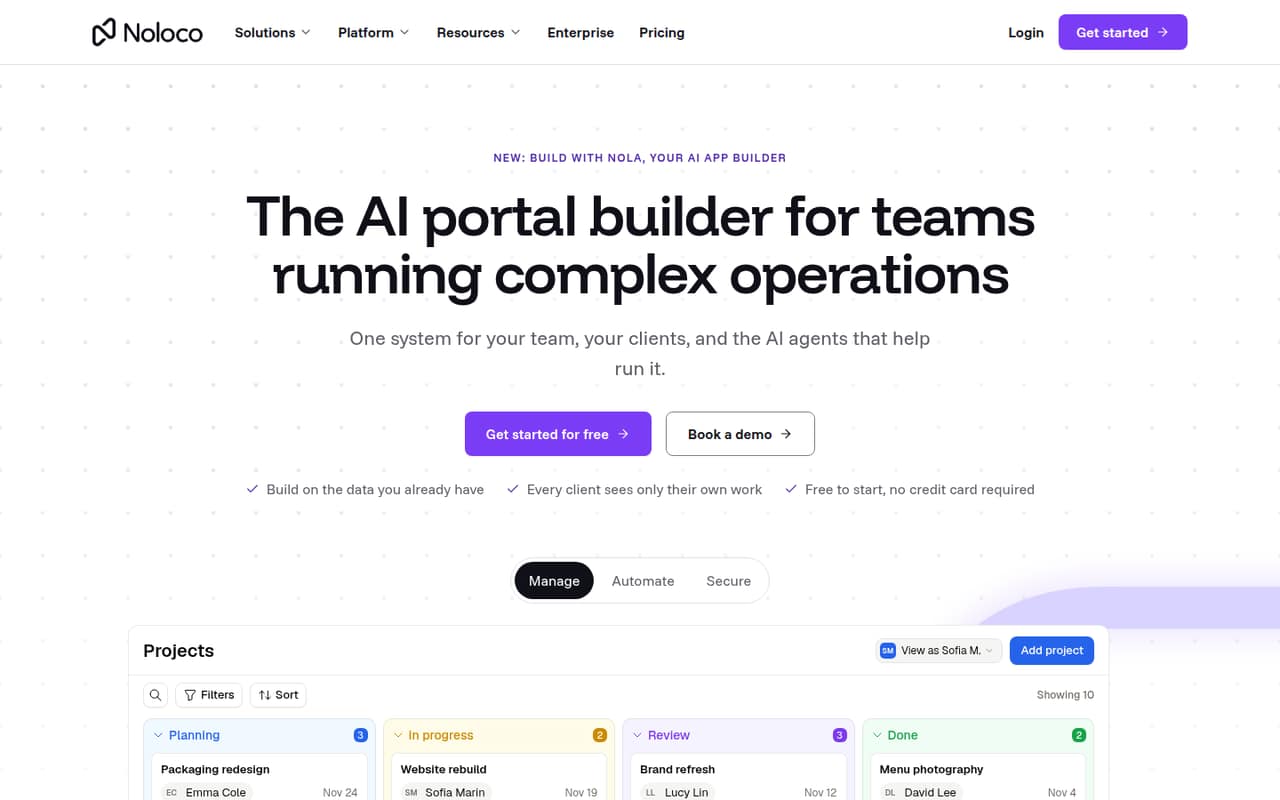
Noloco is a hosted builder for data-driven operations, including client portals and internal tools with role-based access. Its listed starting price is $65, with a free plan. It can suit teams working with Airtable or Sheets, but is not positioned as a developer platform with a documented API stack; verify integrations, access controls and data export before adopting it.
What works
- Connects Airtable, Google Sheets, Postgres and SmartSuite
- Builds pages with a point-and-click editor
- Controls access by role, record, field and action
What doesn't
- No SDK, programming language or CLI is named
- No self-hosted deployment path is listed
- Record and workflow limits can add costs
- Best database-backed appsKnackKnack
Knack offers a hosted way to build database-backed business applications, including internal apps and customer or patient portals. It starts at $49. The trade-off is less code-level control than a custom application. Check API coverage, authentication and data portability against your requirements, and estimate the recurring cost for the people who will use the app.
What works
- Relational database, app logic and permissions in one hosted platform
- AI-powered app building from prompts
- Workflow automation with triggers, emails and notifications
What doesn't
- No free plan is listed in the pricing details
- No SDK languages or API protocols are named on the homepage
- Record, storage and AI-credit allowances vary by plan
- Best workflow handoffskintonekintone
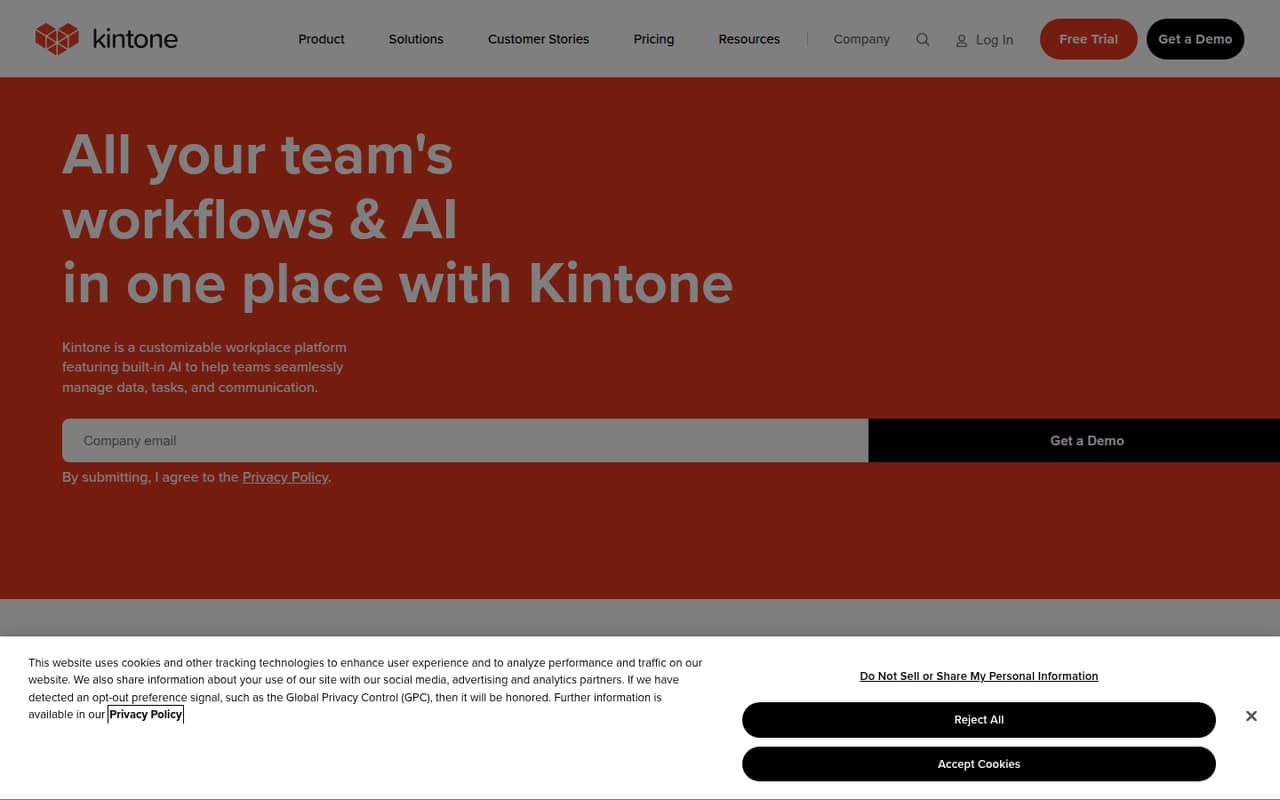
Kintone is a visual app and workflow builder for teams replacing spreadsheets, handling approvals and coordinating task handoffs. Its listed starting price is $16. The hosted model may fit business-owned applications, but technical teams should verify API details and integration behavior with the vendor, along with plan limits, access controls and the process for exporting app data.
What works
- Drag-and-drop business app creation
- Spreadsheet data can become collaborative apps
- Approvals, reminders, and task handoffs
What doesn't
- No free plan; trial lasts 30 days
- Additional user pricing is unpublished
- API protocols and SDKs need confirmation
- Best mobile MVPsThunkableThunkable
Thunkable targets mobile MVPs built without coding, including apps that need native device features. It starts at $18 and has a free plan. The editor and plan boundaries deserve close review: confirm that the device capabilities, publishing path and usage limits fit the app, and determine what happens to the project if you outgrow the builder.
What works
- Generates screens, layouts and logic from prompts
- Combines AI, visual editing and direct code edits
- Supports phone previews before publishing
What doesn't
- Free plan cannot publish apps
- Private projects start on Accelerator
- One live app is included on Builder
- Best form-based appsJotform AppsJotform Apps
Jotform Apps is a no-code option for teams turning intake forms, payment collection and workflows into apps. It starts at $34 and has a free plan. Its strongest fit is form-led work rather than code-first development. Check the integrations and plan limits you need, and decide whether its form and workflow model can support the app beyond the initial use case.
What works
- Conditional logic, payments, reports, and workflows
- Custom logos, fonts, and colors
- 150+ integrations with business apps
What doesn't
- Starter limits submissions to 100 monthly
- Over-quota forms can be disabled
- API and SDK details need confirmation
- Best for governed portalsCaspioCaspio
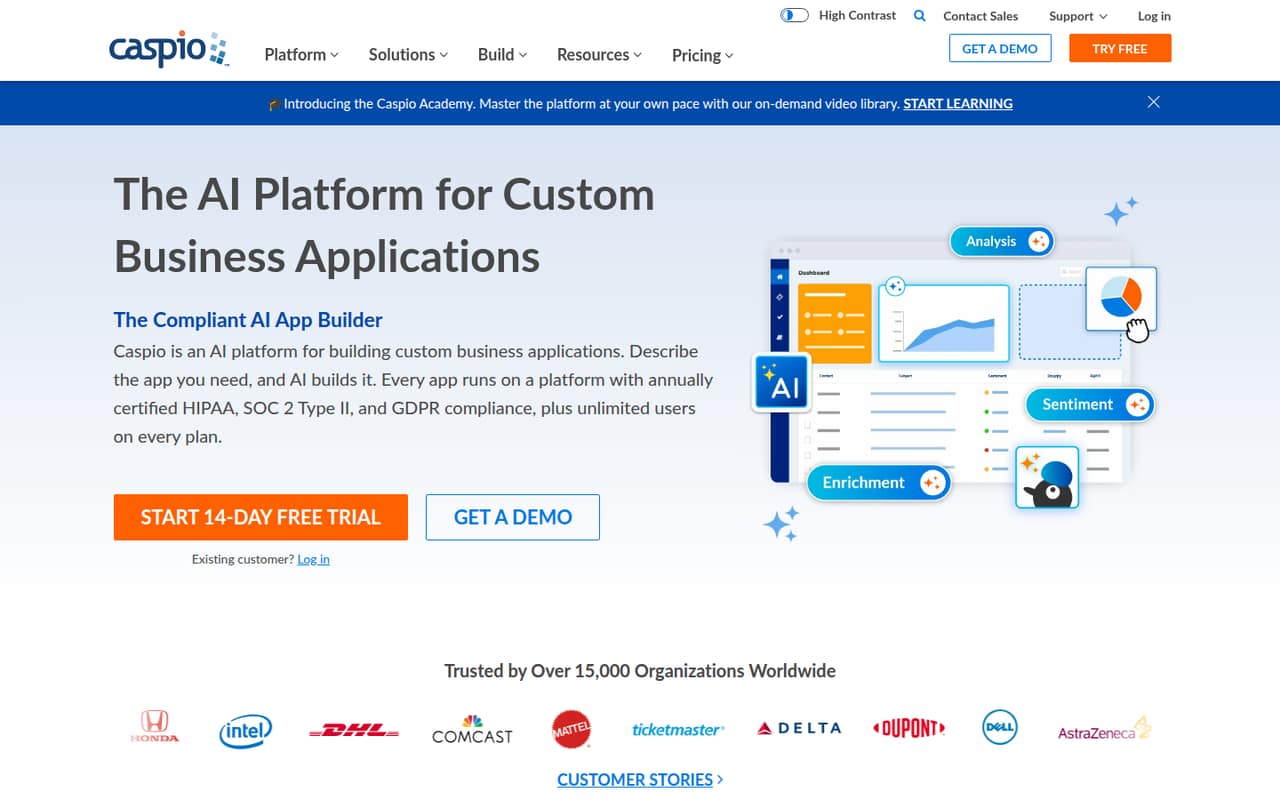
Caspio is a hosted low-code platform for database replacement, regulated business applications and internal portals with many users. It starts at $270. Teams evaluating it should model the paid plan against their user and application needs, then scrutinize governance, API access and portability. Confirm what data and app components can be exported before treating it as a long-term system of record.
What works
- Visual builder and AI app generation
- SQL Server database with role- and record-level security
- Unlimited app users on every listed plan
What doesn't
- No free plan; trial lasts 14 days
- Annual Team plan starts at $270/month
- SDKs and supported languages are not named on the homepage
- Best chat-first builderFlootFloot
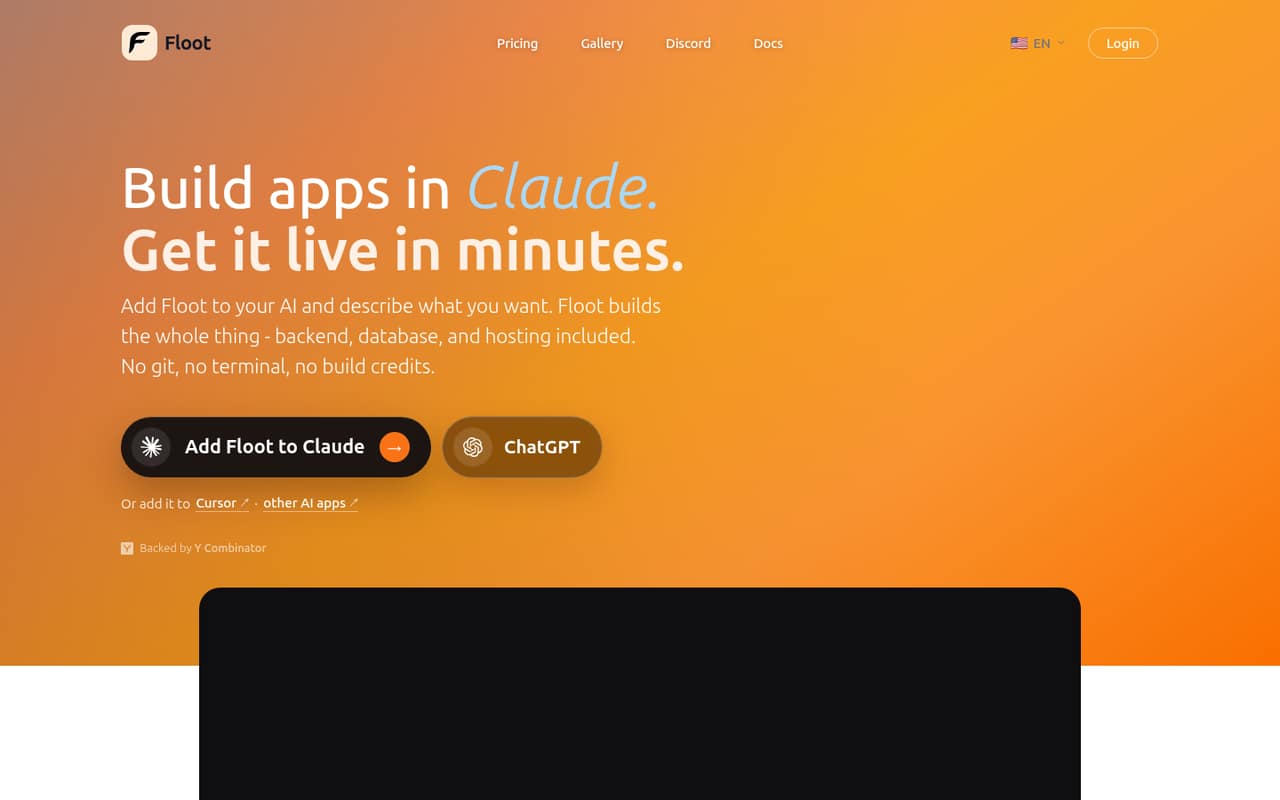
Floot lets nontechnical builders create hosted apps through AI chat and is aimed at small apps and prototypes. It starts at $20.83 and has a free plan. Its limits on control and portability matter if a prototype becomes a production service: check whether the app can be exported, how it connects to external services and what usage limits apply.
What works
- Build and refine apps through AI chat
- Backend, database and hosting are included
- Supports web and app-store publishing
What doesn't
- Free plan includes no hosting or AI credits
- No published SDK, language or CLI details
- Source code and self-hosting terms are unclear
- Best for idea validationRocket.newRocket.new
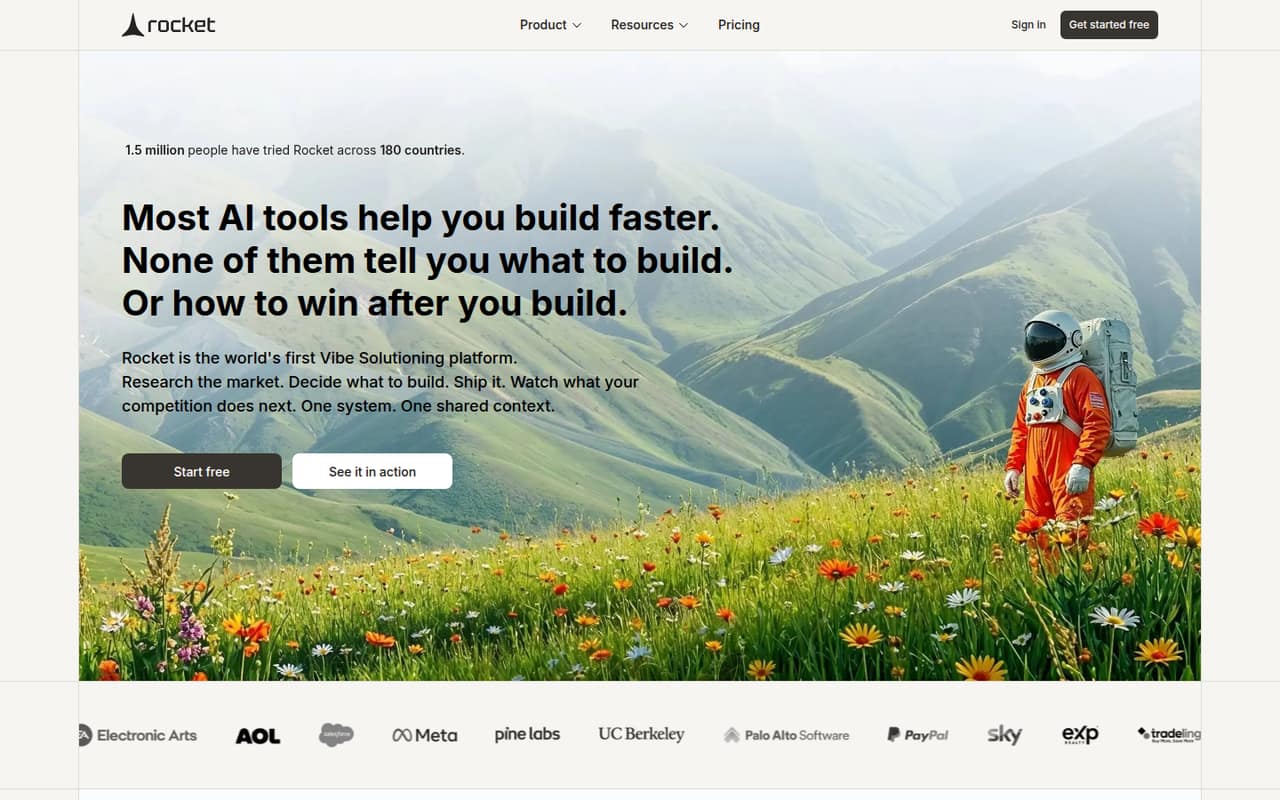
Rocket.new combines research, app building and competitor tracking for founders and teams validating product ideas. It starts at $20 and has a free plan. That combination may help with early exploration, but production teams should verify portability, API and integration options, plan limits and the deployment path before relying on it for a live product.
What works
- Shared context connects research, building and competitor tracking
- Builds web and mobile apps from prompts or project context
- One-click deployment to staging and production environments
What doesn't
- No published credit cost per task
- No published license or self-hosting option
- SDK, language and CLI support need confirmation
- Best app-store prototypesAdaloAdalo
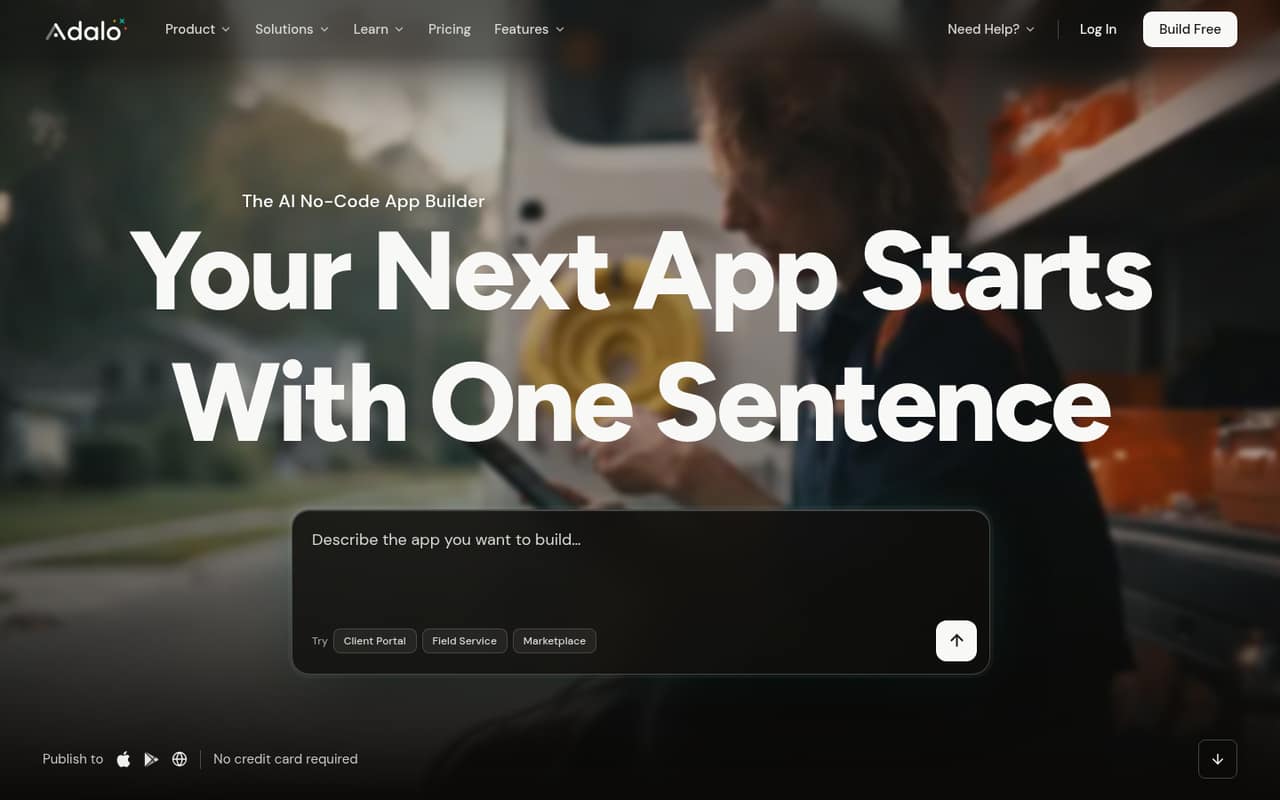
Adalo offers a quick path from an app idea to app-store builds and suits small apps built around forms. It starts at $52 and has a free plan; it is also listed as self-hostable. Validate that self-hosting and publishing work for your intended setup, then test expected production scale, flexibility, data export and the total cost of the plan you will need.
What works
- Ada creates screens, a database and logic from a prompt
- Visual editing works alongside AI-assisted changes
- Publishes native iOS, Android and web apps
What doesn't
- Free and Builder plans cap apps at 500 records each
- SDKs, programming languages and a CLI are not named
- Paid add-on prices are not published
- Best for content appsGoodBarberGoodBarber
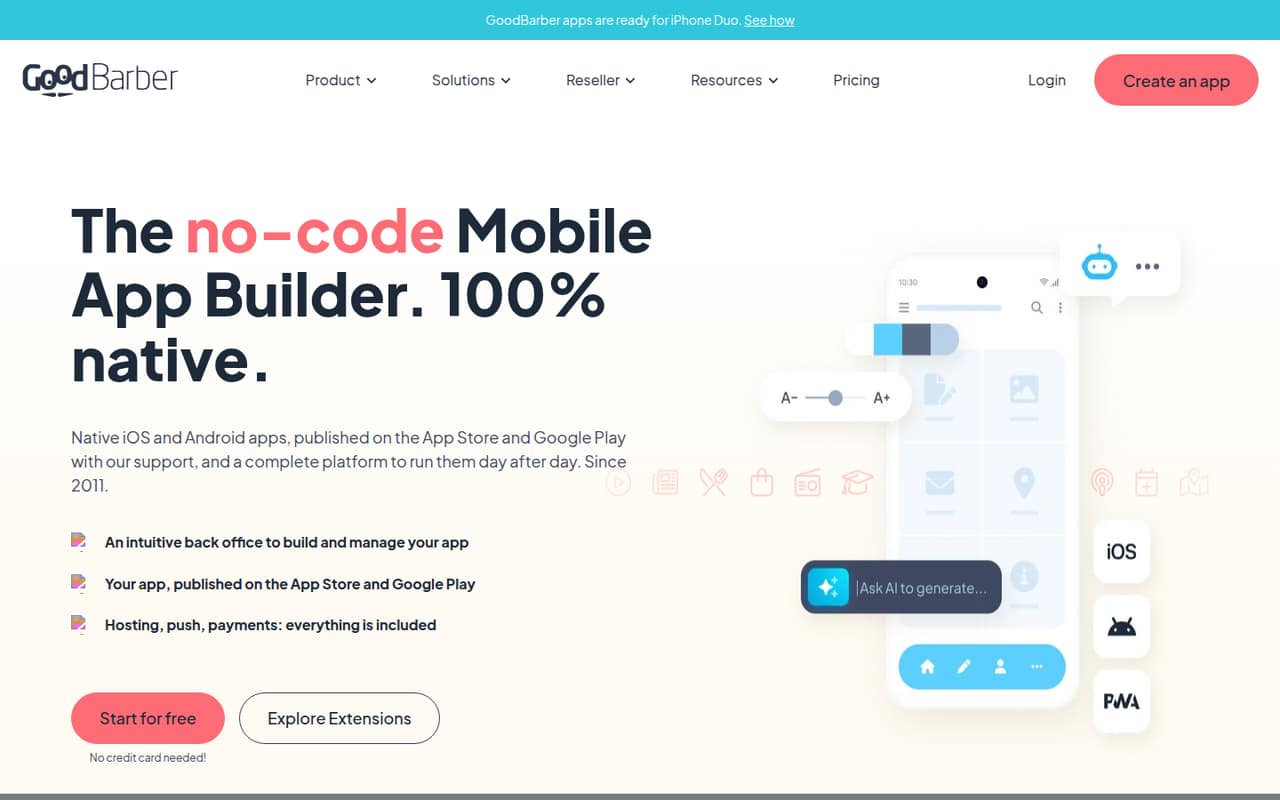
GoodBarber is a managed platform for building native and web apps, with use cases including mobile publishing and stores. It starts at $30. It is not a developer-first framework or self-hosted stack, so compare its managed publishing model with your requirements for APIs, custom logic, data export and app maintenance before choosing it for a product that needs engineering control.
What works
- Builds native iOS and Android apps
- Visual editor includes a real-time preview
- Hosting, push notifications and payments included
What doesn't
- No permanent free plan; trial lasts 30 days
- Native publishing starts at Premium plans
- API protocol and SDK support need confirmation
- Best simple mobile appsAppy PieAppy Pie
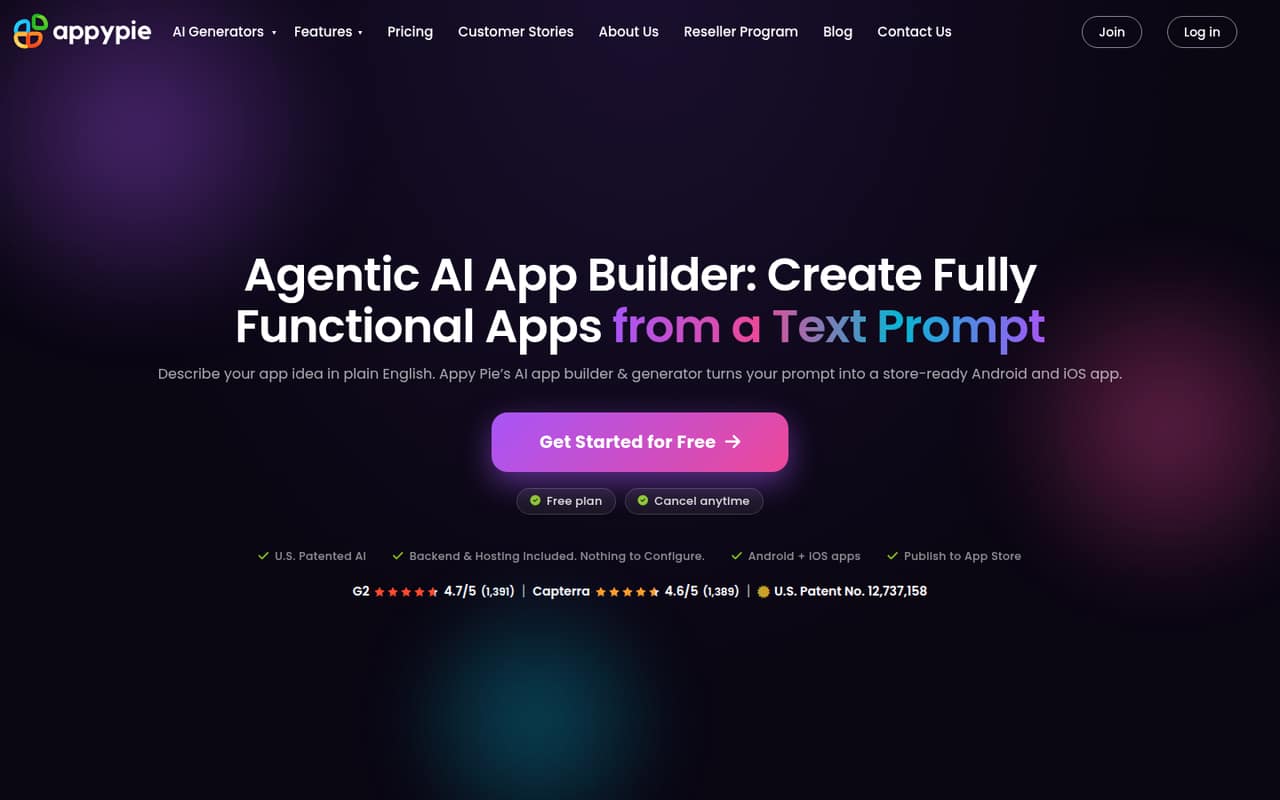
Appy Pie is a visual, low-code route for small businesses and organizations building simple mobile apps with managed hosting. It starts at $16. Its developer-facing integration detail is limited, so ask about API access, authentication, publishing and data export if those are part of the build. It is a better fit for straightforward managed app creation than an API-first pipeline.
What works
- Generates Android and iOS app builds from a text prompt
- Visual editor covers screens, colors, fonts and content
- Hosting, accounts, content and admin features are included
What doesn't
- Vendor does not name SDKs or a general API style
- Paid plans cap monthly downloads and push notifications
- No free plan is listed on the pricing page
- Best for WordPress publishersAppMySiteAppMySite
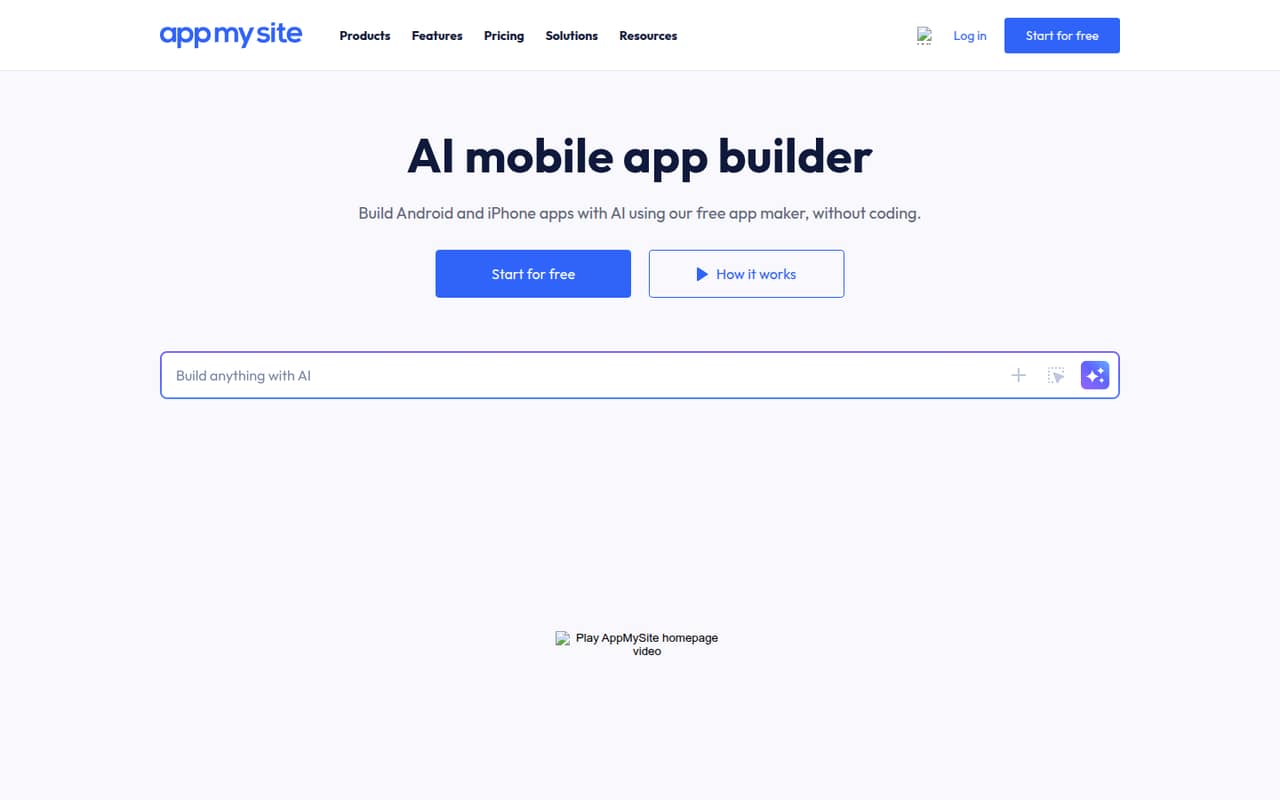
AppMySite is aimed at website owners, WordPress and Shopify publishers, and agencies creating client apps through visual tools. It starts at $49 and has a free plan. It is a weaker fit when the team needs an API-first build pipeline. Check how site data reaches the app, what integrations are supported and how publishing and ongoing maintenance work.
What works
- Build Android, iPhone, and PWA apps
- Supports WordPress, Shopify, and WooCommerce
- Generates APK, AAB, and IPA files
What doesn't
- No published API, SDK, or CLI details
- Free plan includes zero AI credits
- No self-hosted option or open-source licence published
- Best for AI workflowsMarblismMarblism
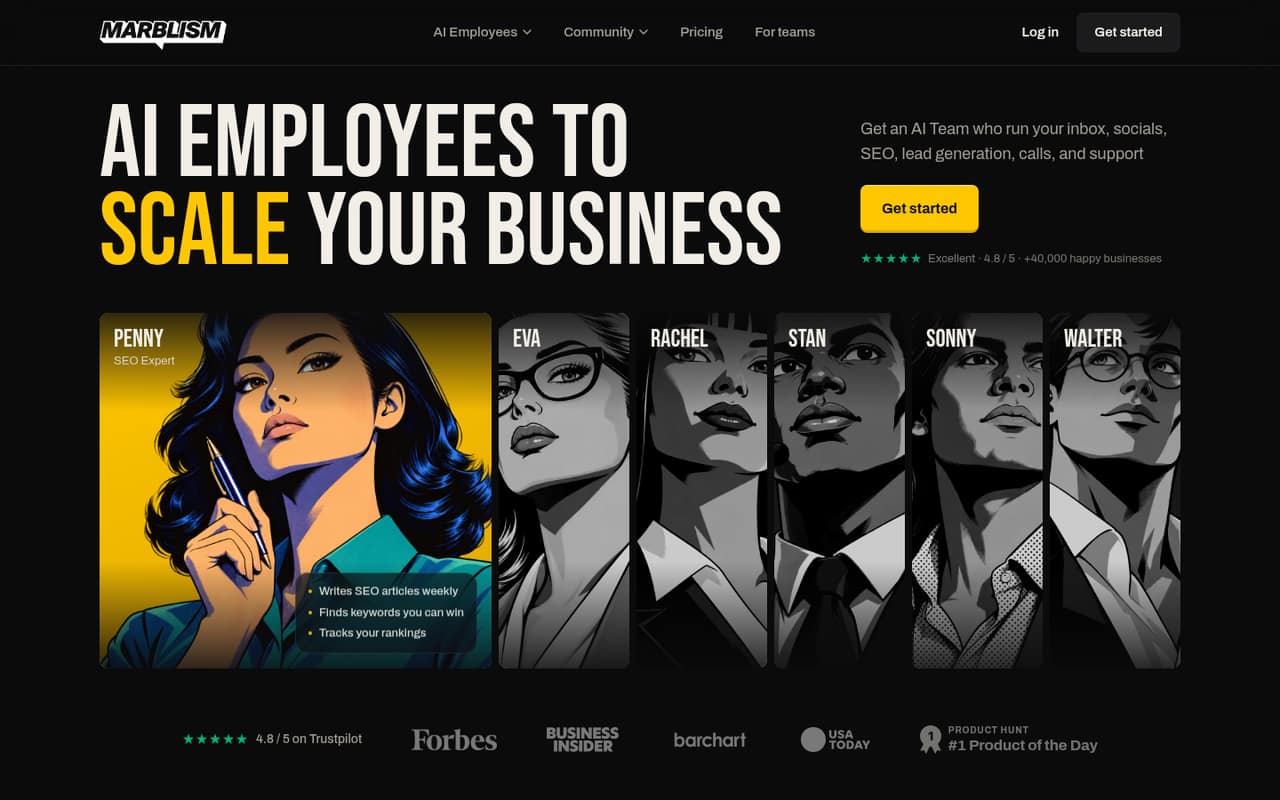
Marblism is a bundled AI employee suite for small businesses, teams using its listed integrations and buyers automating routine work. It starts at $24. The product is less clearly aimed at developers building against a platform: confirm available APIs, integration limits, data access and pricing at your expected usage before making it part of an application stack.
What works
- Seven AI employee roles in one plan
- Integrates with listed email, social and website tools
- Unlimited businesses and team members
What doesn't
- API style, SDKs and languages are not published
- No free plan is listed
- The plan caps work at 50 hours monthly
- Best for enterprise governanceUnqorkUnqork
Unqork targets enterprises building mission-critical applications with governance and shared standards, and it offers AI-assisted app delivery. Its pricing is listed as unavailable. For a developer-led evaluation, ask for the production price, API and integration details, deployment model, data export options and the operational boundaries of the platform before treating it as a fit for critical systems.
What works
- Builds, deploys, and manages apps in one platform
- Positions governance and security in AI app creation
- Designed to reuse and modify rather than recreate
What doesn't
- Enterprise pricing is custom
- Seat and usage limits are not published
- No free plan or trial is published
- Best for enterprise workflowsKissflowKissflow
Kissflow is designed for enterprise workflow and approval apps, citizen-development governance and adapting prebuilt business applications. Its listed starting price is $2,500. That places it in a different cost bracket from lightweight builders. Check the pricing basis and included usage, then verify APIs, integration coverage and portability if the project needs to connect deeply with custom services.
What works
- Build workflows with approvals and notifications
- Generate complete apps or building blocks with AI
- Includes forms, reports, portals, and boards
What doesn't
- Basic is listed at $2,500 per month
- Enterprise pricing requires a custom quote
- Public API and SDK details are limited
03How we chose
We ranked these platforms for developer and technical-team fit, not for how quickly a nontechnical user can make a screen. We weighed API and SDK coverage, documentation, integration options, free plans, listed starting prices and what teams should verify about usage-based costs. Open-source status, self-hosting and source or data portability also matter because they affect deployment control and exit options. Reddit sentiment can surface user concerns, but we treat individual reports as anecdotal and do not use them as evidence of performance. We make no claims of hands-on testing.
04Check the production path before building
Start with the application’s data and integration boundaries. Identify the systems of record, the APIs the app must call, and any authentication or permission requirements. Confirm that the builder supports those connections and ask about request limits, rate limits and behavior when an upstream service is unavailable. A listed free plan is useful for evaluating a workflow, but it does not tell you what production usage will cost. Model the paid plan against the people using the app, expected traffic and any usage-based charges; ask the vendor for a written estimate if the pricing basis is unclear. Then check where the app runs, how deployments are handled and what monitoring or recovery controls you own. For a business-critical workflow, treat those answers as architecture decisions, not details to defer until launch.
05Plan your exit and operating model
Visual development can shorten the first build while making the resulting app dependent on the platform. Before committing, find out whether you can export source code, app definitions and data separately, and whether exported code can be deployed without the vendor’s runtime. Open-source and self-hostable options can offer more control, but they also make your team responsible for deployment and operations; confirm the licensing terms and maintenance requirements. For hosted builders, review access controls, backups, data location and the process for restoring or exporting a project. Build a small proof of concept around the hardest integration and an ordinary user workflow, then document what cannot be changed in the editor. Estimate the cost and engineering work of a future migration while the app is still small.
Questions people ask
Does a free plan mean the app can run in production at no cost?
No. A free plan shows that some level of use is available without a paid starting plan, but it does not establish production limits or total cost. Check user, API, storage and deployment limits, then price the expected workload with the vendor.
Should a technical team choose a self-hosted builder?
Choose self-hosting when deployment control or data handling makes it necessary and the team can operate the platform. It transfers infrastructure and maintenance work to you. Compare that responsibility with hosted options, and check licensing, upgrade paths and export capabilities.
What should we ask about APIs before choosing a builder?
Ask which APIs and authentication methods are supported, whether SDKs are available, and what rate or usage limits apply. Confirm how the builder handles failures from connected services and whether you can inspect logs. Test the integrations central to your app before committing.
Can we move an app off a no-code platform later?
That depends on what the platform exports. Ask whether you can export source code or app definitions, data and configuration, and whether the result runs independently of the vendor. If it cannot, estimate the work to rebuild the app and migrate its data before adoption.