
We may earn a commission if you buy through links on this page. It never changes a score or a ranking. How we make money
The bottom line
A visual workflow and app builder with a hosted model and API details to verify before adoption.
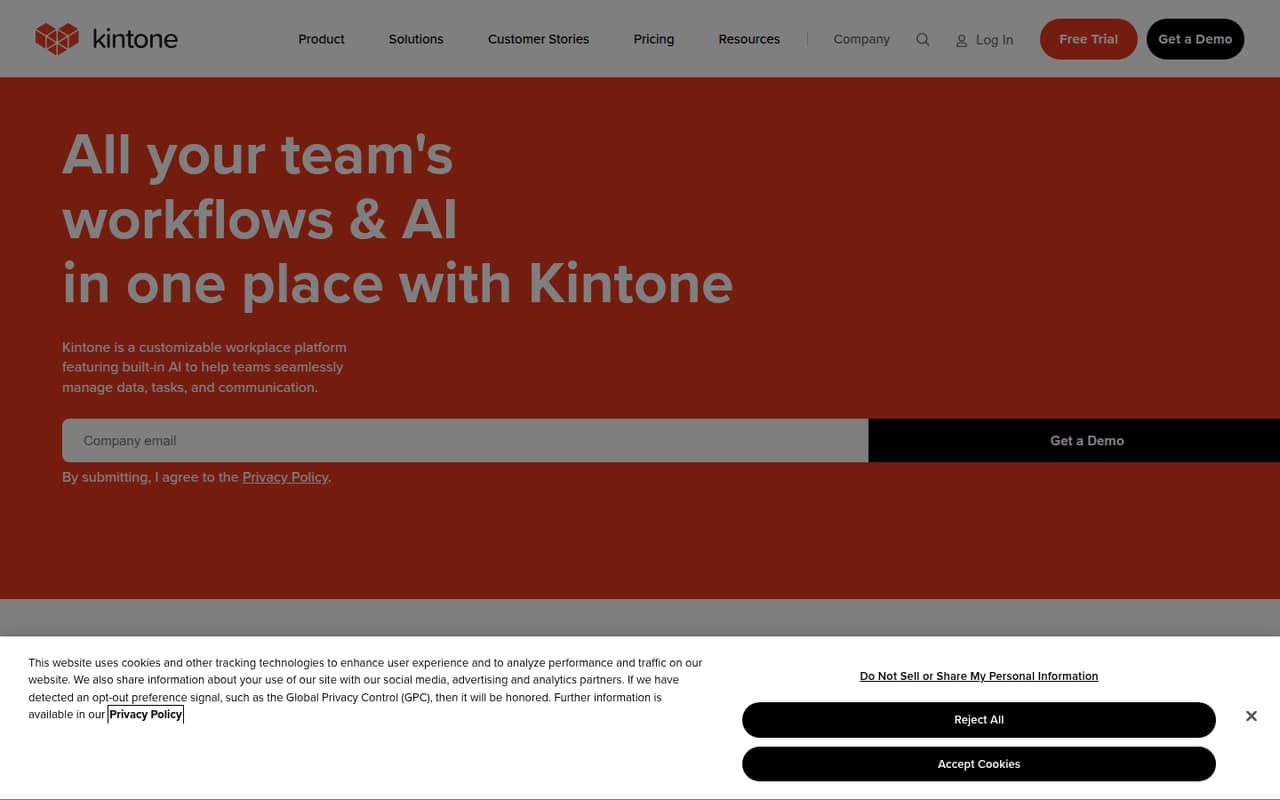
Kintone is a hosted workplace platform for building business apps, organizing team data, and automating workflows. Its drag-and-drop tools, record-level conversations, permissions, and AI features target teams replacing spreadsheets and disconnected processes.
It may suit teams that want configurable apps without running infrastructure. Developers should confirm API and SDK support, rate limits, data export, and migration options with Kintone before making it a core system; those details affect integration effort and lock-in.
Good fit if
- Teams replacing spreadsheet workflows
- Business apps built by non-specialists
- Approvals and task handoffs
Skip it if
- Teams requiring self-hosted software
- API-first application development
- Projects needing published rate limits
ScoresHow it rates
What works
- Drag-and-drop business app creation
- Spreadsheet data can become collaborative apps
- Approvals, reminders, and task handoffs
- Conversations stay alongside records
- Granular permissions and revision history
What doesn't
- No free plan; trial lasts 30 days
- Additional user pricing is unpublished
- API protocols and SDKs need confirmation
- Data export and migration details need confirmation
- Custom and extension pricing is unpublished
01What kintone is, technically
Kintone is a hosted cloud workplace platform, not a library, CLI, or self-hosted server. It provides a visual environment for creating business apps, storing team records, and connecting discussions and workflows to that data. Teams can build apps with drag-and-drop tools, convert spreadsheets into collaborative databases, and configure approvals, reminders, task handoffs, and scheduled notifications.
In a typical stack, Kintone sits above a team’s data and process layer: staff use its interface to create and update records, while administrators define apps, permissions, and workflows. The platform also offers AI features for configuring apps, searching records, summarizing comment threads, and spotting trends. Kintone says proprietary and customer data are isolated and not used to train AI models. The homepage describes APIs, plugins, and third-party services as extension options, but does not establish Kintone as an API-first backend. Treat it as a hosted business application platform and validate integration and export requirements before using it as a system of record.
02kintone API, SDKs and docs
Kintone’s primary build surface is its drag-and-drop app and workflow interface. The product also lists APIs, plugins, and third-party services for extending apps and connecting systems. That gives developers potential integration paths, but the published product details here do not establish an API protocol, SDK, supported programming language, CLI, or webhook interface. Confirm those specifics in Kintone’s technical documentation before choosing an integration design.
The platform’s built-in features cover app forms, records, permissions, revision history, workflows, and conversations attached to data. That can reduce custom code for internal tools, but it does not answer how external services authenticate, handle errors, or stay within request limits. Ask Kintone for current API documentation, SDK support in your languages, rate limits, pagination and retry guidance, and plugin review requirements. Also check whether a required integration is available as a supported plugin or needs a custom connection. The available product description names APIs and plugins, but not protocol-level behavior.
03kintone pricing for developers
Kintone has no free plan; the listed free trial is 30 days. The Professional plan is $16 per user per month and starts at five users. It includes basic features, 900 apps, 300 spaces, and 50,000 records per app. Custom is $20 per user per month, also starts at five users, and includes basic features, advanced customization options, 900 apps, and 300 spaces.
The pricing page says monthly or annual contracts are available but lists no separate annual rate. It also notes that sale pricing applies to first-time subscribers. Additional users are billed separately, but their price is not published. The pricing is seat-based; the listed materials do not give a request-based or compute-based charge. Optional extensions and Kintone Custom are listed as additional costs without prices, and automated batch processing requires an additional option whose price is also unpublished. Before budgeting for production, get a written quote for the expected seat count, extensions, and batch processing, and verify applicable record and API limits.
04kintone: open source, self-hosting and lock-in
Kintone is presented as a cloud platform. The vendor's site lists no open-source license or self-hosted deployment option, so teams should plan around a hosted service unless Kintone confirms otherwise. That shifts infrastructure operation to the vendor but makes deployment and continued access dependent on the service.
The product description covers apps, records, files, permissions, and revision history, but does not describe a full data export format or migration process. Before storing operational or customer data in Kintone, ask which records, attachments, comments, permissions, and workflow configurations can be exported, in what formats, and whether export is available through the API. Migration difficulty will depend on those answers and on how much custom behavior relies on Kintone workflows, plugins, and app configuration. Keep an independent copy of critical data where your policies require it.
05kintone in production
Kintone’s listed plan limits include 900 apps and 300 spaces on both Professional and Custom; Professional also lists 50,000 records per app. The Custom plan’s listed features do not state a per-app record limit. Confirm the applicable limits for your plan and ask about API request limits, throttling, and batch processing before integrating high-volume systems. Automated batch processing requires an additional option, with pricing not published.
The homepage describes granular permissions, revision history, and measures against vulnerabilities, unauthorized access, and login attempts. It also says proprietary and customer data are isolated and not used to train AI models. Those statements do not replace a review of contractual security, compliance, backup, recovery, and availability commitments. Ask for the relevant service documentation and escalation terms. For a production rollout, test your own workflows, access rules, export path, and failure handling, and establish what happens to integrations if a plugin or API call is unavailable.
Questions people ask
How much does Kintone cost?
The listed Professional plan costs $16 per user per month and starts at five users. Custom costs $20 per user per month and also starts at five users. Kintone lists a 30-day free trial but no free plan. Additional-user and optional-extension prices are not published.
Is Kintone a CRM?
Kintone is a customizable workplace platform for building business apps and managing team data and workflows. The homepage gives a sales CRM app as one example of what a team can build, alongside expense reporting and content-calendar apps. It is not described solely as a CRM.
What is Kintone used for?
Teams use Kintone to build business apps, centralize records, and manage processes such as approvals, reminders, and task handoffs. It also keeps conversations and files alongside data and offers AI features for app configuration, record search, comment summaries, and trend spotting.
Does Kintone have an API?
Kintone lists APIs, plugins, and third-party services as ways to extend the platform and connect systems. Confirm the API protocol, authentication methods, language SDKs, request limits, and integration guidance in Kintone’s technical documentation before designing a production connection.
Can Kintone be self-hosted?
Kintone is presented as a cloud workplace platform, and no self-hosted option is listed. Ask Kintone directly if your deployment policy requires self-hosting. Also confirm data export formats and migration procedures before relying on it for critical records.