We may earn a commission if you buy through links on this page. It never changes a score or a ranking. How we make money
The bottom line
A practical spreadsheet UI for databases, with plan caps and self-hosting trade-offs to check.
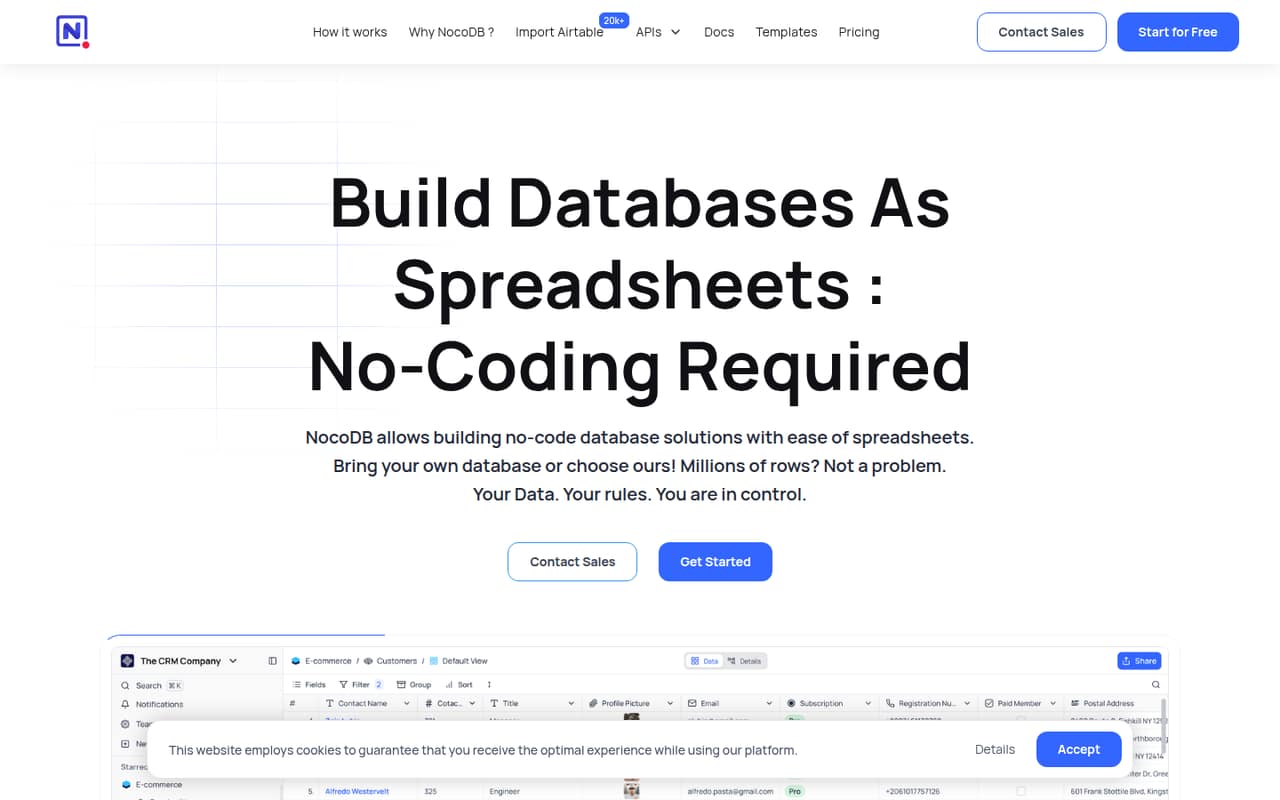
NocoDB is a no-code database interface: use its hosted database or connect Postgres and MySQL, then work with records through spreadsheet-style views, API or SQL. Its breadth of views and integration surfaces suits teams that need a shared data UI without giving up direct database access.
The free plans make it easy to start, but production use means tracking records, storage, API calls, automation runs and seats. Community supports self-hosting, though its licence and migration paths deserve review before you make it a core system.
Good fit if
- Teams needing a spreadsheet-style database UI
- Postgres or MySQL-backed internal tools
- Projects with modest API call needs
Skip it if
- Teams needing published API rate guarantees
- Projects requiring confirmed open-source licensing
- Workloads with unpredictable growth and quotas
ScoresHow it rates
What works
- Connects to Postgres and MySQL
- Offers Grid, Kanban, Gallery, Form and Calendar views
- Provides both API and SQL access
- Imports data from Airtable, CSV and Excel
- Community plan supports self-hosting
What doesn't
- Cloud plans cap records, storage and API calls
- Plus does not support external database connections
- No SDK language or rate-limit details are stated
- Community limits workflows and interfaces
- Reddit users report search and responsiveness issues
01What NocoDB is, technically
NocoDB is a database application with a spreadsheet-style web interface, not a database engine or a client library. Teams can create an online database in NocoDB’s hosted environment or connect an existing Postgres or MySQL database. It sits above the data layer: users manage records through Grid, Kanban, Gallery, Form and Calendar views, while developers can access data through API and SQL.
That makes it useful when a team needs a shared interface for browsing and editing database records without building a custom front end. It also provides an ERD view to explore database structure and supports imports from Airtable, CSV, Excel and more. The hosted plans put limits on records, storage, seats and API calls; Community is the self-hosted option. The choice is therefore partly architectural: use NocoDB as a hosted application, or operate a self-hosted instance alongside the database and infrastructure your team already manages.
02NocoDB API, SDKs and docs
NocoDB exposes Meta APIs and Data APIs. The homepage lists v3 for both and labels the v2 Meta and Data APIs as “will deprecate soon,” so new integrations should target v3 and check the migration guidance before relying on v2. The other named developer surfaces are SQL access and connections to Postgres or MySQL.
The product also supports importing Airtable, CSV and Excel data. The vendor does not name SDK languages, a CLI, webhooks or a plugin system on its homepage; confirm SDK support and current API details in the product docs before choosing a client library. The API quota is plan-based, ranging from 1,000 calls per month on Free to 5 million on Scale. Those monthly allocations are not a substitute for a per-second rate limit: ask the vendor about burst limits, pagination, authentication and behavior at quota before wiring NocoDB into a production service.
03NocoDB pricing for developers
NocoDB has two free paths. Cloud Free costs $0 and allows up to 3 users, with 3 editor seats and 10 commenter seats, 1,000 records, 1 GB storage, 100 automation runs and 1,000 API calls per month. Self-hosted Community costs $0 and offers unlimited records, storage and seats, but caps each base at 2 workflows and each workspace at 2 interfaces; it includes 6 views.
Cloud Plus starts at $12 per seat per month billed annually, or $15 monthly. It includes 50,000 records, 20 GB, 30,000 automation runs and 100,000 API calls per month, but no external database connections. Business is $24 annually or $30 monthly per seat, with 300,000 records, 100 GB, 1 million calls and 10 external database connections. Scale starts at $45 annually or $54 monthly per seat, with a 3-seat minimum. Annual billing saves 20%. Unlimited-seat add-ons cost extra on Plus and Business. The vendor does not publish overage prices here; confirm what happens when a quota is reached.
04NocoDB: open source, self-hosting and lock-in
NocoDB describes itself as a fair-source product and offers Community for self-hosting. That plan includes unlimited records, storage and seats, but limits views to 6, workflows to 2 per base and interfaces to 2 per workspace. The product homepage links to GitHub, but the licence terms are not stated on the pricing or homepage text. Review the repository licence and its conditions before treating NocoDB as open source for your use case.
Self-hosting avoids a cloud seat bill, but your team takes responsibility for running the application and its database infrastructure. NocoDB supports Postgres and MySQL connections, API and SQL access, and data imports; the vendor doesn't publish export formats or a migration procedure here. Before building a dependency around it, verify how to export records, attachments and schema, then test a move back to the underlying database or another interface.
05NocoDB in production
The plan quotas are operational limits to track: API calls, automation runs, records, storage and seats can all affect a live deployment. The homepage claims the product can scale to millions of rows, while cloud plan allowances range from 1,000 records on Free to 1 million on Scale; ask how limits and overages work for your intended workload. Confirm API burst limits, service availability commitments, backups, recovery and security controls before putting critical workflows on it.
Security features vary by plan. Business includes private bases and SAML single sign-on; Scale adds row-level security and audit logs; Enterprise lists SCIM, SSO and air-gapped installation. Reddit sentiment is mixed: one self-hosting thread complains that features have moved behind a paywall, and another comparison post reports slower responsiveness and search problems. Those are individual reports, not a reliability measure, but they point to the right checks: test search against your schema and evaluate the Community features you actually need.
From the threadsWhat users say
Reddit sentiment is mixed. Self-hosting appeals to users who want a spreadsheet UI over their own database, while some users report feature paywalls, slower responsiveness and search problems.
With every update lore features sliding behind the paywall and mor and more greyed out features in community edition UI
NocoDB simply works by transforming your MySQL/Postgres databases into a smart spreadsheet
Nocodb search don’t work very well as you need to always select the column you want to search in
Evaluating the different no-code databases out there and just want to know what people's comments on them are
Questions people ask
What is NocoDB?
NocoDB is a spreadsheet-style interface for creating and managing online databases. You can use its hosted database or connect Postgres or MySQL, then work with data through Grid, Kanban, Gallery, Form and Calendar views. Developers can also access data through API and SQL.
Can NocoDB connect to an existing Postgres database?
Yes. NocoDB supports connections to Postgres and MySQL. Plan eligibility matters: Plus does not support external database connections, while Business includes 10 external database connections. Check the current plan details and connection requirements before selecting a cloud tier.
Does NocoDB have an API?
Yes. NocoDB offers Meta APIs and Data APIs, with v3 listed for both. Its homepage marks the v2 Meta and Data APIs as scheduled for deprecation. Monthly API call allowances depend on the plan, from 1,000 on Free to 5 million on Scale.
Can I self-host NocoDB for free?
The Community plan is listed as free and self-hosted, with unlimited records, storage and seats. It has limits on views, workflows and interfaces. You still need to operate the application and supporting infrastructure yourself, and should check the licence terms before deployment.
Is NocoDB open source?
NocoDB describes itself as fair source, and its Community plan supports self-hosting. Review the repository licence to determine whether its terms meet your definition and intended use of open source. The licence should be a procurement check, not an assumption based on self-hosting availability.
Sources
- NocoDB homepage
- NocoDB pricing page
- Reddit: NocoDB paywall creep: looking for self-hosted FOSS alternative
- Reddit: Airtable vs Baserow (and others, e.g. Rowy, NocoDB, etc)
- Reddit: NocoDB : Self-hostable Airtable ( 2 Million Docker downloads + 17.5 Github Stars < 15 weeks!!!! )
- Reddit: Grist vs Nocodb vs Baserow