
We may earn a commission if you buy through links on this page. It never changes a score or a ranking. How we make money
The bottom line
Strong for Microsoft-centric workflows and RPA; check licensing, limits and migration paths before scaling.
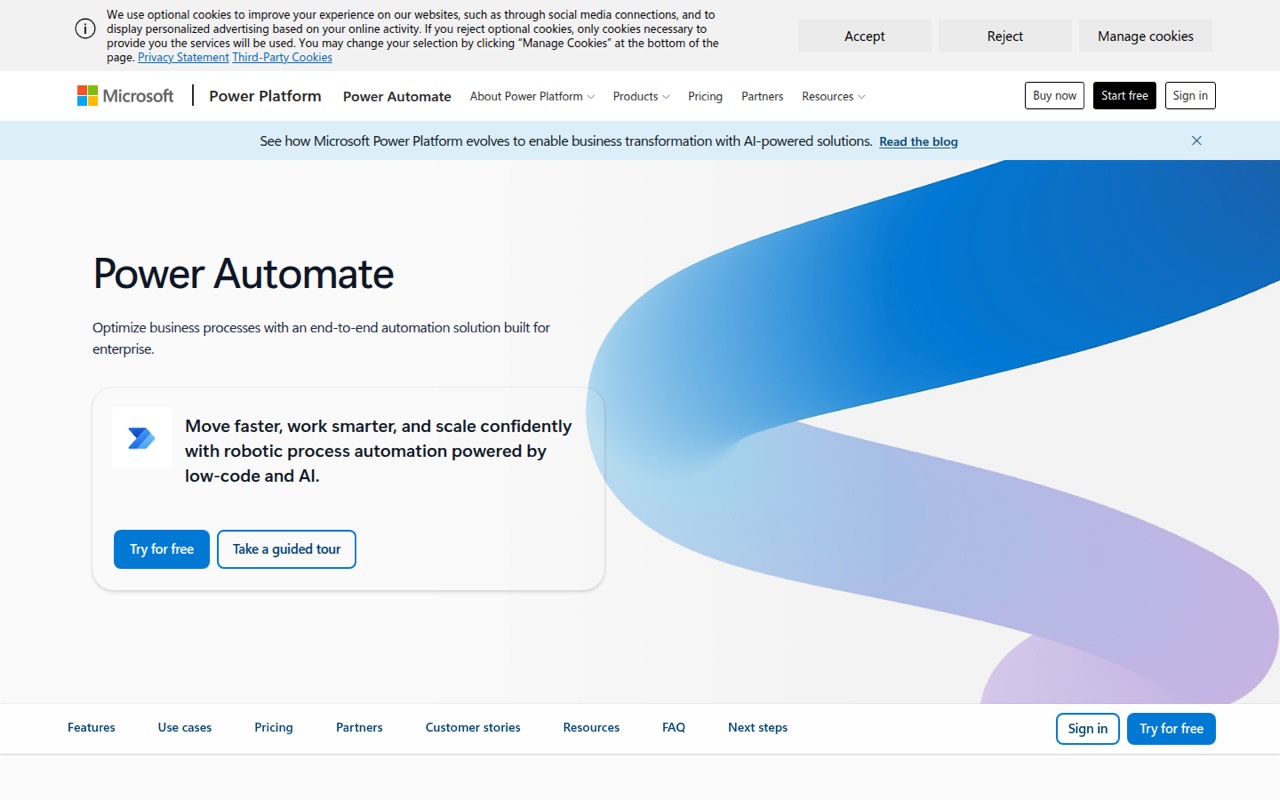
Power Automate is a low-code automation service that combines cloud flows, desktop RPA, process mining and orchestration. More than 1,000 API connectors and Microsoft 365 integrations make it a natural fit for organizations already using tools such as Teams, Excel and SharePoint.
The trade-off is licensing complexity and a production surface that needs careful validation. Reddit users report successful HR and approval workflows, but also describe undocumented pitfalls and flows that behave differently outside testing.
Good fit if
- Microsoft 365 workflow automation
- Legacy UI automation with RPA
- Approvals and employee onboarding
Skip it if
- Teams seeking an open-source platform
- Developers requiring a documented SDK stack
- Workloads needing published rate limits
ScoresHow it rates
What works
- More than 1,000 API connectors
- Cloud flows and desktop RPA in one product
- Attended and unattended automation options
- Copilot can author flows with natural language
- Managed Environments support centralized governance
What doesn't
- Premium starts at $15 per user monthly, billed yearly
- Unattended bots require per-bot licensing
- Trial is limited to 30 days
- SDK, language and CLI details are not named
- Reddit users report undocumented production pitfalls
01What Power Automate is, technically
Power Automate is a Microsoft-hosted business automation service, not a general-purpose workflow library or self-hosted orchestration server. Its cloud flows automate apps, data and services in the cloud or on-premises; desktop flows use robotic process automation to operate legacy systems, desktop apps and websites through user-interface actions. The product combines those execution paths with process and task mining, Copilot-assisted authoring, and orchestration features for managing automation across an organization.
In a typical stack, Power Automate sits between business applications and the people or systems that initiate work. A flow can connect services through prebuilt or custom API connectors, while a desktop bot handles processes that still depend on a user interface. Microsoft positions it for approvals, document processing, onboarding and other business workflows. It also includes administrative capabilities such as Managed Environments, data loss prevention and monitoring. The desktop automation component makes the product broader than a cloud-only integration service, but the service remains tied to Microsoft's platform and licensing.
02Power Automate API, SDKs and docs
The product page describes an integration surface built around more than 1,000 API connectors, with the option to create custom API connectors. It also describes native Microsoft 365 experiences in Teams, Excel and SharePoint, plus cloud flows that automate apps, data and services running in the cloud or on-premises. For UI-dependent systems, desktop flows use prebuilt or custom user-interface actions rather than relying on an application connector.
The page also describes natural-language flow creation and editing with Copilot, templates, process mining and centralized administration through Managed Environments. These are useful building blocks for teams composing business workflows, but they do not replace a developer-facing API and SDK reference. The homepage does not name a programming language, SDK, CLI or protocol for building integrations. Before committing, confirm SDK support, API authentication, connector behavior and deployment tooling in Microsoft's technical documentation. Also check connector licensing and the specific actions available for each service; the count of connectors alone does not establish that a required operation is supported.
03Power Automate pricing for developers
Power Automate has no free plan. The free trial lasts 30 days; the pricing details list UI-based cloud flows and standard connectors. For an individual who needs cloud flows and attended desktop automation, Power Automate Premium costs $15 per user per month, paid yearly. It includes process and task mining with 50 MB of stored data, plus Dataverse capacity of 250 MB database and 2 GB file.
Unattended desktop automation moves the bill to per-bot licensing: Power Automate Process is $150 per bot per month, paid yearly. Power Automate Hosted Process is $215 per bot per month, paid yearly, and includes a Microsoft-hosted Azure virtual machine. Both list cloud flows and Dataverse capacity of 50 MB database and 200 MB file. The Power Automate Process Mining add-on costs $5,000 per tenant per month, paid yearly, and is for Premium plans. Copilot Studio prepaid credits have custom pricing, require an Azure subscription and allow pay-as-you-go overflow. The pricing details do not publish request-based overages or rate limits, so confirm those before forecasting production costs.
04Power Automate: open source, self-hosting and lock-in
Power Automate is a Microsoft product, not an open-source workflow engine. The product materials do not publish an open-source licence or offer a self-hosted Power Automate server. They describe cloud flows, desktop RPA and Microsoft-hosted infrastructure for Hosted Process; that is different from running the orchestration service on your own servers.
The product page describes flows, connectors and Microsoft Dataverse, but does not establish a general data-export or migration path. Before adopting it for critical processes, confirm how to export flow definitions and business data, and whether those exports preserve connector configuration, credentials and dependencies. Migration effort will depend on how much logic lives in flows, desktop UI actions and Microsoft-specific services. Keep business rules and source data portable where practical, document connector dependencies, and test a representative flow outside the platform before you rely on an exit plan.
05Power Automate in production
Microsoft describes centralized governance, data loss prevention, monitoring and elastic scaling for hosted RPA. Those capabilities help administrators manage deployments, but teams should still validate the operational details that affect their own flows: connector and API limits, concurrency, retries, queue behavior, desktop-session availability, and how failures are surfaced. The product overview does not publish rate limits or a general reliability target, so ask Microsoft for limits and service commitments that match the workload.
Reddit reports are mixed. One thread describes onboarding and offboarding that automates most of the process, while another commenter warns that undocumented limitations can make a flow pass testing and fail in production. A separate discussion points to ownership problems when transactional workflows are built by teams that do not own the underlying process. Assign each flow an operational owner, monitor failure paths, and test changes against production-like data and permissions. Treat desktop UI automation as especially dependent on the stability of the target application's interface.
From the threadsWhat users say
Reddit sentiment is split between practical wins for Microsoft-centered workflows and frustration with complexity, licensing and production surprises. Users also stress that ownership and learning the platform matter as much as the automation itself.
Our onboarding/off boarding is done through it. From a request for a new position to person leaving the company, it is 95% automated
Don’t try to learn everything, focus on building competence with the basics
It'll really piss you off when you do something that works in test only to find it breaks in production because of some unknown limitation
The problem is ownership
Questions people ask
What is Power Automate?
Power Automate is Microsoft's business process automation service. It combines cloud flows for apps, data and services with desktop flows for robotic process automation, as well as process mining, orchestration and Copilot-assisted authoring.
Is there a free Power Automate plan?
The listed offer is a 30-day free trial, not a free plan. It includes UI-based cloud flows and standard connectors. After the trial, the listed Premium plan starts at $15 per user per month when paid yearly.
How much does Power Automate Premium cost?
Power Automate Premium is listed at $15 per user per month, paid yearly. It includes cloud flows, attended desktop flows, process and task mining with 50 MB of stored data, and Dataverse capacity of 250 MB database and 2 GB file.
Which Power Automate plan includes unattended bots?
Power Automate Process includes unattended desktop flows and costs $150 per bot per month, paid yearly. Power Automate Hosted Process costs $215 per bot per month, paid yearly, and adds a Microsoft-hosted virtual machine on Azure.
Can Power Automate connect to non-Microsoft apps?
Microsoft lists more than 1,000 API connectors and says customers can create custom API connectors. It also describes cloud flows for apps, data and services in the cloud or on-premises. Check the connector documentation for the specific service and action you need.
Sources
- Power Automate homepage
- Power Automate pricing page
- Reddit: What do you use Power Automate for?
- Reddit: What is the best Automation tool? (from people who have used a few like, Zapier, Make, IFTTT (If This Then That) and Microsoft Power Automate?)
- Reddit: MS Powerautomate is the biggest shit ever invented.
- Reddit: How did you learn Power Automate?