
We may earn a commission if you buy through links on this page. It never changes a score or a ranking. How we make money
The bottom line
Use n8n to orchestrate inspectable workflows; verify API and migration needs before committing.
n8n is a visual workflow automation platform that can run as a hosted Cloud service or be deployed on-premises or with Docker. Its strongest architectural fit is orchestration: build a workflow visually, add code when needed, and inspect individual steps and past runs.
It offers a free self-hosted Community Edition, but its API and SDK surface, licensing terms, and data-export path need checking before adoption. Reddit users often value n8n for repeatable workflows and operational visibility, while some report that complex flows can be harder to build than code.
Good fit if
- Teams orchestrating repeatable business workflows
- Developers who need inspectable AI steps
- Organizations that need self-hosting
Skip it if
- Teams requiring a documented SDK-first API
- Projects with complex logic best kept in code
- Users needing published data-export guarantees
ScoresHow it rates
What works
- Visual workflows can be extended with code
- Past runs expose step-by-step execution details
- Can run on-premises or with Docker
- Human approvals and rules can constrain AI actions
- Self-hosted Community Edition has no plan fee
What doesn't
- API, SDK, and language details need verification
- Self-hosting means managing the underlying infrastructure
- Community Edition excludes SSO, LDAP, and queue mode
- Cloud Starter and Pro plans have hard execution caps
- License and data-export terms need confirmation
01What n8n is, technically
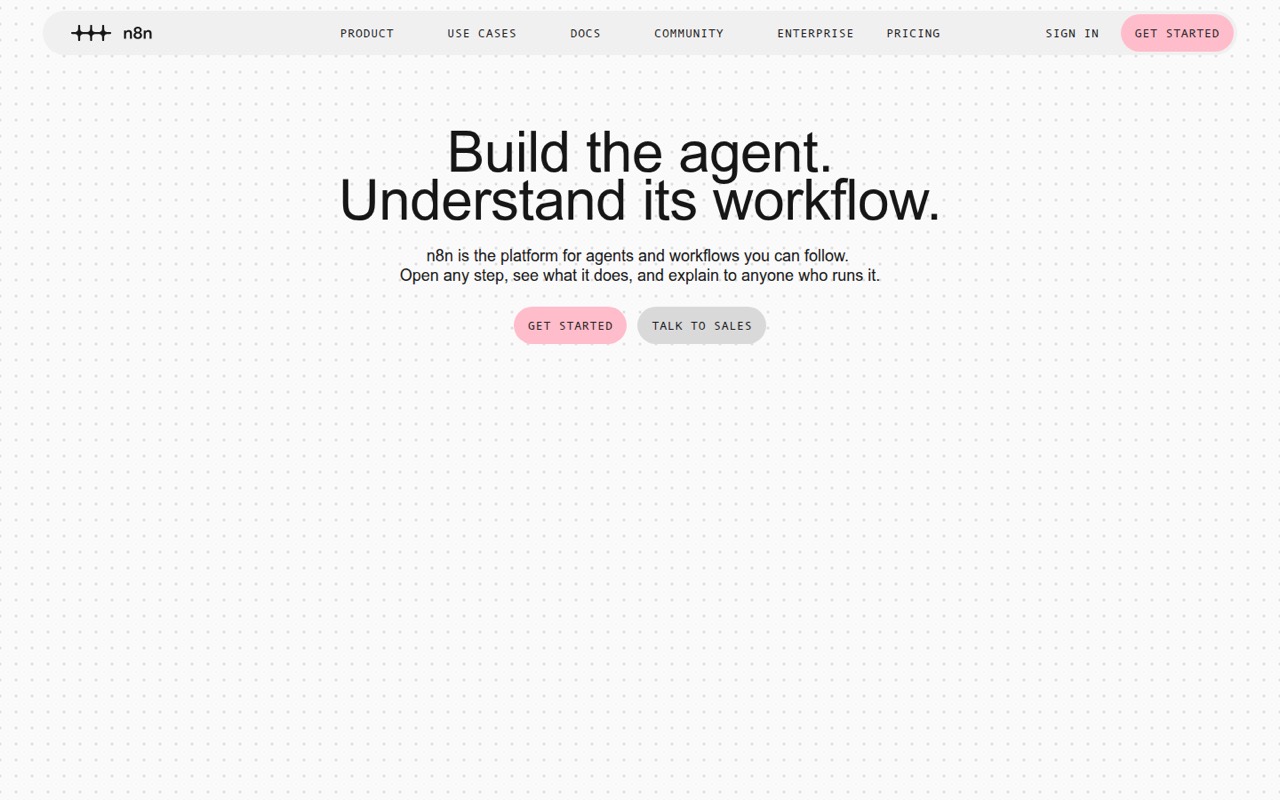
n8n is a workflow automation platform, available as a hosted Cloud service or as software teams can deploy on-premises or with Docker. It sits between the services and systems a team wants to connect: a workflow coordinates steps, can include AI actions and human approvals, and can be inspected run by run. The visual builder is the main interface, with the option to drop into code when a workflow needs custom logic.
That makes n8n an orchestration layer rather than a general-purpose application framework or an AI model. Teams can use it for repeatable processes, route work across connected tools, and inspect what happened when a run fails. The vendor emphasizes opening individual steps, reviewing past runs, and rerunning a broken step. Those features can make a workflow easier to operate and explain, but they do not remove the need to design error handling or maintain the services it connects to.
02n8n API, SDKs and docs
The vendor describes a visual workflow builder with the option to drop into code, structured inputs and outputs for AI actions, and integrations with third-party services. It also lists Git-based control, isolated environments, workflow diffs, version history, and multi-user workflows as developer controls. The homepage does not name a programming language, SDK, CLI, or API protocol. Confirm the current API, SDK, and integration documentation for the services and languages in your stack before choosing n8n as an integration layer.
The practical build surface described by the vendor is the workflow editor, code within workflows, and its connected integrations—not a documented SDK-first development model. The vendor says workflows can be inspected step by step, past runs reviewed, and a failed step rerun. That can help with debugging and handover. For automation that depends on a specific REST API, webhook pattern, CLI, or package, check the vendor docs for that exact integration and its behavior; do not assume an integration has the same coverage as a maintained client library.
03n8n pricing for developers
Community Edition (Self-hosted) costs $0 per month and includes unlimited users, workflows, and executions, limited by your server. It excludes SSO, LDAP, queue mode, admin roles, vendor hosting, and support. For Cloud, Starter is $24 monthly or $20 per month with annual billing; it includes 2,500 executions per month, five concurrent executions, and unlimited steps. Pro is $60 monthly or $50 per month annually, with 10,000 executions and 20 concurrent executions at that tier. Higher Pro tiers go up to 50,000 executions for $120 monthly.
Starter and Pro have hard execution caps, not overages: reaching the limit requires an upgrade. Business (Self-hosted only) starts at $960 monthly or $800 per month annually for 40,000 executions, with higher tiers up to 500,000. An extra Business pack costs $4,800 for 300,000 executions. Enterprise is custom-quoted. Cloud plans have a 14-day trial without a credit card; additional Assistant credit pricing is not published. Self-hosted users also need to budget for their own infrastructure.
04n8n: open source, self-hosting and lock-in
The vendor says n8n's source code is available on GitHub and that teams can deploy it on-premises or with Docker. The applicable license and the rights it grants for modification, redistribution, or commercial use should be confirmed in the vendor's current license terms; source availability alone does not establish those rights. Community Edition is the free self-hosted option, while Business is a paid self-hosted plan with features such as SSO/LDAP, multiple environments, Git version control, and queue mode.
The vendor does not publish a data-export path in the published product details, so ask how to export workflows, execution history, and credentials before committing. Workflow definitions may be easier to review and manage with Git-based controls, but migration still means rebuilding connections and checking each integration's behavior in the destination system. Keep credentials and workflow logic documented outside assumptions about portability.
05n8n in production
Before relying on n8n for production workflows, check execution volume, concurrency, and what happens at the plan limit. Starter includes five concurrent executions; Pro includes 20 at the 10,000-execution tier, with higher tiers up to 50. Community Edition's capacity depends on the server you operate. Cloud Starter and Pro are hard-capped, so a workflow spike can require an upgrade rather than incurring a published overage charge. The vendor lists audit logs, RBAC, encrypted secret stores, SSO SAML, LDAP, alerts, and log streaming among its security and observability controls; confirm which plan includes each control.
Reddit discussion is mixed on complexity. Some developers describe n8n as useful for repeatable transaction paths and for seeing AI output in run history. Others report that complex workflows can be cumbersome compared with writing Python. Treat workflow visibility as an operational aid, not a substitute for testing external integrations, handling retries, or monitoring the infrastructure. The vendor's plan details list dedicated support with an SLA for Enterprise; Community Edition includes no vendor support.
From the threadsWhat users say
Reddit users often favor n8n for repeatable processes, orchestration, and visibility into AI steps. Others question its value for complex automation or argue that code can be faster to build and maintain.
n8n is about operating it for months. Different jobs. I use both
Is the same thing supposed to happen over and over and over again? Use N8n
It’s a nightmare for anything complex
I could just write this with python in like 1 hour, but instead had to work with this crappy n8n thing and spend days to finish a simple thing
Questions people ask
Is n8n available for free?
Yes. Community Edition (Self-hosted) is listed at $0 per month, with unlimited users, workflows, and executions limited by your own server. It excludes SSO, LDAP, queue mode, admin roles, vendor hosting, and vendor support. n8n Cloud plans also have a 14-day trial without a credit card.
Can I self-host n8n?
Yes. The vendor says n8n can be deployed on-premises or with Docker, and its source code is available on GitHub. Self-hosting means you manage the infrastructure. Check the current license terms and plan features before deploying, especially if you need SSO, LDAP, or queue mode.
Does n8n have an API or SDK?
The vendor's homepage describes a visual builder, code within workflows, and integrations with third-party services, but does not name an API protocol, SDK, programming language, or CLI. Check the current n8n documentation for the exact integration surface and SDK support your project needs.
What happens when I reach my n8n Cloud execution limit?
Starter and Pro are hard-capped, with no execution overages listed. The pricing details say those plans require an upgrade when the limit is reached. Check the execution allowance and concurrency for your selected tier against expected production volume.
Can I rerun a failed n8n workflow step?
The vendor says users can spot errors and rerun just the step that broke. It also describes reviewing past runs step by step. Confirm how that behavior applies to the specific workflow and integrations you use, particularly where rerunning an action could repeat an external side effect.
Sources
- n8n homepage
- n8n pricing, compiled via web search from gosearch.ai, teamshift.io, selfhost.dev, gigabit.agency, lindy.ai, n8n.io, twitterapi.io
- Reddit: Why N8N? Give me 2-3 reasons why I should use it instead of just doing automation with AI tools
- Reddit: is n8n still relevant?
- Reddit: Claude Code, Grok everywhere, what about n8n nowadays?
- Reddit: Why use n8n?