
We may earn a commission if you buy through links on this page. It never changes a score or a ranking. How we make money
The bottom line
Make connects apps and AI models in hosted workflows; confirm costs and operational limits before scaling.
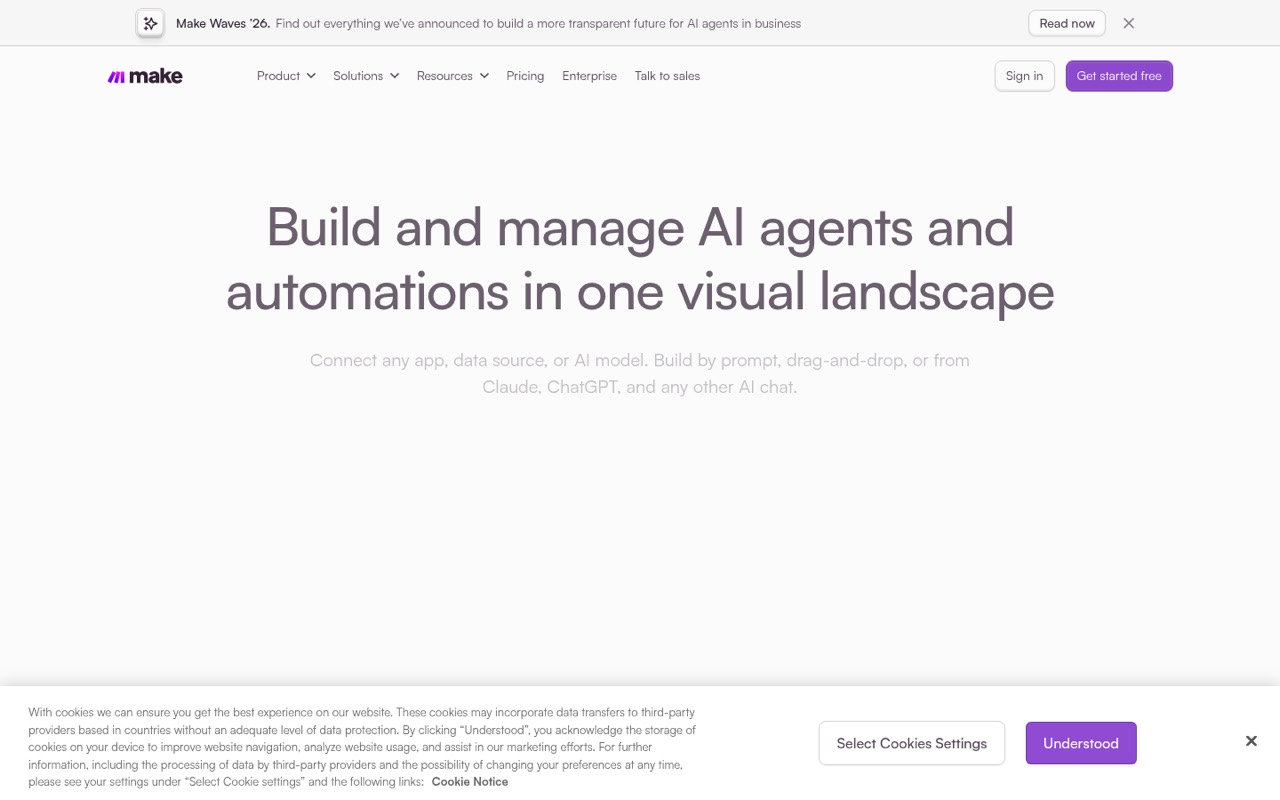
Make is a hosted visual platform for building workflows and AI agents across 3,500+ app integrations. Teams can build by prompt, drag-and-drop or MCP, with JavaScript and Python available for custom code.
The free plan includes 1,000 monthly credits but limits active scenarios and scheduling. Paid-plan prices conflict across listings, and Make does not publish add-on or overage costs in the published pricing information. Reddit comments discuss alternatives more than Make itself, so sentiment is inconclusive.
Good fit if
- Teams automating across many apps
- Visual workflow and agent builders
- Organizations needing centralized governance
Skip it if
- Teams requiring self-hosted automation
- Projects needing published SDK guarantees
- Workloads needing predictable overage pricing
ScoresHow it rates
What works
- Connects to 3,500+ apps out of the box
- Supports visual, prompt-based and MCP building
- Custom code supports JavaScript and Python
- Free plan has no time limit
- Governance includes role-based access and audit logs
What doesn't
- Pricing displays conflict across listings
- Add-on and overage costs are not published
- Free plan allows only two active scenarios
- No public SDK or CLI details on the homepage
- License, self-hosting and data-export terms need confirmation
01What Make is, technically
Make is a hosted visual automation platform: a SaaS layer where teams connect applications, data sources and AI models, then define workflows and AI agents without running an automation server themselves. It sits between the systems in a stack, moving data and triggering actions across them. The homepage lists 3,500+ app integrations and says teams can add custom integrations to anything with an API.
Builders can create workflows by prompting, using drag-and-drop or working from an AI chat through MCP. The platform also offers a visual environment for building, testing, debugging and running automations. JavaScript or Python can be added for custom logic. Make presents observability, governance and agent controls as part of the same platform, so teams can manage workflows and third-party resources in one place. It is suited to connecting services and automating business processes, rather than replacing an application’s database or hosting its core service.
02Make API, SDKs and docs
The homepage describes Make as a visual workflow builder with app integrations, custom integrations for anything with an API, and an MCP server for building and running automations from Claude, ChatGPT or Gemini. It also names JavaScript and Python as languages for custom code. That gives developers ways to extend workflows and connect API-backed systems, while keeping the orchestration in Make’s visual environment.
The homepage does not name a Make API style, SDK packages, a CLI, or language-specific client libraries. Confirm SDK support, API authentication and endpoint behavior in Make’s documentation before designing a direct integration. The named integration surface is the visual builder, MCP, built-in app connections and custom integrations to API-backed services. Make says it connects to 3,500+ apps out of the box. Teams building custom integrations should verify supported authentication patterns, payload handling, retries and webhook behavior in the vendor’s docs.
03Make pricing for developers
The pricing information lists a free plan at $0 with 1,000 credits per month, two active scenarios, a 15-minute minimum run interval, a five-minute maximum execution time and seven-day execution-log storage. The vendor says the free plan has no time limit and requires no credit card. It is useful for small workflows, but scenario count, scheduling frequency and execution duration constrain production use.
Core is listed at $16 monthly or $12 per month billed annually, with 10,000 credits and the option to scale to 300,000. It allows unlimited active scenarios, a one-minute minimum scheduling interval, 40-minute maximum executions and 30-day logs. Pro is listed at $28 monthly or $21 annually, with 10,000 credits at the base tier and unlimited users. Enterprise pricing is not listed. These figures come from low-confidence pricing information that also shows alternate Core prices of $10.59 and $9, and Pro prices of $18.82 and $16. The listed starting price is $9 per month, but verify it before budgeting. Add-on and overage costs are not published; ask Make how additional credits are billed.
04Make: open source, self-hosting and lock-in
Make is presented as a hosted platform, not as software to install in your own environment. The vendor does not publish a software license or self-hosting option on the vendor's site, so teams requiring an open-source or self-managed deployment should confirm both directly with Make before adopting it.
Data export and migration tooling also need verification. Workflows built around Make’s visual scenarios, app integrations and agent configuration can create switching work if they encode business logic that is not documented elsewhere. Keep critical logic, schemas and credentials documented outside the automation where practical, and ask how scenario definitions and execution data can be exported. Confirm what happens to stored logs and connected data when an account is closed.
05Make in production
The listed plan limits affect scheduling, execution time and log retention: the free tier runs at a minimum 15-minute interval, allows five-minute executions and stores logs for seven days; Core lists one-minute scheduling, 40-minute executions and 30-day logs. Confirm how credits are consumed by each operation, what happens when a scenario reaches its limits, and whether the Enterprise plan changes those constraints. The pricing information does not publish overage costs.
Make says it supports GDPR compliance, SOC 2 Type II and SOC 3, encryption in transit and at rest, SSO, role-based access and audit logs. Before relying on it for critical processes, confirm service-level commitments, incident handling, regional data options and retry behavior with the vendor. Reddit discussion does not offer a clear production assessment of Make: one thread asks for alternatives and commenters discuss other tools, without reporting specific Make reliability issues. Treat that discussion as inconclusive rather than as evidence of uptime or failure.
Questions people ask
What is Make used for?
Make connects apps, data sources and AI models in visual workflows and AI agents. Teams use it to automate processes across services, monitor workflows and third-party resources, and manage access and audit logs. The platform supports building by prompt, drag-and-drop or MCP, with JavaScript and Python available for custom code.
Does Make have a free plan?
Yes. The listed free plan costs $0 and includes 1,000 credits per month, two active scenarios, a 15-minute minimum run interval, a five-minute maximum execution time and seven-day execution-log storage. Make says the free plan has no time limit and does not require a credit card.
How much does Make cost?
Pricing information lists Core at $16 monthly or $12 per month billed annually, and Pro at $28 monthly or $21 annually. It also shows conflicting alternate prices, including a $9 annual Core starting price. Verify current pricing with Make before budgeting; add-on and overage costs are not published.
Can developers add code to Make workflows?
Yes. Make’s homepage says developers can add JavaScript or Python to fine-tune automations. The platform also supports custom integrations for services with an API. Confirm the available runtime behavior and integration details in Make’s documentation before depending on specific libraries or API features.
Can I self-host Make?
Make is presented as a hosted platform. The vendor does not publish a self-hosting option or software license on the vendor's site. If self-management, source availability or a particular license is a requirement, ask Make directly before choosing it.