We may earn a commission if you buy through links on this page. It never changes a score or a ranking. How we make money
The best web scraping API depends on what your application needs back: raw page content, rendered pages, structured records or a browser session an agent can operate. Crawlbase is a strong general-purpose starting point, while Apify suits teams that want ready-made scrapers and Steel stands out for open-source, self-hostable browser infrastructure. Prices range from free plans to hundreds of dollars per month, and a starting price alone says little about production cost. Compare credit rules, target-site success and export options against your own workload before committing.
Quick picksThe shortlist
 CrawlbaseCrawlbaseBest overall · $90.75/mo
 ApifyApifyBest for ready-made scrapers · $19/mo
 SteelSteelBest open source · $250/mo
 ZyteZyteBest for Scrapy teams · $0.06/mo
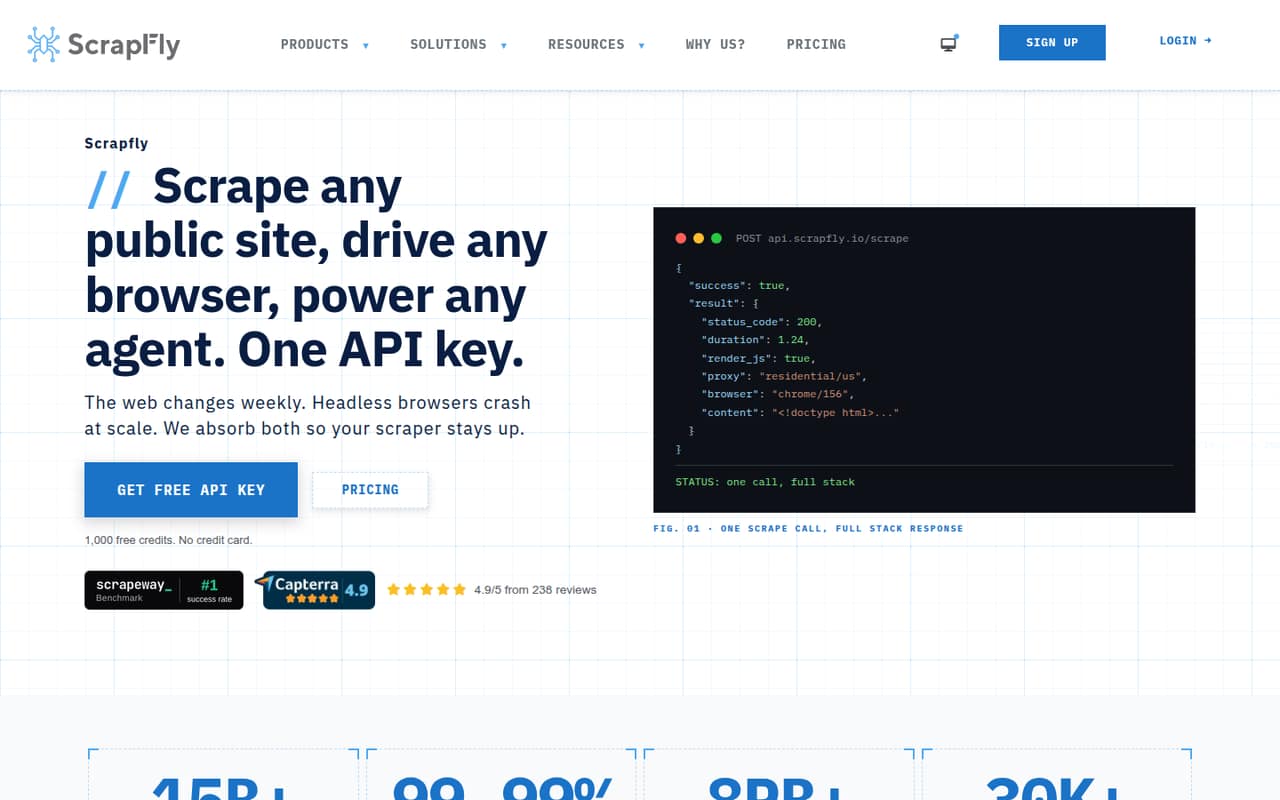
 ScrapflyScrapflyBest broad scraping stack · $30/mo
 ZenRowsZenRowsBest for protected pages · $16/mo
 BrowserlessBrowserlessBest for browser teams · $25/mo
 FirecrawlFirecrawlBest for agent-ready data · $16/mo
 ScraperAPIScraperAPIBest for proxy replacement · $44.10/mo
 ScrapingAntScrapingAntBest for JavaScript pages · $19/mo
 SpiderSpiderBest for RAG ingestion · $6/mo
 HyperbrowserHyperbrowserBest for browser agents · $30/mo
 ScrapingBeeScrapingBeeBest for managed proxies · $19/mo
 OxylabsOxylabsBest for enterprise collection · $15/mo
 Bright DataBright DataBest for proxy infrastructure · $499/mo
 BrowserbaseBrowserbaseBest for interactive agents · Free
 YepAPIYepAPIBest for combined APIs · Custom
 Scrape.doScrape.doBest for geo-targeting · $29/mo
 DiffbotDiffbotBest for structured extraction · $299/mo
01Compared at a glance
| Tool | Score | From | Free plan | Trial |
|---|---|---|---|---|
| CrawlbaseCrawlbase | 7.8 | $90.75/mo | Yes | — |
| ApifyApify | 7.7 | $19/mo | Yes | — |
| SteelSteel | 7.8 | $250/mo | Yes | — |
| ZyteZyte | 7.7 | $0.06/mo | No | 30 days |
| ScrapflyScrapfly | 7.6 | $30/mo | Yes | — |
| ZenRowsZenRows | 7.5 | $16/mo | Yes | — |
| BrowserlessBrowserless | 7.4 | $25/mo | Yes | — |
| FirecrawlFirecrawl | 7.4 | $16/mo | Yes | — |
| ScraperAPIScraperAPI | 7.4 | $44.10/mo | Yes | 7 days |
| ScrapingAntScrapingAnt | 7.3 | $19/mo | Yes | — |
| SpiderSpider | 7.1 | $6/mo | Yes | — |
| HyperbrowserHyperbrowser | 7.1 | $30/mo | Yes | 14 days |
| ScrapingBeeScrapingBee | 6.8 | $19/mo | Yes | — |
| OxylabsOxylabs | 6.8 | $15/mo | Yes | — |
| Bright DataBright Data | 7.0 | $499/mo | Yes | 7 days |
| BrowserbaseBrowserbase | 7.0 | Free | Yes | — |
| YepAPIYepAPI | 7.2 | Custom | No | Yes |
| Scrape.doScrape.do | 6.8 | $29/mo | Yes | — |
| DiffbotDiffbot | 6.2 | $299/mo | Yes | — |
02The picks, in detail
- Best overallCrawlbaseCrawlbase
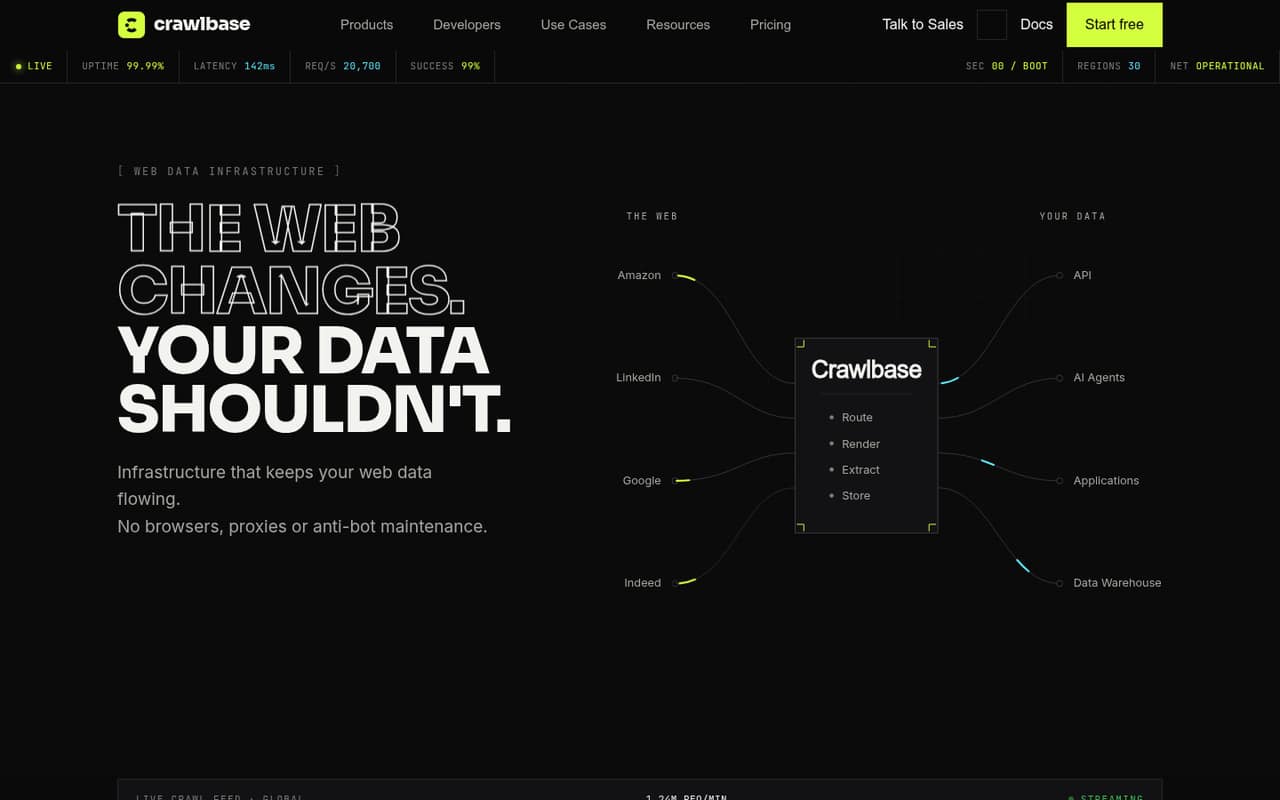
Crawlbase combines hosted scraping APIs, proxies and storage, and its listed use cases include large asynchronous URL crawls and web-data collection through APIs. The pricing page lists a free plan and a starting price of $90.75. That makes it a broad option for teams that want managed collection, but model the paid usage against your URL volume before choosing it.
What works
- Crawling API supports HTML and structured data
- Python, Node, Ruby, PHP and Go clients
- Asynchronous crawls deliver results through callbacks
What doesn't
- Rate limits are not published on the vendor's site
- JavaScript rendering costs two credits per request
- Cloud Storage accrues credits per page per month
- Best for ready-made scrapersApifyApify
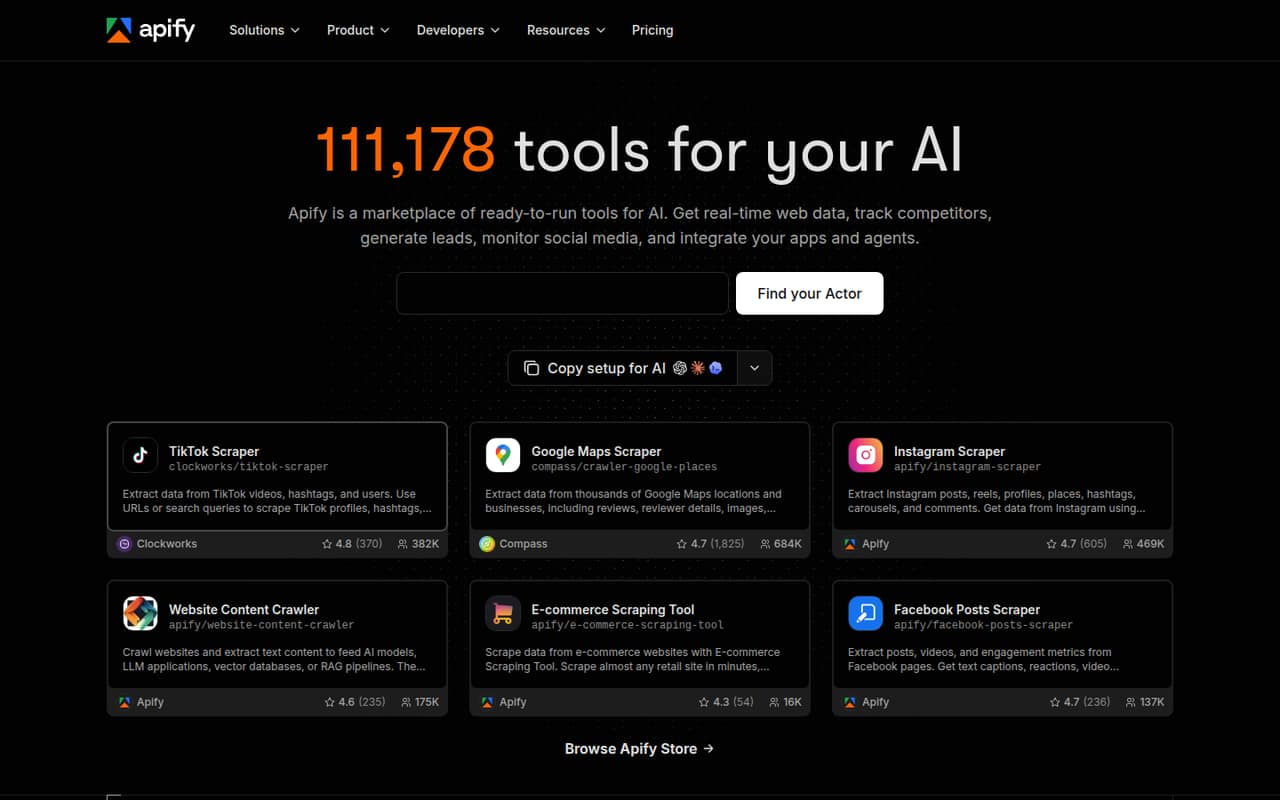
Apify is a hosted Actor platform for teams that need ready-made web scrapers or want to build custom Actors. Its listed use cases also include AI workflows that need web data. The pricing page lists a free plan and a starting price of $19. Plan for usage costs and concurrency limits, which the product description flags as factors to consider.
What works
- Marketplace of ready-to-run Actors
- Build and deploy custom Actors
- Run Actors and export data via API
What doesn't
- Compute and proxy usage can add up
- Free plan has five concurrent runs
- Extra concurrent runs cost $5 each
- Best open sourceSteelSteel
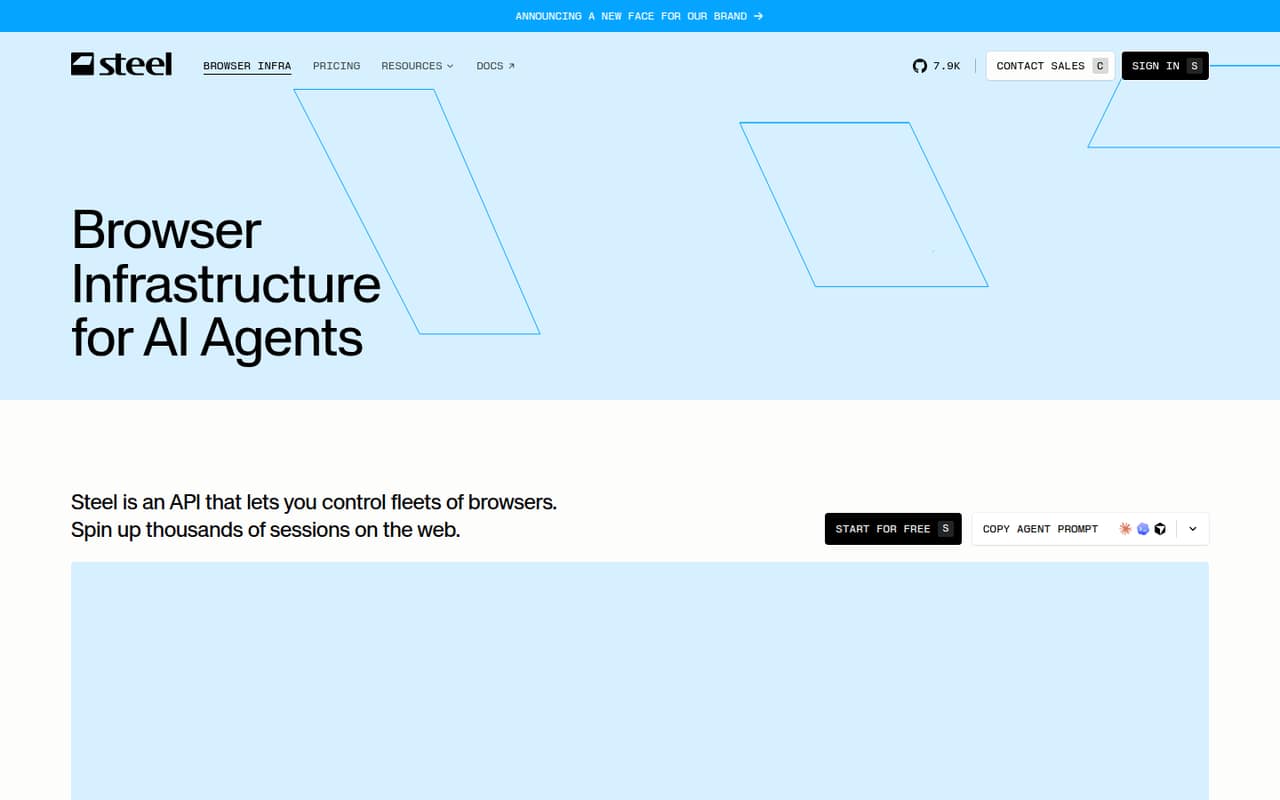
Steel is listed as open source and self-hostable, with managed browser sessions for agents. Its stated fit includes persistent sessions and teams using Playwright, Puppeteer or Selenium, plus workloads that need session traces and recordings. The pricing page lists a free plan and a starting price of $250. Check which features and usage add-ons apply to self-hosting.
What works
- Connects to Playwright, Puppeteer and Selenium
- Carries cookies, tabs and state across runs
- Shows traces, recordings and live sessions
What doesn't
- Usage add-ons sit on top of plan prices
- Launch is limited to 10 concurrent sessions
- Launch sessions can run for up to 15 minutes
- Best for Scrapy teamsZyteZyte
Zyte is a hosted scraping stack aimed at varied website types, with Scrapy users specifically among its intended customers. Its listed capabilities include cloud hosting, structured extraction and managed delivery. The entry price is listed as $0.06, but confirm the billing unit and model your expected volume before budgeting. Zyte is also listed as open source.
What works
- One API selects an access strategy for each target site
- Structured extraction includes product fields such as price and availability
- HTTP and browser request pricing is published by website tier
What doesn't
- No free API plan; the trial credit is limited to $5
- Per-request rates vary by website tier and access method
- Advanced features may add unpublished usage costs
- Best broad scraping stackScrapflyScrapfly
Scrapfly puts a broad hosted scraping stack behind one API key, with browser-driven extraction and managed Chromium among its stated use cases. That can suit teams consolidating scraping services or building agents that use a managed browser. The pricing page lists a free plan and a starting price of $30. Model credit costs before scaling, as the product description advises.
What works
- One API key covers scraping, browsers, screenshots and extraction
- Managed Chromium supports Playwright and Puppeteer
- SDKs listed for Python, TypeScript, Go and Rust
What doesn't
- Credit consumption varies with target complexity
- Free plan lists signup credits, not a recurring monthly allowance
- Discovery has no pay-as-you-go overflow
- Best for protected pagesZenRowsZenRows
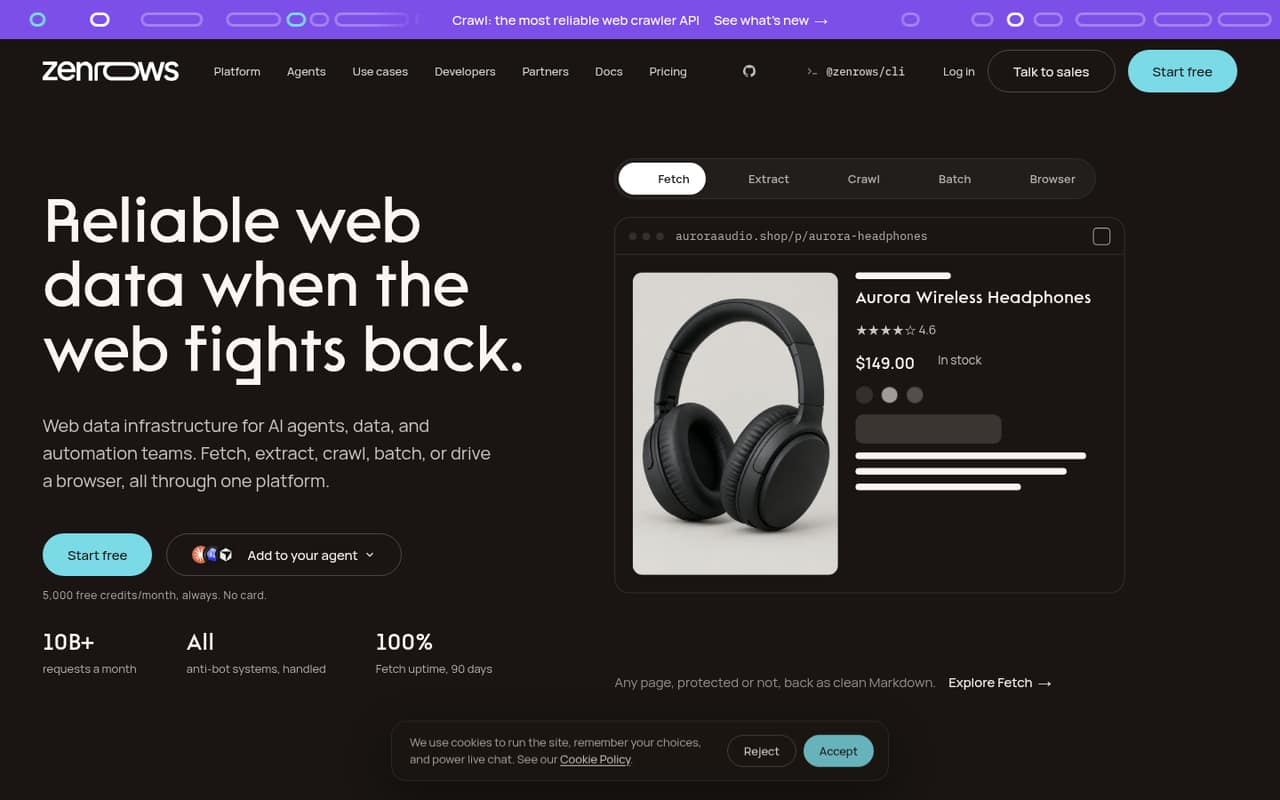
ZenRows targets teams processing protected pages and offers batch scraping and extraction workflows, alongside live web access for agents. Its listed starting price is $16, with a free plan. The product description flags limited public detail on portability and usage costs, so confirm billing behavior and how you can export collected data before putting it into a production pipeline.
What works
- Combines fetch, extraction, crawling, batch jobs and browser operations
- Offers Python, Node.js and Go SDKs
- CLI and MCP server support agent workflows
What doesn't
- Credit costs vary by feature and are not fully itemized
- Paid top-up pricing is not published
- Source availability and self-hosting options are not published
- Best for browser teamsBrowserlessBrowserless
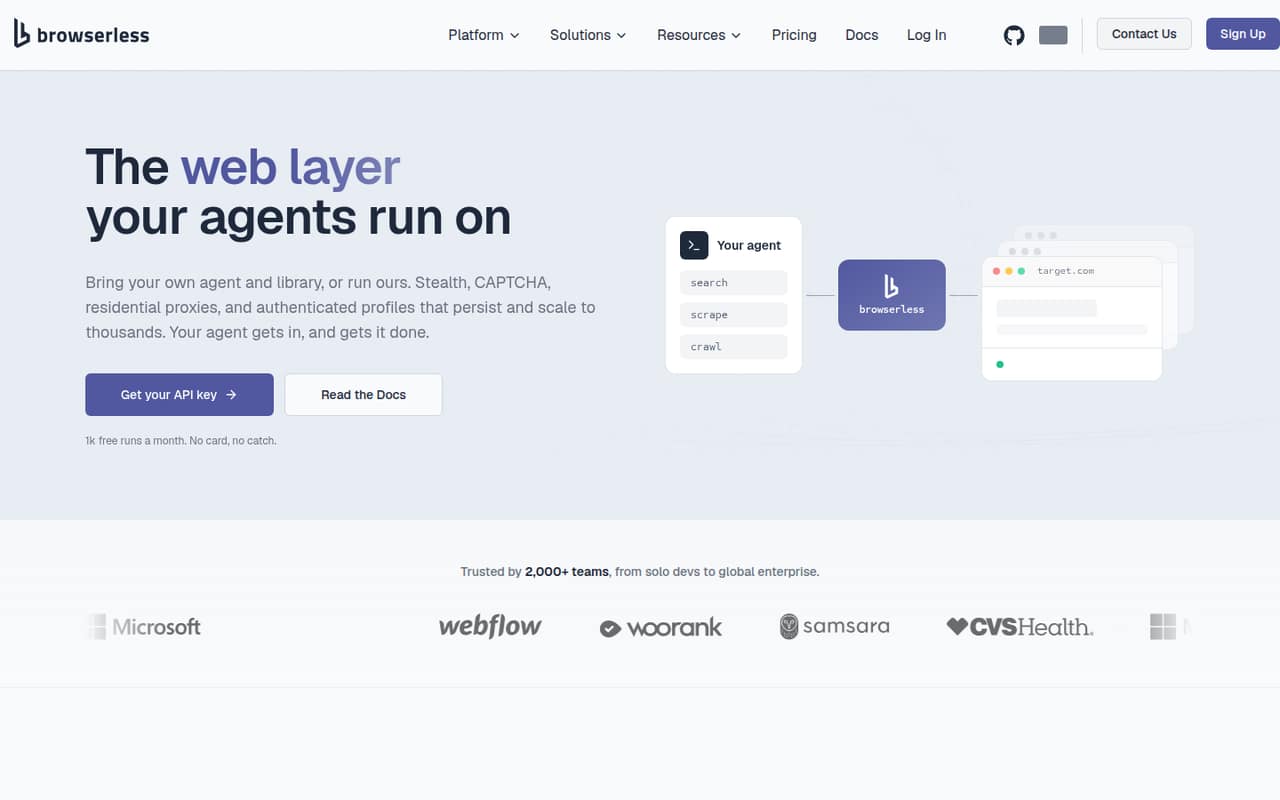
Browserless is a managed browser layer for teams using Puppeteer or Playwright, and its listed use cases include MCP-based web agents. It is also marked self-hostable. The pricing page lists a free plan and a starting price of $25. Check unit consumption against your session pattern, and confirm the self-hosting terms and feature scope before standardizing on it.
What works
- Connect existing Puppeteer and Playwright scripts
- Offers HTTP APIs and MCP tools
- Free tier includes 1k units monthly
What doesn't
- Usage costs rise with units and add-ons
- Monthly prices are not published
- Self-hosting license terms need confirmation
- Best for agent-ready dataFirecrawlFirecrawl
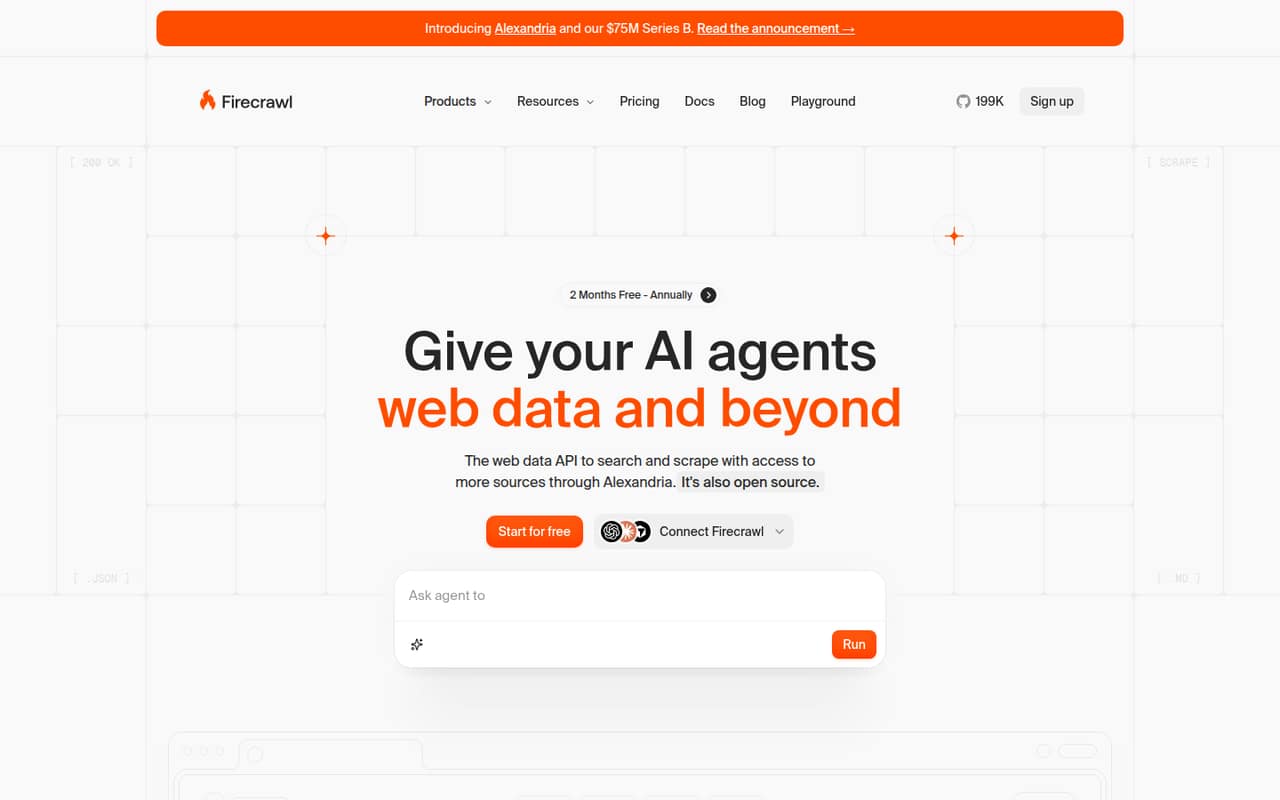
Firecrawl turns live web pages into Markdown or JSON, making its stated fit clear for AI agents and teams extracting pages into those formats. It is listed as open source, and the pricing page lists a free plan with a starting price of $16. Check operational requirements and the free-tier limits against your workload before scaling beyond a prototype.
What works
- Search, scrape and interact through one product
- Outputs include Markdown, JSON and screenshots
- Python example uses a short integration path
What doesn't
- Free plan has low rate limits
- Concurrency and credits vary by paid plan
- Self-hosting reports include setup and reliability complaints
- Best for proxy replacementScraperAPIScraperAPI
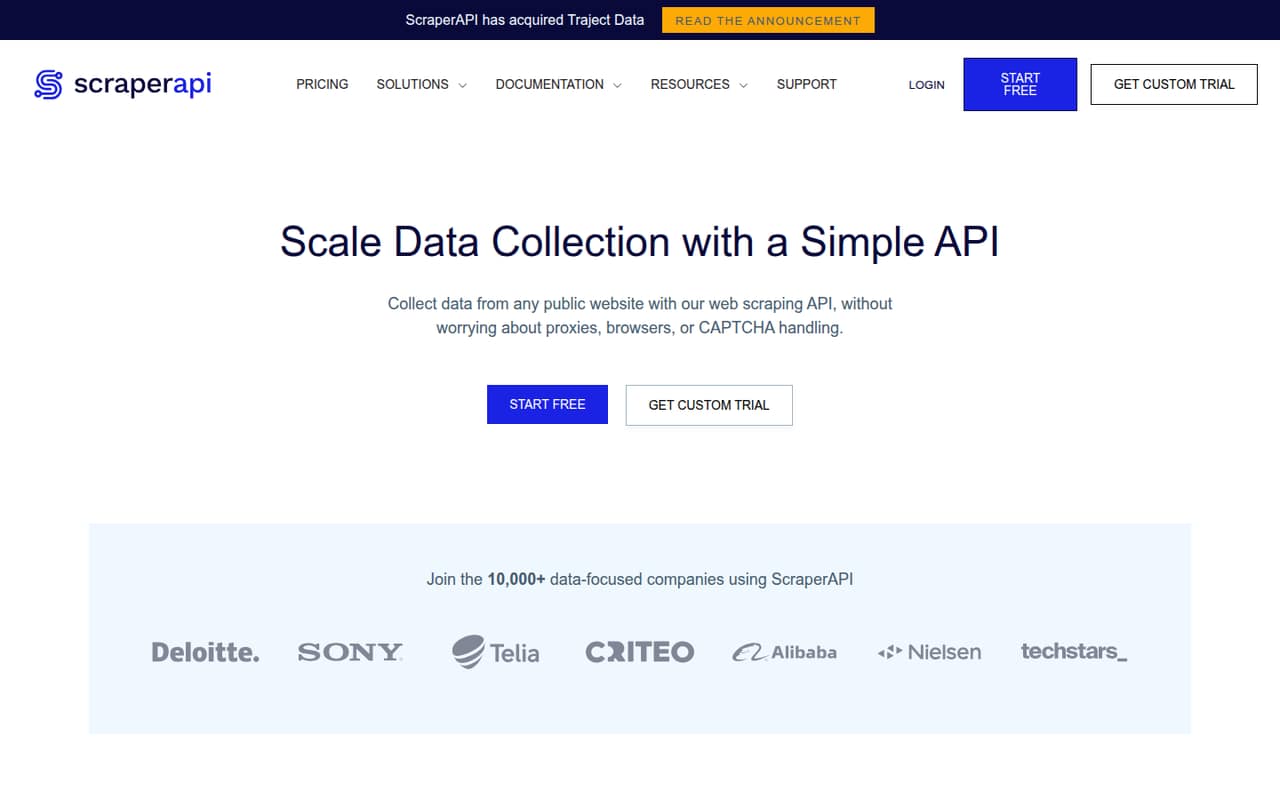
ScraperAPI is a hosted scraping layer for teams replacing proxy infrastructure, with e-commerce and SERP pipelines and structured JSON endpoints among its stated use cases. The pricing page lists a free plan and a starting price of $44.10. Budget credits per target and validate success rates for the sites you need; the product description notes those costs and results depend on target sites.
What works
- API handles proxy rotation, CAPTCHA and browser handling
- Structured JSON endpoints for Amazon, Google and Walmart
- Async Scraper supports millions of asynchronous requests
What doesn't
- SDK and language support needs confirmation with the vendor
- No published source licence or self-hosted deployment
- Credit use can vary across target domains
- Best for JavaScript pagesScrapingAntScrapingAnt
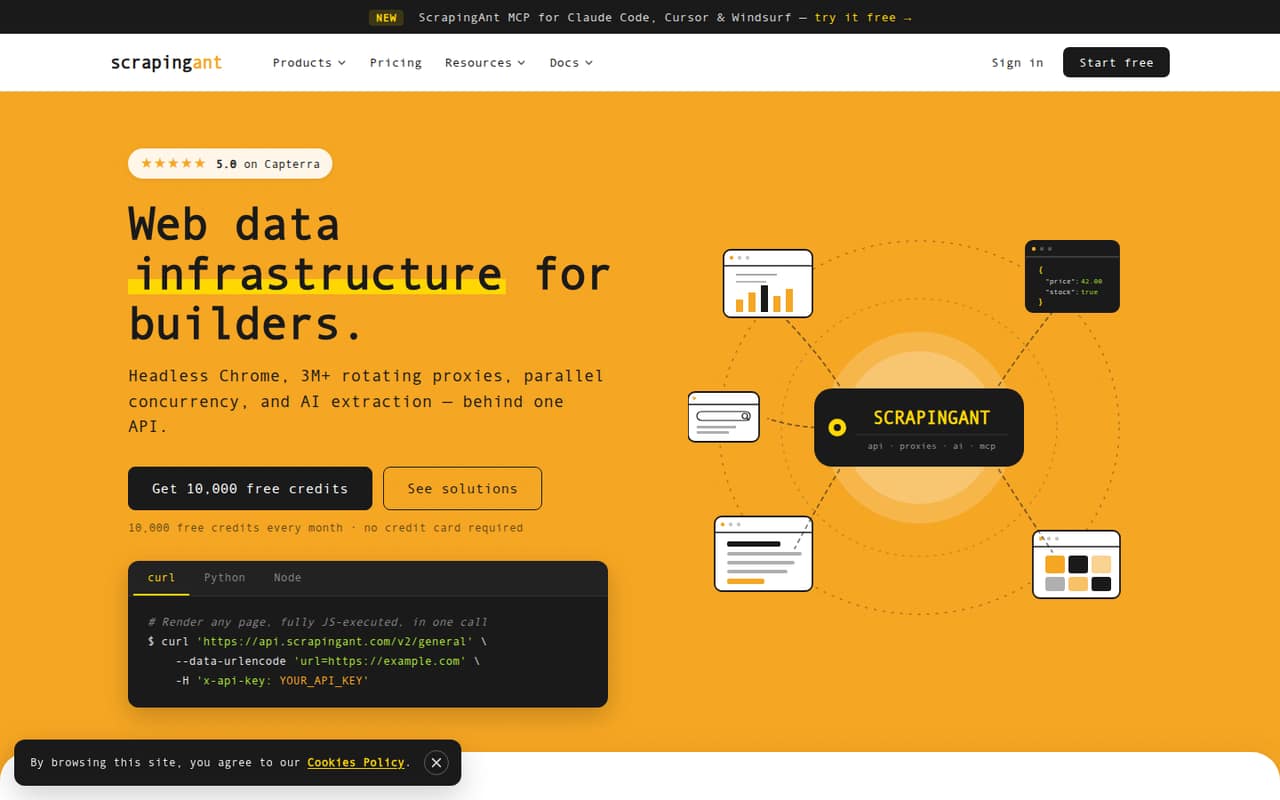
ScrapingAnt is a managed scraping stack intended for JavaScript-heavy pages, live web content for AI agents and teams that prefer managed infrastructure. The pricing page lists a free plan and a starting price of $19. Before adopting it for production, check how credits are consumed for your targets and confirm the limits that matter to your expected request volume.
What works
- Hosted API combines Chrome rendering and proxies
- Examples cover curl, Python requests and Node fetch
- AI extraction returns structured JSON
What doesn't
- Credit costs per request are not published
- Overage and seat costs are not published
- Free plan lists one concurrent request
- Best for RAG ingestionSpiderSpider
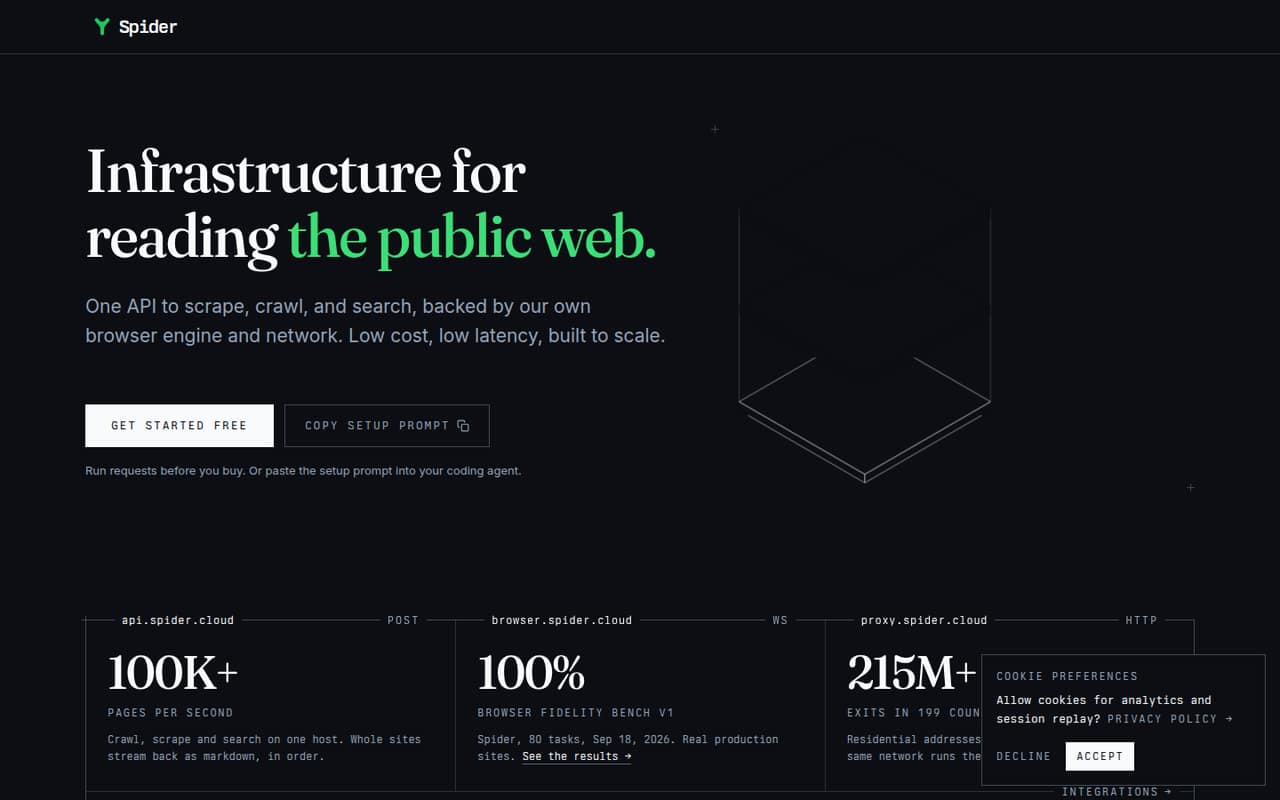
Spider is a hosted web-data API for RAG pipelines ingesting public pages, browser-rendered content and processing pages as they arrive. The pricing page lists a free plan and a starting price of $6, making it one of the lower listed entry prices in this group. Verify the limits and data portability that apply to your pipeline before building around its streaming features.
What works
- Scrape, crawl and search through one API
- Browser rendering handles scripts and infinite scroll
- Returns markdown, JSON and ordered JSONL streams
What doesn't
- Free-tier request or usage limits are not published
- Language-specific SDKs and CLI are not named on the homepage
- CPU time adds a separate usage charge
- Best for browser agentsHyperbrowserHyperbrowser
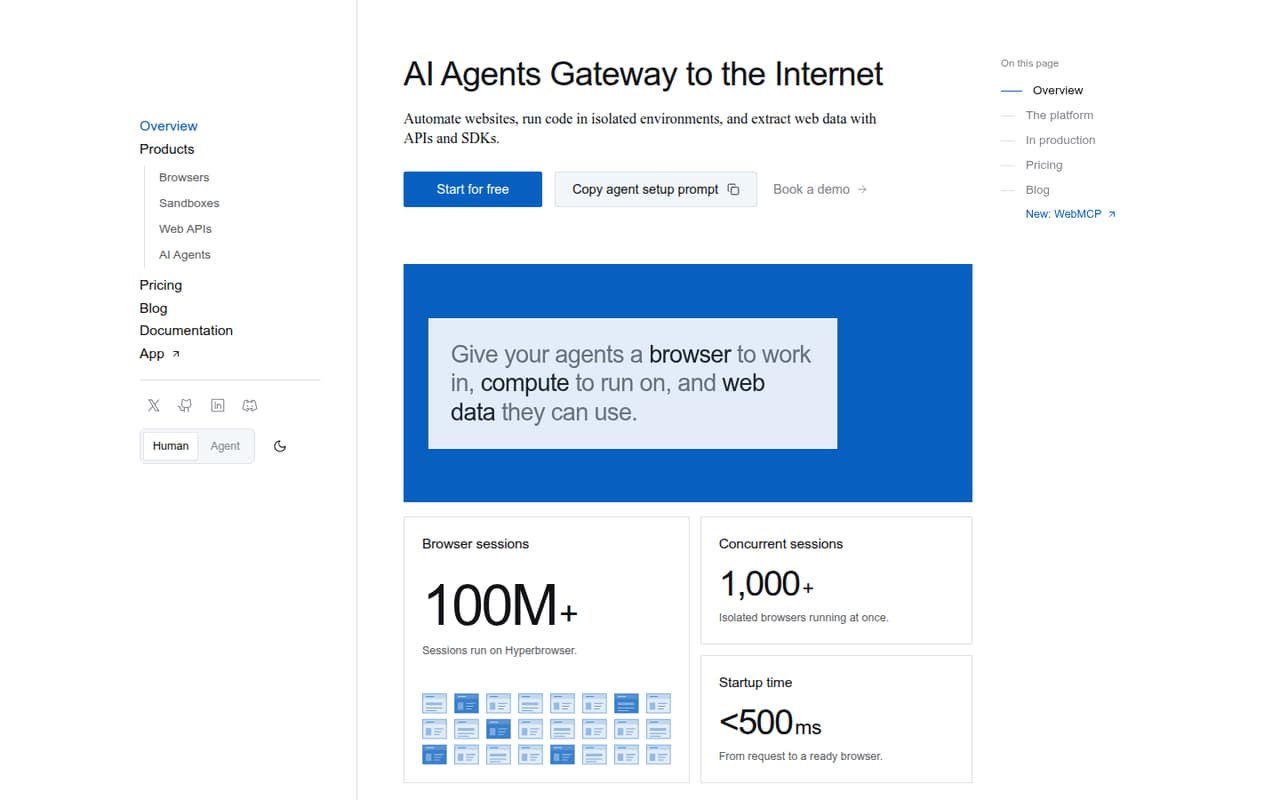
Hyperbrowser is a hosted toolkit for browser-based AI agents, with hosted Chrome sessions and workflows combining browsing and extraction among its stated fits. The pricing page lists a free plan and a starting price of $30. Before choosing it, estimate usage costs for your session pattern and verify what data and workflows you can move if you later change providers.
What works
- Playwright and Puppeteer connect to hosted Chrome
- Node.js and Python SDKs, CLI and MCP
- Browser sessions, sandboxes and web APIs in one service
What doesn't
- License and self-hosting terms are not published
- Data export details are not published
- Usage charges can add to plan prices
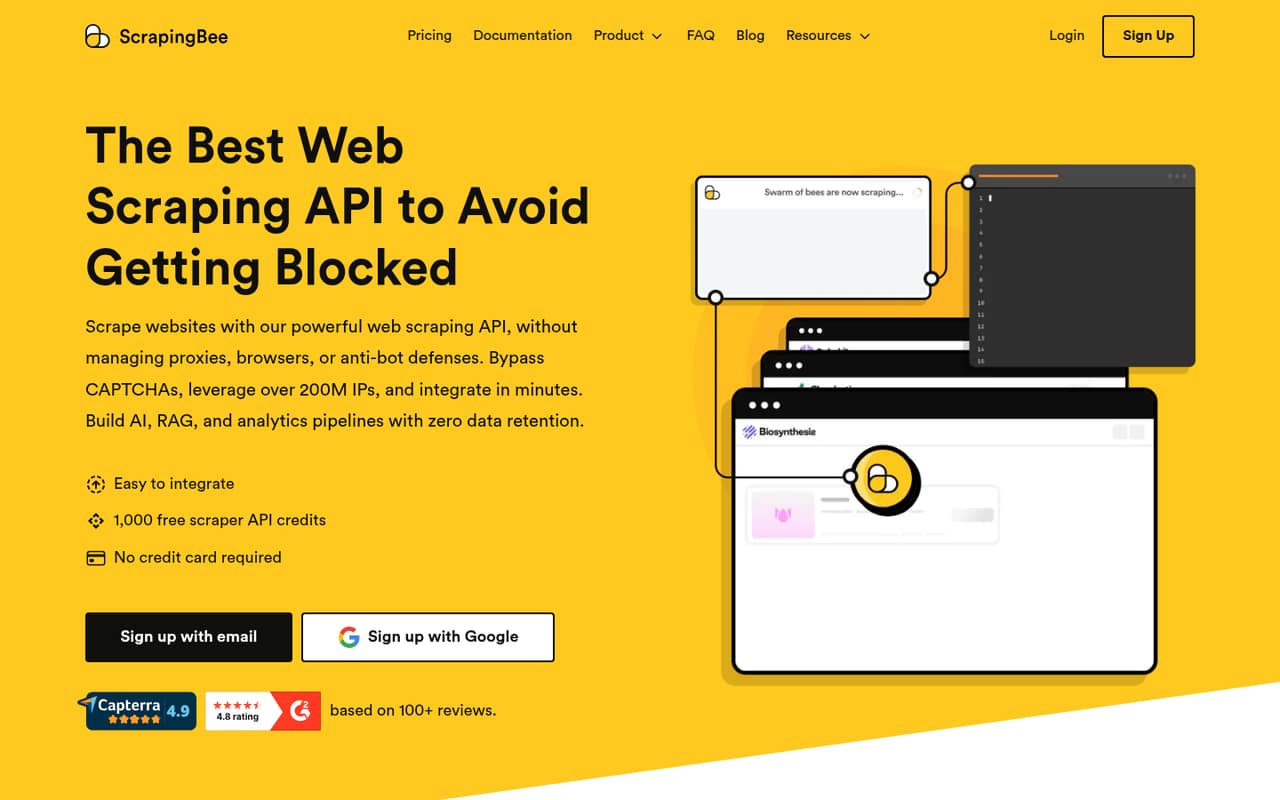
- Best for managed proxiesScrapingBeeScrapingBee
ScrapingBee is a hosted scraping API for teams avoiding proxy infrastructure, JavaScript-heavy public websites and AI workflows that need structured web data. The pricing page lists a free plan and a starting price of $19. Budget credits per target and validate extraction success on your own target sites, rather than assuming the starting price predicts the cost of difficult pages.
What works
- Automatic proxy rotation and country-level geotargeting
- Headless Chrome rendering with waits and scenarios
- Structured JSON or Markdown extraction
What doesn't
- JavaScript rendering consumes five credits per success
- Premium proxies consume 10 or 25 credits per success
- Credits expire monthly without rollover
- Best for enterprise collectionOxylabsOxylabs
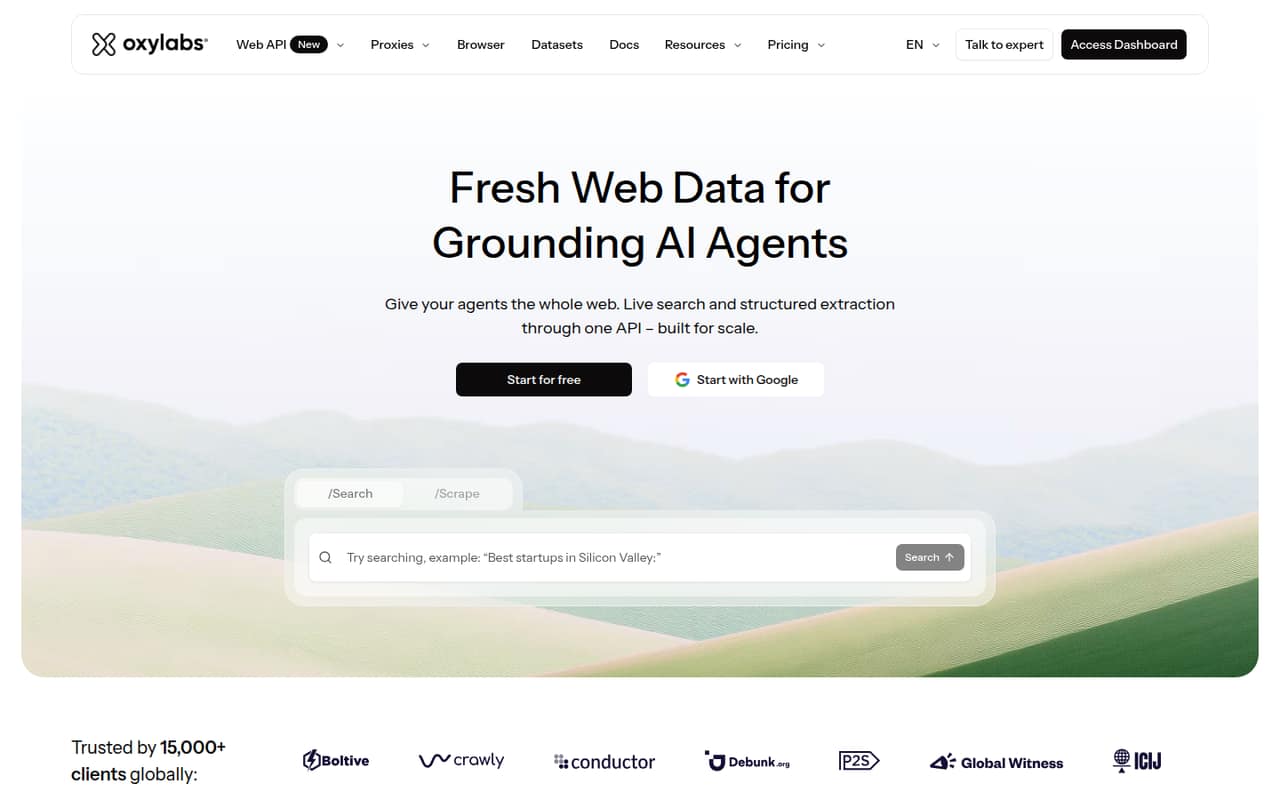
Oxylabs combines hosted APIs and proxies, with web-grounded AI agents and enterprise data collection among its stated use cases. The pricing page lists a free plan and a starting price of $15. This is a fit to evaluate when managed proxy infrastructure is part of the requirement; model usage costs against your target mix and expected collection volume before procurement.
What works
- Search and structured extraction share one Web API
- Hosted remote MCP Server connects agents to Web API
- Agent Skills provide tool-use instructions
What doesn't
- SDKs and supported languages are not named in the offering
- Rate limits are not published in the reviewed details
- Production overage rates need checking against product rate cards
- Best for proxy infrastructureBright DataBright Data
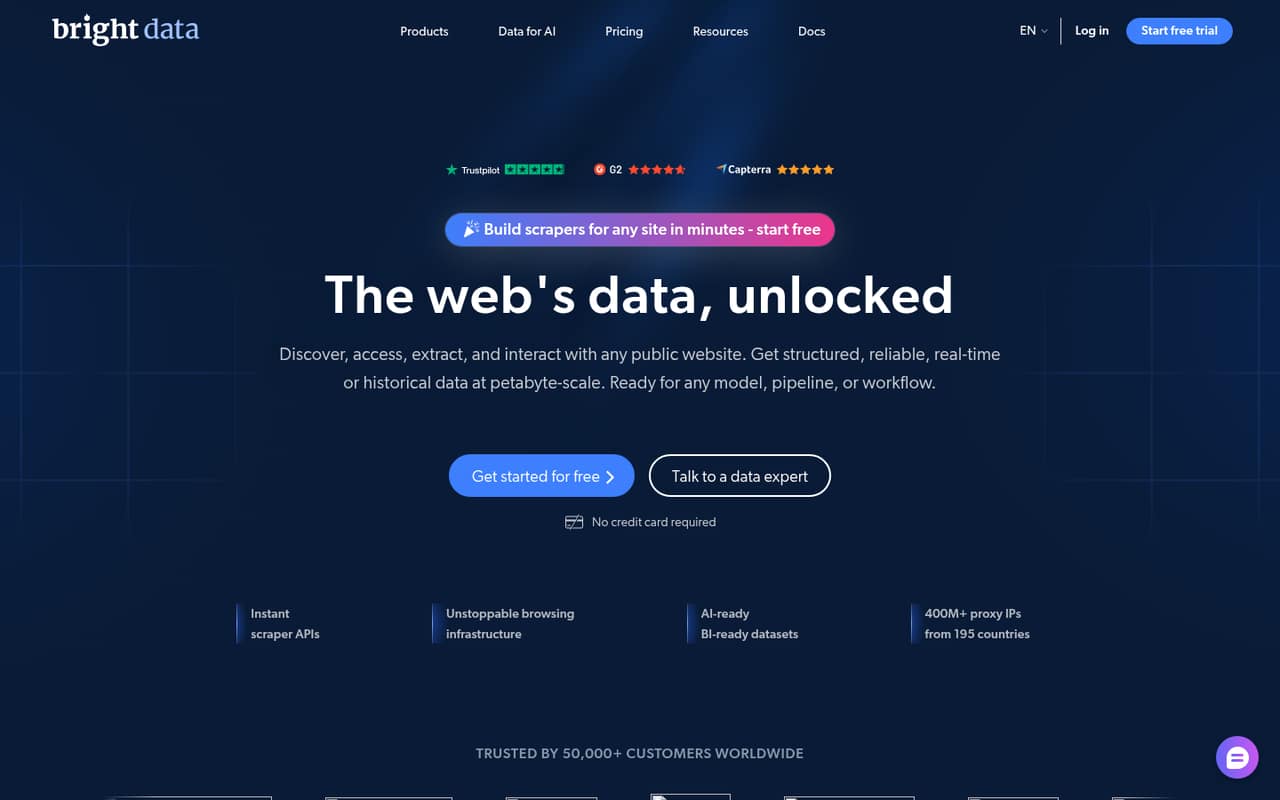
Bright Data is a full web-data stack for teams collecting public-web data at scale, with managed proxy infrastructure and AI data pipelines among its stated use cases. The pricing page lists a free plan and a starting price of $0. The product description cautions that usage and managed infrastructure need budgeting, so establish expected costs before moving large workloads.
What works
- Combines scraper APIs, web-access APIs, proxies, and datasets
- Free Tier includes several API and product allowances
- Pay-as-you-go pricing supports variable request volume
What doesn't
- Per-request and per-GB charges can add up
- Language-specific SDK support needs confirmation
- Self-hosting and open-source licensing are not listed
- Best for interactive agentsBrowserbaseBrowserbase
Browserbase provides hosted browser infrastructure for agents that need interactive browser access. Its stated fit also includes teams combining browsing with Search and Fetch. A free plan is listed, but a starting price is not published. Model usage costs before scaling and compare the hosted browser workflow with your existing browser automation stack.
What works
- Combines browser sessions with Search and Fetch APIs
- Provides logs, live view, and session replay
- Free tier includes browser, agent, Search, and Fetch usage
What doesn't
- Base prices and annual billing terms are not published
- Browser-hour and API usage can add to the bill
- Reddit users report a one-minute session billing minimum

- Best for combined APIsYepAPIYepAPI
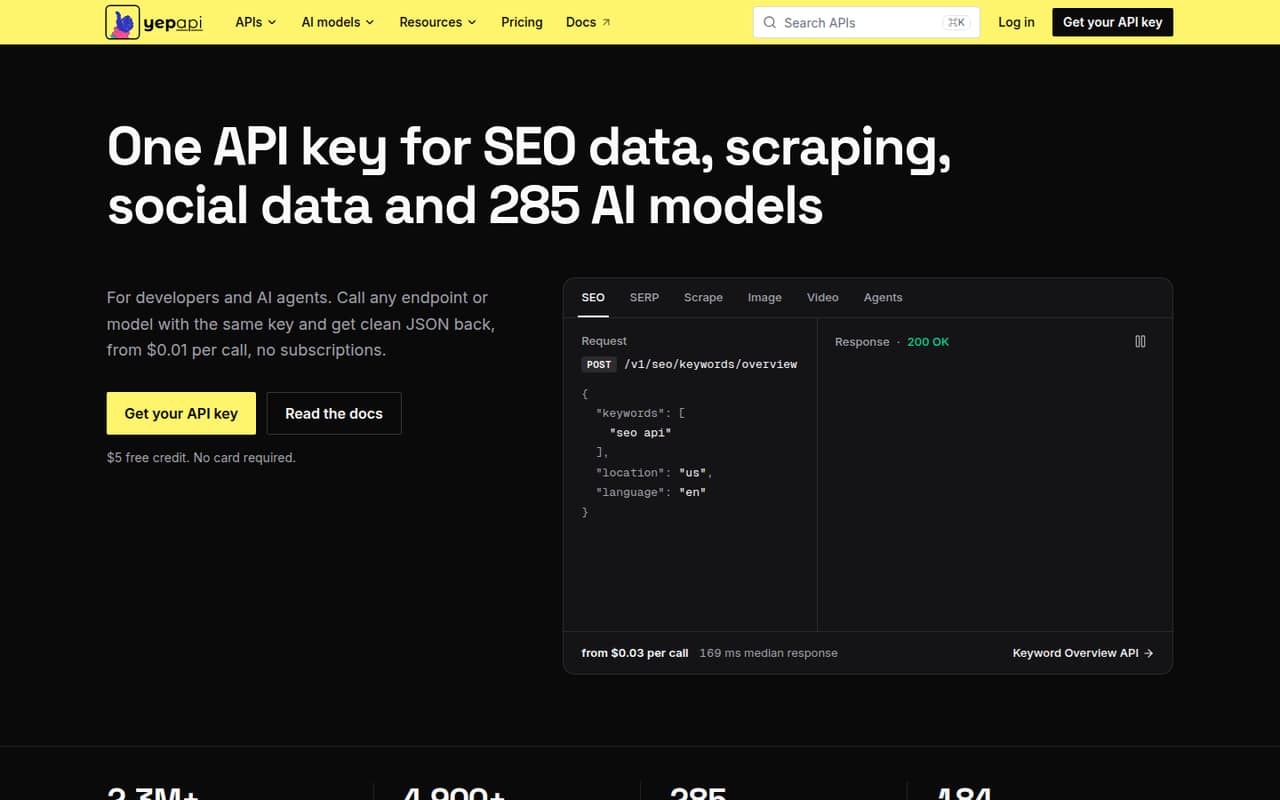
YepAPI combines SEO, scraping, social and e-commerce data APIs with 285 AI models, and is aimed at apps that combine SEO and AI features, prototypes using metered calls, and agents that can call HTTP APIs. A starting price is not published. Check which endpoints and model calls your application needs, then estimate their metered cost before relying on one API for several data types.
What works
- One key covers SEO, scraping, social data and AI models
- Consistent JSON response envelope across endpoints and models
- $5 signup credit with no card required
What doesn't
- SDKs and supported programming languages are not named
- No published self-hosting option or open-source licence
- Data export and migration tooling are not published
- Best for geo-targetingScrape.doScrape.do
Scrape.do offers hosted scraping APIs for public websites, workflows that need parsed JSON and projects requiring proxy geo-targeting. The pricing page lists a free plan and a starting price of $29. Confirm integration support for your stack and calculate credit costs for each target site before selecting it for a production pipeline.
What works
- One-request scraping API handles proxies and headers
- JavaScript rendering and CAPTCHA handling included
- Ready APIs return parsed JSON
What doesn't
- Paid plans cap concurrent requests
- Extra-credit pricing is not published
- SDK and language support needs verification
- Best for structured extractionDiffbotDiffbot
Diffbot focuses on structured web extraction and Knowledge Graph queries, with local search index deployments among its stated use cases. It is marked self-hostable, and the pricing page lists a free plan and a production starting price of $299 per month. Check which capabilities are available in a local deployment and whether the price fits your query and extraction volume.
What works
- Page extraction returns structured JSON
- Crawls sites from a seed URL
- Includes natural-language and Knowledge Graph APIs
What doesn't
- Startup production plan costs $299 monthly
- Free tier limited to 5 requests/minute
- Startup rate limit is 5 requests/second
03How we chose
We ranked these services for developer and technical-team fit: the stated API or browser model, the workflows each targets, listed entry pricing and free-plan availability, and any stated open-source or self-hosting option. We also considered the operational cautions vendors flag, such as credit costs, concurrency, usage limits and portability. Reddit sentiment is a secondary consideration for a buying guide, not a substitute for published terms or workload-specific validation. We did not run tests or benchmarks. Treat listed starting prices as comparison points, then ask vendors for the billing unit, rate limits and production terms that apply to your use case.
04Estimate cost per successful page
A starting price does not tell you what a usable page costs. Before choosing a plan, map your workload by target, page type and expected volume. Ask how the service bills retries, browser rendering, proxy or geographic options, extraction and unsuccessful requests. For credit-based products, calculate credits per target rather than assuming every URL costs the same. Then estimate the number of successful, usable records—not just requests—your pipeline needs each month. Check free-tier limits against this same workload: a free plan may be useful for integration work without representing production economics. Ask for the rate limits, concurrency rules and overage behavior that apply to your plan. If the vendor does not publish a billing detail, get it in writing before routing a high-volume job through the API.
05Check integration and portability
Choose the interface that matches the work your application does. A request-and-response scraping API is different from a hosted browser session, an asynchronous crawl or a platform where you run custom Actors. Verify the documented endpoints, supported languages and SDKs, authentication method, response formats and error behavior before committing; do not assume an SDK exists because an API does. For browser workloads, check compatibility with your existing automation approach, such as Playwright, Puppeteer or Selenium where the vendor lists it. For a long-lived integration, review export options for results, session state and logs, plus what remains available if you stop paying. Open-source status and self-hosting can reduce dependence on a hosted service, but confirm which components and features those terms cover. Put a representative target set through your own validation process before migration.
Questions people ask
How do I choose between a scraping API and a hosted browser?
Choose a scraping API when your application needs fetched or extracted page data through an endpoint. Choose a hosted browser when the workflow needs browser sessions or interactive automation. Some vendors offer both. Compare the integration model, billing unit and target-site results against the tasks your code must perform.
Which web scraping APIs have a free plan?
A free plan is listed for Crawlbase, Apify, Steel, Scrapfly, ZenRows, Browserless, Firecrawl, ScraperAPI, ScrapingAnt, Spider, Hyperbrowser, ScrapingBee, Oxylabs, Bright Data, Browserbase, Scrape.do and Diffbot. Check each vendor's current plan limits and billing terms before relying on free usage.
Which options are open source or self-hostable?
Steel, Firecrawl and Zyte are listed as open source. Steel, Diffbot and Browserless are listed as self-hostable. Those labels do not establish that every hosted feature is available locally; confirm the licence, deployment scope, and any differences in support or functionality with the vendor.
What should I ask about pricing before production?
Ask for the billing unit, credit costs by target or feature, retry charges, rate limits, concurrency limits and overage behavior. Estimate cost per successful page using your expected workload. A listed starting price is not enough to predict production spend, particularly when browser rendering or target-specific handling affects usage.