We may earn a commission if you buy through links on this page. It never changes a score or a ranking. How we make money
AI chatbot builders range from hosted support platforms to visual flow editors and social messaging tools. For developer-led teams, Botpress is our best overall pick for support workflows that need agents to act and hand work to people. Voiceflow stands out for its CLI, while Juji is the only listed option described as self-hostable. Those distinctions do not settle production fit: the listed starting prices do not show full usage costs, and teams should confirm API access, message caps, channel support and deployment requirements with each vendor.
Quick picksThe shortlist
 BotpressBotpressBest overall · $150/mo
 VoiceflowVoiceflowBest with a CLI · Free
 JujiJujiBest self-hostable · Free
 IntercomIntercomBest for existing Intercom teams · $19/mo
 ChatbaseChatbaseBest for shared inbox support · $32/mo
 ChatBotChatBotBest for no-code support · $19/mo
 LandbotLandbotBest for visual flows · Free
 CustomGPTCustomGPTBest for grounded assistants · $89/mo
 SiteGPTSiteGPTBest for website FAQs · $39/mo
 ChatfuelChatfuelBest for Meta messaging · $18/mo
 ManyChatManyChatBest for social DMs · $14/mo
 TidioTidioBest for small ecommerce teams · $24.17/mo
 BlipBlipBest for customer journeys · Custom
 SpurSpurNot a chatbot builder · $19/mo
01Compared at a glance
| Tool | Score | From | Free plan | Trial |
|---|---|---|---|---|
| BotpressBotpress | 6.8 | $150/mo | Yes | — |
| VoiceflowVoiceflow | 6.3 | Free | Yes | Yes |
| JujiJuji | 5.8 | Free | Yes | — |
| IntercomIntercom | 6.6 | $19/mo | No | 14 days |
| ChatbaseChatbase | 6.6 | $32/mo | No | 7 days |
| ChatBotChatBot | 6.6 | $19/mo | No | 14 days |
| LandbotLandbot | 6.8 | Free | Yes | 14 days |
| CustomGPTCustomGPT | 6.4 | $89/mo | No | 7 days |
| SiteGPTSiteGPT | 6.3 | $39/mo | No | 7 days |
| ChatfuelChatfuel | 6.4 | $18/mo | No | — |
| ManyChatManyChat | 6.5 | $14/mo | Yes | 14 days |
| TidioTidio | 6.1 | $24.17/mo | Yes | 7 days |
| BlipBlip | 5.8 | Custom | No | — |
| SpurSpur | 6.0 | $19/mo | Yes | — |
02The picks, in detail
- Best overallBotpressBotpress
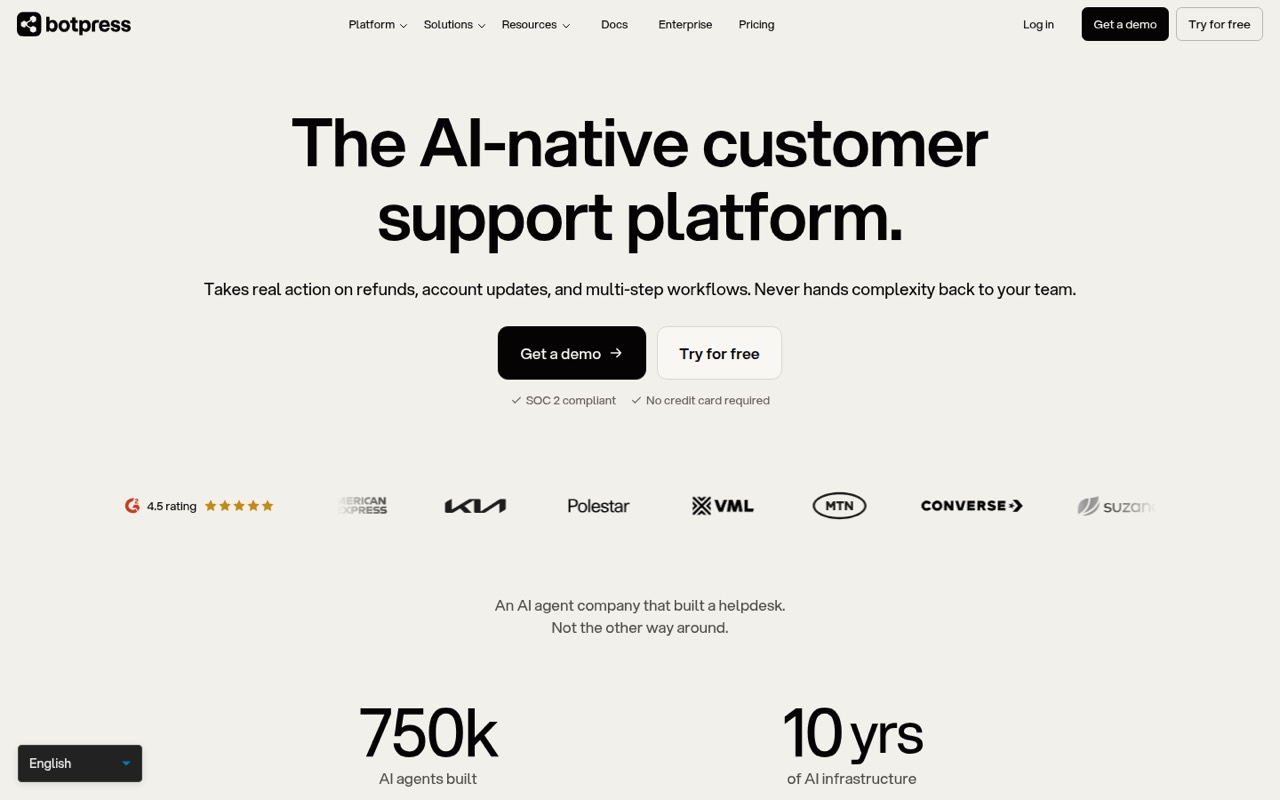
Botpress is a hosted AI support platform for teams that need agents to act, not just answer. It suits multi-step ticket automation, existing helpdesk setups and contextual human handoff. The listed entry price is $150, with a free plan. Before building around it, ask the vendor to confirm API and SDK coverage, usage charges, rate limits and how agent actions connect to your systems.
What works
- Agents can handle refunds and account updates
- Coordinates multi-step actions across systems
- Hands off cases with conversation context
What doesn't
- Free plan caps usage at 100 conversations monthly
- Plus and Team prices require annual billing
- Conversation packs add a separate usage charge
- Best with a CLIVoiceflowVoiceflow
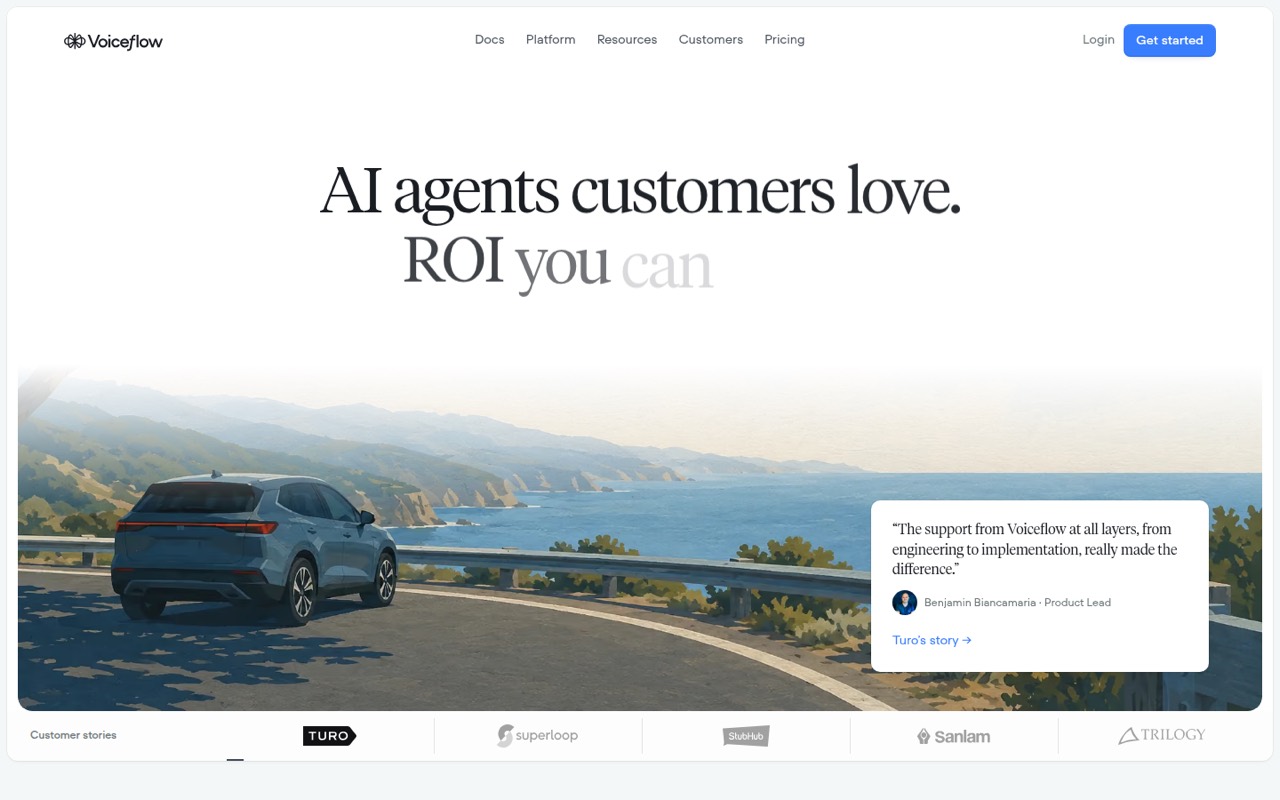
Voiceflow pairs visual agent design with a CLI, making it a notable fit for teams that want workflow design alongside a developer-facing tool. It also targets CX teams that need transcripts and analytics. A free plan is listed, but its starting price is n/a. Confirm deployment options, API requirements, usage pricing and whether the CLI covers the operations your team needs.
What works
- Playbooks turn support policies into agent processes
- Agent Studio centralizes persona, tone and instructions
- Atlas can investigate conversations and refine playbooks
What doesn't
- Public plan prices and usage limits are not published
- Homepage does not name SDKs or programming languages
- API style and rate limits need vendor confirmation
- Best self-hostableJujiJuji
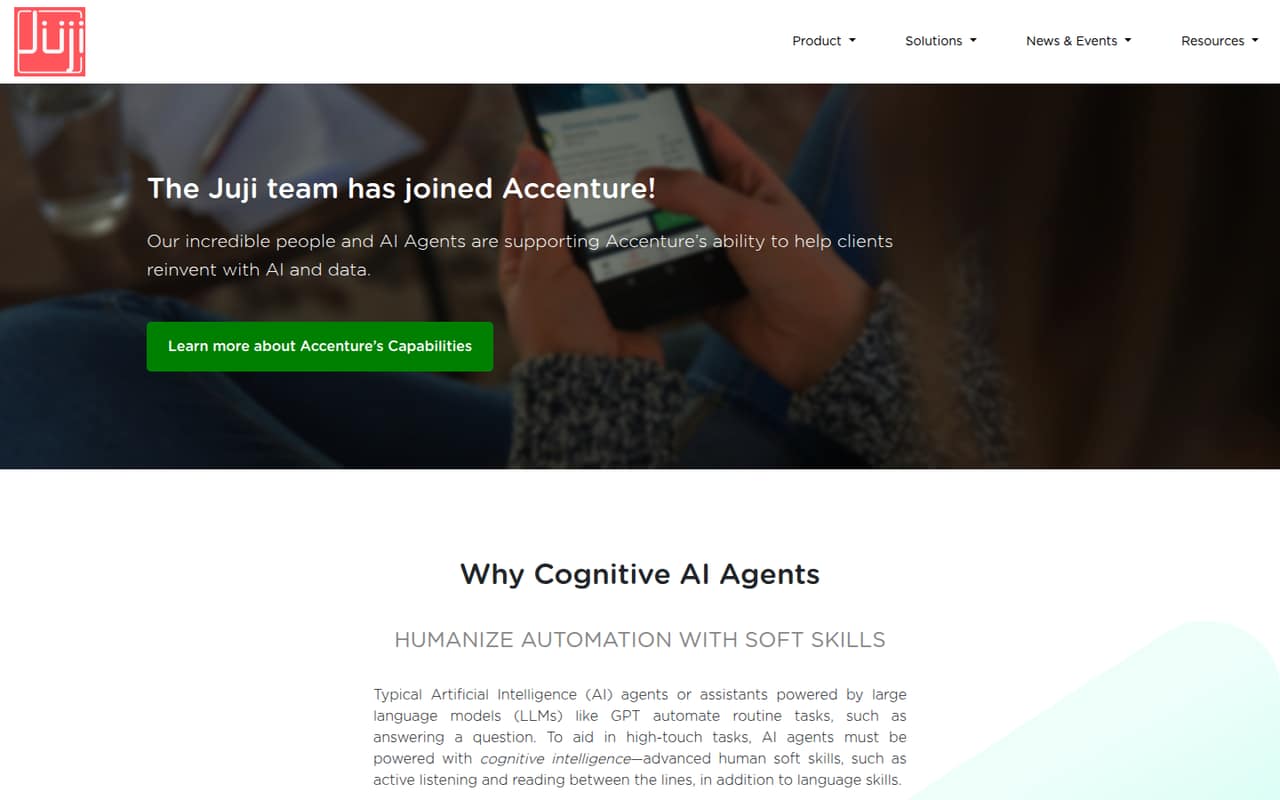
Juji is the only option in this group explicitly described as self-hostable, which makes it worth investigating for teams that need deployment control. It targets guided conversations and inferred user insights, and has a free plan. Its API details and usage costs are unclear, so get written answers on supported interfaces, hosting requirements, production limits and data export before adopting it.
What works
- Graphical builder targets non-IT staff
- Reusable templates and pre-built dialogs
- Q&A pairs can come from CSV
What doesn't
- Basic billing period is not published
- Pro overage rates are not published
- API protocols and SDK support need confirmation
- Best for existing Intercom teamsIntercomIntercom
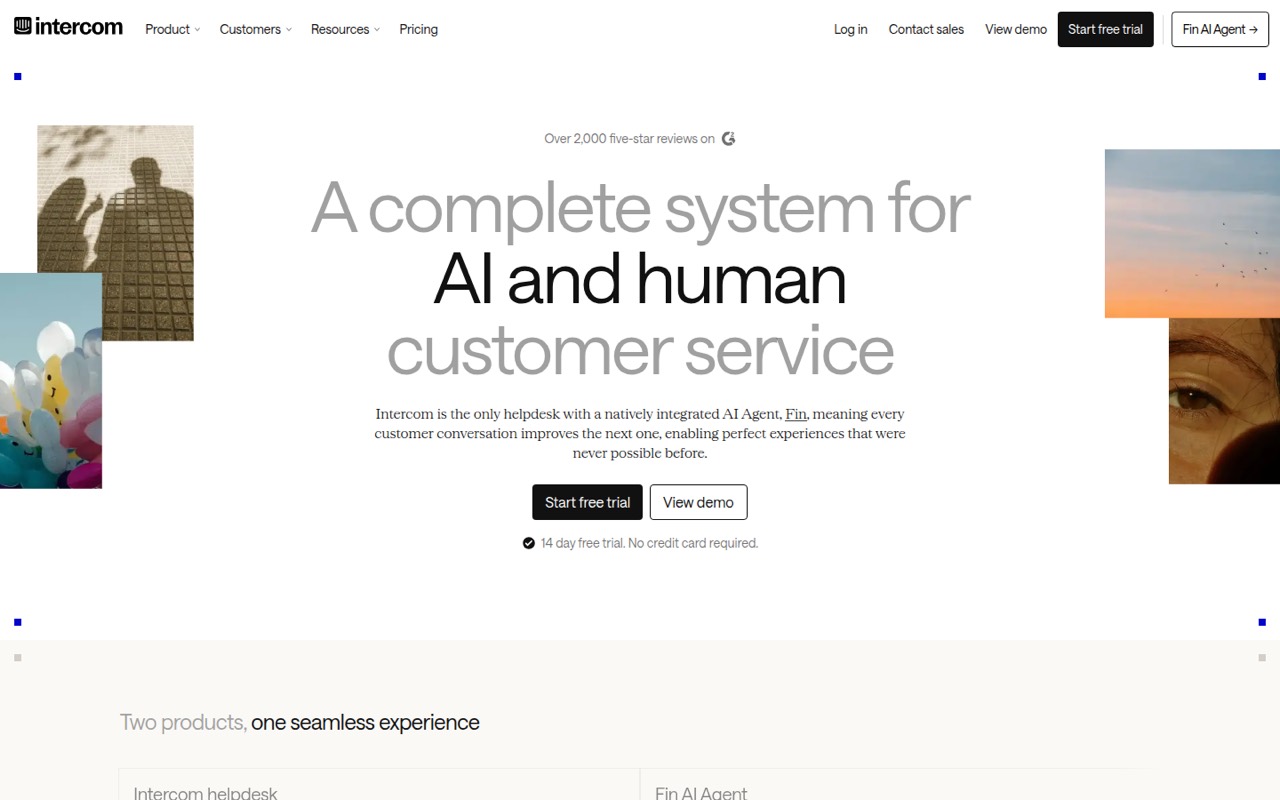
Intercom is a hosted helpdesk with native AI, suited to teams consolidating support across channels or already working in Intercom. Its pricing is listed from $19 and depends on both seats and outcomes, so the entry price alone is not a forecast of total cost. Ask how outcome charges apply to your expected volume, and check the integration and export paths your stack requires.
What works
- Fin and human agents share an inbox and customer record
- Fin supports phone, email, chat and Slack
- AI Simulations test customer conversations before launch
What doesn't
- No free plan; trial lasts 14 days
- Fin charges per outcome on top of plan costs
- Usage-based messaging costs vary by region
- Best for shared inbox supportChatbaseChatbase
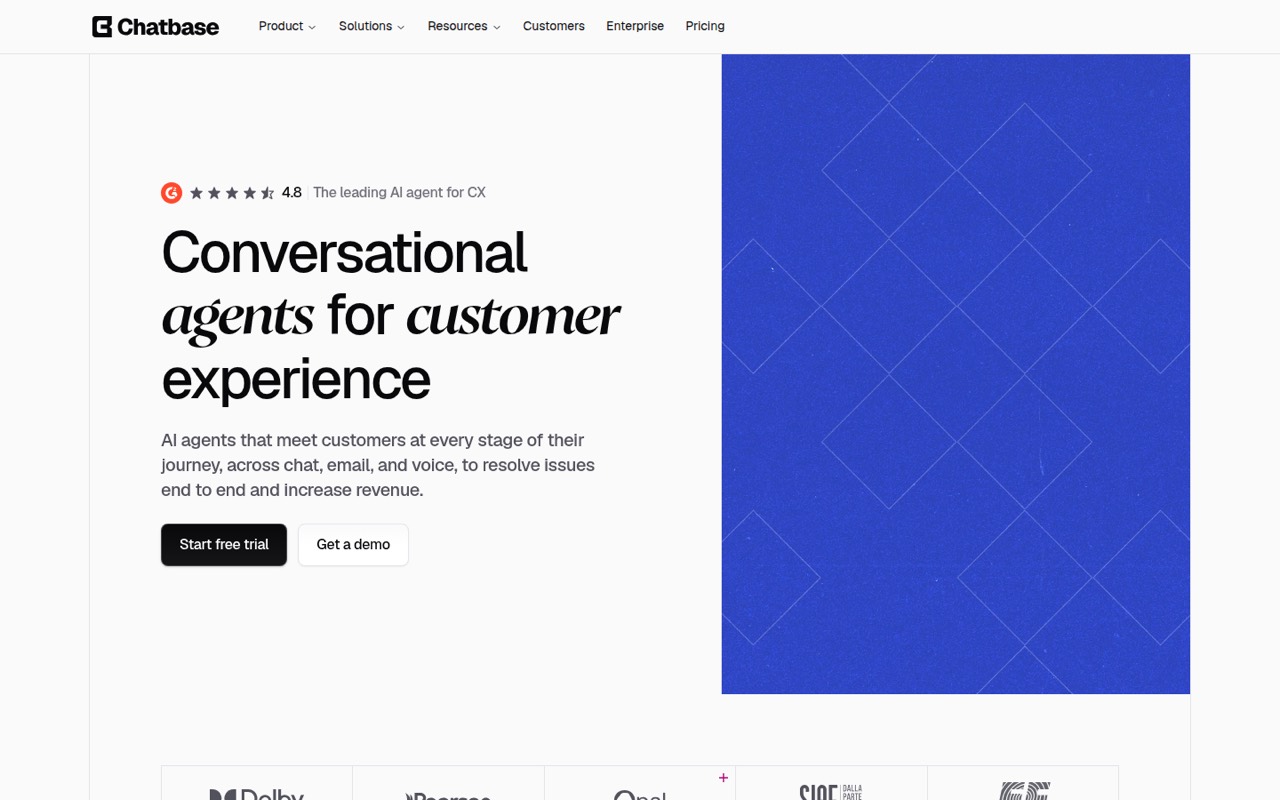
Chatbase combines no-code agents with a shared inbox, and is aimed at teams deploying support through chat and email or mixing AI with human ticket handling. Its listed starting price is $32. Before committing, confirm which integrations are available, how conversations transfer to staff, whether usage is capped, and how to export agent configuration and conversation data.
What works
- No-code builder covers roles, data sources and guardrails
- Deploy agents across chat, email, WhatsApp and Slack
- Built-in Actions can retrieve information during conversations
What doesn't
- API access is listed, but API details need verification
- Vendor does not list SDKs or supported languages
- No free plan; trial lasts seven days
- Best for no-code supportChatBotChatBot
ChatBot is a no-code customer-chat platform for repetitive support questions and ecommerce chat-led sales. It offers useful channels, but the published engineering detail is limited for teams that need to build deeper integrations. The listed starting price is $19. Ask for current API and SDK documentation, channel-specific limits, data export details and the full cost at your anticipated conversation volume.
What works
- Builds a knowledge base from a website URL
- Supports website, Messenger, SMS and WhatsApp
- Offers human handover for complex conversations
What doesn't
- Essential includes only 10 AI resolutions monthly
- No free plan after the trial
- SDKs and programming languages are not named

- Best for visual flowsLandbotLandbot
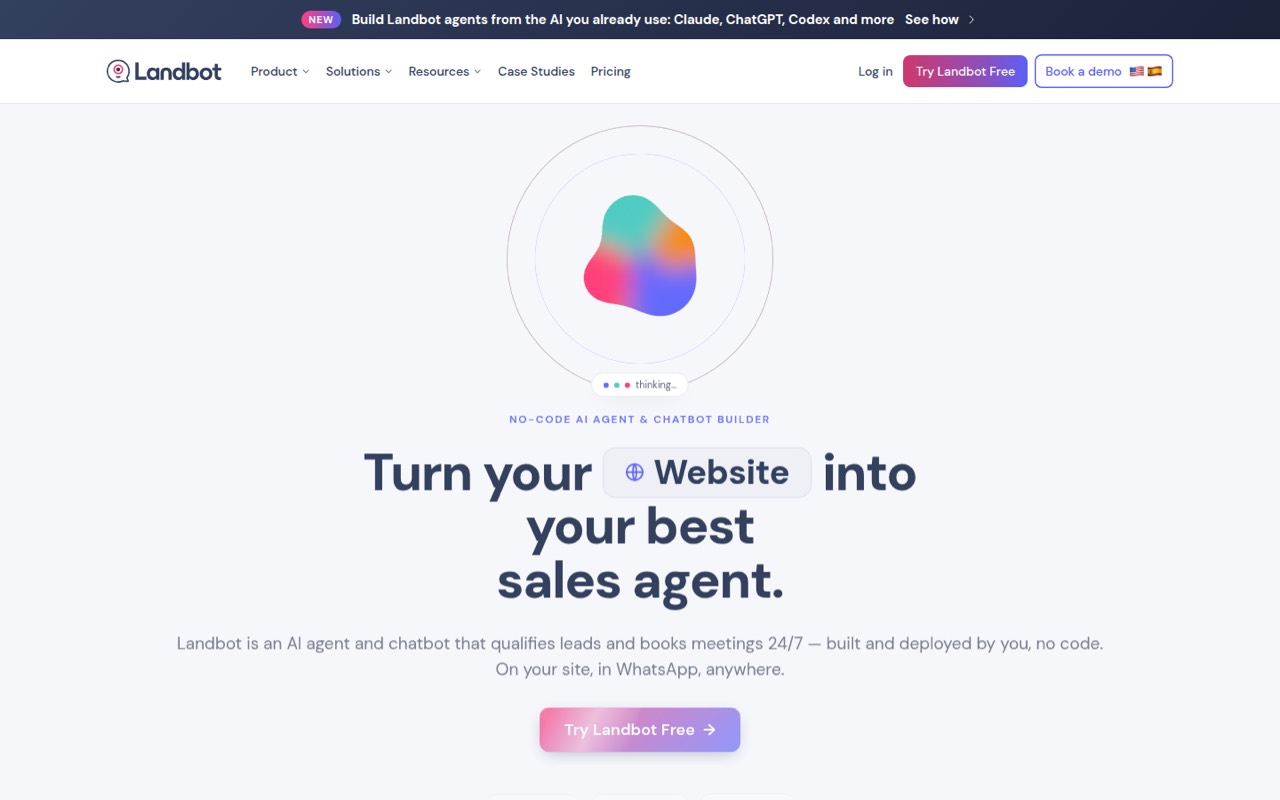
Landbot is a no-code visual flow builder for website lead qualification and WhatsApp sales or support workflows. It fits teams that want to edit conversation paths visually, rather than build a code-first bot platform. A free plan is listed, while the starting price is n/a. Confirm whether its APIs and deployment options meet your needs before making the flow editor part of a larger application.
What works
- Visual workflow builder supports no-code editing
- Combines structured flows with AI responses
- Supports website and WhatsApp use cases
What doesn't
- Vendor does not publish paid plan prices in the published pricing details
- No named SDK, programming language or public API surface
- Free plan has no AI chats
- Best for grounded assistantsCustomGPTCustomGPT
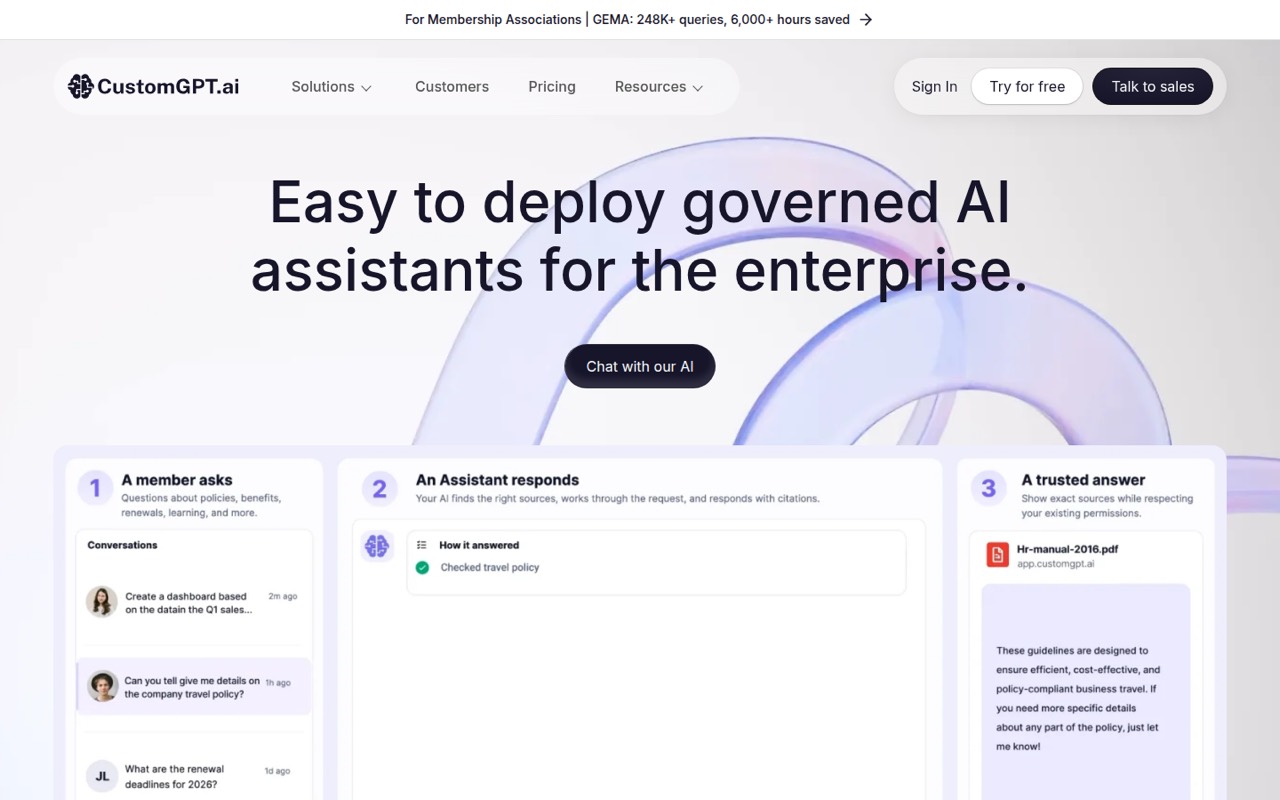
CustomGPT targets teams building content-grounded support assistants without code, including businesses deploying them on websites. Its listed starting price is $89. That entry point does not establish the cost at your expected usage, and developer access needs scrutiny. Ask for details on API availability, message or resolution limits, data handling and how source content and assistant configuration can be exported.
What works
- No-code agent setup and one-click deployment
- Citations link responses to their sources
- Supports more than 1,400 document types
What doesn't
- No free plan; the trial lasts seven days
- Standard includes 1,000 monthly queries
- Additional queries cost $375 per 2,500 monthly
- Best for website FAQsSiteGPTSiteGPT
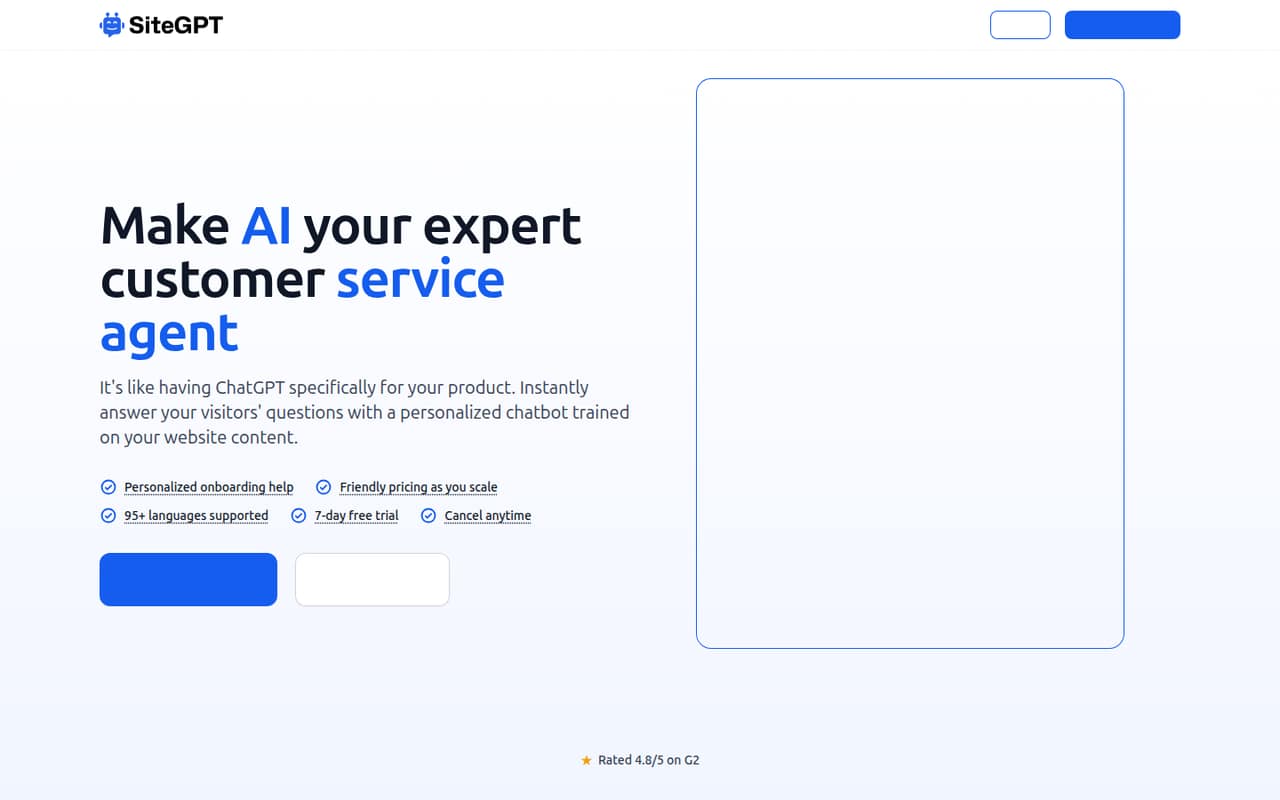
SiteGPT packages website-trained support chat as a hosted service, aimed at sites with existing help content and teams that want lead capture. The listed starting price is $39, and the service has message caps. Public developer detail is limited, so confirm the cap for your plan, what happens when it is reached, and whether the integration and data export options fit your deployment.
What works
- Trains on URLs, files and raw text
- Embeds on sites, apps and help centers
- Includes analytics, lead capture and prompts
What doesn't
- No free plan; trial lasts seven days
- Monthly message allowances cap usage
- Public homepage lists no API or SDK
- Best for Meta messagingChatfuelChatfuel
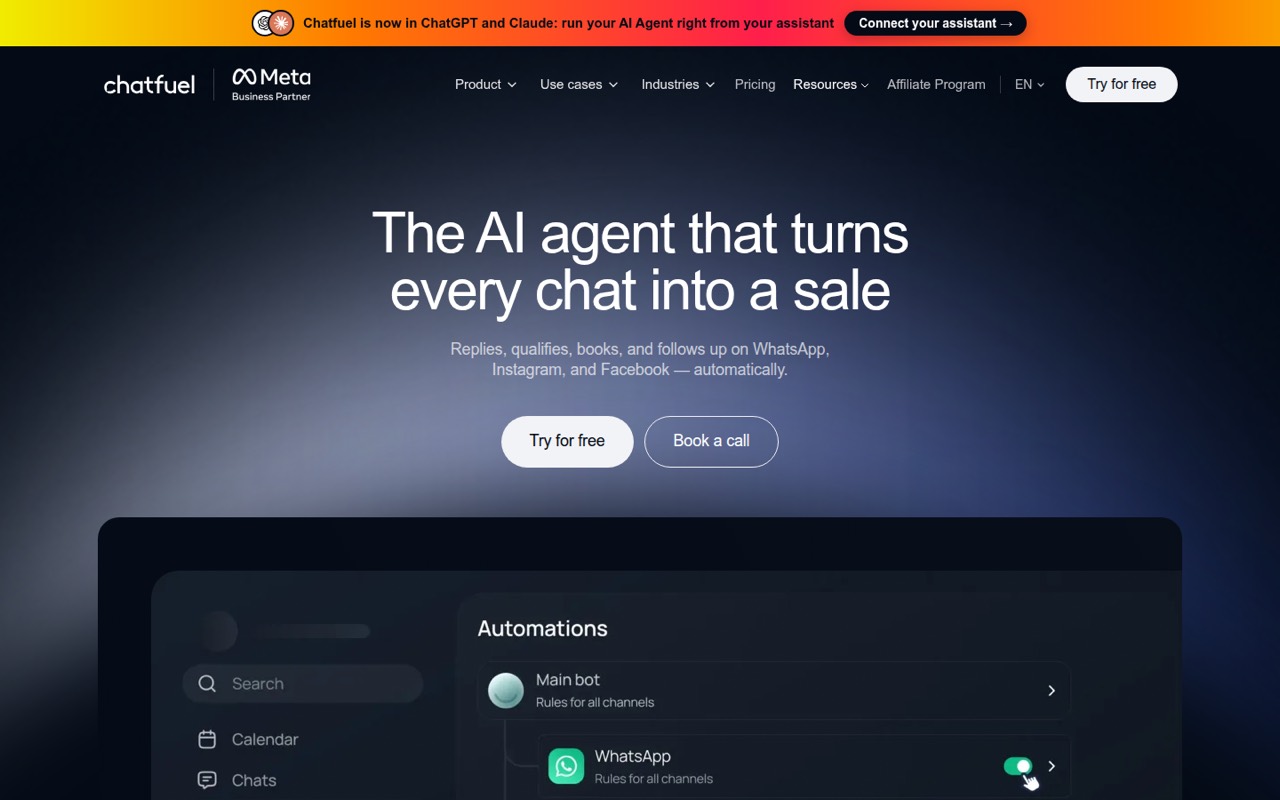
Chatfuel is a fit for businesses selling through Meta messaging and agencies managing client chat automation. It is also positioned for developers building branded chat experiences, but developer limits and portability need verification. The listed starting price is $18. Before you build around it, ask which channels and APIs are available on your plan, how usage is charged, and what you can move out if you switch.
What works
- Automates replies across WhatsApp, Instagram and Facebook
- Combines qualification, bookings and follow-ups
- Payment links and order confirmation stay in chat
What doesn't
- No ongoing free plan is listed
- Monthly-billed plan prices are not published
- SDK languages and API limits need confirmation
- Best for social DMsManyChatManyChat
ManyChat focuses on social DM funnels, including lead capture from comments and no-code automations for creators and brands. Its listed starting price is $14, with a free plan. It is a limited fit for teams that need developer control, so confirm API access and channel-specific limits before connecting it to application workflows. Treat it as a social automation tool, not a general backend for chat.
What works
- Automates comments, DMs and Story mentions
- Visual builder supports custom flows
- Quick Automations reduce setup work
What doesn't
- No public API or SDK is promoted
- Free plan caps contacts and channels
- Contact overages add recurring costs

- Best for small ecommerce teamsTidioTidio
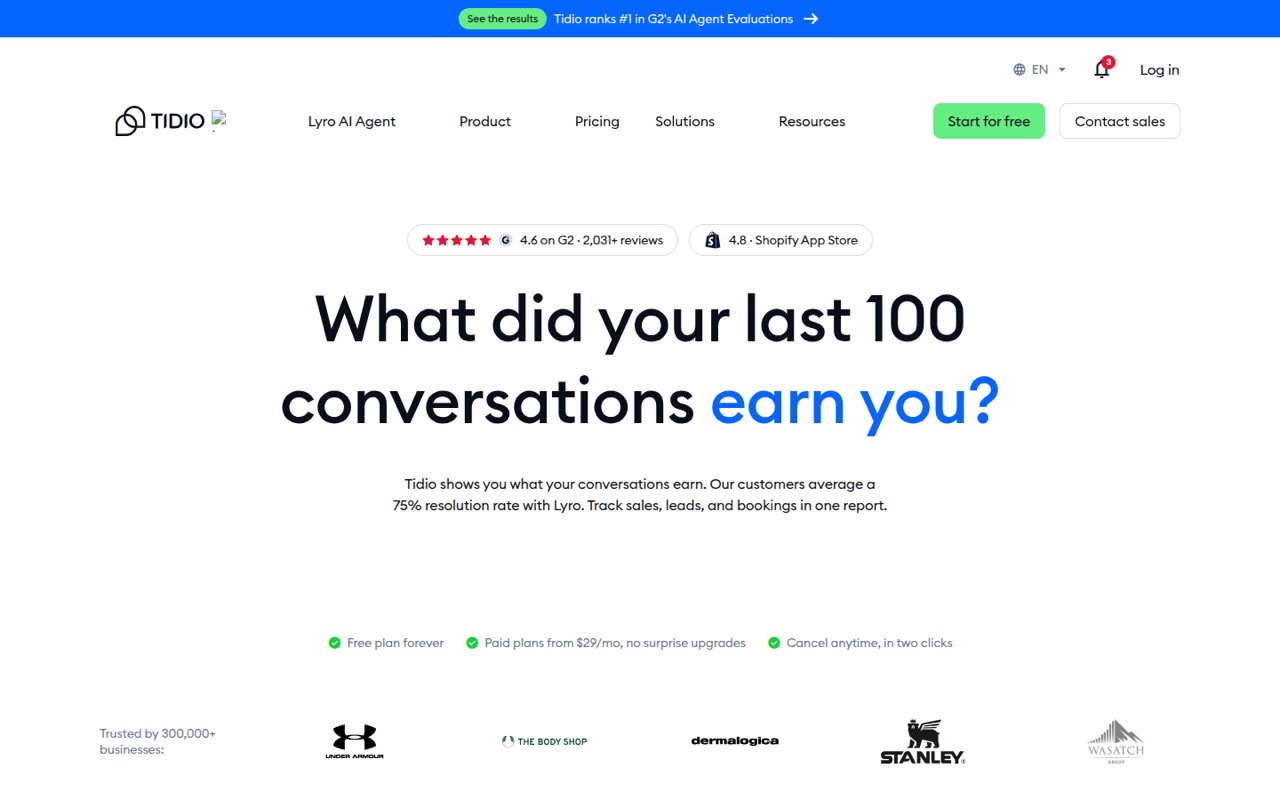
Tidio targets small ecommerce support teams that want no-code chat and sales automation, with listed integrations for teams to evaluate. It has a free plan and a listed starting price of $24.17. Check the usage limits and whether the integrations cover your systems before committing. Ask how additional usage is billed and what happens when a plan's included allowance runs out.
What works
- Combines live chat, email and social inboxes
- Visual builder includes 40+ ecommerce templates
- Lyro answers from verified business data
What doesn't
- No named SDKs, languages or CLI
- Conversation and visitor limits shape plan choice
- Monthly Starter and Growth rates are not listed
- Best for customer journeysBlipBlip
Blip is aimed at teams orchestrating multi-channel customer journeys and connecting CRM and ERP systems through no-code conversational workflows. Its starting price is n/a. The broad scope may suit organizations with several systems to connect, but pricing, deployment and production limits need vendor confirmation. Request current technical documentation and validate channel coverage, integration ownership and data portability against your architecture.
What works
- Builder supports no-code Intelligent Contact creation
- Studio configures models, knowledge, tools and guardrails
- Supports WhatsApp, Instagram and other messaging channels
What doesn't
- Blip does not publish a starting price
- Blip Go pricing and billing cadence are unpublished
- API styles, SDK names and supported languages need confirmation

- Not a chatbot builderSpurSpur
Spur is a client-management app for coaches, including personal trainers and studios selling branded coaching; it is not a platform for building software chatbots. Its listed starting price is $19, with a free plan. We rank it last for this category because its stated use case does not match website, Instagram or WhatsApp chatbot development. Choose a conversation platform instead.
What works
- Training, nutrition and messaging in one workspace
- Starter plan is free for up to two clients
- Pro client-count tiers and prices are listed
What doesn't
- No public API contract or SDKs are listed
- No CLI or programming languages are named
- Open-source licence and source availability are unpublished

03How we chose
We ranked the tools for technical teams by how clearly they fit into a software stack: developer-facing interfaces, documentation, deployment control, channel use cases and the ability to plan costs. We treated free plans and listed starting prices as entry points, not estimates of total spend, because conversation caps and AI resolution charges can change the bill. Self-hosting matters, but it is not the same as an open-source licence. Reddit sentiment is a secondary signal for reported friction, not a substitute for vendor documentation or contract terms.
04Check integration and deployment before designing the bot
Start with the interfaces your application needs. Ask for the current API and SDK documentation, supported authentication methods, webhook behavior, rate limits and error-handling guidance. Confirm whether the vendor supports your target channels—website, Instagram or WhatsApp—and whether channel features differ by plan. A visual builder can be useful for non-developers, but it does not automatically provide the controls an engineering team needs.
Clarify where the bot runs and what you can take with you. Hosted platforms reduce the work of running infrastructure, while self-hosting can offer more control but adds operational responsibility. Juji is described as self-hostable; that alone does not establish an open-source licence. Ask about data export for conversations, source content, workflows and configuration, plus what remains accessible if you cancel. Test the integration design against your existing support and identity systems before building a large flow.
05Model the bill at your expected volume
Compare more than the displayed starting price. Ask each vendor to define what counts as a conversation, message, AI resolution or billable outcome, and whether human handoffs count. Request plan-specific caps, overage rates, rate limits and the behavior when an allowance is exhausted. Intercom's listed pricing depends on seats and outcomes, while SiteGPT is described as having message caps; those billing models need different forecasts.
Build a cost estimate around expected monthly volume and ask the vendor to show how it changes at higher usage. Check whether a free plan is suitable for production or only evaluation, and whether channel access or integrations require a paid tier. Also confirm how usage is measured and reported so you can reconcile charges with your own logs. If the vendor will not give a clear cost model, keep the bot's scope small until you can validate it.
Questions people ask
Which AI chatbot builder is best for developers?
Botpress is our best overall pick for support teams that need agents to take actions and hand work to people. Voiceflow is worth considering if its CLI fits your workflow, and Juji is the listed self-hostable option. Confirm API access, deployment and production limits with vendors before choosing.
Which chatbot builder can I self-host?
Juji is explicitly described as self-hostable. That does not establish that it is open source or specify its licence, so ask the vendor for hosting requirements, source availability, licence terms, update process and support model before planning a deployment.
How should I compare chatbot pricing?
Treat the listed starting price as an entry point, not a usage forecast. Ask how the vendor counts conversations, messages, AI resolutions and outcomes; request plan caps and overage rates; and estimate spend at your expected volume. Also confirm whether channel access or integrations change the price.
What should I check before deploying a chatbot?
Confirm API and SDK support, authentication, rate limits, channel behavior, human handoff and data export. Ask what happens when usage caps are reached and whether you can export conversations, content and bot configuration. Check the deployment model and support terms against your security and operational requirements.