We may earn a commission if you buy through links on this page. It never changes a score or a ranking. How we make money
Software testing tools cover different parts of a stack, so the best choice depends on what you need to validate. Cypress is our top pick for browser tests; LocalStack fits teams checking AWS integrations locally, while Requestly focuses on API collections that can run in CI. For hosted browser, device and visual testing, consider BrowserStack, Appetize or Chromatic. Compare each tool’s integration model and price against your expected usage: free plans have limits, and listed starting prices do not tell you what a production workload will cost.
Quick picksThe shortlist
 CypressCypressBest overall · $67/mo
 LocalStackLocalStackBest for AWS testing · $39/mo
 SonarQubeSonarQubeBest for code quality · $34/mo
 RequestlyRequestlyBest for API testing · $10/mo
 BrowserStackBrowserStackBest for browser coverage · $29/mo
 ChromaticChromaticBest for visual testing · $179/mo
 AppetizeAppetizeBest for mobile builds · $59/mo
 ProxymanProxymanBest for HTTP debugging · $89/mo
 MailinatorMailinatorBest for email workflows · $79/mo
01Compared at a glance
| Tool | Score | From | Free plan | Trial |
|---|---|---|---|---|
| CypressCypress | 7.8 | $67/mo | Yes | 30 days |
| LocalStackLocalStack | 7.1 | $39/mo | Yes | — |
| SonarQubeSonarQube | 6.7 | $34/mo | Yes | 14 days |
| RequestlyRequestly | 7.0 | $10/mo | No | 30 days |
| BrowserStackBrowserStack | 7.0 | $29/mo | Yes | — |
| ChromaticChromatic | 7.8 | $179/mo | Yes | — |
| AppetizeAppetize | 7.2 | $59/mo | Yes | — |
| ProxymanProxyman | 7.7 | $89/mo | Yes | — |
| MailinatorMailinator | 7.2 | $79/mo | Yes | 2 weeks |
02The picks, in detail
- Best overallCypressCypress
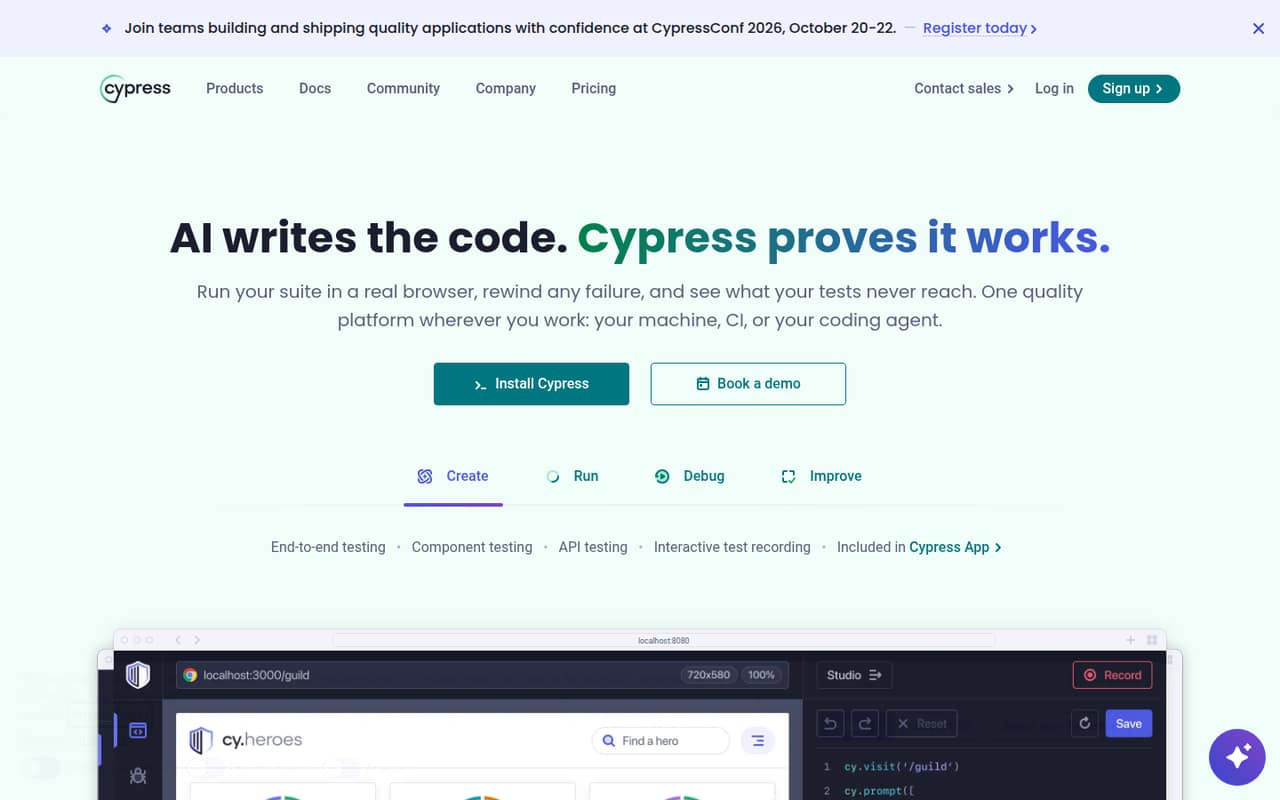
Cypress combines open-source browser testing with a hosted Cloud service, making it a strong fit for frontend teams that want to write tests locally and coordinate runs through pull requests. The pricing page lists a free plan and paid plans from $67; costs rise with test volume and premium features. Check expected CI volume and which Cloud features your workflow actually needs before budgeting.
What works
- Runs end-to-end and component tests in a real browser
- Supports API testing alongside browser tests
- Test Replay captures DOM, network events, and console logs
What doesn't
- Cloud usage has monthly or annual result allowances
- Extra test results incur per-1,000 charges on paid plans
- UI Coverage and Accessibility are paid add-ons
- Best for AWS testingLocalStackLocalStack
LocalStack emulates cloud services locally for teams testing AWS integrations and running cloud tests in CI. It is listed as self-hostable, with a free plan and pricing from $39. Emulation coverage and parity are the key design checks: confirm that the AWS services and behaviors your application depends on are supported before making local results a release gate.
What works
- Runs a simulated cloud environment on your infrastructure
- Hobby plan includes CI tests and VS Code integration
- AWS coverage spans 120+ services, per homepage
What doesn't
- Service counts differ by plan
- SDK, language and protocol details need confirmation
- Azure remains in public preview

- Best for code qualitySonarQubeSonarQube
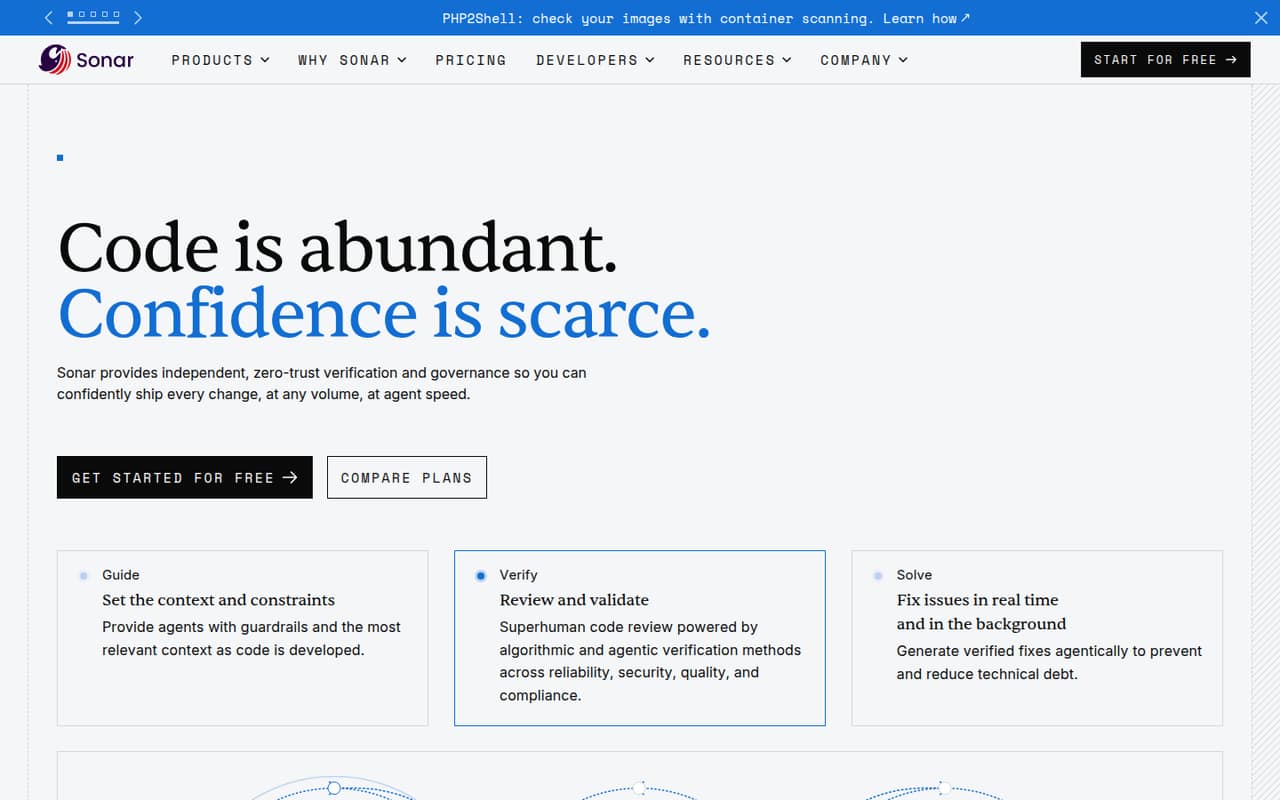
SonarQube is a code-quality tool for teams enforcing quality gates and reviewing AI-generated code. It is listed as self-hostable, with a free plan and pricing from $34; the product is also positioned for public, OSI-licensed repository maintainers. Check which integrations, licensing terms and support options fit your deployment and governance needs before adopting it across repositories.
What works
- Available as Server and Cloud
- Free private-project tier up to 50k LOC
- Team starts at $34 per month
What doesn't
- Team starting price covers up to 100k private LOC
- Enterprise pricing is quote-based
- Advanced Security requires an extra subscription
- Best for API testingRequestlyRequestly
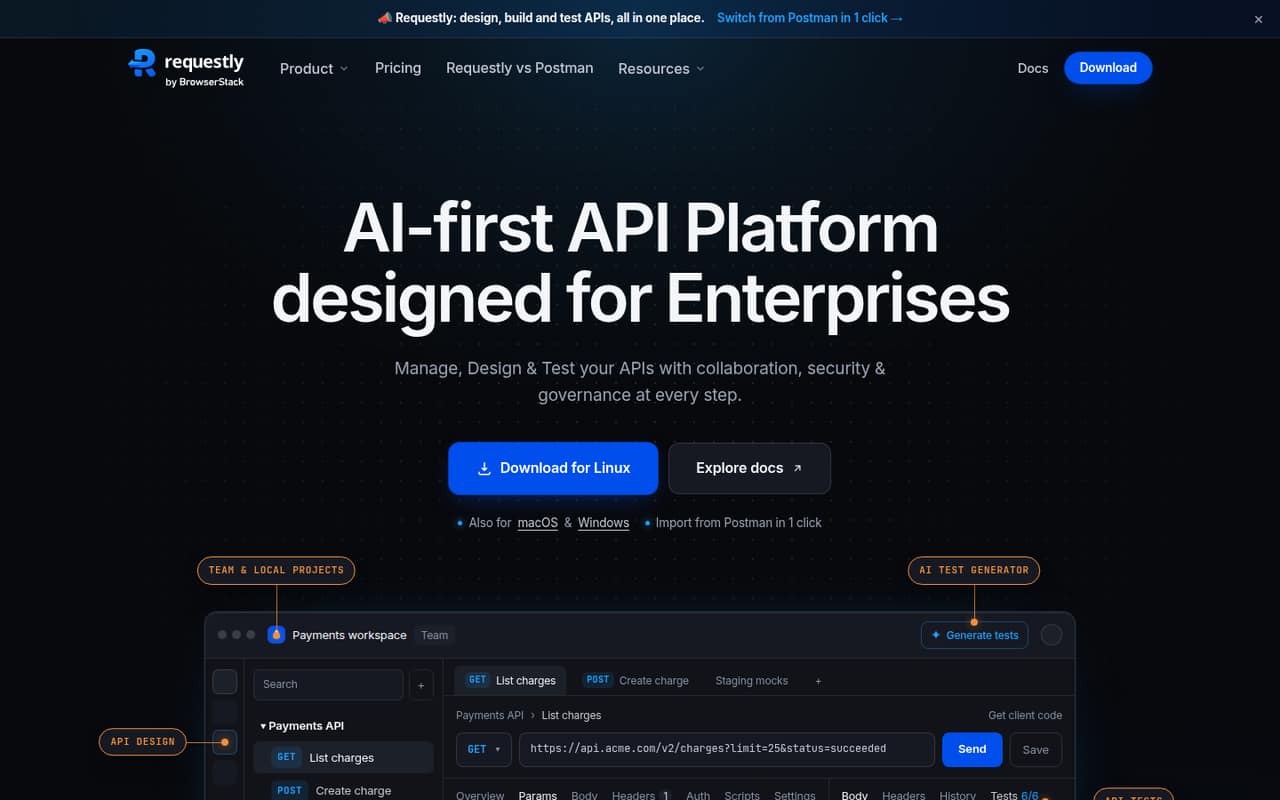
Requestly is a local-first API client for REST and GraphQL testing. Its Git-sync collections and CI runs suit teams that want API checks versioned with application code. The listing gives a starting price of $10 and marks it self-hostable. Confirm the exact plan limits and integration details against your workflow, especially if collections will become a shared CI dependency.
What works
- Local Projects store collections as files on disk
- GitHub and GitLab sync is included in Team
- Supports REST, GraphQL, SOAP and gRPC
What doesn't
- No free plan; the free option is a 30-day trial
- Monthly billing prices are not published
- Request-rate and other production limits are not published
- Best for browser coverageBrowserStackBrowserStack
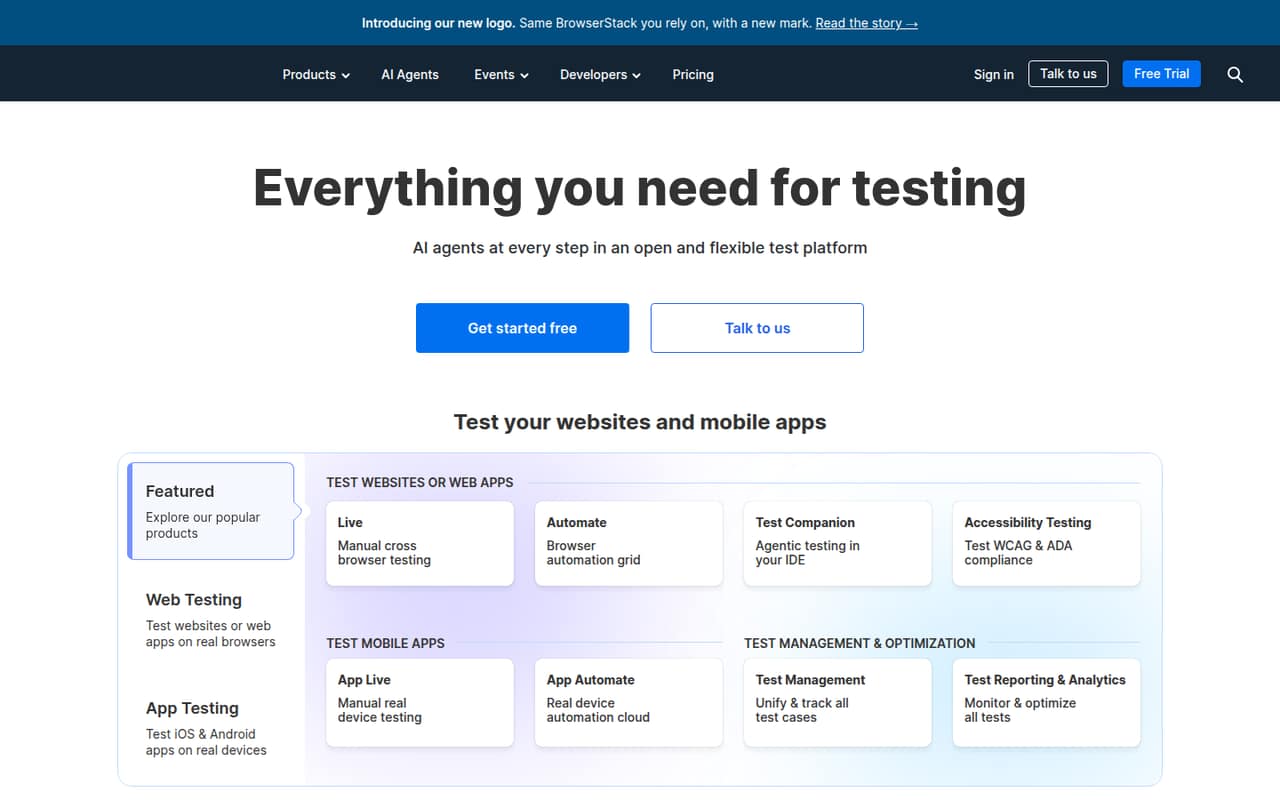
BrowserStack provides hosted browser and device coverage for teams that need cross-browser checks, real-device mobile testing, or a mix of manual and automated QA. A free plan is listed, with paid pricing from $29. Before committing, estimate how much browser and device access your team needs and check the integration and usage details against your CI and manual-testing workflows.
What works
- 3,500+ desktop and mobile browser combinations
- Cloud access to 35,000+ real devices
- Manual and automated testing products
What doesn't
- Annual prices are monthly equivalents billed annually
- Monthly rates are not published
- Free-plan limits are not published
- Best for visual testingChromaticChromatic
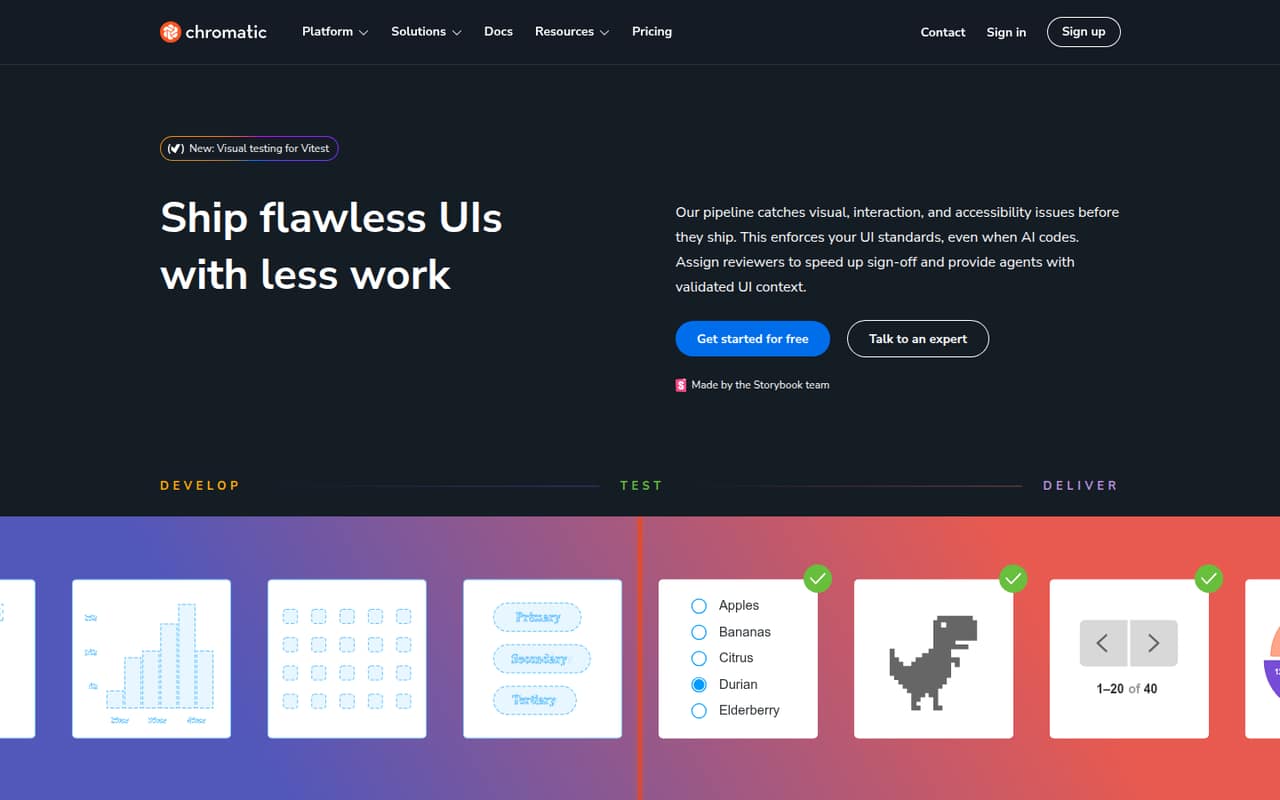
Chromatic is a hosted testing and review layer for teams already using Storybook. It brings UI checks into a pull-request workflow and is positioned for visual and accessibility checks. The pricing page lists a free plan and paid plans from $179. Check the plan’s limits against your team’s change volume and decide whether Storybook is already central enough to your UI workflow to justify another hosted service.
What works
- Visual, interaction, and accessibility checks in one workflow
- Captures UI states in real browsers
- Connects review status to pull requests and CI
What doesn't
- Free testing is limited to Chrome
- Snapshot allowances vary by plan
- Starter costs $179 per month
- Best for mobile buildsAppetizeAppetize
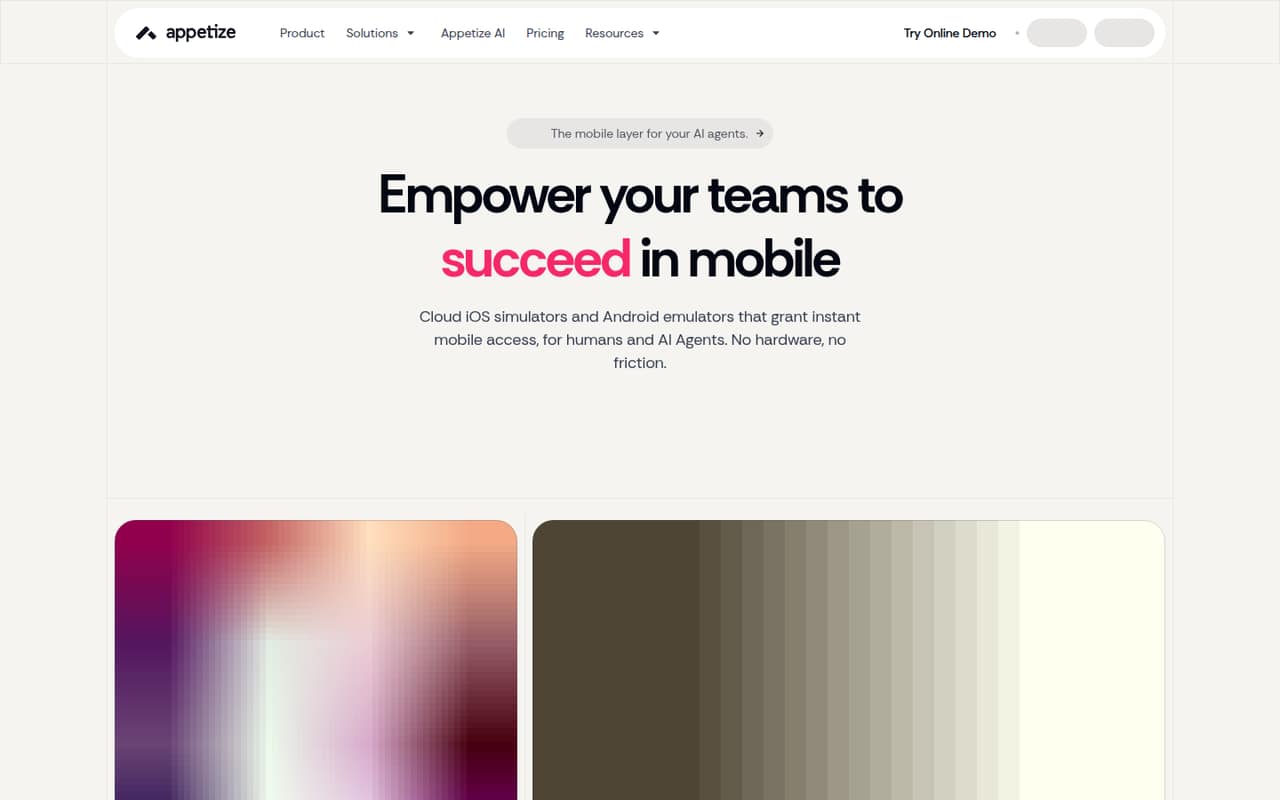
Appetize puts cloud iOS simulators and Android emulators behind a browser, CLI and REST API. That makes it a fit for sharing mobile builds and running agent-driven mobile workflows without limiting access to a developer’s local device. It is listed as self-hostable, with a free plan and pricing from $59. Verify deployment requirements and expected usage before choosing it for a production test pipeline.
What works
- Cloud iOS simulators and Android emulators
- Browser, CLI, and REST API access
- Works with AppRecorder and Playwright
What doesn't
- Free sessions are limited to three minutes
- Free plan includes only 30 monthly minutes
- Starter and Premium charge for extra minutes
- Best for HTTP debuggingProxymanProxyman
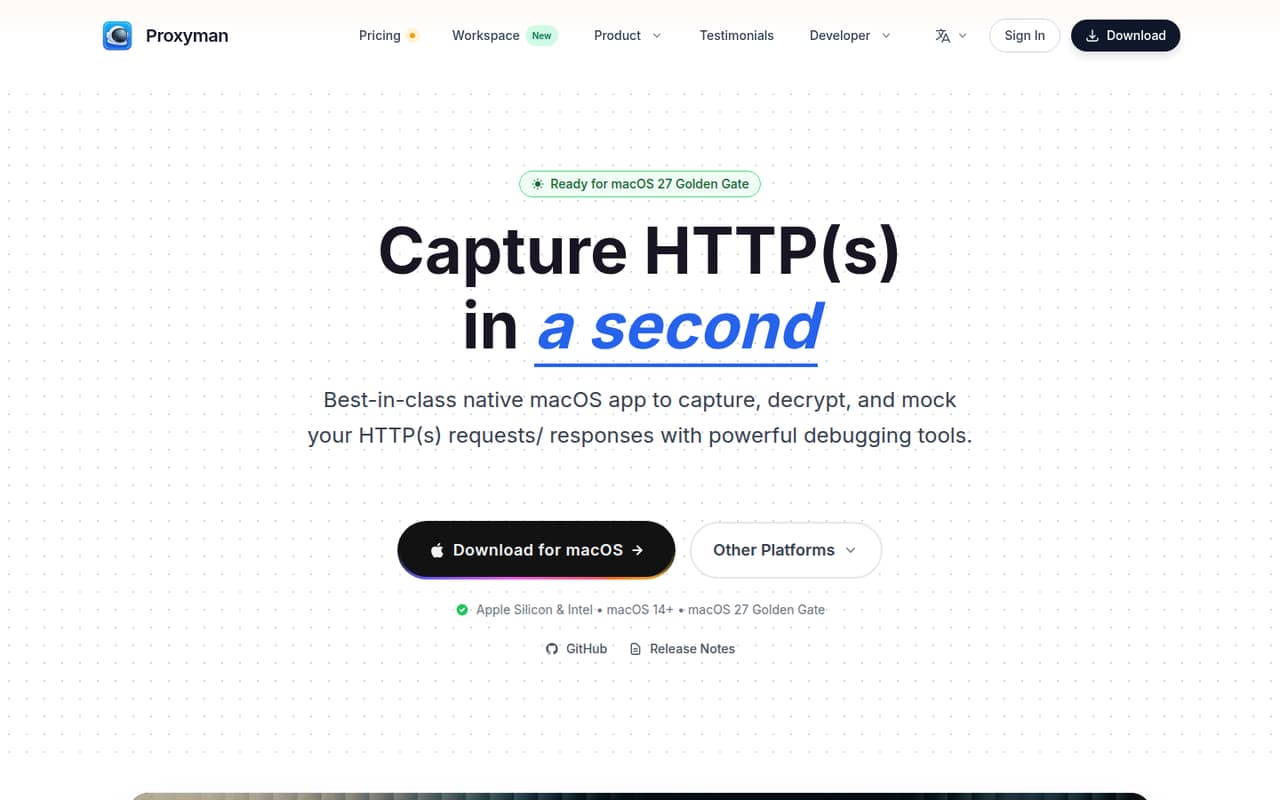
Proxyman is a native macOS proxy for inspecting and modifying HTTP(S) traffic. It fits Mac developers debugging app requests and mobile teams inspecting device traffic, and it can mock API responses locally. A free plan is listed; the paid option starts at $89 for a perpetual license. Check that your team’s operating systems and device setup fit its macOS-based workflow.
What works
- Captures and decrypts HTTP(S) traffic
- Breakpoints edit requests and responses live
- Mocks responses from local files
What doesn't
- Free tier allows only one debugging-tools rule
- Free tier excludes iOS and Android apps
- Paid licenses are limited to one year of updates
- Best for email workflowsMailinatorMailinator
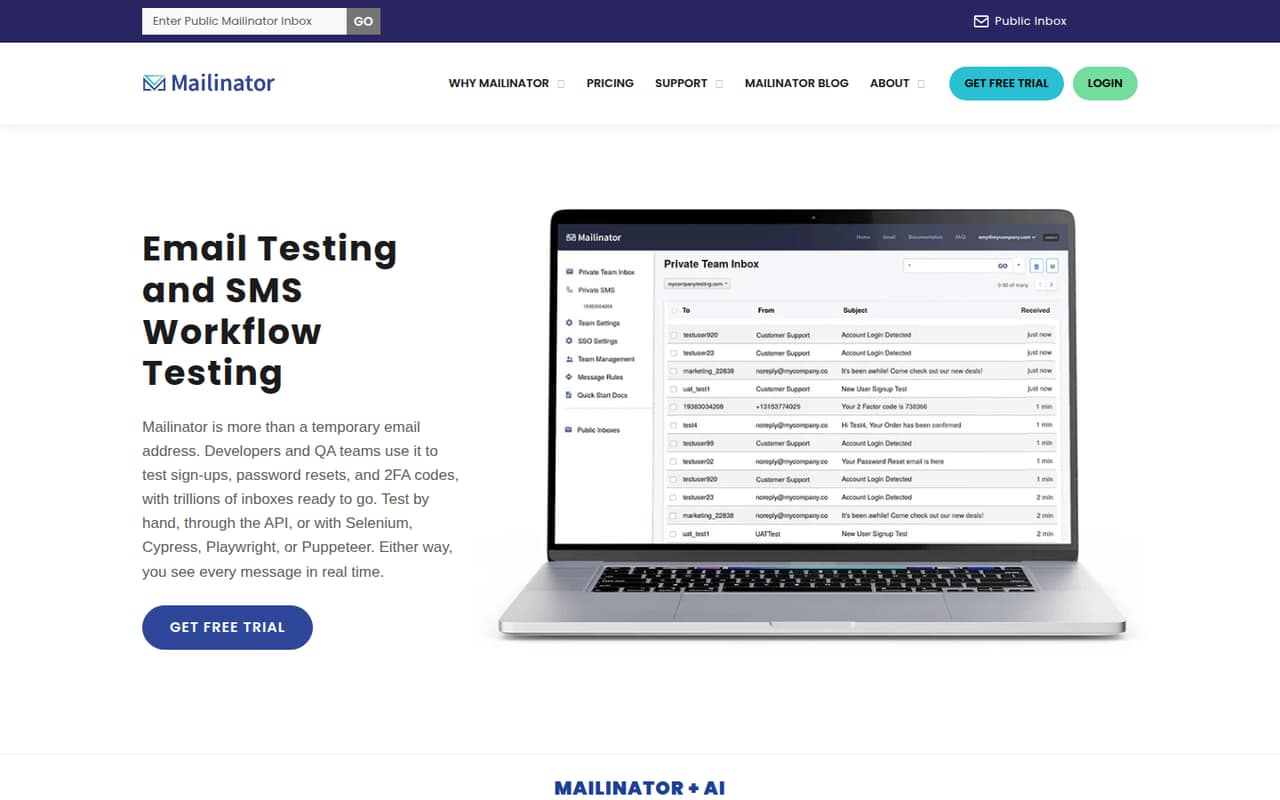
Mailinator provides hosted inboxes for testing sign-up, password-reset and other email workflows. Its private test domains are aimed at QA teams that need automated email checks. The pricing page lists a free plan and paid plans from $79, with private-domain capacity tied to plan. Estimate the number of inboxes and private-domain capacity your tests need before selecting a tier.
What works
- Free public inboxes require no sign-up
- Free Verified Pro includes a private domain and API
- Supports Selenium, Cypress, Playwright and Puppeteer
What doesn't
- Public inboxes are unsuitable for sensitive messages
- SMS testing costs extra on eligible plans
- SMS add-on pricing is not published
03How we chose
We ranked tools by fit with developer workflows: whether they offer an API, CLI, CI integration or a clear place in the stack; what their docs and integration details establish; and whether a free plan, open-source licence or self-hosted option is listed. We weighed published starting prices, while treating them as entry points rather than estimates for production usage. Reddit sentiment can flag adoption concerns, but anecdotes are a secondary signal, not a substitute for vendor-published limits or licensing terms. We did not claim hands-on tests or benchmarks.
04Match the tool to the test layer
Start with the failure you need to catch. Cypress is aimed at frontend browser tests; LocalStack at AWS integrations; Requestly at REST and GraphQL API collections; and SonarQube at code-quality gates. BrowserStack offers hosted browser and device coverage, while Appetize provides cloud iOS simulators and Android emulators. These tools are not interchangeable, and adopting several can add separate CI steps, accounts and failure signals. Map each tool to a test stage and name the result it should produce: a CI pass or fail, a reviewable visual change, a reproducible request, or a code-quality finding. Then check the integration path in the vendor’s docs, including whether the workflow uses a CLI, API or existing platform integration. If a tool’s integration details are unclear, ask the vendor for the supported setup before wiring it into a release gate.
05Price the workload and plan for portability
A starting price is not a workload estimate. The listed prices range from $10 for Requestly to $179 for Chromatic among these picks, but the pricing details differ: Cypress costs rise with test volume and premium features, while Mailinator ties private-domain capacity to plan. Estimate your expected runs, devices, users and inbox capacity, then ask vendors to map those figures to a plan. Check what happens when you reach a limit and whether usage can pause or add charges. For long-term control, compare hosted services with tools listed as self-hostable, such as LocalStack and SonarQube, and confirm licence terms separately from deployment options. For any tool that stores tests, collections or results, ask how to export them and what remains usable if you leave. Keep test definitions in version control where the product supports it, and avoid making undocumented behavior a release dependency.
Questions people ask
What are the top 5 software testing tools?
For developer teams, our top five are Cypress for browser tests, LocalStack for AWS integration checks, SonarQube for code quality, Requestly for API collections, and BrowserStack for hosted browser and device coverage. The right mix depends on your test layer.
Is QA replaced by AI?
No. AI features can assist parts of testing, but teams still need to define expected behavior, review failures and decide whether a release is safe. SonarQube is positioned for governing AI-generated code; that does not remove the need for QA.
What are the top 10 test management tools?
There is no single top 10 that fits every team. Xray, TestRail and qTest are examples for test planning and management; compare their workflow fit, integrations, deployment options, seat costs and API limits before choosing.
Which tool is best for testing?
It depends on what you are testing. Choose Cypress for frontend browser tests, LocalStack for AWS integrations, Requestly for API collections, BrowserStack for browser and device coverage, or SonarQube for code-quality gates.