
We may earn a commission if you buy through links on this page. It never changes a score or a ranking. How we make money
The bottom line
A native macOS proxy for inspecting and modifying HTTP(S) traffic, starting free and $89 for a perpetual license.
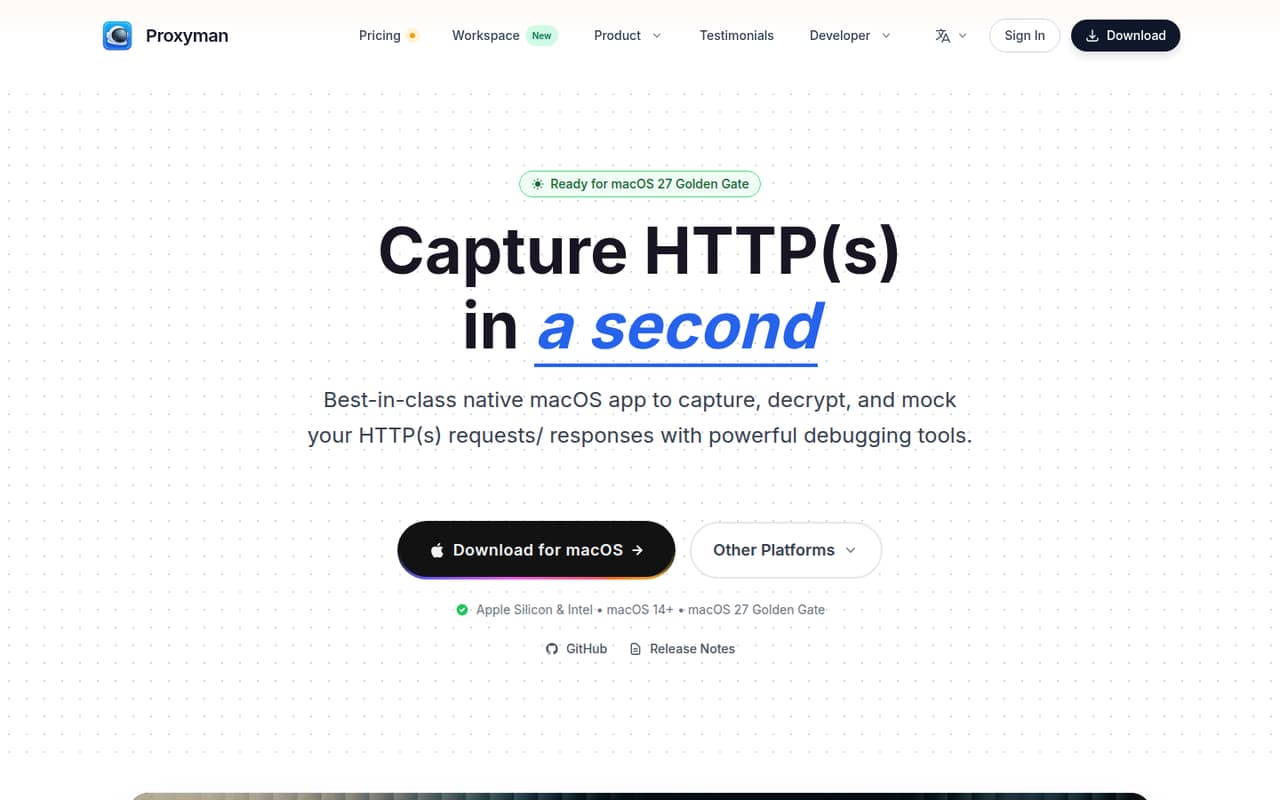
Proxyman is a native macOS app that captures and decrypts HTTP(S) traffic so developers can inspect and modify requests and responses. It adds filters, breakpoints, local response mocking, WebSocket inspection and an MCP server for AI assistants.
The free tier is limited to one debugging-tools rule and excludes mobile apps and premium tools. Paid licenses start at $89 one time, while team plans add per-seat costs. Proxyman fits Mac-based debugging workflows, but teams should verify licensing, certificate handling and data access requirements before relying on it.
Good fit if
- Mac developers debugging HTTP(S) traffic
- Mobile teams inspecting device requests
- Developers mocking API responses locally
Skip it if
- Teams needing a hosted proxy service
- Projects requiring a published app SDK
- Users needing unlimited free mock rules
ScoresHow it rates
What works
- Captures and decrypts HTTP(S) traffic
- Breakpoints edit requests and responses live
- Mocks responses from local files
- Inspects WebSocket frames, including Protobuf
- MCP server connects AI assistants to traffic
What doesn't
- Free tier allows only one debugging-tools rule
- Free tier excludes iOS and Android apps
- Paid licenses are limited to one year of updates
- No app SDK or public API is named
- Source availability and data export are unclear
01What Proxyman is, technically
Proxyman is a native macOS HTTP(S) proxy, not a hosted API, SDK or server that you deploy in your application. It sits between client apps and SSL web servers, capturing traffic so developers can inspect requests and responses in plain text. The vendor describes it as a man-in-the-middle server with built-in macOS setup for SSL decryption.
The desktop app gives developers a traffic view for filtering by protocol, content type, URL, headers and body. Breakpoints can change request or response URLs, headers, bodies and status codes without changing client code. Map Local can return a response from a local file, and the app also handles WebSocket frames, including binary and Protobuf payloads.
That makes Proxyman a debugging tool alongside local development and device testing, rather than an application dependency. The vendor also offers standalone iOS and Android apps, and says the macOS app supports Apple Silicon and Intel on macOS 14 and later.
02Proxyman API, SDKs and docs
Proxyman is operated through its macOS app and debugging tools; the vendor does not name a REST API or application SDK. Its integration surface for AI assistants is a built-in Model Context Protocol (MCP) server. The homepage shows enabling it in Settings → MCP and connecting over stdio with a Claude Code command that points to the app's mcp-server executable.
The vendor says the MCP server can fetch flows, explain requests, generate cURL and create debugging rules. The homepage lists Claude Code, ChatGPT, Gemini CLI, Codex CLI and Cursor as supported AI tools. It also provides a Proxyman Skills installation command through npx skills add ProxymanApp/proxyman-SKILL.md/skills; the skills cover setup, certificates, debugging tools, MCP and proxyman-cli.
The homepage links to MCP documentation, a setup guide and product documentation. It names no programming-language SDKs, package integrations or public API for application code. Teams that need those should confirm SDK support and available automation interfaces in Proxyman's docs before adopting it.
03Proxyman pricing for developers
The free Trial is intended for basic evaluation. It includes one debugging-tools rule, a limited feature set, no iOS or Android apps and no premium debugging tools. A Reddit commenter also describes the free version as limited to one Map Local rule. That makes it suitable for a small test, but not for multiple concurrent mock rules or mobile debugging.
Individual paid licenses are one-time purchases: Standard costs $89 for one device and one seat, with one year of updates and a perpetual license. Personal is listed at $99 for two devices and two seats, including two mobile seats and one year of updates. The Team one-time option is $99 per seat per year, with at least five seats and one device per seat.
Team Subscription costs $12 per seat per month, billed yearly, with a five-seat minimum, one device per seat and 10GB of cloud storage per team. Optional team renewal is $79 per seat for one year. Education licenses are 50% off by contacting support; custom and volume pricing require contacting Proxyman. There is no request-based billing listed.
04Proxyman: open source, self-hosting and lock-in
Proxyman is presented as a native macOS app, not a hosted proxy service that customers deploy themselves. The homepage links to GitHub release notes, but the vendor does not publish an open-source license for the app in the stated product details. Do not assume the app or its MCP server can be modified or self-hosted; confirm the license and distribution terms with Proxyman.
The desktop workflow keeps capture and inspection in the app, while the Team Subscription includes 10GB of cloud storage per team. The vendor does not describe an export format or migration path for saved sessions and rules. Before a team standardizes on Proxyman, ask how to export traffic, filters and debugging rules, and whether cloud data can be removed or transferred. Since the tool is not an application runtime dependency, replacing it does not require changing client code, but recreating team workflows may take work.
05Proxyman in production
Proxyman is a debugging proxy, not a production traffic gateway. The vendor publishes no capture throughput, rate limits, uptime target or compliance certifications on the homepage. Before using it with sensitive traffic, check how certificates are installed and managed, who can access captures, and what the Team Subscription's cloud storage contains. The MCP server adds another access path: review which traffic and debugging actions an AI assistant can see or perform.
The app's mobile capture and live WebSocket inspection can help investigate device and realtime issues, but the free tier excludes mobile apps. Pricing is based on licenses and seats rather than request volume; teams should plan for the five-seat minimum on either team plan and check the annual billing terms.
Reddit users report the free version's one-rule limit can block workflows that need multiple Map Local rules. Other commenters ask about capture privileges and process attribution in a separate discussion about the founder's TCP Viewer project; those questions are not evidence of Proxyman limitations. Confirm certificate setup, license coverage and required export options before making it part of a team workflow.
From the threadsWhat users say
The Reddit comments we found are mostly positive about the app and its interface, with users describing regular use and quick purchase decisions. The practical cautions focus on the free rule limit, license terms and technical questions about capture behavior.
I use proxyman regularly, love the product!!
The free version limits to 1 rule
Could you please confirm if the perpetual license includes the last version available within the paid subscription period if the subscription lapses?
How does group by app tie packets to a process?
Questions people ask
What does Proxyman do?
Proxyman is a native macOS proxy that captures and decrypts HTTP(S) traffic for inspection. Developers can filter requests, edit them with breakpoints, mock responses from local files and inspect live WebSocket frames. The vendor also offers iOS and Android apps and an MCP server that connects AI assistants to a debugging session.
Is Proxyman free to use?
Yes. The free Trial includes one debugging-tools rule and a limited feature set, but excludes iOS and Android apps and premium debugging tools. A Reddit commenter says the free version limits Map Local to one rule. Paid individual licenses start at $89 one time.
How much does Proxyman cost?
Standard is $89 one time for one device and one seat, with one year of updates. Personal is listed at $99 for two devices and seats. Team's one-time plan is $99 per seat per year with a five-seat minimum; Team Subscription is $12 per seat per month, billed yearly, also with a five-seat minimum.
Is Proxyman safe to use?
Proxyman decrypts HTTP(S) traffic by acting as a man-in-the-middle proxy, so captures can include sensitive request and response data. Review certificate setup, access to captured traffic and any cloud-storage use before handling sensitive systems. The vendor's homepage does not list compliance certifications or detailed data-retention terms.
Can Proxyman connect to AI coding assistants?
Yes. Proxyman includes an MCP server that the vendor says can fetch traffic flows, explain requests, generate cURL and create debugging rules. The homepage shows a stdio connection command for Claude Code and lists ChatGPT, Gemini CLI, Codex CLI and Cursor as supported tools. Check the MCP documentation for setup details.
Sources
- Proxyman homepage
- Proxyman pricing page
- Reddit: [OS] I built Proxyman. Now I'm building TCP Viewer, a simpler Wireshark alternative for Mac
- Reddit: Proxyman - Modern and Delightful Web Debugging Proxy on macOS
- Reddit: Mock API call - An alternative to Proxyman
- Reddit: Proxyman - 40% off for macOS and iOS