
We may earn a commission if you buy through links on this page. It never changes a score or a ranking. How we make money
The bottom line
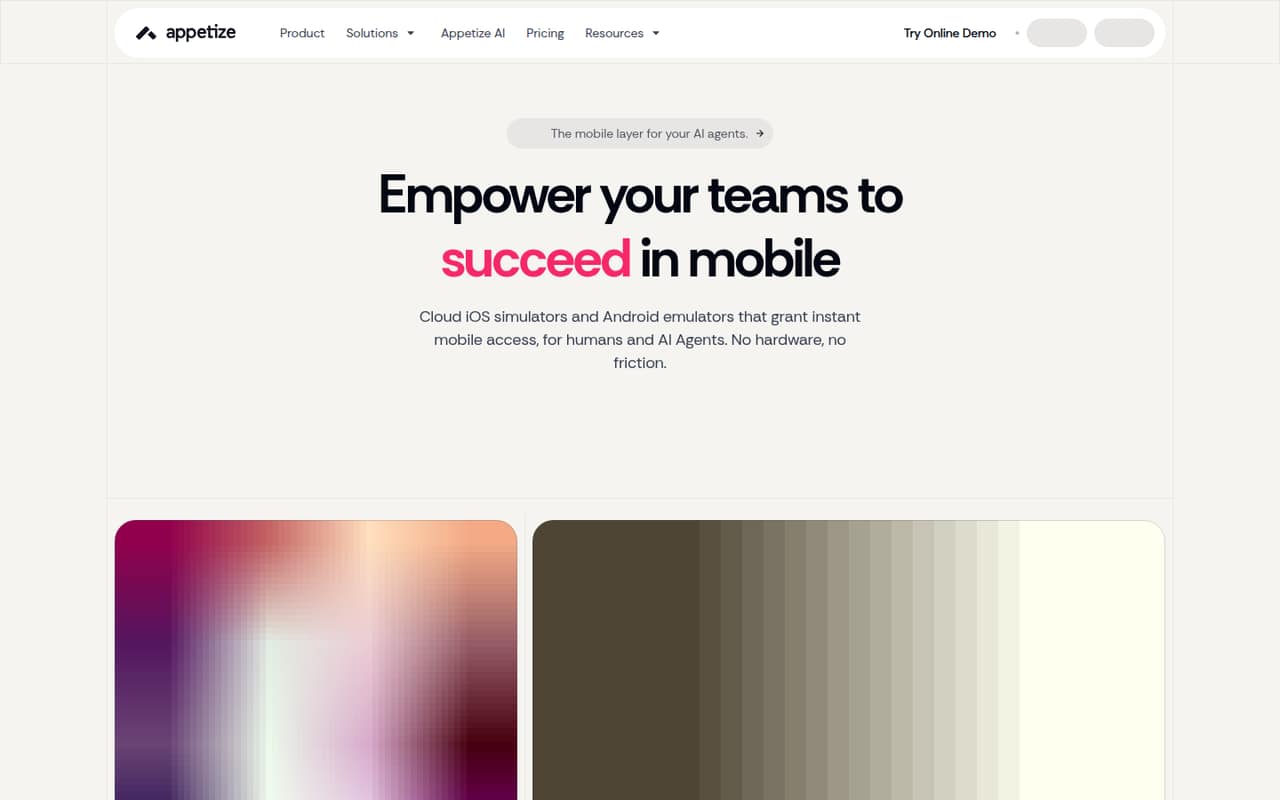
Appetize puts cloud iOS simulators and Android emulators behind a browser, CLI, and REST API.
Appetize is a hosted service for running mobile apps in cloud iOS simulators and Android emulators. Teams can access devices through a browser, CLI, or REST API for demos, testing, support, automation, and AI-agent workflows.
The Free plan is useful for a small evaluation, but its 30 monthly minutes and three-minute session limit are narrow. Starter and Premium add 500 minutes and longer sessions, with extra minutes billed at $0.06. Confirm API limits, device availability, and deployment requirements before using it in a production pipeline.
Good fit if
- Teams sharing mobile builds
- Cloud-based mobile testing
- Agents running mobile workflows
Skip it if
- Teams requiring a public SDK
- Projects needing unlimited included minutes
- Teams requiring published compliance details
ScoresHow it rates
What works
- Cloud iOS simulators and Android emulators
- Browser, CLI, and REST API access
- Works with AppRecorder and Playwright
- Enterprise offers private cloud or self-hosting
- Granular permissions for device access
What doesn't
- Free sessions are limited to three minutes
- Free plan includes only 30 monthly minutes
- Starter and Premium charge for extra minutes
- Language-specific SDK support needs confirmation
- API quotas and reliability terms need confirmation
01What Appetize is, technically
Appetize is a hosted cloud service that runs iOS simulators and Android emulators, then exposes them to users through a browser, CLI, or REST API. It is not a mobile SDK or a library you add to an app. The service sits alongside your development and QA stack, providing remote devices for demos, testing, automation, customer support, and AI-agent workflows.
Instead of provisioning local simulators or distributing builds through TestFlight for each audience, teams can share app builds and provide access to cloud devices. The vendor also describes scoped device access for agents and granular permissions for teams. Its homepage names Cursor Cloud, Codex, Claude Code, Devin AI, GitHub Copilot, and custom agents as compatible workflows. AppRecorder and Playwright are listed as automation options on the pricing page. Enterprise plans can include private clouds or self-hosting, so deployment architecture depends on the plan.
02Appetize API, SDKs and docs
The integration surfaces named by Appetize are a REST API and CLI, alongside browser access. The homepage positions both as ways for AI agents and human users to access cloud devices. It names Cursor Cloud, Codex, Claude Code, Devin AI, GitHub Copilot, and custom agents as workflows. The pricing page also lists AppRecorder and Playwright for automation.
The vendor does not name programming-language SDKs on the vendor's site available here. Check Appetize's current docs for supported SDKs, authentication, API request limits, upload workflows, and examples in your language before designing an integration. The same applies to CI/CD: a customer testimonial describes using Appetize in a CI/CD pipeline, but that does not establish a specific built-in CI integration or supported plugin. Treat the REST API and CLI as the documented integration surfaces to evaluate, and confirm whether they expose the device controls your test or agent workflow needs.
03Appetize pricing for developers
The Free plan costs $0 and allows two active devices, 30 minutes refilled monthly, and sessions capped at three minutes. That is enough for brief evaluation, but not sustained automated testing. Starter costs $89 per month, or $59 per month when billed annually at $708 per year. It includes three active devices, 500 minutes, and unlimited session length. Premium costs $449 monthly, or $319 per month billed annually at $3,828 per year; it raises the cap to 16 active devices with the same included minutes.
Starter and Premium charge $0.06 for each minute beyond the included 500. For a production pipeline, estimate runtime as well as concurrent device needs: monthly minutes and active-device capacity are separate constraints. Enterprise has custom device and minute allowances, with pricing by quote; listed options include private clouds or self-hosting and 24/7 support. The vendor does not list Enterprise pricing publicly.
04Appetize: open source, self-hosting and lock-in
The vendor does not publish an open-source license or source-availability terms on the vendor's site available here. Treat Appetize as a commercial service, not as a library you can inspect and run locally. Enterprise plans list private clouds or self-hosting, but those are custom deployment options rather than a self-service route available on every plan.
The vendor does not publish data-export details here. Before depending on Appetize, ask how to retrieve uploaded app builds, test artifacts, recordings, and any account or device data, and whether exports remain available after cancellation. Migration effort will depend on how much of your workflow uses Appetize-specific CLI or REST API operations. Keep app binaries and test definitions in your own systems, and confirm the API's behavior and data portability before building a large automation layer around it.
05Appetize in production
The published plan limits make capacity planning part of the integration. Free allows two active devices and 30 minutes per month, with a three-minute session cap. Starter allows three active devices; Premium allows 16. Both include 500 minutes, then charge $0.06 per extra minute. Appetize does not publish API rate limits, availability targets, or reliability terms on the vendor's site available here, so ask the vendor for those before putting a release gate or customer workflow on the service.
The vendor says teams can use granular permissions to restrict device access, and Enterprise lists 24/7 support. The vendor does not publish compliance certifications or detailed security controls here; confirm requirements for sensitive data, access logs, retention, and deployment location. Also establish how devices are allocated during concurrent jobs and what happens when minute or device limits are reached. Enterprise offers custom capacity and private-cloud or self-hosted options, but those terms require a sales conversation.
Questions people ask
What is Appetize used for?
Appetize provides cloud iOS simulators and Android emulators that teams access through a browser, CLI, or REST API. Use cases named by the vendor include app demos, testing, automation, support, app sharing, and AI-agent workflows.
Does Appetize have a REST API and CLI?
Yes. Appetize names both a REST API and CLI as access paths for cloud devices and agent workflows. Check the vendor's current docs for API limits, authentication, supported operations, and examples for your language before building an integration.
Can Appetize run mobile automation?
The pricing page lists AppRecorder and Playwright for automation. Appetize also exposes devices through a REST API and CLI. Confirm the specific automation workflow, device controls, and plan capacity you need in the vendor's current docs.
Can I self-host Appetize?
Enterprise plans list private clouds or self-hosting as options. Appetize does not publish those deployment terms or Enterprise pricing publicly here, so contact the vendor to confirm infrastructure requirements, support, and what self-hosting includes.
What are Appetize's production limits?
Free allows two active devices, 30 minutes refilled monthly, and a three-minute session limit. Starter and Premium each include 500 minutes and unlimited session length, with three and 16 active devices respectively. Both charge $0.06 per extra minute.