
We may earn a commission if you buy through links on this page. It never changes a score or a ranking. How we make money
The bottom line
A hosted testing and review layer for teams that want UI checks in their CI workflow.
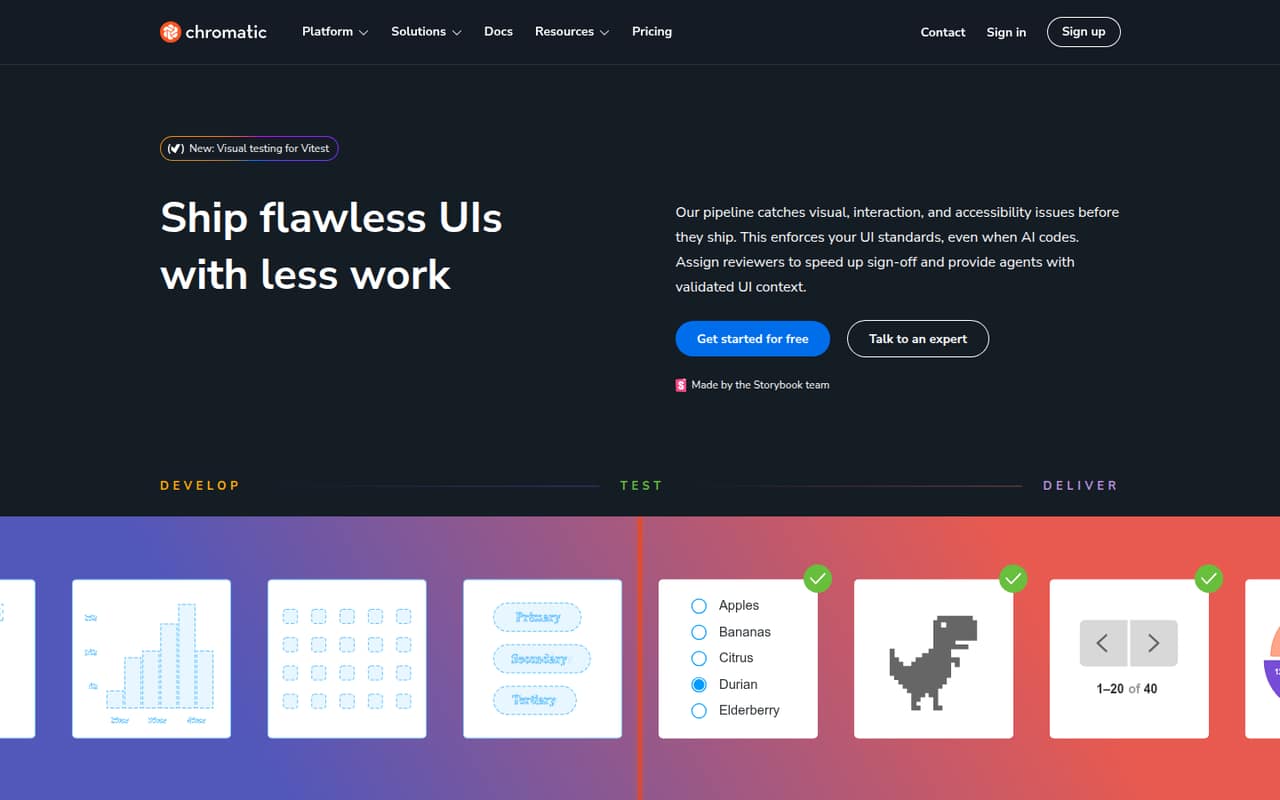
Chromatic is a hosted platform for visual, interaction, and accessibility testing of UI changes in real browsers. It fits into a Storybook-centered workflow and adds review, approval, and shared component-library features alongside test results.
The Free plan includes 5,000 billed snapshots and Chrome testing. Starter begins at $179 per month for broader browser coverage; teams should estimate snapshot usage and confirm enterprise requirements before making Chromatic a release gate.
Good fit if
- Teams already using Storybook
- UI teams reviewing changes in pull requests
- Projects needing visual and accessibility checks
Skip it if
- Teams requiring self-hosted testing
- Projects needing a published REST API contract
- Workloads that cannot budget snapshot usage
ScoresHow it rates
What works
- Visual, interaction, and accessibility checks in one workflow
- Captures UI states in real browsers
- Connects review status to pull requests and CI
- Free plan includes unlimited projects and users
- Shared, searchable component library and documentation
What doesn't
- Free testing is limited to Chrome
- Snapshot allowances vary by plan
- Starter costs $179 per month
- SDK languages and REST API details need confirmation
- Self-hosting and data export are not established
01What Chromatic is, technically
Chromatic is a hosted UI testing and review platform, not a self-hosted test server or a UI component library. It connects to a project’s development and CI/CD workflow, captures rendered UI in real browsers, and compares snapshots over time. Its checks cover visual changes, interaction behavior, and accessibility issues, with review and approval tools around the results.
The service sits between a code change and release: teams can run checks on UI work, review changes alongside live components, and surface status in pull requests and CI. The homepage names Storybook, Vitest, Playwright, and Cypress as existing test tools Chromatic can enhance. A shared workspace also catalogs components, stories, tests, and documentation. That makes Chromatic most relevant to teams whose UI work is already organized around reusable components and stories; it is less clearly suited to teams looking for a general-purpose test runner or a deployable testing service.
02Chromatic API, SDKs and docs
Chromatic’s integration surface is its CI/CD workflow, existing Storybook and test setup, and a set of team-facing connections. The homepage names Storybook, Vitest, Playwright, and Cypress, plus a Figma plugin, Slack notifications, webhooks, Storybook composition, embeds, and pull-request checks. Webhooks can trigger behavior on status changes; Slack can receive build notifications. The homepage also describes connecting agents via MCP as coming in Q1 2026, so confirm its current availability before planning around it.
The homepage names no SDK languages or REST API endpoints. Confirm SDK support, API access, authentication, and versioning in the vendor’s docs before building a custom integration. No CLI is named on the homepage. The stated setup path is to plug Chromatic into CI/CD, with defaults intended to work out of the box and configuration available as needed. The docs should also be checked for the exact CI configuration and supported framework versions your repository requires.
03Chromatic pricing for developers
The Free plan costs $0 per month and includes 5,000 billed snapshots, a 25,000-turbosnaps equivalent, Chrome testing, and unlimited projects, users, and collaborators. That can cover a small project, but teams using Safari, Firefox, or Edge need Starter or above.
Starter is $179 per month for 35,000 billed snapshots and a 175,000-turbosnaps equivalent, and adds Safari, Firefox, and Edge testing. Extra Starter billed snapshots are listed at $0.008 each. Pro costs $399 per month and includes 85,000 billed snapshots, a 425,000-turbosnaps equivalent, and a custom domain. Enterprise pricing is custom; its listed features include customizable snapshots and turbosnaps, unlimited accessibility usage, SSO, custom Git integrations, priority support and SLA, and data retention.
Prices are per month; annual billing or discounts are not specified. Estimate snapshot consumption from your CI workflow before choosing a plan, and confirm how usage beyond included allowances is billed on plans other than Starter.
04Chromatic: open source, self-hosting and lock-in
Chromatic is presented as a hosted platform made by the Storybook team. The vendor does not publish a license for the Chromatic service or describe a self-hosted edition on the vendor's site. Storybook and Chromatic are separate: using Storybook does not make Chromatic itself an open-source or locally deployable service.
The workflow depends on Chromatic’s hosted snapshots, review workspace, and integrations with CI and pull requests. That creates some migration work if a team later switches providers: it would need to replace the hosted comparison and review process, and confirm which project data can be exported. The vendor does not describe data export here. Before adopting Chromatic for a long-lived design system, ask about export formats, retention, and access to historical snapshots, and keep source components and tests in your own repositories.
05Chromatic in production
Chromatic’s production fit depends on snapshot volume, browser coverage, and how tightly teams make its checks part of CI. The homepage says tests run in parallel by default and describes snapshots across UI states, themes, and viewports. Free includes Chrome testing; Starter adds Safari, Firefox, and Edge. The plans meter billed snapshots, so repositories with many stories, branches, or frequent pushes should model usage against the plan allowance before enabling every workflow.
The homepage describes a custom detection algorithm intended to reduce flakiness from latency, animations, resource loading, and minor DOM changes. Treat that as a product claim, not a substitute for checking behavior with your own suite. Before relying on it as a release gate, confirm concurrency and rate limits, retention behavior, incident commitments, access controls, and security or compliance requirements with the vendor. Enterprise lists an SLA, SSO, custom Git integrations, and data retention; the terms and configuration should be confirmed with the vendor.
Questions people ask
What is Chromatic?
Chromatic is a hosted platform for testing UI changes in real browsers. It checks visual differences, interactions, and accessibility, and includes tools for reviewing and approving UI updates. It is made by the Storybook team and can work alongside Storybook, Vitest, Playwright, and Cypress.
Is Chromatic free to use?
Yes. The Free plan costs $0 per month and includes 5,000 billed snapshots, a 25,000-turbosnaps equivalent, Chrome testing, and unlimited projects, users, and collaborators. Safari, Firefox, and Edge testing are included starting with Starter.
Is Chromatic open source?
Chromatic is presented as a hosted service. The vendor does not publish a license for the Chromatic platform or describe a self-hosted edition in its product information. Storybook is part of its workflow, but that does not make the hosted Chromatic service open source.
Which tools does Chromatic integrate with?
The homepage names Storybook, Vitest, Playwright, and Cypress, as well as a Figma plugin, Slack notifications, webhooks, pull-request checks, and CI/CD workflows. It also describes MCP connections for agents as coming in Q1 2026; confirm current availability in the vendor’s docs.
Which browsers does Chromatic test?
The Free plan includes Chrome testing. Starter includes Safari, Firefox, and Edge testing as well. Pro includes Starter features, while Enterprise offers customizable snapshots and turbosnaps. Confirm the browser coverage and configuration your project needs before selecting a plan.