We may earn a commission if you buy through links on this page. It never changes a score or a ranking. How we make money
Docker is our best overall pick for teams standardizing container development: it combines local workflows with a portable, OCI-compliant stack, and its listed starting price is $9 with a free plan. The category also includes registries, local development environments, schedulers and Kubernetes control planes, so the right choice depends on the job. Rancher and Nomad suit teams willing to self-host open-source software; OrbStack targets Mac developers. Before committing, check licensing, operational responsibility and the costs that emerge at your expected usage.
Quick picksThe shortlist
 DockerDockerBest overall · $9/mo
 Docker HubDocker HubBest image registry · $9/mo
 ReplicatedReplicatedBest on-prem distribution · $500/mo
 Portainer BusinessPortainer BusinessBest mixed fleets · $87.08/mo
 Docker DesktopDocker DesktopBest local development · $9/mo
 RancherRancherBest open-source Kubernetes · Free
 HashiCorp NomadHashiCorp NomadBest mixed workloads · Free
 OrbStackOrbStackBest for Mac developers · $8/mo
 Red Hat OpenShiftRed Hat OpenShiftBest enterprise platform · Custom
 CAST AICAST AIBest cluster automation · $1,000/mo
 Control PlaneControl PlaneBest multi-cloud control · Custom
 Platform9Platform9Best VMware transition · $480/mo
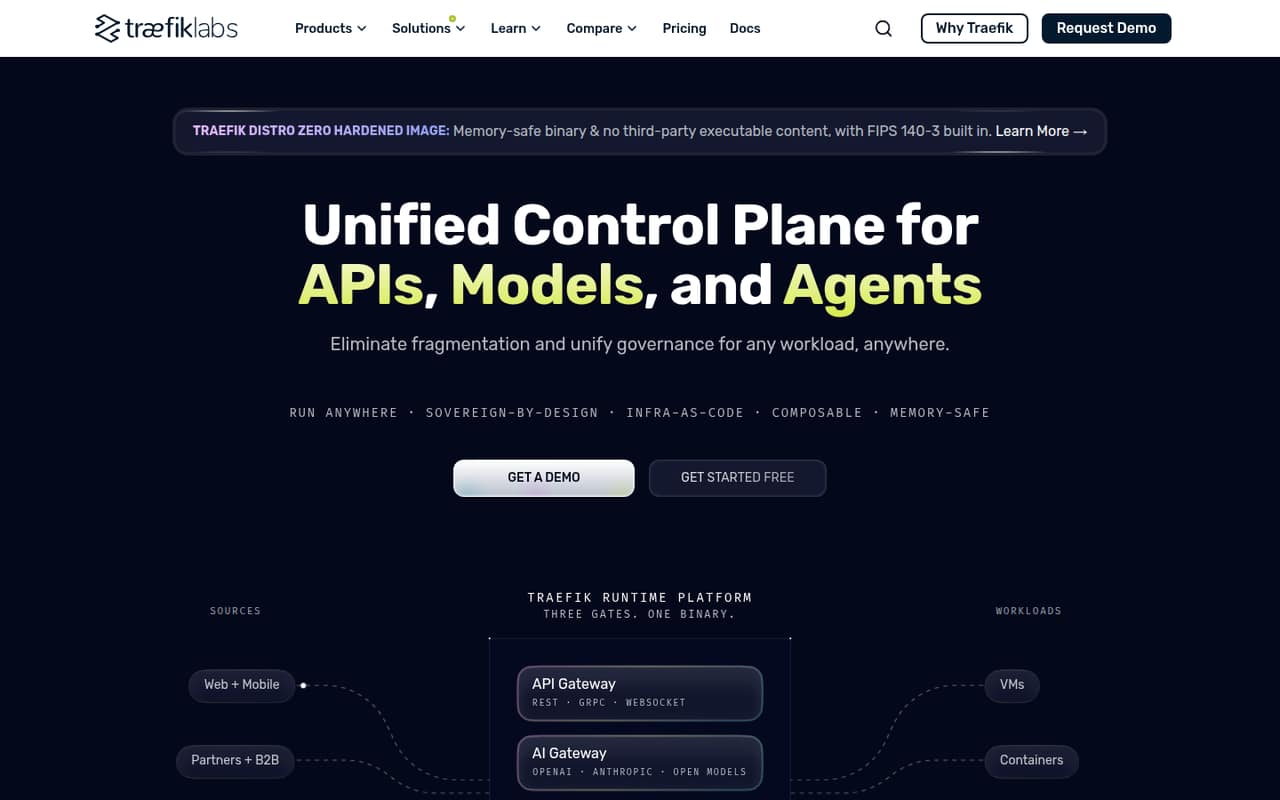
 Traefik EnterpriseTraefik EnterpriseBest gateway consolidation · Free
01Compared at a glance
| Tool | Score | From | Free plan | Trial |
|---|---|---|---|---|
| DockerDocker | 8.1 | $9/mo | Yes | — |
| Docker HubDocker Hub | 6.8 | $9/mo | Yes | — |
| ReplicatedReplicated | 6.8 | $500/mo | Yes | — |
| Portainer BusinessPortainer Business | 7.0 | $87.08/mo | Yes | 45 days |
| Docker DesktopDocker Desktop | 7.2 | $9/mo | Yes | — |
| RancherRancher | 7.1 | Free | Yes | — |
| HashiCorp NomadHashiCorp Nomad | 7.1 | Free | Yes | Yes |
| OrbStackOrbStack | 7.8 | $8/mo | Yes | Yes |
| Red Hat OpenShiftRed Hat OpenShift | 7.0 | Custom | No | Yes |
| CAST AICAST AI | 7.2 | $1,000/mo | Yes | 30 days |
| Control PlaneControl Plane | 7.1 | Custom | No | — |
| Platform9Platform9 | 6.8 | $480/mo | Yes | Yes |
| Traefik EnterpriseTraefik Enterprise | 6.8 | Free | Yes | — |
02The picks, in detail
- Best overallDockerDocker
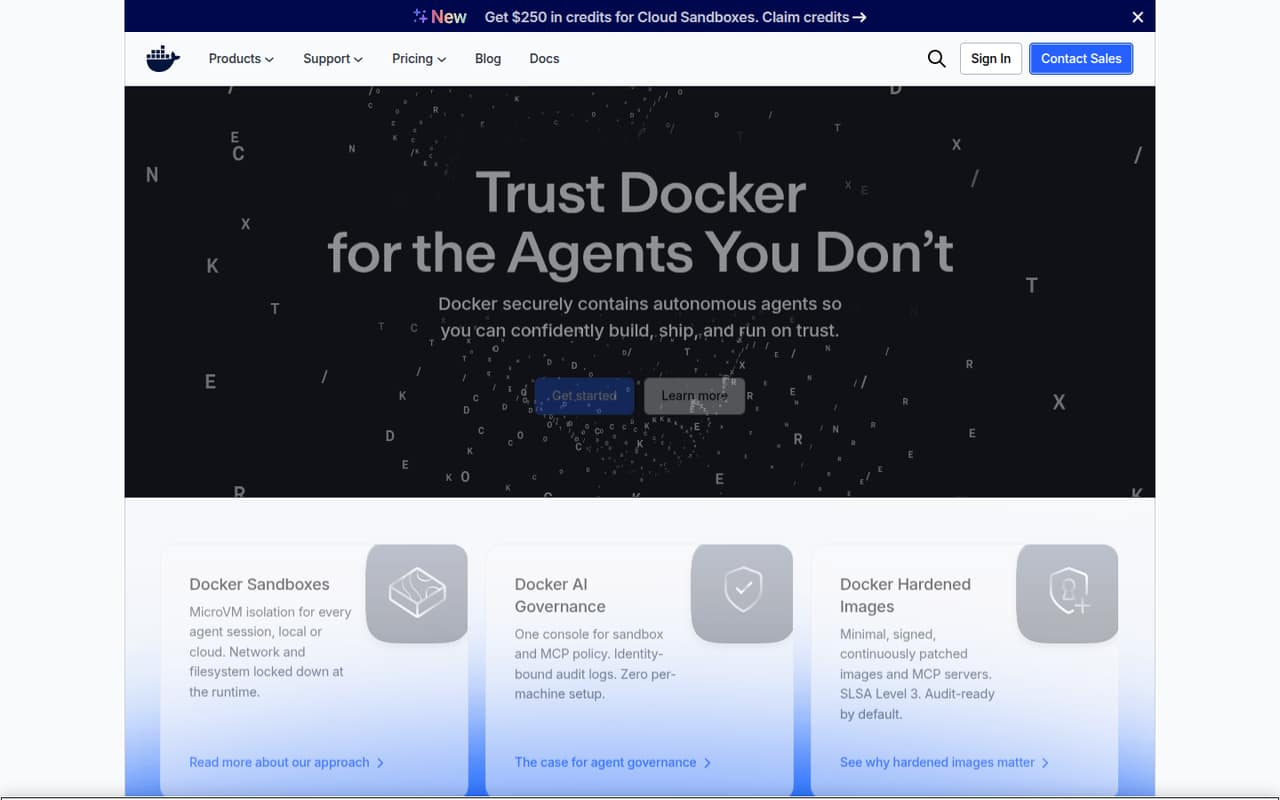
Docker is the broadest starting point for teams standardizing container development. Its local workflows, agent security, Docker Hub and Scout fit into a portable, OCI-compliant stack. The listed price starts at $9 and includes a free plan. Before rolling it out organization-wide, check which paid features your team needs and how the relevant limits fit your build and distribution patterns.
What works
- Docker Desktop brings containers and the development loop together
- Agent sessions use microVM isolation locally or in the cloud
- Network and filesystem controls limit sandbox access
What doesn't
- Personal Docker Hub pulls are limited to 100 per hour
- Team and Business costs rise with user count
- Governance, sandbox and image products have separate boundaries
- Best image registryDocker HubDocker Hub
Docker Hub is a hosted registry for teams sharing images, publishing public projects and using automated builds in pipelines. It has a free plan and a listed starting price of $9. Pull limits and image security matter in production, so model expected image consumption and review security controls before making it a critical distribution path.
What works
- Public and private image repositories
- Team user and repository access controls
- Automated builds support pipeline workflows
What doesn't
- Personal limits pulls to 100 per hour
- Repository contents still need security review
- Plan pricing bundles products beyond Hub
- Best on-prem distributionReplicatedReplicated
Replicated targets enterprise software vendors shipping on-premises or to air-gapped customer environments. It coordinates software distribution and release operations, rather than serving as a general-purpose cluster manager. The listed starting price is $500 with a free plan; budget separately for per-license fees. Confirm how its release process, customer deployment model and licensing terms fit your delivery pipeline.
What works
- Covers testing, licensing, releases, installs and support
- Supports air-gapped customer environments
- Compatibility Matrix integrates with CI
What doesn't
- Builders and Business add per-license fees
- Compatibility Matrix adds cluster costs
- Annual plan prices are not published
- Best mixed fleetsPortainer BusinessPortainer Business
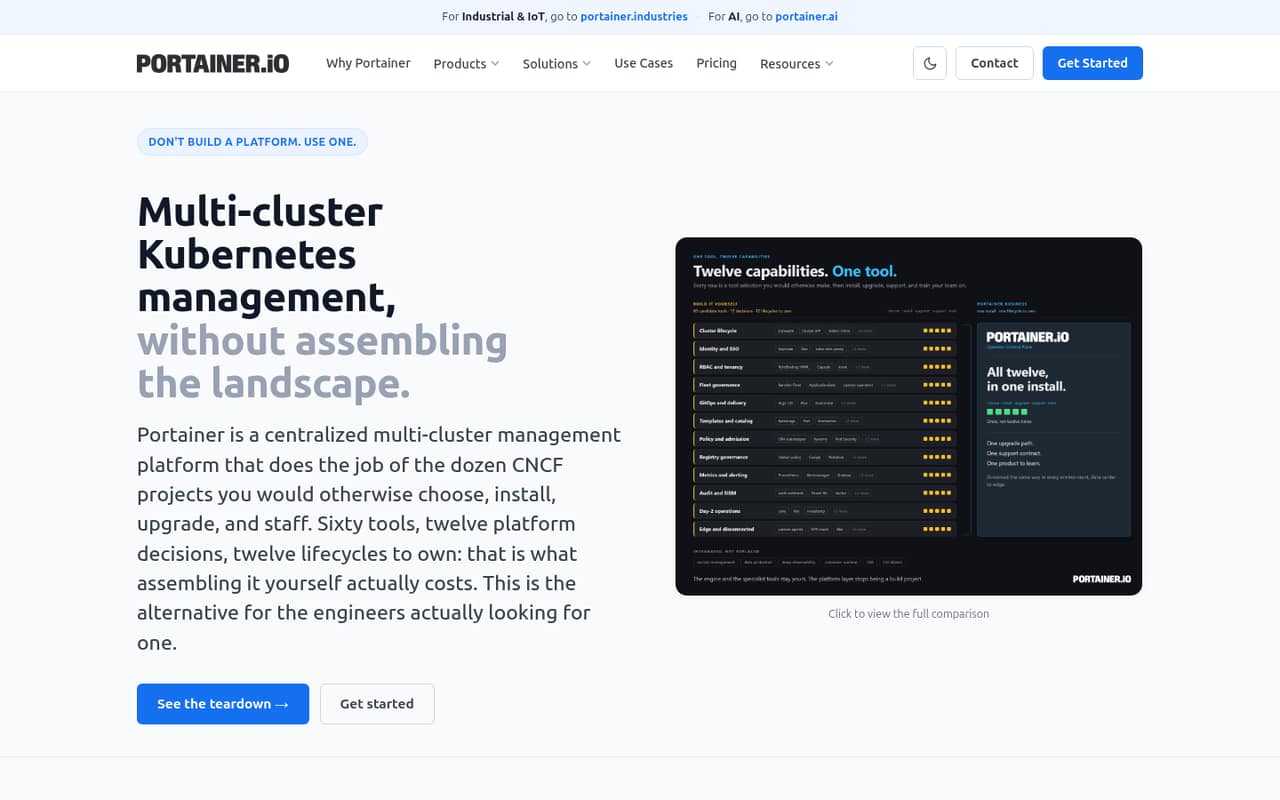
Portainer Business is aimed at teams governing multiple Kubernetes clusters alongside Docker, Swarm and Podman estates. Its listed starting price is $87.08 with a free plan, and it is self-hostable. The product is a practical candidate where one control plane across mixed container platforms matters; check its server model, licensing and the RBAC and audit-log requirements of your organization.
What works
- Manages Kubernetes, Docker, Swarm and Podman in one console
- Centralized GitOps engine supports promotion and rollback
- Includes SSO, LDAP, OIDC and role-based access controls
What doesn't
- Homepage names no API, SDK, language or CLI
- Home & Student is limited to non-commercial use
- Starter and Scale require annual billing
- Best local developmentDocker DesktopDocker Desktop
Docker Desktop provides a local container workflow for developers learning Docker or teams standardizing how developers work. It is self-hostable, has a free plan and lists a starting price of $9. The key trade-offs are licensing and machine-resource use. Set team policy around eligibility and check that developer machines can support the local workloads you expect.
What works
- Free Docker Personal plan
- Available for Mac, Windows and Linux
- Supports a full local development loop
What doesn't
- Free plan caps pulls at 100 per hour
- Paid plans charge per user
- Windows use can add resource overhead
- Best open-source KubernetesRancherRancher
Rancher is an open-source, self-hostable option for managing multiple Kubernetes clusters across datacenter and cloud environments. Its listed price is n/a and it has a free plan. This is a fit for teams prepared to operate the management layer themselves. Validate support arrangements and security requirements before making it part of a production platform.
What works
- Open-source software with a free plan
- Manages multiple Kubernetes clusters
- Targets datacenter, cloud and edge deployments
What doesn't
- Vendor homepage does not detail API or SDK support
- Prime pricing requires a quote
- Free plan limits are not published
- Best mixed workloadsHashiCorp NomadHashiCorp Nomad
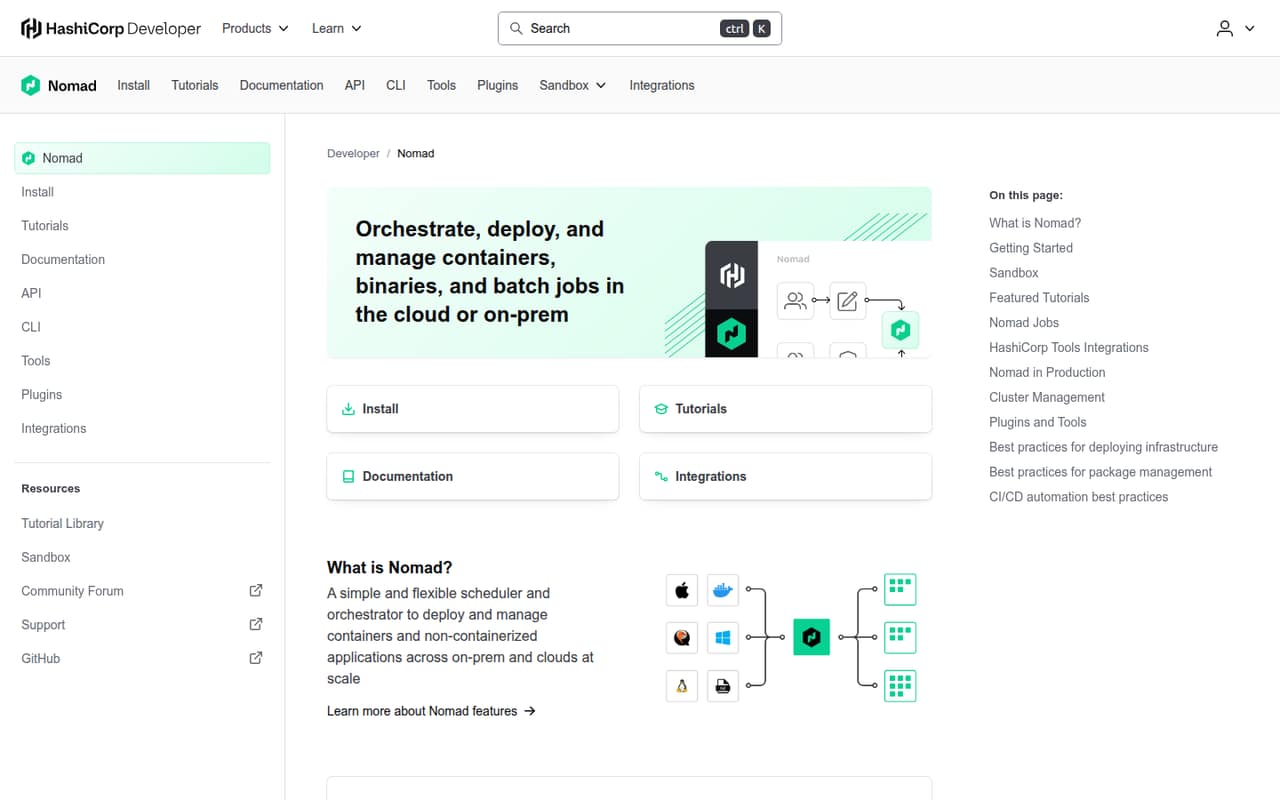
HashiCorp Nomad is an open-source, self-hostable scheduler for teams running mixed workload types, including self-hosted and on-premises deployments. Its listed price is n/a and it has a free plan. Consider it when your scheduling needs and existing HashiCorp tools align. Before production adoption, confirm support options, operating responsibilities and any applicable commercial terms.
What works
- Schedules containers and non-containerized applications
- Runs cloud and on-premises workloads
- Supports batch and parameterized jobs
What doesn't
- Paid plan prices are not published
- Vendor does not state usage limits
- License terms need confirmation
- Best for Mac developersOrbStackOrbStack
OrbStack targets Mac developers who use Docker Compose, need local Linux machines or run Apple Silicon x86 container workflows. It has a free plan and a listed starting price of $8, with a paid commercial tier. It is a focused local-development choice, not a multi-cluster control plane. Check its commercial terms and whether its Mac-specific scope matches your team.
What works
- Runs containers, Kubernetes and Linux machines on Mac
- Supports Compose, bind mounts and port forwarding
- Provides CLI access between Mac and Linux
What doesn't
- Commercial use requires a paid plan
- Pro pricing scales by user
- Usage and seat limits are not published
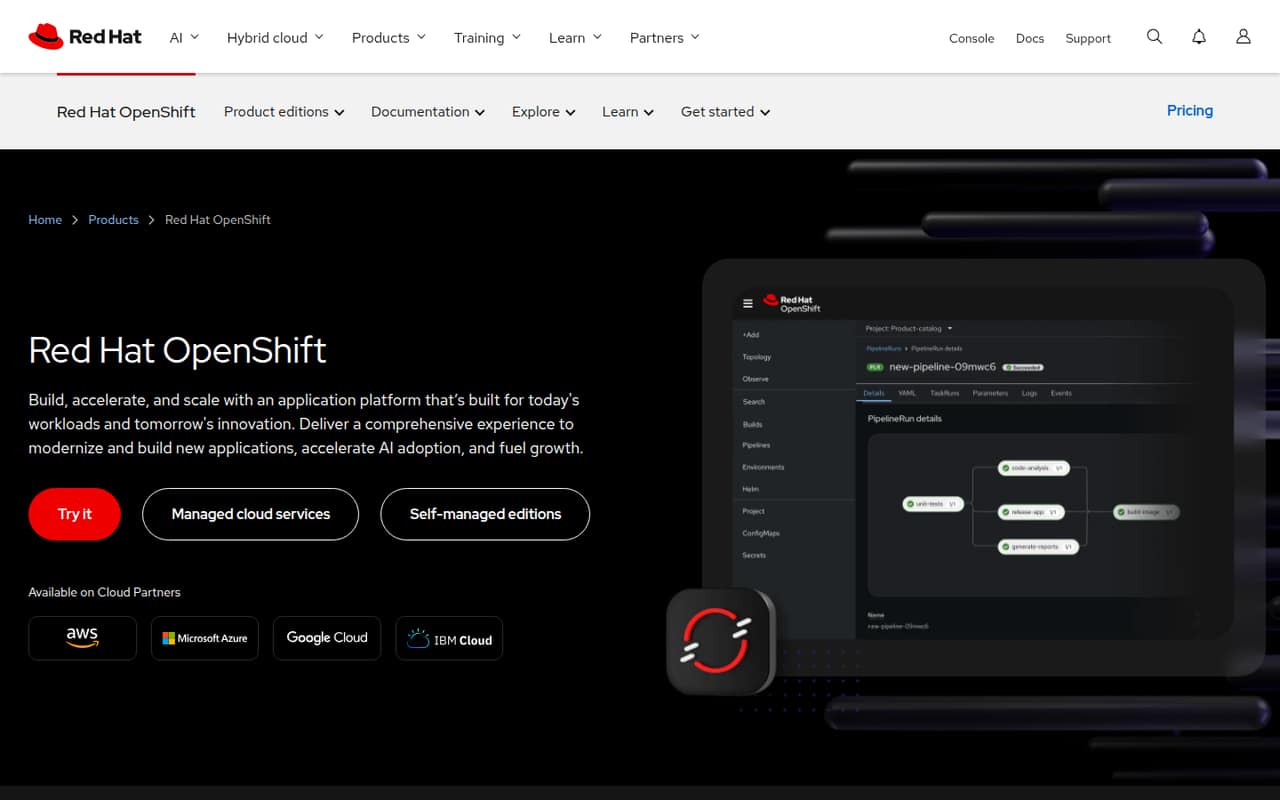
- Best enterprise platformRed Hat OpenShiftRed Hat OpenShift
Red Hat OpenShift is a full application platform for teams standardizing on enterprise Kubernetes, including organizations considering managed OpenShift or OpenShift Virtualization for VMs. It is self-hostable, and its listed price is n/a. Teams should decide whether they want to operate the platform or pay for an enterprise offering, then verify support and deployment fit.
What works
- Managed editions run on AWS, Azure, Google Cloud and IBM Cloud
- Self-managed editions support deployment on your own infrastructure
- Container Platform includes developer and operations tools
What doesn't
- Self-managed subscription pricing varies by sizing
- The vendor lists no monthly or annual plan prices
- The homepage does not name SDKs or programming languages
- Best cluster automationCAST AICAST AI
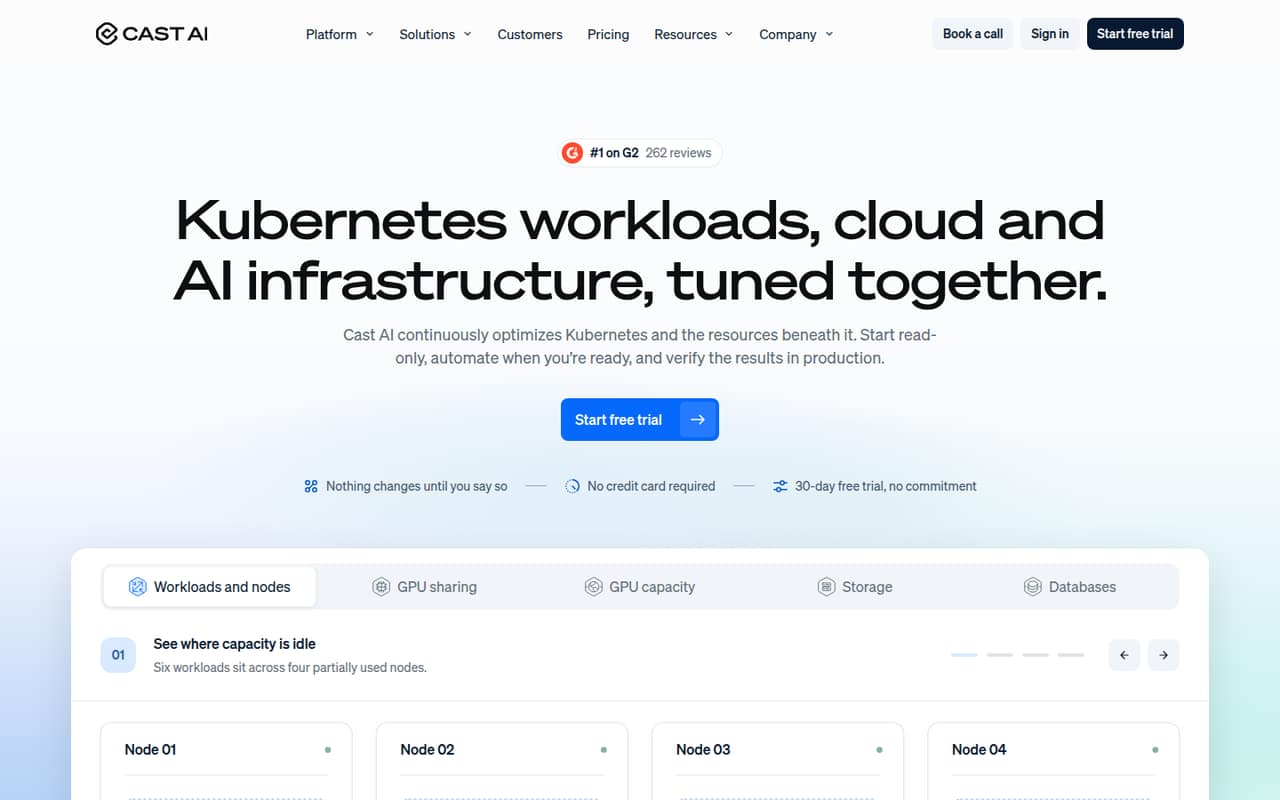
CAST AI focuses on cloud Kubernetes optimization, including GPU workloads with capacity constraints and policy-controlled automation. It has a free plan and lists a starting price of $1,000. The operational question is how much authority to give automation over production changes. Confirm pricing at your expected scale and define the boundaries and policies before enabling changes.
What works
- Can start with read-only cluster monitoring
- Rightsizes CPU and memory from observed usage
- Consolidates underused nodes and fits capacity to workloads
What doesn't
- Pricing rises with managed CPU-hours
- Growth plans cap clusters or managed CPUs
- Open-source licence and self-hosting path are not published
- Best multi-cloud controlControl PlaneControl Plane
Control Plane targets platform teams operating across cloud providers, managing mixed infrastructure or requiring multi-location failover. Its service includes a conditional five-nines SLA and usage-based infrastructure charges; the listed price is n/a. Those terms make the SLA conditions and infrastructure billing central to evaluation. Map the required locations and workloads, then confirm how charges accrue.
What works
- Combines public clouds, bare metal, Kubernetes and VMs
- Automatic traffic failover across healthy locations
- More than 100 scaling strategies
What doesn't
- No published SDK or language details
- No fixed starting price or free plan
- Separate charges for compute, storage and egress
- Best VMware transitionPlatform9Platform9
Platform9 targets VMware teams reusing existing hardware, building private clouds with VMs and Kubernetes, or planning a VMware migration. It is self-hostable and has a free plan; the listed starting price is $480. Treat the free entry point separately from production requirements. Verify which deployment and support terms apply to your infrastructure before planning a migration.
What works
- Manages VMs and containers from one control plane
- Includes built-in Kubernetes
- vJailbreak automates VMware migration
What doesn't
- No named SDKs, languages, or API protocol
- Enterprise pricing requires a custom quote
- Reddit users report install and product issues
- Best gateway consolidationTraefik EnterpriseTraefik Enterprise
Traefik Enterprise is a self-hostable option for teams consolidating gateways across Kubernetes and VM workloads, including AI and MCP traffic. Its listed price is n/a and it has a free plan. One runtime across these traffic types may simplify platform governance, but commercial pricing is opaque. Ask the vendor for a quote based on your deployment and required capabilities.
What works
- One binary and control plane for API, AI, and MCP gateways
- Routes L4 and L7 traffic across VMs and containers
- Supports OAuth2/OIDC, JWT, mTLS, and OPA-compatible authorization
What doesn't
- Commercial starting prices are not published
- Request-based billing can be hard to forecast
- Seat and usage limits are not published
03How we chose
We ranked these tools by fit for developers and technical teams, distinguishing local development, image distribution, scheduling, cluster management and enterprise software delivery. We weighed API and SDK coverage, documentation, free tiers, usage-based costs, open-source licences and self-hosting options, alongside reported user sentiment on Reddit as a secondary signal. We also considered what can complicate production adoption: registry pull limits, resource use, licensing, operational ownership, usage charges and support terms. Scores informed the comparison but did not determine the order on their own.
04Match the tool to the container job
Start by identifying which part of the container lifecycle needs help. Local environments such as Docker Desktop and OrbStack are aimed at developer machines; Docker Hub distributes images; Replicated coordinates delivery to enterprise and air-gapped customers. Rancher, Nomad, OpenShift and Platform9 address different parts of cluster or infrastructure operations. These are not interchangeable categories, even if they appear under container management.
Then map the required workflow to your stack. Check the vendor’s API, SDK and documentation coverage for the languages and automation your team uses; confirm how builds, deployments and identity connect to existing systems. Where those details affect adoption, ask the vendor to demonstrate the documented integration path. For self-hosted software, include the management service itself in your operating plan. A tool that fits the workload but adds a platform your team cannot support is a poor production choice.
05Model cost and production ownership
Treat a listed starting price as an entry point, not a forecast. Estimate the workloads, users, image pulls, licenses or infrastructure charges that apply to your deployment, and ask which limits change the bill or block work. Docker Hub calls for reviewing pull limits; Replicated pricing includes per-license fees; Control Plane uses usage-based infrastructure charges. CAST AI and Traefik Enterprise also warrant a direct pricing discussion before committing.
Compare commercial terms with your operating model. Rancher and Nomad are open source and self-hostable, while Portainer Business, Docker Desktop, Platform9 and Traefik Enterprise also list self-hosting. Self-hosting means your team must account for the software’s operation; confirm support and security expectations. For any production control plane or automation, establish change boundaries, failure handling, data export and an exit path before it becomes difficult to replace.
Questions people ask
What is the best container management software for developers?
Docker is our best overall choice for teams standardizing container development. Docker Desktop is a fit for local workflows, while OrbStack targets Mac developers using Docker Compose and local Linux machines. Choose based on whether you need a broader container workflow or a focused local environment.
Which container management tools are open source?
Rancher and HashiCorp Nomad are listed as open source and self-hostable. Their listed prices are n/a, and each has a free plan. Before adopting either for production, check support arrangements, security requirements and the operating work your team will own.
How should I compare container management pricing?
Compare the listed starting price with the costs that scale in your deployment. Docker Hub has pull limits to review, Replicated includes per-license fees, and Control Plane charges for infrastructure based on usage. Ask vendors how your expected workload, users and production requirements affect the total.
Do container management tools all manage Kubernetes?
No. Docker Desktop and OrbStack focus on local development; Docker Hub is a registry, and Replicated coordinates enterprise software distribution. Rancher, OpenShift, Platform9 and Control Plane address cluster or infrastructure management. Select for the specific job rather than treating the category as one interchangeable product type.