
We may earn a commission if you buy through links on this page. It never changes a score or a ranking. How we make money
The bottom line
A useful hosted registry for image distribution; review pull limits and image security before production.
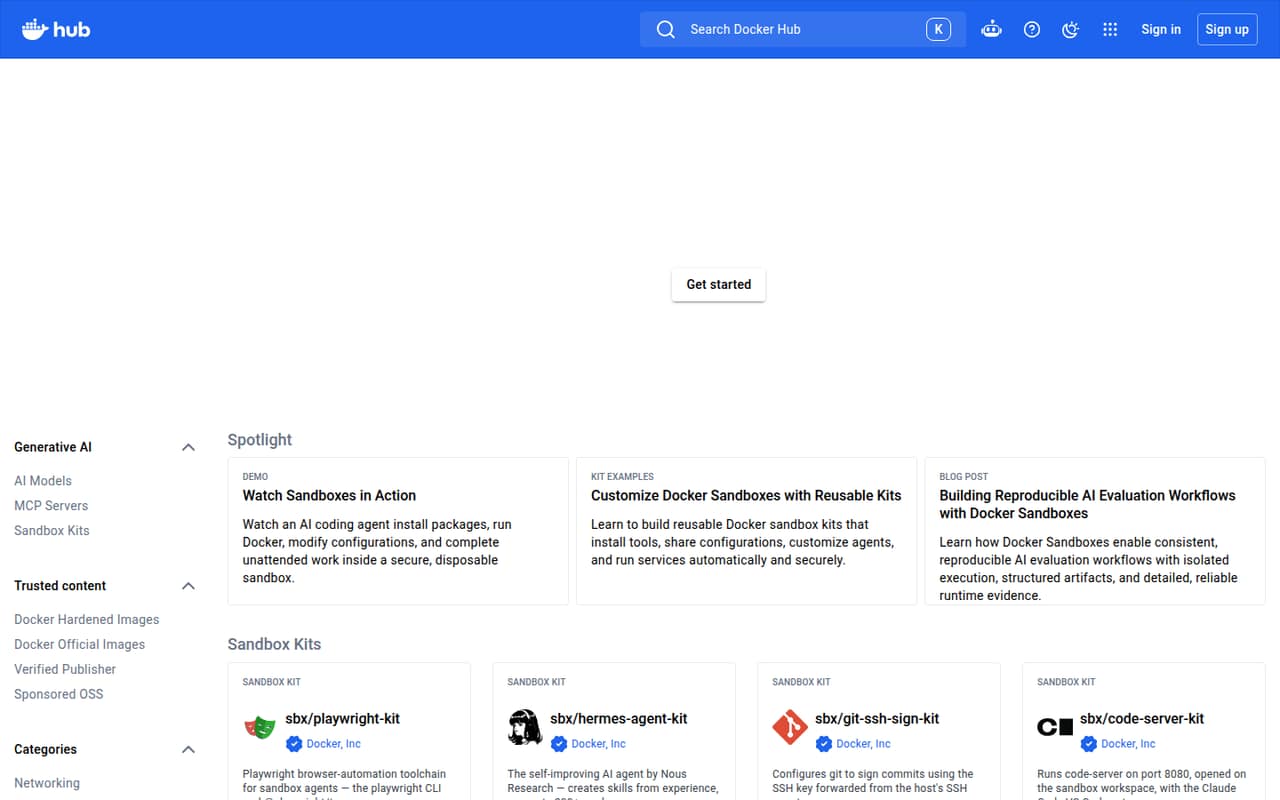
Docker Hub is a hosted registry and web service for publishing Docker images, sharing repositories with teams, and discovering community and trusted content. Automated builds and webhooks support delivery workflows; Docker Sandboxes add isolated microVMs for agent tasks.
The free Personal plan includes one private repository and 100 pulls per hour. Paid plans raise or remove that pull-rate limit and bundle other Docker products. Hub can simplify distribution, but it does not replace image review, secret handling, or production security controls.
Good fit if
- Teams sharing container images
- Projects publishing public images
- Pipelines using automated builds
Skip it if
- Teams requiring a self-hosted registry
- Projects needing guaranteed image safety
- Workloads with unplanned high-volume pulls
ScoresHow it rates
What works
- Public and private image repositories
- Team user and repository access controls
- Automated builds support pipeline workflows
- Webhooks support development-pipeline integration
- Directory includes official and verified content
What doesn't
- Personal limits pulls to 100 per hour
- Repository contents still need security review
- Plan pricing bundles products beyond Hub
- Self-hosting and export details need confirmation
- SDK and language support need documentation checks
01What Docker Hub is, technically
Docker Hub is a hosted container-image registry and web application, not a library or a self-hosted server. It sits between image producers and the machines or pipelines that need to retrieve those images. Developers push images into repositories; teams can grant users access, and public repositories make applications available to the Docker community.
That makes Hub a distribution layer in a container stack. It helps teams store and share built images rather than passing them around manually. The site also serves as a discovery catalog for Docker Official Images, Docker Hardened Images, Verified Publishers, and sponsored open-source projects. Automated builds and webhooks connect repository activity to development-pipeline workflows. Docker Sandboxes are a separate part of the offering: isolated microVMs give agents controlled access to tools, files, network rules, and credentials. Hub is therefore more than a place to browse images, but it remains a hosted service; teams should account for its plan limits and reliance on Docker’s service.
02Docker Hub API, SDKs and docs
The core developer workflow is image publishing and sharing: push images to repositories, then make them accessible to teammates or the Docker community. Teams can manage users and grant repository access. Automated builds support development-pipeline workflows, while webhooks provide another pipeline integration point. The site also organizes trusted images and extensions for discovery.
Docker’s homepage does not name a particular API protocol, SDK, programming language, or CLI in its Hub feature descriptions. Treat the named integration surface as repository workflows, automated builds, and webhooks; confirm API endpoints, authentication, CLI behavior, and SDK support in Docker’s documentation before designing an integration around them. Docker Sandboxes and reusable Sandbox Kits are aimed at agent environments, with controls for tools, files, network rules, and credentials. That is useful for controlled execution, but it is distinct from the registry’s image-publishing path. Teams should also verify how build configuration and webhook events map to their existing pipeline.
03Docker Hub pricing for developers
Docker Personal is free and includes one user, one Docker Scout-enabled repository, one private Hub repository, and 100 Docker Hub pulls per hour. That pull limit is the clearest point where a free project may need to move up a plan. Docker Pro is $11 per user monthly or $9 per user per month when billed annually; it includes an unlimited Docker Hub pull rate and two Scout-enabled repositories.
Docker Team costs $16 per user monthly or $15 annually billed, and includes up to 100 users, unlimited private Hub repositories, and 10 organization access tokens. Docker Business is $24 per user per month under either billing option, with no user cap and 100 organization access tokens. These subscriptions also bundle Testcontainers Cloud runtime minutes, so the bill is not just a registry fee. Extra Testcontainers runtime costs $3 per 100 minutes, with unused additional minutes expiring at the subscription-period end, or $4 per 100 minutes on demand. Premium Support and TAM are available to Business customers at unpublished prices.
04Docker Hub: open source, self-hosting and lock-in
Docker Hub is a hosted registry service. The vendor doesn't publish a Hub server licence or a self-hosted Hub edition in its product material, so teams that require an on-premises registry should confirm whether another product fits their requirements. Do not treat Docker’s container ecosystem or individual open-source images as evidence that the Hub service itself is open source.
The vendor also doesn't publish a Hub data-export process in its product material. Before committing, establish how to retrieve images and metadata, and how to preserve repository permissions, build settings, and webhook configuration if you move. Because teams push images to Hub repositories, a migration would at least require recreating the repository and delivery setup at the destination. Check image format compatibility and authentication changes with the target registry. The risk is less about code-level lock-in than operational work and dependence on a hosted distribution point.
05Docker Hub in production
The free Personal plan has a 100-pulls-per-hour limit; Pro includes an unlimited Docker Hub pull rate. Check which tier applies to the account doing production pulls, how credentials are managed across build agents, and whether your deployment path can tolerate registry access problems. The pricing details do not state a service-level commitment, so ask Docker about reliability and support expectations for your plan before making Hub a critical dependency.
Hub is a distribution service, not a guarantee that an image is safe. One Reddit thread discussed researchers finding exposed credentials in public images; commenters pointed out that secrets can be baked into images by their publishers. Other developers debate vulnerability-scan results, including false positives and the need to assess whether a CVE is exploitable in context. Review image provenance, scan and patch images, and keep secrets out of image layers. Official or verified status is useful for discovery, not a substitute for your own threat model.
From the threadsWhat users say
Reddit discussion is mixed: developers value the default distribution channel, while warning that image contents and vulnerability findings require independent review. Comments distinguish registry trust from the security of images published there.
Because they’re not. The vast majority of those CVEs have no practical exploit path
It's Docker images themselves that expose the developer's key
anybody can put their images on docker hub
the problem isn't docker hub, it is that lots of projects don't do much beyond basic security setup
Questions people ask
Is Docker Hub free?
Yes. Docker Personal costs $0 and includes one user, one private Docker Hub repository, one Docker Scout-enabled repository, and 100 Docker Hub pulls per hour. Docker Pro, Team, and Business are paid per-user plans with higher included limits or features.
How many private repositories does Docker Hub Personal include?
Docker Personal includes one private Docker Hub repository. Docker Team and Docker Business include unlimited private Docker Hub repositories. Docker Pro's listed plan features do not include a private-repository count, so confirm the current entitlement with Docker before relying on it.
What is Docker Hub's free pull limit?
Docker Personal includes 100 Docker Hub pulls per hour. Docker Pro includes an unlimited Docker Hub pull rate. The plan details do not state a pull-rate allowance for Team or Business, so check with Docker if that limit affects your deployment workflow.
Can I use Docker Hub without an account?
Docker Hub supports public images that are accessible to the Docker community, but the account requirements for browsing or pulling public images are not stated in the plan details. Check Docker’s current access documentation for the exact authentication requirements, especially for automated pulls.
Does Docker Hub make images safe to run?
No. Hub hosts images from Docker and other publishers, but the registry does not guarantee that an image is safe for your environment. Review the publisher and image contents, scan for vulnerabilities, and keep credentials out of image layers before deploying.
Sources
- Docker Hub homepage
- Docker Hub pricing page
- Reddit: Over 10,000 Docker Hub images found leaking credentials, auth keys
- Reddit: If Docker Hub images are so insecure why does everyone still use them as the default?
- Reddit: Wait, it's all vulnerable? (Docker Images on Docker Hub)
- Reddit: Self-Hosting your own Docker Hub