
We may earn a commission if you buy through links on this page. It never changes a score or a ranking. How we make money
The bottom line
Useful Kubernetes automation, but confirm pricing and operational boundaries before handing it production changes.
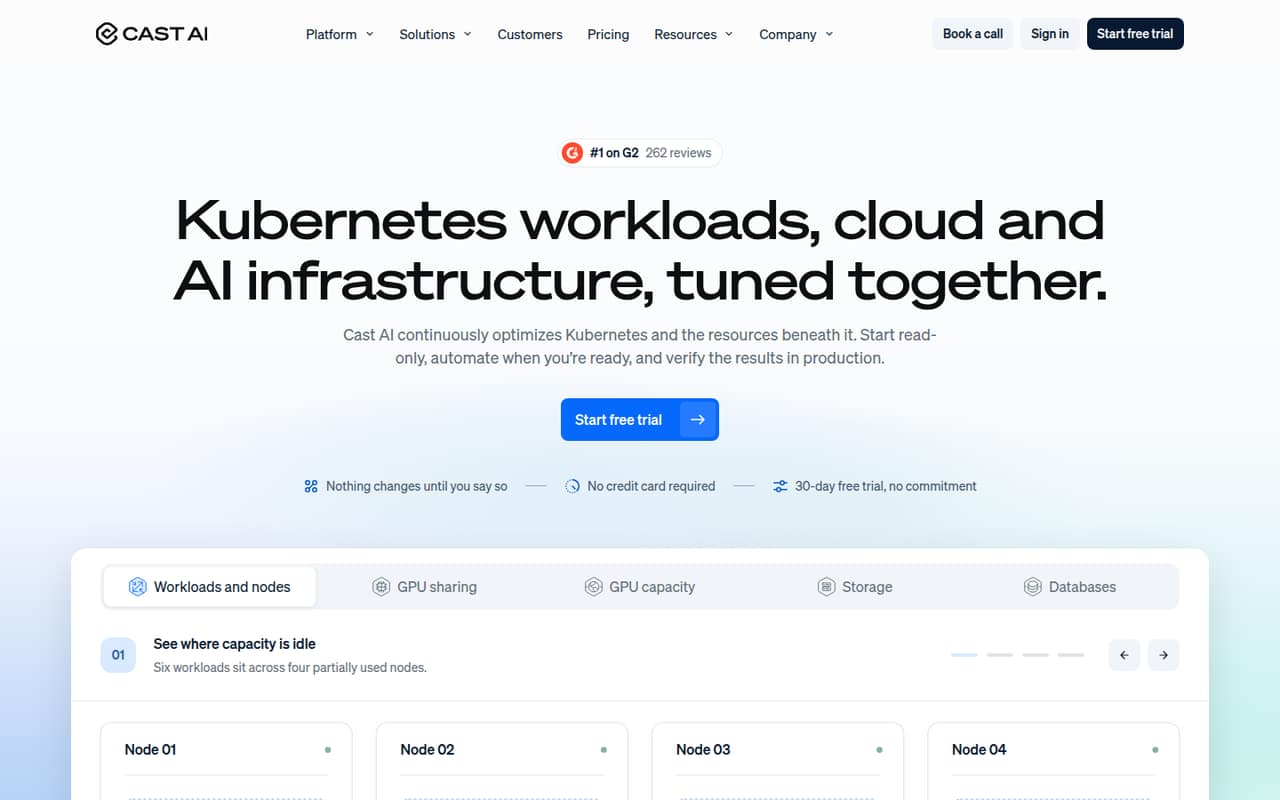
CAST AI is a Kubernetes optimization service that observes workloads and infrastructure, then can automate eligible changes within team policies. It covers workload rightsizing, node consolidation, GPU sharing, cross-cloud GPU capacity, storage autoscaling and database optimization.
The read-only start and pull requests for code changes give teams control over rollout. The trade-offs are usage-based pricing, plan limits on managed CPUs and clusters, and unanswered questions about self-hosting, data export and operational guarantees. Reddit discussion is sparse and mixed, with cloud-provider coverage raised as a comparison point.
Good fit if
- Teams optimizing cloud Kubernetes clusters
- GPU workloads with capacity constraints
- Teams seeking policy-controlled automation
Skip it if
- Bare-metal-first Kubernetes estates
- Teams requiring self-hosted tooling
- Buyers needing published API limits
ScoresHow it rates
What works
- Can start with read-only cluster monitoring
- Rightsizes CPU and memory from observed usage
- Consolidates underused nodes and fits capacity to workloads
- Shares GPUs using time-slicing and MIG
- Sends eligible Helm or Terraform changes as pull requests
What doesn't
- Pricing rises with managed CPU-hours
- Growth plans cap clusters or managed CPUs
- Open-source licence and self-hosting path are not published
- API, SDK and language support need confirmation
- Production limits and service guarantees need vendor confirmation
01What CAST AI is, technically
CAST AI is a Kubernetes optimization service connected to the clusters it manages. It is not an application library or a CLI-led developer tool: it observes Kubernetes workloads and infrastructure, then offers monitoring and automation for eligible changes. Teams can begin in read-only mode and enable actions within policies they set.
Its scope reaches from workload requests to the nodes underneath them. The service adjusts CPU and memory requests based on observed use, consolidates underused nodes, and places workloads on fitting capacity. It also covers GPU sharing, sourcing GPU capacity through OMNI Compute, storage autoscaling on supported GKE and EKS disks, and a database optimizer for PostgreSQL and MySQL.
For code-managed settings such as Helm values or Terraform, CAST AI can send a pull request for team review rather than applying the code change directly. That makes it an infrastructure control layer alongside a Kubernetes stack, not a replacement for the cluster or application deployment workflow.
02CAST AI API, SDKs and docs
The product workflow centers on connecting Kubernetes clusters, starting with read-only access, and then enabling policy-controlled automation. The homepage describes cluster optimization, node templates, a read-only database agent, and pull requests for code changes such as Helm values or Terraform. Storage autoscaling is described for supported disks in GKE and EKS; confirm current provider and disk support in the vendor’s documentation.
The vendor’s homepage does not name a REST API, SDK, programming language, CLI, webhook or plugin. Teams building custom integrations should confirm those surfaces and SDK support in the vendor’s docs before designing around them. The integration points described publicly are Kubernetes clusters, policies and node templates, code review through pull requests, and database signals for PostgreSQL and MySQL.
The dry-run option for storage changes and read-only onboarding give operators a way to review changes before enabling automation. Confirm permissions, audit events and rollback behavior as part of the integration review.
03CAST AI pricing for developers
CAST AI lists a free Kubernetes Cost Monitoring tier with unlimited cluster analysis and monitoring, read-only access, and no automation. It also advertises a 30-day free trial. That makes the free option useful for visibility, but teams that need automated optimization move to a paid plan.
Growth starts at $1,000 per month, plus $0.00694 per managed CPU per hour, and is limited to four clusters and 500 CPUs. Growth PRO has the same base fee and per-CPU rate, with unlimited clusters and a 2,000-CPU cap. Enterprise starts at $5,000 per month plus the same managed-CPU rate, with unlimited clusters and CPUs; custom pricing is available through sales. Custom Quote pricing depends on the environment and is not published.
The pricing page lists usage-based pricing, but annual rates and overage terms are not published. Ask how CPU-hours are counted, what happens at plan caps, and whether GPU, storage and database features are included in your proposed plan. Marketplace rates are monthly.
04CAST AI: open source, self-hosting and lock-in
CAST AI is presented as a managed Kubernetes service, not a library that a team installs inside its application. The vendor does not publish an open-source licence, self-hosting option or data-export guarantee in its public product description. Teams that require those controls should confirm them with the vendor before connecting production clusters.
The product acts on Kubernetes resources and infrastructure, so leaving would mean replacing its monitoring and optimization workflows, then taking back responsibility for workload requests, node placement and any enabled automation. Code changes sent as pull requests remain in the team’s code review workflow, which gives teams a reviewable record for those changes. Confirm what cluster and database data is retained, how it can be exported or deleted, and which settings remain after disconnection.
05CAST AI in production
Read-only onboarding, policy controls, dry-run storage changes and reviewable code pull requests provide useful gates before automation affects production. CAST AI also describes storage autoscaling for supported disks in GKE and EKS, and GPU capacity sourced from other clouds and regions through OMNI Compute. Confirm that your cluster, regions, disk types and workload patterns are supported before relying on those paths.
The vendor does not publish rate limits, service-level targets or detailed production limits on the homepage. Ask about access scope, audit trails, rollback, incident response, data handling, security certifications and behavior during a control-plane outage. Review how managed CPU usage is measured and how plan caps affect existing clusters.
Reddit discussion is limited. One thread compares CAST AI with Anthos and raises cloud-provider coverage as a concern; a commenter says CAST AI is focused on cloud providers. Treat that as a point to validate against your own infrastructure, not a current compatibility matrix.
From the threadsWhat users say
The Reddit discussion is too small to establish broad user sentiment. The one thread includes interest in trying CAST AI alongside a cloud-provider coverage concern and a favorable comment from a CAST AI representative.
On the paper cast looks pretty well
Seems as though Cast Ai is limited to cloud providers at the moment
With CAST AI you get speed (~6 minutes to cluster across AWS and GCP), cost optimization features
Anthos provides a unified K8s platform to developers
Questions people ask
What is CAST AI used for?
CAST AI optimizes Kubernetes workloads and the infrastructure beneath them. Its features include adjusting CPU and memory requests, consolidating underused nodes, sharing GPUs, sourcing GPU capacity through OMNI Compute, autoscaling supported storage, and optimizing PostgreSQL and MySQL databases.
Can CAST AI start in read-only mode?
Yes. CAST AI describes read-only access for monitoring and a free Kubernetes Cost Monitoring tier with unlimited cluster analysis and monitoring. Automation is not included in that tier. Teams can enable eligible automated changes within policies they set.
Does CAST AI support GPU workloads?
CAST AI describes GPU sharing through time-slicing and MIG, plus cross-cloud GPU capacity through OMNI Compute. It can source capacity from other clouds and regions and schedule eligible workloads there. Confirm provider, region and GPU availability for your deployment.
Which databases does CAST AI optimize?
Database Optimizer is described for PostgreSQL and MySQL. Its functions include read caching, connection pooling and flagging slow queries. The homepage also describes a read-only database agent that collects instance and query signals.
Does CAST AI automatically change application code?
For code-managed fixes such as Helm values or Terraform, CAST AI says it opens a pull request for the team to review. Other eligible infrastructure changes can be automated within team policies. Confirm which actions apply directly and which require review in your setup.