We may earn a commission if you buy through links on this page. It never changes a score or a ranking. How we make money
Dify is our best overall pick for teams that want visual AI workflows, self-hosting options and an open-source codebase. Langflow and AnythingLLM are strong alternatives for Python-oriented flows or local, document-focused work. The right choice depends on your runtime and integration needs: Vapi targets voice agents, Composio connects agents to third-party apps, and Dedalus Labs offers stateful workloads with persistent Linux VMs. Treat listed starting prices as entry points, not production estimates; confirm usage charges, limits and deployment terms before committing.
Quick picksThe shortlist
 DifyDifyBest overall · $49.17/mo
 AnythingLLMAnythingLLMBest for local data · $50/mo
 LangflowLangflowBest for Python teams · Free
 CrewAICrewAIBest for governed workflows · Free
 Dedalus LabsDedalus LabsBest for stateful agents · $20/mo
 ComposioComposioBest for app integrations · $29/mo
 CozeCozeBest for visual prototyping · $9/mo
 VapiVapiBest for voice agents · $29/mo
 FlowiseFlowiseBest for existing users · $35/mo
 MindStudioMindStudioBest for model choice · $16/mo
 SuperagentSuperagentBest for repo security · $499/mo
 AiriaAiriaBest for AI governance · $25/mo
 LindyLindyBest for business tasks · $29.99/mo
 InterplayInterplayBest for private deployments · Custom
 Relevance AIRelevance AIBest for deployment support · $19/mo
 ServiceNow AI PlatformServiceNow AI PlatformBest for ServiceNow stacks · Custom
 Anakin AIAnakin AIBest for no-code apps · $9.90/mo
01Compared at a glance
| Tool | Score | From | Free plan | Trial |
|---|---|---|---|---|
| DifyDify | 7.4 | $49.17/mo | Yes | — |
| AnythingLLMAnythingLLM | 7.3 | $50/mo | Yes | — |
| LangflowLangflow | 7.0 | Free | Yes | — |
| CrewAICrewAI | 6.4 | Free | Yes | — |
| Dedalus LabsDedalus Labs | 6.8 | $20/mo | Yes | — |
| ComposioComposio | 6.8 | $29/mo | Yes | — |
| CozeCoze | 7.0 | $9/mo | Yes | 3 days |
| VapiVapi | 7.0 | $29/mo | Yes | — |
| FlowiseFlowise | 5.8 | $35/mo | Yes | 1 month |
| MindStudioMindStudio | 6.8 | $16/mo | Yes | — |
| SuperagentSuperagent | 7.0 | $499/mo | Yes | — |
| AiriaAiria | 6.5 | $25/mo | Yes | 14 days |
| LindyLindy | 6.5 | $29.99/mo | Yes | 7 days |
| InterplayInterplay | 5.5 | Custom | No | — |
| Relevance AIRelevance AI | 6.2 | $19/mo | No | — |
| ServiceNow AI PlatformServiceNow AI Platform | 6.1 | Custom | No | — |
| Anakin AIAnakin AI | 6.4 | $9.90/mo | Yes | — |
02The picks, in detail
- Best overallDifyDify
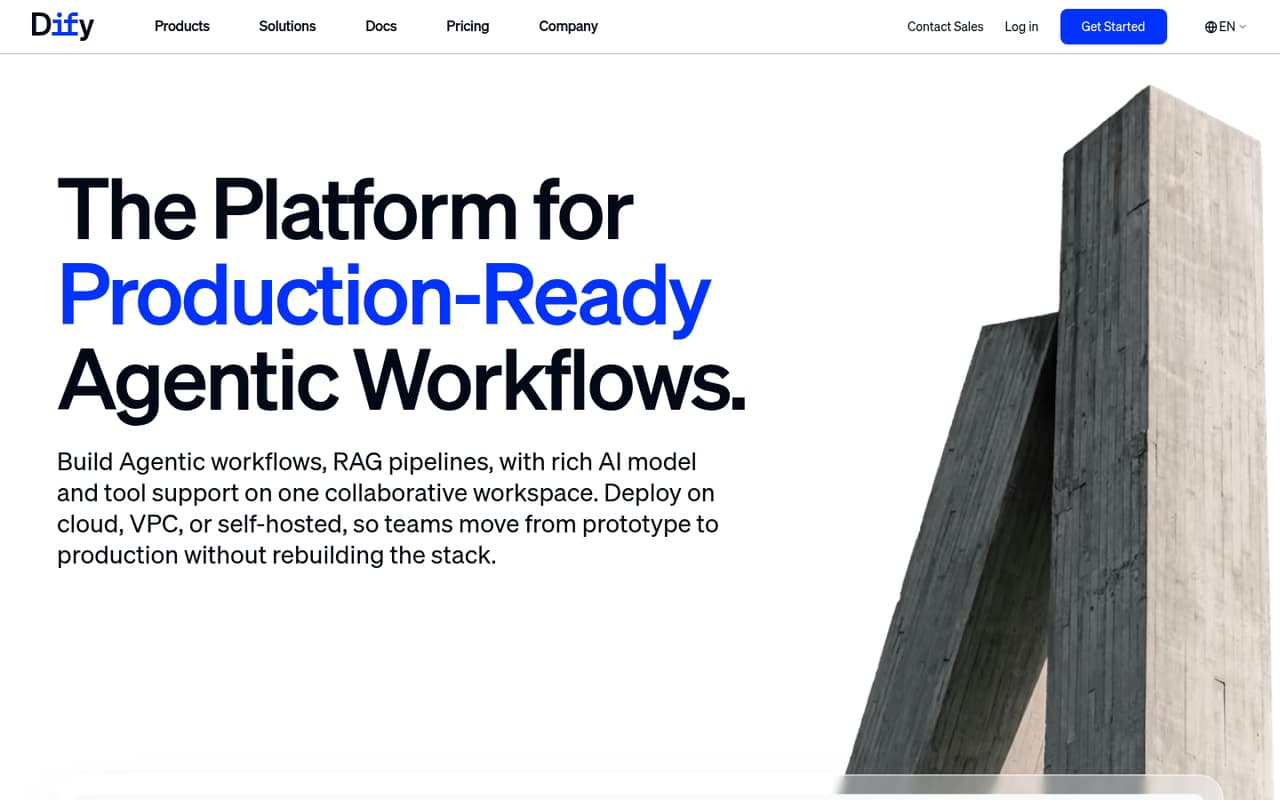
Dify combines visual AI workflows, RAG knowledge pipelines, an open-source codebase and self-hosting options. That makes it a strong starting point for technical teams that want to prototype visually without giving up deployment flexibility. Its listed starting price is $49.17, with a free plan. Verify API behavior and production details before rollout; the listing flags both as points to check.
What works
- Visual workflow editor supports testing, debugging and deployment
- Agents can run as apps or workflow nodes
- Knowledge pipelines handle files, websites and online documents
What doesn't
- SDK and language support need verification in the docs
- Rate limits and API quotas are not published
- Sandbox limits teams to one member
- Best for local dataAnythingLLMAnythingLLM
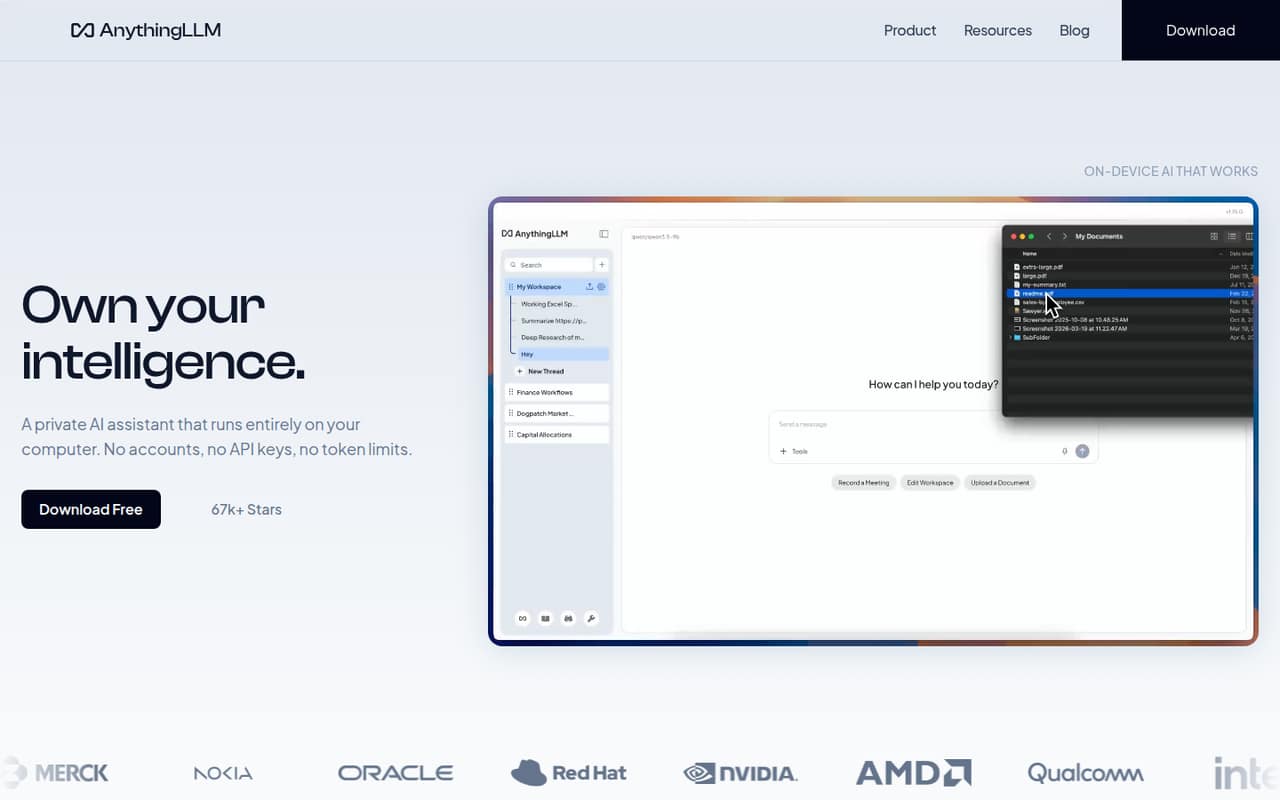
AnythingLLM is open source and self-hostable, with local data processing and document-based AI workflows among its target uses. It also offers a free desktop app, making it a fit for teams evaluating local-first workflows. The listed starting price is $50, with a free plan. The integration contract is less certain, so check the available interfaces and documentation against your application before adopting it.
What works
- Free desktop app for macOS, Windows and Linux
- Local document processing and model options
- Meeting transcripts, summaries and action items
What doesn't
- Developer API protocol and language SDKs aren't named
- Free-plan features and limits aren't published
- External LLM API costs are separate
- Best for Python teamsLangflowLangflow
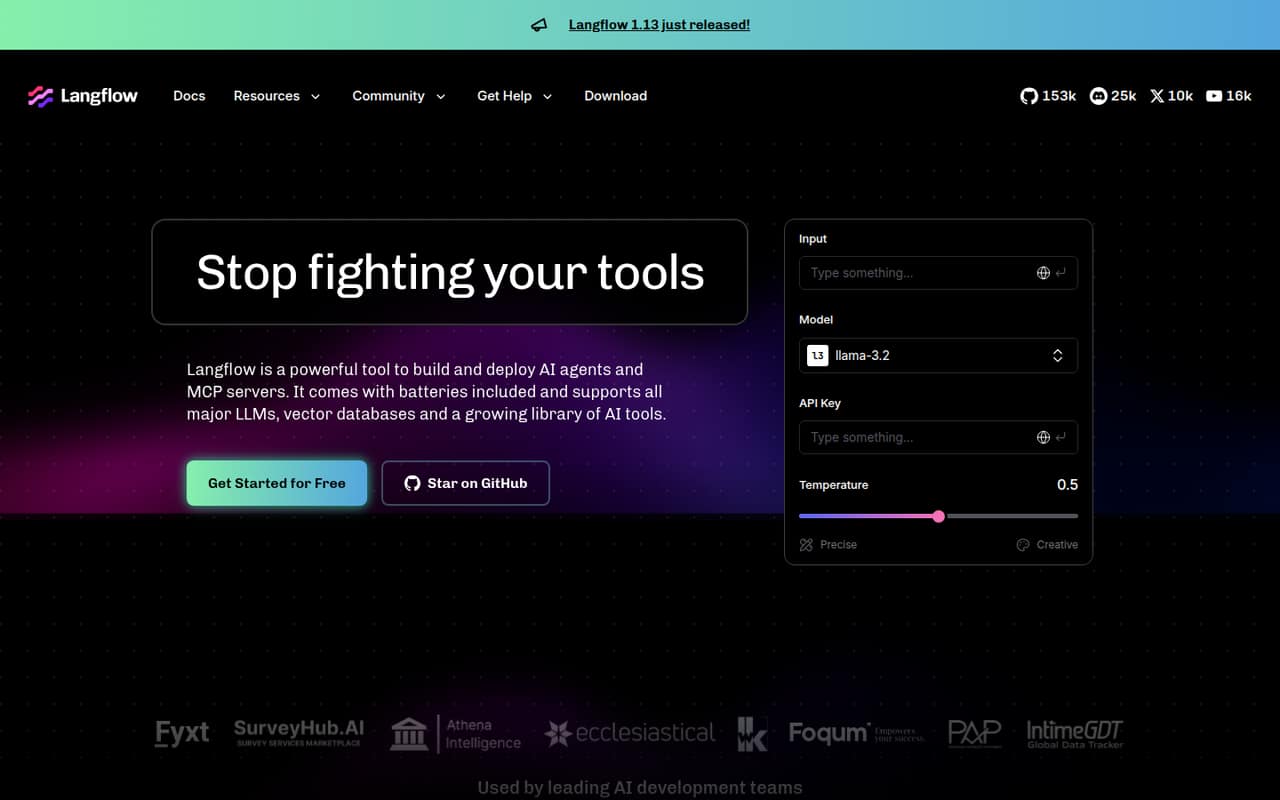
Langflow gives Python teams a visual way to build LLM applications, RAG flows and agent workflows. Its open-source and self-hostable status suits teams that want to keep flows under their own operational control; a free plan is listed. Pricing starts at n/a. Check cloud limits and production deployment details before choosing between a hosted workflow and a self-managed setup.
What works
- Visual flows support rapid iteration
- Python customization extends components and flows
- Reusable components support sharing across projects
What doesn't
- Cloud usage and rate limits are unpublished
- Cloud pricing and overages are unpublished
- SDK, CLI and API protocol details need verification
- Best for governed workflowsCrewAICrewAI
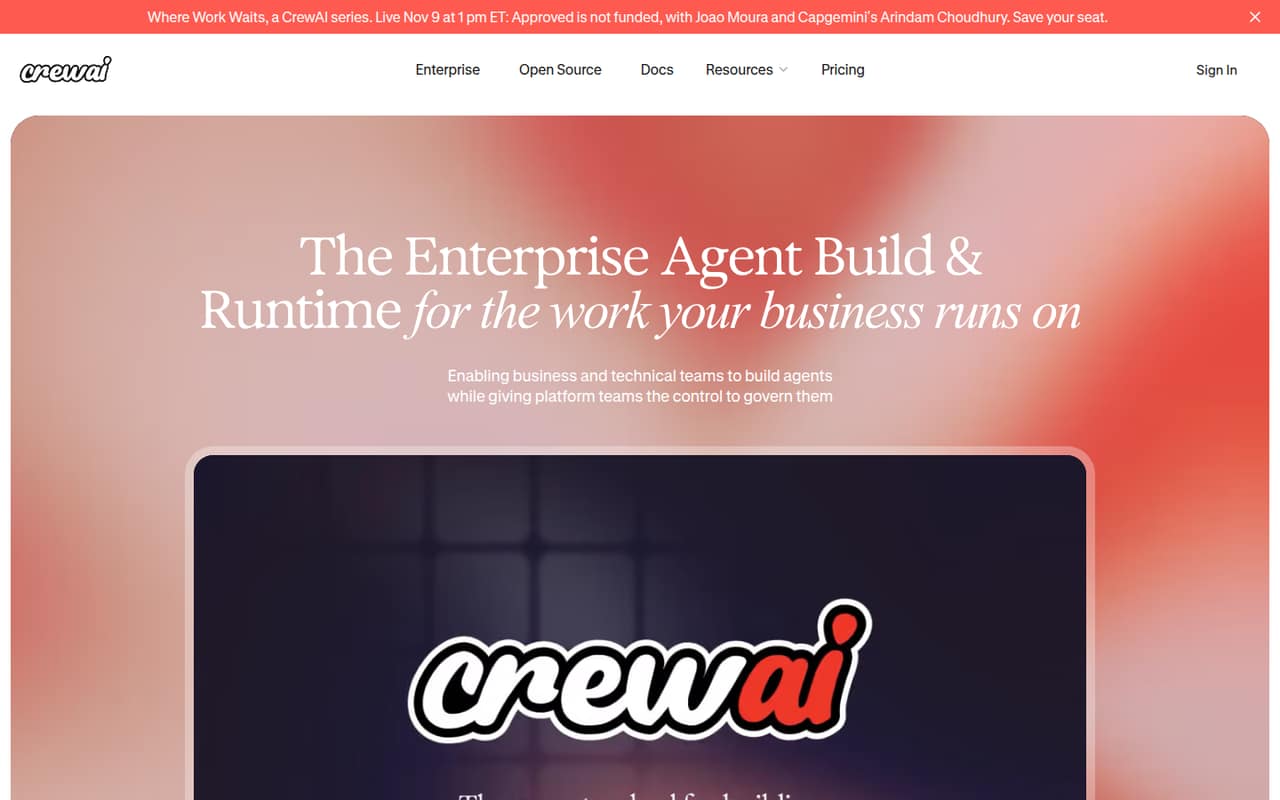
CrewAI is an open-source agent build-and-runtime platform for teams prototyping workflows, with approval gates and both visual and Python workflows among its use cases. A free plan is listed, but the starting price is n/a. It suits teams that need a governed workflow model, provided they resolve deployment questions and confirm how the platform fits their runtime and operational requirements.
What works
- Visual editor exports workflows to Python
- Code-first API supports workflow control
- RBAC, audit trails and approval gates
What doesn't
- Enterprise pricing and limits are custom
- SDKs, languages and CLI support are unconfirmed
- License and self-hosting terms are unclear
- Best for stateful agentsDedalus LabsDedalus Labs
Dedalus Labs targets stateful agent workloads, interactive Linux tools and MCP integrations. It is open source, and its listed starting price is $20 with a free plan. The key trade-off is infrastructure: the platform uses persistent Linux VMs, bills for active compute and is hosted-only. Check how active-compute charges behave for your workload and whether hosted infrastructure fits your data and operations requirements.
What works
- Persistent files across sleep and wake cycles
- SSH access with an interactive pseudo-terminal
- Dynamic CPU and RAM resizing through an API
What doesn't
- Core VM infrastructure is proprietary and hosted
- Rate limits are not published
- No data-export process is published

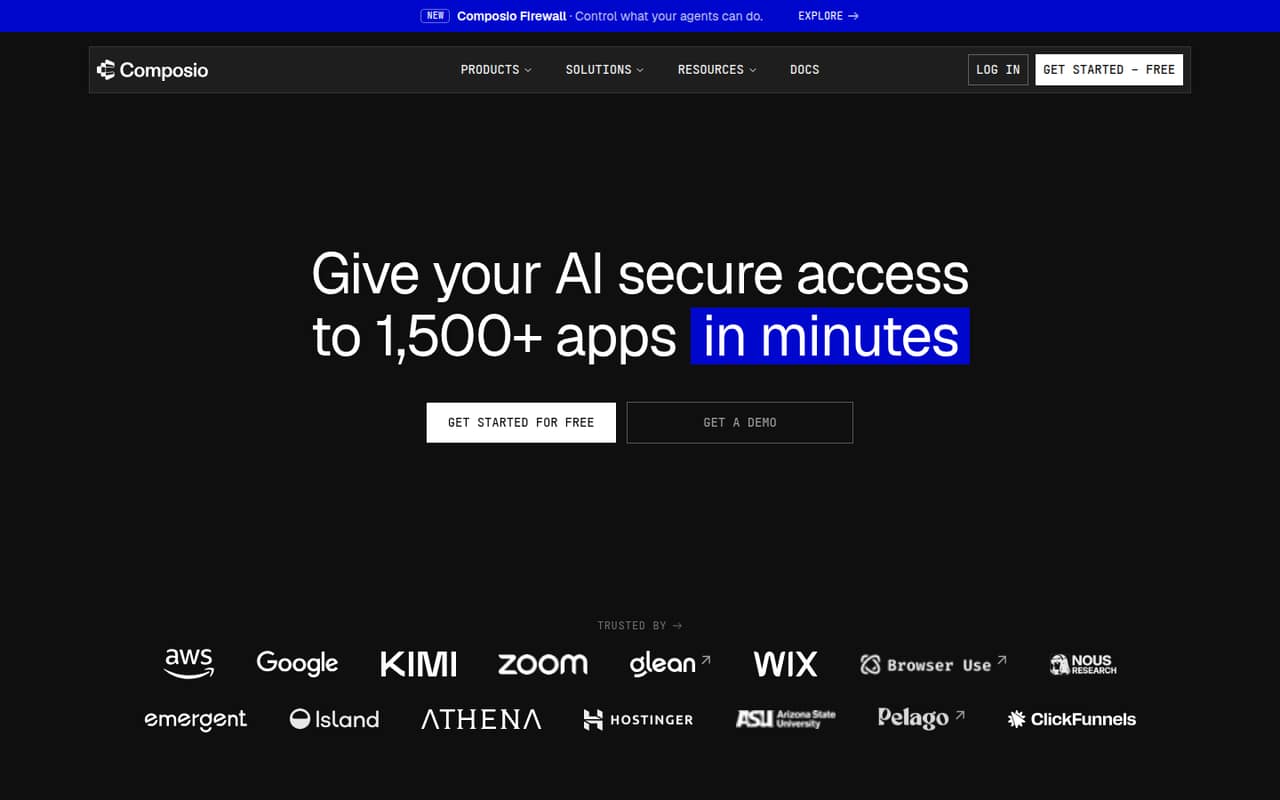
- Best for app integrationsComposioComposio
Composio connects agents to many third-party apps and targets MCP-based workflows and per-action permissions. It is self-hostable, with a free plan and a listed starting price of $29. That combination suits teams automating tasks across external services. Before production, review action schemas, limits and costs; the platform’s integration breadth does not remove the need to validate each connector in your workflow.
What works
- Connects agents to more than 1,500 apps
- Per-action permissions for connected accounts
- Records actions and supports CSV export
What doesn't
- SDKs and programming languages are not named
- Managed-app overage rates vary by app
- Some production add-on prices are not listed
- Best for visual prototypingCozeCoze
Coze offers visual agent development and targets teams that need several model providers. It is listed as open source and self-hostable, with a free plan and a $9 starting price. Its fit depends on whether Coze Studio’s deployment and portability meet your requirements. Check production limits and how easily you can move workflows or data before building a critical process around it.
What works
- Visual workflows combine prompts, branching, code, APIs and databases
- Supports models from OpenAI, Anthropic, Google Gemini and Cohere
- Knowledge bases accept files, tables, web links, Lark and Notion
What doesn't
- Cloud service is proprietary and hosted by ByteDance
- Rate limits and production reliability commitments are not published
- Data export and migration paths are not described

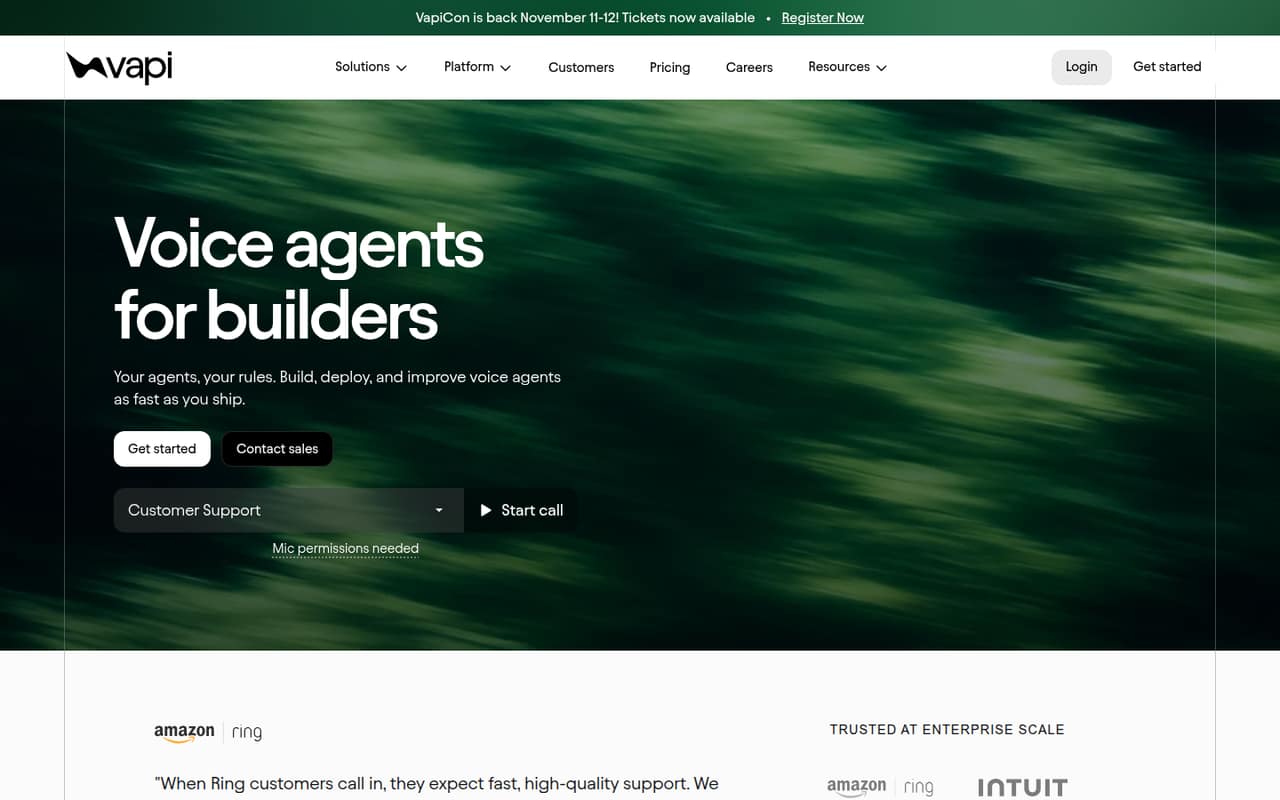
- Best for voice agentsVapiVapi
Vapi is a managed voice-agent platform for teams that need call monitoring and enterprise access controls. It lists a free plan and a $29 starting price. This makes it a focused option when voice is the core workload, rather than a general workflow builder. Price usage carefully and confirm that its integrations and access controls match your production call flows before committing.
What works
- Managed infrastructure for deploying voice agents
- Configures voice, conversation flow, telephony and integrations
- Call monitoring surfaces problems and improvement opportunities
What doesn't
- Usage and transport charges sit alongside package prices
- No Success includes only four concurrent calls
- Free package retains raw data for 14 days
- Best for existing usersFlowiseFlowise
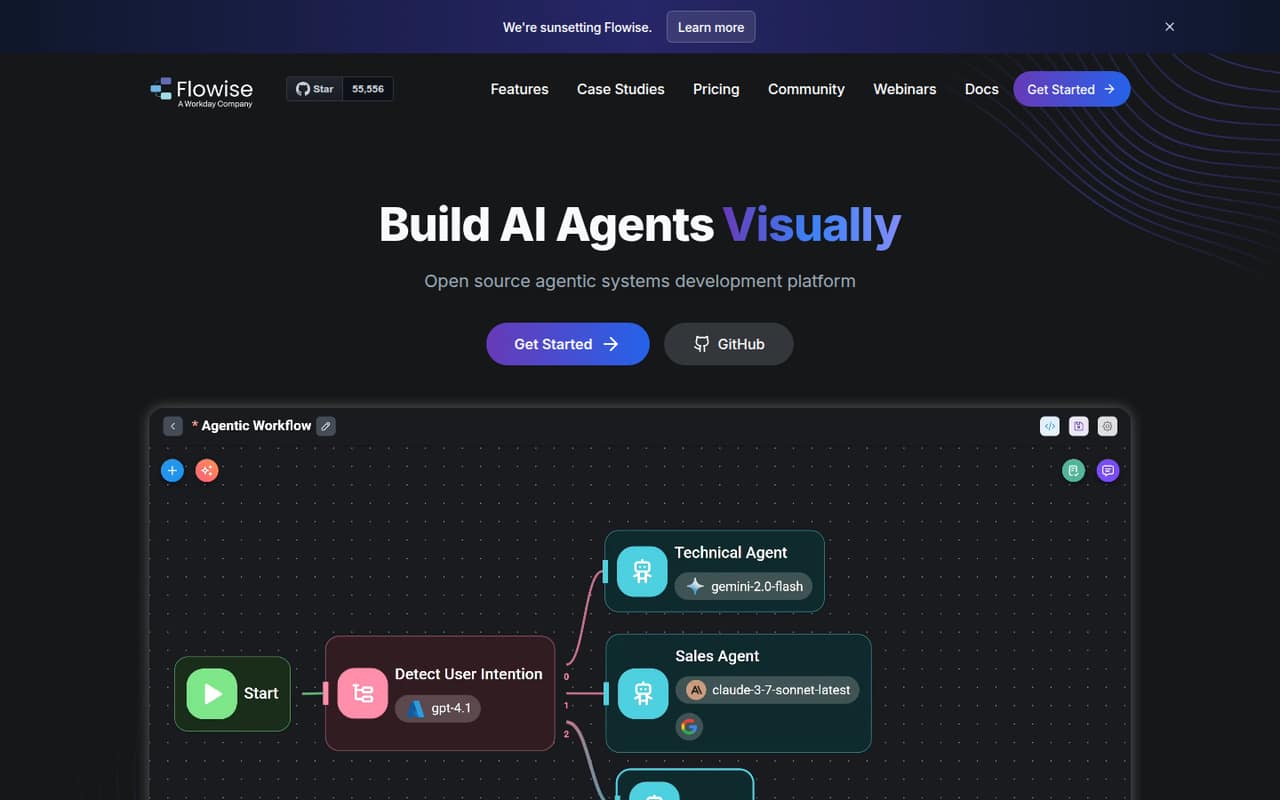
Flowise makes agent workflows visual and is open source and self-hostable. A free plan is listed, with pricing from $35. It can suit teams already running Flowise or self-hosters prepared to operate it. The sunset notice is a material long-term risk: confirm the product’s roadmap and migration options before starting a new dependency or expanding an existing deployment.
What works
- Visual building blocks for agents and chat assistants
- HTTP prediction API at /api/v1/prediction/:id
- TypeScript and Python SDKs plus embedded chat
What doesn't
- Homepage says Flowise is being sunset
- A Reddit user describes the docs as lacking detail
- Vendor does not publish API rate limits
- Best for model choiceMindStudioMindStudio
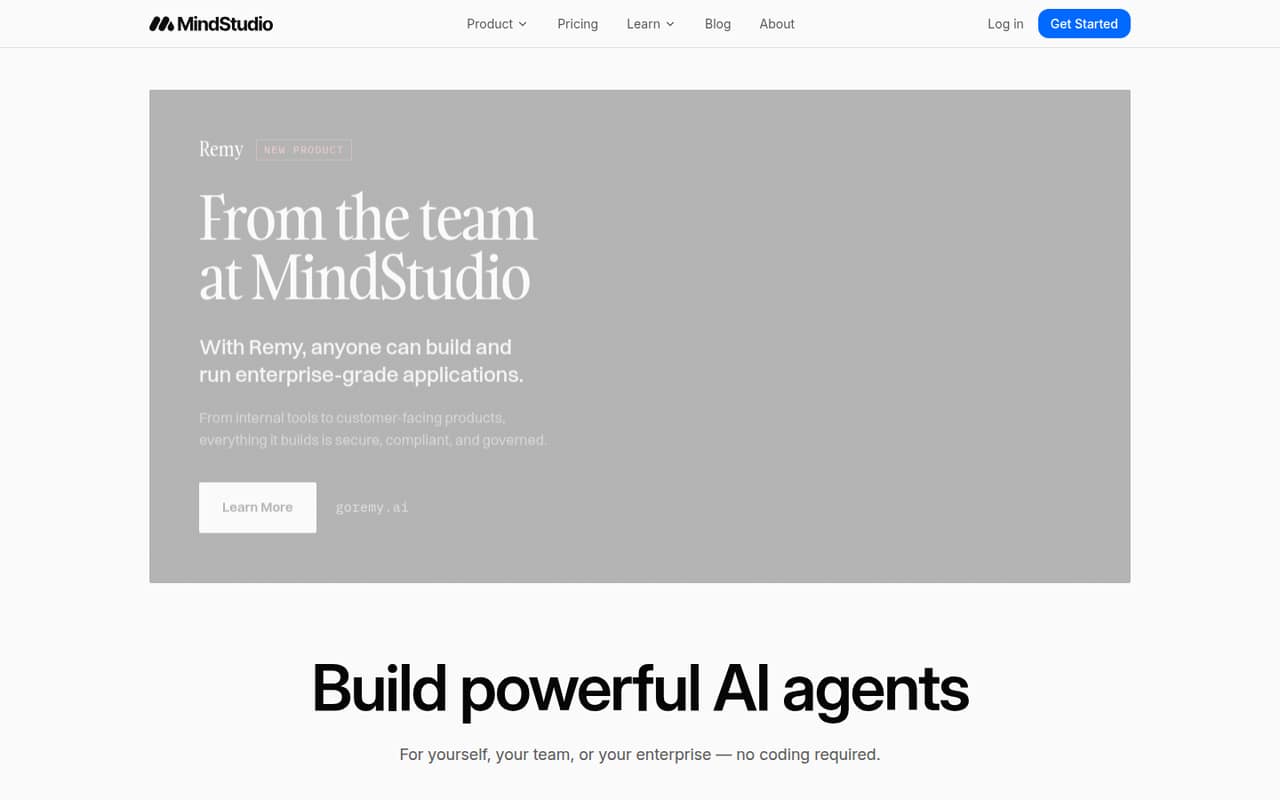
MindStudio is a visual agent-building SaaS for prototyping, internal tools and teams that want model choice. It is listed as self-hostable, with a free plan and a $16 starting price. Its developer interfaces and usage costs need scrutiny, so confirm how applications integrate with your stack and how charges scale at expected task volume before using it for production workflows.
What works
- Visual builder makes coding optional
- Access to more than 200 AI models
- More than 1,000 prebuilt integrations
What doesn't
- Usage charges apply on Free and Individual
- Usage rates are not published
- Named SDKs and programming languages are not published
- Best for repo securitySuperagentSuperagent
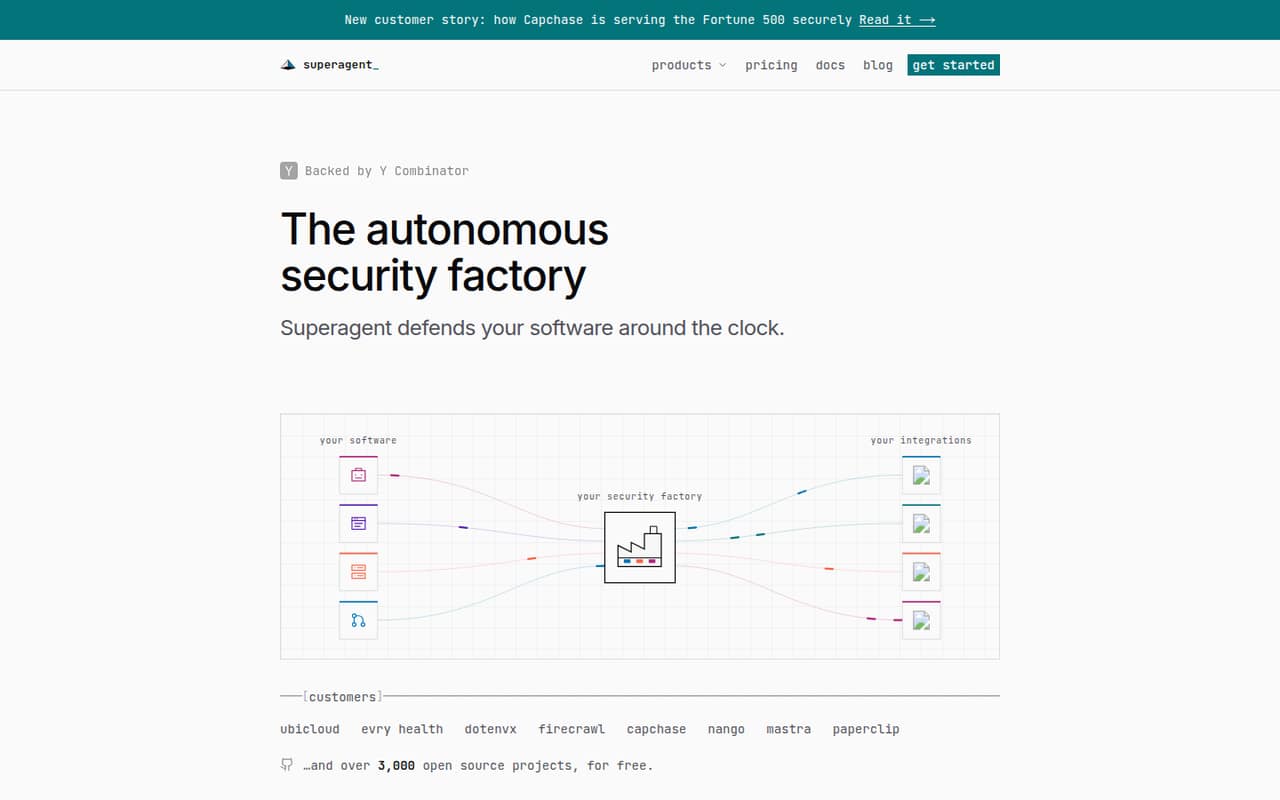
Superagent targets security workflows, including public-repository coverage, content guardrails and security triage. Its free plan covers public repositories; private-repository access starts at $499 per month. That steep entry price makes it a narrow fit for teams with a direct security use case, not a general-purpose agent builder. Confirm the repository coverage and workflow scope you need before budgeting for private use.
What works
- Covers code, dependencies, applications, agents, and infrastructure
- Unlimited usage for public repositories on the free plan
- Free private tier includes 100 credits each month
What doesn't
- Starter costs $499/month for 500 credits
- Credit use can vary substantially by product
- Annual plan prices are not published
- Best for AI governanceAiriaAiria
Airia focuses on governing AI across an enterprise stack, including shadow-AI inventory, agent-action governance and documenting AI controls. It lists a free plan and pricing from $25. Consider it when oversight is the primary requirement, rather than code-level workflow development. Verify deployment options, integrations and usage terms against your architecture before choosing it as the control layer for agent activity.
What works
- Discovers AI tools, models, agents and MCP servers
- Can block, approve, redact or log policy decisions
- Enforces agent controls before actions execute
What doesn't
- Homepage does not name API or SDK options
- Deployment and self-hosting terms need confirmation
- Execution limits differ across plans and workflows
- Best for business tasksLindyLindy
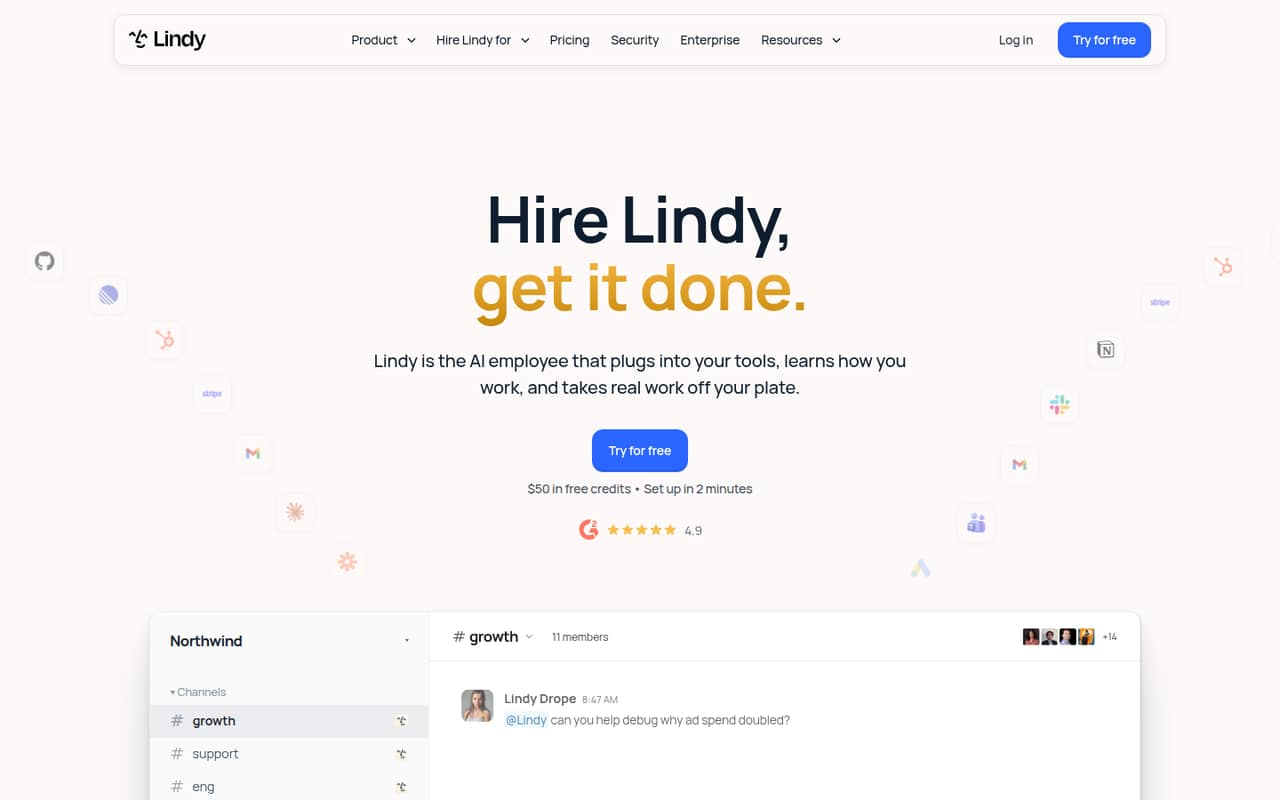
Lindy targets delegated business workflows such as email and lead follow-up and recurring client reports. It lists a free plan and starts at $29.99. It may fit operators comfortable with workflow-based tools, but developers should first verify developer access and how per-task credits are charged. Those details determine whether recurring automation costs and integration constraints work for your team.
What works
- Approval gates for actions affecting others
- Works through Slack, email, text and calendar
- Lists 1,500+ integrations and MCP
What doesn't
- No named SDK, language or CLI in the homepage details
- Credit use per task is not published
- No published rate limits or uptime target
- Best for private deploymentsInterplayInterplay
Interplay targets enterprise cross-system workflows and offers visual and code-based development, with private AI deployments among its use cases. It is listed as self-hostable, but pricing is n/a and buyers need a quote. Request technical deployment details and confirm the private-deployment model, integration requirements and commercial terms before comparing it with platforms that publish an entry price.
What works
- Builds agentic workflows across enterprise systems
- Supports visual and code-based development
- Includes a platform and secure runtime
What doesn't
- Enterprise pricing is custom quote only
- Seat and usage limits are unpublished
- Public API and SDK details are unclear
- Best for deployment supportRelevance AIRelevance AI
Relevance AI is a managed agent-building platform aimed at enterprise pilots, task-specific agents and teams that want deployment support. Pricing starts at $19. The trade-off is less code-level control than a developer-first framework may provide. Confirm the integration surface, deployment model and usage charges for your intended workload before deciding whether managed support outweighs control over the agent runtime.
What works
- Build customized agents for organization-specific tasks
- Embedded deployment team helps teams get started
- Includes evaluation, monitoring and governance
What doesn't
- API style, SDKs and supported languages are not named
- No open-source license or self-hosting option is identified
- No free plan is listed
- Best for ServiceNow stacksServiceNow AI PlatformServiceNow AI Platform
ServiceNow AI Platform targets enterprises automating cross-team workflows and building applications within a ServiceNow-centered environment. It may fit teams already standardizing on that platform, but pricing is n/a. Verify the APIs, deployment options and usage costs for your specific workflow before treating it as an agent runtime; the broad enterprise scope makes an architecture and commercial review important.
What works
- Combines AI, data, and workflows on one platform
- Offers autonomous agents for end-to-end workflows
- App Engine targets manual and legacy processes
What doesn't
- Starting prices and plan costs are unpublished
- Assist pool sizes and overage rates are unpublished
- Homepage names no API, SDK, language, or CLI

- Best for no-code appsAnakin AIAnakin AI
Anakin AI is a hosted builder for teams prototyping AI apps without code and automating repeatable content workflows. It lists a free plan and starts at $9.90. Its focus is managed cloud use rather than a self-hosted, developer-first API stack. Choose it for low-friction prototypes only after confirming developer access, integration options and whether the hosted model fits your data requirements.
What works
- Visual builder connects prompts, inputs and outputs
- Access to models from several providers
- More than 1,000 prebuilt apps
What doesn't
- Proprietary platform with no self-hosting option
- No official fixed connector count
- SDKs and programming languages are not named
03How we chose
We ranked these tools for developer and technical-team fit, weighing API and SDK access, documentation, integration options, free tiers and pricing at expected usage, open-source status, self-hosting and portability. A low starting price does not establish the cost of a production workload, so we call out cases where buyers should check credits, active-compute billing or usage terms. We also treat Reddit sentiment as a secondary signal for evaluating operational concerns, not as a substitute for vendor documentation or a published contract. We did not claim hands-on tests or benchmarks.
04Check the integration and runtime contract
Start with the workflow your agent must run: which services it calls, what data it reads, and where it executes. For third-party actions, check schemas, permissions and per-action limits; Composio specifically flags these as production checks. For MCP workflows, confirm that the builder supports the protocol in the way your clients and tools require. Then map the agent to a runtime: hosted SaaS, a managed voice platform, self-hosted service or code-based framework. A visual canvas is not itself an API contract. Ask for the supported endpoints, authentication model, versioning policy, SDK languages and failure behavior you need. If those details are not published, request them before implementation. Also decide how you will export prompts, workflows, knowledge bases and logs if you leave. Self-hosting can reduce dependence on a vendor’s runtime, but it does not automatically make a workflow portable.
05Model total cost and deployment risk
Treat a listed starting price as an entry point, not a forecast. Build a cost estimate from expected tasks, model calls, active compute, connected services and any per-task credits. Lindy flags per-task credit costs, while Dedalus Labs bills for active compute; Vapi also advises buyers to price usage carefully. Ask vendors for the limits that affect your workload, including rate limits, concurrency, task caps and overage behavior. Confirm what the free plan includes and whether it is suitable for development only. For self-hosted tools, include the engineering cost of deploying, securing, upgrading and monitoring the service. Check the open-source licence rather than assuming that “open source” means unrestricted commercial use. Finally, look for sunset notices, migration paths and data export procedures. Flowise’s sunset notice is a reason to resolve roadmap and exit questions before making it a production dependency.
Questions people ask
Which AI agent builder is best for developers?
Dify is our best overall pick because it combines visual workflows, open-source status and self-hosting options. Langflow is a good fit for Python teams, while AnythingLLM targets local and document-based work. Compare their integration contracts and production details against your own runtime requirements before choosing.
Are these AI agent builders open source or self-hostable?
Several are listed as open source and self-hostable, including Dify, AnythingLLM, Langflow, Coze and Flowise. The terms are not interchangeable: check each project’s licence, deployment requirements and available export paths. Dedalus Labs is open source but its infrastructure is hosted-only.
How much does an AI agent builder cost?
Listed starting prices range from $9 for Coze to $499 per month for Superagent private repositories among tools with stated prices. Those figures do not establish total production cost. Check usage charges, task credits, active-compute billing, free-plan limits and overages for your expected workload.
What should I check before using an agent in production?
Confirm API and SDK coverage, authentication, rate and task limits, action permissions, data export, deployment options and failure behavior. Ask for a workload-based cost estimate and clarify how upgrades and migrations work. For platforms with a sunset notice or unpublished technical details, resolve those risks before making the tool a dependency.