We may earn a commission if you buy through links on this page. It never changes a score or a ranking. How we make money
The best version control software depends on whether you need to host repositories, review changes, or work with Git locally. Gitea is our top pick for teams wanting an open-source Git platform with issues and reviews; Forgejo is a strong self-hosted alternative. Bitbucket fits Jira teams, while Gerrit suits projects with gated reviews. Graphite adds a review layer to GitHub. Desktop tools such as Tower and Sublime Merge help with local Git workflows, but they are not substitutes for a repository host.
Quick picksThe shortlist
- GiteaGiteaBest overall · $9.50/mo
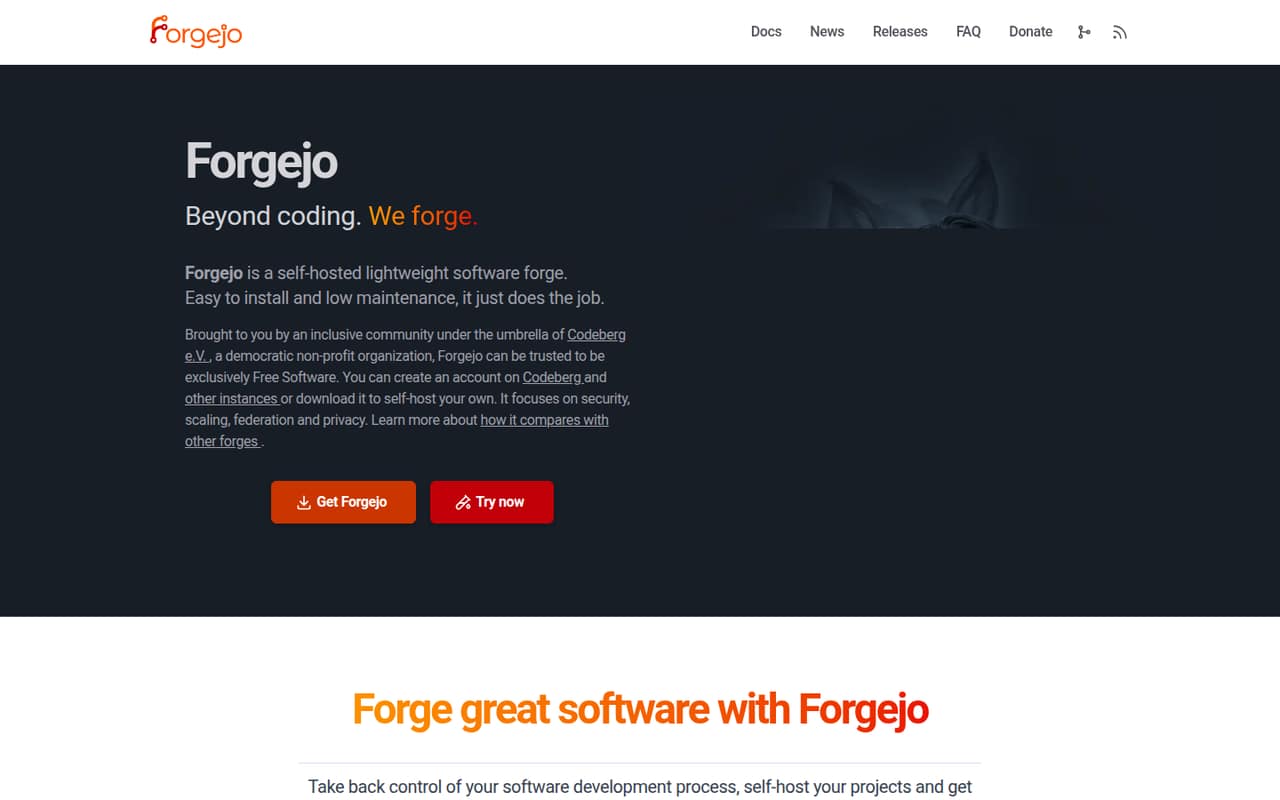
 ForgejoForgejoBest open source · Free
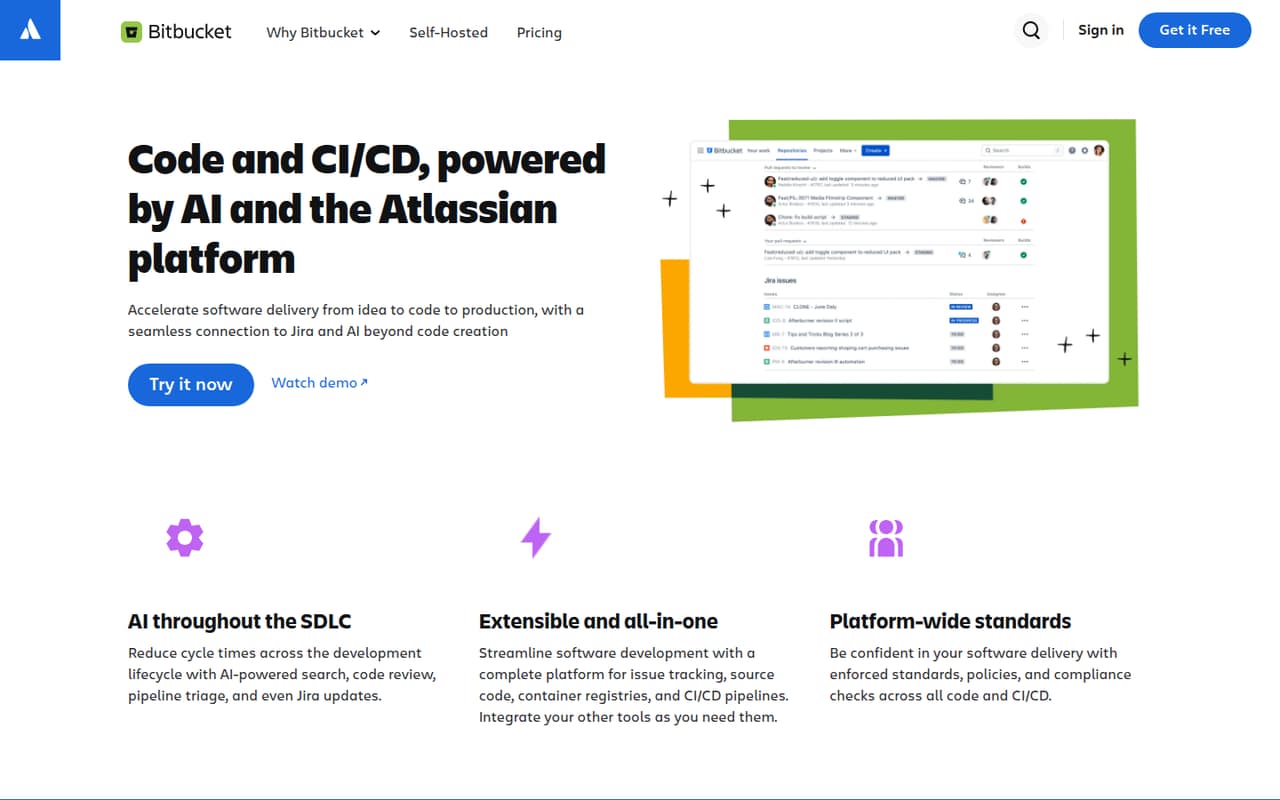
 BitbucketBitbucketBest for Jira teams · $3.65/mo
 Gerrit Code ReviewGerrit Code ReviewBest gated reviews · Free
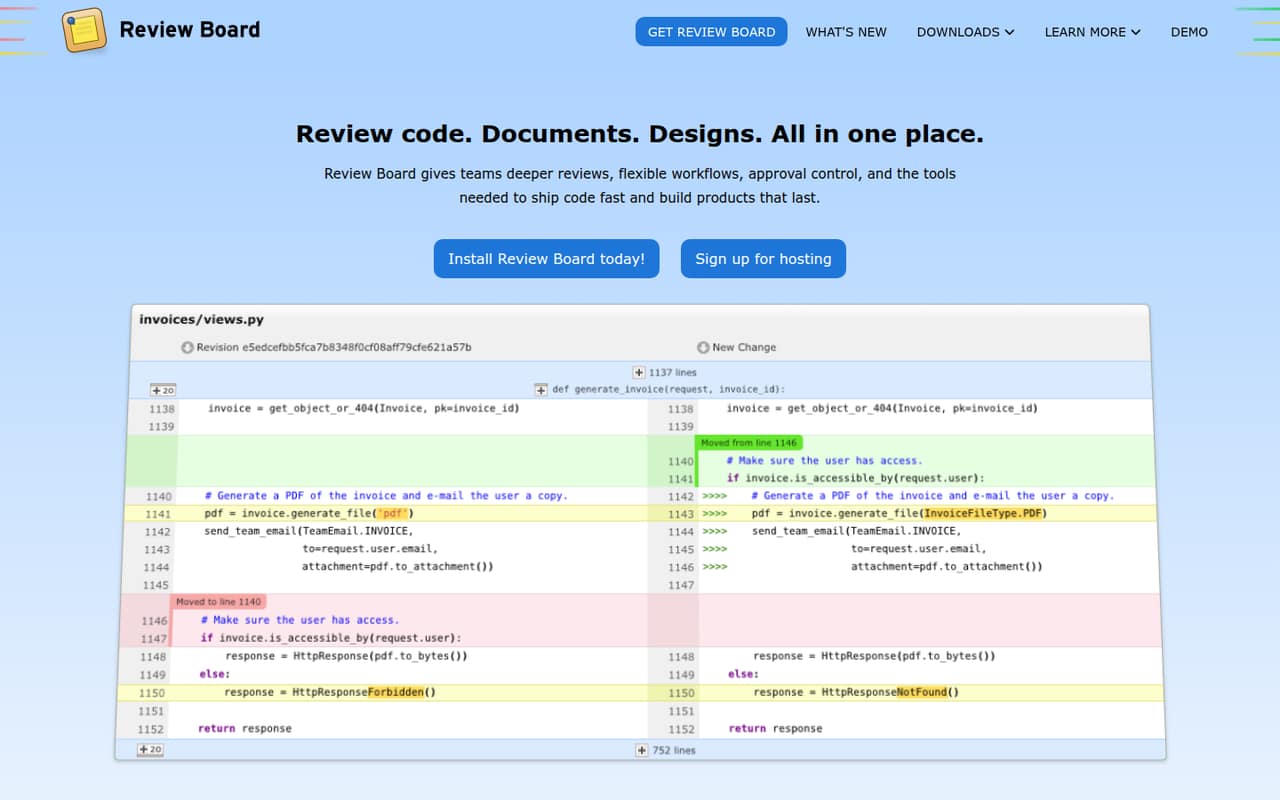
 Review BoardReview BoardBest on-prem review · $6/mo
 GraphiteGraphiteBest for stacked PRs · $20/mo
 GiteeGiteeBest DevOps suite · CN¥24.92/mo
 Helix CoreHelix CoreBest for large teams · $39/mo
 GitKrakenGitKrakenBest visual Git suite · €4/mo
 TowerTowerBest desktop Git client · $5.75/mo
 Sublime MergeSublime MergeBest for partial staging · $6.25/mo
 ForkForkBest interactive rebase · Custom
 KaleidoscopeKaleidoscopeBest for Mac diffs · $8/mo
 TortoiseSVNTortoiseSVNBest for Windows SVN · Free
01Compared at a glance
| Tool | Score | From | Free plan | Trial |
|---|---|---|---|---|
| GiteaGitea | 8.0 | $9.50/mo | Yes | 30 days |
| ForgejoForgejo | 7.7 | Free | Yes | — |
| BitbucketBitbucket | 7.5 | $3.65/mo | Yes | — |
| Gerrit Code ReviewGerrit Code Review | 7.5 | Free | Yes | — |
| Review BoardReview Board | 7.1 | $6/mo | Yes | 30 days |
| GraphiteGraphite | 7.3 | $20/mo | Yes | 30 days |
| GiteeGitee | 6.5 | CN¥24.92/mo | Yes | 30 days |
| Helix CoreHelix Core | 5.8 | $39/mo | Yes | — |
| GitKrakenGitKraken | 7.2 | €4/mo | Yes | 14 days |
| TowerTower | 7.7 | $5.75/mo | No | 30 days |
| Sublime MergeSublime Merge | 7.8 | $6.25/mo | No | Yes |
| ForkFork | 7.5 | Custom | No | — |
| KaleidoscopeKaleidoscope | 7.6 | $8/mo | No | 7 days |
| TortoiseSVNTortoiseSVN | 6.4 | Free | Yes | — |
02The picks, in detail
- Best overall
GiteaGitea
Gitea is an open-source, MIT-licensed Git platform that combines self-hosted repositories with issues and code reviews. It also supports teams reusing GitHub Actions workflows. The self-hosted option is free; managed Gitea is listed from $9.50 with a free plan. Choose it when you want a broad forge and can own server operations, or pay for a managed instance.
What works
- MIT-licensed self-hosted plan is free
- Unlimited users and repositories on Open Source
- GitHub Actions-compatible workflow syntax
What doesn't
- Self-hosting means operating and backing up the service
- Cloud Actions minutes are limited on the 2-user instance
- Overage rates beyond object storage are not published

- Best open sourceForgejoForgejo
Forgejo is a free, lightweight, self-hosted Git forge for teams prioritizing code privacy, Free Software, or federation. It avoids a hosted-service subscription, but your team takes responsibility for operating the server. Make migration checks part of adoption: confirm how repositories, issues, and review workflows move from your current forge before making it core infrastructure.
What works
- Free Software that can be self-hosted
- Homepage describes a low server profile
- Designed for project collaboration and management
What doesn't
- Self-hosting makes operations your responsibility
- Homepage does not name API or SDK details
- Vendor does not publish commercial plan pricing
- Best for Jira teamsBitbucketBitbucket
Bitbucket is a code and CI/CD platform for teams already using Jira, small teams needing private repositories, and organizations that require self-managed deployment. Pricing is listed from $3.65 with a free plan. Before standardizing on it, verify how usage affects your bill and which hosting option fits your security and operations requirements.
What works
- Jira work items connect to code and CI/CD workflows
- Free plan supports up to five users
- Hosted and private CI/CD runners
What doesn't
- Free plan includes only 50 build minutes
- Free plan includes 1 GB of LFS storage
- Data Center pricing is custom
- Best gated reviewsGerrit Code ReviewGerrit Code Review
Gerrit Code Review is open source and self-hostable, with configurable patch reviews and detailed permissions. It fits teams that want review gates as part of their Git workflow and are prepared to operate the service themselves. There is no license fee listed, but hosting and ongoing administration still need an owner and a place in your infrastructure plan.
What works
- Open source with no licensing fees
- Patchset-based review supports iterative changes
- Fine-grained permissions and configurable approvals
What doesn't
- Hosting and operating costs are not priced
- No seat or usage limits are stated
- Language-specific SDK support needs confirmation
- Best on-prem reviewReview BoardReview Board
Review Board handles code, documents, and images in one review system, with hosted, on-prem, and air-gapped deployment options. It suits organizations with strict hosting requirements or teams reviewing more than source changes. Pricing is listed from $6 with a free plan. Check that its supported version-control integrations match the repositories and workflows you need.
What works
- Reviews code, documents, designs and images
- Supports on-prem and air-gapped deployment
- Free Community on-prem plan
What doesn't
- Seat and usage limits are not published
- SDK and API details need confirmation
- Hosted annual billing is not published
- Best for stacked PRsGraphiteGraphite
Graphite is a focused review layer for GitHub teams adopting stacked pull requests, standardizing reviews, or adding AI review to PRs. Pricing is listed from $20 with a free plan. It is not a replacement for GitHub hosting: check seat costs and hosted-service constraints before making it a standard part of your review workflow.
What works
- Combines stacked PRs, AI review, and merge queues
- GitHub sync keeps the workflow tied to existing repositories
- CLI and VS Code extension support stack management
What doesn't
- Paid monthly billing prices are not published
- Hobby limits AI Reviews and Chat
- API, SDK, and supported-language details need confirmation

- Best DevOps suiteGiteeGitee
Gitee bundles code hosting with DevOps workflows and offers private deployment. It may suit teams looking for an all-in-one suite or organizations that need to run the service privately. Pricing is listed from $24.92 with a free plan. Check integration coverage and migration terms against your existing repositories and tools before making it core infrastructure.
What works
- Combines code review, CI, testing and project workflows
- Free plan includes five members and 12,000 build minutes yearly
- Supports third-party repository import
What doesn't
- REST API, SDK and CLI details need verification
- Free plan limits storage and project count
- Paid monthly prices are not published

- Best for large teamsHelix CoreHelix Core
Helix Core is a version-control system aimed at large development and design teams, global teams with complex projects, and organizations that need self-hosting. A free plan is listed, with pricing from $39. The client experience is worth evaluating against your team's day-to-day workflows before adoption; also account for the operational work of a self-hosted deployment.
What works
- Free plan supports up to five users and 20 workspaces
- Free plan includes self-hosted storage with no storage limit
- Cloud plan includes up to 100 users
What doesn't
- Scale and Platform prices are quote-based
- API, SDK and language support needs verification
- Free plan caps larger teams at 1,000 files
- Best visual Git suiteGitKrakenGitKraken
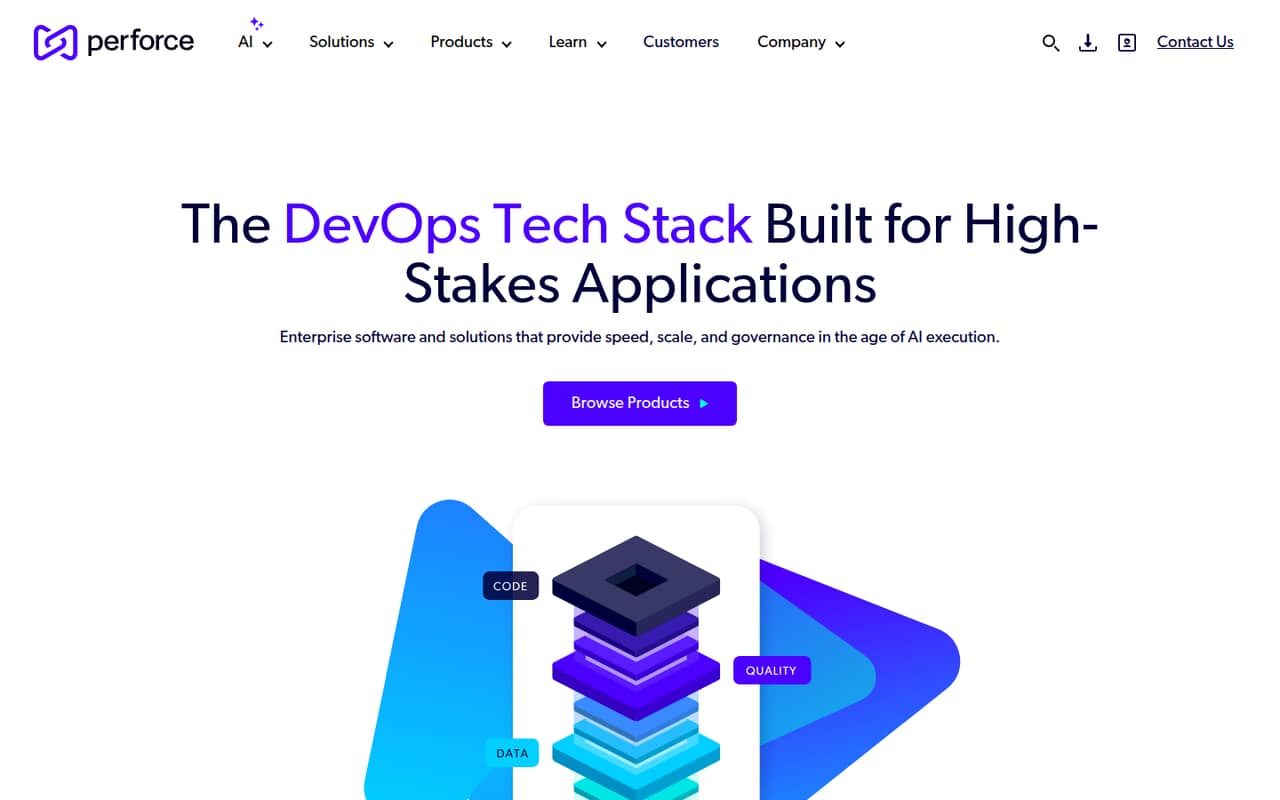
GitKraken is a visual Git workflow suite with IDE and AI-agent tools. It fits developers who prefer a GUI and teams coordinating code work with AI agents. Pricing is listed from $4 with a free plan. Review the product's limits against your expected team workflow before standardizing on it, particularly if engineering leaders will use its developer-activity tools.
What works
- Visualizes branches, commits and conflicts in one view
- GitLens brings history and authorship into IDEs
- MCP Server connects assistants with Git context
What doesn't
- Community restricts repos to local and public remotes
- SDKs and supported programming languages are not published
- Source availability and licensing are not published
- Best desktop Git clientTowerTower
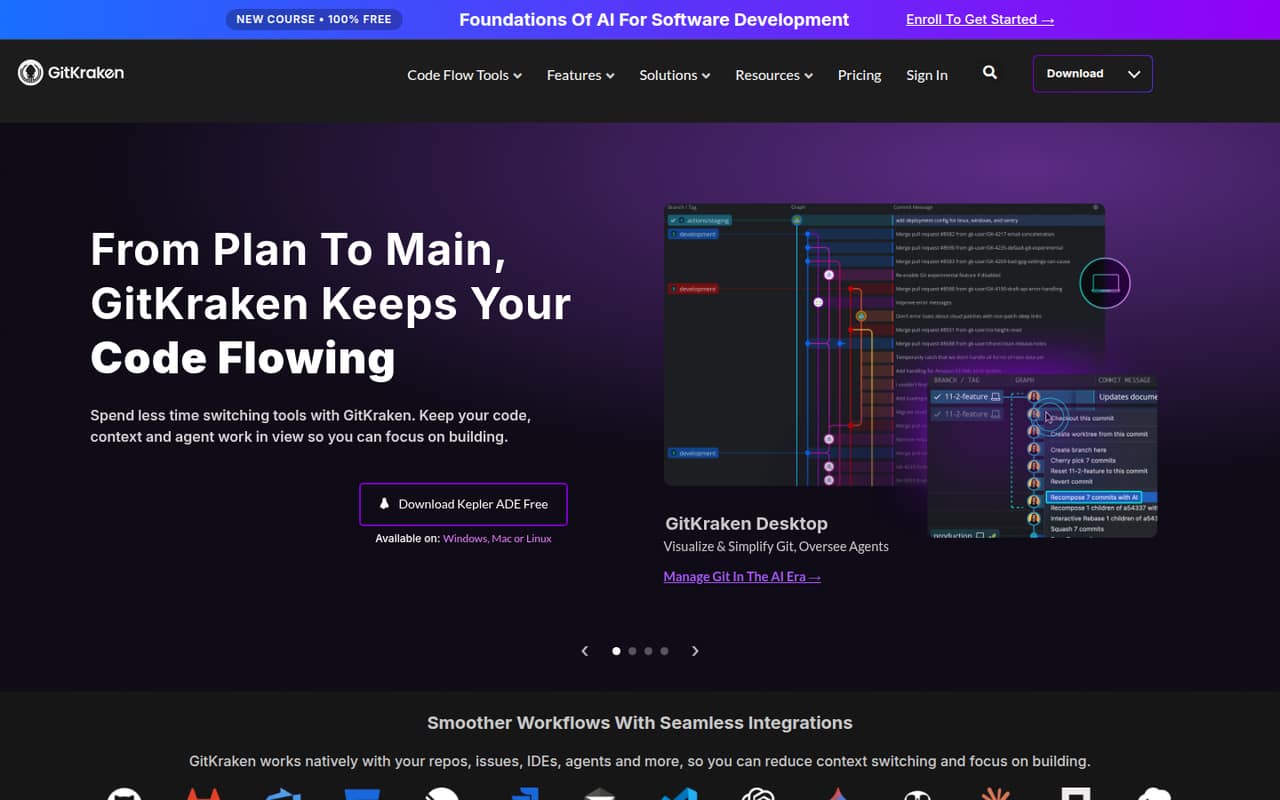
Tower is a per-user visual Git client for Mac and Windows, with interactive rebase and conflict tools. It suits desktop users who want those workflows in a GUI rather than relying only on command-line operations. Pricing is listed from $5.75. Treat it as a client in your stack, not as a replacement for the Git hosting and review service your team uses.
What works
- Available for macOS and Windows
- Interactive rebase and conflict-resolution tools
- Supports submodules, Git LFS and Git-Flow
What doesn't
- No free plan after the trial
- Monthly billing prices aren't listed
- Desktop-first workflow may not suit API-driven automation
- Best for partial stagingSublime MergeSublime Merge
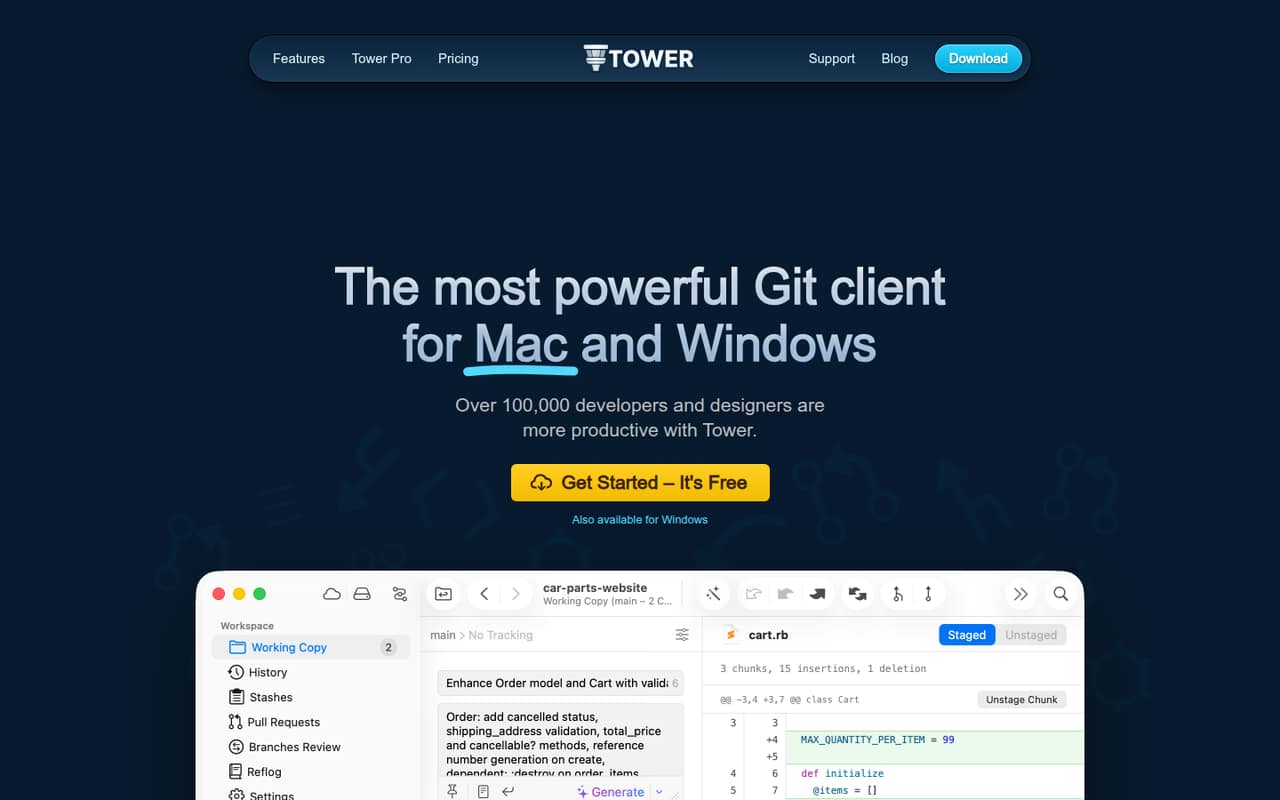
Sublime Merge is a desktop Git client for reviewing history and diffs, staging partial changes, and working from the command line. It fits desktop-first workflows where developers want fine-grained staging alongside a GUI. Its personal license is listed at $99. Choose it for local Git work, and pair it with a separate repository host and code review process.
What works
- Stages files, hunks, and individual lines
- Splits hunks into multiple changes
- Searches commits, authors, paths, and contents
What doesn't
- Personal license costs $99 upfront
- Personal updates beyond three years cost $80
- Business pricing is per seat
- Best interactive rebaseForkFork
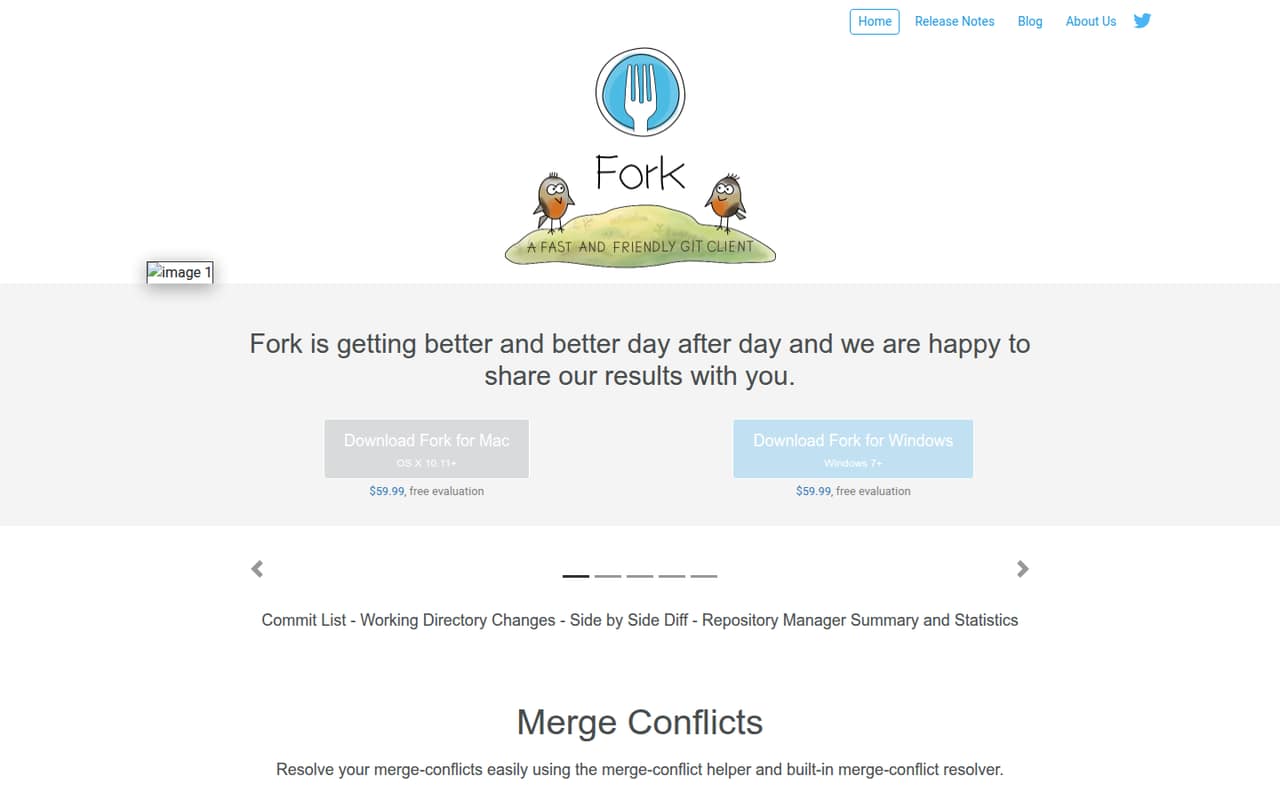
Fork is a desktop Git GUI for visual interactive rebase workflows and managing several repositories. It fits individual developers who prefer a graphical client without needing a hosted platform from the same vendor. The license is listed at $59.99 one time. As with other clients, plan separately for repository hosting, access controls, and team review.
What works
- Stages and unstages changes line by line
- Includes visual interactive rebase
- Has a merge-conflict helper and resolver
What doesn't
- No documented API or SDK integration layer
- Free evaluation duration is not published
- One license covers only one user
- Best for Mac diffsKaleidoscopeKaleidoscope
Kaleidoscope is a local Git diff and merge app for Mac developers, with comparisons across commits, images, and directory trees. It is a focused choice for resolving conflicts and inspecting changes, not a repository-hosting platform. Pricing is listed from $8. The vendor does not document an API surface, so check that its local workflow is enough for your integrations.
What works
- Shows base-to-side changes in three-way merges
- Keeps working-copy changesets updated live
- Compares text, images, folders, and Git changes
What doesn't
- A paid macOS app, not a free service
- No API or SDK integration surface is described
- Team pricing is billed yearly
- Best for Windows SVNTortoiseSVNTortoiseSVN
TortoiseSVN is a free, open-source, GUI-first Subversion client for Windows teams and occasional SVN users. It is a fit when a project already depends on Subversion and the team wants a graphical workflow without a client budget. It depends on an SVN stack, so it is not a drop-in Git client or a repository-hosting service.
What works
- Free to use, including commercially
- Works without the Subversion command-line client
- Integrates with Windows shell context menus
What doesn't
- Requires a Windows shell workflow
- Works with Subversion, not Git repositories
- Not a repository-hosting server

03How we chose
We ranked tools by fit for developer and technical teams, separating repository platforms and review systems from local Git clients. We weighed API and SDK coverage and documentation where these affect integration, then considered listed free plans, starting prices, and the costs teams should verify at real usage. We also considered open-source licenses, self-hosting, and deployment responsibility. Reddit sentiment is a secondary signal, not a substitute for vendor documentation or a guarantee of production behavior. We did not treat this ranking as hands-on testing.
04Choose the right layer for your workflow
First decide whether you need a repository host, a code review system, or a local client. Gitea, Forgejo, Bitbucket, and Gitee are forge or hosting options; Gerrit and Review Board focus on review workflows; Tower, Fork, Sublime Merge, and Kaleidoscope are desktop tools. Graphite adds a review layer to GitHub. These categories solve different problems, so a client cannot replace your hosting, permissions, or review process. Check the integrations and APIs your build, issue-tracking, and automation systems need. Ask vendors for current API and SDK documentation, supported protocols, authentication options, and export paths. For self-hosted software, confirm who owns upgrades, backups, access controls, and recovery. If you are choosing a client, verify that it fits the repository system and operating systems your team already uses.
05Model cost and production ownership
Treat a starting price as a prompt to calculate your own bill, not as a team-wide estimate. Confirm whether the price is per user, tied to usage, or affected by storage and automation; ask the vendor for the limits that apply to your plan. Check what happens when a team exceeds a free-plan allowance, and include any managed hosting or support costs in the comparison. Self-hosting can remove a service subscription, but it assigns your team responsibility for infrastructure, updates, backups, and incident response. Before migration, test how you will export repositories and review history, and document a rollback path. For hosted tools, clarify where code and review data are stored, how to retrieve them, and what happens when an account is closed. In production, verify permissions, CI/CD connections, and recovery procedures before moving the whole team.
Questions people ask
What is the difference between version control and code review software?
Version control tracks changes to source code and supports collaboration around repository history. Code review tools help teams inspect and discuss proposed changes. Some platforms combine repository hosting and review; others, such as Graphite or Review Board, add review workflows to an existing setup.
Which version control tools can we self-host?
The listed self-hostable options include Gitea, Forgejo, Bitbucket, Review Board, Gitee, Gerrit Code Review, and Helix Core. Check the deployment terms and operational requirements for the edition you choose. Self-hosting means your team needs a plan for maintenance, backups, and recovery.
Are desktop Git clients a replacement for GitHub or Bitbucket?
No. Tower, Fork, Sublime Merge, and Kaleidoscope are desktop tools for local Git workflows, such as reviewing diffs or resolving conflicts. They do not replace repository hosting and team review infrastructure. Choose a client that fits your host and pair it with the team's existing access and review process.
How should we compare free plans and prices?
Start with the listed entry price, then ask how seats, usage, and plan limits affect your expected bill. Confirm whether a free plan covers your repositories and workflows, and what happens when you exceed its limits. For self-hosted tools, include the cost of operating the service, not just its license.