
We may earn a commission if you buy through links on this page. It never changes a score or a ranking. How we make money
The bottom line
A free, GUI-first Subversion client that fits Windows workflows, but depends on an SVN stack.
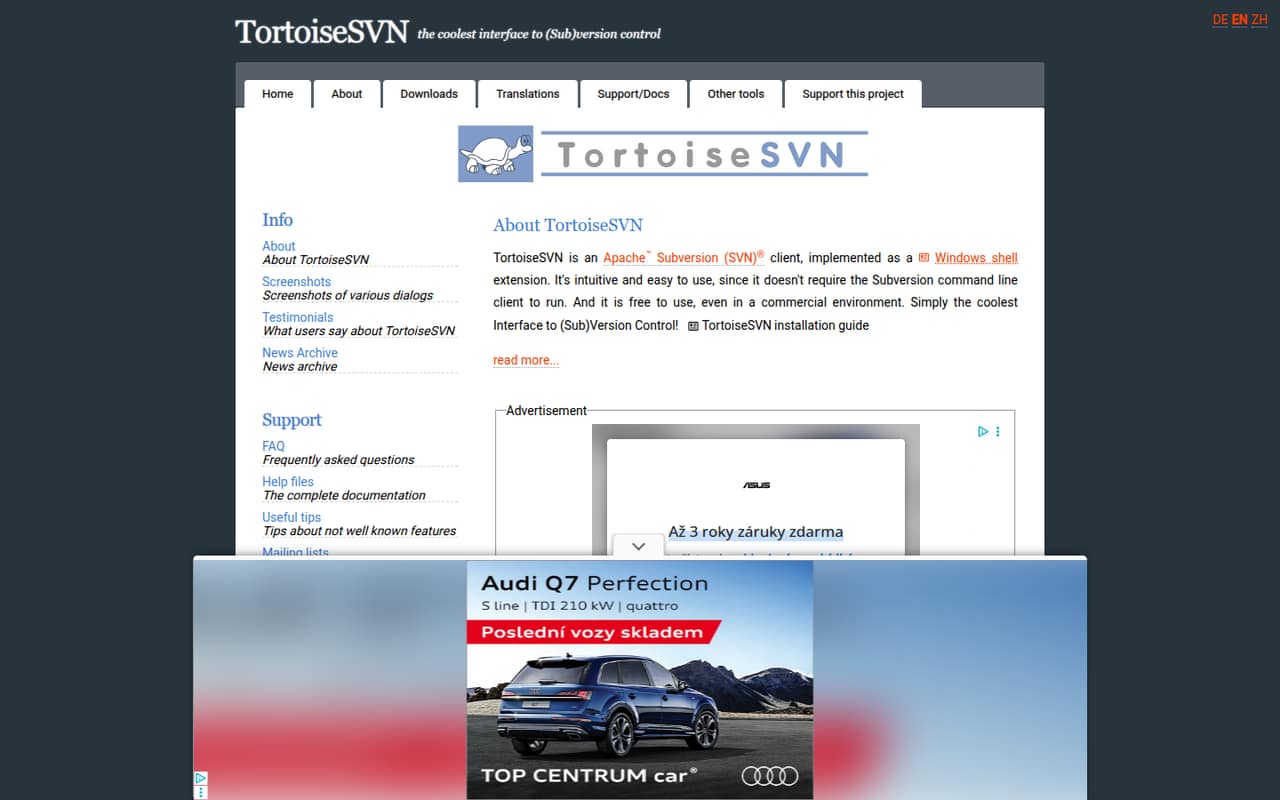
TortoiseSVN is a Windows shell extension that lets developers work with Apache Subversion without installing or using the Subversion command-line client. It adds context-menu workflows and can expose commands in Visual Studio menus.
It is free for commercial use, and the pricing page lists no seat or usage fees. It is a fit for Windows teams committed to SVN, not a replacement for Git or a repository server. Reddit users praise its everyday GUI and also report cumbersome menus and occasional Explorer slowdowns.
Good fit if
- Windows teams using Subversion
- Commercial projects with no client budget
- GUI workflows for occasional SVN users
Skip it if
- Teams standardizing on Git
- Developers needing a repository server
- Cross-platform client workflows
ScoresHow it rates
What works
- Free to use, including commercially
- Works without the Subversion command-line client
- Integrates with Windows shell context menus
- Commands can be added to Visual Studio menus
- Site lists plugins for issue trackers
What doesn't
- Requires a Windows shell workflow
- Works with Subversion, not Git repositories
- Not a repository-hosting server
- Shell menus can feel cumbersome
- Reddit users report Explorer slowdowns
01What TortoiseSVN is, technically
TortoiseSVN is a native Windows client for Apache Subversion, implemented as a Windows shell extension. It is an installed desktop application, not a hosted API, SaaS service, command-line tool, or repository server. The project says it runs without the Subversion command-line client.
In a typical stack, TortoiseSVN sits on developers’ Windows machines and provides a graphical interface for working with an SVN repository. The repository and its hosting remain separate parts of the setup; TortoiseSVN is the client used to interact with them. That makes it relevant for teams with existing Subversion infrastructure, but it does not provide a Git client or replace a repository host.
Its main architectural choice is to put version-control actions into Windows shell workflows rather than require a separate interface or terminal. The homepage also describes Visual Studio context-menu integration and plugins that connect to issue trackers.
02TortoiseSVN API, SDKs and docs
TortoiseSVN is a desktop GUI client, not an API or SDK for application code. Its primary integration surface is the Windows shell: developers access commands through context menus, and the project documents adding TortoiseSVN commands to Visual Studio context menus. The homepage does not name programming-language SDKs or a REST API. If you need language bindings or programmatic integration, confirm support in the vendor’s documentation rather than assuming an SDK is available.
The project says a Subversion command-line client is not required to run TortoiseSVN. Its site links to complete help files, an FAQ, useful tips, mailing lists, bug reporting, and project status. It also lists issue-tracker plugins and an SVNProtocolHandler plugin for browsing svn:// repositories in Internet Explorer. These are adjacent integration options, not a general-purpose plugin API. Check each plugin’s compatibility with your tracker and SVN setup before standardizing on it.
03TortoiseSVN pricing for developers
TortoiseSVN is free to use, including in commercial environments. The pricing page lists a Free / Open Source plan with a GPL licence and no published seat or usage limits. There is no starting price because the client has no listed paid plan; no trial or billing cadence is listed either.
The vendor publishes no paid tiers, usage-metered charges, or add-ons on the pricing page. That means the TortoiseSVN client bill does not grow with commits, users, or project size, based on the published plan. It does not mean the whole version-control stack is cost-free: teams still need to account for their SVN repository hosting, storage, backup, administration, and any separate tools or support they choose. Those costs depend on how the repository is operated and are not TortoiseSVN usage fees.
For budget planning, treat the client price as free and scope the repository and support costs separately. The published plan lists no seat cap or overage schedule to model.
04TortoiseSVN: open source, self-hosting and lock-in
The pricing page identifies TortoiseSVN as GPL-licensed, and the project site has an Open Source section. It is a Windows client installed on users’ machines, not a hosted service that needs to be self-hosted. Repository hosting is a separate decision: teams can keep their Subversion repository within their own infrastructure or use another SVN hosting arrangement.
TortoiseSVN operates on Subversion repositories, so moving to another SVN client does not require changing version-control systems. Moving away from SVN to a different system is a separate migration, and teams should check which repository history and metadata their chosen migration tools can preserve. The homepage does not describe a dedicated data-export workflow. Before adopting it, confirm how your repository host backs up and exports repository data, and test any planned history conversion on a copy.
05TortoiseSVN in production
The project announced TortoiseSVN 1.15.0 on October 8, 2026, linked against Subversion 1.15.0. It advises users upgrading from pre-1.15 versions to read the release notes thoroughly. Check the client and repository versions, plugin compatibility, backup plan, and upgrade procedure before rolling it out across a team. TortoiseSVN itself is a client, so repository availability, backup, and scaling depend on the separate SVN server and hosting setup.
The homepage does not give operational service limits for this desktop client. In Reddit discussions, users report both successful daily use and friction: one user says the shell-menu-driven UI is cumbersome, another reports Windows Explorer slowing down, and a commenter suggests icon overlays may contribute to slowdown on networked drives. Another thread about game projects mentions SVN drawbacks with branches and tree conflicts. Test those workflows with your own repository, file types, and Windows configuration, and verify security and compliance requirements with your administrators.
From the threadsWhat users say
Reddit sentiment is mixed. Some developers value the GUI for routine work and for colleagues who avoid command-line tools; others find the shell-menu interface cumbersome or report Explorer performance problems.
That means that I can give it to my boss to use and he doesn't have to poke around with command line tools that he's not used to
Using Tortoise daily at work. It is pretty neat
its shell-menu driven UI is really cumbersome
I have problems that it slows Windows Explorer down, even in areas not used by Tortoise
Questions people ask
Is TortoiseSVN the same as Git?
No. TortoiseSVN is a client for Apache Subversion, while Git is a separate version-control system. TortoiseSVN provides a Windows shell interface to SVN repositories; it does not turn an SVN repository into Git or act as a Git client. Choose it when your team’s repository workflow is based on Subversion.
Does TortoiseSVN require the Subversion command-line client?
No. The project says TortoiseSVN is intuitive to use and does not require the Subversion command-line client to run. It is a graphical Windows shell extension, with commands available through shell context menus. Teams that rely on terminal-based automation should confirm their separate command-line tooling and workflow needs.
Is TortoiseSVN free for commercial use?
Yes. The homepage says TortoiseSVN is free to use, including in a commercial environment. The pricing page lists a Free / Open Source plan under the GPL and no published seat or usage limits. Repository hosting, backup, administration, and other tools are separate costs to assess for your setup.
Can I use TortoiseSVN with Visual Studio?
Yes. The project says TortoiseSVN commands can be added to various Visual Studio context menus. This gives users access to selected client commands from Visual Studio, including when they do not have a Subversion plugin. Check the project’s documentation for setup instructions and confirm the commands fit your team’s workflow.
Is TortoiseSVN still supported?
The project announced TortoiseSVN 1.15.0 on October 8, 2026, and says that release is linked against Subversion 1.15.0. Its site links to help files, FAQs, mailing lists, bug reporting, and project status. Before upgrading from a pre-1.15 version, the project advises reading the release notes thoroughly.
Sources
- TortoiseSVN homepage
- TortoiseSVN pricing, compiled via web search from wikipedia.org, tortoisesvn.net, updatestar.com, fosshub.com
- Reddit: Backup PLC - witch one you use?
- Reddit: Finally, a fully working TortoiseSVN / SnailSVN integration!
- Reddit: TortoiseSVN is a Subversion client, implemented as a windows shell extension. Coolest Interface to svn