
We may earn a commission if you buy through links on this page. It never changes a score or a ranking. How we make money
The bottom line
A capable desktop Git GUI with a $59.99 one-time license and no documented API layer.
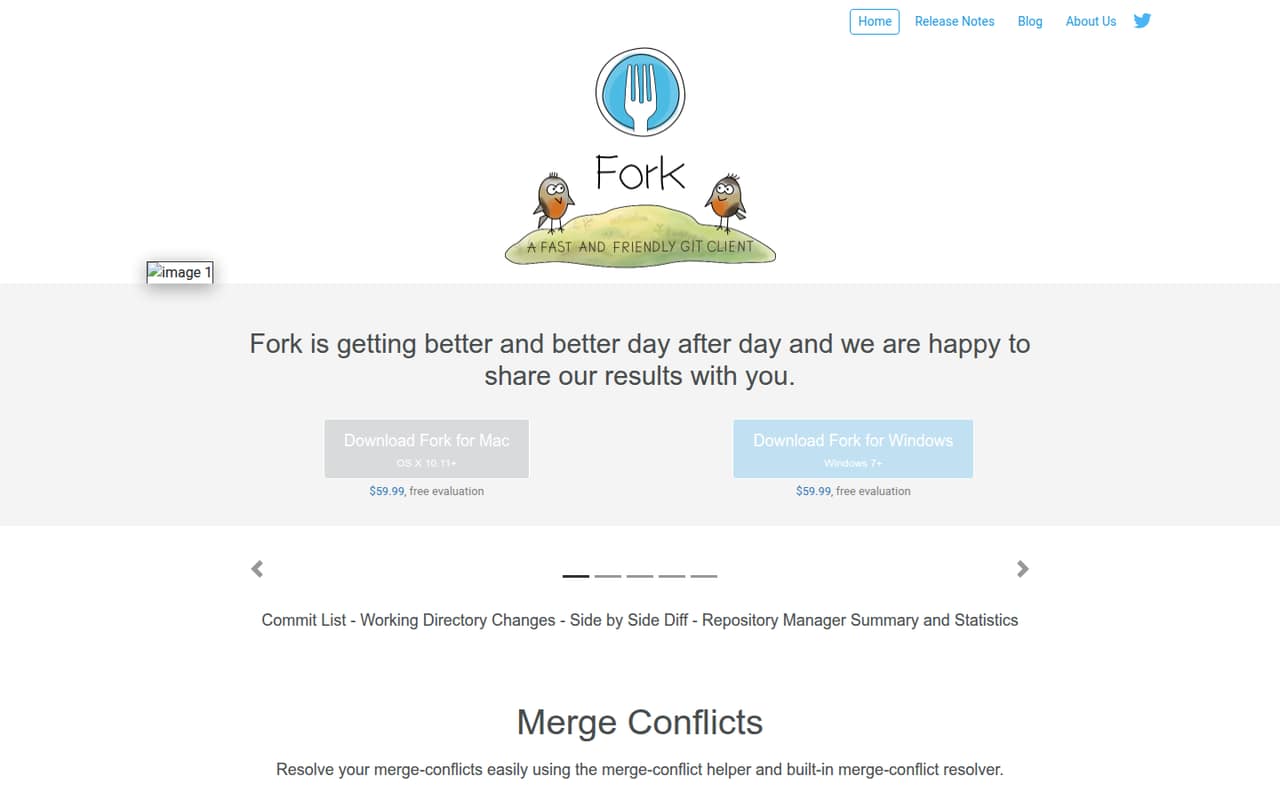
Fork is a Git client for macOS and Windows, not a hosted Git service or a library to embed in an application. It brings repository management, commit and branch operations, diffs, history, and conflict resolution into a desktop interface.
The $59.99 license is a one-time purchase for one user and up to three machines at a time, with personal and commercial use included. Fork suits developers who want a visual Git workflow; teams needing an API, centralized administration, or published support terms should verify those requirements before choosing it.
Good fit if
- Developers who prefer a Git GUI
- Visual interactive rebase workflows
- Individual users managing several repositories
Skip it if
- Teams requiring a Git hosting service
- Automation built around a documented API
- Users who need published support commitments
ScoresHow it rates
What works
- Stages and unstages changes line by line
- Includes visual interactive rebase
- Has a merge-conflict helper and resolver
- Shows image diffs, history, and blame
- One-time license allows three machines
What doesn't
- No documented API or SDK integration layer
- Free evaluation duration is not published
- One license covers only one user
- License is limited to three machines at a time
- Support terms are not published
01What Fork is, technically
Fork is a desktop Git client for macOS and Windows. It sits alongside the repositories and development tools on a workstation: it provides a graphical interface for Git operations rather than hosting repositories as a service or acting as a library inside an application. The vendor lists support for OS X 10.11+ and Windows 7+.
In a typical workflow, developers use Fork to create, clone, or add repositories, inspect working-tree changes, stage selected lines, and commit. It also handles branch operations such as merge, rebase, cherry-pick, and revert. The commit list, file history, blame view, image diffs, and conflict resolver help with review and troubleshooting. Interactive rebase provides a visual way to edit, reorder, and squash commits. Fork also lists Git LFS, Git-flow, submodules, stashes, and GPG among its features. It complements Git hosting and IDEs; the vendor describes GitHub notifications, but Fork is not presented as a replacement for a remote repository host.
02Fork API, SDKs and docs
Fork is presented as a desktop application, with Git repositories as its integration surface. The vendor lists fetch, pull, push, commit, amend, branch and tag operations, along with Git LFS, submodules, and GPG. It also describes GitHub notifications. The documented workflow is through Fork’s graphical interface, including its commit list, diff viewer, repository manager, and conflict resolver.
The vendor does not position Fork as an API product. It names no REST API, webhooks, CLI, plugins, SDKs, or programming-language bindings. That makes Fork a fit for interactive repository work, not an obvious foundation for application-level automation or embedding Git operations in a service. If your workflow depends on scripts, extensions, or SDK support, confirm those options in the vendor’s documentation before adopting it. The homepage provides feature descriptions and links to release notes, but the available product material does not describe a broader developer integration contract.
03Fork pricing for developers
Fork lists one plan, License, at $59.99 per license as a one-time purchase. Each license covers one user and use on up to three machines at a time, for personal and commercial work. The vendor also offers a free evaluation, but its duration is not published. There is no listed free plan, monthly subscription, or annual billing option.
The price is per license, not per repository, commit, request, or amount of Git activity. The pricing material lists no usage-based charges, add-ons, or overage fees, so the bill does not appear to scale with code volume. A team should budget for a separate license for each user; the stated three-machine allowance does not mean three users can share one license. Before buying, check the current license terms and confirm how they apply to your organization. The vendor’s homepage lists the same $59.99 price for Mac and Windows downloads.
04Fork: open source, self-hosting and lock-in
Fork is sold as a desktop application under a paid license. The vendor does not publish a source-code license or describe a self-hosted server option, so teams that require auditable source or self-hosting should confirm those points before purchase. Fork is not described as a hosted Git platform.
The repositories it manages use Git operations, including fetch, pull, push, and standard history and branch workflows. That gives developers a practical path to switch clients: keep the Git repositories and use another Git tool. Fork-specific preferences and interface state may not transfer, and the vendor does not describe a dedicated data-export feature. The main lock-in question is therefore less about repository history and more about licensing, application settings, and any workflow built around Fork-specific behavior.
05Fork in production
Fork is a workstation tool, so it does not take the place of a hosted Git service, access-control system, or server-side automation. Its listed features cover interactive work such as commits, branches, conflict resolution, and history inspection. The vendor’s material does not publish service availability, performance targets, rate limits, security certifications, or compliance terms. Teams with formal requirements should ask the vendor for those details rather than treating the desktop app as a managed platform.
The practical limits listed for buyers are the license’s one-user, three-machine allowance and the supported operating systems: OS X 10.11+ and Windows 7+. Pricing is a fixed one-time amount, with no listed usage tiers or overages. For production teams, confirm license coverage for every user and machine, and check whether the current installer supports your operating-system requirements. Keep repository access, backups, and remote hosting governed by your existing Git infrastructure; Fork’s feature list does not replace those controls.
Questions people ask
What does Fork do?
Fork is a desktop Git client for macOS and Windows. It provides a graphical interface for managing repositories, commits, branches, diffs, and history. Its listed tools include line-by-line staging, interactive rebase, merge-conflict resolution, image diffs, and blame.
How much does Fork cost?
The vendor lists a License for $59.99 as a one-time purchase. It covers one user on up to three machines at a time and allows personal and commercial use. Fork also has a free evaluation, but its duration is not published.
Is Fork free to use?
Fork is not listed with a free plan. The vendor offers a free evaluation, but does not publish its duration in the product material. Continued use requires a $59.99 one-time license per user.
Which operating systems does Fork support?
The vendor lists Fork for OS X 10.11+ and Windows 7+. Check the current download and release notes for compatibility with your specific system before installing.
Can I use Fork for commercial work?
Yes. The listed License includes personal and commercial use for one user, on up to three machines at a time. Teams should purchase or confirm licensing for each person who uses Fork.