
We may earn a commission if you buy through links on this page. It never changes a score or a ranking. How we make money
The bottom line
A visual Git workflow suite with IDE and AI-agent tools; check its limits before standardizing.
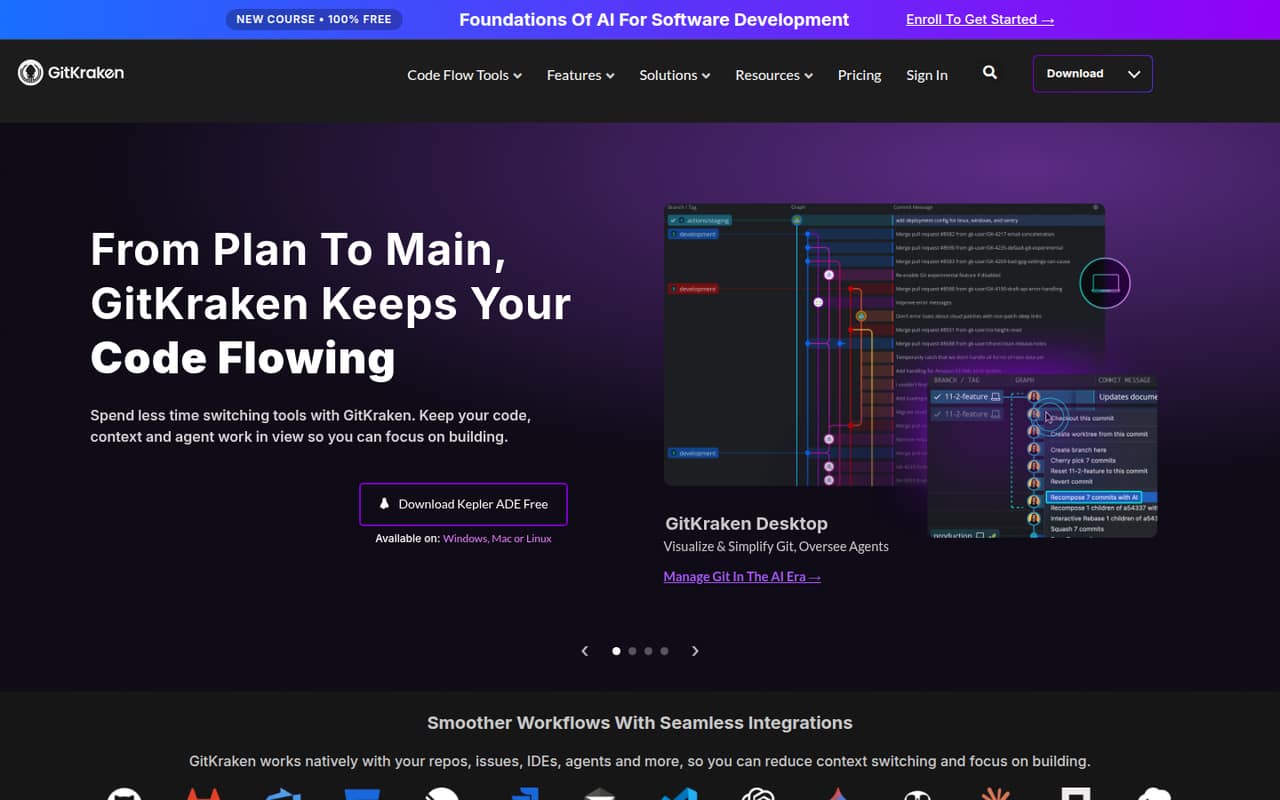
GitKraken combines a desktop Git client, IDE code context, AI-agent orchestration and engineering insights. Its visual branch and conflict views can help developers who prefer a GUI, while GitLens and the MCP Server extend context into IDEs and AI assistants.
We see a capable workflow suite, not an API platform or a replacement for Git itself. The free Community plan is limited to local repos and public remotes, and Reddit discussions include both praise for its visual tools and complaints about performance or GUI abstraction.
Good fit if
- Developers who prefer visual Git workflows
- Teams coordinating code and AI agents
- Engineering leaders tracking developer activity
Skip it if
- CLI-first developers who want terminal workflows
- Teams requiring a published SDK contract
- Organizations needing confirmed self-hosted deployment
ScoresHow it rates
What works
- Visualizes branches, commits and conflicts in one view
- GitLens brings history and authorship into IDEs
- MCP Server connects assistants with Git context
- Community plan includes Desktop, GitLens, CLI and Kepler
- Runs on Windows, Mac and Linux
What doesn't
- Community restricts repos to local and public remotes
- SDKs and supported programming languages are not published
- Source availability and licensing are not published
- Self-hosted integrations do not confirm a self-hosted product
- Reddit users report freezes and slow performance
01What GitKraken is, technically
GitKraken is a suite of developer tools, not a Git hosting service or a single API. Its products include GitKraken Desktop, a locally installed visual Git client; GitLens, which brings code history and authorship into IDEs; Kepler ADE for coordinating AI agents; and GitKraken Insights for measuring developer and agent activity. The vendor lists Windows, Mac and Linux availability.
In a stack, GitKraken sits around Git repositories and the tools developers already use. Desktop presents branches, commits and conflicts; GitLens adds code context inside an IDE; the MCP Server connects AI assistants to Git history, branches, issues and pull requests. Git Integration for Jira surfaces commits, branches and pull requests alongside Jira issues. The Community plan supports local repositories and public remotes, while paid tiers add private-repository and enterprise integration options. The suite aims to reduce context switching across code, reviews, planning and agent workflows. Git remains the version-control system underneath; GitKraken provides interfaces and integrations around it.
02GitKraken API, SDKs and docs
GitKraken does not present itself as an API-first product. The named developer surfaces are GitKraken Desktop, GitLens for IDEs, the GitKraken CLI, the MCP Server, Git integrations and Jira integration. The homepage describes the MCP Server as connecting AI assistants to Git history, branches, issues and pull requests; it does not define an API style or protocol details beyond naming MCP. The vendor does not publish SDK or programming-language support on its homepage, so confirm SDK support in the vendor's docs before building an integration.
For day-to-day use, the integrations are the main entry points: install Desktop for repository work, use GitLens in an IDE, connect an assistant through MCP, or bring Git activity into Jira. Community includes the CLI, Desktop, GitLens and Kepler. GitKraken links to product learning pages and videos, but teams should check the relevant product documentation for setup steps, authentication, permissions and supported tool versions. Do not assume that an integration surface includes a stable public API, webhooks or a language SDK.
03GitKraken pricing for developers
Community is free and includes GitKraken Desktop, GitLens, CLI and Kepler, but it is limited to local repos and public remotes. It also includes unlimited cloud Git integrations, and a 14-day Advanced trial is available. That makes it suitable for evaluation or work that does not need private repositories.
Paid plans are priced per seat per month and billed annually; listed prices exclude tax. Pro is €4 for the first seat in year one, then €8 per seat/month, with private repos, cloud issue tracker integrations, up to two seats and up to 1,000,000 AI credits per week per user. Advanced is €14 per seat/month for up to 10 seats and 2,000,000 weekly credits per user. Business is €18 per seat/month for up to 100 seats and 3,000,000 weekly credits per user. Enterprise is custom-priced for 20+ seats, with up to 4,000,000 credits per user per week. The pricing page lists no add-ons or AI-credit overage rates. Confirm how exceeding a plan's credit allowance is handled before relying on it in production.
04GitKraken: open source, self-hosting and lock-in
GitKraken does not publish source-availability or licence details on its homepage, so we cannot classify the product as open source. Community is a free plan, not evidence of an open-source licence. The Advanced plan includes self-hosted and enterprise integrations, but that does not establish that GitKraken's own services can be self-hosted.
The vendor does not publish data-export details on its homepage. Ask what data can be exported from Insights, Jira integrations and any cloud-connected workflows, and in what formats, before building reporting or automation around them. Git repositories themselves remain Git repositories, which gives teams a path to use other Git clients. The harder migration work is likely to be replacing GitKraken-specific workflow integrations, settings and team reporting. If self-hosting or source access is a requirement, confirm both in writing with the vendor rather than treating the Advanced plan's integration wording as a deployment guarantee.
05GitKraken in production
Before rolling GitKraken out across a team, check seat caps, repository requirements and the weekly AI-credit allowance for the plan you need. The listed tiers have different seat limits, and Enterprise is custom-priced. The homepage describes SSO on Advanced and Business, but teams should confirm security controls, audit requirements and service terms against their own policies. Enterprise lists security audit logs, a service SLA and a six-hour customer support response time; the other plans do not list those terms in the published pricing details.
Reddit reports are mixed and anecdotal. One r/git post describes freezes and slow performance, while a user in another thread says the client works decently but may not be the fastest. Other commenters prefer the CLI and warn that GUIs can hide the commands behind an operation. These are not current reliability measurements, but they are reasons to evaluate the workflows your team depends on, especially conflict resolution and large repositories. Confirm failure handling, data retention and credit overages with the vendor before making GitKraken a required production dependency.
From the threadsWhat users say
Reddit sentiment is mixed: some users value GitKraken's visual workflow, while others prefer terminal tools or report performance problems. These posts are anecdotal and do not establish current reliability.
the undo discard is cool
it works decent (performance wise maybe it's not the best out there)
none, I prefer CLI instead
I have been using GitKraken for a good 3 months now, and compared to something like SmartGit, it is one of the most frustrating git clients I've ever come across
Questions people ask
What does GitKraken do?
GitKraken provides tools for Git repository workflows, IDE code context, AI-agent coordination and engineering insights. Its products include GitKraken Desktop, GitLens, Kepler ADE and GitKraken Insights, plus an MCP Server and Jira integration.
Does GitKraken include a command-line tool?
Yes. The Community plan includes the GitKraken CLI alongside GitKraken Desktop, GitLens and Kepler. The vendor's homepage does not list supported CLI commands or language SDKs, so check the relevant documentation before building automation around it.
Can I use GitKraken with private repositories?
The Community plan is limited to local repositories and public remotes. Pro adds private repositories and cloud issue tracker integrations. Advanced and higher tiers add enterprise integration options.
Does GitKraken work with AI assistants?
GitKraken's MCP Server connects AI assistants to Git history, branches, issues and pull requests. Plan tiers also include weekly AI-credit allowances per user, which rise from 1,000,000 on Pro to 4,000,000 on Enterprise.
Can my team self-host GitKraken?
Advanced includes self-hosted and enterprise integrations, but that does not confirm that the GitKraken application or services can run on your own infrastructure. Ask the vendor which components can be self-hosted and what data leaves your environment.