We may earn a commission if you buy through links on this page. It never changes a score or a ranking. How we make money
For teams deploying applications without running every part of the cloud stack, DigitalOcean and Render are strong starting points: both combine application hosting with broader managed services. Coolify is a fit when you want an open-source deployment dashboard on your own servers; Proxmox VE and OpenStack target teams operating their own infrastructure. The right choice depends on how much infrastructure your team wants to own. Compare the listed starting price with the services your application needs, and verify API, SDK, and operational details before committing.
Quick picksThe shortlist
 DigitalOceanDigitalOceanBest overall · $4/mo
 RenderRenderBest managed app hosting · $25/mo
 CoolifyCoolifyBest open source · $4/mo
 Proxmox VEProxmox VEBest for self-hosted virtualization · €10/mo
 VultrVultrBest for infrastructure automation · Custom
 OpenStackOpenStackBest for private cloud · Free
 Fly.ioFly.ioBest for containerized apps · $2.19/mo
 RailwayRailwayBest for quick deployments · $1/mo
 PorterPorterBest for your cloud account · $6/mo
 Hetzner CloudHetzner CloudBest low-cost compute · €5.99/mo
01Compared at a glance
| Tool | Score | From | Free plan | Trial |
|---|---|---|---|---|
| DigitalOceanDigitalOcean | 7.4 | $4/mo | Yes | — |
| RenderRender | 7.6 | $25/mo | Yes | — |
| CoolifyCoolify | 7.8 | $4/mo | Yes | — |
| Proxmox VEProxmox VE | 7.8 | €10/mo | Yes | — |
| VultrVultr | 7.6 | Custom | No | — |
| OpenStackOpenStack | 6.6 | Free | Yes | — |
| Fly.ioFly.io | 6.9 | $2.19/mo | No | — |
| RailwayRailway | 6.1 | $1/mo | No | 30 days |
| PorterPorter | 7.4 | $6/mo | No | — |
| Hetzner CloudHetzner Cloud | 6.4 | €5.99/mo | No | — |
02The picks, in detail
- Best overallDigitalOceanDigitalOcean
DigitalOcean combines app and AI workload options with managed cloud services and a stated starting price of $4, with a free plan listed. It suits teams that want more than a single-purpose deployment service while keeping infrastructure choices straightforward. Treat the entry price as a starting point, not a production estimate; recovery needs and the full service mix affect the decision.
What works
- Compute, inference, data and networking share one account
- Droplets start at $4 per month
- More than 75 models share an inference endpoint
What doesn't
- SDK and language support is not named on the homepage
- Usage can add inference, egress and storage charges
- GPU pricing differs for on-demand and committed use
- Best managed app hostingRenderRender
Render brings full-stack app hosting and managed Postgres together, making it a practical fit for teams that want application and data services from one provider. The listed starting price is $25, with a free plan. Before moving production workloads, check which services and usage levels your architecture needs: the base plan price is only part of the bill.
What works
- Hosts services, workers, static sites and databases together
- Full-stack previews for pull requests
- YAML infrastructure as code
What doesn't
- Compute is billed separately from workspace plans
- Usage-based add-ons can complicate cost estimates
- No self-hosted option is listed
- Best open sourceCoolifyCoolify
Coolify is an open-source, self-hostable deployment dashboard for developers who want Docker-based workflows on their own servers. It is aimed at teams hosting several small applications, and a managed control-plane option is listed from $4, with a free plan. It gives teams more control over where workloads run, but server operations remain part of the job.
What works
- Free self-hosted plan includes all features
- Connects to servers over SSH
- Supports multiple build methods and Docker images
What doesn't
- Self-hosting means operating the server infrastructure
- Exact open-source license is not stated on the homepage
- SDKs and CLI are not named
- Best for self-hosted virtualizationProxmox VEProxmox VE
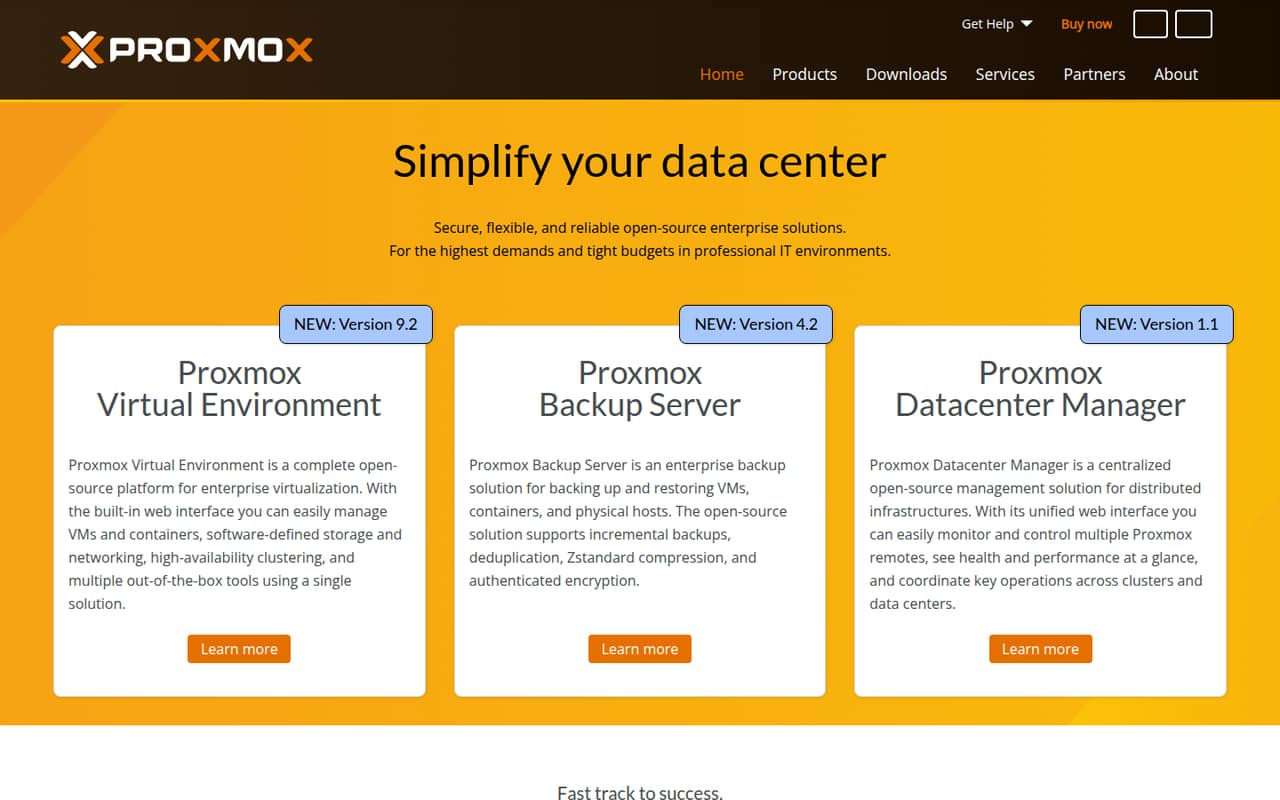
Proxmox VE is an open-source, self-hostable virtualization platform for teams operating their own infrastructure. It fits operators consolidating virtual machines and containers, as well as labs and data centers. The listed free plan and $10 starting price refer to different subscription options; paid subscriptions buy repository access and support, not more capacity.
What works
- Manages VMs and containers in one interface
- Includes software-defined storage and networking
- High-availability clustering is included
What doesn't
- You operate the platform on your own infrastructure
- API protocol and SDK details need verification
- Free plan uses the no-subscription repository
- Best for infrastructure automationVultrVultr
Vultr targets developers automating cloud infrastructure and teams that need compute in global regions, including self-managed Linux and Windows workloads. Its developer-oriented public cloud framing makes it a candidate for teams comfortable owning more operations. A starting price is not listed, so ask for current costs for the regions and resources your workload requires.
What works
- REST API, CLI and browser portal
- Open-source SDKs and integration code
- Terraform, Ansible and Packer integrations
What doesn't
- No free plan or trial listed
- Bandwidth overage rates need confirmation
- Cloud orchestration stack is proprietary
- Best for private cloudOpenStackOpenStack
OpenStack is an open-source, self-hostable infrastructure control plane for organizations building private clouds or managing cloud resources on-premises and at the edge. It is not a shortcut around infrastructure work: your team handles deployment and operations. The listing identifies a free plan but no starting price, so budget for the people and systems needed to run it.
What works
- Manages compute, storage and networking resources
- Provides APIs and a dashboard
- Supports on-premises, public cloud and edge deployments
What doesn't
- Deployment and ongoing operations require expertise
- Core software price excludes infrastructure and staffing
- SDKs and supported languages need verification
- Best for containerized appsFly.ioFly.io
Fly.io is positioned for containerized web apps, isolated code sandboxes, and agent-driven deployment and operations. Its listed starting price is $2.19. The fit depends on whether its compute model and operational support match your production needs; teams should check both before putting critical services on the platform.
What works
- Hardware-virtualized Machines launch in under a second
- Sprites isolate untrusted or AI-generated code
- Usage-based compute pricing starts at $2.19 monthly
What doesn't
- No free plan is listed in the pricing data
- Usage-based billing can make totals less predictable
- Reddit users report deployment and documentation friction

- Best for quick deploymentsRailwayRailway
Railway supports deployments from connected repositories and offers visual infrastructure controls and preview environments, according to its product positioning. Its listed starting price is $1. That low entry point is not a production cost estimate: plan for usage charges and assess outage risk before making it a dependency for important workloads.
What works
- Deploys from connected repositories with automatic configuration
- Docker support and visual infrastructure canvas
- Private networking, public endpoints, SSL, and load balancing
What doesn't
- Usage-based billing can make monthly costs variable
- Hobby and Pro fixed monthly prices are not listed
- The homepage names no API, SDK, language, or CLI
- Best for your cloud accountPorterPorter
Porter is a managed deployment platform for teams that want applications running in their own cloud accounts. It is aimed at teams standardizing app deployments or moving from shared PaaS hosting, and is listed from $6. This model can suit organizations with account or infrastructure requirements; confirm which cloud providers, integrations, and operational responsibilities apply.
What works
- Runs workloads in your AWS, GCP or Azure account
- Deploys from Git or Docker
- Automates builds and deploys on every push
What doesn't
- Cloud-provider charges are billed separately
- No ongoing free plan is listed
- Enterprise pricing is custom
- Best low-cost computeHetzner CloudHetzner Cloud
Hetzner Cloud is positioned for cost-conscious small workloads, test servers, and small apps, with a listed starting price of $5.99. It is a fit for teams comfortable managing servers rather than expecting a fully managed app platform. Before adopting it, verify the integrations and operational details your deployment process depends on.
What works
- CX23 starts at €5.99/month before VAT
- CX23–CX43 include 20 TB traffic
- Hourly billing has a monthly cap
What doesn't
- No free plan or free trial is listed
- API, SDK and CLI details are not published
- CX53 resource limits are not listed
03How we chose
We prioritized platforms with clear developer use cases, then weighed their deployment and infrastructure models, stated starting prices, free-plan availability, open-source licensing, and self-hosting options. API and SDK coverage and documentation are important integration checks, but teams should verify the specific languages, protocols, and limits their stack requires. We also considered Reddit sentiment as a qualitative signal, not proof of production reliability. Scores informed the shortlist, but fit for technical teams mattered more than rank alone.
04Choose how much infrastructure to own
Start with the boundary between your team and the provider. A managed app platform such as Render can bring app hosting and managed Postgres together. A server-oriented cloud such as DigitalOcean or Vultr gives teams a broader infrastructure role. Coolify runs on your own servers; Proxmox VE and OpenStack are for teams operating their own virtualization or private-cloud environments. Those choices change who handles deployment workflows, patching, recovery, and day-to-day operations. Before building around a platform, check its API and SDK support for your languages, deployment tooling, and infrastructure-as-code workflow. Confirm the documented limits and export paths for data and configuration. If you need a particular cloud account, region, or protocol, get the provider to confirm compatibility before migrating workloads.
05Estimate production cost and failure modes
Treat the listed starting price as an entry point, not a monthly forecast. Your real bill depends on the services and usage your application needs, and managed data services can add to it. Check which resources are included in a free plan, what triggers usage charges, and whether separate compute or storage costs apply. Then map the production failure modes: how you recover a database, move application data, redeploy from source, and operate during a provider outage. A self-hosted platform avoids some hosted control-plane dependence, but makes your team responsible for operating the underlying servers. For a hosted platform, ask how to export data and configuration and what happens if you need to leave. Verify current prices and limits directly with the vendor before committing.
Questions people ask
Which cloud platform is best for developers?
DigitalOcean is our best overall pick for teams seeking a broad cloud stack with a stated $4 starting price and a free plan. Render is a strong alternative for teams wanting app hosting and managed Postgres together. The better fit depends on services, operational ownership, and expected usage.
Which platforms can I self-host?
Coolify, Proxmox VE, and OpenStack are listed as both open source and self-hostable. DigitalOcean, OVHcloud, and Upbound are also marked self-hostable, but their operating models differ. Check the vendor's licensing terms and clarify which components can run in your environment.
Does the starting price reflect my production bill?
Not necessarily. Starting prices are entry points, and the production bill depends on the services and usage your workload needs. Render's listing specifically cautions that plan prices are only part of the bill. Check current resource prices, free-plan limits, and usage charges with the vendor.
How can I reduce cloud platform lock-in?
Prefer deployable workloads and data formats you can move, and keep infrastructure configuration and deployment code in version control. Before launch, verify export options, API access, and the steps to redeploy elsewhere. Self-hosting can reduce dependence on a hosted control plane, but transfers more operational responsibility to your team.