
We may earn a commission if you buy through links on this page. It never changes a score or a ranking. How we make money
The bottom line
Coolify gives you a deployment dashboard on your servers, with a low-cost managed control-plane option.
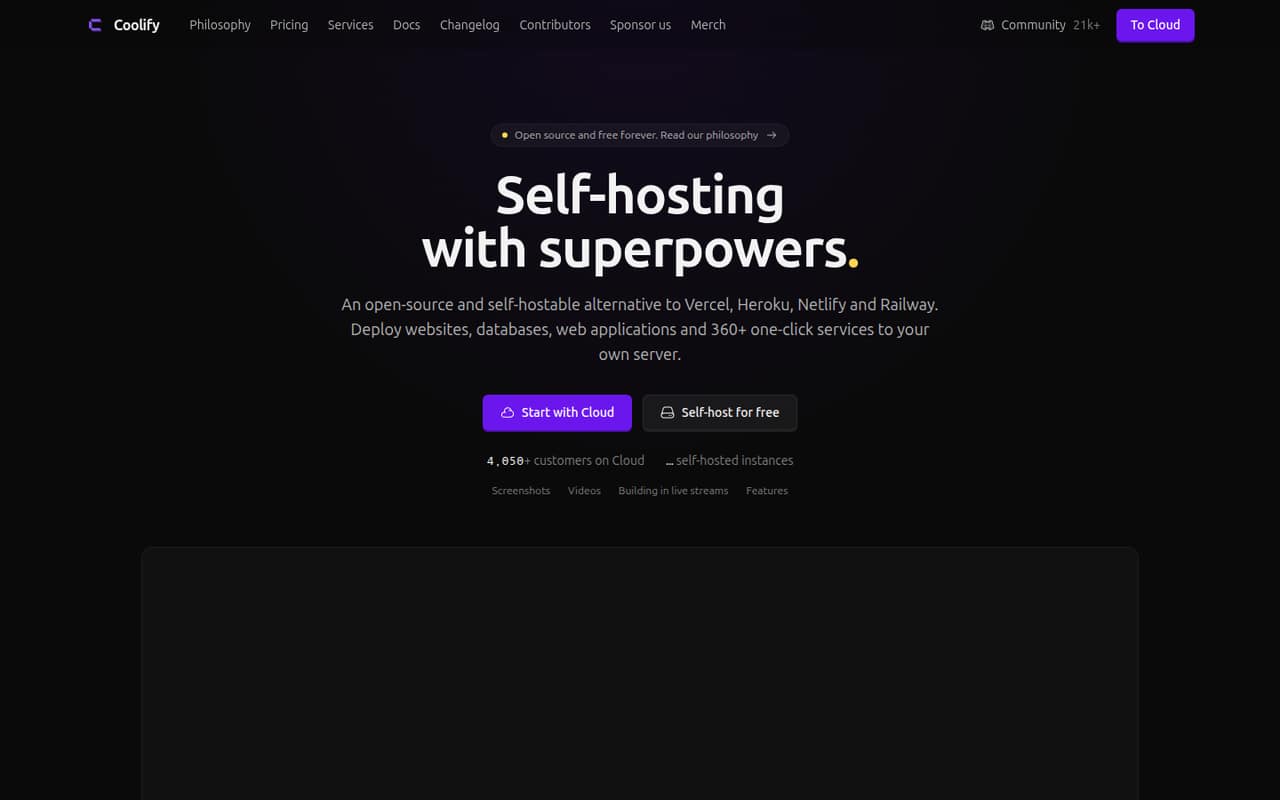
Coolify is an open-source deployment platform that connects to servers over SSH and builds and deploys commits there. It supports several build paths, databases, automated SSL, backups, rollbacks and an API, while leaving server ownership and much of production operations with you.
Self-hosted use is free with all features; managed Coolify Cloud starts at $5 per month, or $4 per month with annual billing. Reddit reports include positive experiences with deployments and pull-request previews, alongside one developer's account of wrestling with the reverse proxy.
Good fit if
- Developers deploying to their own servers
- Teams hosting several small applications
- Projects needing Docker-based deployment workflows
Skip it if
- Teams wanting fully managed application hosting
- Organizations needing published rate limits
- Teams requiring a named SDK or CLI
ScoresHow it rates
What works
- Free self-hosted plan includes all features
- Connects to servers over SSH
- Supports multiple build methods and Docker images
- Automates Let's Encrypt certificates and database backups
- API, webhooks and MCP server support automation
What doesn't
- Self-hosting means operating the server infrastructure
- Exact open-source license is not stated on the homepage
- SDKs and CLI are not named
- Cloud server add-ons raise the subscription bill
- A Reddit user reports reverse-proxy troubleshooting
01What Coolify is, technically
Coolify is deployment and server-management software, not a hosted application runtime that removes infrastructure ownership. You can run it on your own server, or pay for Coolify Cloud to manage the Coolify hosting layer. It connects to target servers over SSH; the vendor says it builds every commit and ships it to those servers.
In a typical stack, Coolify sits between your Git provider and your servers. It handles deployment workflows, build methods, domains, SSL and management for applications, databases and services. Builds can use Nixpacks, Railpack, Dockerfile, Docker Compose or prebuilt Docker images. The platform also offers one-click databases including PostgreSQL, MySQL, MariaDB, MongoDB, Redis, KeyDB, Dragonfly and ClickHouse.
This suits teams that want a dashboard and deployment automation while retaining control of their infrastructure. It is not a substitute for choosing, paying for and operating the servers where workloads run.
02Coolify API, SDKs and docs
The vendor describes a Coolify API for automating deployments, managing resources and integrating with existing tools. Its homepage does not name an API protocol or SDK. The named integration surfaces include GitHub, GitLab, Bitbucket and Gitea for Git-based deployments, plus webhooks for CI/CD workflows such as GitHub Actions, GitLab CI and Bitbucket Pipelines. Confirm SDK support and API details in the vendor's documentation before choosing a client library.
The homepage says Coolify supports a wide range of languages and frameworks, but does not name specific languages. Build options are more concrete: Nixpacks, Railpack, Dockerfile, Docker Compose, static sites and prebuilt Docker images. For AI tooling, an MCP server lets compatible clients such as Claude and Cursor list resources, deploy, read logs, restart services and troubleshoot, using existing API tokens and team permissions.
The vendor also lists log drains, notifications, shared environment variables and pull-request deployments. No CLI is named on the homepage.
03Coolify pricing for developers
Self-hosted is $0 per month and includes all features, no feature limits, community support and automated or self-managed updates. The cost that remains is your own server infrastructure and the work of operating it; the vendor does not list a server price as part of this plan.
Coolify Cloud is $5 per month billed monthly, or $4 per month with annual billing, listed as 20% off. That base price connects two servers and includes unlimited deployments per server, free email alerts for Coolify events, community support and limited email support. This is the price for managed Coolify hosting, not a published price for the servers running your applications.
Additional Cloud servers cost $3 per month each, or $2.40 per month each with the annual discount. Teams need an additional subscription per team, but the price is not published. The listed pricing does not charge by deployment count or publish request-based overages. Check server-provider bills and team subscription costs separately when estimating production spend.
04Coolify: open source, self-hosting and lock-in
Coolify presents itself as open source and self-hostable, and its Self-hosted plan includes all features. The homepage does not name the software license, so teams that need specific rights to modify, redistribute or fork it should verify the repository's license before adoption.
The vendor says settings are saved on your own servers and that you retain control of your data. It does not describe a separate data-export workflow on the homepage. Self-hosting avoids depending on Coolify Cloud for the management plane, but your deployments still rely on Coolify's configuration and operational model. Moving away means planning how to recreate deployments, domains, environment variables, databases and backups in another system. Docker-based workloads may give teams options, but Coolify-specific configuration can still require migration work.
05Coolify in production
Coolify lists monitoring for deployments, servers and disk usage, notifications, database backups to S3-compatible storage and one-click rollbacks. These features help with routine operations, but they do not remove the need to plan server capacity, backup retention, recovery and access controls. The vendor does not publish API rate limits or a service-level commitment in the product details here; ask about those requirements before making it a production dependency.
The product supports team roles and permissions, two-factor authentication and single sign-on options including GitHub, GitLab, Google, Azure and Authentik. Review how those controls fit your security and compliance requirements, and test the deployment and recovery paths you depend on.
Reddit feedback is mixed but includes positive reports: one user said two of three projects had no issues while testing. Another developer reported spending a week wrestling with Coolify's internal reverse proxy before switching to Raw mode. Treat that as a reason to validate proxy behavior in your own stack.
From the threadsWhat users say
Reddit comments include users who value push-to-deploy and pull-request previews, as well as reports of setup friction. The small set of comments points to a useful self-hosted tool, but production fit depends on the deployment and proxy workflow.
I'm currently testing out coolify, haven't had issues yet with 2/3 projects
I gave coolify a try and spent a week wrestling it's internal reverse proxy before giving up
The v4 is such a huge jump in functionality and improvements!
Questions people ask
Is Coolify free to use?
Yes. The Self-hosted plan costs $0 per month and includes all features with no feature limits. You provide and operate the server infrastructure yourself. Coolify also offers a paid Cloud option for people who want managed Coolify hosting; it starts at $5 per month with monthly billing or $4 per month with annual billing.
How does Coolify deploy an application?
Coolify connects to servers over SSH and builds and deploys commits from connected Git providers. The vendor lists GitHub, GitLab, Bitbucket and Gitea integrations. Build methods include Nixpacks, Railpack, Dockerfile, Docker Compose, static sites and prebuilt Docker images.
Which programming languages does Coolify support?
The vendor says Coolify works with a wide range of programming languages and frameworks, but does not name a language list on its homepage. Build support includes Nixpacks, Railpack and Docker-based options. Check the vendor's documentation for guidance on your framework and any language-specific build requirements.
Does Coolify provide an API or SDK?
The vendor describes an API for automating deployments, managing resources and integrating with other tools. It also lists webhooks and an MCP server for compatible AI clients. The homepage does not name an SDK or API protocol, so check the vendor's documentation for client-library and endpoint details.
Can I run databases and backups with Coolify?
Coolify lists one-click PostgreSQL, MySQL, MariaDB, MongoDB, Redis, KeyDB, Dragonfly and ClickHouse deployments. It also describes automatic database backups to S3-compatible storage and restore through the dashboard. Plan your storage, retention and recovery requirements alongside the server infrastructure.