We may earn a commission if you buy through links on this page. It never changes a score or a ranking. How we make money
Continue is our best overall pick for teams that want IDE and CLI workflows with hosted or local models; its listed starting price is $3, with a free plan. Aider is a strong terminal choice if you want to bring your own LLM, while Cline suits developers reviewing agent diffs and choosing models. All nine tools are open source, but self-hosting, model access and pricing differ. Check the licence, provider charges and production limits before standardizing on one.
Quick picksThe shortlist
 ContinueContinueBest overall · $3/mo
 AiderAiderBest for terminal work · Free
 ClineClineBest for model choice · $9.99/mo
 Kilo CodeKilo CodeBest for IDE and CLI · $15/mo
 TabbyTabbyBest for local completion · $19/mo
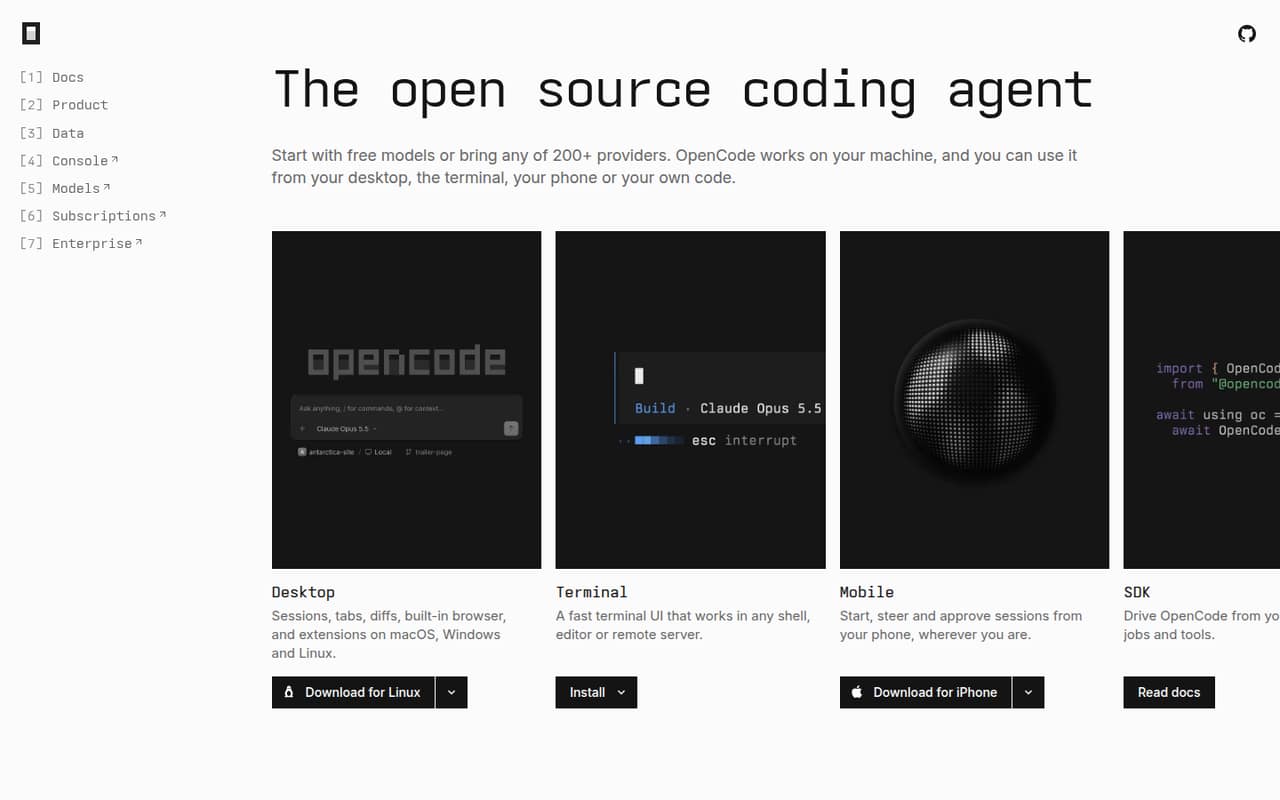
 OpenCodeOpenCodeBest for local workflows · $10/mo
 GooseGooseBest for MCP workflows · Free
 OpenHandsOpenHandsBest for team workflows · $500/mo
 Open InterpreterOpen InterpreterBest for desktop tasks · $20/mo
01Compared at a glance
02The picks, in detail
- Best overallContinueContinue
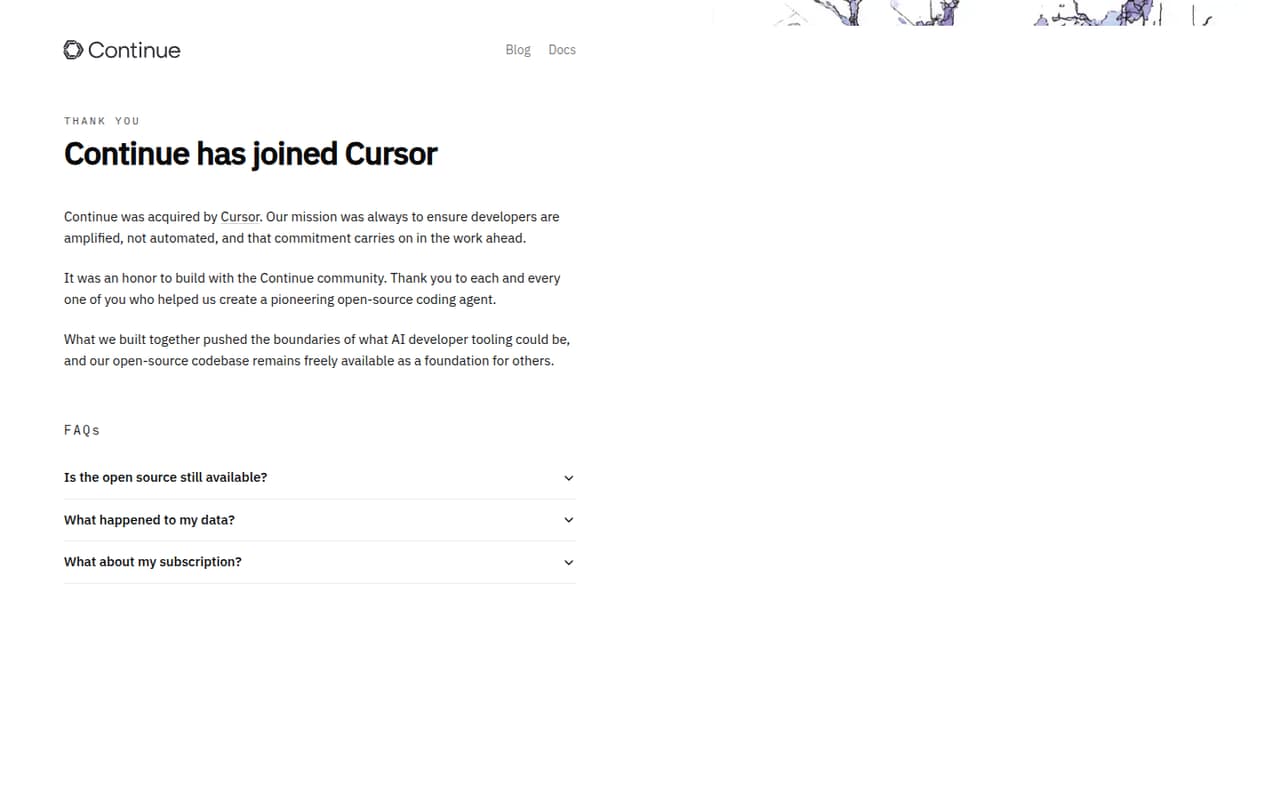
Continue is the most balanced fit for teams choosing between IDE and CLI workflows and hosted or local inference. It is open source and self-hostable, with a free plan and a listed starting price of $3. That flexibility makes it a sensible first evaluation; confirm which models, integrations and usage terms match your stack before rolling it out.
What works
- Apache 2.0 open-source license
- Works with VS Code, JetBrains and CLI
- Supports local model runners
What doesn't
- Published seat and usage limits are unavailable
- Model-provider costs can vary
- No named SDK or programming language support
- Best for terminal workAiderAider
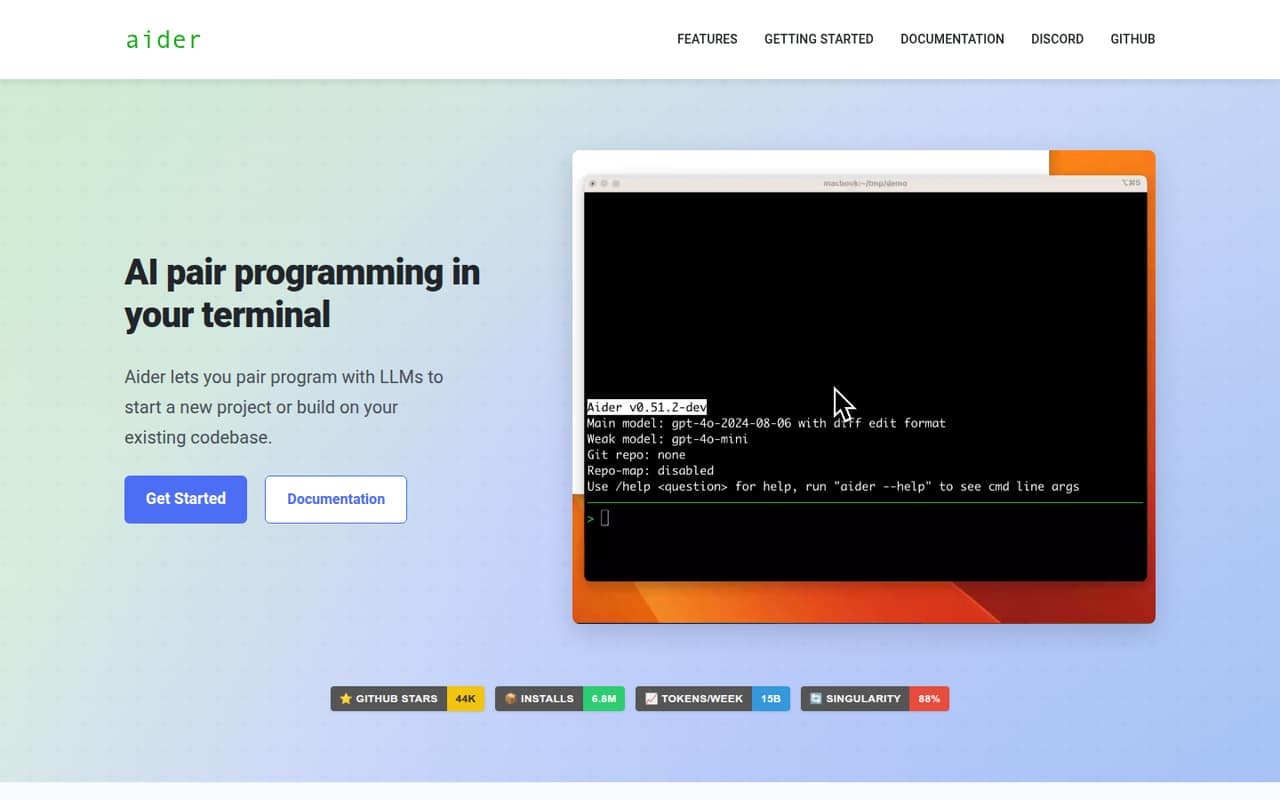
Aider is an open-source, self-hostable terminal client for developers who want to use cloud or local LLMs and work with Git-based, multi-file changes. Its listed price is n/a, and it has a free plan. Teams should account for the cost and limits of their chosen model provider, then check how Aider fits their existing review and Git workflow.
What works
- Free and open-source under Apache 2.0
- Connects to cloud and local LLMs
- Maps codebases for larger projects
What doesn't
- Model usage can add ongoing costs
- Seat and usage limits are not published
- No named SDK or hosted API integration
- Best for model choiceClineCline
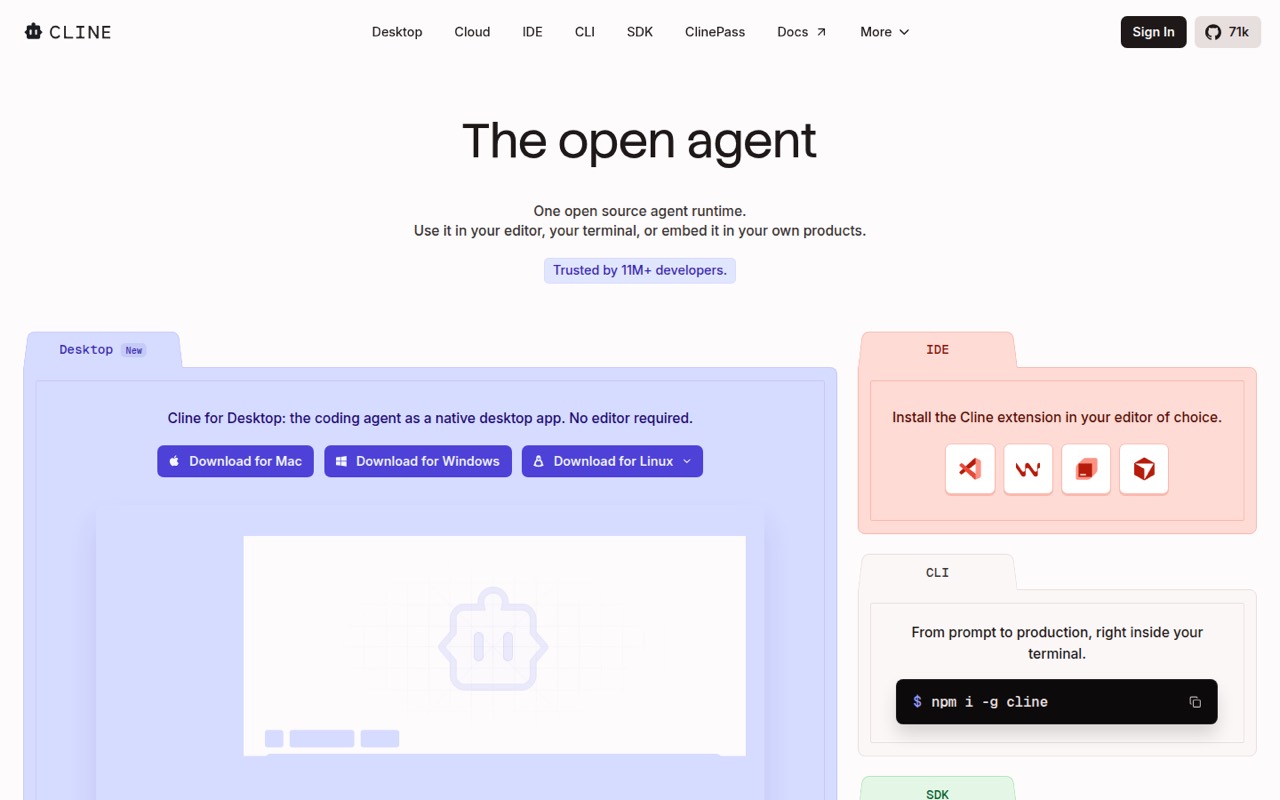
Cline is an open-source agent for developers choosing models, teams reviewing agent diffs and apps embedding coding agents. It has a free plan and a listed starting price of $9.99. Its flexibility comes with a cost question: the published description warns that usage costs can scale quickly. Set provider budgets and review how agent changes enter your code review process.
What works
- Open-source runtime for editor, terminal and product use
- Supports Claude, GPT, Gemini and local models
- Plan mode, approvals, diffs and one-click undo
What doesn't
- Inference costs are separate from the free runtime
- Licence terms are not published on the homepage
- No published production quota or reliability target
- Best for IDE and CLIKilo CodeKilo Code
Kilo Code is an open-source, self-hostable option for developers moving between IDE and CLI workflows, sharing custom agents or bringing model keys and local models. Its free plan and $15 listed starting price give teams a clear entry point, but the product description notes reported configuration friction. Test configuration and agent sharing against your team’s setup before adopting it.
What works
- MIT-licensed source can be inspected, forked and self-hosted
- Works across VS Code, JetBrains, CLI and cloud agents
- Supports more than 500 models, local models and BYOK
What doesn't
- Model inference costs are separate from the free plan
- Published rate limits and reliability commitments are limited
- The homepage names no public REST API or language SDK

- Best for local completionTabbyTabby
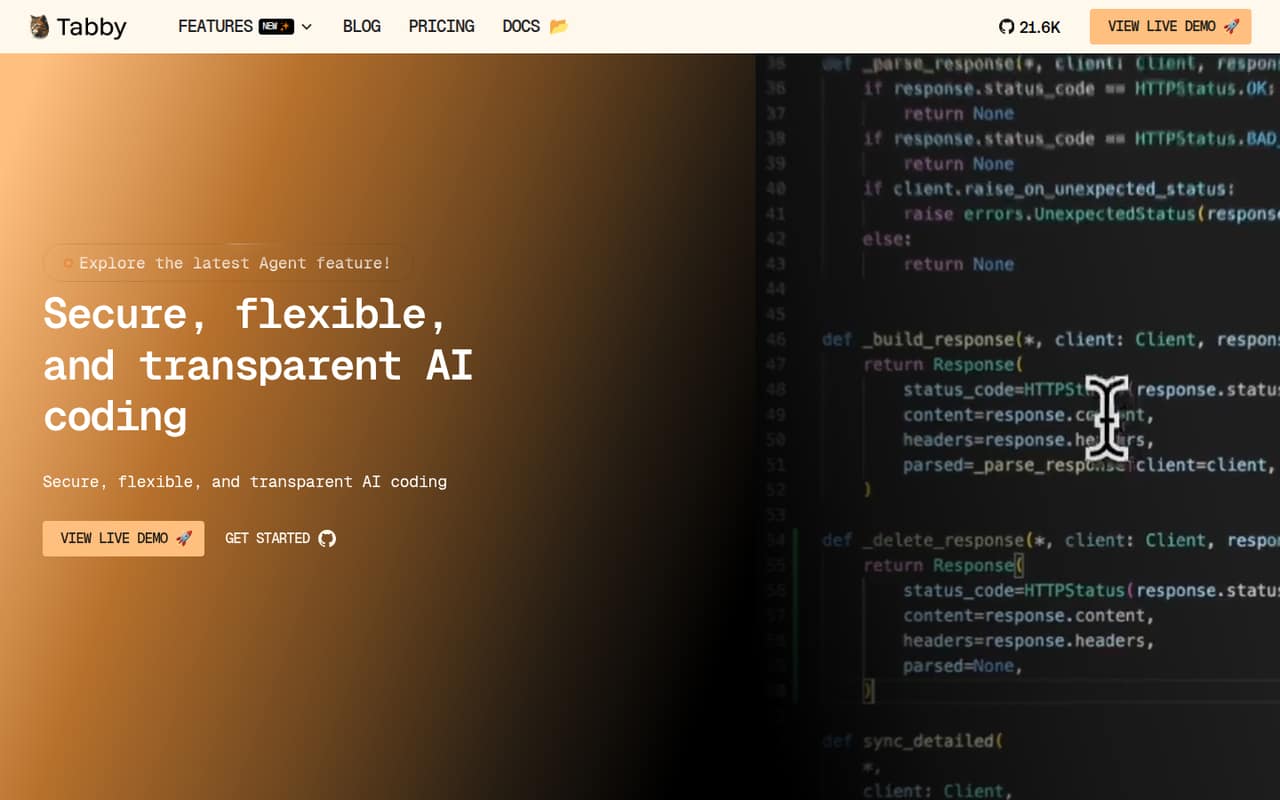
Tabby is an open-source, self-hostable coding assistant aimed at teams that want local-first code completion. It offers free completion and paid team features, with a listed starting price of $19 and a free plan. That makes it worth considering when hosting and completion are the priority; verify the paid features and deployment requirements against your team’s needs.
What works
- Open-source assistant with self-hosting options
- Community plan is free for up to five users
- Tab completion is free with no usage limits
What doesn't
- Team costs $19 per user per month
- Hosted LLM use adds token-based costs
- Specific API protocols and SDKs are not named
- Best for local workflowsOpenCodeOpenCode
OpenCode is an open-source, self-hostable coding agent for developers who want model choice, local-first workflows, MCP and plugins. It has a free plan and a listed starting price of $10. The product description flags free limits and support as areas to scrutinize, so check current plan terms and support expectations before making it part of a production workflow.
What works
- Runs on your machine across several interfaces
- Connects to more than 200 model providers
- Supports local models and free models
What doesn't
- Free-model quotas are not published on the homepage
- SDK languages and API details need checking
- Go Extra Usage pricing is not published
- Best for MCP workflowsGooseGoose
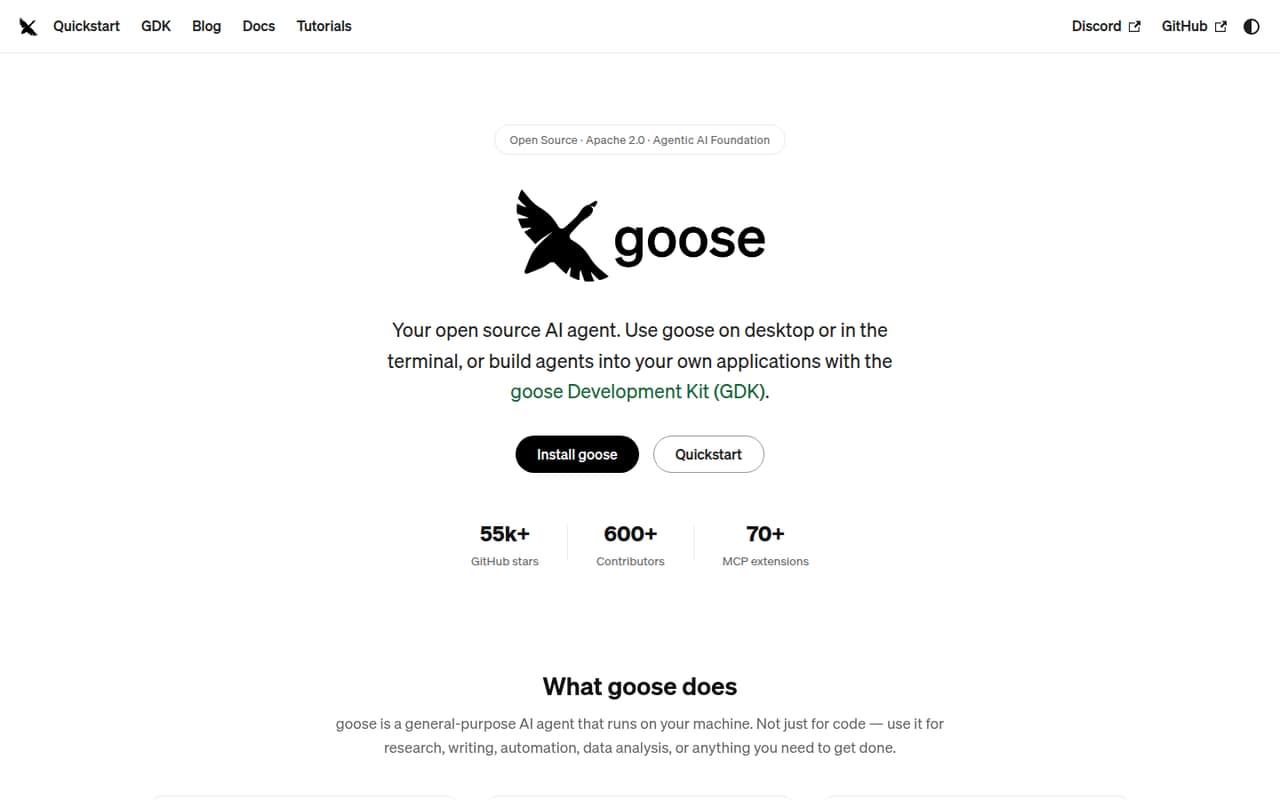
Goose is a free, open-source agent for teams bringing their own model access, developers building MCP-powered workflows and local-first experimentation. Its listed starting price is n/a. The product description points to useful integration surfaces, but teams should verify production details, model costs and deployment requirements before relying on it for repeatable engineering work.
What works
- Desktop app, CLI and API integration surfaces
- Supports 15+ LLM providers
- Apache 2.0 software with no run charge
What doesn't
- Provider-specific usage costs are separate
- Seat and usage limits are not published
- Rate limits and service guarantees are not published
- Best for team workflowsOpenHandsOpenHands
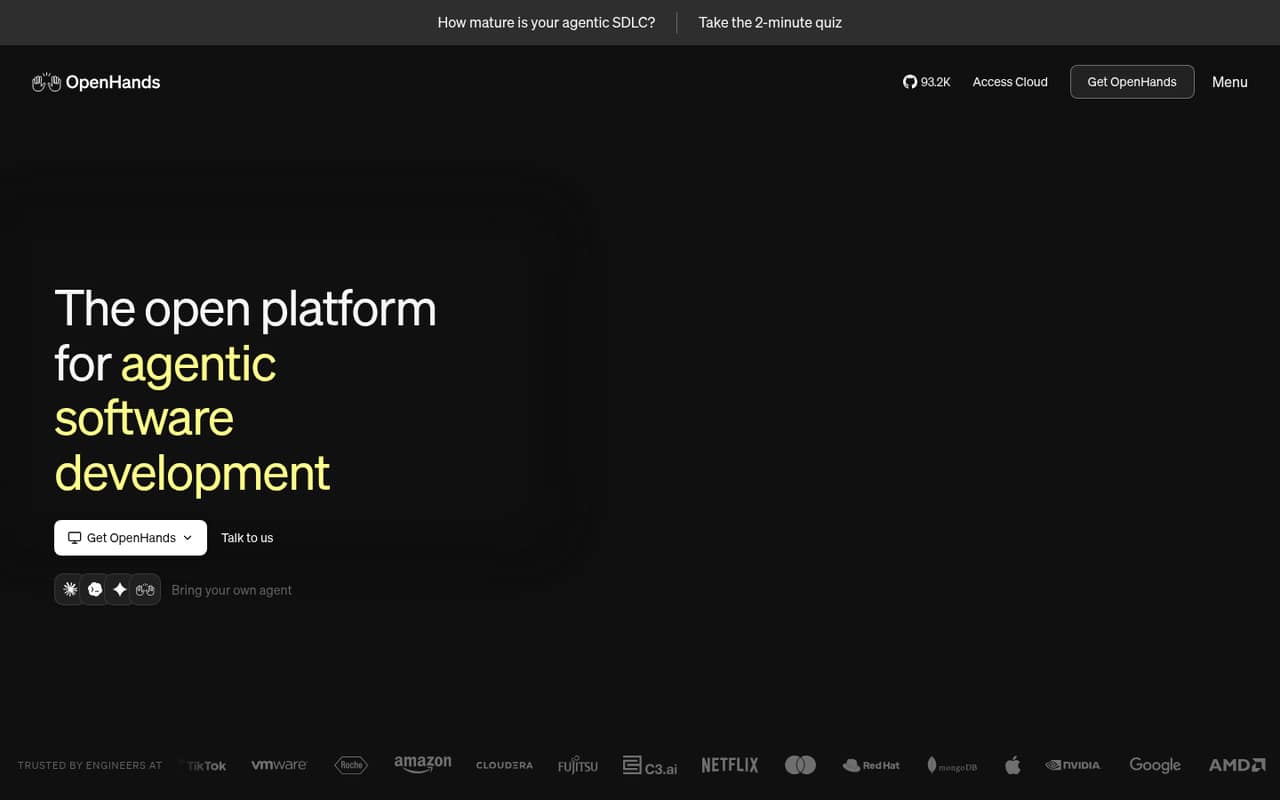
OpenHands is an open-source agent for automating repeatable engineering workflows, with self-hosting options and a choice of agents and models. It has a free plan and a listed starting price of $500; the Teams plan has a 5,000-session cap. Setup friction and that cap deserve attention when estimating adoption across a team. Confirm the plan’s limits against expected session volume.
What works
- Run locally, in the cloud or in your VPC
- Choose from multiple agents and models
- Trigger workflows from events, schedules and connected tools
What doesn't
- Reddit users report friction setting it up outside Docker
- The homepage does not name SDK languages or API styles
- Teams is capped at 5,000 sessions per month
- Best for desktop tasksOpen InterpreterOpen Interpreter
Open Interpreter is an open-source, self-hostable agent for automating local computer tasks and desktop workflows across documents and apps. It suits developers bringing their own model API keys and preferring local execution. A free plan is listed, with a $20 starting price. Because it works directly with your computer, assess the access and safeguards needed for your environment before using it on sensitive work.
What works
- Runs code and shell commands on your machine
- Manages local files and supports web browsing
- Includes a terminal CLI and desktop app
What doesn't
- Local execution gives the agent access to your machine
- Exact free-plan usage quotas are not published
- License terms are not stated on the homepage

03How we chose
We ranked these agents for developers and technical teams by workflow fit, model choice, self-hosting and the cost of getting from a free plan to sustained use. We considered API and SDK coverage and documentation as adoption checks, but teams should verify exact support against their stack. We weighed listed starting prices without treating them as total inference costs. Open-source status does not settle licence or deployment questions, so we recommend checking both. Reddit sentiment is a secondary signal for friction, not a substitute for vendor documentation or production validation.
04Price the model path, not just the agent
A free plan or low starting price does not tell you what a coding workflow will cost at your team’s usage. First decide whether you will bring model API keys, use hosted model access or run a local model. Then check who bills for inference, whether the agent has its own usage limits, and what happens when a plan’s free allowance is exhausted. Cline’s description warns that usage costs can scale quickly; OpenCode’s description says to scrutinize free limits. Treat listed starting prices as entry points, not estimates for production. Ask the vendor how usage is metered, whether budgets or per-user limits are available, and whether model calls are logged. If you rely on local inference, include the hardware and operating cost in your comparison.
05Check deployment, licence and failure paths
Open source gives your team a way to inspect code, but it does not automatically mean every deployment is self-hostable or that every licence permits your intended use. Confirm the licence text, supported deployment path and how updates are delivered. For a hosted model, establish where prompts and code are sent, what is retained and how you can export or delete relevant data. For an agent integrated into an IDE, CLI or desktop workflow, inspect what it can read or change and how proposed edits reach code review. Ask what happens when a model provider is unavailable, a rate limit is reached or an agent session stops partway through a change. These are production requirements, not optional polish.
Questions people ask
Are open-source coding agents free to use?
Several listed tools have a free plan, and Aider and Goose have n/a listed starting prices. That does not establish that every model or deployment is free. Check the agent’s plan terms and the pricing for any model provider you choose before estimating team costs.
Can these agents run with local models?
Continue is described as supporting local or private inference; Aider supports cloud or local LLMs; Kilo Code is for users bringing model keys or local models. Other tools have different stated strengths. Verify model compatibility and setup requirements in the current documentation.
Which open-source coding agent works in the terminal?
Aider is specifically described as a terminal client. Continue and Kilo Code are aimed at IDE and CLI workflows. Check each project’s current documentation for supported environments and required configuration before choosing one for a team standard.
What should teams verify before self-hosting?
Check the project licence, documented deployment path, model connectivity and upgrade process. Also determine where code and prompts go, what the agent can access, and what happens when a model call fails or a session hits a limit. Ask the vendor about any production requirements not documented.