
We may earn a commission if you buy through links on this page. It never changes a score or a ranking. How we make money
The bottom line
A flexible self-hosted agent framework, but you own the model bill, deployment and operational checks.
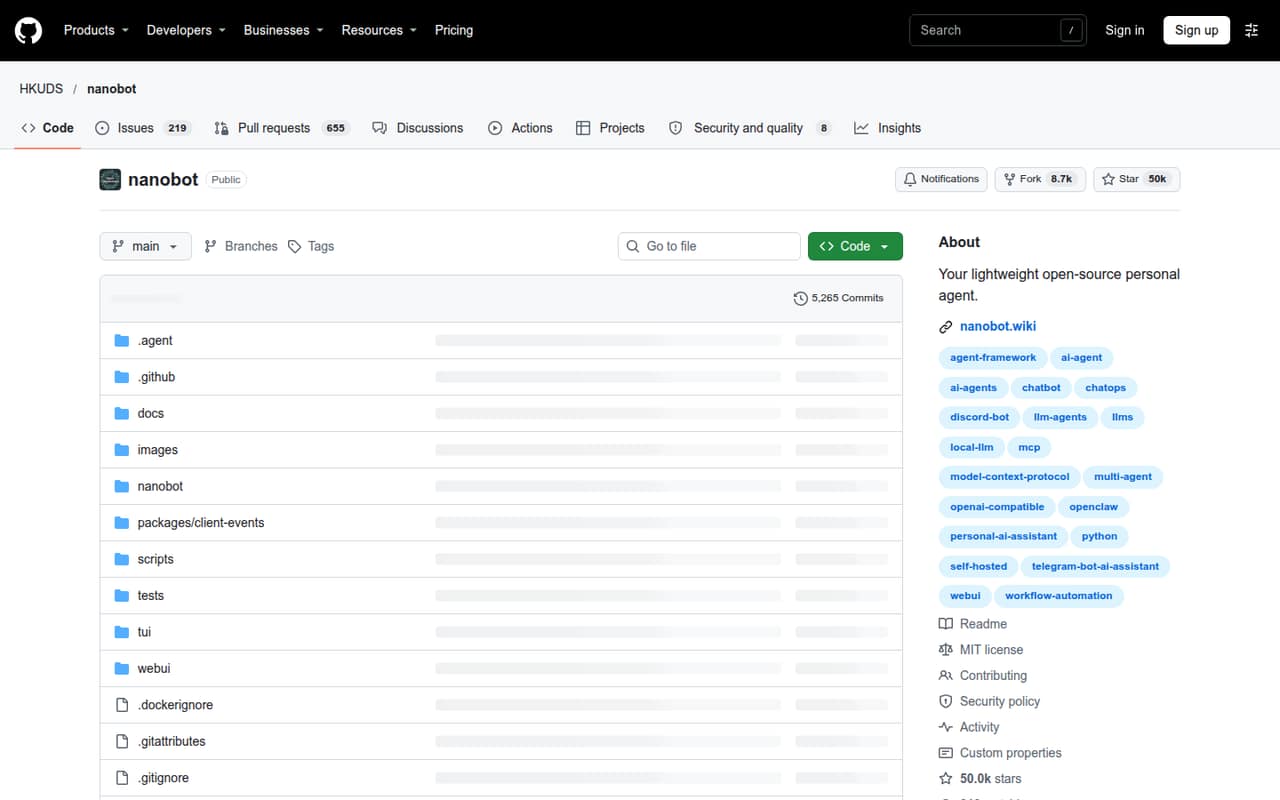
Nanobot is an open-source Python framework for running a personal AI agent in a browser, terminal or chat app. It includes file tools, memory, scheduled tasks and integrations, while you supply a supported model provider or local model server.
The MIT-licensed project can run on your own machine or server, but it is not a turnkey hosted service. The pricing page lists no paid plans or starting price; model fees and local hardware requirements are separate.
Good fit if
- Python developers building personal agents
- Teams that want to self-host
- Chat-based scheduled workflows
Skip it if
- Teams needing a managed agent service
- Buyers seeking published support commitments
- Workloads requiring stated reliability limits
ScoresHow it rates
What works
- MIT-licensed and self-hostable
- Python SDK for embedding agents
- Browser, terminal and chat interfaces
- Built-in file tools for common office formats
- MCP, cron and multi-agent delegation
What doesn't
- Requires your own model provider or local server
- Model and hardware costs are separate
- No paid starting price or usage rates are published
- No stated rate limits or scaling guarantees
- Data export and migration steps need checking
01What Nanobot is, technically
Nanobot is an open-source, self-hosted personal AI agent framework written in Python. It runs as a local or server-side agent gateway, with a bundled WebUI, terminal interface and connections to chat channels. It is not a hosted model API: you connect a supported model provider or local model server, which you supply.
In a stack, Nanobot sits between users and the model. It routes conversations through browser, terminal or chat interfaces and gives the agent tools for files, web search and fetch, MCP integrations, cron, image generation and multi-agent delegation. Built-in tools read PDF, Word, Excel and PowerPoint files. Dream supports session history and long-term memory; scheduled automations can run over time. The project targets Python 3.11 or newer. This architecture suits developers who want to inspect and modify an agent framework rather than buy a managed assistant. You also take responsibility for deployment, model access and the infrastructure the gateway needs.
02Nanobot API, SDKs and docs
The documented integration route is the Python SDK, which the project says can embed the agent. Nanobot itself is written in Python and requires Python 3.11 or newer. For direct use, it offers a terminal interface and a bundled browser UI; the gateway can also connect to chat channels including Telegram, Discord, Slack, WeChat, email, Mattermost and Linear.
The project documentation includes installation, configuration, deployment, architecture, provider extensions and guides for chat apps. The README also points to setup for providers, fallback models, Langfuse, MCP, web tools and security. OpenAI-compatible APIs and local LLMs are listed among its model options. MCP provides an extension surface for integrations, while the Python SDK is the named route for embedding. The homepage does not establish a general external REST API contract, so confirm the supported API surface and compatibility guarantees in the vendor’s docs before building a separate client. Stable releases and current source have different update paths.
03Nanobot pricing for developers
The pricing page lists no paid plans, monthly or annual billing terms, or starting price. Nanobot is open-source under the MIT license, so the software itself has no listed license fee. There is no published free-tier quota or request allowance to plan around, and no listed paid add-ons.
That does not make an agent deployment cost-free. Nanobot requires access to a supported model provider or local model server, and its README says model fees or local hardware requirements depend on the service you choose. The project does not publish a per-request rate, usage tier, seat price, overage charge or total-cost estimate. With a hosted model, your provider’s billing will depend on that provider’s terms and your usage; with a local model, account for the hardware and its operation. Those costs are separate from Nanobot. Before production, estimate model usage using the provider’s pricing and your expected workload, then check how the gateway handles provider errors and any provider-side limits. The project’s own published pricing gives no basis for a precise monthly estimate.
04Nanobot: open source, self-hosting and lock-in
Nanobot’s repository lists an MIT license and makes its source available on GitHub. The project describes itself as self-hosted and supports running a long-lived gateway locally or on a server. That gives developers access to the code and control over where they run the agent; it does not remove dependency on the model provider, chat platforms or other services they connect.
The README does not establish a standard data-export format or a migration procedure. Before storing durable memory or relying on saved conversations, inspect where Nanobot stores that data and how to back it up or export it. Moving away from Nanobot may also mean replacing its tool, channel and scheduled-task integrations. The source is available for that work, but the effort depends on which parts of the framework your workflows use. Confirm storage formats and provider configuration before committing long-lived data or building internal tooling around them.
05Nanobot in production
Nanobot is designed to run as a long-lived local or server-side gateway, but production teams should verify the operational details for their deployment. The homepage publishes no rate limits, uptime or scaling guarantees, concurrency figures, or recovery objectives. Check how your selected model provider handles throttling and failures, and test the gateway’s restart, backup and update procedures. The README distinguishes stable releases from current source, with different update paths.
Security deserves particular attention because the advertised capabilities include shell, file, web and chat integrations. Review the security documentation, limit credentials and tool access, and decide what files and services the agent can reach. Confirm data retention, access controls and compliance fit for the systems you connect; the project’s feature list is not a substitute for those checks.
One Reddit thread reports a user running Nanobot in a Linux container with Telegram after a short setup. Other commenters discuss customization and token costs, but these are individual reports, not reliability or cost guarantees. Treat them as anecdotes and validate your own workload.
From the threadsWhat users say
Reddit discussion is mixed and anecdotal. One user reports a straightforward Telegram setup, while others value customization but question the practical benefit and the cost of using an agent for work that scripts could handle.
it just works
Its the customization & persistent memory
I already have access to AI via the mobile apps
If the bot does it, you spend $$$
Questions people ask
Is Nanobot free to use?
Nanobot is open-source under the MIT license, and the pricing page lists no paid plans or starting price. You still need a supported model provider or local model server. The project says model fees or local hardware requirements depend on the service you choose, so the total cost depends on your setup.
What do I need to run Nanobot?
The README requires Python 3.11 or newer and access to a supported model provider or local model server. Nanobot can run locally or as a server-side gateway. The README describes installer, uv and pip options for stable releases, as well as an editable Git checkout for current source.
Can Nanobot run with a local model?
Yes. Nanobot can connect to a local model server, and its README lists local LLMs and OpenAI-compatible APIs among its model options. You supply the model service or hardware; Nanobot does not provide a model account. Check the provider documentation for compatibility and any applicable usage or hardware requirements.
Which chat apps and file formats does Nanobot support?
The README lists Telegram, Discord, Slack, WeChat, email, Mattermost and Linear, among other channels. Its built-in file tools read PDF, Word files in .docx format, Excel files in .xlsx format and PowerPoint files in .pptx format. Consult the chat app guides for setup details.
Can I use Nanobot for scheduled tasks and persistent memory?
Nanobot lists cron, long-horizon goals and scheduled automations as capabilities. It also says Dream keeps session history and long-term memory. These features run within your Nanobot deployment, so check the configuration and operational requirements in the docs before relying on them for time-sensitive workflows.
Sources
- Nanobot homepage
- Nanobot pricing page
- Reddit: nanobot: a 4,000-line Python alternative to openclaw that actually works out of the box
- Reddit: Failed with Letta, OpenClaw, nanobot. Found Agent Zero and migrated 33 skills and 28 agents from Claude Code into it.
- Reddit: I built an AI agent in Rust that lives on my machine like OpenClaw or Nanobot but faster, more private, and it actually controls your computer
- Reddit: Migrated away from OpenClaw to Nanobot — honest thoughts, and considering going back