We may earn a commission if you buy through links on this page. It never changes a score or a ranking. How we make money
Low-code development platforms range from open-source internal-tool builders to hosted enterprise suites. For developer teams, the choice is less about drag-and-drop features than about where application code runs, how data connects, and what it costs to move from a free plan to production. Appsmith is our top pick for teams that want self-hosting and JavaScript control; Plasmic fits React teams adding visual editing, while Gadget bundles JavaScript development with managed hosting. Before committing, verify API coverage, deployment options, export paths and production pricing with the vendor.
Quick picksThe shortlist
 AppsmithAppsmithBest overall · $15/mo
 PlasmicPlasmicBest for React · $39/mo
 GadgetGadgetBest for JavaScript · $35/mo
 RetoolRetoolBest for governed tools · $5/mo
 OutSystemsOutSystemsBest for enterprise apps · Free
 Mendix PlatformMendix PlatformBest for modernization · €918/mo
 PHPRunnerPHPRunnerBest for database apps · Custom
 WaveMakerWaveMakerBest for design-to-code · Custom
 Claris FileMakerClaris FileMakerBest for on-prem apps · $17.50/mo
 Alpha AnywhereAlpha AnywhereBest for field workflows · Custom
 TrackViaTrackViaBest for inspections · $2,500/mo
 TeamDeskTeamDeskBest for small teams · $49/mo
 Nextworld PlatformNextworld PlatformBest for ERP work · $4,166.67/mo
01Compared at a glance
| Tool | Score | From | Free plan | Trial |
|---|---|---|---|---|
| AppsmithAppsmith | 7.9 | $15/mo | Yes | 15 days |
| PlasmicPlasmic | 7.5 | $39/mo | Yes | — |
| GadgetGadget | 7.0 | $35/mo | Yes | — |
| RetoolRetool | 6.8 | $5/mo | Yes | — |
| OutSystemsOutSystems | 6.8 | Free | Yes | — |
| Mendix PlatformMendix Platform | 7.0 | €918/mo | Yes | — |
| PHPRunnerPHPRunner | 6.2 | Custom | No | 21 days |
| WaveMakerWaveMaker | 5.4 | Custom | No | 30 days |
| Claris FileMakerClaris FileMaker | 6.2 | $17.50/mo | No | 14 days |
| Alpha AnywhereAlpha Anywhere | 5.2 | Custom | No | — |
| TrackViaTrackVia | 5.8 | $2,500/mo | No | Yes |
| TeamDeskTeamDesk | 5.8 | $49/mo | No | 14 days |
| Nextworld PlatformNextworld Platform | 6.0 | $4,166.67/mo | Yes | 30 days |
02The picks, in detail
- Best overallAppsmithAppsmith
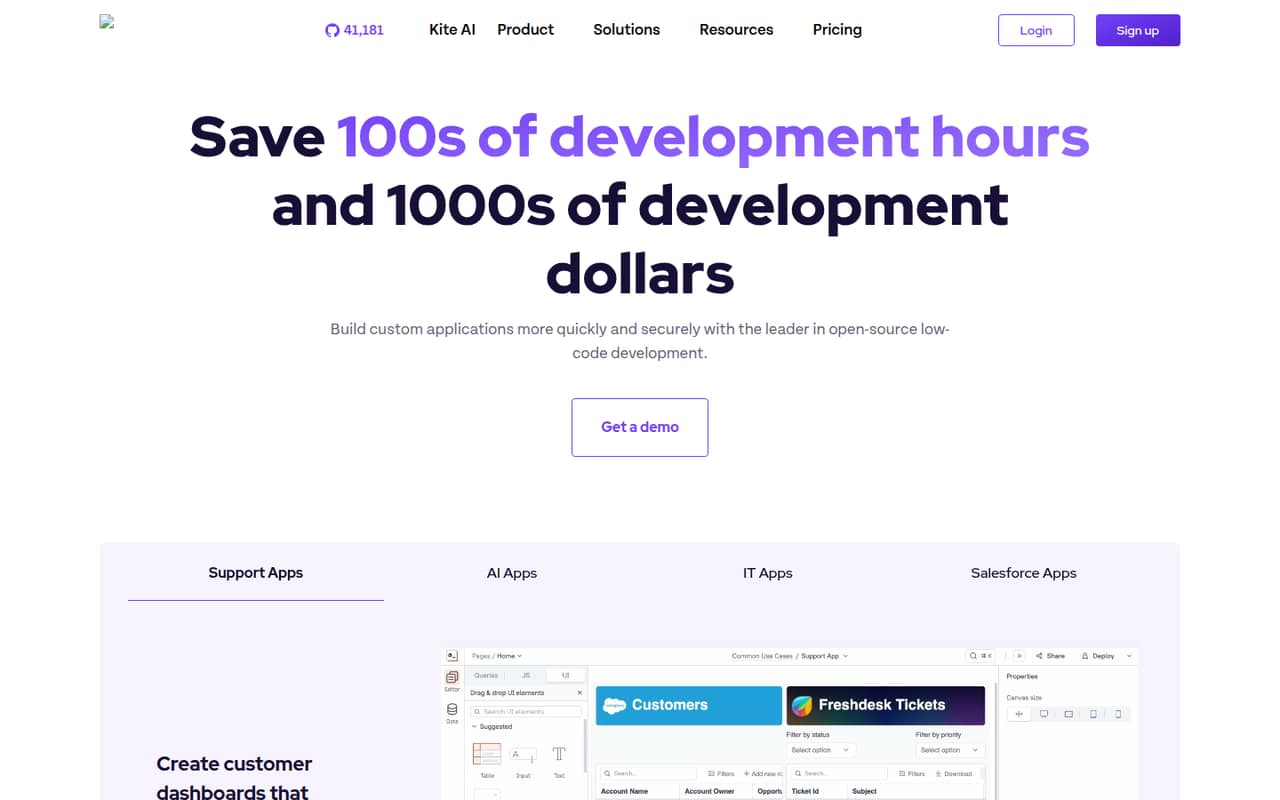
Appsmith is an open-source, self-hostable option for internal tools connected to business data. Its stated fit includes JavaScript control and Git-based deployment, both relevant to teams that want development workflows alongside visual building. The listed starting price is $15, with a free plan. Confirm which features and deployment needs fit your plan before rolling it out broadly.
What works
- Connects to databases, SaaS tools, REST and GraphQL APIs
- Customize widgets and logic with JavaScript, HTML and CSS
- Git workflows support branches, reviews and deployment
What doesn't
- Business charges per user, with full-month billing
- Enterprise starts at 100 users
- Appsmith-specific widgets and workflows create migration work
- Best for ReactPlasmicPlasmic
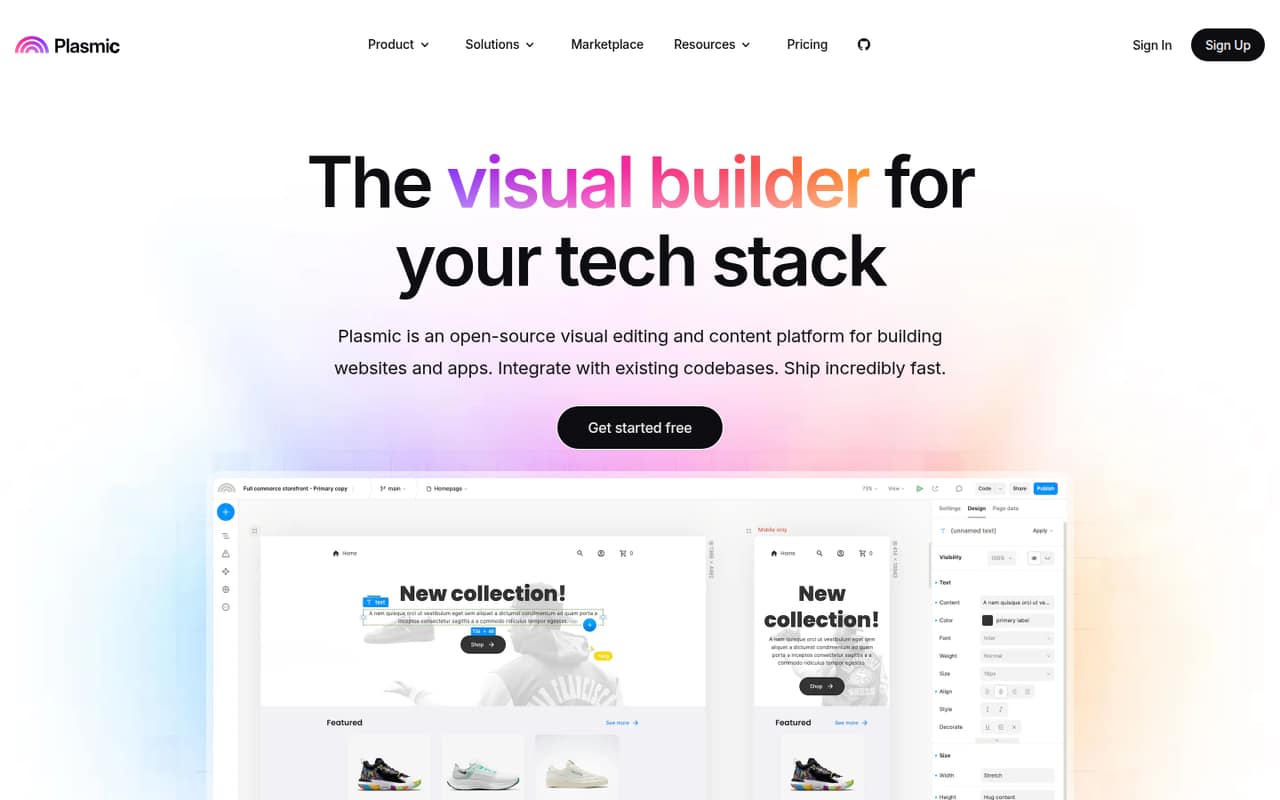
Plasmic is aimed at teams adding visual editing to React applications, building reusable page components and letting content teams publish within developer guardrails. It is listed as open source and self-hostable, with a $39 starting price and a free plan. That makes it worth evaluating when a visual editor should sit alongside an existing codebase rather than replace it.
What works
- Integrates with existing React components and design systems
- Connects to HTTP and GraphQL API endpoints
- Free plan includes unlimited projects and headless CMS
What doesn't
- License terms need confirmation before adoption
- Monthly billing prices are not published
- Production data errors are reported by a Reddit user
- Best for JavaScriptGadgetGadget
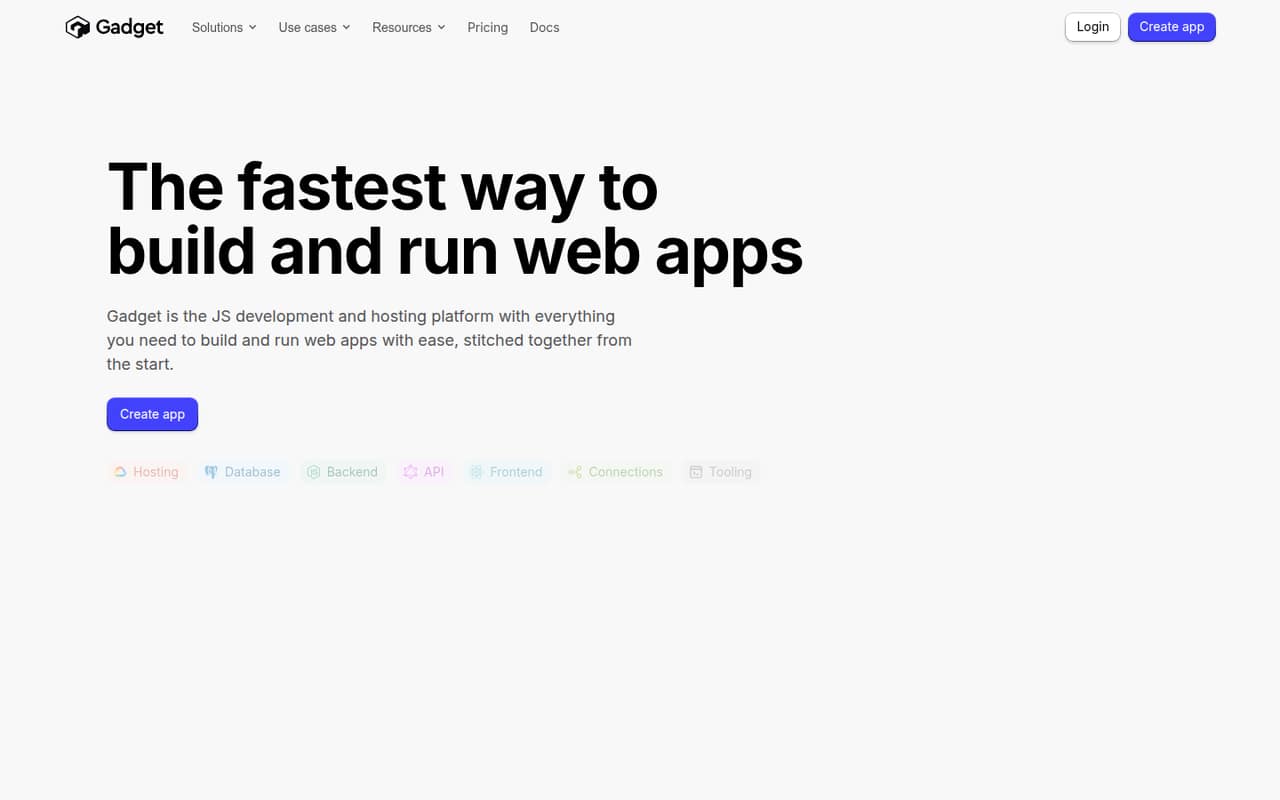
Gadget combines app development with managed hosting and a database in a JavaScript platform. Its stated use cases include Shopify and BigCommerce apps, which gives teams building for those ecosystems a specific reason to consider it. The listed starting price is $35 with a free plan. The trade-off is runtime dependence: check how application logic and data can be exported before committing.
What works
- Backend, database, frontend, API, and hosting in one platform
- Node.js actions support schedules and background jobs
- Built-in webhook handling and third-party API connections
What doesn't
- Hobby is limited to two seats and 10 CPU hours
- Pro and Premium charge for additional production environments
- Usage overage rates are not clearly established
- Best for governed toolsRetoolRetool
Retool targets internal operational apps, governed data access, and embedded or external apps. It is self-hostable, and the listed starting price is $5 with a free plan. Its stated trade-offs are rising costs and platform dependence as adoption grows. Teams should model the cost of wider usage and check deployment, data-access controls, and export options against their architecture.
What works
- Connects apps directly to production data sources
- Uses existing permissions for data access
- Includes authentication, access controls and audit logging
What doesn't
- Self-hosting is listed only on Enterprise
- Team and Business prices assume annual billing
- Workflow runs have plan limits and paid overages
- Best for enterprise appsOutSystemsOutSystems
OutSystems is positioned for governed enterprise apps, legacy modernization and internal workflows, with self-hosting listed as an option. The platform also covers agents, according to its stated positioning. Pricing is described as custom, with a free plan listed. Teams evaluating it should get a production quote and map migration and integration requirements before treating it as a long-term application foundation.
What works
- Visual, model-driven application development
- AI agent creation and coordination tools
- Guardrails, evaluations and monitoring for agents
What doesn't
- Production platform pricing is quote-based
- User and runtime additions can raise costs
- Self-hosting is an add-on option
- Best for modernizationMendix PlatformMendix Platform
Mendix targets teams modernizing business systems, departments building governed applications, and enterprises coordinating people and AI agents. It is self-hostable and has a free plan; its listed starting price is $918. That price makes production scoping important. Check the cost for your deployment and user needs, and validate integrations with the systems the application must keep working with.
What works
- Build apps, workflows and agents in one platform
- Visual review of logic and data
- Governance includes permissions, approvals and audit trails
What doesn't
- Standard and Premium exclude cloud compute costs
- Deployment options cost extra on paid plans
- Premium pricing requires a quote
- Best for database appsPHPRunnerPHPRunner
PHPRunner is intended for database-backed business apps and visual page design, with generated applications that buyers can host themselves. That hosting model may suit developers who want control over deployment rather than a vendor-hosted database product. No starting price is listed. Confirm the exact PHPRunner product, license terms, database support and generated-code maintenance model before adopting it.
What works
- Visual drag-and-drop page design
- Forms, search, reports, charts and dashboards
- Connects to several named database systems
What doesn't
- Homepage describes ASPRunner.NET, not PHPRunner
- No usage-based pricing or free plan is listed
- API, SDK and CLI support are not established

- Best for design-to-codeWaveMakerWaveMaker
WaveMaker combines AI-generated app code with visual editing and is positioned for web and mobile apps, Figma-led design-to-code workflows, and private deployment. It is self-hostable, but no starting price is listed. Ask for a quote and establish how generated code, integrations and deployment artifacts fit your existing build and release process before making it part of a production stack.
What works
- Agent, visual and editor modes in one studio
- Figma design-to-code with tokens and components
- Two-pass coding with human review
What doesn't
- Monthly and annual prices are not published
- Paid tiers require a custom sales quote
- Named SDKs, languages and protocols are not published
- Best for on-prem appsClaris FileMakerClaris FileMaker
Claris FileMaker is a practical option for replacing spreadsheet workflows with custom internal apps, including for organizations that need on-prem hosting. It is listed as self-hostable, with a starting price of $17.5. Its integration and migration fit are important checks: verify how existing data and workflows move in, and how you can retrieve them if the application later moves elsewhere.
What works
- Build apps around existing business workflows
- Cloud and on-prem hosting options
- Claris Connect supports workflow integrations
What doesn't
- No free plan
- Subscriptions are billed annually
- One-time Pro license does not include server hosting
- Best for field workflowsAlpha AnywhereAlpha Anywhere
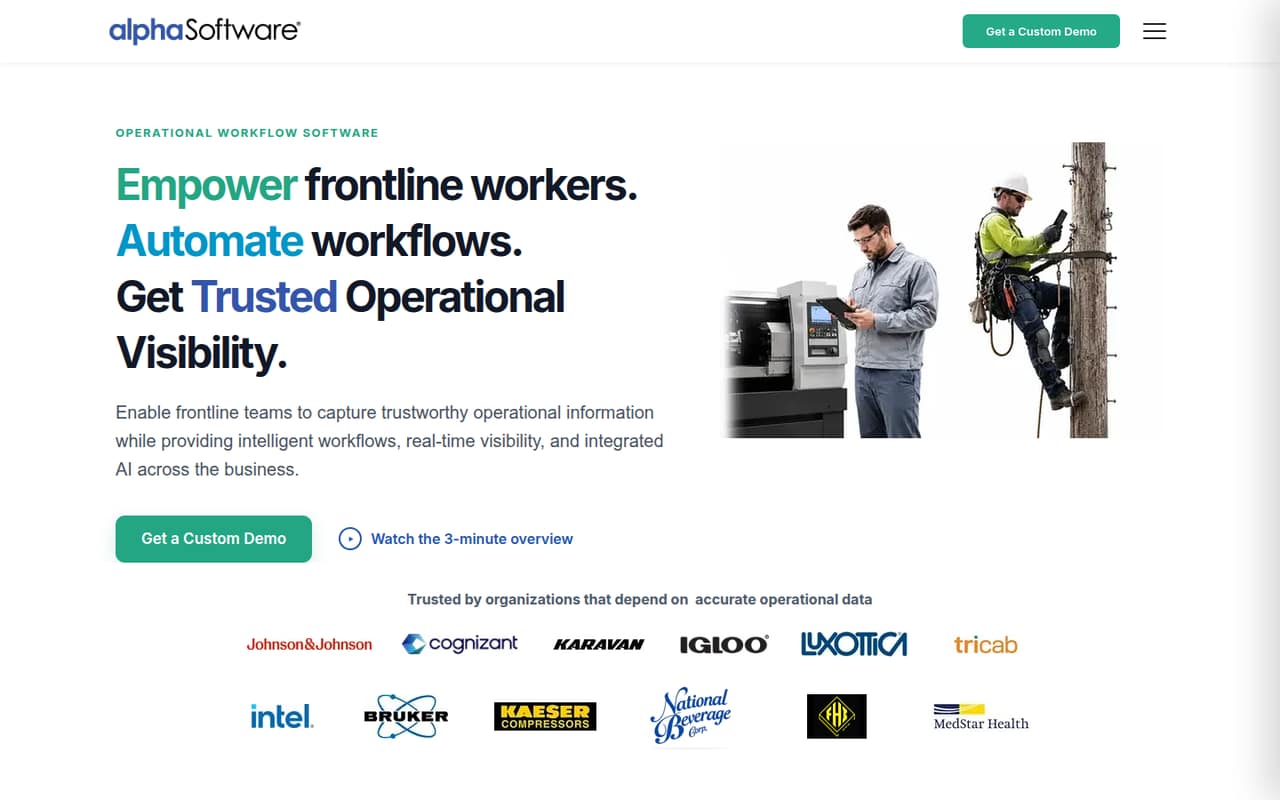
Alpha Anywhere is aimed at offline field inspections and data capture, operational approvals and workflow dashboards. Those use cases make it a candidate when apps must support field operations. It is not listed as open source or self-hostable, and no starting price is provided. Confirm pricing, offline behavior, developer interfaces and deployment terms against your specific workflow before choosing it.
What works
- Mobile forms support offline operational work
- Automates approvals, assignments, alerts, and escalations
- Dashboards and alerts surface operational activity
What doesn't
- Pricing page lists no prices or billing terms
- No free plan is listed
- No named SDKs or programming languages on the homepage
- Best for inspectionsTrackViaTrackVia
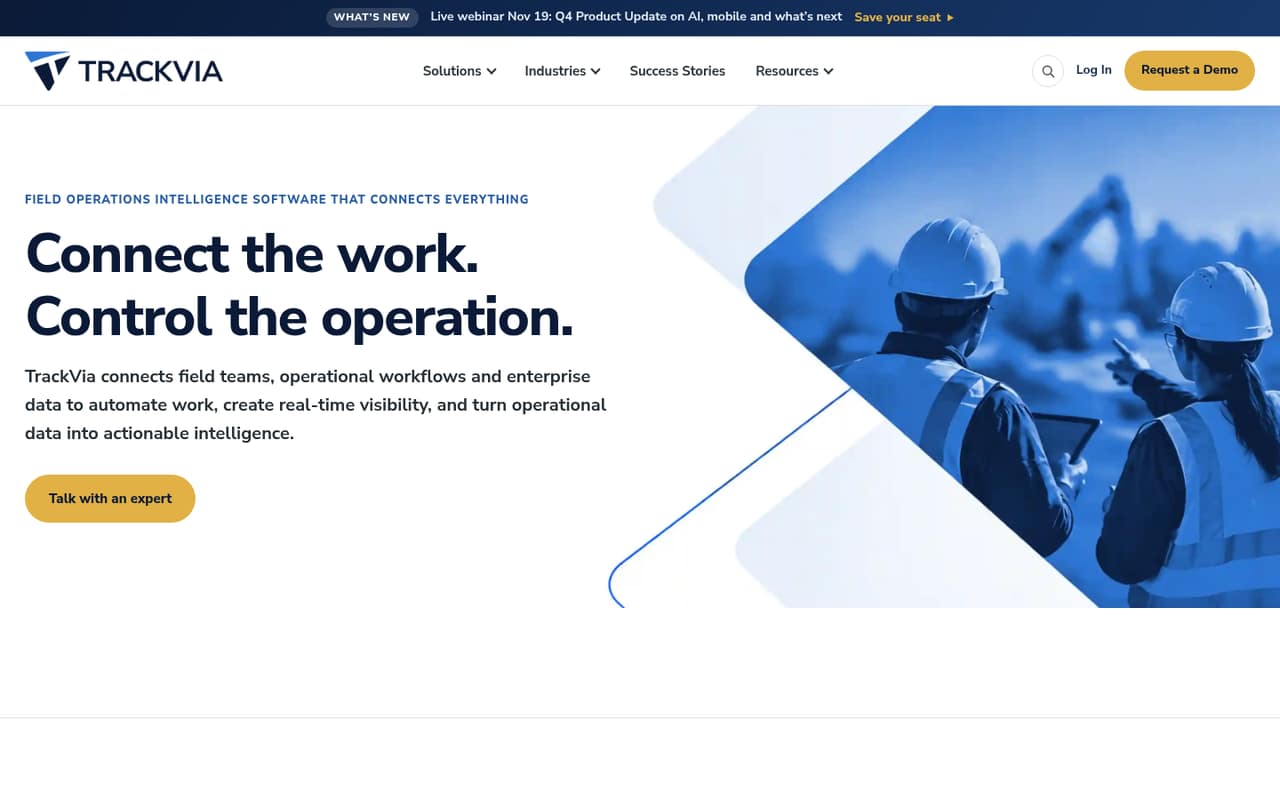
TrackVia focuses on field workflows, including inspections, spreadsheet replacement and configurable work orders. The listed starting price is $2,500, but confirm the billing basis and total cost for your deployment. Developer interfaces and deployment terms are important open questions for an engineering team. Request those details alongside a clear account of how data can be exported.
What works
- Low-code apps can be adjusted without a developer
- Mobile inspection checklists work online or offline
- Workflow automation connects jobs, assets and approvals
What doesn't
- Quick Start costs $2,500 monthly
- Business and Enterprise prices require contacting TrackVia
- Public API and SDK details are not named
- Best for small teamsTeamDeskTeamDesk
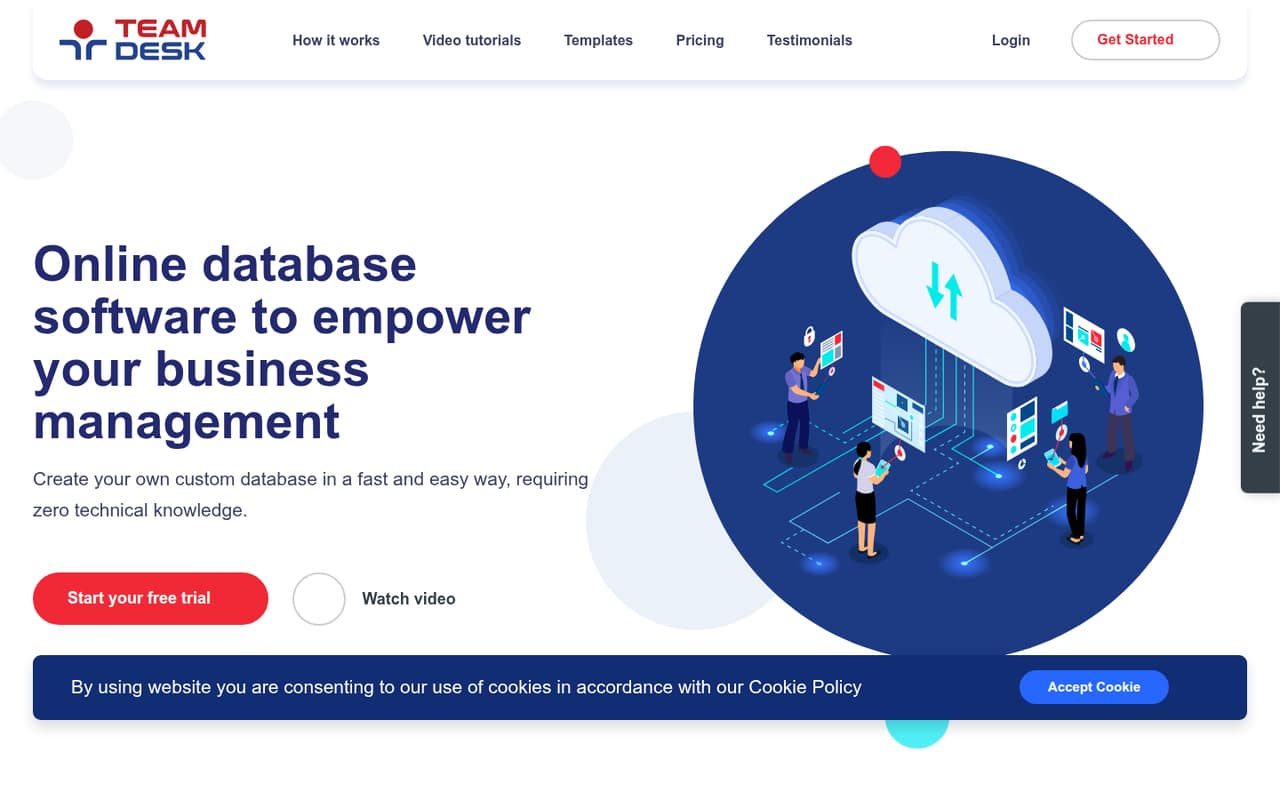
TeamDesk makes tailored database workflows accessible to small teams replacing spreadsheets, and is described as vendor-hosted database software. The listed starting price is $49. Before building business-critical workflows on it, verify the API capabilities your app needs and test the export path against your data model. The main trade-off to assess is how much control you need over hosting and migration.
What works
- Browser access across desktop and mobile devices
- Starter Edition includes unlimited records and storage
- No technical setup for hosting
What doesn't
- API and SDK support needs confirmation
- No annual prices are listed
- Extra Team Edition user-pack prices are not listed
- Best for ERP workNextworld PlatformNextworld Platform
Nextworld Platform is a hosted enterprise app and ERP platform aimed at legacy ERP modernization, internal business applications and modular ERP software. Its listed starting price is $4,166.67, with a free plan noted. The steep entry price and proprietary lock-in call for careful review. Ask about integration boundaries, data export and migration costs before making it a core business system.
What works
- Visual workbench combines data models, interfaces, logic, and apps
- Modular ERP covers finance, procurement, inventory, and manufacturing
- Integrates through REST APIs, database connections, and flat files
What doesn't
- Starter costs $4,166.67 per month when billed annually
- Additional AI-credit rate is not published
- Starter users and functional apps can cost extra

03How we chose
We ranked these platforms for engineering and technical teams, weighing fit with an existing codebase, stated API and developer-tool needs, documentation to verify, pricing and free-plan availability, and deployment choices. We give weight to open-source licensing and self-hosting where listed, while treating hosted runtimes and proprietary platforms as potential lock-in. Starting prices are not a substitute for a production estimate, so we flag cases where teams should confirm usage costs, billing terms or deployment fees. Reddit sentiment is a secondary signal to check for recurring integration, reliability or support concerns; we make no hands-on testing claims.
04Check integration and deployment before building
Start with the systems the app must read from and write to. Ask whether the platform supports the required APIs, authentication methods, data sources and event flows, and whether those capabilities are available on the plan you expect to use. Review the vendor’s SDKs, API references and deployment documentation before choosing a platform; a connector in a demo is not proof that it supports your production requirements.
Then map where the application runs and who operates it. Self-hosting can give your team more deployment control, but it also makes infrastructure and upgrades part of the decision. For hosted platforms, confirm the regions, release process and operational responsibilities that matter to your organization. If generated code or visual components enter your repository, establish how developers review changes, test them and roll them back. Ask for a working export of both application logic and data before a production commitment.
05Model production costs and exit paths
Treat a listed starting price as an entry point, not a production forecast. Ask the vendor to price the users, applications, environments, integrations and deployment model you plan to use. Confirm what the free plan permits, which features require a paid tier, and whether usage-based charges apply to data, API calls or other resources. Get the billing interval and any minimum commitment in writing rather than comparing headline prices alone.
Also plan for a future move. Check whether you can export application code, schemas, files and audit data in usable formats, and whether those exports include the logic your team would need to maintain the app elsewhere. Open-source licensing and self-hosting can affect control, but neither automatically guarantees a simple migration. Read the license, ask about platform-specific dependencies and test an exit path with a small app before relying on the platform for a critical workflow.
Questions people ask
Which low-code platform is best for developer teams?
Appsmith is our overall pick for teams seeking an open-source, self-hostable internal-tools platform with JavaScript control and Git-based deployment. Plasmic is a better fit when the goal is visual editing inside React apps; Gadget suits JavaScript teams willing to use its managed runtime.
Does a free plan mean production use is free?
No. A free plan is an evaluation or entry option, not a guarantee that production use has no cost. Check user, app, deployment and usage limits with the vendor, and get a quote based on your expected workload before choosing a platform.
Should we choose an open-source or self-hosted platform?
Choose based on your need for deployment control, code access and operational ownership. Open source and self-hosting are distinct considerations: verify the license, what you can run yourself, who handles upgrades, and whether application data and logic can be exported.
How can we reduce low-code vendor lock-in?
Before building a critical workflow, ask for exports of application logic and data, identify dependencies on vendor-specific runtimes or components, and check API access. Build a small proof of concept that exercises your required integrations and confirms an exit path.