
We may earn a commission if you buy through links on this page. It never changes a score or a ranking. How we make money
The bottom line
Gadget combines app development and hosting in one JavaScript platform, but ties your app to its runtime.
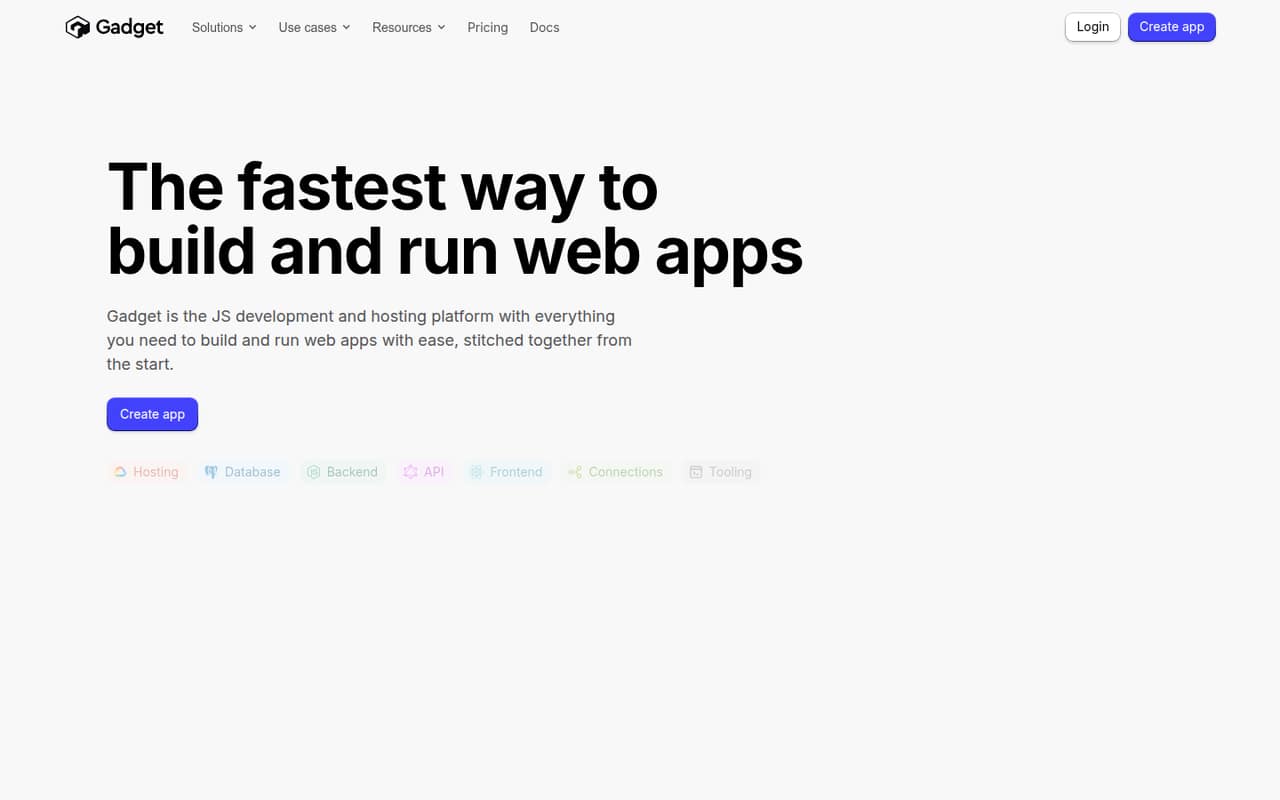
Gadget is a hosted JavaScript development and hosting platform with a backend, PostgreSQL database, API, React frontend, integrations, and deployment tooling. It offers a cloud IDE and local tools, plus an AI assistant that works with app context.
The integrated stack suits teams that want to build without assembling separate backend and hosting services. Hobby is free, but production teams should budget for plan limits, extra environments, storage, and compute. Enterprise offers GCP or AWS infrastructure, not a documented self-hosted Gadget server.
Good fit if
- JavaScript teams building full-stack apps
- Shopify and BigCommerce app developers
- Teams wanting managed hosting and database
Skip it if
- Teams requiring a self-hosted platform
- Projects needing published request-rate limits
- Apps that must avoid platform dependence
ScoresHow it rates
What works
- Backend, database, frontend, API, and hosting in one platform
- Node.js actions support schedules and background jobs
- Built-in webhook handling and third-party API connections
- Generated APIs include client libraries and project-specific docs
- Free Hobby plan includes one production environment
What doesn't
- Hobby is limited to two seats and 10 CPU hours
- Pro and Premium charge for additional production environments
- Usage overage rates are not clearly established
- No published self-hostable Gadget server or source licence
- Migration and data-export options need confirmation
01What Gadget is, technically
Gadget is a hosted JavaScript development and hosting platform, not a standalone library or database. It puts a managed backend, PostgreSQL database, generated API, React frontend, integrations, and deployment tools in one app environment. The platform also includes a cloud IDE and can be used with local tools.
The architectural trade-off is integration against Gadget’s managed runtime instead of assembling separate services for application logic, data, and hosting. You create database tables and Node.js backend actions, connect APIs, build a React interface, then deploy the app through Gadget. The database has a spreadsheet-style record editor and rich field types, while backend actions can run on schedules or as background jobs. Gadget says projects start with PostgreSQL and that hosting runs on Google Cloud. This setup can reduce infrastructure work for JavaScript teams, but it makes the platform a central dependency in the application stack.
02Gadget API, SDKs and docs
Gadget generates typesafe APIs and client libraries for each backend and database, with project-specific documentation and code samples. Its homepage also provides JavaScript and GraphQL playgrounds for testing APIs and actions. Backend behavior runs in a real Node.js environment, and the platform supports scheduled actions, background jobs, and built-in webhook handlers.
For development, Gadget offers a cloud IDE or local tools, Git source control, scriptable CLI commands, logs with search and filtering, and live previews for React frontends. The product page names JavaScript, Node.js, React, and GraphQL playgrounds; it does not identify a specific SDK language list or API protocol for every generated endpoint. Confirm SDK support and API compatibility in Gadget’s docs before choosing a client stack. Integrations include third-party API connectors, two-way data syncs, and stated use cases for Shopify and BigCommerce apps. The platform also lists built-in auth and Stripe billing features.
03Gadget pricing for developers
Hobby costs $0 per month and includes two seats, unlimited development environments, one production environment, 10 CPU hours, and 0.5 GB of data storage. Pro is $35 per month for up to 10 seats, 30 CPU hours, and 3 GB of storage. Premium costs $350 per month for up to 25 seats, 150 CPU hours, and 15 GB. Both paid plans include one production environment; each additional one costs $10 per month. Enterprise has custom pricing and lists GCP or AWS infrastructure, cost-plus hosting, and performance and support SLAs.
The bill can also grow through add-ons: additional data storage is $1.50/GB per month, search storage is $0.15/GB per month, and AI assistant credits cost $25 per 100. The pricing page lists DB read compute at $0.60/TB and write compute at $1.50/GB. No cold starts is listed at $10, Smart CDN at $20, and Execution capacity at $25; confirm their billing intervals and included capacity. Ask how CPU-hour overages are billed before production. Monthly prices are listed; annual billing is not.
04Gadget: open source, self-hosting and lock-in
Gadget is offered as a hosted platform. Its pricing page gives Enterprise customers the option to bring their own GCP or AWS cloud, but that is not the same as a documented self-hostable Gadget server. The vendor doesn’t publish a source licence or a self-hostable server offering.
The platform starts projects with PostgreSQL, which may make the underlying database familiar to developers. However, generated APIs, actions, integrations, deployment, and other tooling are part of Gadget’s environment. The vendor doesn’t publish a data-export or migration procedure on the vendor's site. Before committing, ask how to export database records, schemas, files, and configuration, and whether generated application code can run outside Gadget. Treat a migration as an application rewrite risk until those details are confirmed.
05Gadget in production
Gadget says it hosts apps on Google Cloud, monitors infrastructure around the clock, and provides 99.99% uptime. It also describes serverless hosting at every tier, database auto-indexing, and infrastructure designed for high throughput. These are vendor claims, not a substitute for checking the service status, incident history, and terms that apply to your plan.
Plan capacity matters: Hobby includes 10 CPU hours and 0.5 GB of storage; Pro includes 30 CPU hours and 3 GB; Premium includes 150 CPU hours and 15 GB. Additional storage and database compute have listed prices, but confirm the billing treatment when included capacity runs out. The vendor doesn’t publish request-rate limits in the stated plan details, so ask about API, webhook, and background-job limits for your workload. Also review backup and restore procedures, data residency, security controls, and compliance evidence before storing production data. Enterprise lists performance and support SLAs; other plan-specific SLA terms should be confirmed.
Questions people ask
What is Gadget used for?
Gadget is a JavaScript development and hosting platform for building web apps. It combines a hosted backend, PostgreSQL database, generated API, React frontend, integrations, and deployment tools. Its stated use cases include Shopify and BigCommerce apps, internal tools, API integrations, and public SaaS products.
What languages and frameworks does Gadget support?
The product identifies JavaScript, Node.js, and React. Backend actions run in Node.js, and Gadget provides React frontend tooling. It also has JavaScript and GraphQL playgrounds. Check Gadget’s docs for the SDKs and client-library languages available for your specific project.
Can I build Shopify apps with Gadget?
Yes. Gadget lists custom or public Shopify apps as a use case and includes Shopify app templates and tutorials on its homepage. It also names BigCommerce apps as a use case. Check the current docs for the platform-specific setup and integration steps your app requires.
What are Gadget’s main production limits?
Plan limits include seats, CPU hours, data storage, and production environments. Hobby has two seats, 10 CPU hours, 0.5 GB of storage, and one production environment. Pro and Premium include more CPU and storage, with additional production environments priced at $10 each per month.
Can I self-host Gadget or move an app away?
Gadget offers Enterprise customers a bring-your-own-cloud option for GCP or AWS, but that does not establish that the Gadget platform itself can be self-hosted. Ask the vendor about source availability, data exports, and migration procedures before building around platform-specific APIs and actions.