
We may earn a commission if you buy through links on this page. It never changes a score or a ranking. How we make money
The bottom line
Field workflow depth is clear; developer interfaces, deployment terms and total cost need confirmation.
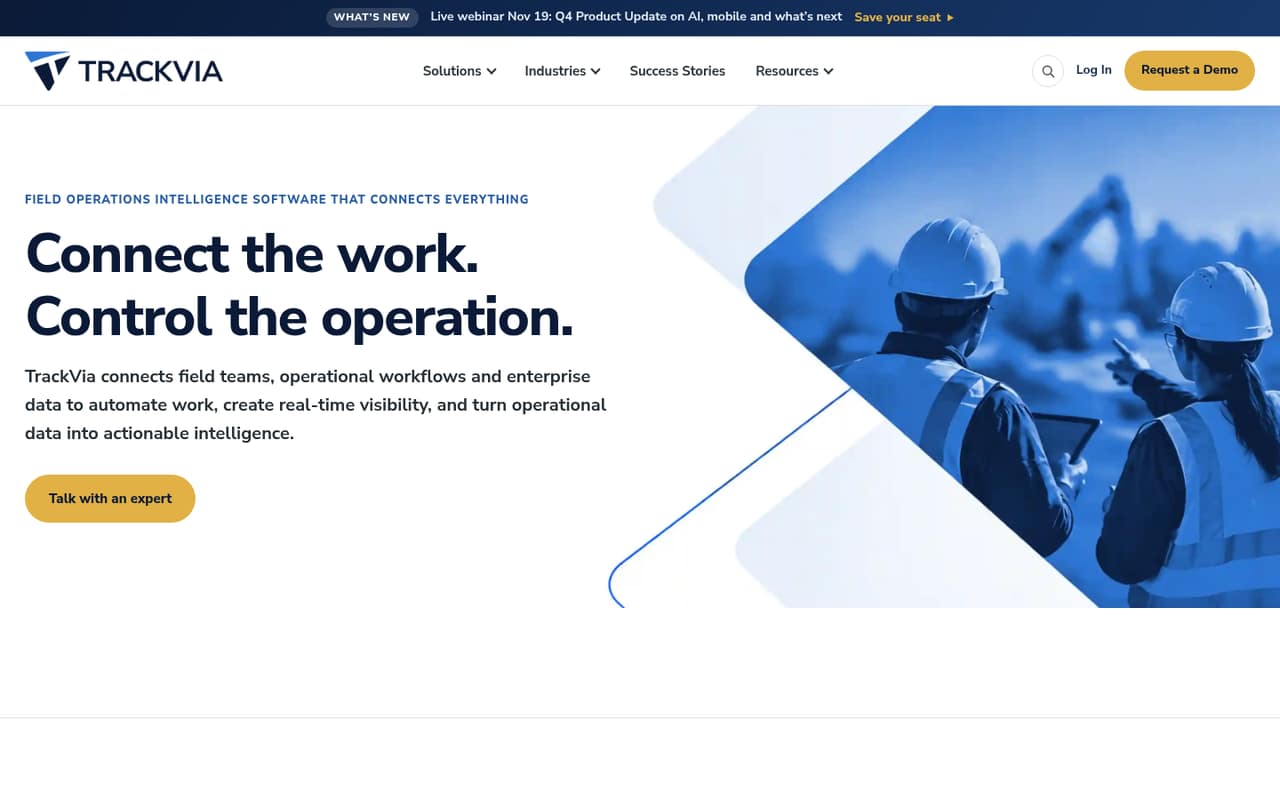
TrackVia is a configurable low-code platform for field operations: teams can build apps, automate work, use mobile checklists online or offline, and view operational activity. Its AI features connect assistants through TrackVia MCP and answer questions in the product through IRIS.
Quick Start costs $2,500 per month for one admin and five users. Business and Enterprise pricing requires contacting TrackVia. The platform may suit operations teams replacing fragmented processes, but developers should confirm API access, rate limits, deployment, data export and production commitments before choosing it.
Good fit if
- Field teams standardizing inspections
- Operations replacing spreadsheet workflows
- Organizations needing configurable work orders
Skip it if
- Developers seeking a public SDK
- Small teams with tight budgets
- Projects requiring self-hosted software
ScoresHow it rates
What works
- Low-code apps can be adjusted without a developer
- Mobile inspection checklists work online or offline
- Workflow automation connects jobs, assets and approvals
- Business plan includes TrackVia Integrations
- MCP connects to named AI assistants
What doesn't
- Quick Start costs $2,500 monthly
- Business and Enterprise prices require contacting TrackVia
- Public API and SDK details are not named
- Rate limits and overage costs are unpublished
- License, self-hosting and export terms need confirmation
01What TrackVia is, technically
TrackVia is a configurable low-code application platform for field operations. It sits above an organization’s existing operational data and processes, giving teams a place to build apps, automate workflows, collect field updates and report on activity. It is not presented as a developer library or command-line tool; the product is a platform used to configure operational applications.
The vendor describes modules for work orders, crew and vendor management, assets, safety, inventory, inspections and preventive maintenance. Teams can connect field work to jobs, assets and approvals, and use mobile inspection checklists online or offline. TrackVia also positions AI as part of the application layer: MCP connects supported AI assistants to build or update apps, while IRIS answers natural-language questions inside TrackVia.
This puts TrackVia between field staff and operational systems, rather than making it a general-purpose backend. Buyers should establish how it connects to their systems of record and whether its data model fits their workflows before moving core processes into it.
02TrackVia API, SDKs and docs
The vendor names TrackVia MCP as an integration surface: it connects Claude, ChatGPT, Copilot or Gemini so users can build or update operational applications. The homepage also identifies TrackVia Integrations on the Business plan and lists integration-platform access such as Zapier and Workato as an add-on. It does not name a public REST API, SDK, supported programming language, CLI, webhook or plugin.
That leaves the developer integration path unclear from the named surfaces. Before designing a code-level connection, ask TrackVia for its API reference, authentication model, supported SDKs and languages, webhook support, rate limits and sandbox options. Confirm whether MCP is intended for application building, runtime data access, or both, and what permissions it requires. The vendor’s product positioning describes low-code app building and integrations, but does not establish a general-purpose developer API contract. Ask for the relevant docs and a representative integration example before estimating implementation effort.
03TrackVia pricing for developers
TrackVia has no listed free plan. The pricing information lists Quick Start at $2,500 per month, with one admin, five users, unlimited applications, storage and records, standard support, and one TrackVia University student. Annual pricing is not published, and the trial duration is not published.
Business includes two admins, 10 users, unlimited applications, storage and records, TrackVia Integrations, and two University students; its price requires contacting TrackVia. Enterprise lists three admins, 30 users, unlimited applications, storage and records, premium dedicated support, and three students. Its price also requires contacting TrackVia.
The listed plans price by month and user allocation, not by API calls or compute. But the vendor does not publish rates for additional users or admins, integration-platform access such as Zapier and Workato, or overages. Ask for a quote that covers your expected seats, integrations, support and expansion costs. Unlimited records and storage are listed, but do not assume that means unlimited API requests or other usage.
04TrackVia: open source, self-hosting and lock-in
TrackVia is sold as a commercial platform with monthly plan tiers. The vendor does not publish an open-source license or a self-hosting option in the available product and pricing information, so treat it as a managed vendor platform unless TrackVia confirms otherwise in writing. Ask whether your contract includes source access, a deployment choice or any right to run the software outside TrackVia’s environment.
Data export formats, export procedures and associated fees are not published. Confirm which records, attachments, workflow definitions and audit history can be exported, and whether the export is usable outside TrackVia. The low-code apps and workflows may encode business rules that need rebuilding in another system, creating migration work even if data is exportable. Get an exit plan and sample export before moving critical operations onto the platform.
05TrackVia in production
The listed plans include unlimited applications, storage and records, but the vendor does not publish API rate limits, request quotas, uptime commitments or scaling thresholds in the pricing information. Ask for the service-level agreement, backup and recovery terms, security documentation, compliance attestations and support response targets that apply to your plan. For offline field work, confirm how sync conflicts, failed submissions and device loss are handled. That is not evidence for or against the platform. Before relying on TrackVia for operational records, test the workflows that matter in a representative rollout and get written answers on data export, integration limits, mobile behavior and incident support. The pricing page lists standard support on Quick Start and premium dedicated support on Enterprise.
From the threadsWhat users say
The available Reddit discussion provides little evidence about user sentiment: one person asks for peer views while considering a client project, and the thread has no replies.
Anyone use TrackVia? Thoughts?
A client has started using it
whether it's worth my time
to get involved with this project
Questions people ask
How much does TrackVia cost?
Quick Start is listed at $2,500 per month for one admin and five users. Business and Enterprise require contacting TrackVia for pricing. Annual pricing is not published. Ask for a quote covering additional users, integrations and any overage charges before budgeting a deployment.
Does TrackVia offer a free plan or trial?
TrackVia has no listed free plan. A trial is listed, but its duration is not published. Ask TrackVia whether a trial is available for your intended use case, what features it includes, and whether any data or apps created during the trial can be retained.
Can developers access a TrackVia API or SDK?
The vendor names TrackVia MCP, TrackVia Integrations, and integration-platform access such as Zapier and Workato. It does not name a public REST API, SDK, supported programming language or CLI. Ask TrackVia for current developer documentation, authentication details, rate limits and supported integration methods.
Can TrackVia be self-hosted?
The vendor’s public product and pricing information does not publish a self-hosting option or open-source license. Treat TrackVia as a managed commercial platform unless the vendor confirms another deployment model in writing. Ask about hosting, data residency and contractual control of your records.
Can I use TrackVia offline?
The vendor says mobile inspection checklists can be used online or offline. Confirm which other mobile workflows support offline use, how updates sync when a device reconnects, and how the app handles conflicting edits or failed submissions before relying on it in low-connectivity locations.