We may earn a commission if you buy through links on this page. It never changes a score or a ranking. How we make money
Visual Studio Code is our best overall pick for teams that want a free editor they can extend for different languages. For Python, compare PyCharm’s built-in debugging with Spyder’s interactive data tools. Coder and Gitpod suit teams standardizing development environments, while VSCodium is an open-source VS Code build with telemetry disabled. The right choice depends on your stack and where code runs: on a developer’s machine, in a browser, or on infrastructure your organization controls. Check licensing, integration requirements and the full cost of team use before standardizing.
Quick picksThe shortlist
 Visual Studio CodeVisual Studio CodeBest overall · Free
 CoderCoderBest self-hosted · Free
 VSCodiumVSCodiumBest open-source editor · Free
 PyCharmPyCharmBest for Python · $10.90/mo
 Visual StudioVisual StudioBest for .NET teams · $45/mo
 IntelliJ IDEAIntelliJ IDEABest for Java · $16.58/mo
- GitpodGitpodBest cloud workspaces · $20/mo
 SpyderSpyderBest for scientific Python · Free
 Apache NetBeansApache NetBeansBest free Java IDE · Free
 Sublime TextSublime TextBest focused editor · $5.42/mo
01Compared at a glance
| Tool | Score | From | Free plan | Trial |
|---|---|---|---|---|
| Visual Studio CodeVisual Studio Code | 7.6 | Free | Yes | — |
| CoderCoder | 6.8 | Free | Yes | — |
| VSCodiumVSCodium | 7.5 | Free | Yes | — |
| PyCharmPyCharm | 8.0 | $10.90/mo | Yes | 30 days |
| Visual StudioVisual Studio | 8.2 | $45/mo | Yes | — |
| IntelliJ IDEAIntelliJ IDEA | 8.3 | $16.58/mo | Yes | 30 days |
| GitpodGitpod | 7.3 | $20/mo | Yes | — |
| SpyderSpyder | 7.6 | Free | Yes | — |
| Apache NetBeansApache NetBeans | 8.0 | Free | Yes | — |
| Sublime TextSublime Text | 7.8 | $5.42/mo | No | Yes |
02The picks, in detail
- Best overallVisual Studio CodeVisual Studio Code
Visual Studio Code is a free desktop editor for three platforms, with language support published through extensions. That makes it a flexible starting point for teams working across web stacks without committing to a paid IDE. Check that the extensions your team depends on meet your security and support requirements before rolling out a shared configuration.
What works
- Free download with a listed price of $0
- Runs on Windows, macOS, and Linux
- Extensions support just about any programming language
What doesn't
- VS Code-specific API and SDK details are unclear
- Extension quality and support can vary
- No published usage limits or paid tiers

- Best self-hostedCoderCoder
Coder puts development workspaces and AI agents on infrastructure your organization controls. That makes it a fit for teams with requirements around where development environments run or how AI agents are governed. It has a free plan and is listed as self-hostable; confirm deployment, integration and support requirements with the vendor before adopting it.
What works
- Self-hosted workspaces run on infrastructure you control
- Community includes unlimited self-hosted workspaces
- Community includes unlimited Agent Hours
What doesn't
- Premium and AI Premium prices require a custom quote
- Community seat limit is not published
- Agent concurrency is capped at five on Community and Premium

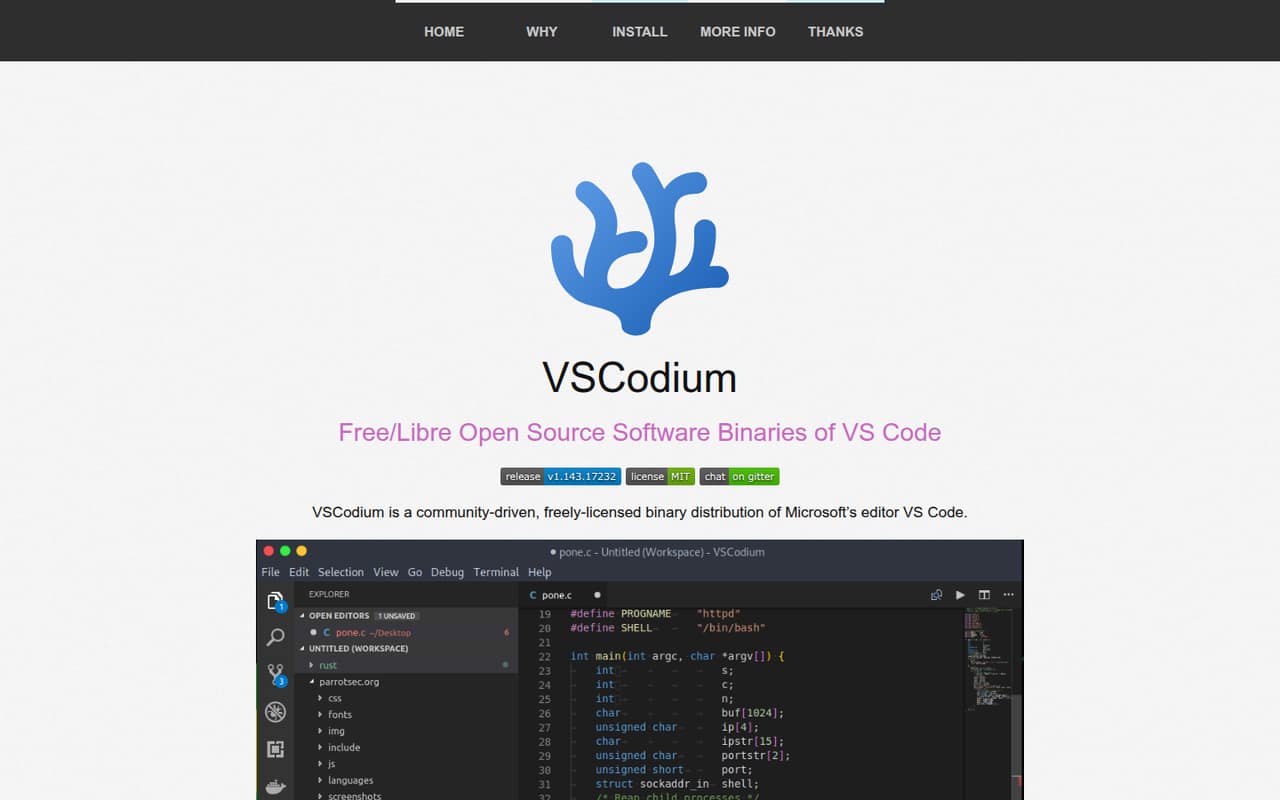
- Best open-source editorVSCodiumVSCodium
VSCodium is a free, MIT-licensed build of VS Code with telemetry disabled. It suits teams that want an open-source editor binary and users who prefer installing through a package manager. Its main qualification is extension compatibility: verify that the extensions your developers need work in VSCodium before making it the team standard.
What works
- Free, with no published commercial tiers
- Published binaries are MIT-licensed
- Telemetry is disabled in published binaries
What doesn't
- Uses Microsoft’s VS Code source code
- Extension availability may require manual work
- Marketplace workarounds can need reapplying after updates
- Best for PythonPyCharmPyCharm
PyCharm is a Python-focused IDE with built-in debugging and a free core. It fits application teams that want more integrated tooling than a basic editor, while its paid Pro seats add a licensing decision for commercial use. Its listed starting price is $10.9. Reports of slowdowns make it worth validating performance with your project and plugins.
What works
- Run, debug and test without leaving the IDE
- Code-aware navigation and contextual suggestions
- Free Community Edition with Apache 2.0 license
What doesn't
- Pro requires a recurring subscription
- No published seat overage cost
- Free tier is described as core features

- Best for .NET teamsVisual StudioVisual Studio
Visual Studio is a Windows IDE suited to .NET teams and C++ developers who want its debugger. The free Community edition gives teams a no-cost option to evaluate, while paid team subscriptions are available. The listed starting price is $45. Check edition eligibility and subscription terms against your organization’s use before standardizing.
What works
- Integrated debugger, testing, and IntelliSense
- Git and GitHub Actions integration
- Free Community edition for .NET and C++
What doesn't
- Visual Studio runs on Windows
- Community eligibility and use terms need review
- Renewal rates are higher than first-year prices

- Best for JavaIntelliJ IDEAIntelliJ IDEA
IntelliJ IDEA targets Java and Kotlin development, with integrated debugging and IDE-based testing among its strengths. It is a strong fit for teams that want those workflows in a desktop IDE. A free plan is available, and the listed starting price is $16.58; commercial work is priced per user, so account for seat count.
What works
- Built for Java and Kotlin development
- Code-aware navigation and relevant suggestions
- Run, debug and test without leaving the IDE
What doesn't
- Commercial organization pricing is per user
- Free-tier seat and usage limits are not published
- The homepage does not detail APIs or SDKs

- Best cloud workspaces
GitpodGitpod
Gitpod provides repository-driven cloud development environments, with prebuilds and private deployments among its use cases. It is listed as open source and self-hostable, making it an option for teams that want to govern their environment or deployment. Its free plan and listed starting price of $20 are worth comparing with expected compute costs.
What works
- Workspace configuration can live with the repository
- Prebuilds prepare code and dependencies ahead of use
- Browser, desktop IDE and SSH access
What doesn't
- Core compute is billed separately from the monthly plan
- Public API, SDK and language details need confirmation
- Free plan limits parallel environments and workspace resources

- Best for scientific PythonSpyderSpyder
Spyder is a free, open-source Python desktop IDE that brings code, interactive execution and data inspection into one workspace. It fits research and data-analysis workflows where inspecting variables and plots matters. Its desktop model may not suit teams that need centrally managed cloud workspaces, so check how it fits your environment and collaboration needs.
What works
- Free and MIT-licensed
- Combines editing, execution, debugging and profiling
- Variable Explorer supports NumPy and Pandas data
What doesn't
- No published usage-based pricing or paid tiers
- Not a hosted API or cloud IDE
- No SDK catalog is presented

- Best free Java IDEApache NetBeansApache NetBeans
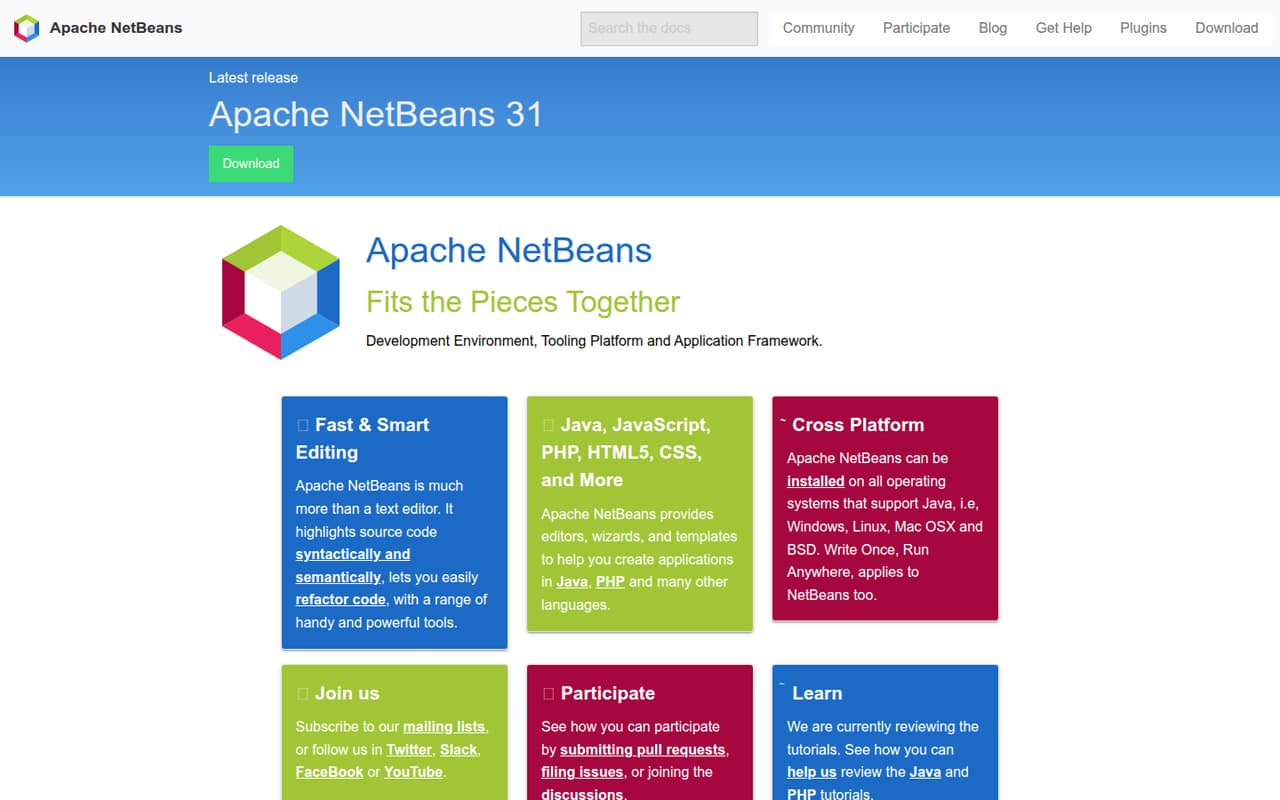
Apache NetBeans is a free, open-source IDE for Java and other supported languages, with built-in refactoring. It is a practical candidate for Java teams that want a desktop IDE without a paid seat price. Check release compatibility with your toolchain before rollout; the vendor’s release schedule and your project dependencies need to align.
What works
- Free and open source under Apache License 2.0
- Editors for Java, JavaScript, PHP, HTML5 and CSS
- Syntax and semantic highlighting with refactoring tools
What doesn't
- No usage-based pricing or paid support options are listed
- The homepage does not present a separate SDK or CLI
- Release compatibility with newer JDKs can require upgrades
- Best focused editorSublime TextSublime Text
Sublime Text is a focused desktop editor with a Python plugin API and no usage-based bill. It suits developers who want a code editor rather than a full IDE and need to work across platforms. The listed starting price is $5.42, with no free plan listed; confirm the license terms and required plugins for team use.
What works
- Runs on Windows, Mac and Linux
- Project-aware completions link to definitions
- Multiple selections support quick edits
What doesn't
- Personal use costs $99
- Business licensing is annual and per seat
- No free plan; evaluation has no time limit
03How we chose
We ranked tools by how well they fit real development workflows and team decisions: documented API and SDK coverage, the quality of integration documentation, free-tier limits, and the cost of adding users or compute. We also considered open-source licenses, self-hosting and control over development environments. Reported user sentiment, including slowdown reports, counted as a reason to validate performance rather than as a benchmark. A low entry price alone did not determine rank; we considered stack fit and the operational cost of standardizing on a tool.
04Check integration, licensing and full cost
Start with the work the tool must support: languages, build systems, debugging, testing and the extensions or plugins your team already relies on. Read the vendor’s docs for its API and SDK coverage, authentication model and supported integrations; do not assume an editor’s extension ecosystem guarantees compatibility with every workflow. Then check the license and the terms for commercial or team use. A free plan may be enough for individual evaluation but not for an organization’s rollout. Compare the listed starting price with the actual billing unit, seat count and any compute charges. Ask the vendor about billing periods and limits where those terms are unclear. For cloud environments, include workspace and VM capacity in the cost estimate. For self-hosted options, budget for the infrastructure and operational work your team will own.
05Choose where the development environment runs
A desktop IDE keeps development local; a cloud workspace puts more of the environment under a team’s control. Decide whether developers need local editing, browser access, centrally configured workspaces or private deployments before you compare products. Coder is designed for workspaces and AI agents on infrastructure an organization controls. Gitpod offers repository-driven cloud environments and prebuilds, and is listed as self-hostable. Those deployment models can help standardize setup, but they also make infrastructure, access controls and maintenance part of the decision. For desktop tools, check operating-system support and whether required extensions are available. For any tool, test a representative project and document the setup your team will support. Confirm data export and exit options with the vendor before storing important project configuration or relying on a hosted environment.
Questions people ask
What is the 80/20 rule in coding?
It is a way to prioritize: identify the small set of tasks, defects or improvements that account for most of the value, and address those first. Treat it as a planning heuristic, not a measured rule for every codebase. Use project data and user impact to decide what matters.
What is the best IDE code editor for Python?
PyCharm is our pick for Python application development when built-in debugging is important; it also has a free core and paid Pro seats. Spyder is a free, open-source desktop option for scientific Python, interactive execution and data inspection. Choose based on your workflow, then check project and plugin compatibility.
Is Xcode or VS Code better?
Choose based on the platform and workflow you need to support. VS Code is a free desktop editor with language support published through extensions. Before deciding, verify that the editor and its integrations support your target platforms, build process and team requirements. We do not rank Xcode in this guide.
What are the common features of an IDE?
Common IDE workflows include editing code, navigating a project, debugging and managing development tasks. The combination varies by product: some tools focus on editing and extensions, while others provide a language-focused environment with built-in debugging or testing. Check the features against your stack rather than relying on the IDE label.