We may earn a commission if you buy through links on this page. It never changes a score or a ranking. How we make money
For technical teams, the best AI app builder is not just the one that makes a screen from a prompt. It is the one that gives you a path to inspect, export and run the result, and a clear way to estimate costs before production. Dyad ranks first for its open-source approach, local project files and model choice. FlutterFlow is a stronger fit for Flutter projects, while Replit and v0 offer hosted routes for quick prototypes. Treat every listed starting price as a baseline, not a forecast of real usage.
Quick picksThe shortlist
 DyadDyadBest overall · $20/mo
 FlutterFlowFlutterFlowBest for Flutter · $29/mo
 ReplitReplitBest hosted workspace · $20/mo
 v0v0Best for Vercel · $30/mo
 EmergentEmergentBest self-hostable prototype · $17/mo
 BubbleBubbleBest visual workflows · $29/mo
 Bolt.newBolt.newBest chat prototyping · $25/mo
 LovableLovableBest managed prototypes · $21/mo
 Base44Base44Best hosted small apps · $16/mo
 SoftrSoftrBest for portals · $19/mo
 GlideGlideBest for spreadsheet apps · $25/mo
 RorkRorkBest mobile prototypes · $20/mo
 Hostinger HorizonsHostinger HorizonsBest for simple websites · $6.99/mo
01Compared at a glance
| Tool | Score | From | Free plan | Trial |
|---|---|---|---|---|
| DyadDyad | 7.8 | $20/mo | Yes | — |
| FlutterFlowFlutterFlow | 7.0 | $29/mo | Yes | — |
| ReplitReplit | 6.8 | $20/mo | Yes | — |
| v0v0 | 6.5 | $30/mo | Yes | — |
| EmergentEmergent | 5.8 | $17/mo | Yes | — |
| BubbleBubble | 6.8 | $29/mo | Yes | 14 days |
| Bolt.newBolt.new | 6.3 | $25/mo | Yes | — |
| LovableLovable | 6.2 | $21/mo | Yes | — |
| Base44Base44 | 6.5 | $16/mo | Yes | — |
| SoftrSoftr | 6.8 | $19/mo | Yes | Yes |
| GlideGlide | 6.5 | $25/mo | Yes | — |
| RorkRork | 5.8 | $20/mo | Yes | — |
| Hostinger HorizonsHostinger Horizons | 4.8 | $6.99/mo | No | — |
02The picks, in detail
- Best overallDyadDyad
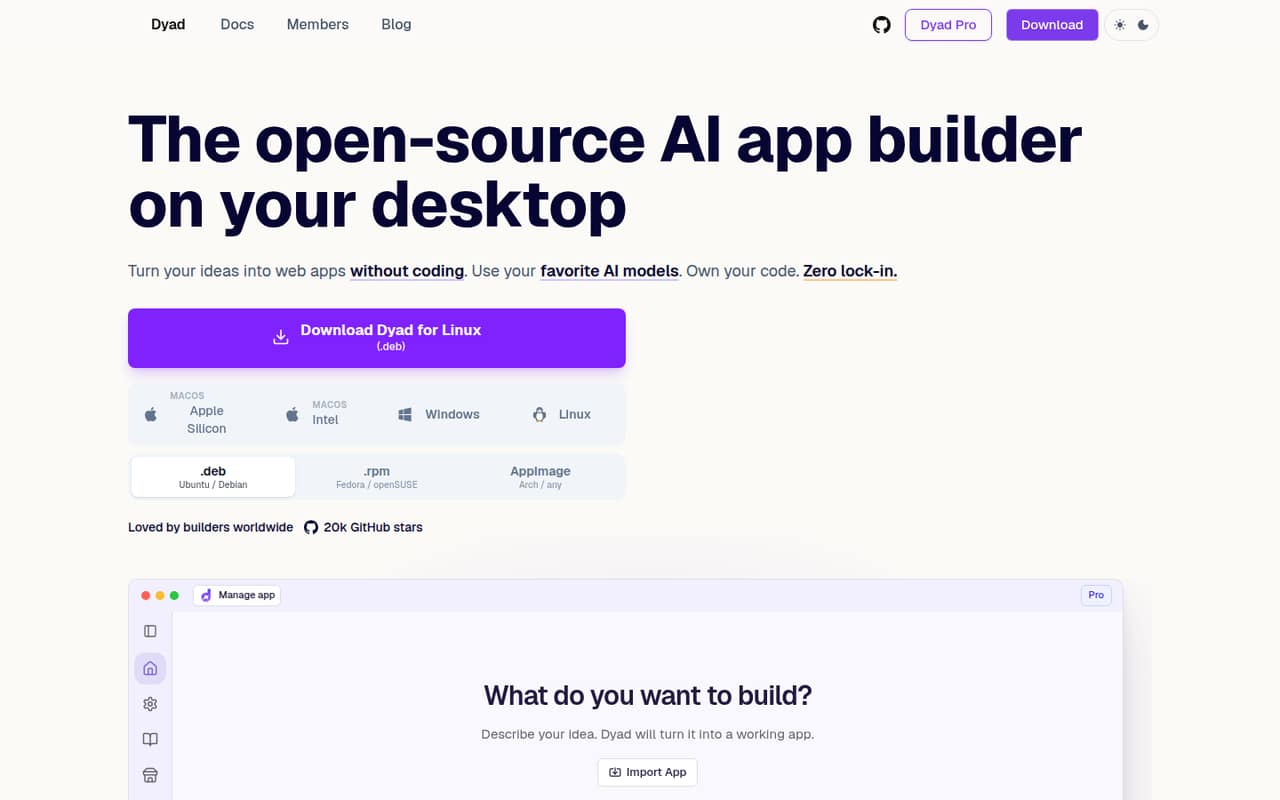
Dyad is the strongest fit here for developers who want to keep control of the project: it is open source and self-hostable, with local project files, model choice and code export and editing. That makes it easier to evaluate alongside an existing stack than a builder centered on managed hosting. Its tradeoff is limited published API detail and production guarantees, so validate the deployment path before relying on it.
What works
- Free desktop app; no sign-up required
- Use OpenAI, Anthropic, Ollama and LM Studio
- Import repos, edit code and export projects
What doesn't
- Public API and SDK details are not published
- Free plan requires your own API key
- AI provider charges can sit outside Dyad pricing
- Best for FlutterFlutterFlowFlutterFlow
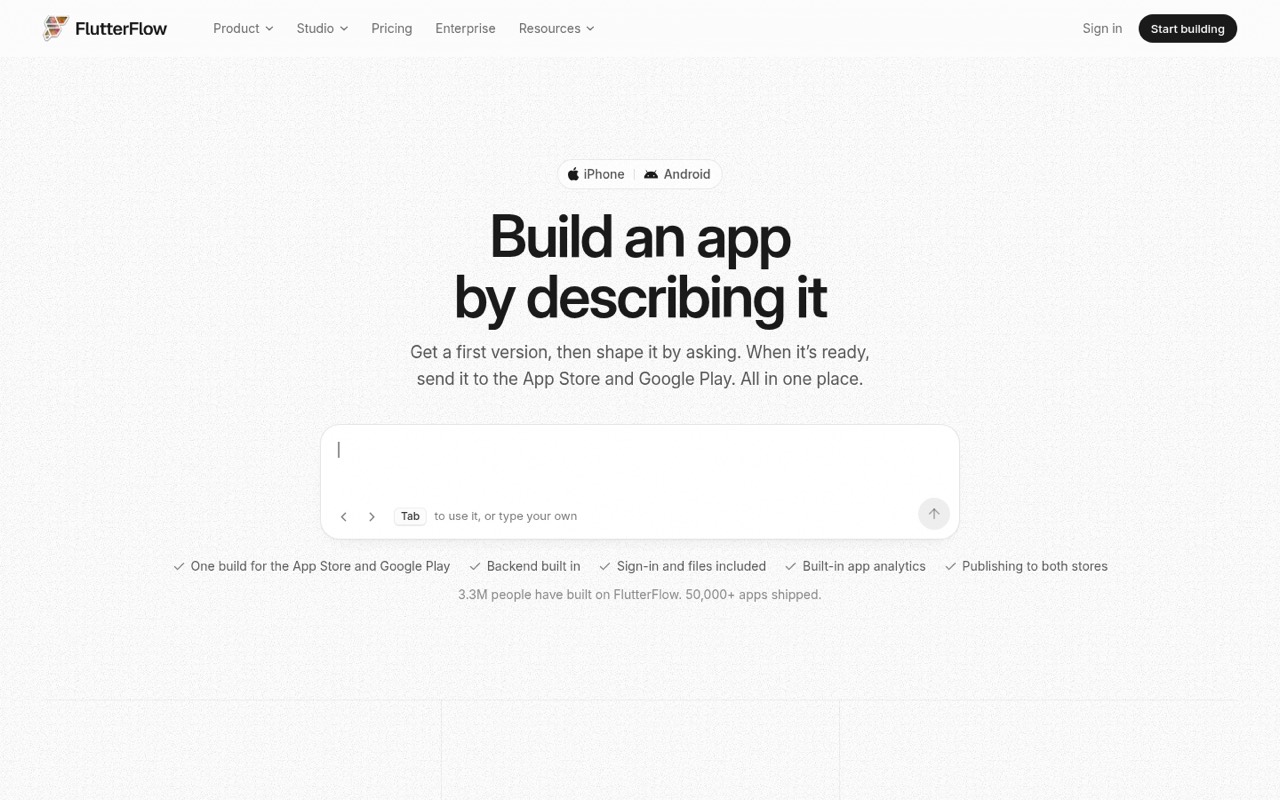
FlutterFlow is a good fit when the target is a Flutter app and the team already plans to engineer its own backend. It is self-hostable and speeds up visual app creation, but the builder does not replace backend engineering. Starting pricing is listed from $29, with a free plan. Confirm how its output and deployment fit your release process before committing a product to it.
What works
- Generates and checks screens from a description
- Visual editor supports pixel-level control
- Custom Dart code and Flutter export
What doesn't
- Backend architecture remains your responsibility
- AI usage refills cost extra on Pro and Max
- Free plan blocks code downloads and store deployment
- Best hosted workspaceReplitReplit
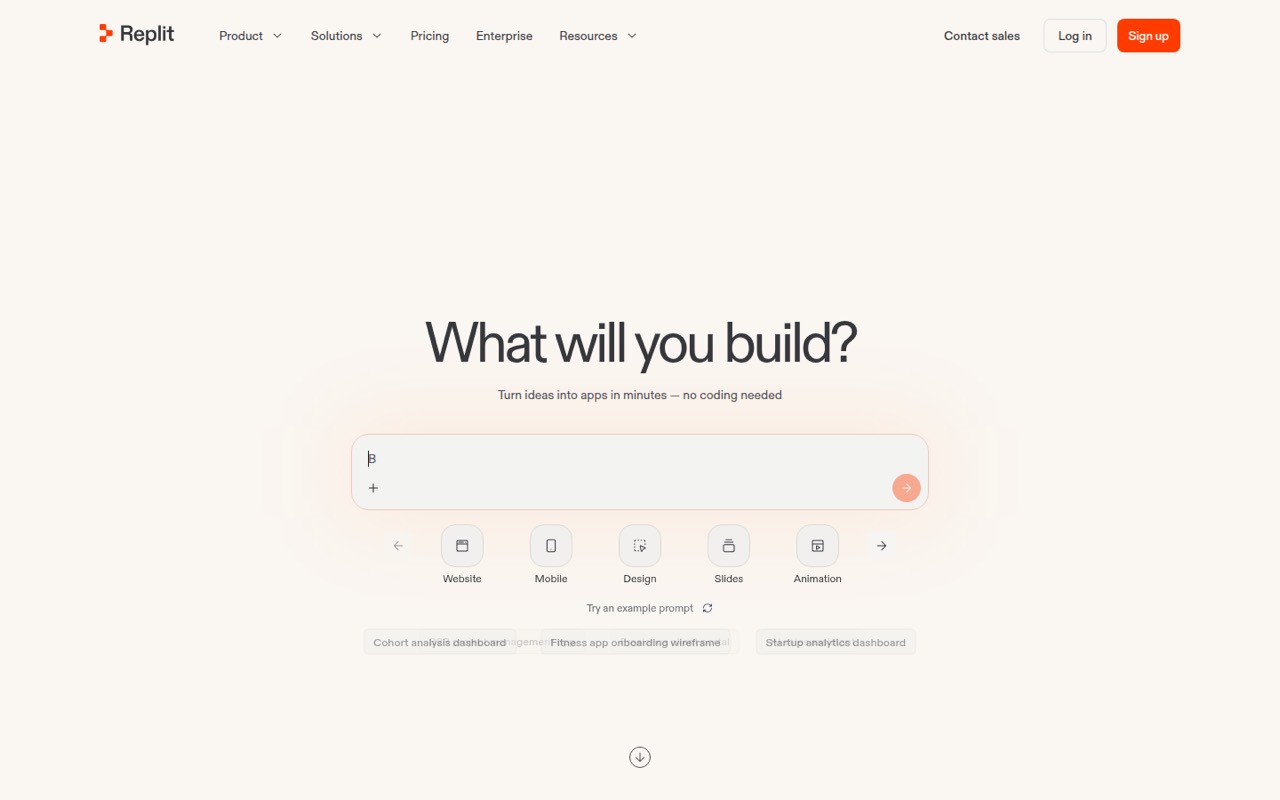
Replit suits teams that want to turn prompts into a hosted app and collaborate on prototypes with built-in services. Its starting price is listed from $20, with a free plan. The main production checks are usage costs and portability: establish what you can export, what remains tied to Replit, and how the bill changes as the app and team grow.
What works
- Agent writes and evolves project code
- Built-in authentication, database, hosting and monitoring
- Visual canvas applies design changes to apps
What doesn't
- SDK and programming language support need verification
- Usage and hosting limits are not published here
- Export and self-hosting options are unclear
- Best for Vercelv0v0
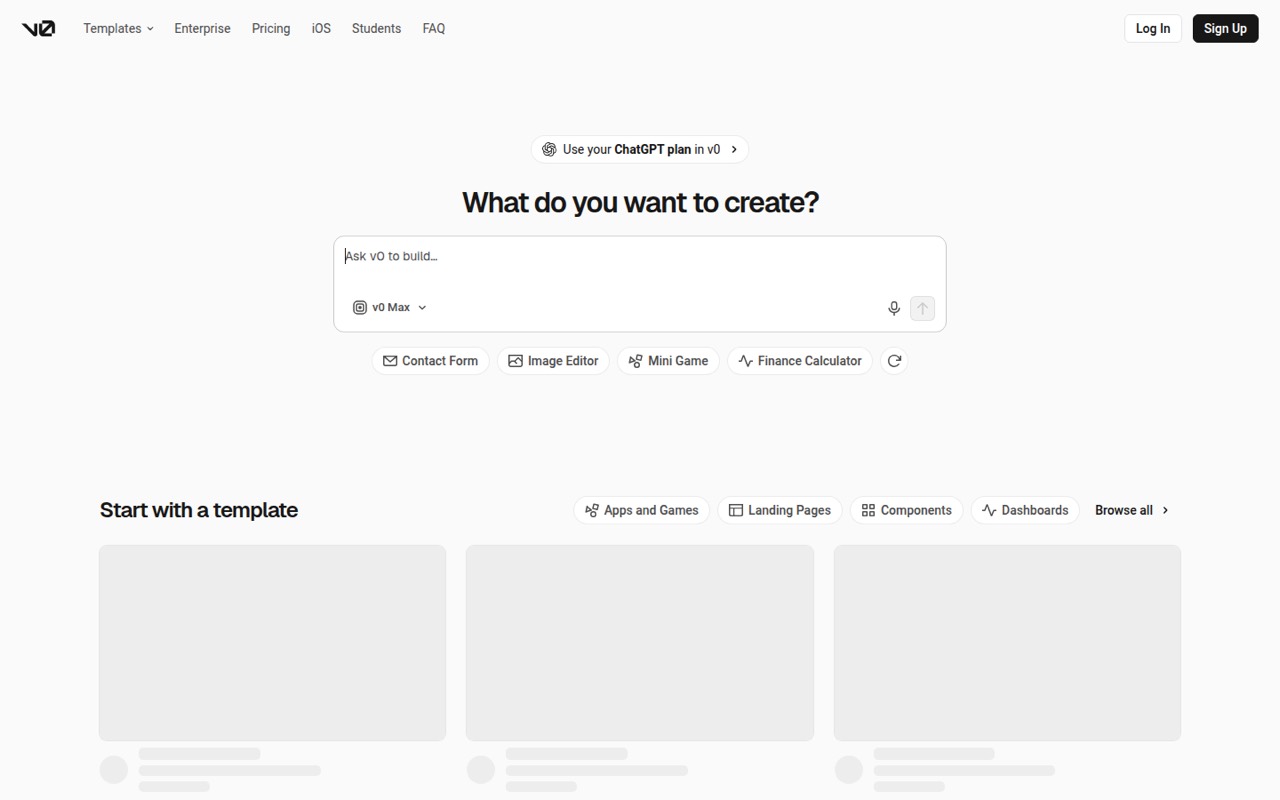
v0 fits teams already targeting Vercel, particularly when the immediate goal is UI-focused scaffolding and visual editing. It can turn prompts into deployable apps, but is less clear as a programmable platform. The listed starting price is $30, with a free plan. Check the docs for the integration and code workflow your team needs before treating it as part of a production build pipeline.
What works
- Generates working applications from prompts
- Pushes code directly to GitHub
- One-click deployment to Vercel
What doesn't
- Free plan allows seven messages daily
- Additional credit pricing is not published
- No named language-specific SDK workflow
- Best self-hostable prototypeEmergentEmergent
Emergent is a self-hostable option for prompt-built prototypes, MVPs, dashboards and internal tools. That gives technical teams a reason to consider it alongside hosted builders, but self-hosting alone does not settle how code, deployment or ongoing maintenance work. Its listed starting price is $17, with a free plan. Check credit consumption and portability before using it for a production app.
What works
- Generates web and mobile apps from natural-language prompts
- Includes website, CRM, dashboard, automation and agent builders
- Built-in hosting supports publishing generated products
What doesn't
- Homepage names no API, SDK, language or CLI
- Credit consumption and extra-credit prices are not published
- Reddit users report hitting project complexity limits
- Best visual workflowsBubbleBubble
Bubble is suited to founders validating an idea and teams building visual no-code workflows, including web apps adding native mobile. Its listed starting price is $29, with a free plan. The important tradeoff is the hosted stack and workload-based billing. Before choosing it, model the workload for your expected use and assess what a future move away from Bubble would require.
What works
- AI Agent generates an editable app
- Visual control over workflows and database
- Web and native mobile share data
What doesn't
- Workload units make costs usage-dependent
- No open-source or self-hosting option
- Migration away can require rebuilding
- Best chat prototypingBolt.newBolt.new
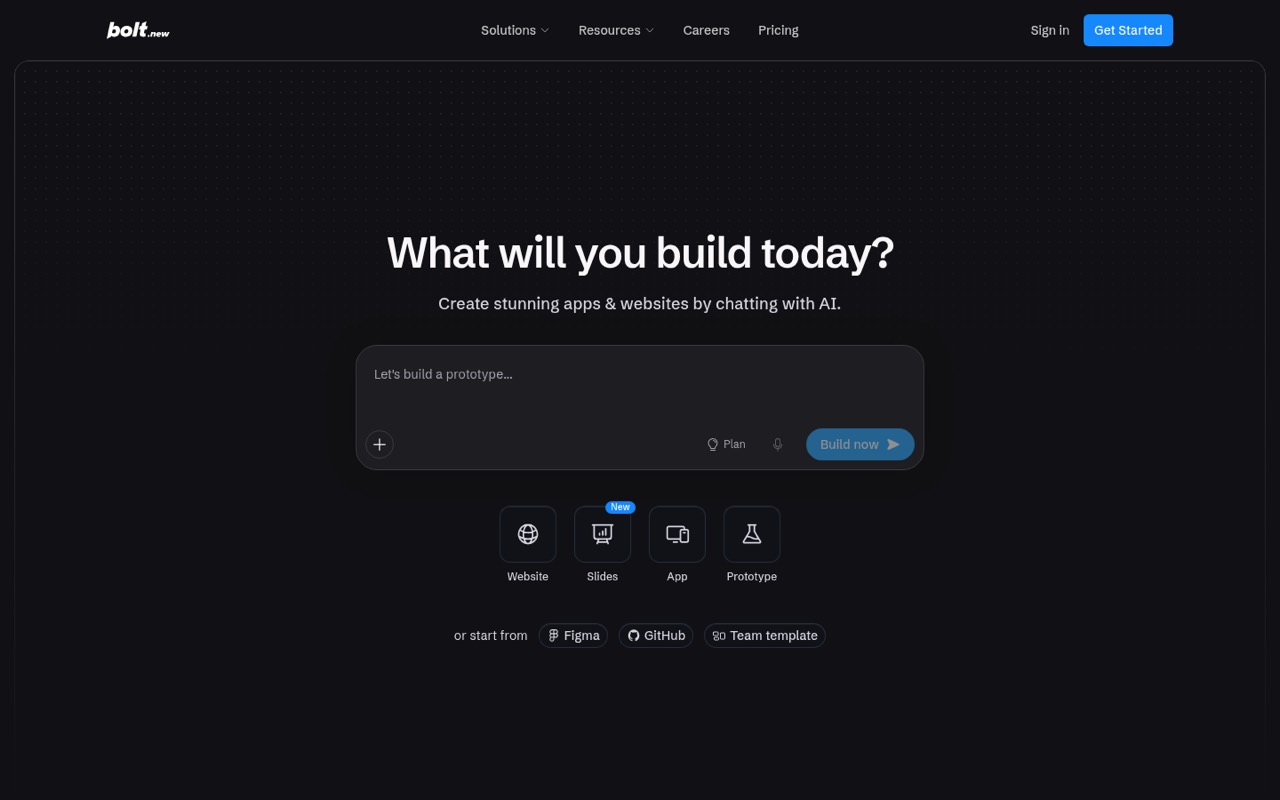
Bolt.new offers a chat-led route from prompt to a hosted web prototype, with built-in hosting for projects that need a quick deployment path. Its listed starting price is $25, with a free plan. Token costs and production reliability need attention: find out how usage is charged, what happens when limits are reached, and what parts of the app you can move to your own stack.
What works
- Build apps, sites, slides and prototypes by chatting
- Automatically routes tasks to different models
- Hosting and databases are built in
What doesn't
- Token caps can constrain free use
- Token overage rates are not listed
- Public API and SDK details are not presented
- Best managed prototypesLovableLovable
Lovable is aimed at rapid web app prototypes and internal tools where managed hosting is useful. Its prompt-based workflow can shorten the path to a demo, but developer-facing detail and credit costs deserve scrutiny before a production commitment. The listed starting price is $21, with a free plan. Confirm code access, deployment options and how credits are consumed by the workflows your team expects to use.
What works
- Builds and refines software from plain-language prompts
- Hosting, SSL and backend infrastructure are managed
- Free plan includes daily build credits
What doesn't
- Public API, SDK and language details are unclear
- Credit use can increase as projects need revisions
- Self-hosting is not offered in the listed plans
- Best hosted small appsBase44Base44
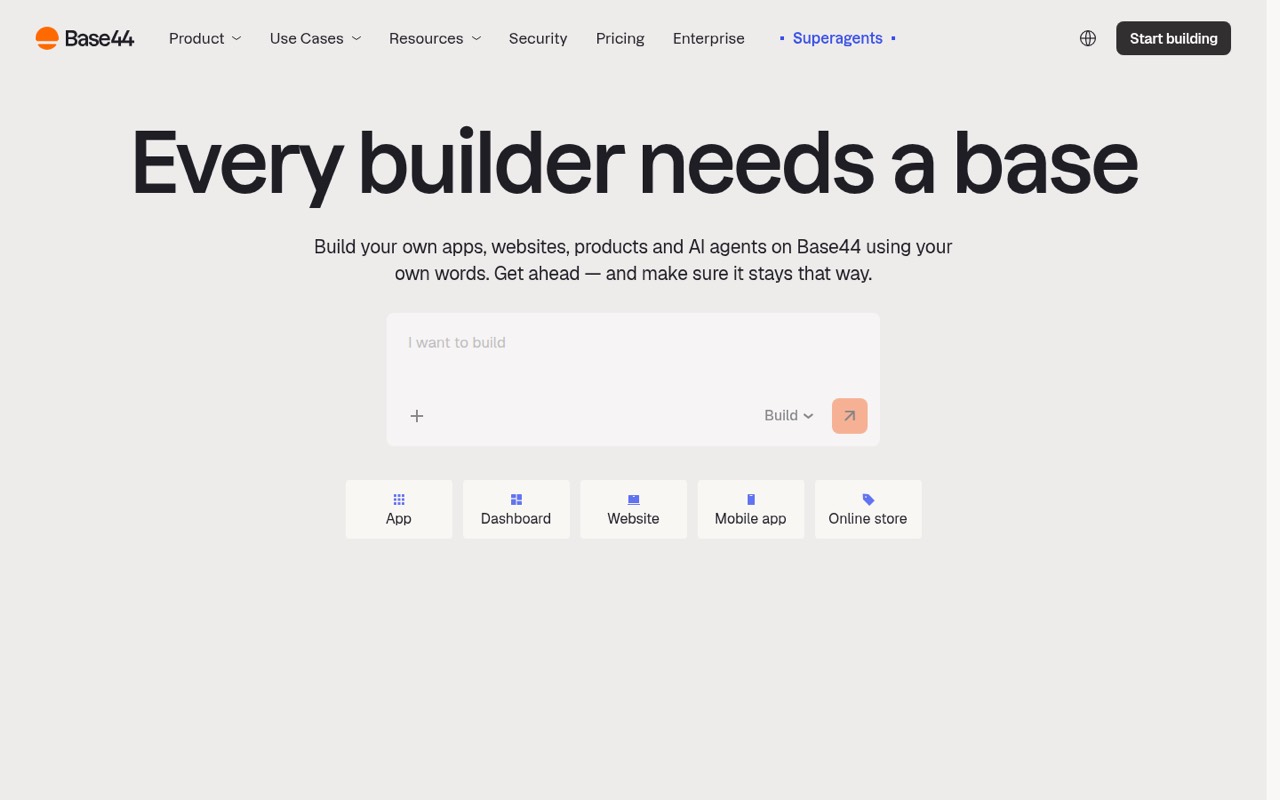
Base44 is a hosted app builder for prompt-led prototypes, internal tools and small-business sites, with hosting included. That can reduce setup work for a small project, but production requirements and portability need to be resolved early. Its listed starting price is $16, with a free plan. Ask how to export the app and data, and what operational limits apply to your intended use.
What works
- Generates app structure, design and logic from plain language
- Includes backend, database, authentication and hosting
- Offers one-click integrations with common business tools
What doesn't
- Homepage gives little API, SDK or language detail
- Monthly credit allowances limit iteration
- Third-party service charges are separate
- Best for portalsSoftrSoftr
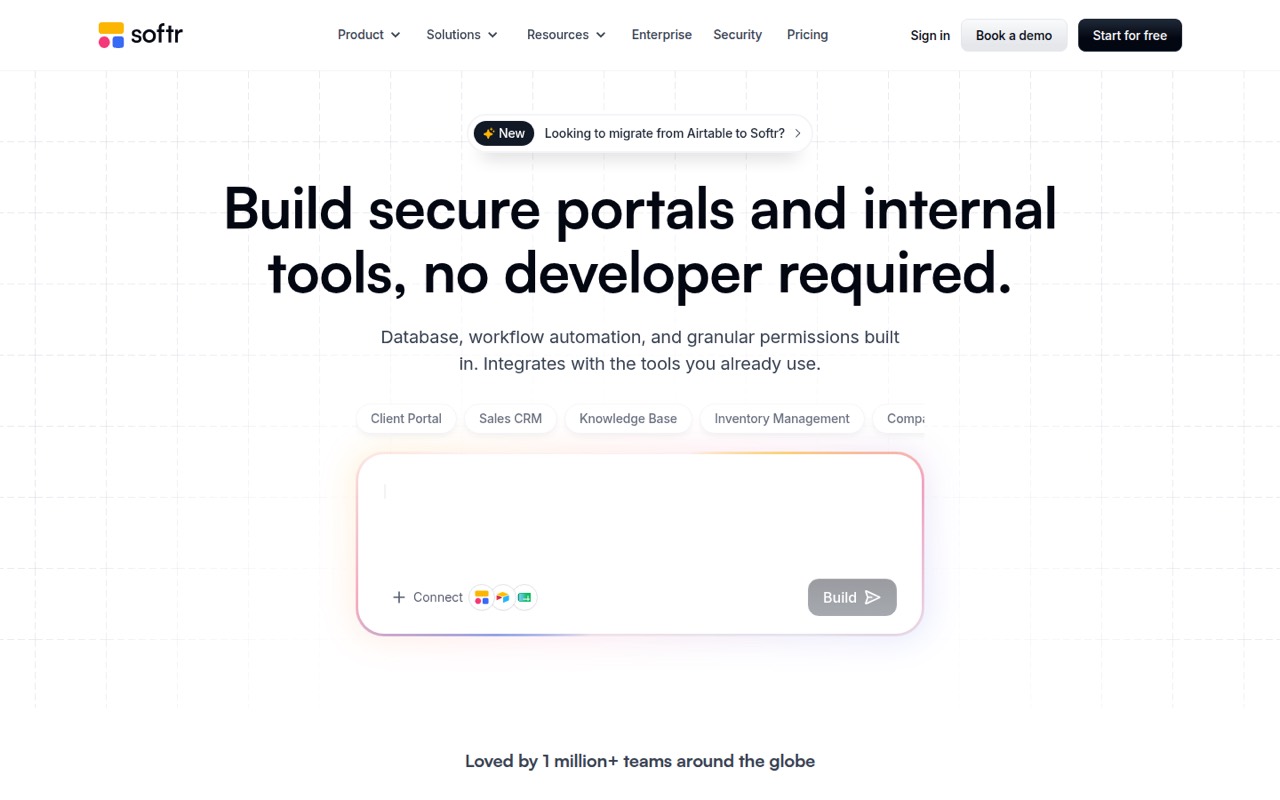
Softr is a visual builder for client and partner portals and internal business tools, with built-ins that can suit common business app needs. Its listed starting price is $19, with a free plan. Limits and platform dependence are the main checks: compare the relevant plan limits with your expected users and workflows, and confirm what you can export if the app outgrows the platform.
What works
- AI can generate interface, database and workflows
- Built-in database and workflow automation
- Roles and permissions are part of the platform
What doesn't
- Plan limits apply to users, records and workflow actions
- No self-hosted edition is listed
- SDK, language and CLI support need vendor confirmation
- Best for spreadsheet appsGlideGlide
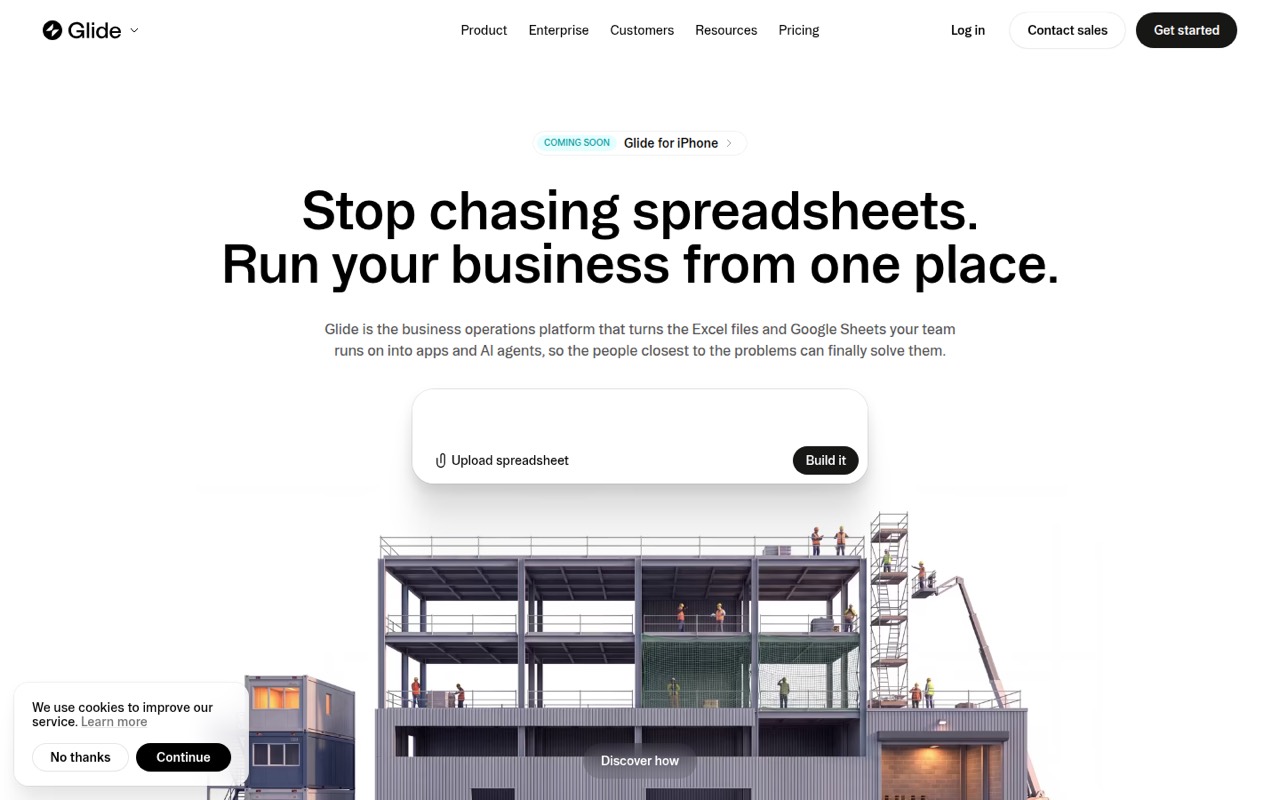
Glide makes sense for operations teams building internal apps from spreadsheets or using AI over business data. It is approachable for those workflows, but is not positioned as a transparent, developer-first platform. The listed starting price is $25, with a free plan. Verify the data connections, plan limits and export path that apply to your app before treating a spreadsheet-backed prototype as a long-term system.
What works
- Builds apps from Excel files and Google Sheets
- SheetSense reads sheets, formulas, lookups and notes
- Supports Claude, Gemini and ChatGPT over MCP
What doesn't
- No language-specific SDK or API contract named on the homepage
- Credit top-up prices are not stated
- Free plan has limited credits
- Best mobile prototypesRorkRork
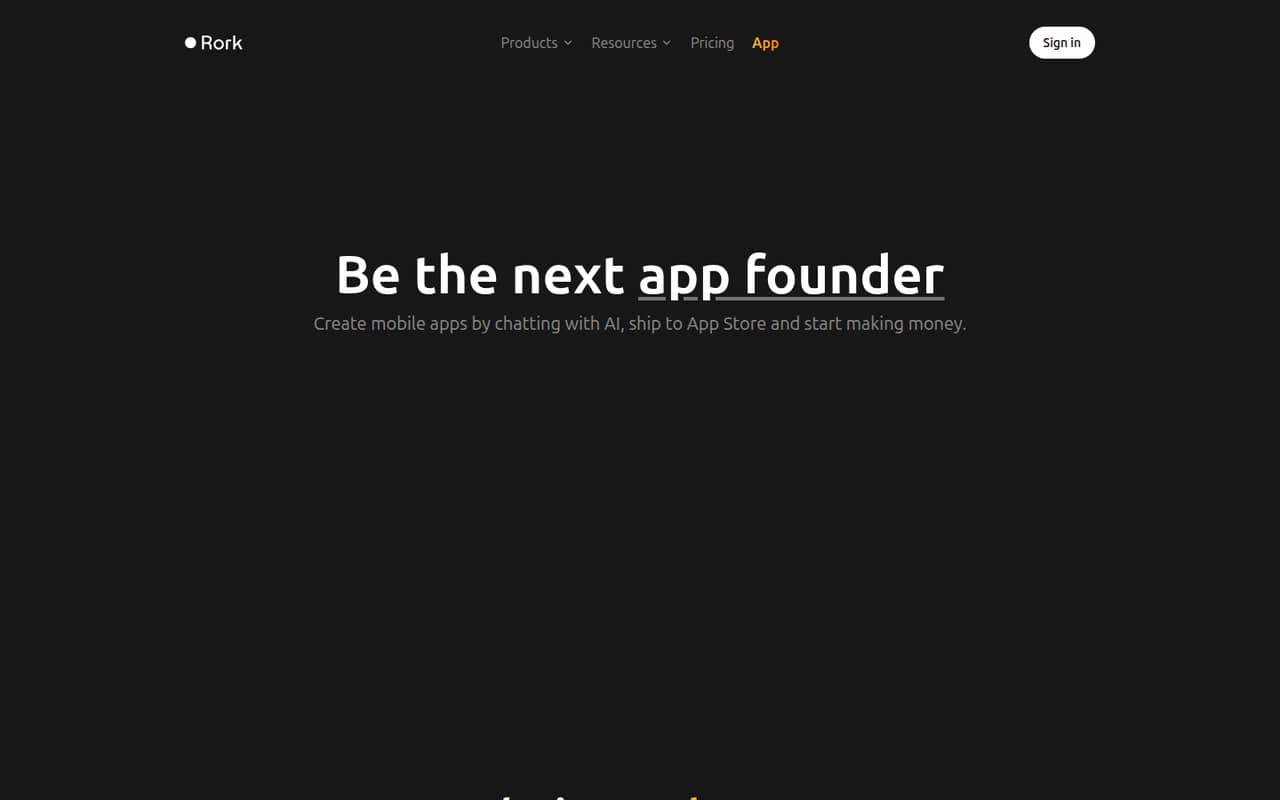
Rork targets fast mobile app prototypes, with iOS and Android as destinations for prompt-generated app code. It can suit founders exploring a concept before investing in a full product build. The listed starting price is $20, with a free plan. Plan around credit use and hosted tooling, and confirm how the generated code fits your mobile release and maintenance process.
What works
- Chat-based workflow for app creation
- Build targets include iOS, Android and web
- Rork Max generates Swift apps for Apple devices
What doesn't
- Free plan is limited to design mode
- Credit use can make monthly spend unpredictable
- Extra credit rates are not published
- Best for simple websitesHostinger HorizonsHostinger Horizons
Hostinger Horizons is aimed at prompt-led website prototypes, small-business sites and early app ideas. Its listed starting price is $6.99. Before depending on it for a product, confirm the credit rules and whether the code can move to your preferred environment. It is a narrower fit for technical teams than builders that foreground local files, code editing or self-hosting.
What works
- Build websites and web apps from prompts
- Offers templates to start a project
- Includes site rebuilding with AI
What doesn't
- Explorer includes only 30 AI credits monthly
- No Horizons-specific API or SDK details are published
- No free plan or free trial is listed
03How we chose
We ranked these tools for developers and technical teams, not just for how quickly a prompt can produce a prototype. We weighed API and SDK coverage, documentation, free plans, starting prices and usage-based costs, plus code ownership, open-source licensing and self-hosting. We also considered Reddit sentiment as a secondary signal, not a substitute for checking vendor terms and operational limits. The order favors control and portability, while still recognizing hosted builders that fit particular stacks. We did not run hands-on tests or benchmarks; verify current pricing and plan limits before choosing.
04Check the exit path before the first prompt
Before you build, decide what needs to leave the platform with you: generated source, user data, assets, configuration and deployment settings. A local project folder or editable export is not the same as a complete migration path. Ask whether you can build and deploy the app outside the vendor’s hosted environment, and whether generated code can be changed without breaking the builder’s workflow. Open source and self-hosting can improve control, but they do not automatically cover managed services or future maintenance. For hosted tools, identify the parts of the app that depend on vendor-specific services. Test the exit plan on a small prototype before putting important business workflows or customer data behind it.
05Model costs and production limits
A starting price does not tell you what a production app will cost. These builders may use credits, tokens or workload-based billing, so check what actions consume usage and how limits change by plan. Estimate a realistic month of prompts, edits, users and app activity; ask what happens when an allowance runs out. Then check the production path: deployment options, environment configuration, data handling, monitoring and support. Read the docs for the API, SDKs and integrations your stack needs rather than assuming a prompt-built app can connect to every service. If the vendor does not publish a limit you need, ask for it in writing. Keep a conventional backend plan for requirements the builder cannot meet.
Questions people ask
Which AI app builder gives developers the most control?
Dyad is the strongest fit in this ranking for control: it is open source and self-hostable, and supports local project files, model choice and code export and editing. Confirm its production and deployment path against your requirements; those capabilities do not remove the need to maintain the app.
Are the listed starting prices the full cost?
No. A starting price is not a usage estimate. Lovable and Emergent flag credit use, Bolt.new flags token costs, and Bubble uses workload-based billing. Check the vendor’s current pricing and plan limits, then model the prompts, app activity and team size you expect.
Which builder should I consider for a Flutter app?
FlutterFlow is the clearest fit in this list for Flutter app creation. It is self-hostable, but it is a builder rather than a substitute for backend engineering. Check its output, deployment workflow and integration requirements against your planned app architecture.
Can I use an AI app builder for a production app?
Potentially, but a working prototype is not proof that the platform fits production. Check code and data export, deployment options, plan limits, usage billing and the integrations your stack requires. Resolve portability and operational requirements before putting critical workflows or customer data on a builder.