We may earn a commission if you buy through links on this page. It never changes a score or a ranking. How we make money
Matomo is our best overall pick for teams that need data ownership and the option to self-host. Plausible Analytics is a simpler open-source alternative, while Parse.ly and Chartbeat are built around publisher and newsroom needs. Fathom suits teams seeking hosted, cookieless analytics; Statcounter covers basic traffic reporting. Before integrating any tool, check the vendor’s API and SDK documentation, export options, plan limits and costs at your expected traffic. Published starting prices help with shortlisting, but they do not answer every question about usage limits or integration terms.
Quick picksThe shortlist
 MatomoMatomoBest overall · $29/mo
 Plausible AnalyticsPlausible AnalyticsBest open source · $9/mo
 Parse.lyParse.lyBest for publishers · Custom
 Fathom AnalyticsFathom AnalyticsBest for agencies · $15/mo
 ChartbeatChartbeatBest for newsrooms · Custom
 StatcounterStatcounterBest for small sites · $9/mo
01Compared at a glance
| Tool | Score | From | Free plan | Trial |
|---|---|---|---|---|
| MatomoMatomo | 7.4 | $29/mo | Yes | — |
| Plausible AnalyticsPlausible Analytics | 7.2 | $9/mo | No | 30 days |
| Parse.lyParse.ly | 6.2 | Custom | No | — |
| Fathom AnalyticsFathom Analytics | 7.2 | $15/mo | No | 7 days |
| ChartbeatChartbeat | 6.4 | Custom | No | — |
| StatcounterStatcounter | 5.8 | $9/mo | Yes | 30 days |
02The picks, in detail
- Best overallMatomoMatomo
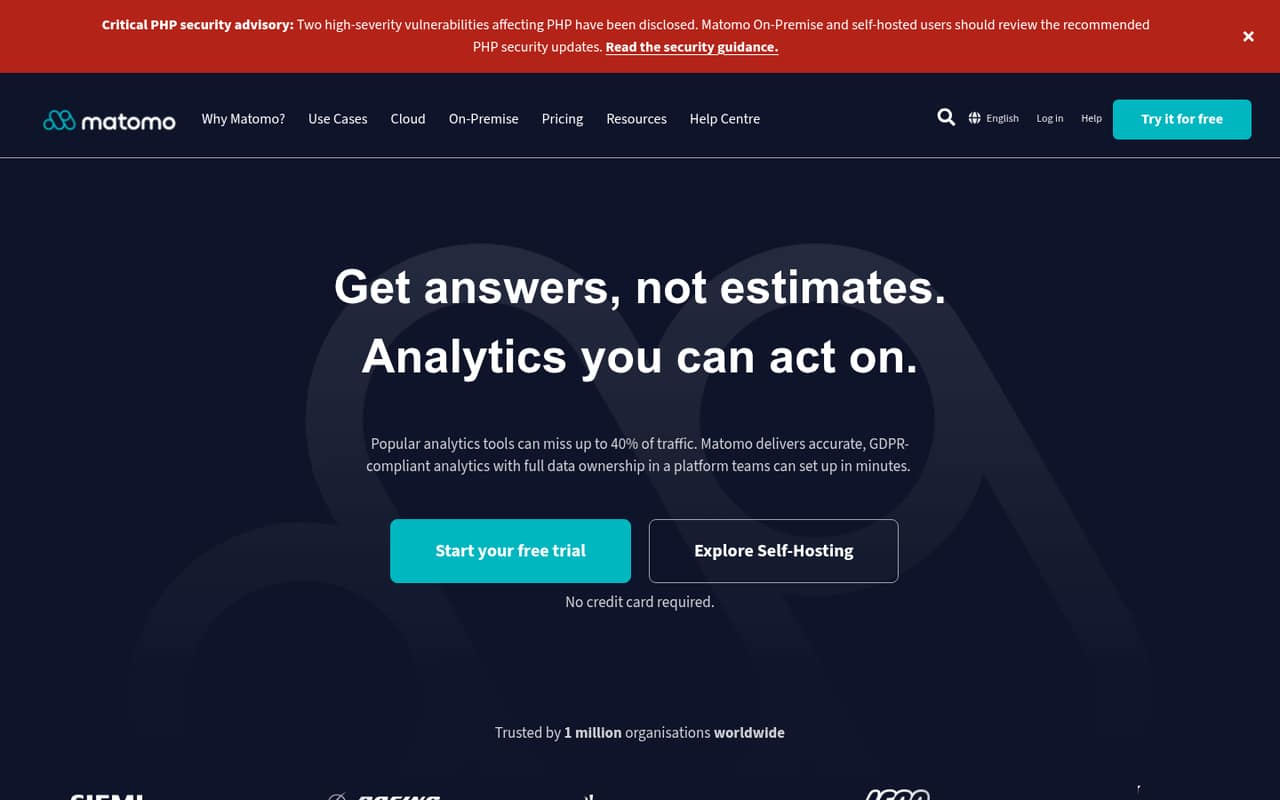
Matomo combines open-source software, a self-hosting option and analytics features such as full-hit reports, funnels and heatmaps. That makes it the strongest fit here for teams prioritizing data ownership and control over deployment. Its hosted offering starts at $29 and has a free plan; compare plan limits with your reporting needs, and account for the work of operating a self-hosted instance.
What works
- Cloud and on-premise deployment options
- Community plan includes unlimited users and hits
- Unsampled reports and raw data access
What doesn't
- SDKs and programming-language support need confirmation
- No published API rate limits in the published details
- On-premise paid-plan prices are shown in EUR
- Best open sourcePlausible AnalyticsPlausible Analytics
Plausible offers a hosted dashboard, open-source software and a self-hosting route, with plans starting at $9 and tiered pageview pricing. It fits teams that want simple traffic reports plus goals and campaign tracking without committing to a closed hosted service. Check the pageview tier that matches your traffic and verify the API, export and deployment details you need before choosing between hosted and self-hosted use.
What works
- One-page dashboard for essential site statistics
- Script is listed as 54 times smaller than Google Analytics
- No cookies or persistent visitor identifiers
What doesn't
- No free hosted plan; trial lasts 30 days
- Starter and Growth cap at 10 million monthly pageviews
- Business Stats API limit is 600 requests per hour

- Best for publishersParse.lyParse.ly
Parse.ly is aimed at digital publishers measuring article performance and connecting content to conversions. Its event-data exports to warehouses make it relevant to teams that expect analytics to feed a broader data stack. Pricing and integration terms need to be confirmed before adoption, so ask for the expected costs, export mechanics and technical requirements alongside a product demonstration.
What works
- Real-time content and audience analytics
- Conversion reporting alongside content metrics
- Content recommendations can be tailored to objectives
What doesn't
- Plan prices are not published
- No free plan is listed
- Homepage does not name SDKs or programming languages

- Best for agenciesFathom AnalyticsFathom Analytics
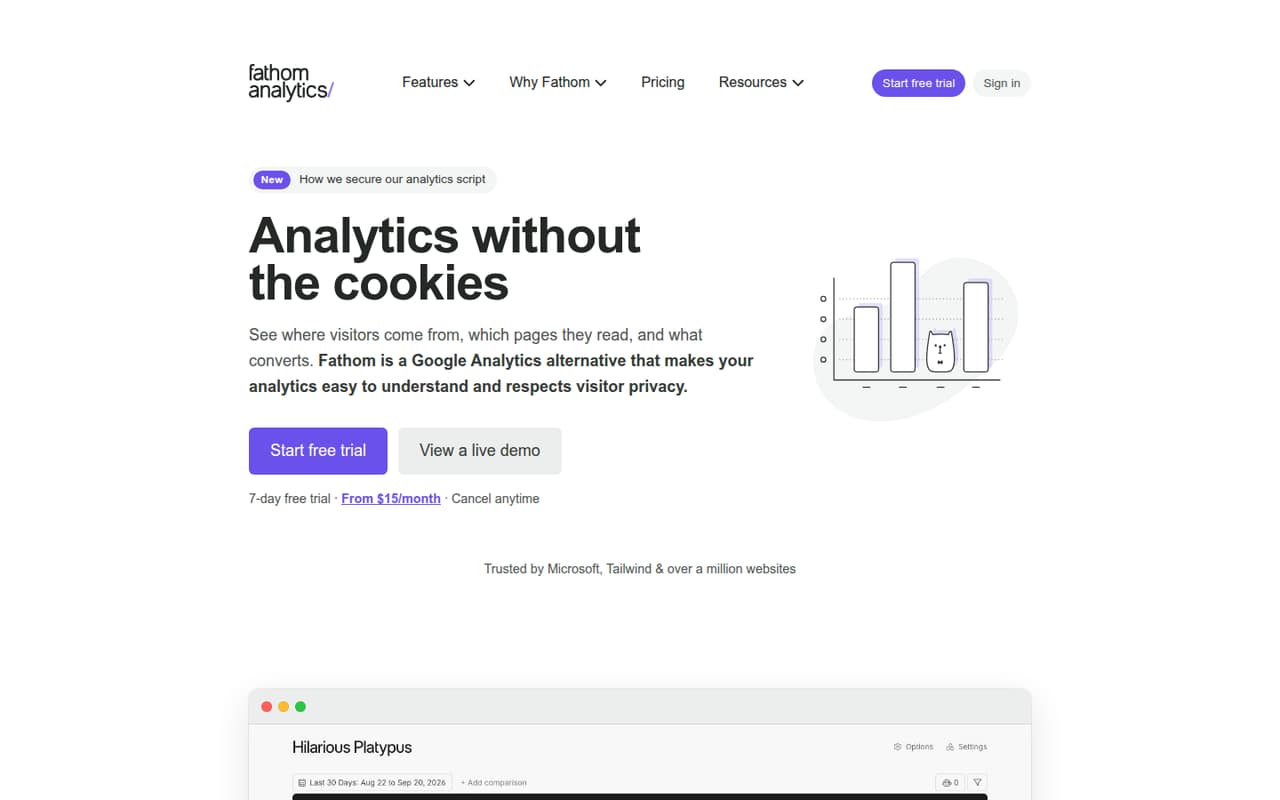
Fathom is a hosted option for teams replacing basic Google Analytics reporting, agencies managing multiple websites and sites seeking cookieless tracking. The service starts at $15 and is described as easy to integrate. It is not self-hosted or a deeply documented developer platform, so teams with infrastructure or API requirements should confirm the available integration and data-export paths before signing up.
What works
- Lightweight tracking script for websites
- Cookieless, anonymous pageview tracking
- Custom events can include monetary values
What doesn't
- No free plan; trial lasts seven days
- Custom events share the pageview allowance
- API, SDK and rate-limit details are sparse
- Best for newsroomsChartbeatChartbeat
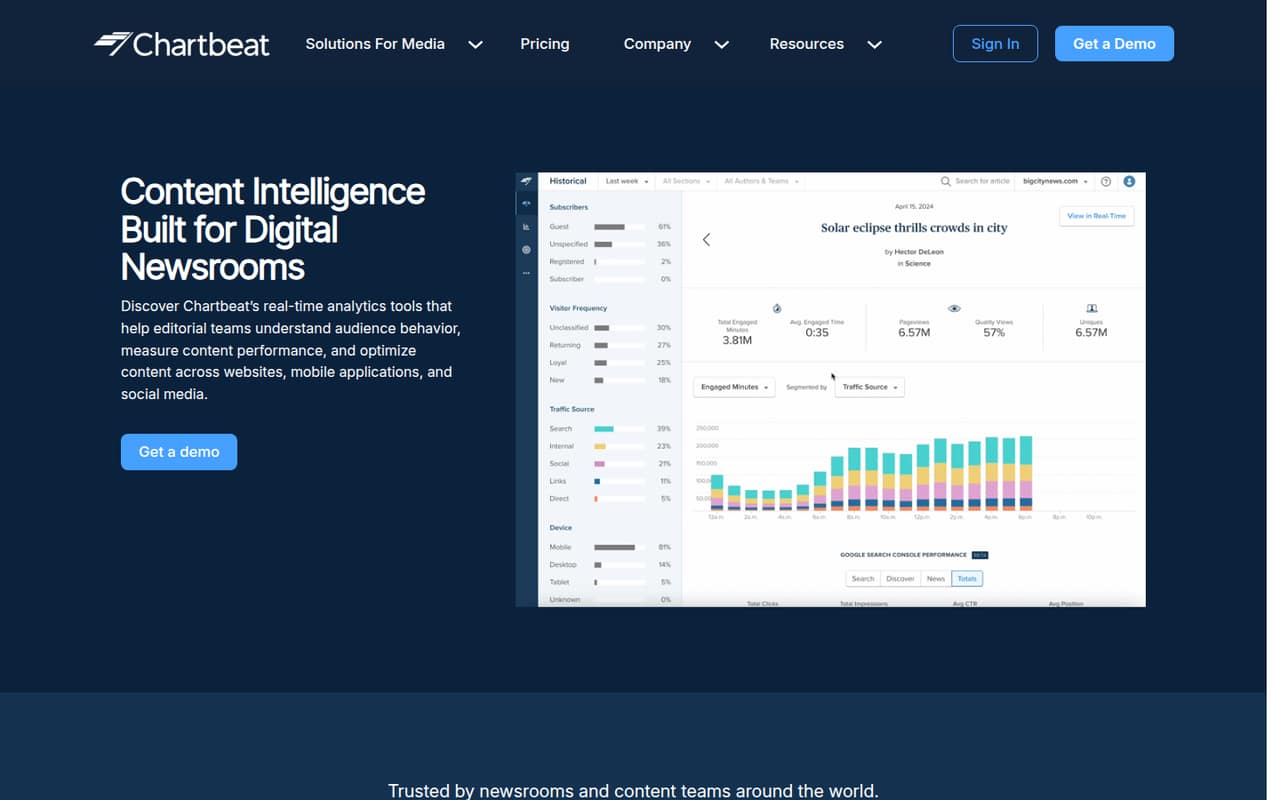
Chartbeat focuses on real-time story performance, headline and placement optimization, and historical content trends for digital newsrooms. That editorial focus makes it a more specific fit than a general traffic tool. Chartbeat uses custom pricing; ask the vendor for a quote and confirm the integration details, data access and reporting scope your newsroom needs before adoption.
What works
- Real-time audience and referral traffic dashboards
- Tracks engaged time, scroll depth and recirculation
- Historical trends cover up to 13 months
What doesn't
- Monthly and annual plan prices are not published
- Pricing scales with website and app pageviews
- SDKs, languages and API details need confirmation
- Best for small sitesStatcounterStatcounter
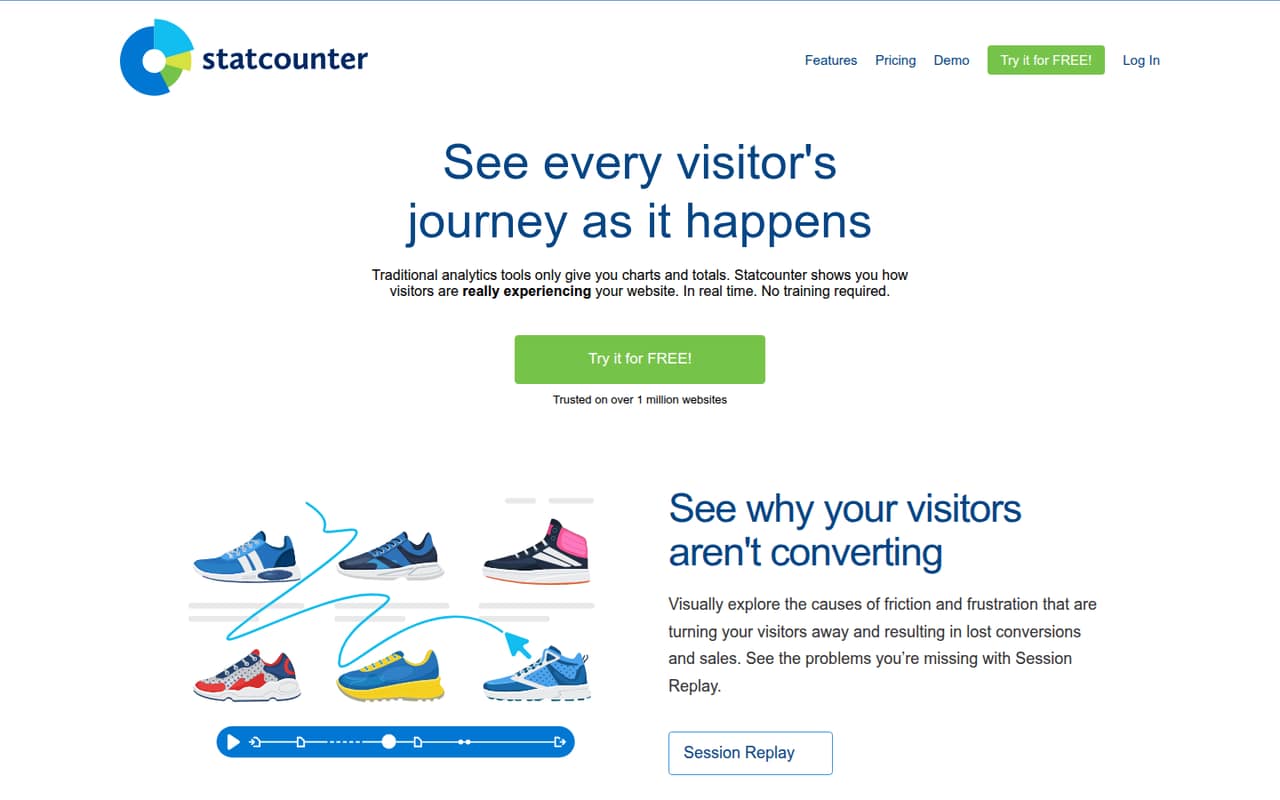
Statcounter is a straightforward choice for small sites that need basic traffic data, visitor-path review, heatmaps or UTM tracking. It is easy to add to a site, with a free plan and paid plans starting at $9. The product is less clearly positioned as a developer platform or a source of complete traffic data, so assess those requirements before relying on it for deeper analysis.
What works
- Install with a small piece of website code
- Free Basic tier allows 5,000 sessions monthly
- Live feed includes location, device and navigation
What doesn't
- Basic retains data for only 14 days
- Basic includes zero session recordings
- API protocol and SDK support need confirmation
03How we chose
We ranked these tools for developers and technical teams, weighing data ownership, deployment options, pricing clarity and fit for common analytics jobs. We considered API and SDK coverage and documentation as important integration criteria, but teams should confirm specific language support and limits with each vendor before implementation. We also compared stated free plans and starting prices, and looked at open-source licensing and self-hosting where identified. Reddit sentiment is a secondary consideration, not a substitute for checking technical requirements, data export and production costs.
04Check deployment, data ownership and exit paths
Choose the deployment model before adding a tracking script. Matomo and Plausible Analytics offer open-source, self-hostable routes; their software gives teams a different operating model from hosted analytics, but self-hosting also means taking responsibility for the deployment. For hosted services, ask where data is stored, how long it is retained, and whether you can export raw or event-level data in a format your warehouse can ingest. Parse.ly is specifically positioned for publishers exporting event data to warehouses. For every vendor, confirm the export format, frequency, retention limits and what happens to historical data if you cancel. Check the open-source licence and the self-hosting documentation directly, rather than assuming that source availability guarantees every hosted feature or support option. Test the exit path in your architecture plan before analytics data becomes a dependency for dashboards, attribution or editorial workflows.
05Model costs and integration requirements
Do not compare starting prices without checking the usage unit and limits behind them. Matomo starts at $29 and Plausible at $9; Plausible uses tiered pageview pricing. Fathom starts at $15, and Statcounter has a free plan with paid plans from $9. Confirm what each plan includes, how overages work and whether traffic spikes change the bill. Chartbeat uses custom pricing, and Parse.ly pricing should be confirmed with the vendor. Then validate the integration surface: ask for current API and SDK documentation, supported languages, authentication details, rate limits, event export options and any required client-side script. The vendor facts available for several tools do not establish those implementation specifics. Ask for them before building a production integration, especially if you need server-side events, warehouse delivery or automated reporting.
Questions people ask
Which web analytics tool is best for self-hosting?
Matomo and Plausible Analytics both offer open-source, self-hostable options. Matomo is our overall pick for teams prioritizing data ownership and deeper reporting; Plausible suits teams seeking simpler traffic reports. Check each project’s licence, deployment requirements and feature differences before committing.
Which analytics tool is best for a publisher?
Parse.ly is positioned for digital publishers tracking article performance, content conversions and event data exports to warehouses. Chartbeat targets newsrooms that need real-time story performance and historical content trends. Confirm pricing and integration requirements with either vendor before adoption.
How much do these web analytics tools cost?
Published starting prices include $9 for Plausible, $15 for Fathom, $9 for Statcounter and $29 for Matomo; Matomo and Statcounter also have free plans. Plausible uses tiered pageview pricing. Chartbeat uses custom pricing, and Parse.ly pricing should be confirmed with the vendor.
What should developers verify before integrating analytics?
Check the vendor’s current API and SDK documentation, supported languages, rate limits, data-export formats and plan restrictions. Also confirm how usage is counted and what happens to stored data if you leave. Do not assume that a tracking script alone covers warehouse or server-side needs.