
We may earn a commission if you buy through links on this page. It never changes a score or a ranking. How we make money
The bottom line
Easy to add to a site; less clear as a developer platform or source of complete traffic data.
Statcounter is a hosted analytics service installed with a small tracking code snippet. It combines traffic summaries with live visitor details, individual paths, session replay and heatmaps. Premium plans include an API, but developers should confirm its protocol and SDK support before designing an integration around it.
The Basic tier is free for up to 5,000 sessions a month, with 14 days of retention and no session recordings. Paid plans start at $9 monthly, and optional replay charges add to the bill. Reddit users raise concerns about tracking protection and Statcounter’s reliability in browser market-share discussions; those concerns are worth separating from analytics for an individual site.
Good fit if
- Small sites needing basic traffic data
- Teams reviewing visitor paths and friction
- Marketers who need heatmaps and UTM tracking
Skip it if
- Teams requiring documented SDKs
- Sites needing self-hosted analytics
- Projects needing complete browser-level coverage
ScoresHow it rates
What works
- Install with a small piece of website code
- Free Basic tier allows 5,000 sessions monthly
- Live feed includes location, device and navigation
- Session replay and heatmaps available
- Premium includes landing-page analysis, conversions and API
What doesn't
- Basic retains data for only 14 days
- Basic includes zero session recordings
- API protocol and SDK support need confirmation
- Replay recordings cost extra
- Reddit commenters report tracker blocking in some browsers
01What Statcounter is, technically
Statcounter is a hosted web analytics service, not a self-hosted server, CLI or analytics library. You create an account, add a small piece of tracking code to your website, and view visitor data in Statcounter’s web application. That puts it alongside other third-party analytics services in a site’s measurement stack: the page sends activity to the vendor, and your team reviews traffic and visitor behavior in its dashboard.
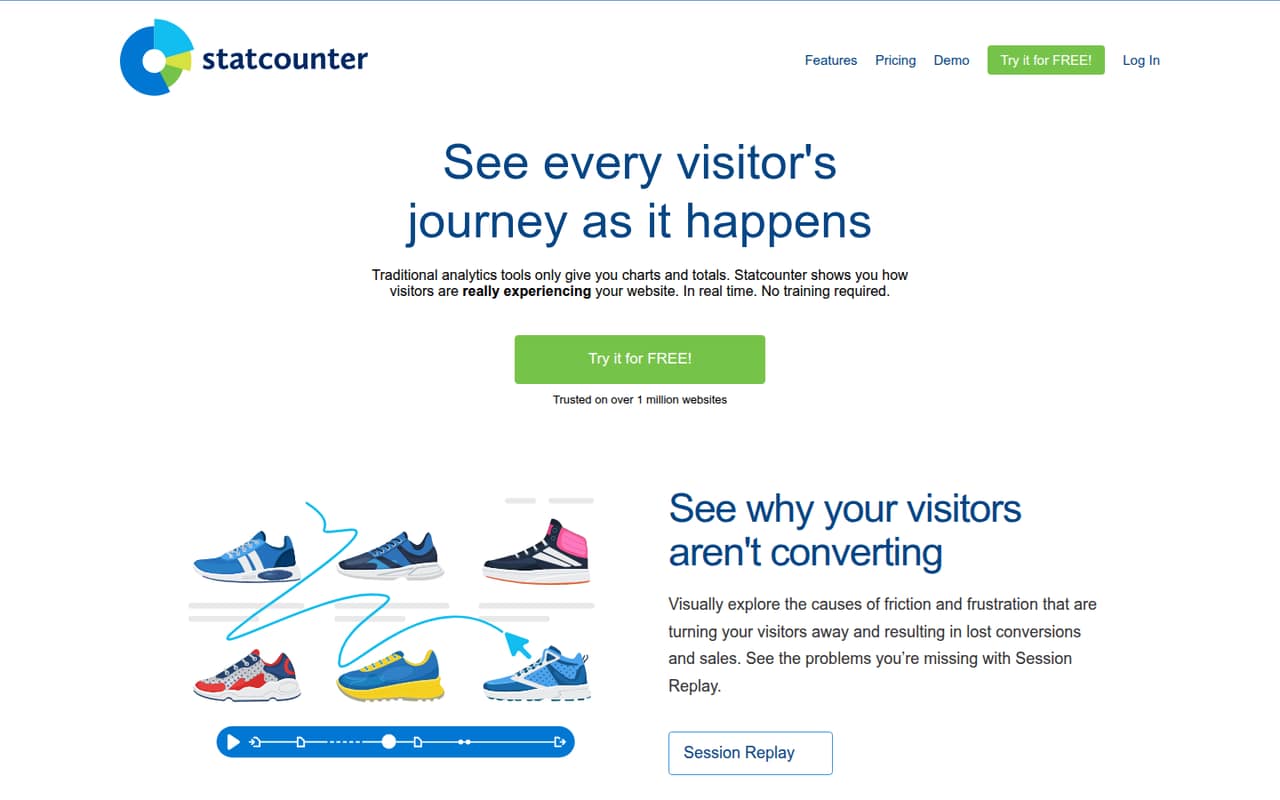
The product covers aggregate traffic charts and trends, a live visitor feed, individual visitor paths and visit history. Session Replay and interactive heatmaps add behavior views intended to show where visitors encounter friction or ignore page elements. The vendor lists visitor alerts as a feature as well. Basic traffic reporting is available on the free tier; replay and heatmap access depend on paid plan details and add-ons. Statcounter’s setup is aimed at site owners who want visitor-level context without building their own collection and reporting pipeline.
02Statcounter API, SDKs and docs
Integration starts with a small code snippet inserted on the website. Statcounter says it provides step-by-step installation guides for more than 70 platforms, including WordPress, Shopify, Drupal, Wix, Squarespace, Blogger and Tumblr. That makes the primary integration surface a browser-side tracking code, rather than a named language SDK, CLI or plugin framework.
The Premium plan lists an API, alongside landing-page analysis and conversions. Before building an integration, check the vendor’s documentation for the API’s protocol, authentication, endpoints, rate limits and supported SDKs or languages. Confirm whether the API exposes the visitor-level data your workflow needs, and how its limits relate to the account’s session tier. The homepage describes the product’s setup and platform guides, but does not establish a developer toolchain beyond the code snippet and paid API. Treat that API as a separate integration dependency until its documentation and support terms are clear.
03Statcounter pricing for developers
Basic costs $0 per month and includes 5,000 sessions a month, 14 days of data retention, traffic charts and the analytics dashboard. It includes zero session recordings. A 30-day trial is available, and the homepage says no credit card is required. The homepage advertises plans from €9 per month; the listed pricing tiers give Premium at $9 monthly or an annual-billing equivalent of $8.08 per month.
Premium starts at 20,000 sessions a month and scales to 5,000,000 sessions monthly, with listed monthly prices from $9 to $399. It includes three years of retention, landing-page analysis, conversions and API access. Premium Plus starts at $19 monthly, or $17.08 per month with annual billing, and scales from 20,000 to 5,000,000 sessions for listed monthly prices up to $499. It adds five years of retention, heatmaps, Google Ads integration and UTM tracking. Annual billing is listed as saving 10%. Session Replay is a separate add-on: 1,000 recordings cost $9 monthly, 10,000 cost $19, and 50,000 cost $29. The listed prices do not establish overage charges, so check how traffic above a selected tier is billed.
04Statcounter: open source, self-hosting and lock-in
Statcounter’s homepage presents a hosted account and website tracking code. It does not publish an open-source licence or describe a self-hosting option there. The vendor also does not publish data-export details on the homepage, so ask what raw and processed data can be exported, in which formats, and whether exports include visitor paths and replay data.
This creates some vendor dependency: collection runs through Statcounter’s code, while reports and visitor-history tools are presented in its hosted product. A migration would require replacing the tracking code and recreating the reports or workflows that depend on Statcounter data. Before adopting it for long-term reporting, confirm retention, export access and whether the API can move the data you need. Do not assume that changing analytics services will transfer historical visitor-level records.
05Statcounter in production
The main production risk is coverage: browser tracking protections can affect which visits a third-party tracking code records. In a Reddit discussion about browser market-share data, commenters said Firefox and other browsers block Statcounter trackers by default; another commenter suggested a tracking-protection update may have caused the issue. That discussion concerns Statcounter figures used for market-share estimates, not a controlled assessment of analytics on an individual site, but it is a reason to validate coverage against your own server-side or other traffic signals.
Plan around the session caps and retention periods: Basic is limited to 5,000 sessions monthly and 14 days of data, while paid tiers have defined session-volume ranges. Confirm API rate limits, data handling and security terms with the vendor before depending on the service in a production workflow. The published product details do not establish uptime commitments or compliance terms, so check the vendor’s current documentation and contract for those requirements.
From the threadsWhat users say
Reddit sentiment is skeptical, particularly about Statcounter’s use as a source for browser market-share figures. Commenters point to tracker blocking and question whether the resulting numbers are reliable.
We need to remember that Firefox and other browsers, exept Chrome blocks statcounter trackers by default
It may be because of tracking protection got updated and probably started blocking statcounter trackers
It's not a secret that Statcounter is an unreliable source
The issue with your example is the scope, not the size.If you had past data to establish a trend, that could be useful
Questions people ask
Is Statcounter free?
Yes. Basic costs $0 per month and includes up to 5,000 sessions monthly, 14 days of data retention, traffic charts and the analytics dashboard. It includes no session recordings. Statcounter also offers a 30-day trial; its homepage says a credit card is not required.
How much does Statcounter cost?
The listed Premium starting price is $9 per month, with an annual-billing equivalent of $8.08 per month. Premium Plus starts at $19 monthly, or $17.08 per month with annual billing. The homepage advertises plans from €9 per month. Session Replay is priced separately.
How do I install Statcounter on a website?
Create an account and add the small piece of code Statcounter provides to your website. The vendor lists step-by-step installation guides for more than 70 platforms, including WordPress, Shopify, Drupal, Wix and Squarespace.
Does Statcounter have an API?
Yes. The Premium plan lists API access. Check the vendor’s documentation before integration to confirm the API protocol, authentication, rate limits, available data and support for any SDK or programming language your application requires.
Does Statcounter include session recordings and heatmaps?
Session Replay is a separate add-on, and Basic includes zero recordings. The listed Replay options range from $9 monthly for 1,000 recordings to $29 for 50,000. Heatmaps are included in Premium Plus, which starts at $19 per month.
Sources
- Statcounter homepage
- Statcounter pricing page
- Reddit: Better sources than Statcounter
- Reddit: People really need to stop trusting StatCounter -- this is ridiculous
- Reddit: Latest steam and statcounter show linux at 3.5 - 4.5%
- Reddit: Piwik is an open source web analytics platform alternative to kissmetrics, comscore, statcounter,site meter, Google Analytics, Mint and more