We may earn a commission if you buy through links on this page. It never changes a score or a ranking. How we make money
Weights & Biases is our best overall pick for teams that need experiment tracking, model and data versioning, and agent tracing in one ML lifecycle platform. Hugging Face is the strongest fit if your stack centers on open-source libraries and public models; Modal is a better match for hosted GPU workloads. The right platform depends on the job: monitoring, computer vision and notebooks call for different tools. Compare free-tier limits and usage charges with your expected workload, and confirm licensing and self-hosting terms before adopting a platform across a team.
Quick picksThe shortlist
 Weights & BiasesWeights & BiasesBest overall · $60/mo
 Hugging FaceHugging FaceBest open source · $9/mo
 ModalModalBest for GPU workloads · $250/mo
 RoboflowRoboflowBest for computer vision · $39/mo
 CometCometBest for agent evaluation · $19/mo
 Evidently AIEvidently AIBest for ML monitoring · $80/mo
 Arize AIArize AIBest for AI observability · $50/mo
 Lightning AILightning AIBest for model training · $20/mo
 Vertex AIVertex AIBest for Google Cloud · Custom
 Paperspace GradientPaperspace GradientBest for ML notebooks · $8/mo
01Compared at a glance
| Tool | Score | From | Free plan | Trial |
|---|---|---|---|---|
| Weights & BiasesWeights & Biases | 8.0 | $60/mo | Yes | 30 days |
| Hugging FaceHugging Face | 7.2 | $9/mo | Yes | — |
| ModalModal | 7.1 | $250/mo | Yes | — |
| RoboflowRoboflow | 7.6 | $39/mo | Yes | — |
| CometComet | 7.5 | $19/mo | Yes | — |
| Evidently AIEvidently AI | 7.2 | $80/mo | Yes | — |
| Arize AIArize AI | 7.1 | $50/mo | Yes | — |
| Lightning AILightning AI | 7.2 | $20/mo | Yes | — |
| Vertex AIVertex AI | 7.3 | Custom | No | 90 days |
| Paperspace GradientPaperspace Gradient | 6.2 | $8/mo | Yes | — |
02The picks, in detail
- Best overallWeights & BiasesWeights & Biases
Weights & Biases is an ML lifecycle platform for comparing training runs, versioning data and models, and tracing agent workflows. It is listed as open source and self-hostable, with a free plan and pricing from $60. That makes it a broad fit for ML teams, but review usage costs and contract terms before sending production data or making it part of your release process.
What works
- Tracks metrics, system utilization, logs and Git commits
- Versions datasets and models with lineage
- Automates Bayesian, grid and random sweeps
What doesn't
- Pro starts at $60 per month
- Storage and Weave ingestion can incur overages
- Server, backend services and web UI are proprietary

- Best open sourceHugging FaceHugging Face
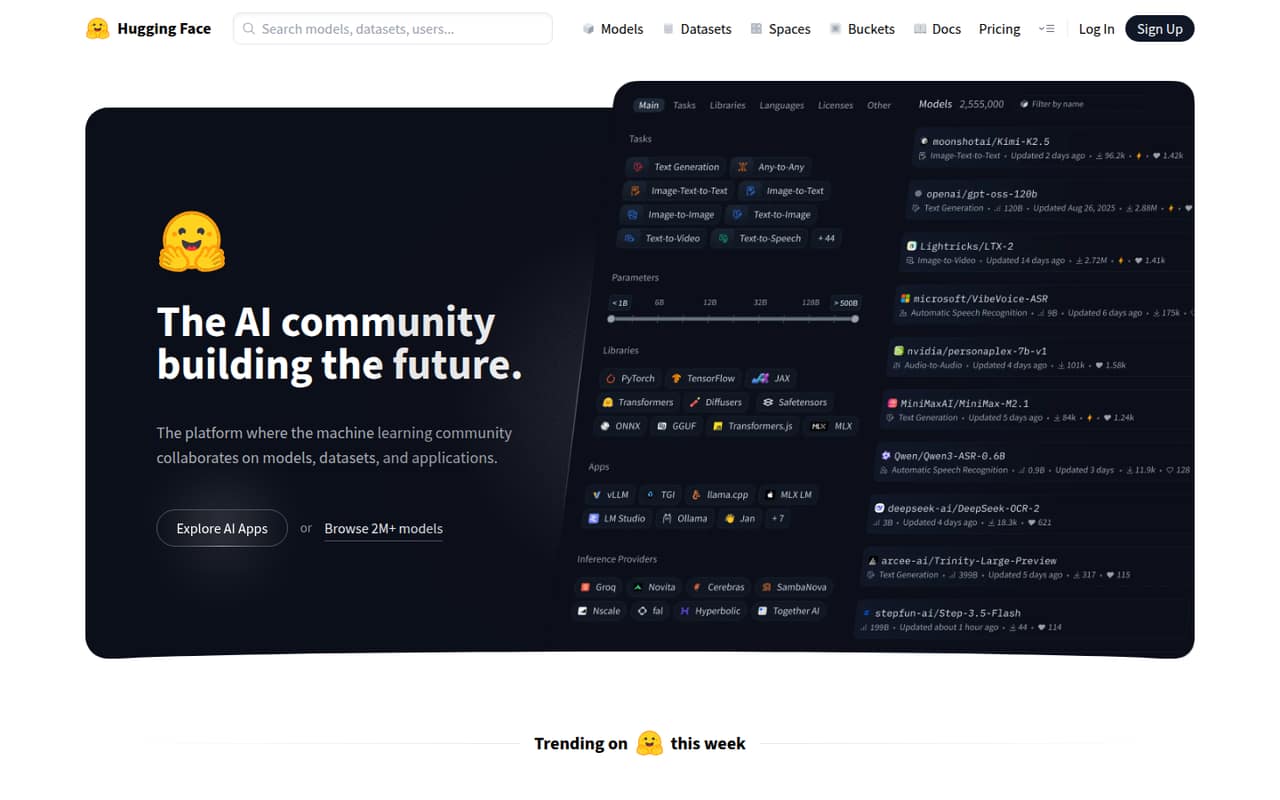
Hugging Face combines a hub for public models and datasets with open-source ML libraries and managed compute. A free plan is listed, with paid options from $9. It suits developers building around community models and libraries, while teams that need managed hosting should account for compute separately and check the plan limits against their deployment needs.
What works
- Hosts public models, datasets and applications
- Offers a unified API to 45,000+ models
- Includes open-source tools for common ML tasks
What doesn't
- Free-tier limits are not stated
- Compute costs vary by hardware and usage
- Rate limits and reliability commitments need confirmation
- Best for GPU workloadsModalModal
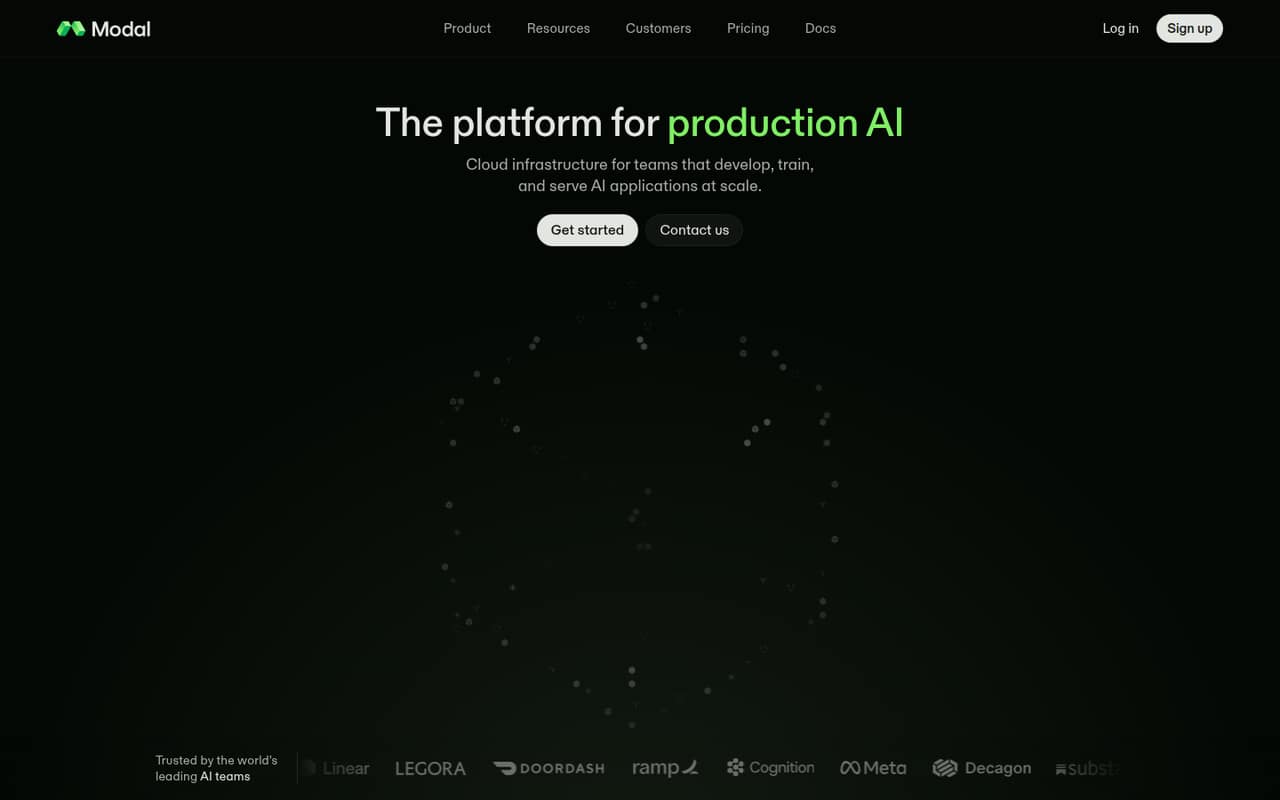
Modal runs AI workloads on hosted, autoscaling compute, with use cases that include model serving, GPU training and fine-tuning, and agent sandboxes. It has a free plan and pricing from $250. Production spend depends on usage, so teams should check the applicable limits and estimate costs for both steady traffic and bursts before moving workloads.
What works
- Inference, training, functions and sandboxes on one platform
- Autoscaling CPU and GPU capacity
- Compute billed by usage
What doesn't
- GPU prices vary by model
- Starter limits containers and GPU concurrency
- Egress and region selection can add costs
- Best for computer visionRoboflowRoboflow
Roboflow is a vision-AI platform for camera-based applications, with workflows spanning development and cloud or edge inference. It includes open-source tools and has a free plan, with pricing from $39. Credit-based costs are worth tracking as projects scale. It is a focused option for vision teams, rather than a general-purpose platform for every ML workload.
What works
- Covers labeling, workflows, inference, and event analysis
- Supports inference in the cloud or at the edge
- Free Tier includes 10 credits per month
What doesn't
- Credit consumption can make costs harder to forecast
- Language-specific SDKs are not named on the homepage
- Project-wide self-hosting is not established
- Best for agent evaluationCometComet
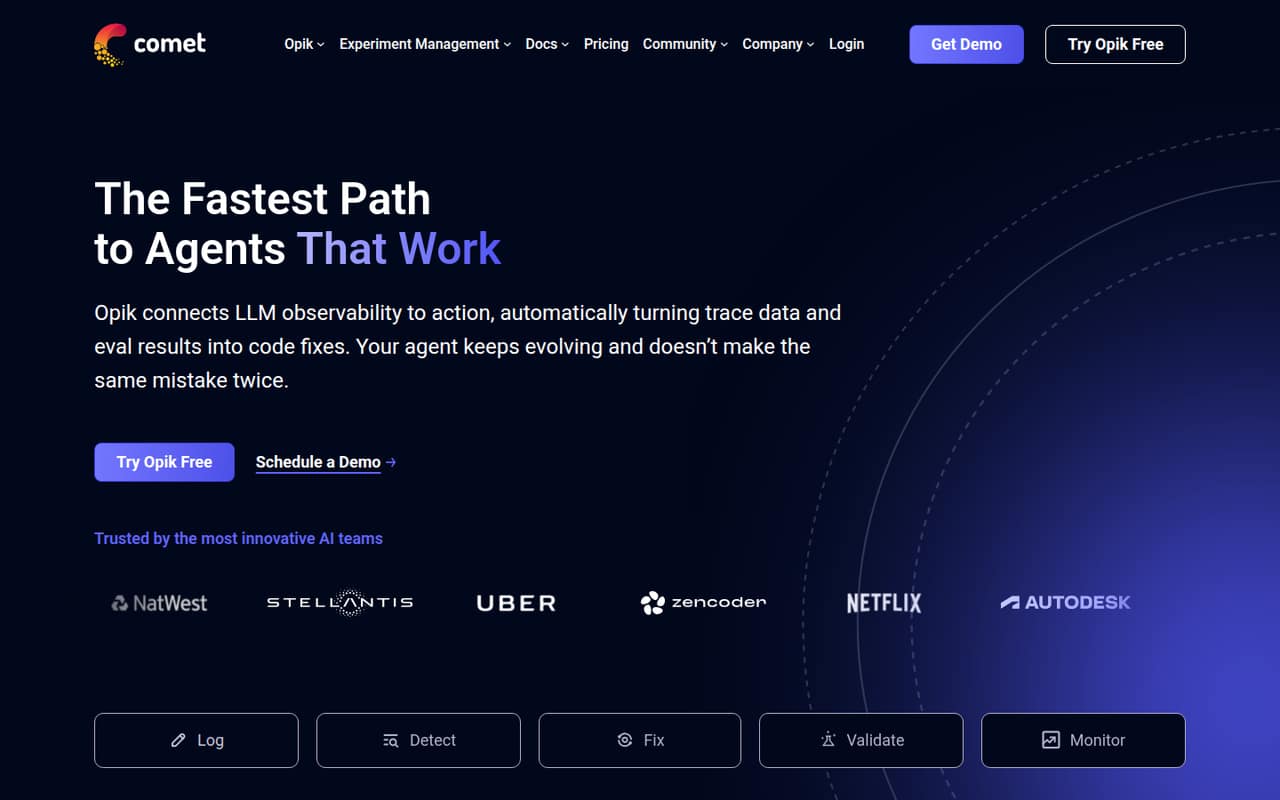
Comet’s Opik pairs agent tracing and evaluation with self-hosting, making it a fit for teams debugging agents or evaluating changes. The platform is listed as open source and self-hostable, with a free plan and pricing from $19. Check the limits that apply to your production workload before relying on it for ongoing trace collection.
What works
- Self-hosted open-source option
- Free Cloud tier includes 25,000 monthly spans
- Traces cover tool calls and retrieval
What doesn't
- Published rate limits are not available
- Exact open-source licence needs confirmation
- Ollie token prices are not published
- Best for ML monitoringEvidently AIEvidently AI
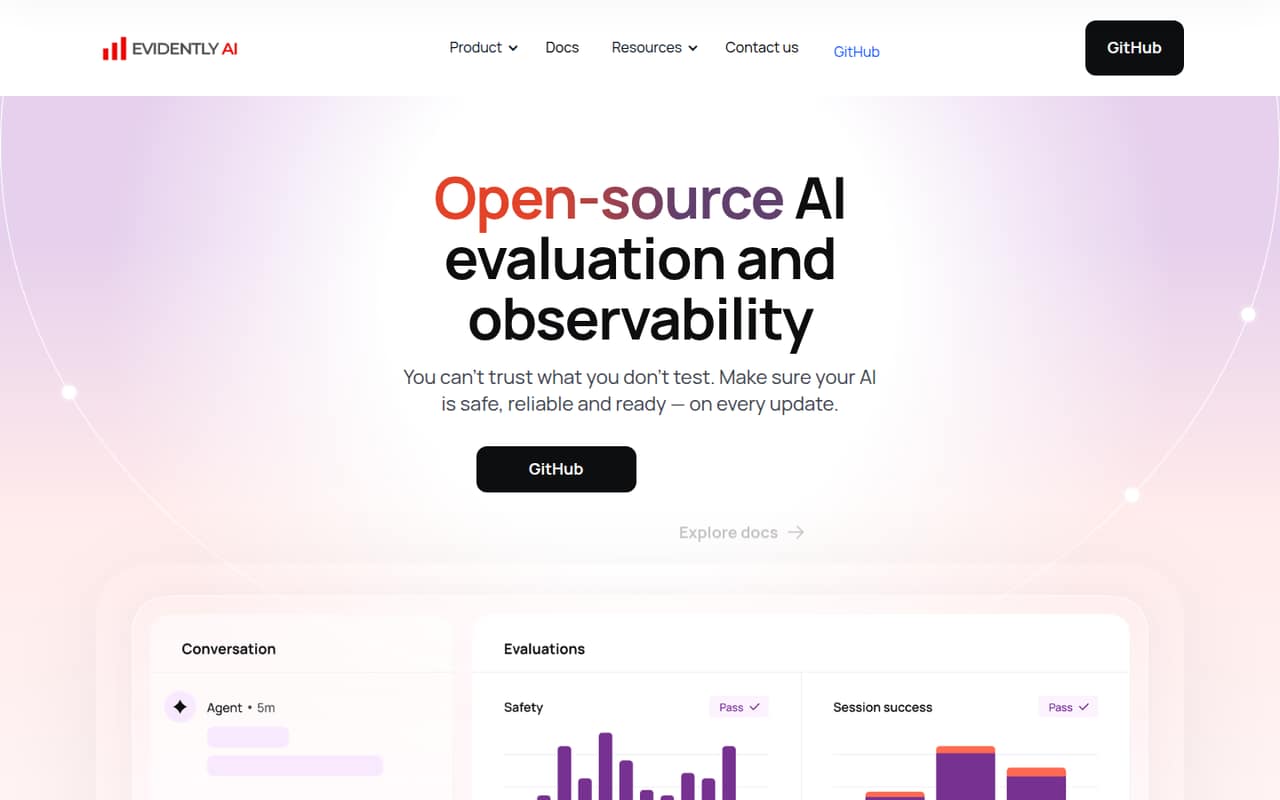
Evidently AI offers an open-source evaluation framework for teams adding checks to ML pipelines or monitoring data drift. A hosted dashboard is available for teams that want a managed option. The free plan and pricing from $80 give teams a starting point, but compare the hosted plan’s limits with the volume and cadence of your evaluations.
What works
- Apache 2.0 open-source framework
- Unlimited self-hosted use on the open-source plan
- 100+ built-in evaluation metrics
What doesn't
- SDK and language support needs confirmation
- Open-source seat and usage limits are not published
- Cloud row limits may constrain larger workloads
- Best for AI observabilityArize AIArize AI
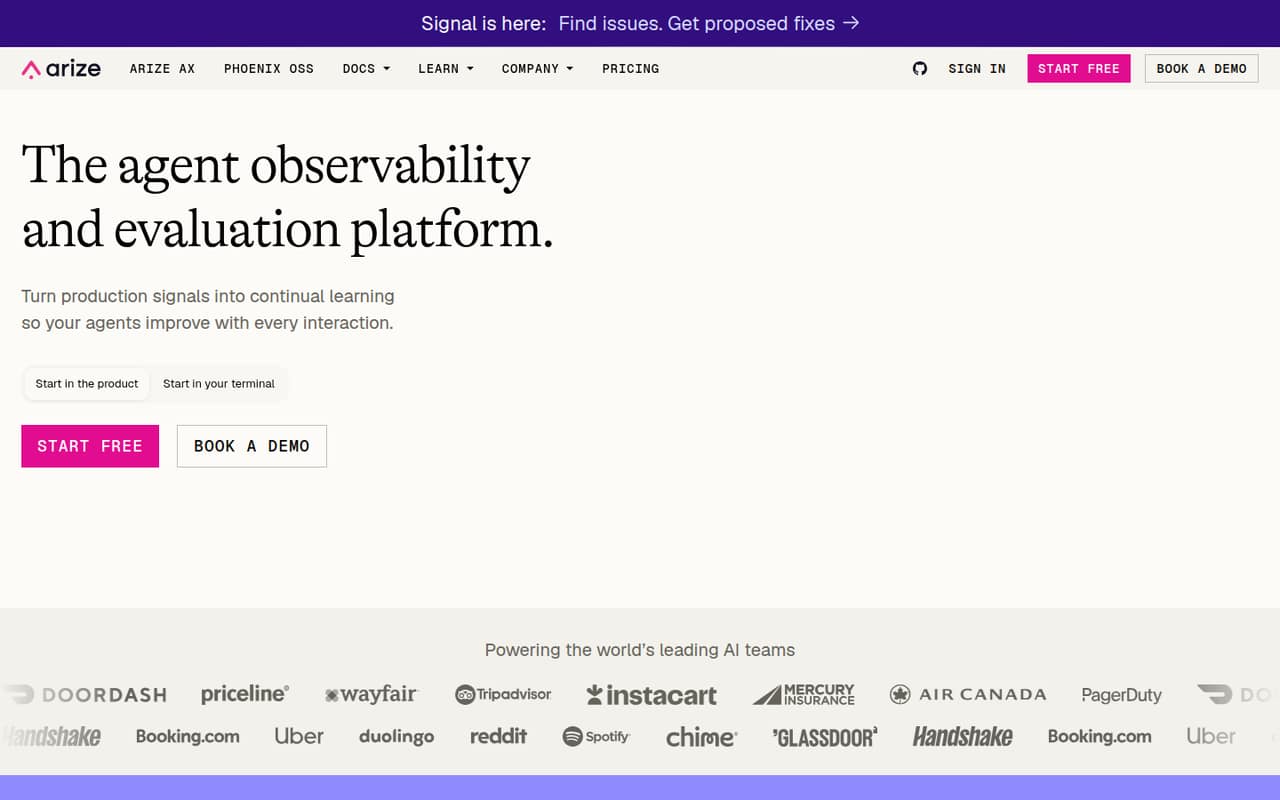
Arize AI focuses on tracing production agents and building evaluation workflows. It has a free plan, pricing from $50, and a self-hostable open-source option for teams that want local-first observability. Before rollout, compare the hosted and self-hosted paths, then check how the plan handles the trace volume your application will generate.
What works
- Traces include token, latency and cost data
- Supports span, trace and session evaluations
- Phoenix can run locally or self-hosted
What doesn't
- AX Free caps spans, ingestion, issues and retention
- AX Pro limits usage and retention
- Enterprise pricing is custom
- Best for model trainingLightning AILightning AI
Lightning AI combines a GPU-centered workspace with compute for teams training specialized models and sharing experiments. It offers a free plan, with pricing from $20. Researchers and ML groups can consider it for development and training, but should verify how compute is charged and whether the available resources fit their workloads before committing.
What works
- Covers data preparation through model inference
- Offers on-demand GPUs and large clusters
- Supports SSH-based interactive prototyping
What doesn't
- API, SDK and language support need confirmation
- Compute rates vary by machine
- Free Studio restarts every four hours
- Best for Google CloudVertex AIVertex AI
Vertex AI is Google Cloud’s end-to-end ML platform for teams building managed model workflows. It is a natural candidate when the rest of the stack already runs on Google Cloud, but it requires working with the platform’s APIs, usage and billing. Confirm the relevant service charges and integration requirements against your project before choosing it.
What works
- REST and gRPC APIs plus four client SDK languages
- Model Garden lists more than 150 models
- AutoML and custom training support several workflows
What doesn't
- No flat monthly subscription or published starting price
- Usage costs span tokens, node-hours and queries
- Proprietary service cannot run as standalone software
- Best for ML notebooksPaperspace GradientPaperspace Gradient
Paperspace Gradient connects hosted notebooks with GPU training and model deployment as API endpoints. It has a free plan and pricing from $8, with compute charged separately. The platform is also listed as self-hostable. Teams should distinguish the entry price from their expected compute spend and confirm how deployment fits their existing serving stack.
What works
- Hosted notebooks cover proof-of-concept development
- GPU machines support training and fine-tuning
- Model deployments produce scalable API endpoints
What doesn't
- Pro appears at both $8 and $12 monthly
- Paid-instance compute is charged separately
- Storage overage costs $0.29 per GB
03How we chose
We ranked platforms for developers and technical teams by the job they do and the effort required to fit them into an ML stack. We weighed API and SDK coverage, documentation, free tiers, usage-based costs, open-source status, self-hosting and the practical risks of vendor lock-in. We favored tools with a clear developer use case and visible entry pricing, while noting when production costs or integration terms need confirmation.
04Match the platform to the workload
Start with the part of your system the platform will own. Experiment tracking and model versioning point toward Weights & Biases; agent traces and evaluations point toward Comet’s Opik or Arize AI. For training and serving on hosted GPUs, compare Modal with Lightning AI. Vision teams should assess Roboflow’s cloud and edge inference path, while notebook-first teams can consider Paperspace Gradient. Hugging Face fits teams building around public models, datasets and open-source libraries. Check how each tool connects to the code you already run: language and SDK support, authentication, deployment targets, data ingestion and export paths. The listings do not establish all of those integration details, so confirm them in the vendor docs before you design around a platform. Avoid paying for an entire ML stack when your codebase needs one focused capability.
05Model the full cost and exit path
Treat the entry price as a starting point, not a production budget. Several platforms list free plans, but compute, credits, trace collection and hosted services can add costs as usage grows. Modal’s production costs depend on workload usage; Paperspace Gradient charges compute separately; Roboflow uses credits. For Vertex AI, account for Google Cloud usage and billing rather than assuming one fixed platform price. Ask vendors for limits on the plan you expect to use, the rate limits for APIs, and how charges change with volume. Also check the licence for the components you plan to deploy, what self-hosting includes, and whether you can export models, data and traces in usable formats. These checks reduce the risk of tying a production pipeline to a service you cannot budget for or leave cleanly.
Questions people ask
Which machine learning platform is best for developers?
Weights & Biases is our best overall pick for experiment tracking, data and model versioning, and agent tracing. Developers focused on open-source models may prefer Hugging Face; teams that need hosted GPU workloads should compare Modal and Lightning AI.
Which platforms have a free plan?
A free plan is listed for Weights & Biases, Hugging Face, Modal, Roboflow, Comet, Evidently AI, Arize AI, Lightning AI and Paperspace Gradient. Check each vendor’s current limits and included resources before using a free tier for production.
Can I self-host a machine learning platform?
Self-hosting is listed for Weights & Biases, Comet, Evidently AI, Arize AI and Paperspace Gradient. Confirm which components can run in your environment, what features differ from hosted plans, and whether your team is responsible for upgrades and operations.
How should I compare platform pricing?
Compare the entry price with the costs tied to your workload: compute, storage, credits, hosted services and trace volume. Ask vendors for plan limits and API rate limits, and estimate spend at expected production usage rather than relying on the free tier or starting price.