
We may earn a commission if you buy through links on this page. It never changes a score or a ranking. How we make money
The bottom line
A GPU-centered workspace and compute platform for teams building and training their own models.
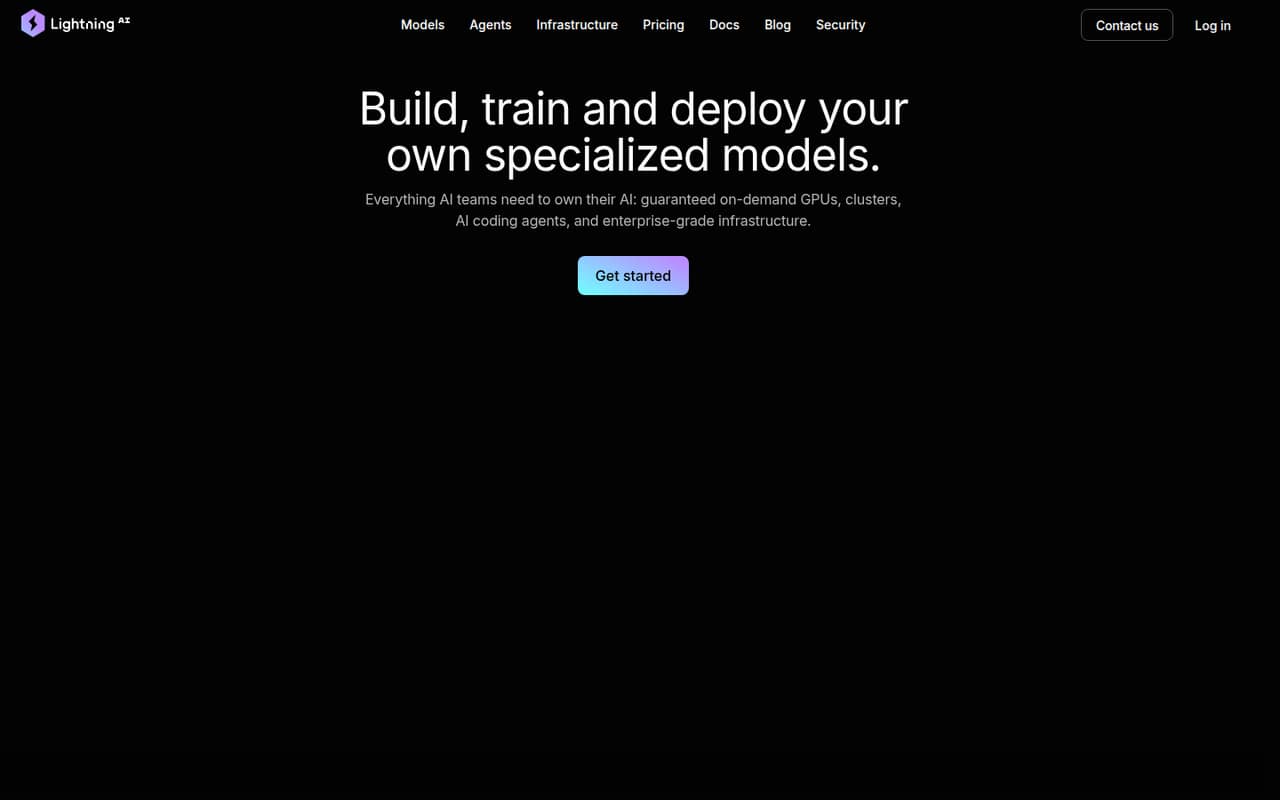
Lightning AI is a hosted platform for developing, training and deploying specialized models, with interactive GPU workspaces, clusters and tools for data preparation, experiments, evaluation and inference. It also advertises options for private cloud, VPC and customer infrastructure.
The workflow is broad, but the homepage does not name an API, SDK or programming-language integration surface. Free access has limits, and compute, storage and seats can add to the plan price. We’d confirm integration and capacity requirements with Lightning before building a production dependency.
Good fit if
- Teams training specialized models
- Researchers needing on-demand GPUs
- ML groups sharing experiments
Skip it if
- Apps needing a documented inference API
- Teams requiring confirmed self-hosting
- Projects with fixed compute budgets
ScoresHow it rates
What works
- Covers data preparation through model inference
- Offers on-demand GPUs and large clusters
- Supports SSH-based interactive prototyping
- Lists Kubernetes, Slurm and bring-your-own-cloud options
- Provides team budgets, cost tracking and autosleep
What doesn't
- API, SDK and language support need confirmation
- Compute rates vary by machine
- Free Studio restarts every four hours
- Interruptible instances may have lower availability
- License and data-export details need confirmation
01What Lightning AI is, technically
Lightning AI is a hosted AI development and compute platform: a browser-based workspace paired with on-demand GPUs, clusters and infrastructure for model work. It is not presented as just a model API or a local library. Teams can prepare datasets, prototype with GPUs and SSH, run parallel experiments, pretrain or post-train models, evaluate them, then run inference on Lightning GPUs.
That places it across several parts of an ML stack: development environment, compute provisioning, experiment workflows and model serving. The vendor also advertises private cloud and VPC support, bring-your-own-cloud, and operation on Kubernetes (K8s) and Slurm. Those options can matter to teams with existing infrastructure, but they do not by themselves establish that the full platform can be self-hosted. Buyers should confirm the deployment model and which components run in their own environment before making it part of a production architecture.
02Lightning AI API, SDKs and docs
The clearest integration surface on the homepage is the interactive Studio workflow: code, debug and refine models on on-demand GPUs, with SSH available. The platform also describes clusters, parallel experiments, model training, evaluation and inference. For infrastructure integration, it says it runs on Kubernetes (K8s) and Slurm, supports bring-your-own-cloud, and offers private cloud and VPC support.
The vendor doesn’t publish API or SDK names on its homepage. It also does not name supported programming languages or a CLI there, so teams that need a service API, client library or command-line workflow should confirm those details in Lightning’s documentation before choosing an integration pattern. The available information points to a compute-and-workspace product rather than a documented REST API or webhook service. Ask how code, credentials, data and trained artifacts move between Lightning and your existing repositories, registries and deployment systems.
03Lightning AI pricing for developers
The Free plan costs $0 and includes up to 30 starting credits, two seats, two concurrent GPUs, 50GB of persistent storage and one free Studio that restarts every four hours. The homepage separately advertises 50 free GPU hours; confirm which offer applies to your account. Pro is $50 per month, or $20 per month with annual billing, with 40 monthly or 240 annual credits, five seats and six concurrent GPUs. Teams is $140 per user monthly or $119 per user monthly annually, with 50 monthly or 600 annual credits.
Plan credits do not remove usage-based compute charges. The pricing page lists machine rates from $0.51 to $9.86 per hour, billed by the second; the homepage lists H200 GPUs from $4.50 per hour. Additional storage is $0.10 per GB-month. Teams includes 2TB, while extra seats and compute can raise the bill. Enterprise pricing is custom, with custom credits. Budget by machine type and workload, not just plan price.
04Lightning AI: open source, self-hosting and lock-in
Lightning AI says it was built by the creators of PyTorch Lightning, but that does not establish that the Lightning AI platform itself is open source. The vendor doesn’t publish the platform’s licence on its homepage, so teams evaluating source access should ask for the applicable terms and any restrictions on code or model artifacts.
The platform advertises private cloud and VPC support, bring-your-own-cloud, and running on Kubernetes (K8s) and Slurm. These are useful portability signals, but they are not a clear commitment that customers can self-host the entire service. The vendor also does not describe data export or a migration path on its homepage. Before storing important datasets and experiment histories there, confirm which formats can be exported, whether checkpoints and logs are portable, and what remains usable after leaving the service. The risk of lock-in depends on those details and on how much of your workflow relies on Lightning-specific tooling.
05Lightning AI in production
Lightning promotes scaling from development to training and inference, and lists GPUs up to H200, B200, H100, A100, RTX 6000 and L4 on its homepage. It advertises team or project budgets, real-time cost tracking, autosleep for idle compute, SSO, role-based access, audit logs, fine-grained data access and encryption at rest and in transit. The vendor says it supports SOC 2 and HIPAA compliance and lists GDPR; Enterprise includes a 99.95% uptime SLA and 24/7 expert support.
Treat capacity and availability as workload-specific. In one Reddit thread, a commenter said interruptible instances were cheap but had lower availability under high demand; another user asked how long an A100 Studio stayed in the “Getting A Machine” state. A separate thread reports a delayed account verification. These are individual reports, not a service-wide reliability measure. Confirm GPU capacity, SLA coverage, support response terms and account onboarding before a time-sensitive launch.
From the threadsWhat users say
The small amount of Reddit discussion is mixed: one user likes the learning workflow, while other comments raise questions about GPU availability and account verification. The comments are anecdotal and do not establish general satisfaction or reliability.
it seems pretty good, has a lot of the foundational technical stuff built in
The interruptible mode is cheap and has less availability because of high demand
I am using lightning ai free version(i m a student) for training. But I am running out of credits
It's been more than a week. While the last email says "Your account should be verified in 2-3 days!
Questions people ask
Is Lightning AI free?
Yes. The Free plan costs $0 and includes up to 30 starting credits, two seats, two concurrent GPUs, 50GB persistent storage and one free Studio that restarts every four hours. The homepage also advertises 50 free GPU hours. Confirm which offer applies to your account, and expect paid compute when included credits run out.
How much does it cost to run a GPU on Lightning AI?
The pricing page lists compute rates from $0.51 to $9.86 per hour, billed by the second. The homepage lists H200 GPUs from $4.50 per hour. Actual cost depends on the selected machine and usage, so estimate against your workload and check current capacity and rates before starting a long run.
Is Lightning AI private?
Lightning advertises private cloud and VPC support, fine-grained data access, encryption at rest and in transit, SSO and audit logs. It also says it supports SOC 2 and HIPAA compliance. Ask the vendor which deployment and compliance terms apply to your plan and workload, especially if you handle regulated data.
Can I deploy models with Lightning AI?
Yes. Lightning describes running AI inference at scale on its GPUs as part of its model workflow. The homepage does not name a serving API or SDK, so confirm deployment interfaces, supported model formats, scaling controls and operational limits with the vendor before depending on it for application traffic.
Can I self-host Lightning AI or move my work elsewhere?
Lightning advertises bring-your-own-cloud, private cloud and VPC support, and says it runs on Kubernetes (K8s) and Slurm. That is not a guarantee that the full platform can be self-hosted. Confirm self-hosting terms, licence, and export options for data, checkpoints and experiment history before committing.