We may earn a commission if you buy through links on this page. It never changes a score or a ranking. How we make money
For developers building around local inference, LocalAI is our best overall pick: it is a free, open-source runtime that exposes compatible AI APIs and supports multiple engines on your own hardware. Ollama is a simpler starting point when you want a local runtime and API. If your priority is a private chat workspace rather than an inference layer, compare Open WebUI, LibreChat and AnythingLLM. Check each project's license and deployment requirements, and validate model compatibility, hardware needs and API behavior before making it a production dependency.
Quick picksThe shortlist
 LocalAILocalAIBest overall · Free
 OllamaOllamaBest runtime API · $16.67/mo
 Open WebUIOpen WebUIBest self-hosted UI · $5/mo
 LibreChatLibreChatBest multi-provider · Free
 AnythingLLMAnythingLLMBest document workflows · $50/mo
 GPT4AllGPT4AllBest document chat · Free
 JanJanBest desktop client · Free
 MstyMstyBest governed workspace · $12.42/mo
 ChatboxChatboxBest provider switching · $3.50/mo
 LobeChatLobeChatBest team agents · $18/mo
 LM StudioLM StudioBest desktop experiments · $20/mo
01Compared at a glance
| Tool | Score | From | Free plan | Trial |
|---|---|---|---|---|
| LocalAILocalAI | 8.0 | Free | Yes | — |
| OllamaOllama | 7.6 | $16.67/mo | Yes | — |
| Open WebUIOpen WebUI | 7.2 | $5/mo | Yes | — |
| LibreChatLibreChat | 7.1 | Free | Yes | — |
| AnythingLLMAnythingLLM | 7.3 | $50/mo | Yes | — |
| GPT4AllGPT4All | 7.0 | Free | Yes | — |
| JanJan | 6.0 | Free | Yes | — |
| MstyMsty | 6.8 | $12.42/mo | Yes | — |
| ChatboxChatbox | 6.8 | $3.50/mo | Yes | — |
| LobeChatLobeChat | 6.8 | $18/mo | Yes | — |
| LM StudioLM Studio | 6.3 | $20/mo | Yes | — |
02The picks, in detail
- Best overallLocalAILocalAI
LocalAI combines a self-hosted runtime, compatible AI APIs and support for multiple model engines, making it the strongest fit for teams connecting local inference to existing applications. It is open source and has a free plan; the listed starting price is n/a. Check which engines and API behaviors match your client before standardizing on it.
What works
- MIT-licensed and free for self-hosted use
- Supports OpenAI, Anthropic, Ollama and ElevenLabs APIs
- Switch engines behind the same API
What doesn't
- You supply and operate the hardware
- Seat limits are not published
- No public annual billing or add-on prices
- Best runtime APIOllamaOllama
Ollama is an open-source, self-hostable local model runtime with an API, aimed at developers building inference into apps and teams prototyping with open-weight models. Its free plan makes evaluation accessible; the listed starting price is $16.67. The trade-off is less low-level control than some developers want, so confirm it covers your runtime requirements.
What works
- Open-source under the MIT license
- Runs locally, offline or in the cloud
- REST API for chat, completions and embeddings
What doesn't
- Hosted usage is billed per token
- Cloud plans cap concurrent requests
- Local API request limits are not published
- Best self-hosted UIOpen WebUIOpen WebUI
Open WebUI is an open-source, self-hostable AI workspace for teams hosting their own models, including organizations that need air-gapped deployment. Its free plan is listed alongside a starting price of $5. Python workflow extension is a stated fit, but check the license, integrations and operational requirements before making it a shared team interface.
What works
- Connects local, cloud and compatible models
- Runs on owned hardware or cloud infrastructure
- Free plan has no seat or request limits
What doesn't
- License terms need review before deployment
- Vendor does not publish API or SDK specifics on its homepage
- Self-hosting leaves deployment and compute operations to you
- Best multi-providerLibreChatLibreChat
LibreChat is a free, open-source, self-hostable workspace for teams that want multiple model providers or MCP-based agent workflows. Its breadth can suit projects that need one interface across providers, but expect configuration work rather than a drop-in service. Before deployment, validate provider setup and MCP workflow requirements against your team's architecture.
What works
- MIT-licensed software with no per-seat charge
- Connects hosted providers and local models
- MCP support for tools and services
What doesn't
- Infrastructure and model API costs are separate
- Configuration can take substantial troubleshooting
- Reddit users report buggy behavior and outages
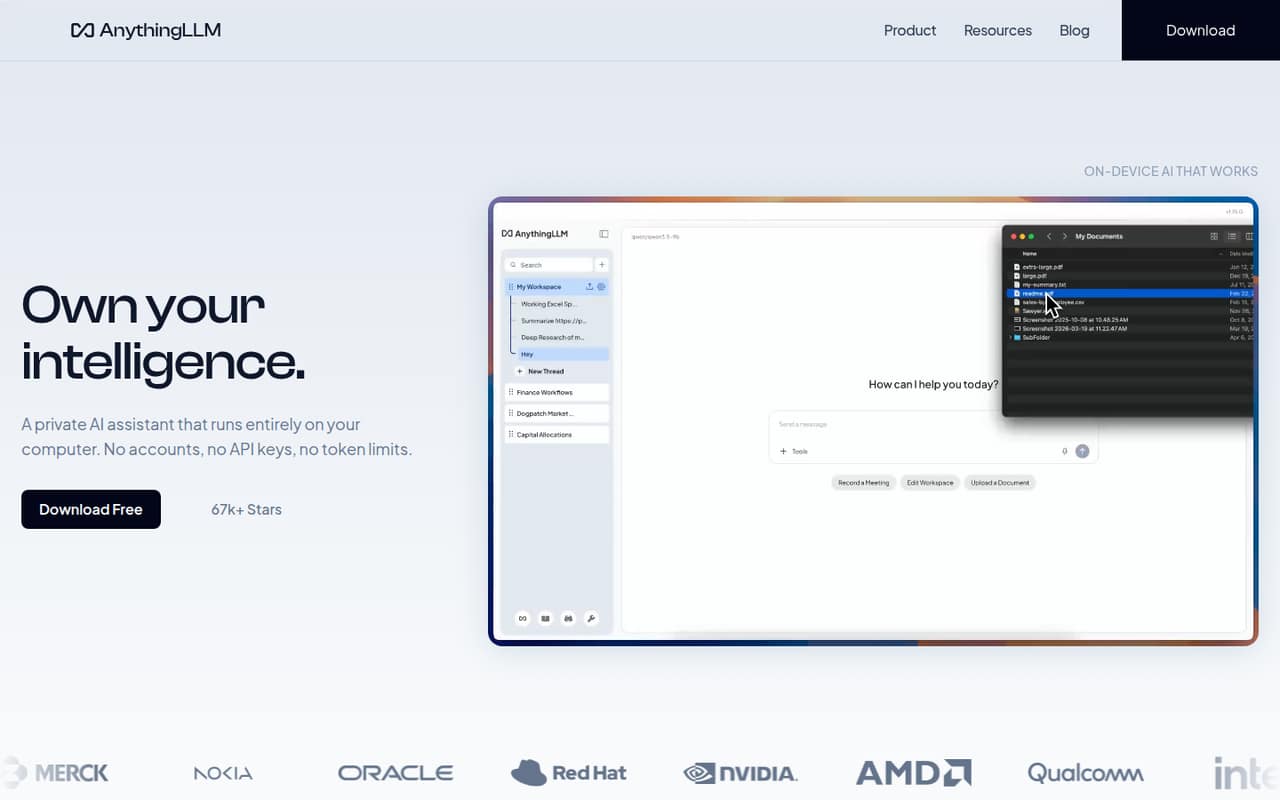
- Best document workflowsAnythingLLMAnythingLLM
AnythingLLM is an open-source, self-hostable workspace for local data processing and document-based AI workflows, with a free desktop app as another way to start. The listed price starts at $50. It fits teams organizing work around documents, but developers should verify that its integration contract meets their needs before building dependent services.
What works
- Free desktop app for macOS, Windows and Linux
- Local document processing and model options
- Meeting transcripts, summaries and action items
What doesn't
- Developer API protocol and language SDKs aren't named
- Free-plan features and limits aren't published
- External LLM API costs are separate
- Best document chatGPT4AllGPT4All
GPT4All is a free, open-source, self-hostable local chatbot with document chat, suited to model experiments and on-device processing. That makes it a practical option when the goal is to ask questions about local documents rather than add a documented API to an application. Teams planning deeper integrations should confirm the available developer interfaces first.
What works
- Runs open-source models on Windows, macOS, and Linux
- LocalDocs supports chat with local documents
- Vendor says data stays on your device
What doesn't
- Product page does not detail an API or SDK
- No published GPT4All usage limits or paid tiers
- Reddit users report unreliable RAG results
- Best desktop clientJanJan
Jan is a free, open-source, self-hostable desktop client for local AI and provider-backed chats. It suits Mac users evaluating models or people bringing their own provider API keys. It is a client, not a documented developer API, so use it to explore models and chat workflows rather than assume it can serve as your application's integration layer.
What works
- Free app with unlimited local inference
- Unlimited model downloads on the free plan
- Apache-2.0 open-source license
What doesn't
- No Jan API or SDK is named on the homepage
- Online model use incurs provider charges
- Homepage advertises a Mac download
- Best governed workspaceMstyMsty
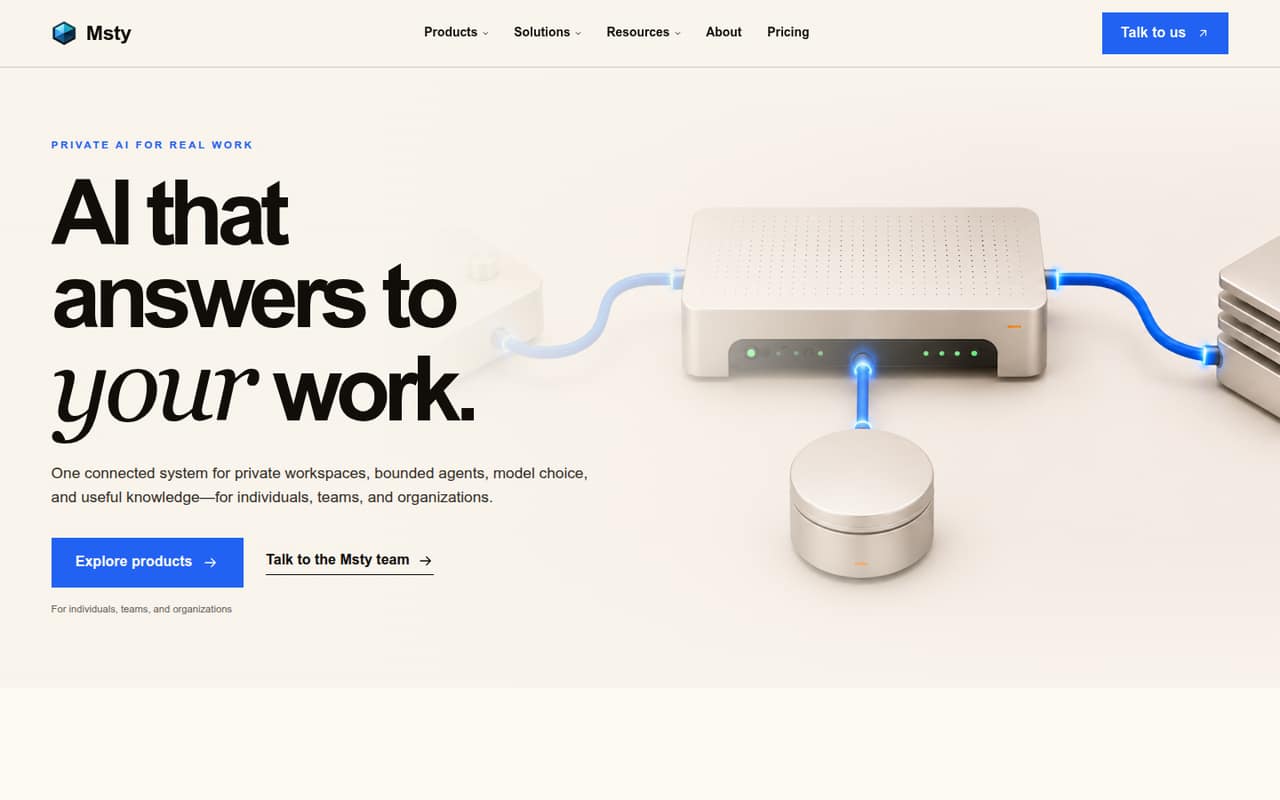
Msty is a private AI workspace for individuals working with local models and teams evaluating model controls and governed workflows. It has a free plan and a listed starting price of $12.42. For developers, the key question is whether its available integration options support your architecture; verify that with the vendor before making Msty part of an automated workflow.
What works
- Free Studio plan supports local and online models
- Work across models in one workspace
- Scoped agents include reviewable steps
What doesn't
- SDKs, languages, and API protocols need confirmation
- Nexus is listed as preview, with pricing unpublished
- Team and enterprise pricing is custom
- Best provider switchingChatboxChatbox
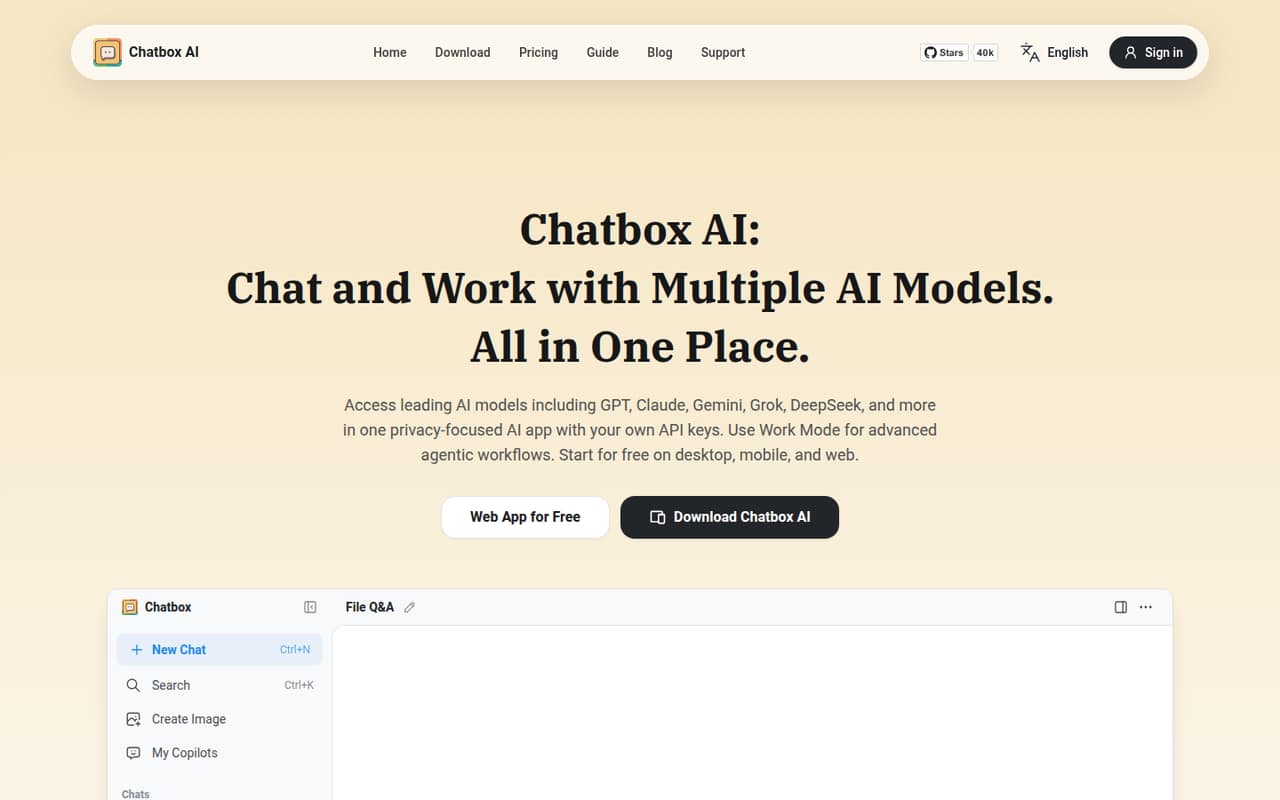
Chatbox is an app for people working with several AI providers, file Q&A and local document search. It has a free plan and a listed starting price of $3.50. It can help individual developers explore AI workflows, but teams that require APIs, sync guarantees or self-hosting should choose a different foundation.
What works
- Brings GPT, Claude, Gemini, Grok and DeepSeek into one app
- Accepts users’ own API keys
- Chats with PDFs, Word files, images and code snippets
What doesn't
- Not presented as an API or SDK platform
- No rate limits or compute-point overage terms published
- Reddit users report separate chat histories across devices
- Best team agentsLobeChatLobeChat
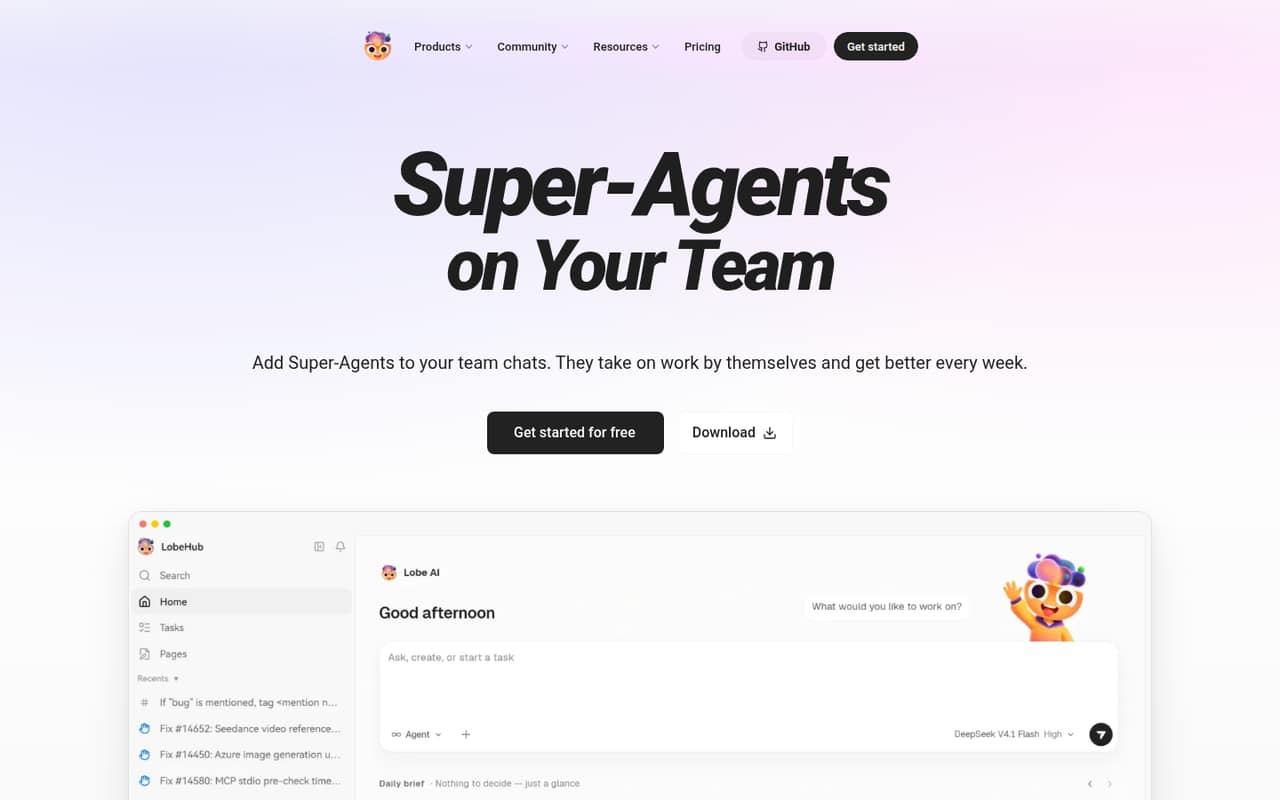
LobeChat is an open-source, self-hostable team-agent workspace, with flows for reviewing agent-written changes and running parallel agent tasks. It has a free plan and a listed starting price of $18. Its team workflow is the main draw; developers should check the integration details and deployment fit before treating it as a platform dependency.
What works
- Connects agents to Slack, Discord and Telegram
- Supports parallel work with plan-based concurrency limits
- Shows evidence and acceptance checks for deliveries
What doesn't
- Homepage does not document an API or SDK surface
- Free plan allows only one concurrent task
- Usage allowance and five-hour limits apply on paid plans
- Best desktop experimentsLM StudioLM Studio
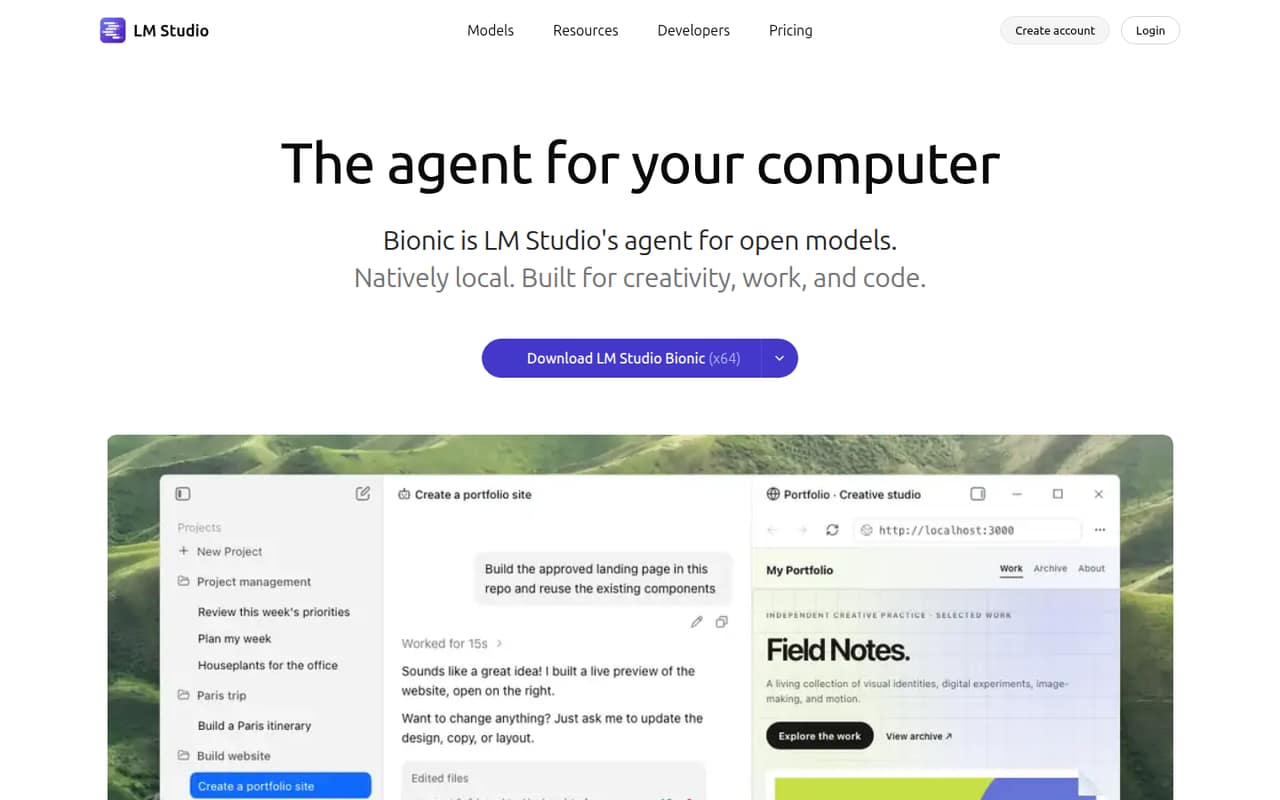
LM Studio is a self-hostable entry point for developers exploring local models and solo users automating desktop tasks, with optional hosted models for teams. It has a free plan and a listed starting price of $20. Before changing production integrations, verify Bionic's API behavior and compatibility with your existing clients.
What works
- Run downloaded LLMs locally with llama.cpp and MLX
- Free plan includes offline voice transcription
- Bionic auto-saves document changes
What doesn't
- Homepage does not establish SDKs or language support
- Bionic API differences may break integrations
- Usage limits and rate limits are not quantified
03How we chose
We ranked these apps for developer and technical-team fit, weighing whether each is a runtime, API, desktop client or shared workspace. We considered documented API and SDK coverage, integration guidance, free access and listed starting prices, plus open-source licensing and self-hosting where stated. We also treat Reddit sentiment as a secondary signal for operational fit, not a substitute for vendor documentation or a production compatibility check. Scores informed the comparison but did not determine rank: API fit and deployment control matter more for teams building on local models.
04Choose the layer you need
A local AI app can be an inference runtime, a chat interface or both. If your application needs to send requests to a model on your own hardware, start with a runtime and check its API compatibility. LocalAI offers compatible AI APIs and multiple engines; Ollama provides a local runtime and API. If people need a shared place to chat with models, compare Open WebUI, LibreChat and AnythingLLM instead. Desktop clients such as Jan and GPT4All are useful for evaluation and document chat, but don't assume a desktop interface is a production API. Map the tool to the part of your stack it will own: model serving, user interface, document workflow or agent coordination. Then confirm the specific integrations and deployment behavior you need in the project's docs.
05Check deployment, cost and failure modes
A free plan or open-source license does not by itself tell you the cost of running a model. Separate app pricing from the hardware and operations needed to serve inference, and confirm any plan limits with the vendor. For self-hosting, review the license, deployment instructions, update process and whether the system fits your network and security requirements. Test the model, API client and document workflow you intend to use before depending on them in production. Check how your application handles unavailable models, slow inference and incompatible responses; the product list does not establish those behaviors. For a hosted or provider-connected mode, identify where requests and data go. Ask vendors about data export and retention if those affect your exit plan, and keep model and provider dependencies replaceable where practical.
Questions people ask
What's the best LLM I can run locally?
The best model depends on your hardware, task and quality requirements; these apps are ways to run or work with models, not a single model recommendation. For a developer-facing local runtime, compare LocalAI and Ollama. For local document chat, look at GPT4All or AnythingLLM.
Is local LLM even worth it?
It can be worth it when on-device processing, offline access or control over deployment matters. You also take responsibility for hardware, model selection, updates and operations. If you need a managed API or minimal setup, compare that workload and cost against local inference before committing.
What is the dumbest LLM?
There is no useful universal ranking of the least capable model: results depend on the task, prompt and evaluation method. For a local setup, compare candidate models on representative tasks and measure answer quality, latency and resource use on your target hardware.
How much RAM for a local LLM?
There is no single RAM requirement for local LLMs. It depends on the model, its format, context length and what else is running. Check the selected model's requirements and the runtime's documentation, then leave capacity for the operating system and application workload.