
We may earn a commission if you buy through links on this page. It never changes a score or a ranking. How we make money
The bottom line
A capable self-hosted AI workspace; check the license, integrations and operational fit before standardizing on it.
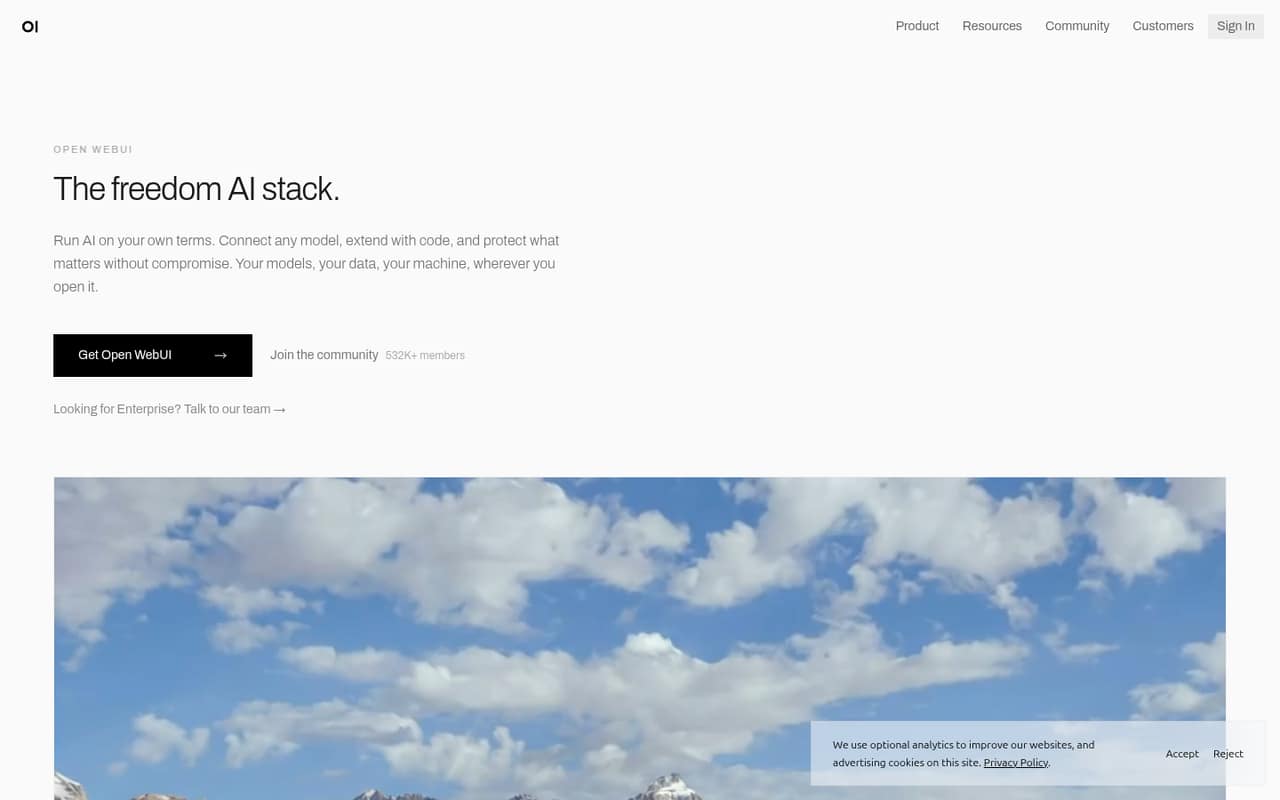
Open WebUI is a self-hosted interface for connecting local and cloud models, with Python pipelines, community resources and organization controls. Its free plan has no seat or request limits, making it a low-cost way to put a shared AI interface in your own environment.
The trade-off is operational ownership: you run the deployment and should verify licensing, data handling and integration requirements before adopting it across a team. Reddit feedback is mixed, with users praising new agent capabilities while others report usability and configuration frustrations.
Good fit if
- Teams hosting their own models
- Organizations needing air-gapped deployment
- Developers extending AI workflows with Python
Skip it if
- Teams wanting a fully managed service
- Buyers needing a published SDK matrix
- Organizations unwilling to review license terms
ScoresHow it rates
What works
- Connects local, cloud and compatible models
- Runs on owned hardware or cloud infrastructure
- Free plan has no seat or request limits
- Python pipelines provide an extension point
- Includes SSO, RBAC and audit logs
What doesn't
- License terms need review before deployment
- Vendor does not publish API or SDK specifics on its homepage
- Self-hosting leaves deployment and compute operations to you
- Enterprise pricing and usage limits are unpublished
- Reddit users report usability and configuration friction
01What Open WebUI is, technically
Open WebUI is a self-hosted AI interface and workspace, not a hosted model API. You run it on your own hardware, in your cloud, or in an air-gapped environment, then connect it to local or cloud models such as Ollama, OpenAI, Anthropic, and compatible services. It sits between users and model providers: a shared place to chat, use tools, retrieve information, and access organization controls.
The homepage offers installation through pip install open-webui or Docker. That makes it a deployable application in your infrastructure rather than a library that gets embedded in an existing service. The platform also supports Python pipelines and community resources, including prompts, models, tools, functions, and discussions. Its stated toolkit covers voice, vision, retrieval, generation, and search. Teams considering it as an internal AI front end should plan to operate the application and its model connections themselves; the vendor describes self-hosting, not a managed hosted workspace.
02Open WebUI API, SDKs and docs
The homepage names Python pipelines as the extension surface and offers installation through pip or Docker. It also describes connections to Ollama, OpenAI, Anthropic, and compatible services, plus community-shared tools and functions. That gives developers clear integration categories—model connections and Python extensions—but the homepage does not lay out API endpoints, protocols, SDKs, authentication flows, or versioned compatibility details.
Open WebUI links to documentation for getting started and exploring the platform, and to GitHub. Before building a production integration, check those docs for the API surface, supported protocols, authentication, and any SDKs for your language; do not assume that a model connection means a particular SDK is supported. The product also supports Python code and pipelines, but the homepage does not name other extension languages. The pip command is an installation method, not evidence of a separate developer CLI.
03Open WebUI pricing for developers
The pricing information checked on November 11, 2026 lists a Free plan at $0 forever. It requires no account, card, or purchase and has no seat or request limits. One branding condition applies: changing or removing branding above 50 users within a rolling 30-day window requires an enterprise agreement. The free plan does not cover your infrastructure or model-provider costs, so budget separately for compute and any connected paid services.
The Supporter plan lists annual billing at $60 per seat per year—equivalent to $5 per seat per month when billed annually. A monthly price, seat limits, and usage limits are not published. Enterprise uses custom pricing, with seat and usage limits also unpublished. Terminals and Tether require an enterprise license, and separate rates are not published. The listed pricing does not describe request overages or compute charges. Ask sales about enterprise terms and the licensing cost of those add-ons before sizing a production deployment.
04Open WebUI: open source, self-hosting and lock-in
Open WebUI links to GitHub and describes deployment on your own hardware, in your cloud, or in an air-gapped environment. That gives teams control over where the application runs and supports setups that cannot rely on a public hosted service. The homepage does not state the license terms, so review the repository’s current license before redistributing, modifying, or deploying it at scale. One Reddit thread specifically criticizes branding restrictions and questions whether the project’s license is open; treat that as a user concern to investigate, not a substitute for reading the license.
Keeping the application in your environment can reduce dependence on a vendor-hosted workspace, but migration still depends on how you store conversations, configuration, and extensions. The vendor does not publish a data-export path on its homepage. Confirm backup and export procedures in the documentation before relying on it for organizational records, and test how model connections and Python extensions would transfer to another interface.
05Open WebUI in production
Self-hosting gives teams deployment control, and the homepage names SSO, RBAC, audit logs, data residency, on-premises deployment, and air-gapped operation as organization features. Those are useful control points, but verify their availability and configuration in your target edition before making compliance commitments. Plan for the infrastructure and model services you connect; the published plan information does not set request ceilings or describe application-level scaling limits.
Reddit reports show both interest and friction. One thread describes using the newer Open WebUI and Open Terminal combination to control a virtual desktop, while another user says tool configuration was difficult; replies point to model and workspace settings that can persist tool selection. A separate thread includes a team reporting use at roughly 1,500 users but asking for more long-running agent workflows. These reports are anecdotal, not capacity guidance. Pilot your own workload, test permissions and backups, and validate the agent behavior and version changes your workflows depend on.
Questions people ask
Is Open WebUI free to use?
The Free plan is listed at $0 forever, with no account, card, or purchase required. It has no seat or request limits. The pricing information lists one branding condition: changing or removing branding above 50 users within a rolling 30-day window requires an enterprise agreement. You still need to budget for the hardware, cloud infrastructure, and any connected model services.
Can I run Open WebUI without an internet connection?
The vendor says Open WebUI can run on your own hardware, in your cloud, or in a fully air-gapped environment. Whether your complete setup works offline also depends on the models and services you connect, along with how you install and update the application. Check the documentation for your deployment and model requirements before planning an air-gapped rollout.
Which models can Open WebUI connect to?
The homepage names Ollama, OpenAI, Anthropic, and compatible services. It describes support for local or cloud models and says you can connect compatible models, but it does not publish a complete compatibility matrix on the homepage. Check the documentation for the provider, connection method, and model behavior you plan to use.
Does Open WebUI have an API or SDK?
The homepage describes model connections and Python pipelines, and links to the product documentation and GitHub. It does not provide API endpoint, protocol, or SDK details there. Check the current documentation for supported API routes, authentication, and language-specific SDKs before building a service around Open WebUI.
What does Open WebUI cost for an organization?
The Free plan is listed at $0, with no seat or request limits. Supporter is listed at $60 per seat per year; monthly billing and its seat or usage limits are not published. Enterprise pricing is custom. Terminals and Tether require an enterprise license, with separate rates not published, so ask sales for terms before planning a rollout.
Sources
- Open WebUI homepage
- Open WebUI pricing, compiled via web search from kunavo.com, saikodev.ai, openwebui.com, innfactory.ai, vdf.ai
- Reddit: We are cooked. My QFN 3.8 NVFP4 just drew a dog freehand in MS Paint (using new Open WebUI 0.13.0 and Open Terminal 0.17.2)
- Reddit: Open WebUI is dead to me, now time to recode
- Reddit: Are there any alternatives to Open WebUI that don't have terrible UX?
- Reddit: Open WebUI is awesome - but how do I get ChatGPT/Claude-style long-running agentic tasks?