
We may earn a commission if you buy through links on this page. It never changes a score or a ranking. How we make money
The bottom line
A feature-rich desktop XML/JSON workbench, priced for developers who need its specialized tools.
XMLSpy is a desktop development tool for XML, JSON and related technologies. Its schema design, validation, debugging, profiling and conversion tools suit specialized XML workflows better than a general-purpose editor.
Perpetual licenses start at $679, and the vendor lists a 30-day trial. Reddit comments praise XMLSpy’s designer and grid view, but the discussion is small and does not establish broad user sentiment.
Good fit if
- Teams building XML schemas
- Developers debugging XML and JSON
- Workflows needing visual schema design
Skip it if
- Teams seeking an open-source editor
- Projects needing a documented REST API
- Buyers requiring usage-based pricing
ScoresHow it rates
What works
- Graphical schema design for XML and related technologies
- Includes validation, debugging and profiling tools
- Supports XML and JSON development workflows
- Offers code generation and file conversion
- Perpetual license option with a 30-day trial
What doesn't
- No free plan; Professional starts at $679
- SDKs, languages and CLI are not named on the homepage
- AI subscription prices are incomplete
- Usage limits and overage costs are unpublished
- No open-source license is listed
01What XMLSpy is, technically
XMLSpy is a locally installed desktop development tool, not a hosted API, SaaS editor, library or self-hosted server. It gives developers a workbench for modeling, editing, validating, transforming and debugging XML, JSON and related technologies. In a development stack, it sits alongside source files and databases as an authoring and diagnostic environment; it is not presented as a runtime service for an application.
The homepage lists graphical schema design, code generation, file conversion, debugging, profiling and database integration. Those features target teams working with structured data and standards such as XML Schema, XPath, XQuery and XSLT. The vendor also offers a separate Altova-hosted AI service through an optional subscription. That makes the core product a desktop tool with an optional hosted assistance component, rather than a cloud-first development platform. XMLSpy’s role is to help build and inspect data artifacts; the homepage does not position it as a deployment or production-processing server.
02XMLSpy API, SDKs and docs
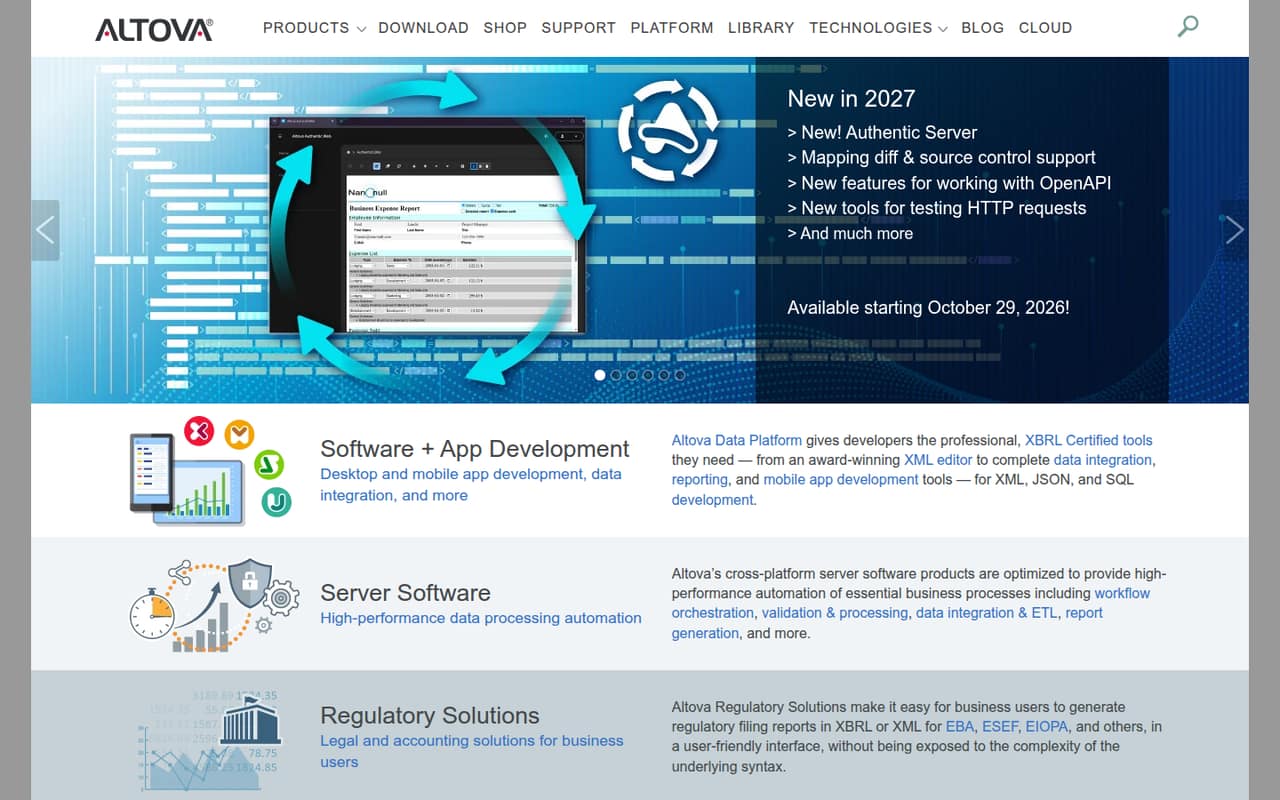
The main integration surface is the desktop application: developers use its modeling, editing, validation, debugging, profiling and conversion tools on XML and JSON work. The homepage also names database integration, code generation and file converters. It announces tools for working with OpenAPI and testing HTTP requests, available starting October 29, 2026.
The homepage does not name a REST API, SDK, programming language, CLI or plugin system for XMLSpy. It therefore reads as an IDE-style tool, not an API developers call from application code. Before planning automation or embedding XMLSpy in a build pipeline, confirm the supported command-line and SDK options in the vendor’s documentation. The vendor’s broader product range includes separate server products, but those are not the same as an XMLSpy API. The homepage points to Support and Library sections, but does not identify a specific documentation format or language-specific SDK in its XMLSpy listing.
03XMLSpy pricing for developers
XMLSpy has no free plan; the vendor lists a 30-day trial. The Professional perpetual license costs $679 for one user, $3,190 for five, $5,790 for 10, $11,290 for 20 and $27,190 for 50. The Enterprise perpetual license costs $1,099 for one user, $5,190 for five, $9,290 for 10, $18,190 for 20 and $43,990 for 50. Direct web purchases go up to 50 users; larger orders require a quote.
These are one-time license prices, not monthly or annual-billed equivalents. A one-year Professional Support and Maintenance Package is $169.75 for one user; the Enterprise package is $274.75 for one user. The Altova AI Subscription lists Basic AI at $180, while Pro AI and Max AI prices are not published. The pricing page does not list usage-based charges, request quotas or compute billing for XMLSpy. AI overage costs are not published, so teams considering that add-on should ask Altova about limits and additional charges.
04XMLSpy: open source, self-hosting and lock-in
Altova sells XMLSpy under perpetual commercial licenses. The vendor does not publish an open-source license for the product, so teams should treat it as proprietary rather than plan to modify or redistribute its source. XMLSpy is a desktop application installed for licensed users, not a hosted-only editor. The optional AI Subscription is different: the homepage identifies it as an Altova-hosted service.
XML and JSON files are standard data formats, which can make the underlying documents usable in other tools. XMLSpy also lists file conversion, though the homepage does not enumerate supported conversion formats or describe a project-wide export and migration process. Lock-in is therefore likely to depend less on the data files themselves than on any editor-specific workflow or artifacts a team adopts. Before purchase, check which files and settings can be moved, and whether the team’s build process depends on XMLSpy-specific features.
05XMLSpy in production
XMLSpy is a desktop development tool, so the key production question is how it fits the team’s authoring and validation process—not how many API requests it can serve. The pricing page lists installed, concurrent and named user license arrangements for Professional; concurrent and named use requires Altova LicenseServer. Professional allows one computer per installed license, up to 10 computers per concurrent license, or up to five computers per named user with one active session. Confirm the licensing model and seat count before rolling it out across a build team.
The vendor does not publish XMLSpy rate limits or performance targets on the homepage. Check file-size behavior, automation needs, security requirements and data handling before using it in a critical workflow, particularly if enabling the Altova-hosted AI service. In one Reddit thread, a user described working with XML files over 100 MB and praised XMLSpy’s grid view for readability. That is an individual report, not a performance benchmark or a reliability guarantee.
From the threadsWhat users say
The Reddit discussion is limited but leans positive about XMLSpy’s specialist interface. Users mention its designer and grid view as capabilities that can be hard to find in free editors; the comments do not offer a broad assessment of current versions.
It seems like I recall that XMLspy has a designer UI that you likely will not find in any free tools
XMLspy has a nice "grid" view for doing that sort of thing
I haven't been doing any heavy XML work in a while though, especially for files that size
I was using Oxygen for a while and loved that designer feature as well
Questions people ask
How much does XMLSpy cost?
The Professional perpetual license is $679 for one user, with tiered prices for larger license counts. Enterprise starts at $1,099 for one user. The vendor lists a 30-day trial and does not publish monthly or annual-billed equivalents. Support and maintenance packages and an optional AI subscription are priced separately.
Does XMLSpy have a free version?
The vendor’s pricing lists no free plan, but it does offer a 30-day trial. XMLSpy is sold as a perpetual commercial license. If your team needs an ongoing free editor or an open-source license, XMLSpy’s listed pricing and licensing model do not provide either.
Does XMLSpy provide an API, SDK or CLI?
The homepage presents XMLSpy as a desktop editor and names tools for schema design, validation, debugging, conversion and database integration. It does not name a REST API, SDK, programming language or CLI. Check Altova’s documentation for supported automation options before making XMLSpy a required step in a build pipeline.
Can XMLSpy handle large XML files?
A Reddit user reported working with XML files over 100 MB and said XMLSpy’s grid view helped make them more readable. That is an individual account, not a vendor performance guarantee or benchmark. Test your own file sizes and workflows during the 30-day trial before relying on it for large documents.
Does XMLSpy’s AI feature send data to a hosted service?
The homepage describes the Altova AI Subscription as an Altova-hosted AI service that provides development, data integration and SQL editing support. It is an optional subscription, separate from XMLSpy’s perpetual license. Before using it with sensitive source or data, ask Altova about retention, access controls and applicable security terms.