
We may earn a commission if you buy through links on this page. It never changes a score or a ranking. How we make money
The bottom line
A focused large-file editor with useful workspace tools, but no free plan and limited published integration detail.
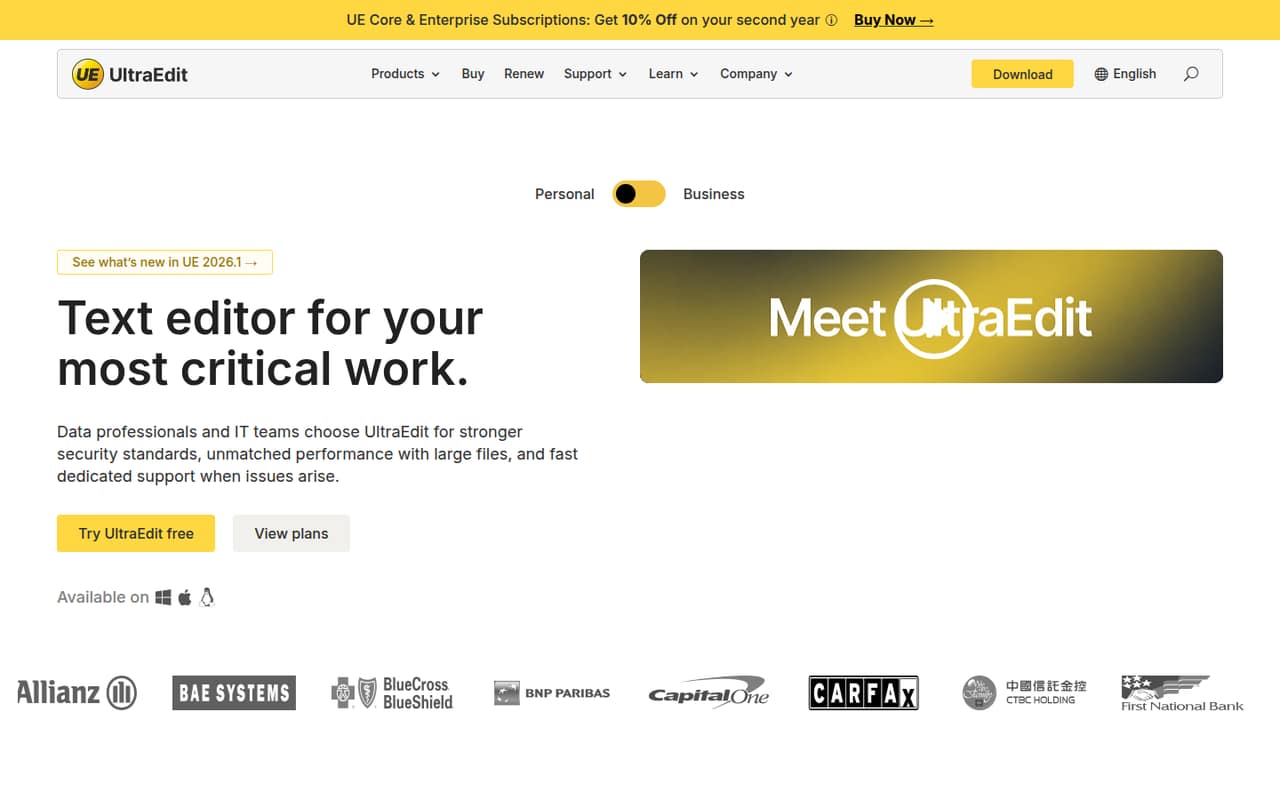
UltraEdit is a downloadable text editor for developers, data professionals and IT teams working with large or sensitive files. The vendor says it can edit files over 10GB and work across local and remote workspaces, with support for formats including CSV, XML, logs and source code.
It is not a hosted API, IDE platform or open-source tool. Core starts at $99.95 per year, or $189.91 billed every two years. That price is difficult to justify for occasional text edits, while its large-file focus and automation may suit teams with repeatable, file-heavy work.
Good fit if
- Editing files over 10GB
- Repeatable text-editing tasks
- Teams with remote file workflows
Skip it if
- Developers seeking an editor API
- Teams requiring open-source software
- Occasional editing on a free tool
ScoresHow it rates
What works
- Homepage says it edits files over 10GB
- Searches local and remote workspaces
- Supports text, data, logs and source files
- Can automate repeatable edits
- Offers five activations per personal license
What doesn't
- No free plan
- Core requires an annual or two-year subscription
- No published API or SDK details on the homepage
- Platinum Support costs extra for 25 or more seats
- Reddit reports include a crash and large-file complaints
01What UltraEdit is, technically
UltraEdit is a downloadable text editor: an application for opening, searching and changing files, rather than a hosted API, library, CLI or self-hosted server. It sits alongside a developer or data workflow as a desktop editing tool. You can use it for source code and configuration files, but its stated scope also includes CSV, XML, JSON, EDI, logs and binary files.
The vendor positions it for developers, data professionals and IT teams handling critical work. Its homepage highlights editing files over 10GB, navigating project folders and search results, and working with remote servers as well as local files. It also promotes automation for turning repeatable manual edits into single-click operations and format conversion without separate conversion tools. That makes UltraEdit most relevant where large or varied files are part of routine operations. It is not described as a replacement for an application backend, an IDE service or a programmable editing component.
02UltraEdit API, SDKs and docs
UltraEdit is primarily an editor UI, with file and workspace navigation as its integration surface: the vendor highlights local files, project folders, search results and remote servers. Its homepage also describes single-click task automation and file-format conversion. Those are editor workflows, not evidence of an API that an application can call.
The vendor doesn't publish API, SDK or programming-language support on its homepage. It also doesn't identify a REST API, webhooks, CLI or plugin system there, so teams planning to automate UltraEdit from a codebase should confirm supported integration methods in the vendor's documentation before committing. The vendor's site names no language-specific SDKs or protocols. For a developer evaluating it as an editor rather than an integration dependency, the stated feature set is easier to assess: broad file handling, large-file editing, search and workspace navigation. Check the documentation for details on remote-server connections and how its task automation is configured.
03UltraEdit pricing for developers
UltraEdit has no free plan. The pricing page lists Core at $99.95 for a one-year subscription or $189.91 billed every two years. The latter works out to the listed starting price of $7.91 per month, but it is not a monthly billing option. Enterprise costs $119.95 per year or $227.90 every two years. The two-year prices are listed at annual rates of $94.96 for Core and $113.95 for Enterprise.
Both plans include five activations per personal license and a volume deployment kit for 100 or more licenses. The listed subscription prices are fixed rather than usage-based: the pricing details do not describe request, compute or file-volume charges. Platinum Support is available for 25 or more seats at a small premium; the premium amount is not stated. The vendor doesn't publish trial availability in the pricing details. For budgeting, compare the per-license subscription with any required support premium, and confirm the quote for your seat count and deployment needs.
04UltraEdit: open source, self-hosting and lock-in
UltraEdit is sold as a licensed product, not presented as open-source software. The vendor's homepage positions it as an application to download, not a hosted service that customers deploy on their own servers. Self-hosting is therefore not the deployment model described for the editor. The homepage does not publish a source-code licence or a data-export feature.
The files you edit are standard formats such as TXT, CSV, JSON and XML, so moving those files to another editor is a straightforward part of a migration. The harder-to-replace parts may be workflows built around UltraEdit's task automation or any editor-specific configuration; confirm how those can be exported before depending on them. There is no stated API or SDK dependency to unwind, but teams should check the vendor's documentation for details on settings and automation portability.
05UltraEdit in production
The vendor says UltraEdit can open and edit files over 10GB, but that claim is not a guarantee of performance on every machine or file type. Before adopting it for an operational workflow, confirm how it handles your specific encodings, formats, remote-server setup and failure recovery. The homepage promotes a secure environment for sensitive files and dedicated support, but it does not name security certifications or compliance standards. Enterprise buyers should ask the vendor for those details and clarify what support response terms apply.
Reddit feedback is mixed and anecdotal. In one r/UltraEdit thread, a user says a recent install crashed, struggled with large files and handled regular expressions poorly; another commenter points to UltraEdit's large-file handling documentation. Other comments cite high annual cost, while one user says the vendor continues to honor an old lifetime-upgrade license. These reports do not establish how current versions perform, but they make a representative-file test and a support check sensible before rollout.
From the threadsWhat users say
Reddit sentiment is mixed: some users value the editor, while others cite cost, crashes or performance problems. The comments are anecdotal and include references to different versions and older licences.
Used to love UE, too. But had to move on from its high annual cost
WOW it crashed
IDM, to their credit, still honors it
The compare tools and highlight features make the job a breeze
Questions people ask
Can UltraEdit edit files over 10GB?
Yes. UltraEdit's homepage says it can open and edit files over 10GB. That is the vendor's stated capability, not a guarantee for every file format or computer. If large-file editing is critical to your workflow, confirm the supported formats and test representative files before rollout.
Does UltraEdit have an API or SDK?
The vendor's homepage does not publish an API or SDK for UltraEdit. It describes a downloadable editor with local and remote workspace navigation, file search and single-click task automation. If you need to call editor functions from your application, check the vendor's documentation for supported integration methods before buying.
How much does UltraEdit cost?
Core costs $99.95 for one year or $189.91 billed every two years. Enterprise costs $119.95 per year or $227.90 every two years. The listed starting price is $7.91 per month on the two-year Core plan, paid biennially. Platinum Support costs extra for teams with 25 or more seats.
Is UltraEdit free?
UltraEdit has no free plan. The pricing details list annual and two-year subscriptions for Core and Enterprise. Trial availability is not published in those details, so ask the vendor whether a trial is available for your platform and intended use.
Can teams use UltraEdit with sensitive files?
The homepage positions UltraEdit for sensitive files and says it provides a secure editing environment. It does not name security certifications or compliance standards. Teams handling regulated or otherwise restricted data should ask the vendor about applicable security controls and compliance evidence before adopting it.
Sources
- UltraEdit homepage
- UltraEdit pricing page
- Reddit: Which text editor do you use? Notepadd++, Sublime, UltraEdit, ect...?
- Reddit: What is a good text editor similar to notepad++ or ultraedit for linux?
- Reddit: Feeling unconfortable with UltraEdit's story citing 27 times "God" ? I do ! [WTF]
- Reddit: UltraEdit used to be a great program