
We may earn a commission if you buy through links on this page. It never changes a score or a ranking. How we make money
The bottom line
TextPad handles editing and text utilities well, but it is not a replacement for a full IDE.
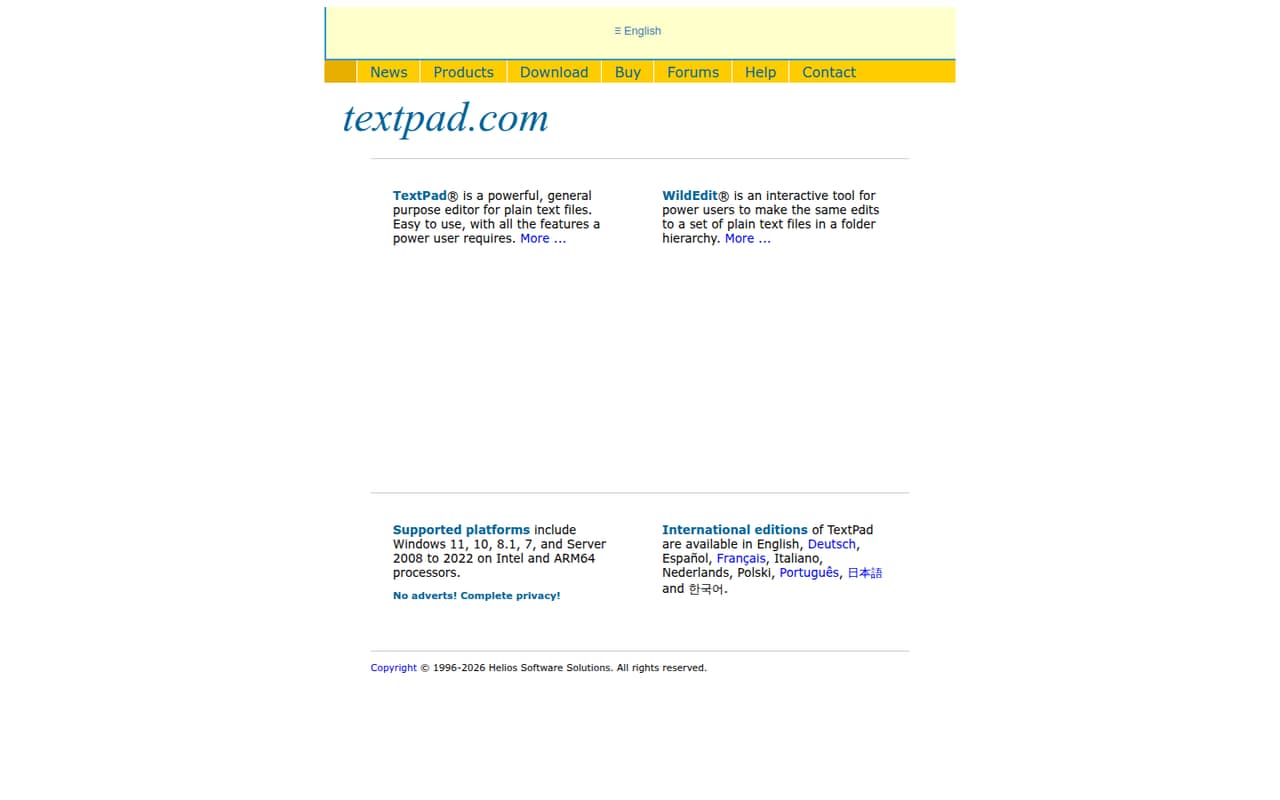
TextPad is a proprietary Windows desktop editor with syntax highlighting, regular-expression search, macros and tools for large files. Its local Tools menu can run external compilers and scripts, but it is not a hosted API or a full IDE stack.
A single-user license costs $27 as a one-time purchase, with no free plan. TextPad suits developers who want a focused editor; teams needing cross-platform support, plugin ecosystems or built-in IDE workflows should look elsewhere.
Good fit if
- Windows users editing large files
- Developers who automate text transformations
- Teams licensing editors for one site
Skip it if
- Developers who need macOS or Linux
- Teams seeking a full IDE
- Projects requiring a hosted API
ScoresHow it rates
What works
- Opens files up to virtual-memory limits
- Searches and replaces across files with multiline regex
- Records macros for repetitive text transformations
- Includes a hex viewer and file comparison
- One-time licenses start at $27
What doesn't
- Runs only on Microsoft Windows
- Proprietary software with no self-hosting option
- No free plan; evaluation duration is unpublished
- No published API or SDK for application integration
- Macro recordings are uneditable, a Reddit user reports
01What TextPad is, technically
TextPad is a proprietary Windows desktop application: a general-purpose text editor with lightweight development tools, not a hosted API, web app, library or self-hosted server. It sits at the editing layer of a developer’s stack, alongside source files, web pages, structured data and application or server logs. It does not provide a runtime, build system or IDE project environment.
The editor uses a Multiple Document Interface with tabbed documents, synchronized scrolling and up to two views per file. It supports block selection, line bookmarks and unlimited undo and redo. For code and data work, it adds customizable syntax highlighting, multiline regular-expression search and replacement across files, a hex viewer, file comparison and reusable Clip Libraries. Its macro recorder captures repetitive text transformations.
TextPad is available exclusively for Microsoft Windows. Version 9.x runs on 64-bit Windows 10, Windows 11 and Windows Server 2016 through 2022. Version 8.x supports 32-bit and 64-bit Windows 7, 8.1, 10 and 11, plus Windows Server 2008 through 2022.
02TextPad API, SDKs and docs
TextPad is a desktop editor, not an API service. The vendor does not describe a REST API, webhooks or SDKs; there is no language-specific client to add to an application. Integration happens locally through the configurable Tools menu, which can execute external compilers, debuggers and scripting interpreters. The homepage names Python, PHP and awk as examples, and says TextPad automatically detects and links with the Java Development Kit (JDK) upon installation.
The editor also supports filtering text through command-line scripts, but the vendor describes this as an editor capability rather than a standalone TextPad CLI. It offers customizable syntax highlighting for numerous languages without naming them in the homepage text. The vendor does not publish an integrations count or online integrations app store. If your workflow depends on a particular language, command-line setup or development tool, confirm its support in the vendor’s documentation before adopting TextPad. This is a local toolchain connection, not a managed integration layer.
03TextPad pricing for developers
TextPad has no free plan. The pricing page lists a Single User License for $27 USD as a one-time purchase. One user may install it on multiple PCs. The 5-User Site License costs $73 USD, and the 10-User Site License costs $128 USD; both cover users on a local network at a single physical site. These are purchases rather than monthly or annual subscriptions.
Because TextPad is a local desktop editor sold by license, the listed pricing does not grow with API requests, compute or usage. The bill scales with the number of licensed users and the applicable license type; the site licenses are limited to one physical site. The vendor offers an evaluation, but its duration is not published. Syntax definitions, macros and Clip Libraries are free add-ons. WildEdit is sold separately, but its price is not published. For a team, confirm current license terms and whether your installation setup fits the single-site condition before purchasing.
04TextPad: open source, self-hosting and lock-in
TextPad is proprietary commercial shareware, not open source. Its licensing options cover individual users, multi-user groups and site installations. The application runs locally on Windows; there is no web-based or cloud self-hosting option. Since it edits local files rather than holding project data in a hosted service, you can continue working with those files in another editor. The vendor does not describe a separate data-export process.
That makes migration less dependent on exporting from a service, but it does not make TextPad’s editor features portable. Macros, Clip Libraries, document classes, syntax settings and Tools-menu configuration may need to be recreated or adapted in another editor. Teams should verify which settings and reusable assets can be moved before standardizing on TextPad. The main lock-in is to its Windows environment, licensing and editor-specific workflow, rather than to a hosted data platform.
05TextPad in production
TextPad has no hosted service to scale, and the vendor lists no API rate limits. Its large-file claim is bounded by the limits of virtual memory, so capacity depends on the Windows system and workload; the vendor does not publish a fixed file-size ceiling. For operational use, check compatibility with your Windows version, file encodings, backup practices and how your team shares macros and Tools-menu settings. The vendor does not publish security or compliance certifications in its homepage text.
Reddit users discuss TextPad mainly as a lightweight editor rather than a full IDE. One post praises its regular-expression support and macro recording but notes that recorded macros are uneditable. In a Java-help thread, commenters more often recommend Notepad++ or full IDEs such as IntelliJ, Eclipse and VS Code. Those comments are informal opinions, not product testing, but they point to the key production trade-off: TextPad covers editing tasks, while broader IDE workflows and plugin ecosystems may require other tools.
From the threadsWhat users say
Reddit sentiment is mixed but leans toward treating TextPad as a simple editor, not a first-choice development environment. Users praise its regex and macro features, while commenters in a Java discussion recommend other editors or IDEs.
I love TextPad: its support of regular expressions and ability to record macros with them
albeit un-editable ones
Notepad++ for sure
It looks like Textpad isn't specifically for coders
Questions people ask
How much does TextPad cost?
The listed one-time price is $27 USD for a Single User License, which covers one user installing TextPad on multiple PCs. A 5-User Site License costs $73 USD, and a 10-User Site License costs $128 USD. Both site licenses cover a local network at one physical site. An evaluation is available, but its duration is not published.
Does TextPad run on Windows 11?
Yes. Version 9.x runs on 64-bit editions of Windows 11. Version 8.x supports both 32-bit and 64-bit editions of Windows 11. TextPad is available exclusively for Microsoft Windows; the vendor does not offer native macOS or Linux versions.
Can TextPad open large files?
TextPad can open and edit files up to the limits of virtual memory, according to the vendor. It does not publish a fixed maximum file size. Actual capacity therefore depends on the Windows system and workload, so check the target machine and file type before relying on it for a production log workflow.
Can TextPad run compilers or scripts?
TextPad’s configurable Tools menu can execute external compilers, debuggers and scripting interpreters, including examples such as Python, PHP and awk. It can also filter text through command-line scripts. The vendor says TextPad automatically detects and links with the Java Development Kit upon installation.
Is TextPad a full IDE?
No. TextPad is a text editor and lightweight development environment with syntax highlighting, search, macros, file comparison and local tool execution. The vendor does not describe it as a full IDE with project management or a built-in build and debugging environment. Developers who need those workflows should evaluate a dedicated IDE.
Sources
- TextPad homepage
- TextPad pricing, compiled via web search from capterra.ca, tms-outsource.com, arunet.co.uk, techjockey.com, softpedia.com, softwareone.com, gralio.ai, uiowa.edu, softmart.in, textpad.com
- Reddit: Notepad++ vs TextpPad
- Reddit: Mac alternative to TextPad?
- Reddit: Non-coder textpad alternatives?