
We may earn a commission if you buy through links on this page. It never changes a score or a ranking. How we make money
The bottom line
Build and launch web apps in a browser; verify API fit and production limits before standardizing on it.
StackBlitz combines a browser-based IDE with WebContainers, which run Node.js and development environments inside the browser tab. Bolt adds text-to-app generation and browser-based launch; the Personal plan is free for unlimited public projects, with a 1MB upload limit per project.
Pro starts at $18 per month billed annually or $25 monthly. The browser-first workflow is appealing for quick starts, but the vendor’s public material gives limited detail on API and SDK integration, and Reddit users report performance and compatibility issues. Treat self-hosting and production requirements as items to verify.
Good fit if
- Quick browser-based web app prototypes
- Teams teaching or learning frontend development
- Developers who want Node.js in-browser
Skip it if
- Teams needing a documented SDK-first workflow
- Projects requiring verified library compatibility
- Buyers needing published export guarantees
ScoresHow it rates
What works
- Runs Node.js and development environments inside the browser
- Bolt turns text into working web apps
- Free Personal plan includes unlimited public projects
- Pro supports localhost backends and CORS-protected APIs
- Enterprise offers self-hosted, on-premise, and VPC options
What doesn't
- Personal uploads are limited to 1MB per project
- Public API and SDK integration detail is limited
- No public open-source licence information
- General data-export path is not published
- Reddit users report lag and library limitations
01What StackBlitz is, technically
StackBlitz is a browser-based development product, not a local IDE or a conventional remote development server. Its WebContainers technology runs Node.js and development environments inside the browser tab; StackBlitz says compute occurs in the browser. The vendor describes WebContainers as a WebAssembly-based micro operating system that boots entire development environments in milliseconds.
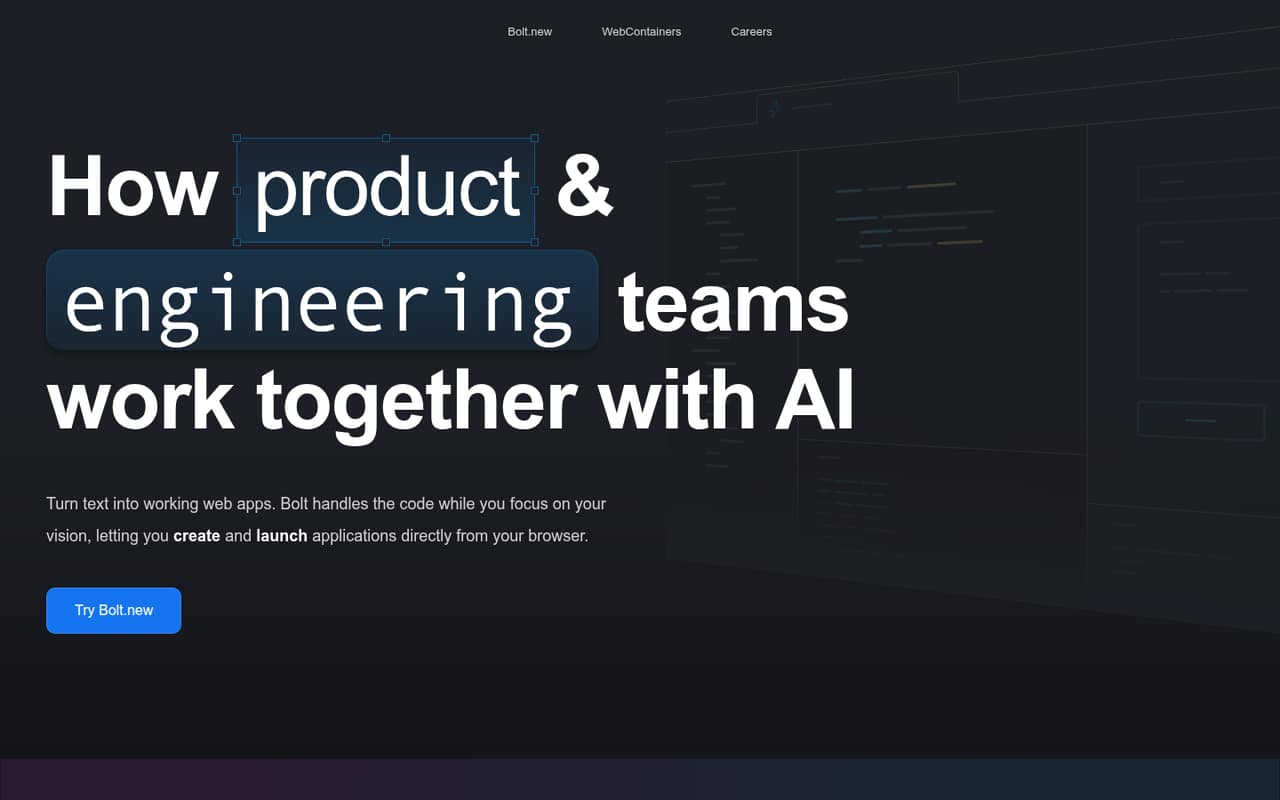
Bolt is the text-to-app layer: describe an application, then create and launch it from the browser. That puts StackBlitz at the development-environment and app-prototyping layer of a web stack. It can reduce setup work for frontend projects without asking developers to first provision a remote VM or configure a local Node.js environment. The homepage positions it against cloud IDEs that run on remote servers, but its claims about speed, security, offline work, and network latency are vendor claims rather than independent measurements. StackBlitz also lists a WebContainer API on its Enterprise & Self-hosted plan, making the product more than a standalone IDE for some buyers.
02StackBlitz API, SDKs and docs
The named integration surface is the WebContainer API, included in the Enterprise & Self-hosted plan. The homepage also names Node.js and says WebContainers run it in the browser. Pro includes connections to localhost backends and APIs, plus access to CORS-protected APIs. Teams adds access to organization private GitHub repositories and private NPM registries; Enterprise lists GitLab, Bitbucket, and GitHub Enterprise support.
Bolt’s workflow starts with text prompts and produces web apps that can launch in the browser. The homepage does not identify a programming language for the prompt interface, nor does it list SDKs, a CLI, REST endpoints, webhooks, or plugins. The page links to a WebContainers release, but does not describe API methods or code examples. Before integrating WebContainers into a product, consult StackBlitz’s documentation to confirm supported SDKs, language bindings, browser requirements, and the API surface. Teams building against private repositories or registries should also confirm their specific authentication and access workflows.
03StackBlitz pricing for developers
Personal is free and includes unlimited public projects, a browser-based IDE, community support, Bolt Personal features, and up to 1MB of file uploads per project. Pro costs $18 per month billed annually or $25 billed monthly. It adds unlimited file uploads, localhost backend and API connections, CORS-protected API access, and Bolt Pro features.
Teams costs $55 per user per month billed annually or $60 billed monthly, for teams of up to 10 users. It adds private collections, organization private GitHub repositories, private NPM registries, team management and billing, and email support. Enterprise & Self-hosted is for teams with more than 10 users; the listed price is not published. It includes the WebContainer API, GitLab, Bitbucket, and GitHub Enterprise support, custom SSO, self-hosted/on-premise/VPC options, and a dedicated Solutions Engineer.
Published pricing is plan- and seat-based; the pricing page lists no usage add-ons. It does not state overage charges or a request, compute, or build-hour meter. Ask StackBlitz how those costs work before scaling a production workload.
04StackBlitz: open source, self-hosting and lock-in
StackBlitz lists self-hosted, on-premise, and VPC options under Enterprise & Self-hosted. That is a paid enterprise deployment option, not evidence that the product is open source. The vendor does not publish an open-source licence or a general data-export path in the product material described here.
The named repository integrations include private GitHub repositories on Teams and GitLab, Bitbucket, and GitHub Enterprise on Enterprise. Those integrations may help connect existing source control, but they do not establish how completely a project, its history, or its environment can be exported. Before adopting StackBlitz for a long-lived codebase, confirm how to retrieve source files, preserve repository history, and move build and runtime configuration. If self-hosting is a requirement, ask what components run inside your infrastructure and what remains dependent on StackBlitz.
05StackBlitz in production
StackBlitz says all compute occurs inside the browser and describes WebContainers as secure, with environments that boot in milliseconds. Those are vendor claims; buyers should validate browser support, workload fit, and security requirements against their own application. Pro specifically adds localhost backend connections and access to CORS-protected APIs, so check whether the plan matches the services your development workflow needs.
The vendor’s pricing does not publish request, compute, or build-hour limits, or overage rates. Ask about those terms, uptime expectations, data handling, and support response times before making StackBlitz a production dependency. The Teams plan lists email support, while Enterprise includes a dedicated Solutions Engineer.
Reddit reports are mixed and anecdotal. One commenter says some libraries may not work because of StackBlitz’s technology constraints; another reports slow performance and error highlighting that can lag. An Angular learner thread also shows users troubleshooting tutorial setup errors. Test your framework, dependencies, and recovery workflow before standardizing on the environment.
From the threadsWhat users say
Reddit sentiment is mixed: some developers recommend StackBlitz for quick React or Angular work, while others report performance delays and compatibility constraints. These are individual comments, not a consistent reliability measure.
StackBlitz is still solid and free for basic use
the Angular community on StackBlitz
some libraries might not work
the performance takes aaaageees to catch up
Questions people ask
Is StackBlitz free?
Yes. The Personal plan costs $0 and includes unlimited public projects, a browser-based IDE, community support, and Bolt Personal features. File uploads are limited to 1MB per project. Pro costs $18 per month billed annually or $25 billed monthly, and includes unlimited file uploads.
Does StackBlitz run Node.js in the browser?
Yes. StackBlitz says its WebContainers technology runs Node.js and entire development environments inside the browser tab. The vendor describes WebContainers as a WebAssembly-based micro operating system and says environments boot in milliseconds. Check the documentation for browser and project compatibility before relying on it.
Can I use StackBlitz with private projects?
The Personal plan lists unlimited public projects, but does not list a private-project allowance. Teams includes collaboration on private collections and access to organization private GitHub repositories. Contact StackBlitz to confirm which plan supports your intended private-project workflow and how access is managed.
Can StackBlitz be self-hosted?
StackBlitz lists self-hosted, on-premise, and VPC options in its Enterprise & Self-hosted plan, which is intended for teams with more than 10 users. Its price is not published. Ask the vendor what components run in your environment, what infrastructure is required, and which support terms apply.
Is StackBlitz suitable for production development?
It can be part of a production development workflow, but verify framework and library compatibility, browser requirements, API access, and support expectations first. The pricing page does not list compute or request limits or overage charges. Reddit users report occasional performance delays and library limitations, so test your own dependencies and workflows.
Sources
- StackBlitz homepage
- StackBlitz pricing page
- Reddit: I was told stackblitz was a good option for self teaching Angular. Could someone maybe help me out? I'm stuck on one of the tutorials...
- Reddit: Best no code tools 2026
- Reddit: Which one do you prefer, codesandbox or stackblitz and why?
- Reddit: alternative for stackblitz