
We may earn a commission if you buy through links on this page. It never changes a score or a ranking. How we make money
The bottom line
Useful for visual app building, but API depth, portability and production limits need vendor confirmation.
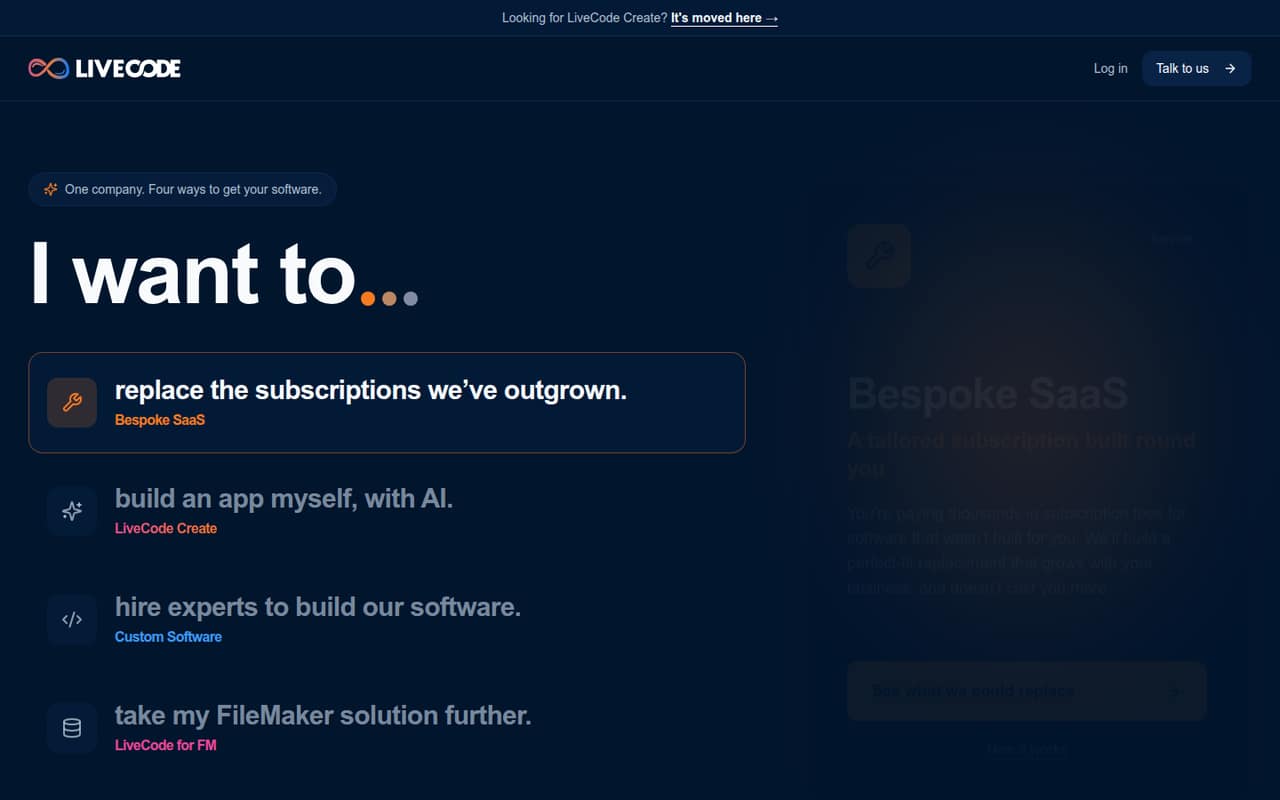
LiveCode Create is a visual platform for building web and native apps with AI assistance, an editor and no-code tools. Its hosted plans include app and data hosting; Enterprise customers can use their own backend. The broader company also offers custom software services and FileMaker app deployment.
Plans start at $36 per user/month, with no free plan listed. Commercial apps incur a transaction fee of 5% or less. LiveCode may suit teams prioritizing visual building, but developers should confirm API and SDK support, data export, licensing and production limits before choosing it.
Good fit if
- Teams building apps visually
- Businesses replacing specialized SaaS
- FileMaker teams targeting mobile
Skip it if
- Teams requiring documented public APIs
- Projects needing a free tier
- Buyers requiring verified self-hosting
ScoresHow it rates
What works
- Copilot-assisted app creation
- Visual editor plus UI Builder and Workflow Editor
- Output can be read and edited
- Web, mobile and desktop deployment options
- Enterprise plan supports your own backend
What doesn't
- No free plan is listed
- Commercial apps carry a transaction fee
- API, SDK and language support need confirmation
- Source availability and licence are not published
- Data export and production limits need confirmation
01What LiveCode is, technically
LiveCode Create is a visual app-building platform, not a library, CLI or documented hosted API. It combines an AI Copilot, visual editor, UI Builder, Workflow Editor and Datastore so teams can build web and native apps. The vendor says Create produces output you can read and edit.
The paid Web and Native plans include app and data hosting, putting LiveCode in both the app-building workflow and the deployment stack. Enterprise customers can use their own backend and choose a data storage region. That is a backend option, not evidence that the whole platform can be self-hosted.
LiveCode also sells custom software services and bespoke SaaS replacements, which are project-based services rather than Create features. LiveCode for FM is a separate route for shipping FileMaker solutions as iOS, Android and Mac apps, with offline use and database sync. The fit depends on whether you want a visual app platform, a custom build, or a way to extend an existing FileMaker system.
02LiveCode API, SDKs and docs
The described Create workflow is visual: give Copilot an app idea, shape it in the editor, and work with the UI Builder, Workflow Editor and Datastore. The vendor says the generated output is readable and editable. The named integration surfaces are therefore the editor and these built-in tools, plus app and data hosting on the Web, Native and Universal plans.
The vendor's homepage does not publish an API style, SDKs, programming languages, CLI, webhooks or plugins. It also does not name documentation for those interfaces. Do not assume REST access or a language-specific SDK from the product description. Before you select Create for a software stack, ask LiveCode for its current developer docs, supported languages, API and SDK details, versioning policy, and whether generated output can be built and deployed outside its hosting. For FileMaker teams, confirm how the mobile and Mac apps connect and sync with the existing database.
03LiveCode pricing for developers
The Web and Native plans are listed at $36 per user/month, or $440 billed annually. That annual bill works out to about $36.67 per month, so it is higher than the listed monthly rate. Universal is $55 per user/month or $660 annually, which is also $55 per month. The stated 20% annual saving does not match those figures. Enterprise pricing is custom.
There is no free plan listed, and the pricing data gives no free-trial terms. Web covers browser deployment; Native covers iOS, Android and desktop; Universal covers all platforms. Each includes Create access and app and data hosting. Internal apps require a seat for every person building or using the app, while commercial end users do not need seats.
Commercial apps have a transaction fee of 5% or less, with the rate falling as volume increases; full details are available on request. Discounts are available for purchases over 12 seats. Request a quote that accounts for seats and transaction fees. Request, compute and overage rates are not published.
04LiveCode: open source, self-hosting and lock-in
The vendor does not publish a source-availability statement or licence for LiveCode Create. It also does not publish a self-hosting option. Enterprise customers can use their own backend and choose a data storage region, but those options do not establish that Create itself can run on your infrastructure.
Data export formats and procedures are not published. The claim that Create output is readable and editable may help with access to app logic, but it does not answer whether you can build, deploy or maintain that output without LiveCode. Before adopting it, ask for the licence terms, source access, export formats, database portability, and any runtime or hosting dependencies. Without those answers, migration effort and lock-in risk are difficult to estimate.
05LiveCode in production
LiveCode says Create can build apps that scale, but published plan details do not give uptime targets, request quotas, performance limits, backup policies or incident-response terms. Enterprise includes dedicated support and SLAs, but their terms are not listed. Ask LiveCode for those limits, along with authentication, encryption, compliance and data-retention details, before putting regulated or business-critical workloads on the platform.
Commercial apps also need a transaction-fee estimate at expected volume. If you use your own backend on Enterprise, confirm which components LiveCode still hosts and how the app connects to that backend. The vendor describes LiveCode for FM apps as working offline and syncing back to the database; confirm conflict handling and recovery behavior for your workflow.
Reddit signal is not a useful production review: the r/code discussion is about what to learn after LiveCode, not reliability or deployment. Replies mention programming fundamentals, HTML and Prolog; they do not establish how Create behaves under production load.
From the threadsWhat users say
The Reddit discussion is too small and off-topic to support a clear view of LiveCode Create. Its replies focus on learning programming and do not report product use, support quality or production experience.
I would learn to do screenshots without a camera, also: This subreddit is for sharing and discussing code written in any programming language
What do you want to get into?
At some point you should learn Prolog. Probably after learning serval other paradigms
I would say HTML Its the easiest
Questions people ask
Does LiveCode Create provide an API or SDK?
LiveCode's homepage describes Copilot, a visual editor, UI Builder, Workflow Editor, Datastore and hosting. It does not publish an API style, SDKs, programming languages, CLI or webhooks there. Ask LiveCode for its current developer documentation and language-specific support before deciding whether Create fits your stack.
Can I self-host LiveCode or use my own backend?
The Enterprise plan includes the option to use your own backend and choose a data storage region. That does not establish that Create itself can be self-hosted. The vendor does not publish a self-hosting option or infrastructure requirements, so ask which components remain hosted and what deployment control Enterprise provides.
How much does LiveCode cost?
Web and Native are listed at $36 per user/month or $440 billed annually. Universal is $55 per user/month or $660 annually. Enterprise pricing is custom. There is no free plan listed. Commercial apps also have a transaction fee of 5% or less, with full details available from LiveCode.
Can LiveCode deploy FileMaker solutions to mobile?
LiveCode for FM is described as a way to ship a FileMaker solution as an app for iOS, Android and Mac. The vendor says the apps work offline and sync back to the database. Ask LiveCode about supported FileMaker versions, sync behavior, deployment requirements and pricing for your specific solution.
Can I edit or move apps built with LiveCode?
The vendor says Create produces output you can read and edit. It does not publish data-export formats, build requirements or whether apps can be deployed and maintained outside LiveCode hosting. Ask for an export example and the applicable licence and runtime terms before relying on portability.