
We may earn a commission if you buy through links on this page. It never changes a score or a ranking. How we make money
The bottom line
A configurable, free desktop editor for coding without a hosted service or usage bill.
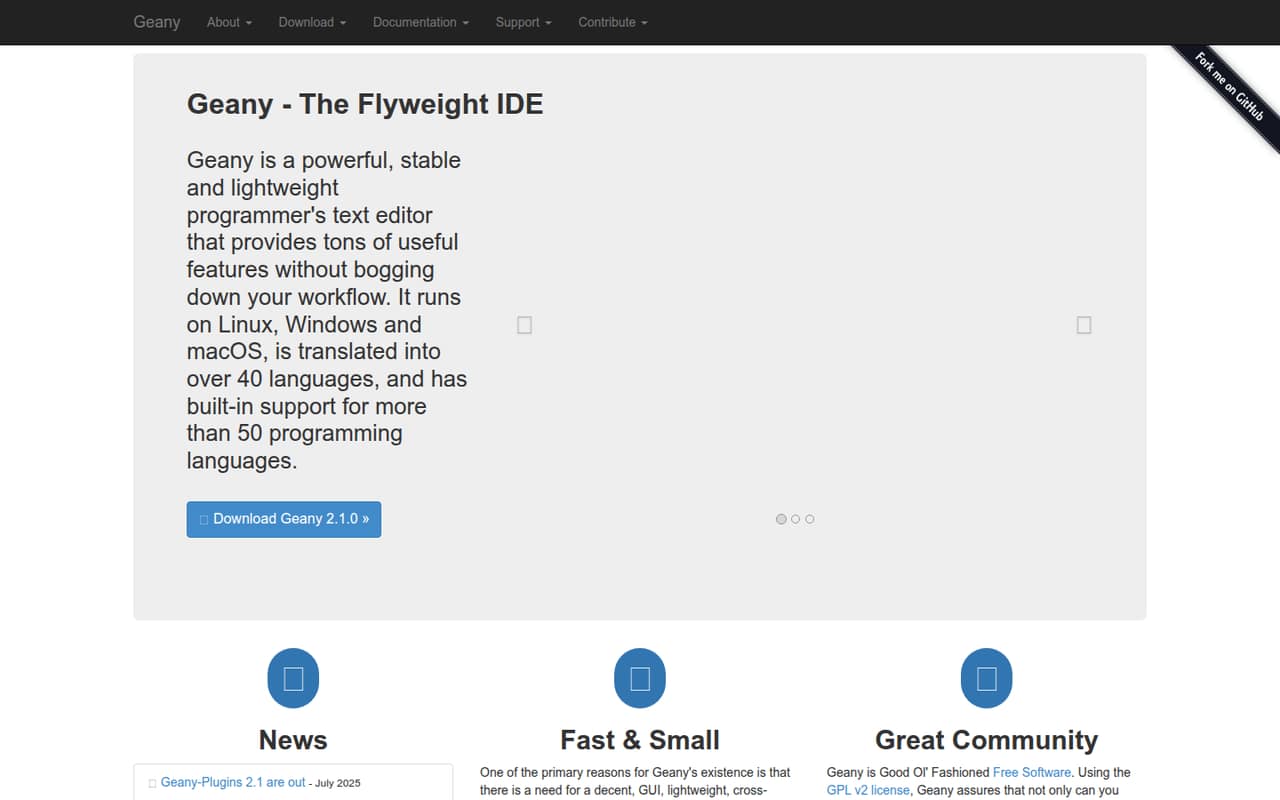
Geany is a lightweight programmer’s text editor and IDE for Linux, Windows and macOS. It supports more than 50 programming languages and offers themes, custom filetypes, settings and a plugin system.
It is a local desktop tool, not a hosted coding platform or API service. The GPL v2 license and free availability make it easy to try, but teams that need a specific language server, remote development workflow or managed support should check those requirements against the manual and plugins.
Good fit if
- Developers who want a lightweight GUI editor
- Small projects across supported languages
- Teams comfortable customizing a desktop IDE
Skip it if
- Teams requiring a hosted development environment
- Projects built around a documented hosted API
- Developers who need guaranteed vendor support
ScoresHow it rates
What works
- Runs on Linux, Windows and macOS
- Built-in support for more than 50 languages
- GPL v2 software with source availability
- Themes, filetypes and settings are customizable
- Plugins can add or improve features
What doesn't
- No hosted API or SDK workflow is described
- No published paid plans or usage pricing
- Specific plugin coverage needs checking
- Windows builds need a new maintainer
- No service-level or compliance terms are listed
01What Geany is, technically
Geany is a locally installed, cross-platform programmer’s text editor and IDE. It is not a hosted API, SaaS workspace, library or self-hosted server: it runs as a desktop application on Linux, Windows and macOS. It sits alongside a developer’s source files and existing toolchain, rather than in front of them as a managed build or deployment service.
Its role is to provide a graphical place to edit code and work with many filetypes. The homepage lists built-in support for more than 50 programming languages, including C, Java, PHP, HTML, JavaScript, Python and Perl. It also supports configuration files, Diff output and SQL files. Themes, custom filetypes and settings let users adjust the editor, while plugins can add features or improve existing ones. The project describes the software as lightweight; that is a design goal, not a published resource guarantee. Geany is a fit for developers who want a configurable GUI editor without adopting a hosted platform.
02Geany API, SDKs and docs
Geany is an application to use, not an API to call from an application. The homepage lists a Plugin API and says developers can use the plugin system to add features or improve existing ones. It names VCS Plugin (Git, SVN, ...), SpellCheck, Project Organizer and Translation Helper. The homepage does not name client SDKs or a REST API; developers needing an SDK should confirm support in the vendor’s documentation rather than assume one exists.
The listed language support is for editing files, not a claim that Geany supplies SDKs or language runtimes. The homepage links to a Manual, FAQ, Wiki, release notes and a dedicated Plugin API page. It also links to downloads, third-party packages, themes and nightly builds. It does not describe a required CLI or a standard integration protocol. For build and run workflows, check the manual and the configuration options for the languages and toolchains in your codebase. Geany’s integration surface is the desktop editor and its plugins.
03Geany pricing for developers
Geany is free software under the GPL v2 license. The pricing information lists a free plan, but no paid plans, starting price, billing interval, trial or add-ons. Geany is a desktop application, so the available pricing information does not describe usage-based charges, per-seat billing, request limits or compute costs. There is no listed overage schedule to model for a production project.
That makes the direct software cost straightforward: the project does not list a subscription fee, and the homepage links to downloads and third-party packages. Budget separately for the machines, operating systems, build tools and any plugins your team chooses; Geany’s listed pricing does not set those costs. The project invites donations, but does not present them as a required subscription. Before standardizing on Geany, check whether any third-party package or plugin you plan to use has its own terms or cost. The project does not publish monthly or annual billing details.
04Geany: open source, self-hosting and lock-in
Geany uses the GPL v2 license, and the homepage describes it as free software. It links to the Git repository and development resources, so teams can inspect and modify the source under the project’s license. This is a desktop application, not a hosted service that you deploy on your own server; self-hosting is not the relevant deployment model.
Your code remains in the files and locations you work with, rather than in a Geany-hosted workspace described by the homepage. The site does not list a vendor data-export feature. Since Geany edits ordinary project files, moving those files to another editor is a straightforward part of switching tools; editor settings, themes and plugins may need to be recreated or replaced. Check plugin and configuration dependencies before changing editors, especially if your team relies on a customized setup.
05Geany in production
Geany does not sit in a production request path: it is a desktop editor, so hosted-service uptime, API rate limits and scaling limits do not apply. The homepage does not publish resource ceilings, security certifications, compliance terms or a service-level agreement. Teams using it for development should still assess the security of their operating systems, downloaded packages and selected plugins, and verify that the toolchain fits their build and review processes.
The homepage’s July 2025 news lists Geany 2.1 and Geany-Plugins 2.1 releases. It also says a new maintainer is wanted for Windows builds, a maintenance point Windows teams should check before adopting it broadly. Reddit users describe Geany as fast and lightweight, and discuss using it for Python, HTML and configuration files. One commenter also values restoring open files after restarting. Those are user reports, not reliability guarantees. For production codebases, validate required plugins and workflows against the current manual and release notes.
From the threadsWhat users say
Reddit sentiment is mostly positive, with users praising Geany’s light footprint and everyday usability. Some commenters prefer keyboard-driven editors or other tools, so preferences vary by workflow.
It's light weight, fast. I use it to write Python, HTML
extremely light, configurable, has an integrated terminal
After years of using vim, I find myself working very slowly in a clicky cursor type editor
Questions people ask
Is Geany free?
Yes. Geany is free software under the GPL v2 license. The available pricing information lists a free plan and no paid plans or starting price. The project accepts donations, but its homepage does not present them as a required subscription. Check the terms of any third-party package or plugin you choose.
Which operating systems does Geany support?
The Geany homepage says it runs on Linux, Windows and macOS. It also lists third-party packages and downloads. The project’s news page says a new maintainer is wanted for Windows builds, so Windows users should check current release and package information before relying on a particular build.
Which programming languages can I use with Geany?
The homepage says Geany has built-in support for more than 50 programming languages. It names C, Java, PHP, HTML, JavaScript, Python and Perl as examples. It also supports filetypes such as ini-style configuration files, Diff output and SQL. Check the full filetype list for your project’s language.
How do I run code in Geany?
Geany is an editor and IDE, but its homepage does not describe a universal run command for every language. The project links to a Manual; consult it for build and execution setup, then check that your language runtime or compiler is installed and configured for your system. Workflows can differ by language and toolchain.
Can I extend Geany with plugins?
Yes. Geany has a plugin system, and its homepage links to a Plugin API for developers. Named plugins include VCS Plugin, SpellCheck, Project Organizer and Translation Helper. Review the plugin documentation and current plugin listings to check compatibility and whether a specific feature is available for your version.
Sources
- Geany homepage
- Geany pricing, compiled via web search from wikipedia.org, github.com
- Reddit: Geany is a fantastic, fast, powerful GUI text editor for many purposes & has a low barrier to entry
- Reddit: Geany is awesome!
- Reddit: My Text Editor of Choice
- Reddit: Honest Question: Why use one Python editor over another, and is Geany not what the cool kids use?