
We may earn a commission if you buy through links on this page. It never changes a score or a ranking. How we make money
The bottom line
Broad Kubernetes automation, but verify its integration model and pricing before committing.
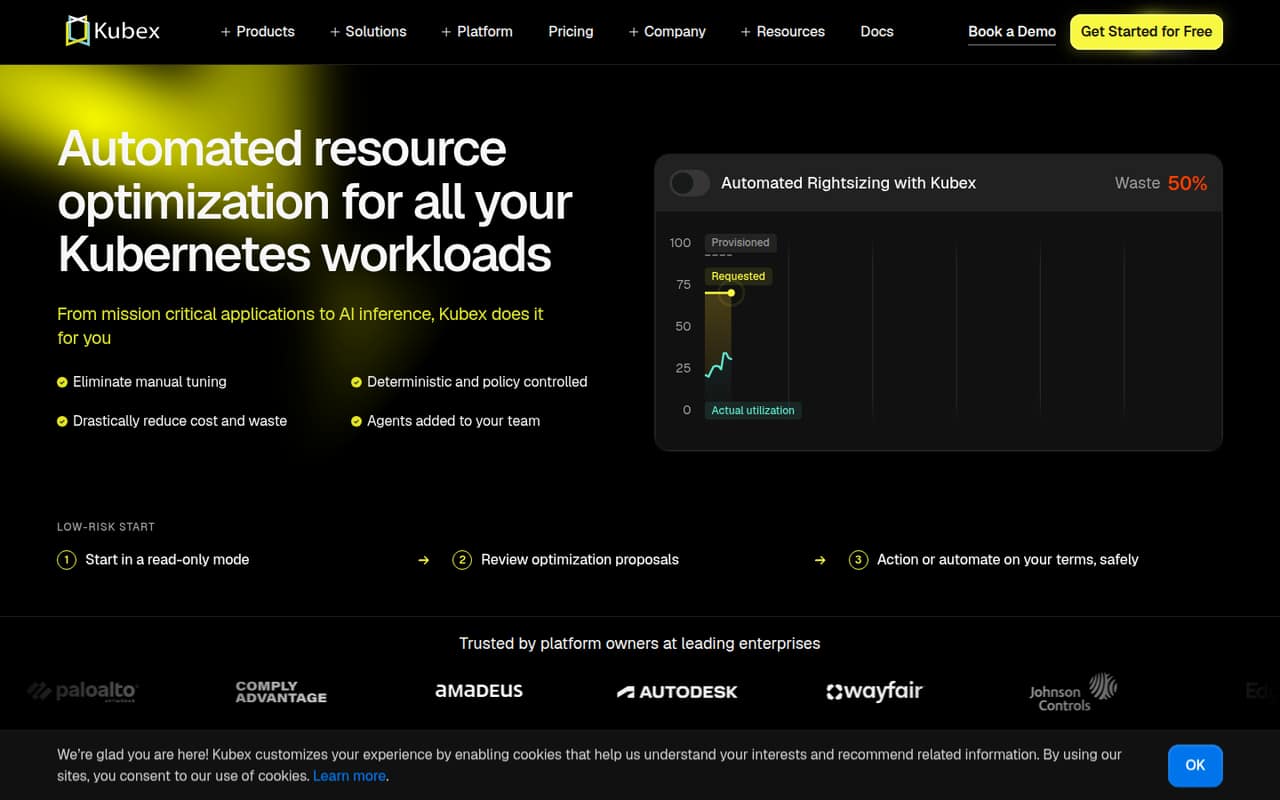
Densify’s Kubex is an optimization engine for Kubernetes workloads. It tunes container requests and limits, node capacity, bin packing and HPA settings, with GPU fractioning and vLLM optimization for AI workloads. Teams can start in read-only mode, review proposals, then approve or automate changes under guardrails.
Pricing lists a 1,000-vCPU minimum and a first 60 days free. The published Kubex rates conflict: one specification lists $2/vCPU/month annually and $3 monthly, while another lists $1/vCPU/month. Densify is worth evaluating for teams seeking policy-controlled automation, but confirm the rate and deployment model with the vendor before adopting it.
Good fit if
- Kubernetes platform engineering teams
- Teams managing GPU workloads
- Operators seeking guarded automation
Skip it if
- Teams requiring a documented public API
- Small clusters below the minimum
- Buyers needing published self-hosting terms
ScoresHow it rates
What works
- Tunes CPU and memory requests and limits together
- Supports Karpenter and managed node groups
- Coordinates HPA targets with rightsizing
- Offers read-only review before automation
- GPU fractioning supports time-slicing, MIG or MPS
What doesn't
- Kubex pricing differs across published specifications
- A 1,000-vCPU minimum may exclude smaller teams
- API protocol and SDK support need confirmation
- Licence and self-hosting terms are unpublished
- Security and compliance details need vendor confirmation
01What Densify is, technically
Densify’s Kubex is a Kubernetes resource-optimization and automation engine. The vendor describes it as running in your cluster, where it tunes container CPU and memory requests and limits, node types and counts, pod placement, and HPA targets. That puts it alongside workload and cluster operations—not in an application’s request path.
Kubex uses observed usage to propose or automate resource changes. Teams can begin in read-only mode, review proposals, then approve them or automate under policy guardrails. The engine checks changes and can roll them back if they do not hold. For node optimization, Densify lists Karpenter, managed node groups and Cluster Autoscaler; bin packing respects disruption budgets and placement rules.
GPU features cover sharing through time-slicing, MIG or MPS, plus KV-cache and vLLM optimization. The deployment boundary needs clarification: the vendor says the automation engine runs in the cluster, but buyers should confirm which components are installed there and how any control plane is hosted.
02Densify API, SDKs and docs
Kubex is presented as an in-cluster engine operated through proposals, policies and automation, not as a documented public API or library. The homepage names an agent that teams can ask, approve changes through or let act independently. It also lists skills for Claude, Cursor or custom tools. It describes the engine as GitOps ready, but does not name a GitOps product, protocol or configuration format.
The vendor does not publish an API style, SDK languages, CLI, webhooks or API limits in the product details. Confirm API access, authentication, supported SDKs and versioning in Densify’s technical docs before planning an integration. The named integration surface is its agent and skills for Claude, Cursor and other tools, plus Kubernetes automation in the cluster. For implementation planning, ask whether proposals and policy settings can be managed through a supported machine-readable interface, and how those interfaces fit with your deployment and release workflows.
03Densify pricing for developers
Kubex has no listed free plan. Its pricing details list a 1,000-vCPU minimum and the first 60 days free. After that, the listed annual rate is $2 per vCPU per month, while the monthly rate is $3 per vCPU per month. Another published specification lists $1 per vCPU per month, so the Kubex price is inconsistent; get a written quote for your environment before budgeting. Seat limits are not published.
At the listed rates, the bill scales with covered vCPUs, not API requests. The minimum means smaller Kubernetes estates may still pay for the minimum scope. AI/GPU Optimization is listed as an add-on at $15 per GPU per month; overage costs are not published. The pricing material does not state how usage is measured, whether idle or burst capacity counts, or what happens when usage exceeds a contracted amount. Ask Densify to confirm the billable resource definition, commitment terms and add-on charges before moving from a proof of concept to production.
04Densify: open source, self-hosting and lock-in
Densify's website does not establish an open-source licence or say whether Kubex’s source code is available. It describes an automation engine that runs in your cluster, but that alone does not establish that the full product is self-hostable; ask which components run in-cluster and which, if any, depend on vendor-hosted services.
The vendor does not publish data-export formats or a migration path. Before rollout, confirm whether you can export configuration, policies, optimization history and workload recommendations in a usable format. Also ask what remains in the cluster after uninstalling Kubex and whether its changes can be reverted without the product. Kubernetes resources remain managed through Kubernetes, but policy and optimization workflows could create operational dependency if they are not exportable. Treat licensing, hosting and exit terms as procurement questions, not assumed capabilities.
05Densify in production
Kubex’s guardrails, proposal review and rollback are relevant controls for automated changes to live workloads. The vendor also describes zero-downtime resizing, new pods starting right-sized and scheduled bin packing that respects disruption budgets, affinity, taints and topology rules. These capabilities do not replace a rollout plan: validate how rollback behaves for each workload type and how policies handle stateful or latency-sensitive services.
The published pricing details give a 1,000-vCPU minimum, but do not publish seat limits, overage costs or technical rate limits. Densify does not publish security, compliance, availability or support commitments in the product details. Confirm data access, permissions, audit logs, regional deployment options, incident response and service-level terms before granting production access. For GPU use, clarify how time-slicing, MIG or MPS is selected per workload and how memory limits interact with your existing scheduling controls.
Questions people ask
How does Kubex change Kubernetes resources?
Kubex uses observed workload usage to tune CPU and memory requests and limits, node types and counts, and HPA settings. Teams can start in read-only mode, review proposed changes, then approve them or automate under policy guardrails. Densify says changes are checked first and can be rolled back if they do not hold.
Does Densify work with Karpenter?
Yes. Densify says its node optimization works with Karpenter and can choose the instance types it provisions. The vendor also lists support for managed node groups and Cluster Autoscaler. Confirm which configurations and Kubernetes versions are supported for your cluster before rollout.
How much does Kubex cost?
The pricing details list $2 per vCPU per month annually and $3 per vCPU per month monthly, with a 1,000-vCPU minimum and the first 60 days free. Another published specification lists $1 per vCPU per month. Ask Densify for a written quote because the listed Kubex rates conflict.
Does Kubex support GPU workloads?
Densify lists GPU fractioning through time-slicing, MIG or MPS, with GPU memory limits enforced per container and slices resized as demand changes. It also describes KV-cache and continuous vLLM optimization. AI/GPU Optimization is listed as a $15-per-GPU-per-month add-on.
Can teams review changes before automating them?
Yes. Densify describes a read-only starting mode, followed by reviewing optimization proposals and choosing whether to act or automate. Kubex checks changes against guardrails and can roll them back if they do not hold. Confirm with Densify how approvals, policy configuration and rollback are handled for your workloads.