
We may earn a commission if you buy through links on this page. It never changes a score or a ranking. How we make money
The bottom line
CodePen makes web prototypes easy to build and share, but its free tier has firm usage limits.
CodePen is a hosted, browser-based development environment for building, previewing, sharing, and publishing websites. Its compiler processes tools including Sass, TypeScript, Tailwind, JSX, and ESM modules; paid plans add private work and larger file and asset limits.
The free tier is useful for public Pens, but it limits each Pen to three files and caps API requests and daily creations. Reddit users are divided over the newer editor: some value its expanded project features, while others miss the simplicity of the classic Pen workflow.
Good fit if
- Quick frontend prototypes
- Teaching browser-based web development
- Sharing public code examples
Skip it if
- Projects requiring self-hosting
- Large codebases with complex builds
- Teams needing published compliance terms
ScoresHow it rates
What works
- Start coding in a browser without local setup
- Compiler processes Sass, TypeScript, Tailwind, JSX, and ESM
- Live preview updates as code is processed
- Pens can publish to live URLs
- Version history supports previews and rollbacks
What doesn't
- Free Pens are limited to three files
- Free API and daily creation limits apply
- No open-source licence or self-hosting option is published
- API endpoints and SDK support need verification
- Reddit users report friction with the newer editor
01What CodePen is, technically
CodePen is a hosted, browser-based development environment: an online editor with a compiler, live preview, sharing controls, and publishing. It is a service you use in a browser, not a library, local IDE, CLI, or self-hosted server. You can start a Pen without installing or configuring a development environment.
The editor handles HTML, CSS, and JavaScript, with files and folders for projects that need more structure. CodePen’s Compiler processes tools and languages such as Sass, TypeScript, Tailwind, JSX, and ESM modules, then displays the result in a preview. You can save and share Pens, organize them into Collections, collaborate, and publish a Pen to a live URL. The service also describes version history, privacy settings, asset hosting, and AI assistance for editing and debugging files and Blocks.
Architecturally, CodePen fits the prototype, learning, and sharing layer of a web stack. Its hosted workflow avoids local setup; it is not presented as a replacement for a full local application environment.
02CodePen API, SDKs and docs
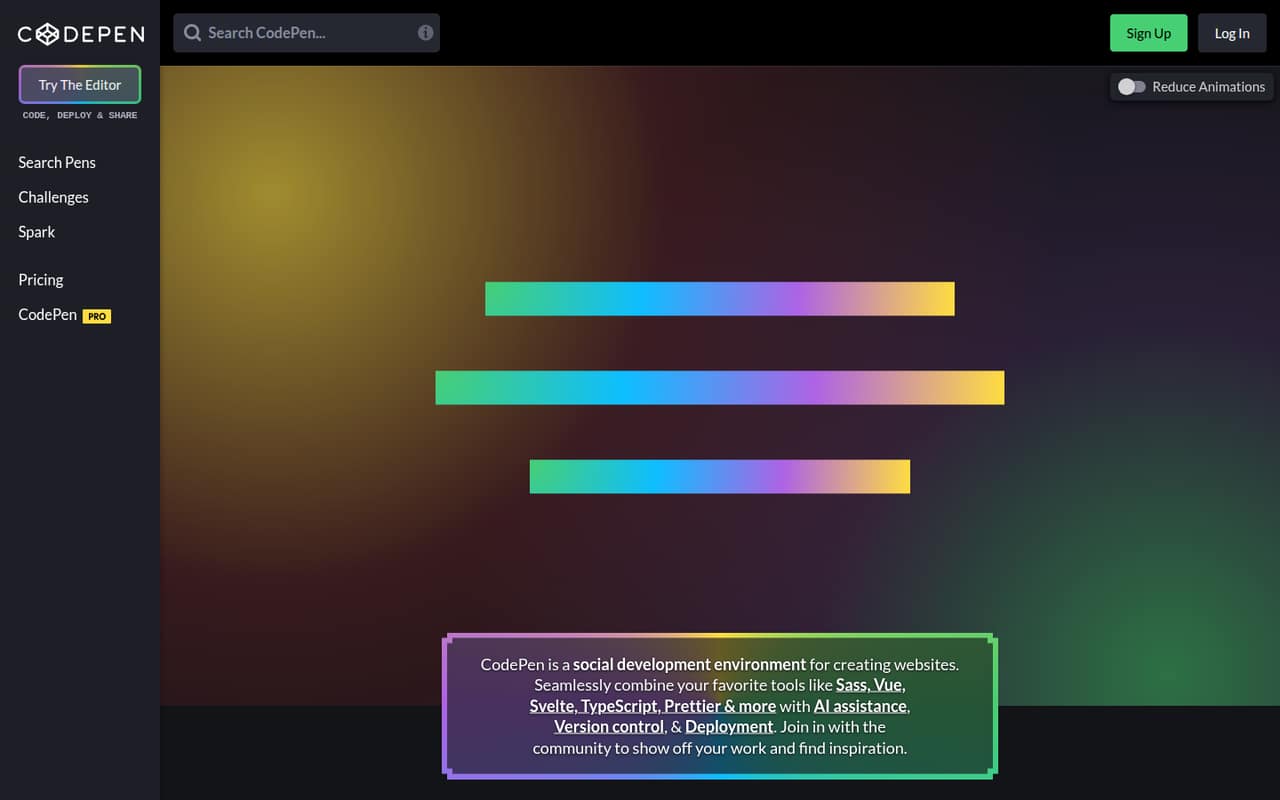
The main integration surface is CodePen’s browser editor: create a Pen, add files, configure processing Blocks, and work from the live preview. The homepage names Sass, Vue, Svelte, TypeScript, Prettier, Tailwind, JSX, and ESM modules. It says the CodePen Compiler processes supported code without local configuration. Templates can provide a starting point, and the homepage describes deployment to a live URL, asset uploads, and real-time or asynchronous collaboration.
The pricing page also sets API request limits, so API access is part of the service’s plan structure. The homepage does not name an API protocol, endpoints, SDKs, CLI, or plugin system. Treat the editor and published Pens as the documented integration surface, and confirm API endpoint details and SDK support in CodePen’s docs before building an application around them. CodePen’s described version history is per-Pen save and rollback, rather than a documented Git workflow. The homepage does not identify a framework-specific deployment adapter or a source-control integration.
03CodePen pricing for developers
The Free plan costs $0 and includes unlimited Pens, three files per Pen, 150 API requests per hour, 1,500 API reads per day, and five creations per day. It suits public experiments, but the file, request, and creation caps matter if you automate work or create Pens at volume.
Starter is $12 month to month or $8 per month when billed annually ($96 per year). It includes 50 files per Pen, a 5 MB maximum media file, 2 GB of asset hosting, five collaborators, and 9,000 API requests per hour. Developer costs $19 monthly or $12 per month annually ($144 per year), with 150 files per Pen, a 20 MB maximum media file, 25 GB of asset hosting, 10 collaborators, and twice the CodePen AI usage. Super costs $39 monthly or $26 per month annually ($312 per year); it raises those limits to 300 files, 30 MB media files, 50 GB asset hosting, 15 collaborators, and four times the AI usage.
Enterprise has custom pricing. Team accounts are billed by PRO seats; per-seat prices are not published. The pricing page does not list overage rates, so ask CodePen how it handles usage beyond plan limits.
04CodePen: open source, self-hosting and lock-in
CodePen is presented as a hosted service. The vendor does not publish an open-source licence or a self-hosting option, so teams that require deployable source code or an on-premises installation should treat CodePen as closed and hosted-only unless CodePen confirms otherwise.
The product describes saving Pens, version previews, rollback, and publishing to live URLs. Those features help manage work inside CodePen, but they are not a documented data-export or repository-migration path. Before storing important projects there, ask about bulk export, asset retrieval, account deletion, and whether exports preserve file structure and version history. Moving code written in standard web languages may be possible, but compiler settings, hosted assets, collaboration history, and published URLs can tie a project to CodePen’s service.
05CodePen in production
CodePen can publish a Pen as a live website, but teams considering it for production should verify operational requirements with the vendor. The published plan details include file, media, asset-hosting, collaborator, and API limits. The pricing page does not list overage rates. The homepage describes privacy settings, password protection, access control, and asset hosting; it does not publish security certifications, compliance terms, uptime commitments, or reliability targets. Confirm those requirements before putting sensitive or business-critical work on the service.
Reddit users report mixed reactions to CodePen 2.0. In one thread, a teacher worried that changes to the classic editor would confuse students accustomed to the CSS pane being connected by default. Commenters described workarounds using a classic template and said the old editor remained accessible at the time of discussion. Another thread criticized putting standalone preview behind a Pro paywall. These are user reports, not a guarantee of current behavior; check the editor and plan details your team will use before standardizing on them.
From the threadsWhat users say
Reddit sentiment is mixed, with users valuing CodePen as a simple place to experiment and teach, while some object to the newer editor and Pro-gated features. The discussion also points to a transition period where classic workflows and new editor behavior differ.
But it sure seems like this is going to confuse a lot of people
Pair that with the 'Minimal UI' setting and you get an experience very similar to how it used to be
Putting something as basic as opening a Pen in a standalone preview behind Pro
I used CodePen back in the day to explore cool random frontend snippets people made and I made a couple really bad ones myself
Questions people ask
Is CodePen free to use?
Yes. CodePen’s Free plan costs $0 and includes unlimited Pens. It limits each Pen to three files, API use to 150 requests per hour and 1,500 reads per day, and creations to five per day. Paid plans add higher file, asset, and API limits, along with features such as private Pens.
Can I make a CodePen private?
CodePen describes privacy and access controls, including locked-down, password-protected, hidden, and public options. The pricing details identify Starter as the plan for individuals needing private Pens. Check current plan terms and privacy settings before adding confidential code or assets.
What languages and tools does CodePen support?
The homepage names Sass, Vue, Svelte, TypeScript, Prettier, Tailwind, JSX, and ESM modules. CodePen says its Compiler processes supported code for the preview without local setup. Check the current CodePen documentation for supported processing options and configuration details before relying on a specific build workflow.
Can I publish a CodePen project as a website?
Yes. CodePen says any Pen can be published to a live URL, without server setup or DNS configuration. If you plan to use a Pen for a production site, confirm its availability, security, compliance, and traffic requirements with CodePen; the published plan details do not list uptime commitments or overage rates.
Does CodePen offer an API, SDKs, or self-hosting?
The pricing page lists API request limits, but CodePen’s homepage does not name an API protocol, endpoints, or SDKs. Confirm API details and SDK support in CodePen’s docs before integrating. CodePen is presented as a hosted service, and the vendor does not publish an open-source licence or self-hosting option.