
We may earn a commission if you buy through links on this page. It never changes a score or a ranking. How we make money
The bottom line
A free, extensible C/C++ and Fortran IDE, with production confidence that depends on your setup.
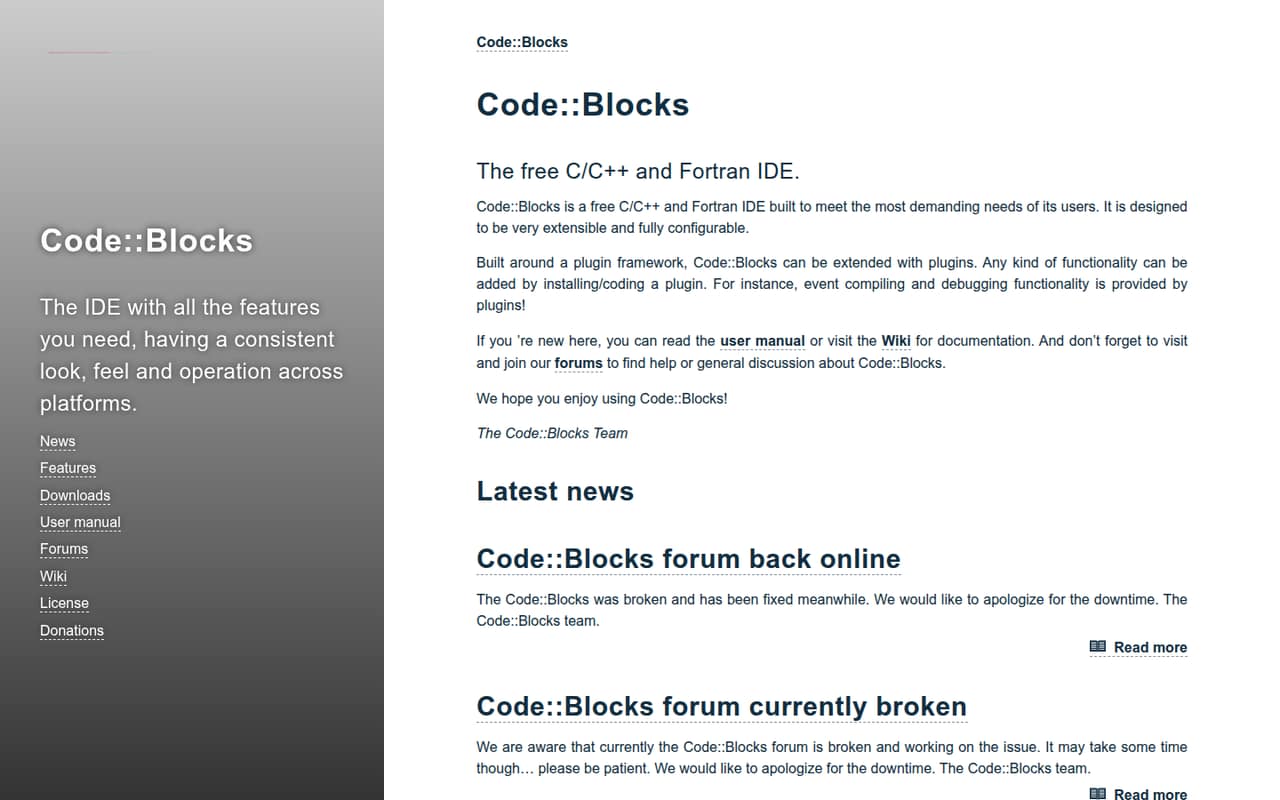
Code::Blocks is a free desktop IDE for C, C++ and Fortran, built around a plugin framework. The vendor says compiling and debugging functionality is provided by plugins, and points users to its manual, Wiki and forums.
Its GPLv3 licence and free download make the price easy to assess. Reddit reports are mixed: some users value the lightweight, ready-to-use workflow, while others describe crashes, glitches and a poor Linux experience.
Good fit if
- C and C++ learners
- Fortran developers seeking a free IDE
- Teams that want a configurable desktop IDE
Skip it if
- Teams requiring published support commitments
- Developers seeking a hosted API or service
- Users who need proven Linux reliability
ScoresHow it rates
What works
- Free to download and use
- Supports C, C++ and Fortran
- Plugin framework enables added functionality
- Compile and debug features come through plugins
- GPLv3 licensed, according to the pricing information
What doesn't
- Compile and debug functionality depends on plugins
- No published seat or usage limits
- No published monthly or annual billing options
- Reddit users report crashes and glitches
- Some Linux users describe it as buggy and outdated
01What Code::Blocks is, technically
Code::Blocks is a free desktop IDE for C, C++ and Fortran, not a hosted development service or an API. It sits on a developer’s workstation as the editing and project environment, with compiling and debugging functionality published by plugins, according to the homepage. Its plugin framework is the main architectural extension point: users can install plugins or code their own to add functionality.
That makes it a configurable front end in a native-language toolchain, rather than a replacement for every compiler or build system. The vendor describes the IDE as extensible and fully configurable, but does not name a specific compiler or build-system requirement on the homepage. Teams should check the manual and Wiki against their existing compiler, debugger and project setup before standardizing on it. The free download and local IDE model are a straightforward fit for individual development; teams still need to decide how to share build configuration and keep tooling consistent.
02Code::Blocks API, SDKs and docs
Code::Blocks is an IDE, not an API product. Its homepage describes a plugin framework: users can install plugins or code one to add functionality, including compiling and debugging. The documented integration surface in that overview is plugins; it does not describe REST endpoints, webhooks or a CLI. The vendor does not list language-specific SDKs, so check the user manual and Wiki for plugin-development details and confirm what support exists for your intended extension.
The IDE targets C, C++ and Fortran. For developers using it, the basic workflow is to work in the IDE and rely on installed plugins for capabilities such as compiling and debugging. The homepage links to a user manual, Wiki and forums for documentation and help. That gives new users several places to start, but teams should verify that the manuals cover their compiler and debugging setup. Plugin flexibility is useful, but it also means the experience can depend on which plugins are installed and maintained.
03Code::Blocks pricing for developers
The pricing information lists Code::Blocks as free to download and use, with a GPLv3 licence. It lists no monthly or annual price, paid plan, add-on or starting charge. That makes the direct software cost $0; there is no published usage-based bill to estimate from requests, seats or compute. Seat and usage limits are not published.
The free price does not settle the cost of operating it in a team. Developers still need to account for their own development machines, compiler and debugger setup, and any time spent installing or maintaining plugins. The homepage says compile and debug functionality is provided by plugins, so verify that the plugins your workflow needs are available and suitable before relying on them. The pricing information does not list paid support or other add-ons. For teams evaluating total cost, the main question is therefore whether their existing toolchain and plugin requirements work, not how a Code::Blocks usage bill scales.
04Code::Blocks: open source, self-hosting and lock-in
The pricing information identifies Code::Blocks as GPLv3 licensed and free to download. It is a desktop IDE, not a hosted service, so there is no Code::Blocks server to self-host. The homepage also describes a plugin framework that allows users to install or code extensions.
Because the IDE is not a hosted account or service, switching tools does not involve migrating off a Code::Blocks cloud platform. Keep source files and build configuration in the locations your team controls, and check the manual for any project-format details that matter to your workflow. The vendor does not describe a dedicated data-export process. Before adopting it across a team, confirm how your existing project files, compiler settings and plugins will be handled if developers use different IDEs. The GPLv3 licence and extensible design reduce dependence on a paid vendor service, but they do not guarantee that every plugin or project setup will transfer unchanged.
05Code::Blocks in production
Code::Blocks has no published API request or hosted-service limits to plan around; it runs as a desktop IDE, with compiling and debugging provided by plugins. For a team, production readiness comes down to whether the IDE, plugins and local compiler/debugger setup behave consistently on the operating systems developers use. The homepage announces release 25.03, describing improvements, added features and further HiDPI support. It does not establish a support response time or reliability commitment.
Reddit feedback is mixed. One r/C_Programming poster called the IDE lightweight and functional but reported crashes and glitches on their system. In another thread, a commenter who tried it on Linux described it as buggy and outdated. Those are individual reports, not proof of a general failure, but they make it worth checking the intended OS and plugin setup before team-wide adoption. The vendor’s homepage also notes that its forum was broken and later fixed. For security and compliance, review the release and plugin maintenance practices your organization requires; do not assume the IDE provides hosted controls or guarantees.
Questions people ask
Is Code::Blocks free?
Yes. The pricing information lists Code::Blocks as free to download and use, under GPLv3. It lists no monthly or annual billing options, paid plans or add-ons. Seat and usage limits are not published, though the software is a desktop IDE rather than a hosted service billed by usage.
Which programming languages does Code::Blocks support?
The vendor describes Code::Blocks as a free IDE for C, C++ and Fortran. The homepage says compiling and debugging functionality is provided by plugins. Check the user manual and Wiki to confirm that your intended compiler, debugger and language workflow are supported by the setup you plan to use.
Does Code::Blocks include a compiler and debugger?
The homepage says compiling and debugging functionality is provided by plugins. It does not describe those capabilities as built-in features of the core IDE. Before adopting Code::Blocks, check the manual and Wiki for plugin and toolchain details that match your compiler and debugger.
Can I extend Code::Blocks with plugins?
Yes. Code::Blocks is built around a plugin framework, and the vendor says users can add functionality by installing or coding a plugin. The homepage gives compiling and debugging as examples of functionality provided by plugins. Check the manual and Wiki for details relevant to the extension you want to use or build.
Is Code::Blocks suitable for Linux development?
The Reddit threads we read include Linux users looking for alternatives, with reports of crashes, glitches and a buggy experience. These are individual accounts, not a general reliability finding. If Linux is your target environment, verify the current release and plugin setup on your intended system before adopting the IDE for a team.
Sources
- Code::Blocks homepage
- Code::Blocks pricing, compiled via web search from fosshub.com, techzella.com, wikipedia.org, ntu.edu.sg, uptodown.com
- Reddit: Code::Blocks alternatives for linux?
- Reddit: Is VS Code a real alternative to Code::Blocks?
- Reddit: Desperately looking for an alternative to Code::Blocks for embedded development