
We may earn a commission if you buy through links on this page. It never changes a score or a ranking. How we make money
The bottom line
A focused Mac editor with a permanent free mode and one-time license options.
BBEdit is a Mac desktop text editor, not a hosted development platform or IDE service. Bare Bones positions it as a professional editor and offers permanent free use, with advanced features available during a 30-day evaluation and through paid licenses.
It suits developers who want a dedicated editor for text and code work, especially if they already have a BBEdit workflow. The vendor’s homepage does not detail APIs or language-specific tooling, so teams needing a documented integration surface should check BBEdit’s documentation before adopting it.
Good fit if
- Mac users editing text and code
- TextWrangler users seeking a replacement
- Developers who value search and replace
Skip it if
- Teams requiring a hosted coding platform
- Developers who need a documented editor API
- Projects that depend on specific IDE tooling
ScoresHow it rates
What works
- Permanent free mode for core text editing
- 30-day evaluation of advanced features
- One-time individual license option
- Familiar to TextWrangler users, per Bare Bones
- Users praise its search and replace
What doesn't
- Advanced features are locked in Free Mode
- Homepage does not detail language-specific tooling
- Individual license upgrades have separate prices
- App Store option uses recurring billing
- Multi-user pricing requires a custom quote
01What BBEdit is, technically
BBEdit is a Mac desktop text editor from Bare Bones Software. It is an application that sits at the editing layer of a development workflow, alongside a terminal, build tools, version control and any IDE or runtime a project uses. It is not a hosted API, library, self-hosted server or cloud coding service.
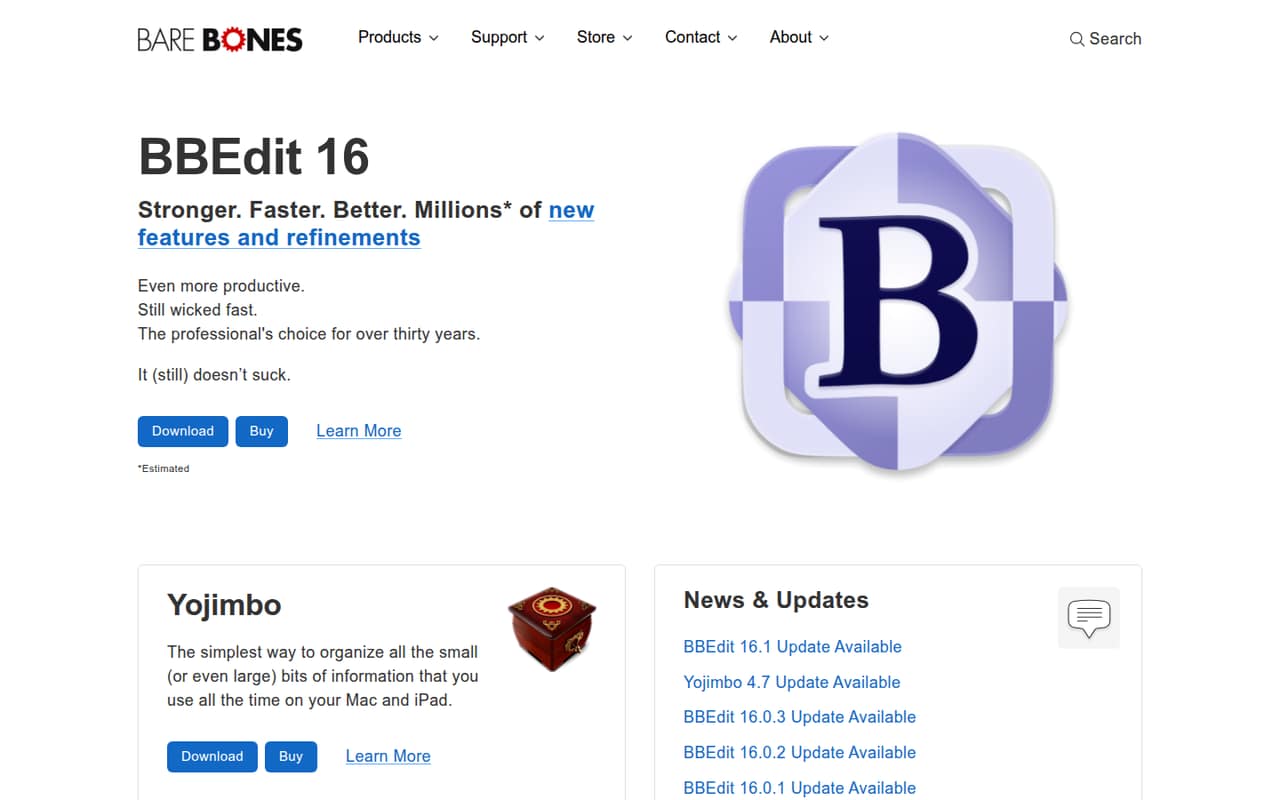
The problem it addresses is editing text and code in a dedicated Mac application. Bare Bones calls it a professional editor and highlights productivity refinements, speed and a long history of releases. The homepage also presents it as a familiar option for TextWrangler users, who can use BBEdit for free.
That positioning makes BBEdit a candidate for focused editing rather than a replacement for every part of a development stack. The vendor does not position the homepage around a specific language, framework or build system. Developers choosing it for a team should check whether their required editing features and automation fit their existing workflow.
02BBEdit API, SDKs and docs
BBEdit is an editor to install and use, not an API that an application calls. Bare Bones’ homepage navigation includes “SDKs & Developer Info,” but it does not describe a BBEdit REST API, language SDK, CLI, plugin system or supported programming-language matrix. Check the vendor’s BBEdit documentation for the specific integration and language support your workflow requires.
There is some user-reported automation: commenters on Reddit say BBEdit is scriptable with AppleScript and shell scripts. One user describes using search and replace and the “process lines containing” command for cleaning up plain text. Those reports are useful leads, not a substitute for checking current documentation and supported commands before wiring automation into a production workflow.
For a team, verify the exact scripting interfaces, how they behave across BBEdit updates and whether they cover your editing tasks. The homepage lists product updates and releases, but does not lay out API versioning or SDK compatibility.
03BBEdit pricing for developers
BBEdit Free Mode is free permanently for core text editing, with advanced features locked. The pricing information lists a 30-day full-feature evaluation and says Free Mode has no nag screens. This is a desktop editor, so there is no usage-based bill tied to requests, compute or data volume.
For new individual users, BBEdit Individual (New License) is a $59.99 one-time purchase for a single user. Existing BBEdit 15.x users can buy Upgrade from 15.x for $29.99; purchases made on or after November 1, 2025, qualify for a free upgrade. Upgrade from 14.x or Prior is $39.99, also a one-time purchase. Each paid license includes a 30-day evaluation period.
The Mac App Store Subscription costs $4.99 monthly or $49.99 yearly, equivalent to $4.17 per month on the annual option. It reverts to Free Mode upon expiration. Multi-User Pricing starts at 10 users and requires a custom quote. The pricing page lists no usage overages or add-ons.
04BBEdit: open source, self-hosting and lock-in
Bare Bones sells BBEdit licenses and links to license agreements; it does not present BBEdit as an open-source project. The vendor does not publish source availability on its homepage, so teams that require source access should confirm the license terms with Bare Bones before adopting it. Self-hosting is not relevant to this desktop editor: it is not presented as a server or hosted service.
BBEdit is not a data-hosting platform, so the usual service lock-in questions about exporting account data or moving a database do not apply in the same way. The practical migration question is whether your workflow depends on BBEdit-specific commands or scripts. A Reddit commenter reports using AppleScript and shell scripts with BBEdit; those automations may need rewriting if you switch editors. Check how your project files and scripts are organized before planning a move.
05BBEdit in production
BBEdit does not add API request limits, compute scaling or service availability to a software stack. Production fit instead depends on your Mac deployment, license terms, update process and whether the editor’s features and automation suit your workflow. Bare Bones calls BBEdit “wicked fast,” but the homepage does not publish benchmarks or operational service-level commitments.
Before making it a team standard, verify the license count and upgrade path, the behavior of any AppleScript or shell-script automation you rely on, and how updates affect those scripts. Ask the vendor about support and security requirements that matter to your organization; the homepage links to technical support and product feedback but does not describe enterprise security or compliance provisions.
Reddit users report relying on BBEdit’s search and replace, HTML editing and text-processing commands. Other commenters say its focused feature set is part of its appeal, while one says it seems basic compared with other editors. That split points to the main production risk: workflow fit, not service scaling.
From the threadsWhat users say
Reddit sentiment is mostly positive among users who have built BBEdit into their editing workflows. Some commenters value its focused feature set; others see it as basic compared with competing editors.
It makes me productive, and it fits my workflow
I like the search and replace, and I love the command "process lines containing
BBedit is scriptable both in AppleScript and shell scripts
BBedit seems a little basic but that's exactly why some people like it
Questions people ask
Is BBEdit free to use?
Yes. Bare Bones says BBEdit can be used for free. Free Mode keeps core text-editing features enabled permanently, while advanced features are locked. The pricing information also lists a 30-day full-feature evaluation and says Free Mode has no nag screens.
Can I use BBEdit for commercial work?
The pricing information lists a single-user individual license and a multi-user option for organizations with 10 or more users. Check Bare Bones’ license agreement for the terms that apply to your commercial use, number of users and deployment.
What is BBEdit used for on Mac?
BBEdit is a desktop text editor for editing text and code. Bare Bones describes it as a professional editor and highlights productivity refinements. Reddit users mention search and replace, HTML edits and text processing as parts of their workflows.
Does BBEdit replace a full IDE?
BBEdit is positioned as a professional editor, not as a hosted development platform. Whether it can replace an IDE depends on the tools your project needs. Check the vendor’s documentation for the specific language support, automation and integrations your workflow requires.
Can BBEdit automate editing tasks?
Reddit commenters report using AppleScript and shell scripts with BBEdit, and describe using its text-processing commands. Check the current documentation for supported scripting interfaces and commands before building automation that depends on them.
Sources
- BBEdit homepage
- BBEdit pricing, compiled via web search from 9to5mac.com, barebones.com, mactech.com, bundl.run
- Reddit: The only app I really can't live without in OSX is BBedit
- Reddit: What Macintosh applications have been around as long as something like BBEdit?
- Reddit: BBedit or VSCode?
- Reddit: BBEdit is 30 years old now