We may earn a commission if you buy through links on this page. It never changes a score or a ranking. How we make money
Directus is our best overall pick for teams building on an existing SQL database; Payload is the strongest fit for teams that want an open-source, self-hostable framework, particularly in Next.js projects. Sanity, Prismic and Storyblok suit different structured-content and visual-editing needs. The right choice depends on your team’s API requirements, editorial workflows and who will run the system. Compare pricing against expected usage, confirm limits with the vendor, and plan how you would export content before building a production dependency.
Quick picksThe shortlist
 DirectusDirectusBest overall · $89/mo
 PayloadPayloadBest open source · $35/mo
 SanitySanityBest for workflows · $15/mo
 PrismicPrismicBest for slices · $10/mo
 StoryblokStoryblokBest visual editor · $90.75/mo
 Builder.ioBuilder.ioBest for Git review · $24/mo
 StrapiStrapiBest for Node.js · $35/mo
 ContentstackContentstackBest for channels · $29/mo
 KirbyKirbyBest for custom sites · Custom
 ContentfulContentfulBest for personalization · $300/mo
01Compared at a glance
| Tool | Score | From | Free plan | Trial |
|---|---|---|---|---|
| DirectusDirectus | 8.1 | $89/mo | Yes | 14 days |
| PayloadPayload | 8.0 | $35/mo | Yes | — |
| SanitySanity | 7.8 | $15/mo | Yes | — |
| PrismicPrismic | 7.5 | $10/mo | Yes | — |
| StoryblokStoryblok | 7.2 | $90.75/mo | Yes | 45 days |
| Builder.ioBuilder.io | 7.0 | $24/mo | Yes | — |
| StrapiStrapi | 6.7 | $35/mo | No | — |
| ContentstackContentstack | 6.5 | $29/mo | Yes | — |
| KirbyKirby | 6.4 | Custom | No | Yes |
| ContentfulContentful | 6.4 | $300/mo | Yes | — |
02The picks, in detail
- Best overallDirectusDirectus
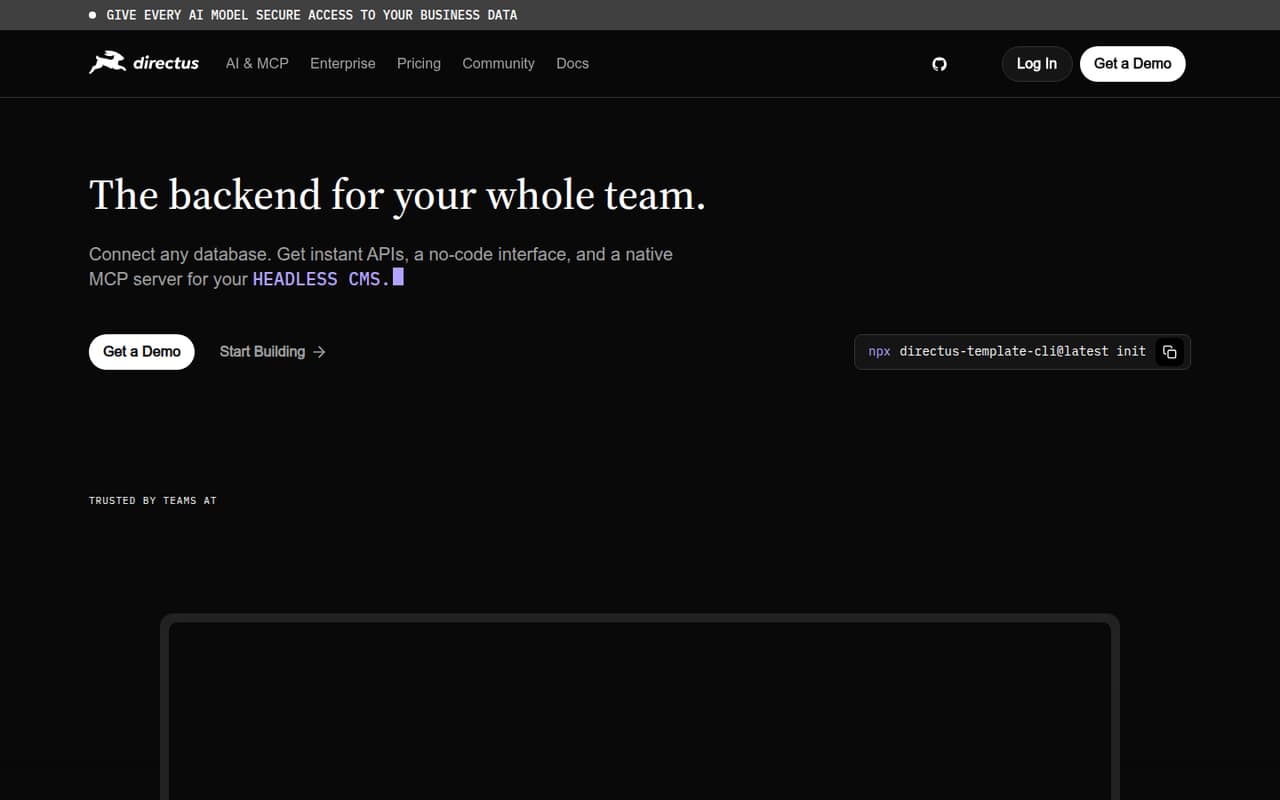
Directus is a database-first backend for teams that already have SQL data and want to add APIs without introducing a new schema. It also fits content and operations teams sharing data. The listed starting price is $89, with a free plan, and Directus is self-hostable. Budget for hosting and ongoing operations, and check whether its access-control model fits your team.
What works
- Generates REST and GraphQL APIs from a connected database
- Provides a no-code interface for data and content
- Can be self-hosted or run on Directus Cloud
What doesn't
- Self-hosting means operating the application and infrastructure
- Cloud plans cap seats, collections and flows
- Exact open-source licence is not stated on the vendor pages
- Best open sourcePayloadPayload
Payload is an open-source content framework aimed at Next.js teams building content-rich apps, as well as teams that want to self-host or create a custom editing experience. It is free to self-host; the listed starting price is $35, with a free plan. It is our top choice when owning the deployment and tailoring the CMS matter more than using a hosted service.
What works
- MIT-licensed framework can be self-hosted for free
- Code-defined schemas generate a backend and admin panel
- Designed to run within a Next.js app
What doesn't
- Strongest integration fit is with Next.js
- API protocols and SDK support need verification
- Cloud usage can add storage and bandwidth overages

- Best for workflowsSanitySanity
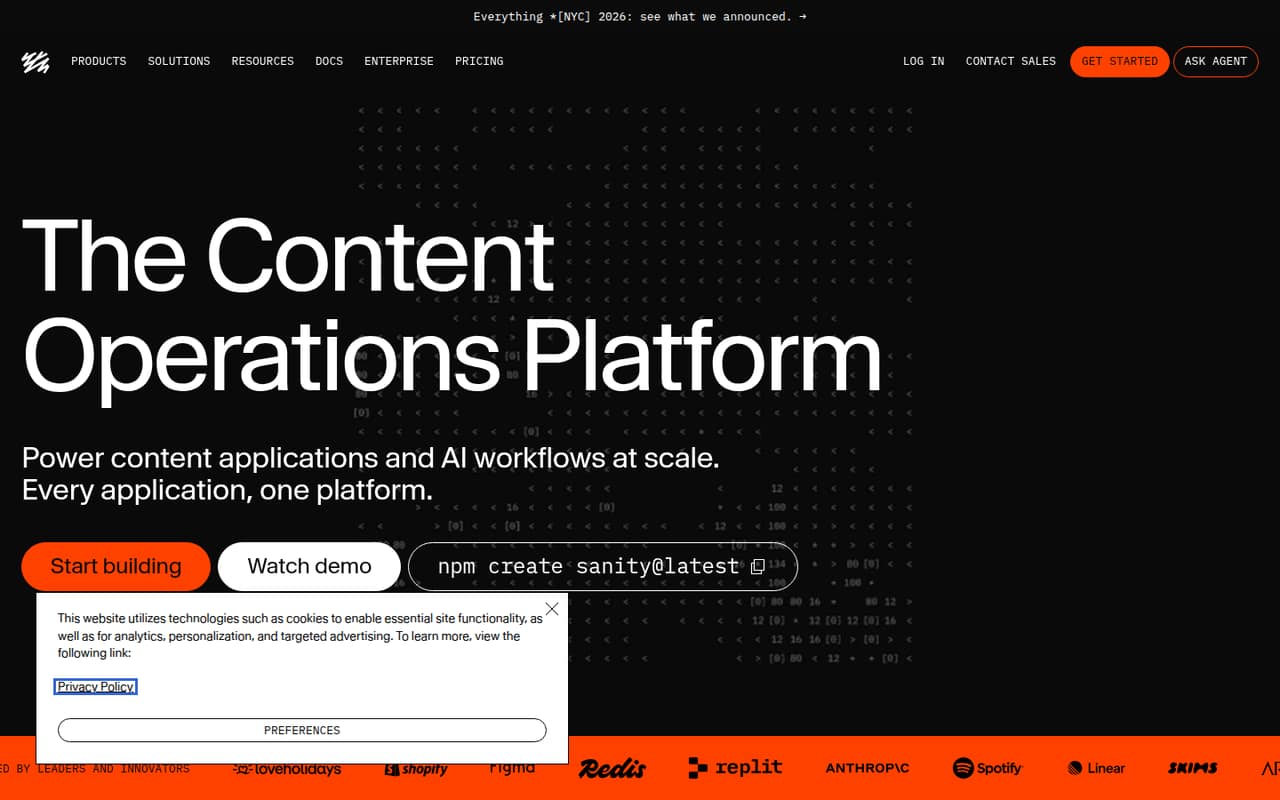
Sanity is a hosted content platform for teams with custom editorial workflows and developers building content applications, including projects using Next.js. Its fit for structured content across platforms makes it worth considering when content needs to serve multiple channels. The listed starting price is $15, with a free plan. Verify quotas and portability before relying on it in production.
What works
- JSON documents keep content flexible
- Studio schemas are managed as code
- App SDK supports custom content applications
What doesn't
- Growth pricing is per seat
- Usage overages add separate charges
- Self-hosting is not presented as an option
- Best for slicesPrismicPrismic
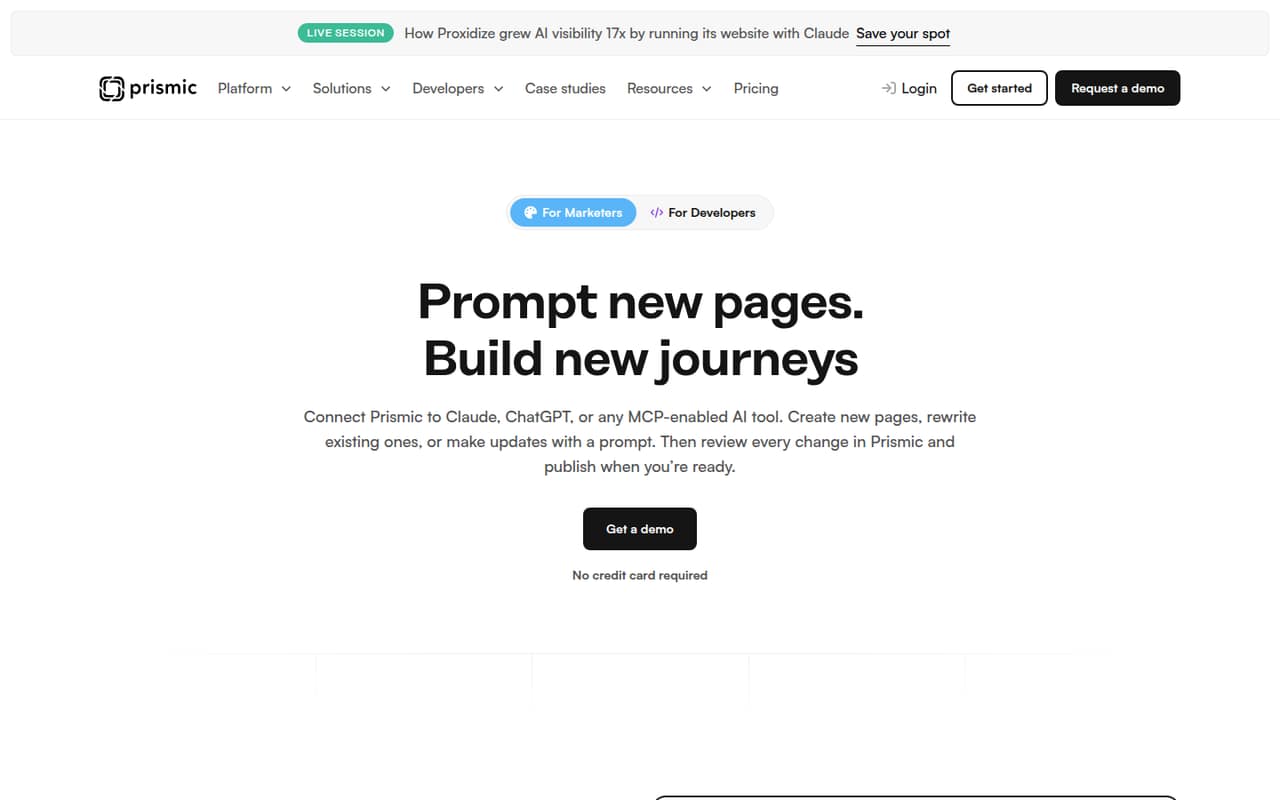
Prismic is a hosted headless CMS for slice-based websites, with a fit for custom-branded sites and marketers assembling pages from reusable slices. Its listed starting price is $10, with a free plan, and it includes AI-assisted content workflows. Developers should account for the initial setup and confirm that the slice model suits their component architecture and publishing process.
What works
- Reusable slices give marketers controlled page-building options
- AI tools can draft and update content
- Free plan includes four million API calls monthly
What doesn't
- A developer must handle the initial technical setup
- Confirm SDK and CLI support for your chosen stack
- API and CDN allowances vary by plan
- Best visual editorStoryblokStoryblok
Storyblok combines a visual editor with structured content APIs, making it a candidate for teams that need visual editing alongside multi-channel content. It also lists support for multiple developer frameworks. The pricing page lists a free plan and a starting price of $90.75. Check production costs and hosting terms against your deployment and editorial needs before adopting it.
What works
- Visual Editor supports page editing and previews
- Structured models give content clear ownership
- Roles, approvals, workflows and audit trails
What doesn't
- Starter limits traffic, requests, seats and locales
- Growth usage can add several separate charges
- Source availability and licence are not published
- Best for Git reviewBuilder.ioBuilder.io
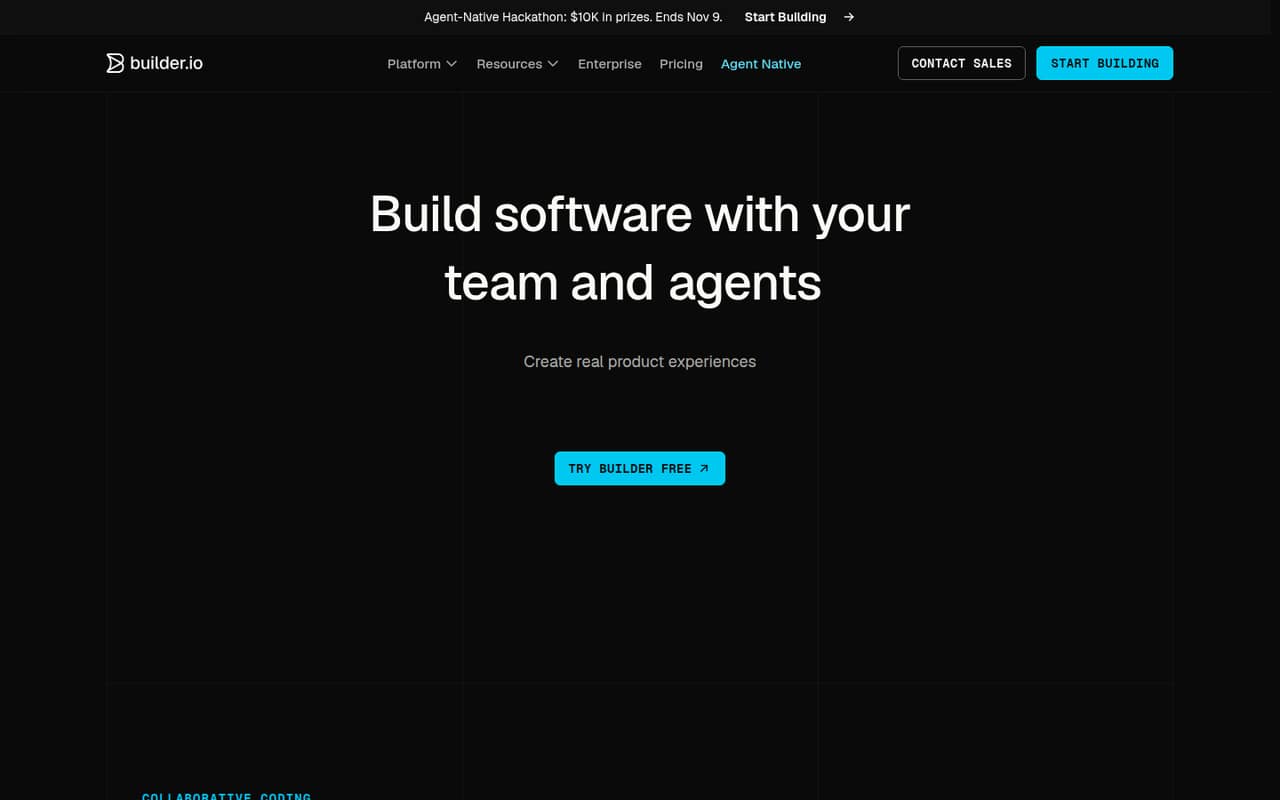
Builder.io connects visual editing and content publishing to a codebase and Git review process. That makes it a fit for teams where marketers edit production content while developers keep changes within an established review workflow. The listed starting price is $24, with a free plan. Confirm how its review and publishing flow maps to your existing permissions and release process.
What works
- Visual canvas connects to components and design tokens
- Supports content previews, approvals and publishing
- Changes can follow existing Git review workflows
What doesn't
- API protocol and SDK support need confirmation
- Advanced workflows may need more integration work
- Credit use can add to subscription costs
- Best for Node.jsStrapiStrapi
Strapi is an open-source, self-hostable Node.js API framework for teams building custom APIs and structured content with reusable blocks. Self-hosting gives teams control over deployment, while Strapi Cloud plans add usage costs. The listed starting price is $35. Compare the work of operating it yourself with the cost and limits of a hosted plan before choosing an approach.
What works
- MIT-licensed and self-hostable
- Generates REST and GraphQL APIs
- Content models built with a no-code interface
What doesn't
- Self-hosting means owning infrastructure operations
- Cloud plans have monthly request and asset limits
- SDK and language support needs confirmation in vendor docs
- Best for channelsContentstackContentstack
Contentstack is a hosted CMS for teams managing content across channels, with listed options for startups needing CMS and hosting and enterprises adding personalization and analytics. Its listed starting price is $29, with a free plan. Validate complexity, plan limits and the exit path before committing content and publishing workflows to the platform.
What works
- API-first, cloud-based headless CMS
- Free plan includes 100K API calls monthly
- Front-end hosting is built into the CMS
What doesn't
- Developer SDKs and languages are not named
- Small-project admin complexity concerns appear on Reddit
- Self-hosting and licence terms need confirmation
- Best for custom sitesKirbyKirby
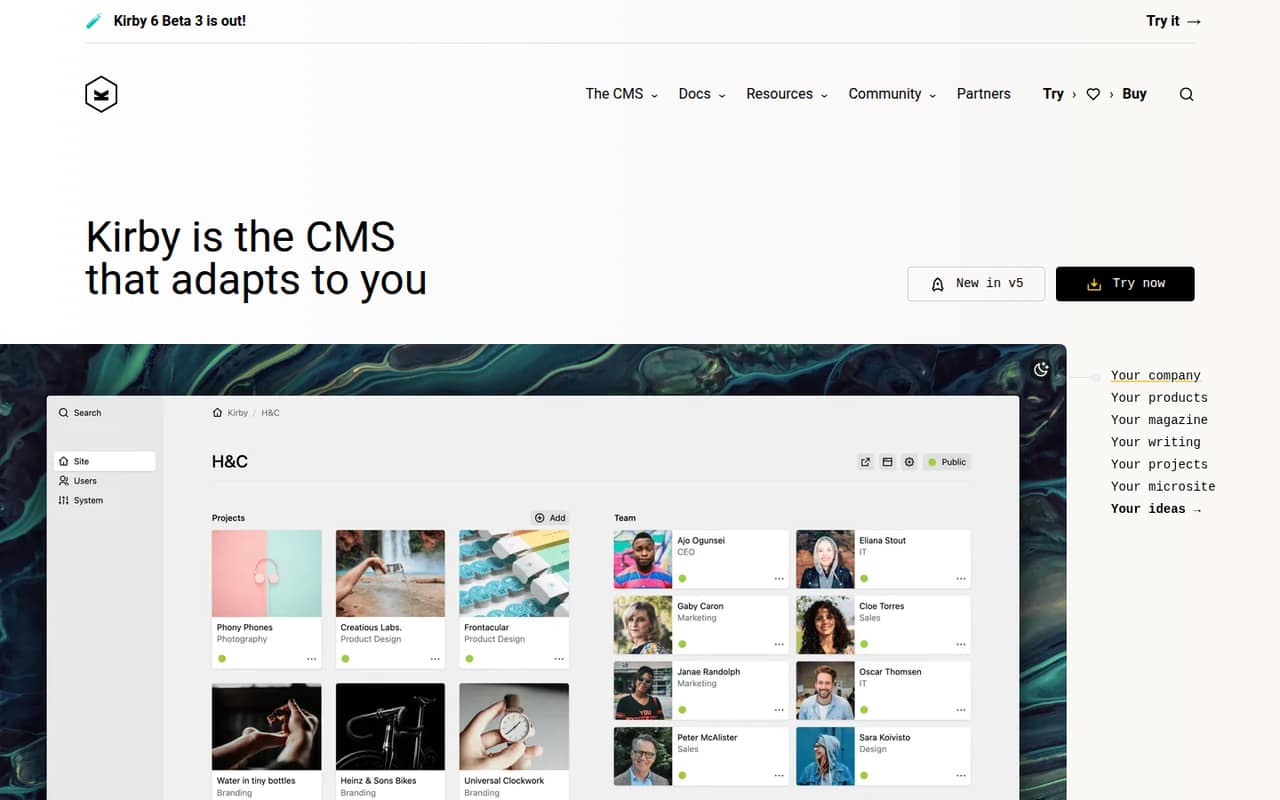
Kirby is a self-hostable CMS for custom website projects and client sites with tailored content. Its licensing is described as straightforward, with one-time licenses; a starting price is not listed. It can suit teams that prefer a custom site and one-time licensing, but check integration requirements early because published integration detail on its homepage is limited.
What works
- Content examples cover projects, team members and clients
- Customers praise the Panel’s simplicity
- Customers cite customization for client needs
What doesn't
- No free production plan
- Homepage does not publish API or SDK details
- Seat limits are not published
- Best for personalizationContentfulContentful
Contentful is a hosted platform for publishing across channels and reusing content across brands, with built-in personalization for marketing teams. The listed starting price is $300, with a free plan. Its price and capabilities make it important to check API limits, pricing at expected usage and migration terms before production, particularly if several teams or brands will depend on the same content.
What works
- Centralizes content for multiple channels
- Modular content can be reused across brands and regions
- Free plan includes 100K API calls monthly
What doesn't
- Lite costs $300 per month
- Free plan caps API calls and CDN bandwidth
- Enterprise and personalization prices are not published
03How we chose
We ranked these platforms for developer and technical-team fit, weighing API and SDK coverage, documentation, free tiers and pricing at expected usage, open-source licensing and self-hosting. We also treat Reddit sentiment as a secondary qualitative signal: reports of production friction can suggest questions to investigate, but should be checked against vendor documentation. The ranking favors teams’ ability to integrate, operate and leave a CMS, not feature counts alone. Starting prices are not estimates of a production bill; confirm quotas and overages with each vendor.
04Check the API and editorial model against your codebase
Start with how content enters and leaves your application. Confirm that the CMS exposes the API and SDKs your stack needs, and check the vendor’s documentation for authentication, content modeling, previews and publishing workflows. Do not assume that “headless” means every editor experience or delivery pattern will fit your project.
Map the content model to your code: reusable components, relationships between content types, localization and channels can all affect how much integration work your team owns. If marketing needs visual page editing, validate that workflow alongside the developer API. Ask how preview and publishing permissions work, and whether changes fit your deployment and Git review process. Test the intended workflows in a small proof of concept before migrating a full content library.
05Model operating costs and your exit path
Compare the free plan and listed starting price with the usage you expect, then ask vendors how billing changes as traffic, content, users or API calls grow. Check quotas, rate limits, overages, support terms and what happens when a project exceeds its plan. A free tier is useful for evaluation, but it does not establish the cost of a production deployment.
For self-hosted platforms, include hosting, upgrades, backups, access control and ongoing operations in your estimate. Confirm the exact open-source license before building on a dependency, and distinguish self-hosting from a vendor-managed service. Before importing content, verify export formats, asset handling and whether the export preserves relationships and metadata. A migration plan matters even if you expect to stay: it gives the team a way to respond to price changes, product changes or a new architecture.
Questions people ask
What are the top 5 CMS platforms?
For developer and technical-team fit, our top five are Directus, Payload, Sanity, Prismic and Storyblok. They cover different needs: database-first APIs, open-source self-hosting, custom editorial workflows, slice-based sites and visual editing. The best choice depends on your stack and operating model.
Is Storyblok a headless CMS?
Yes. Storyblok combines a visual editor with structured content APIs, so teams can manage content centrally and deliver it to sites or other channels. Its visual editing is a differentiator to assess alongside API needs, hosting terms and production pricing.
Is Sanity a headless CMS?
Yes. Sanity is a hosted content platform for structured content and content applications, including projects built with Next.js. It suits teams with custom editorial workflows. Check quotas and portability before making it a production dependency.
What is the difference between a CMS and a headless CMS?
A traditional CMS often combines content management with a website presentation layer. A headless CMS manages content centrally and delivers it through APIs, leaving developers to build the website, app or other channel separately. That adds delivery flexibility, but also makes API integration and frontend work your responsibility.